Create Wiki · Redstone
Linked Controller and Lectern
The Linked Controller is a six-button remote. Each button sends a wireless signal to Redstone Links, like a button you can carry anywhere. Placed on a lectern, it becomes a Lectern Controller: a fixed control desk, ideal to drive a crane, an elevator or doors.
Quick facts
- Category
- Redstone
- Buttons
- 6: forward, back, left, right, jump, sneak
- Frequencies
- 2 items per button (12 slots)
- Signal
- Strength 15, from the player’s position
- Range
- 256 blocks (as Redstone Links)
- Lectern
- Controller placed on a lectern with no book
- Comparator on the lectern
- Reads 15
- Version
- Create 6.0.8 · Minecraft 1.21.1

Six buttons, six frequencies

The six buttons match the movement keys: forward, back, left, right, jump and sneak. Each holds a frequency made of two items, just like the two slots of a Redstone Link. A pressed button powers every receiving link set to its two items, up to 256 blocks away.
Binding a button
The quickest way: right-click an already set Redstone Link with the controller. It goes into binding mode; press the key you want, and that button takes the link's two items. Otherwise, sneak and right-click the air to open its screen: you place two items per button by hand.
Using it
Right-click without aiming at a block: the controller switches on. Your movement keys no longer move you, they press the buttons, and a held button keeps its signal. Another right-click, the Escape key, opening a screen or putting the controller away switch it off. The signal starts from your position: you are the one who has to be in range of the receivers.
The Lectern Controller
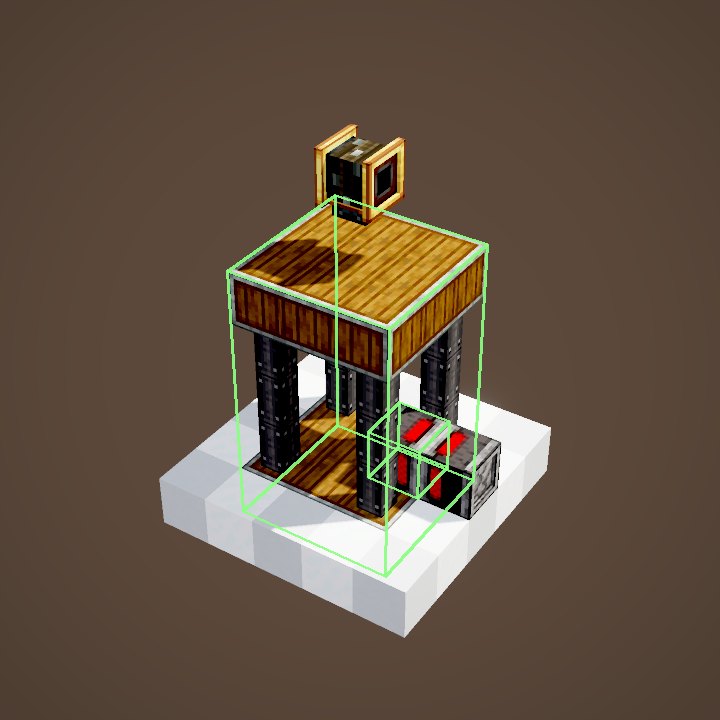
Right-click an empty lectern with the controller: it settles on it. A right-click on the lectern puts you at the controls, as long as you stand close, within about two blocks. Only one player at a time can use it. You leave by walking away or with Escape. Sneak-right-click: the controller drops and the lectern is plain again; with another controller in hand, the two are swapped.
Lectern and redstone
A comparator against the lectern always reads 15: handy to know a controller sits there and light a telltale. Breaking the lectern gives back both the lectern and the controller. Since the signal always starts from the player, a lectern in the heart of the machine keeps every receiver in range.
Build ideas
Range and position
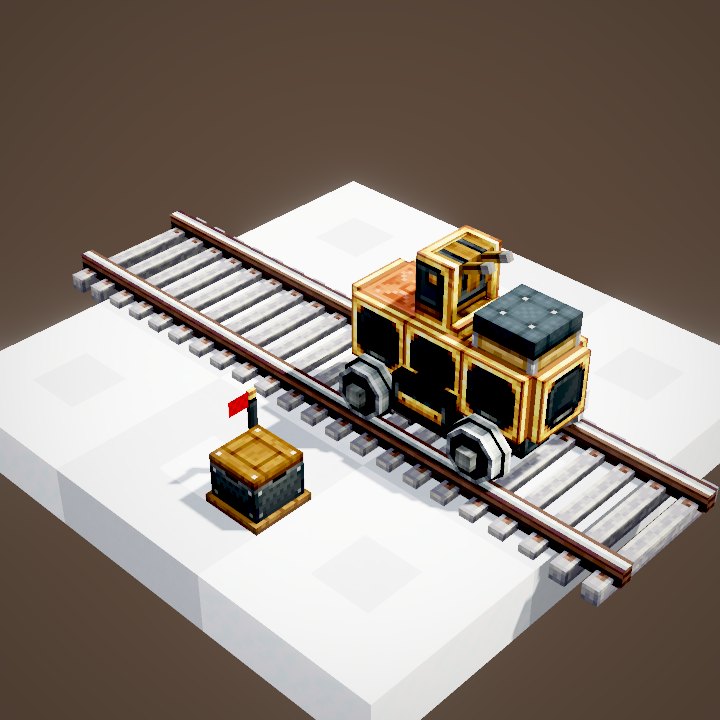
The 256-block range is counted between you and each receiving link, not between the controller and a transmitter: there is no transmitter, you are the transmitter. In flight or on a train, the signal follows you. Receivers must be in loaded areas: a machine at the other end of the world does not answer, even on the right frequency.
Controller or levers?
For a control fixed in one place, a few levers and transmitting links are enough. The controller shines when you need to drive by holding a button: a held button moves a gantry, releasing it stops it at once, like a real gamepad. The lectern combines both: a fixed station with fingertip controls.
Common mistakes
Forgetting that the placed link must be in receiver mode: a transmitter does not react. Thinking you are stuck: while the controller is on, you cannot walk, just switch it off. Being too far away: the signal starts from the player, and beyond 256 blocks from the receivers nothing happens.
Related pages

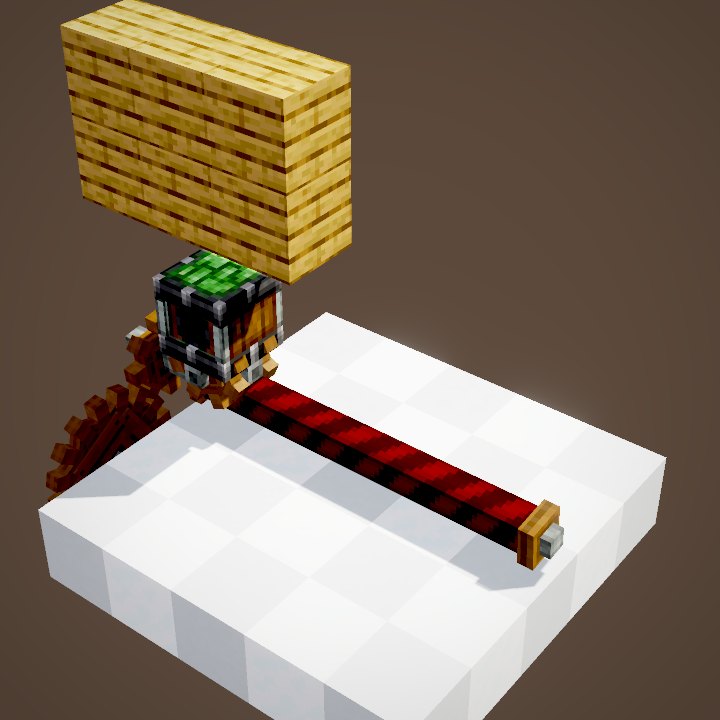
Sources for the numbers (Create 6.0.8 code)
- Recipe: crafting/appliances/linked_controller.json (6 wooden buttons + Redstone Link); lectern: LinkedControllerItem.onItemUseFirst (lectern with no book)
- Buttons and frequencies: ControlsUtil.getControls (6 keys), LinkedControllerItem (12 slots, toFrequency), LinkedControllerClientHandler (switching on and off, PACKET_RATE 5), linkRange 256 (CLogistics)
- Lectern: LecternControllerBlock (useItemOn, comparator 15), LecternControllerBlockEntity (range, one player)
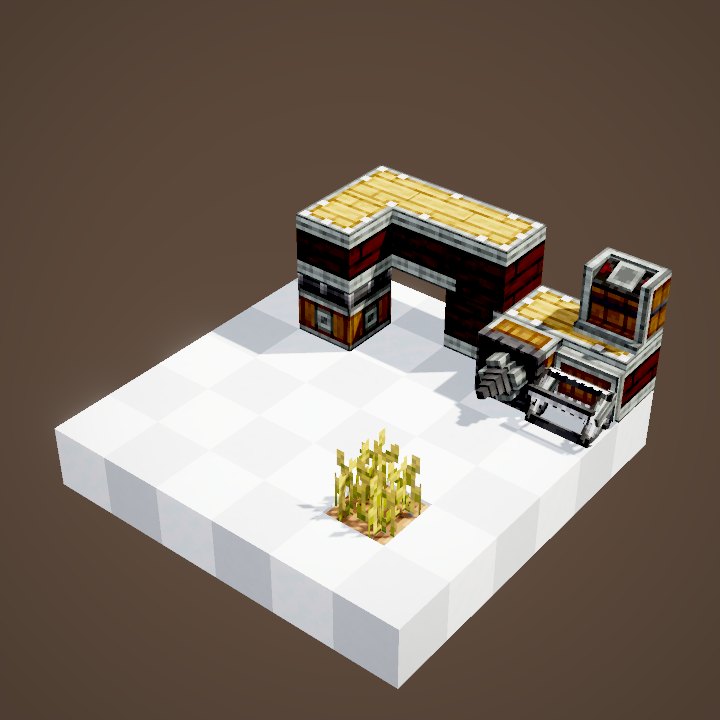
- Images: the game's blocks and items (Create's models) rendered by our engine, player not drawn; controller on the lectern drawn after LecternControllerRenderer
Original texts and animations by Create France, rendered from the mod's Ponder scenes. Create is a mod by the Create Team, not affiliated with Create France.