Create Wiki · Logistics
Item Vault
The Item Vault is Create's big warehouse. Each block holds 20 stacks, and neighbouring blocks merge into one giant vault of up to 81 blocks. It has no interface: you never open it by hand, you fill and empty it with funnels, chutes or arms. It is the heart of an automated factory's storage and of the package network.
Quick facts
- Category
- Logistics
- Capacity
- 20 stacks per block (server setting vaultCapacity, 1 to 2048)
- Cross-section
- 1 × 1, 2 × 2 or 3 × 3 blocks
- Length
- Up to 3 times the width: 3, 6 or 9 blocks
- Maximum
- 3 × 3 × 9 = 81 blocks, i.e. 1,620 stacks (103,680 items of 64)
- Access
- No interface: funnels, chutes, Mechanical Arms, Packagers
- Redstone
- Comparator output based on fill level
- Version
- Create 6.0.8 · Minecraft 1.21.1
Crafting table recipe
→ 1 Item Vault
One block, twenty stacks
A single vault block holds 20 stacks, that is 1,280 items of 64: a little less than an ordinary chest and its 27 slots. That is not where its strength lies. It faces the way you place it, like a barrel lying down, and above all it merges with its neighbours.
Neighbouring blocks merge
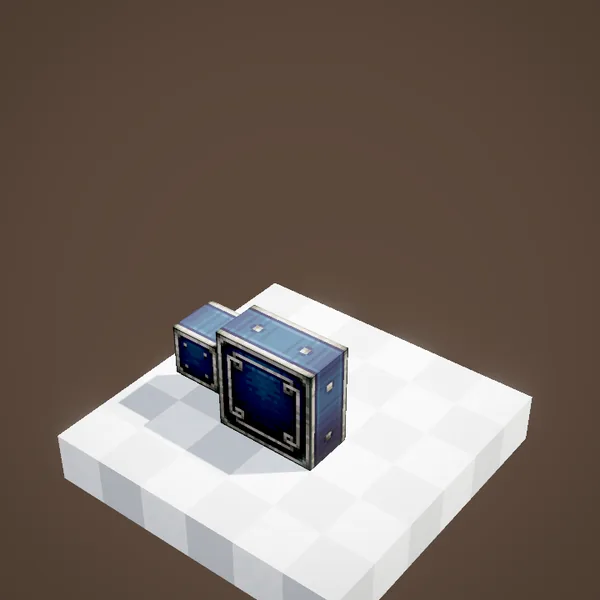
Place vaults side by side facing the same way and they merge into a single inventory, as long as they form a regular box. Capacity adds up: a 2 × 2 × 2 vault holds 160 stacks. The pattern on the sides stretches to show the size of the assembled vault.
Possible sizes
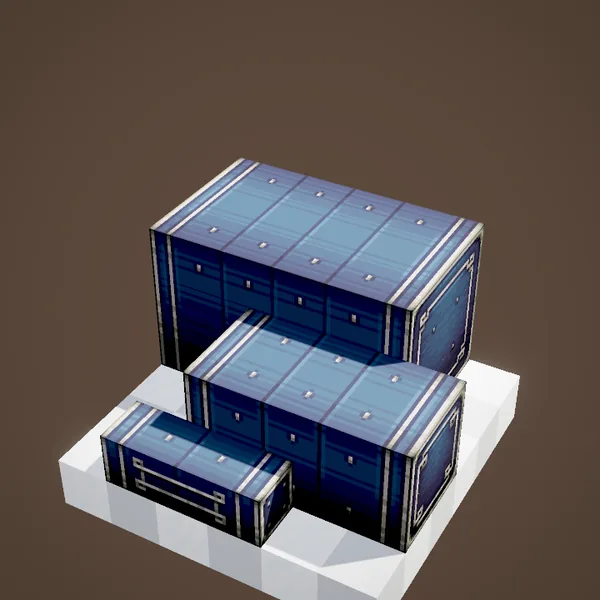
The cross-section ranges from 1 × 1 to 3 × 3 blocks, and the length can reach 3 times the width: 3 blocks for a thin vault, 6 for a 2 × 2, 9 for a 3 × 3. The largest vault is therefore 81 blocks and 1,620 stacks. Beyond that, build a second vault.
One giant inventory
Unlike a row of chests, the whole content sits in a single inventory: a funnel on any face sees the entire stock, and an 81-block vault is handled as one. No more chaining chests or spreading items around by hand.
No interface
The Item Vault cannot be opened by hand: right-clicking shows nothing. Everything goes through Create's logistics. To take something out by hand, place a filtered Brass Funnel, or better, a Stock Ticker that links it to the package network. This is deliberate: the vault is meant to be the back end of a factory, not a player's chest.
Filling it
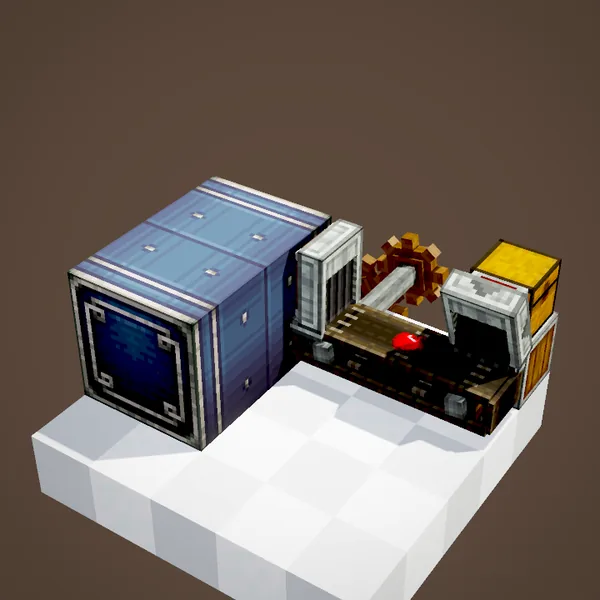
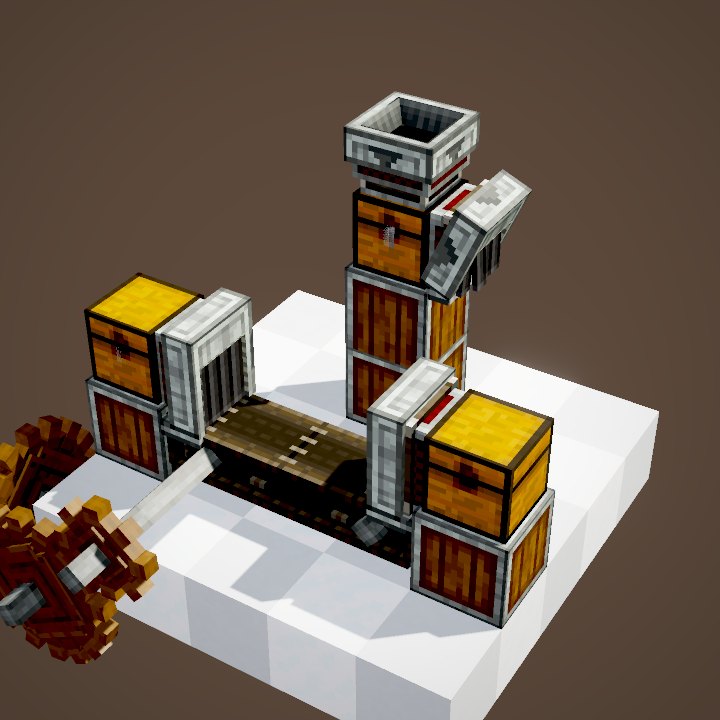
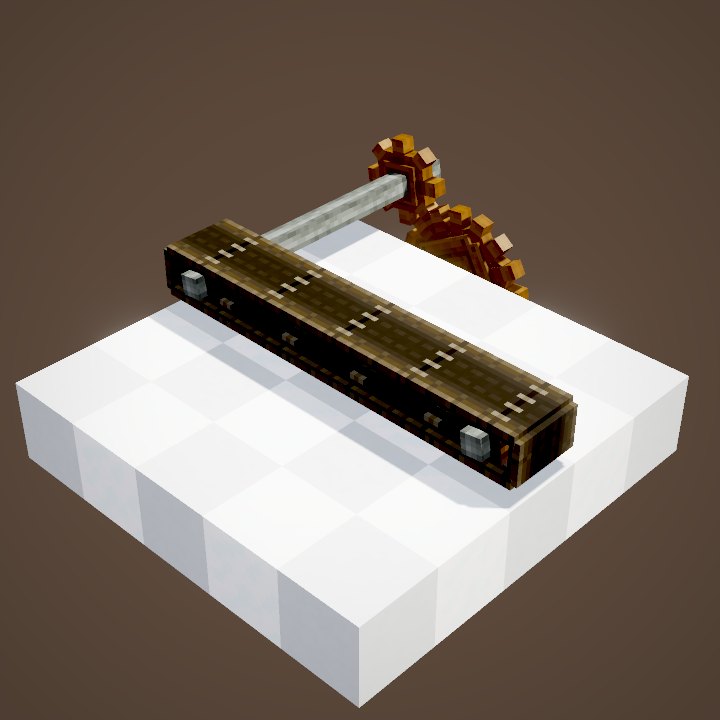
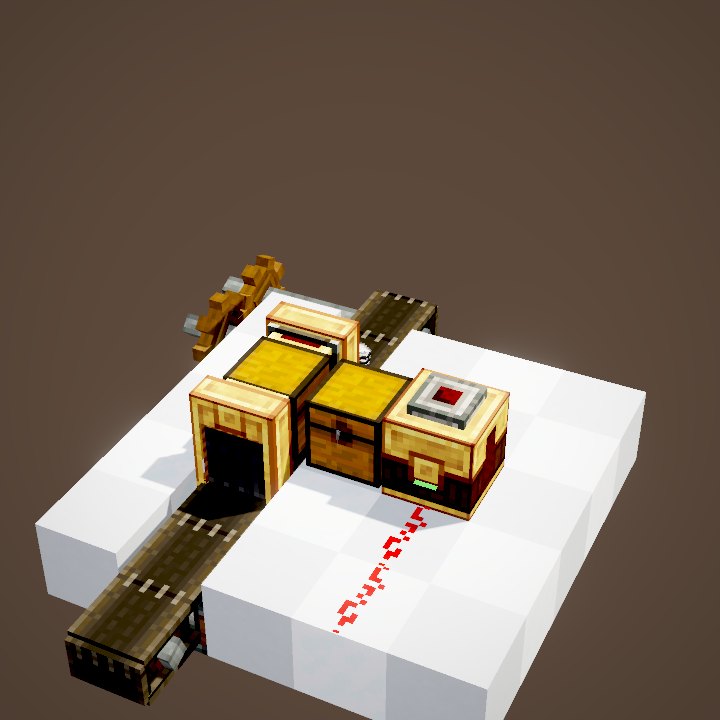
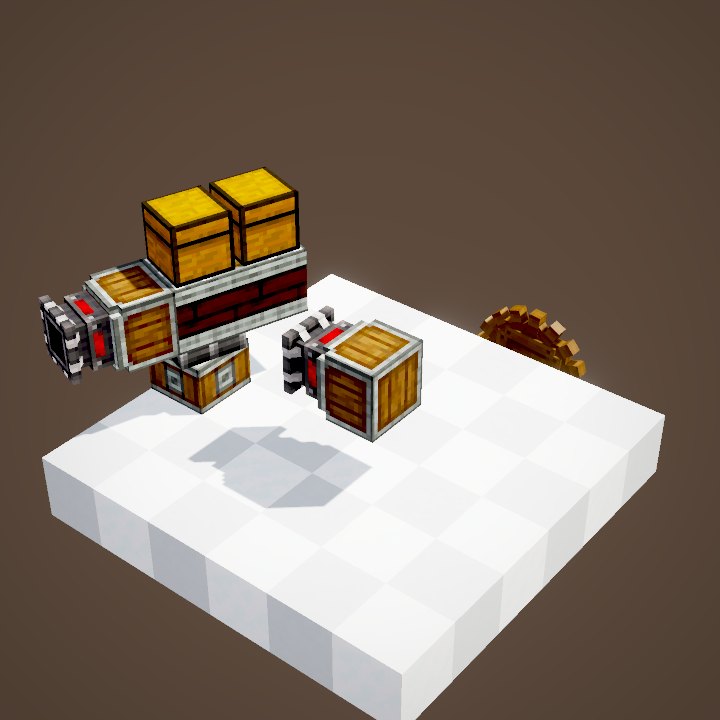
A Mechanical Belt ending against a funnel on the vault fills it continuously. Chutes leading into it, Mechanical Arms and Weighted Ejectors aiming at a funnel work too. Every item finds its place on its own, through any face.
Emptying it
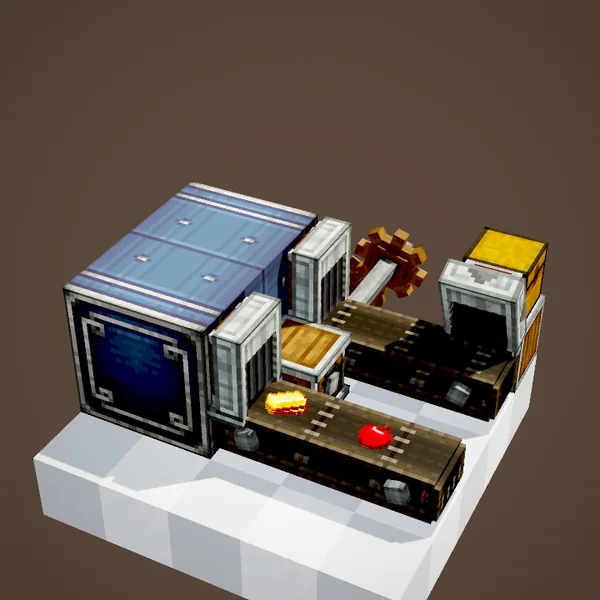
The other way round, a funnel facing outwards extracts items and drops them on a belt. With a filter, it only takes out what you ask for. A comparator against the vault gives a signal proportional to how full it is, enough to stop production when the store is full.
Placing it well
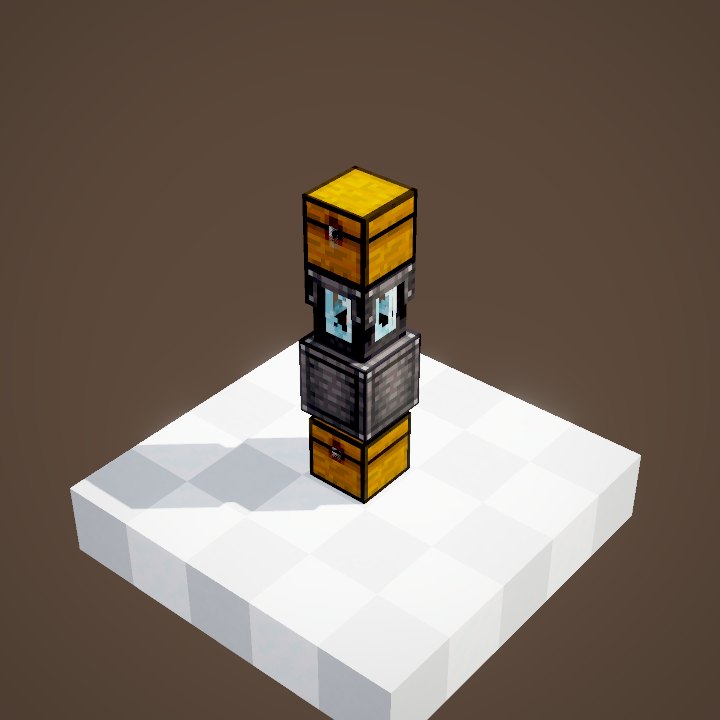
A vault can grow later on: just place new blocks in line and the box grows, up to the size limits. Keep one face free for input funnels and another for the output, and put a Threshold Switch against it if a machine should stop when the store is full. With a Packager linked to the package network, its contents can be browsed and ordered from a Stock Ticker at the other end of the base.
The package network's vault
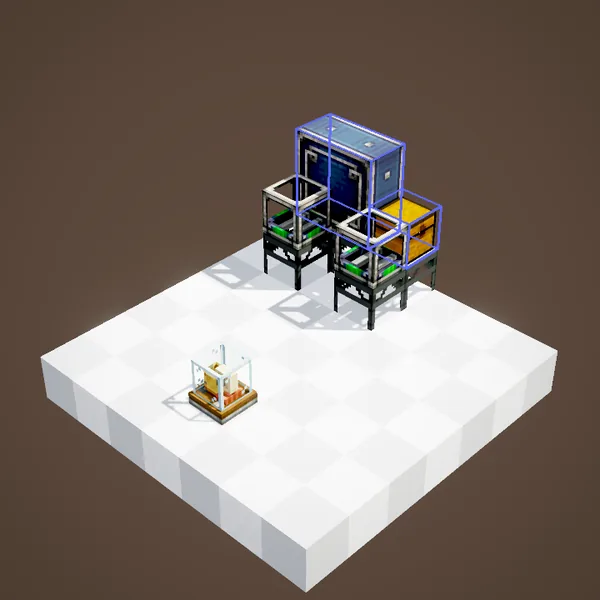
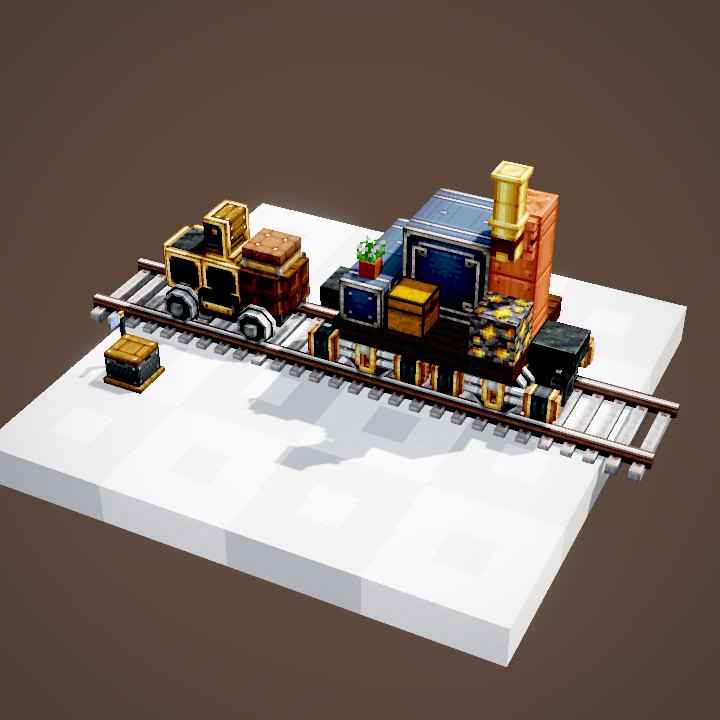
In Create 6 factories the vault is often the central warehouse: Packagers pull from it to build packages, and postboxes and frogports deliver into it. Its large capacity and single inventory make it the best storage to put behind a Packager.
Related pages
Sources for the numbers (Create 6.0.8 code)
- Capacity: CLogistics.vaultCapacity = 20 stacks per block (1 to 2048)
- Sizes: ItemVaultBlockEntity.getMaxWidth = 3, getMaxLength(width) = width × 3
- Comparator: ItemVaultBlock.getAnalogOutputSignal
- Recipe: crafting/kinetics/item_vault.json
- Scenes: ItemVaultScenes.sizes, storage; item paths simulated from Create's funnels and belts
Original texts and animations by Create France, rendered from the mod's Ponder scenes. Create is a mod by the Create Team, not affiliated with Create France.