Create Wiki · Tools and equipment
Wrench
The Wrench is Create's adjustment tool, and the first thing worth crafting. A right-click turns almost any block of the mod by a quarter turn; while sneaking, the same click picks it up at once, with no pickaxe and nothing lost. Without it, every shaft placed the wrong way means breaking the block and placing it again.
Quick facts
- Category
- Tools and equipment
- Right-click
- Turns the block a quarter turn around the axis of the face you aim at
- Sneak + right-click
- Picks the block up, straight into your inventory
- Wear
- None: the Wrench never breaks (stack of 1)
- In combat
- Hits like a bare hand; a minecart it hits breaks at once (100 damage)
- Vanilla blocks
- Levers, dust, repeaters, pistons, rails… are picked up while sneaking (create:wrench_pickup tag)
- Version
- Create 6.0.8 · Minecraft 1.21.1
Crafting table recipe
→ 1 Wrench
Turn a block with one click
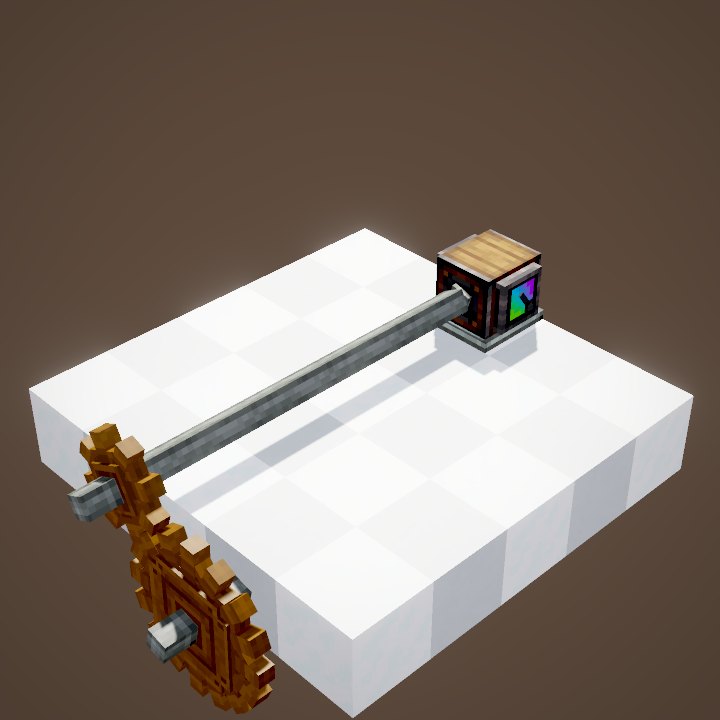
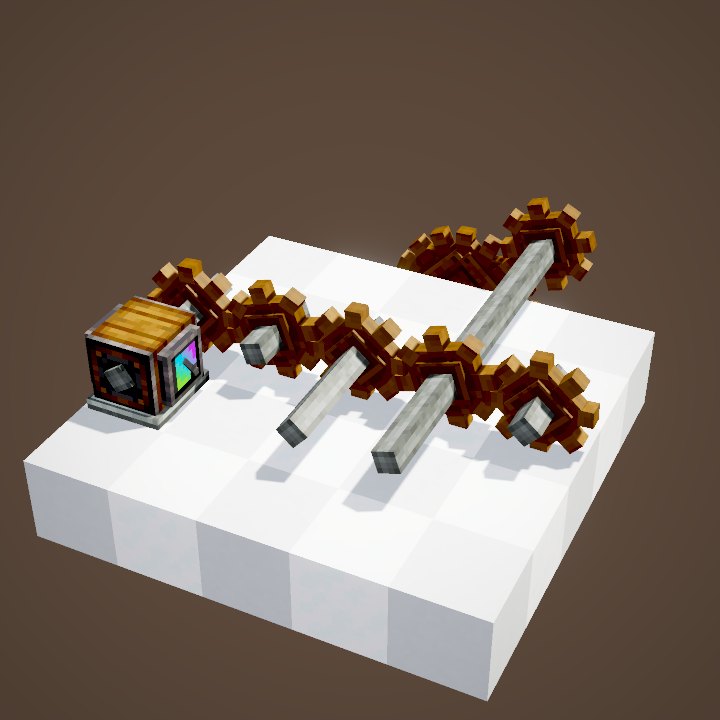
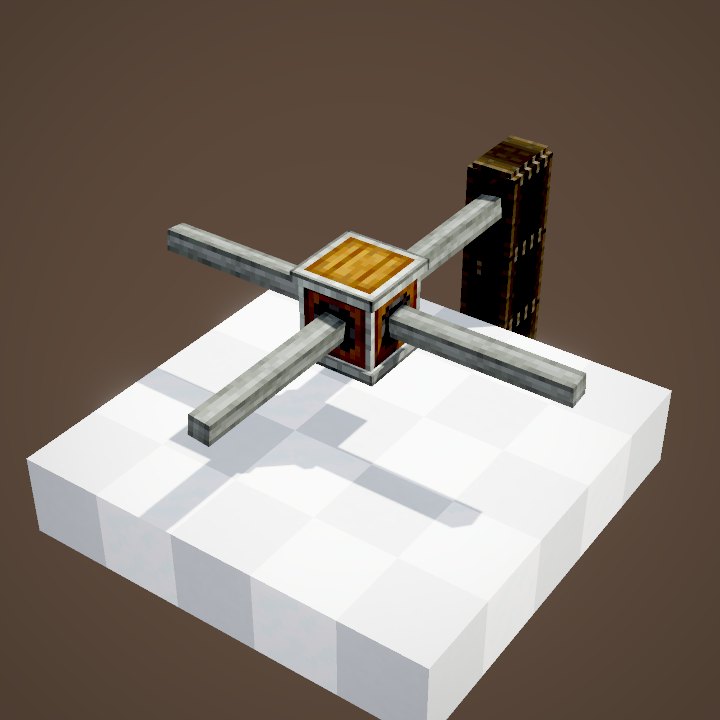
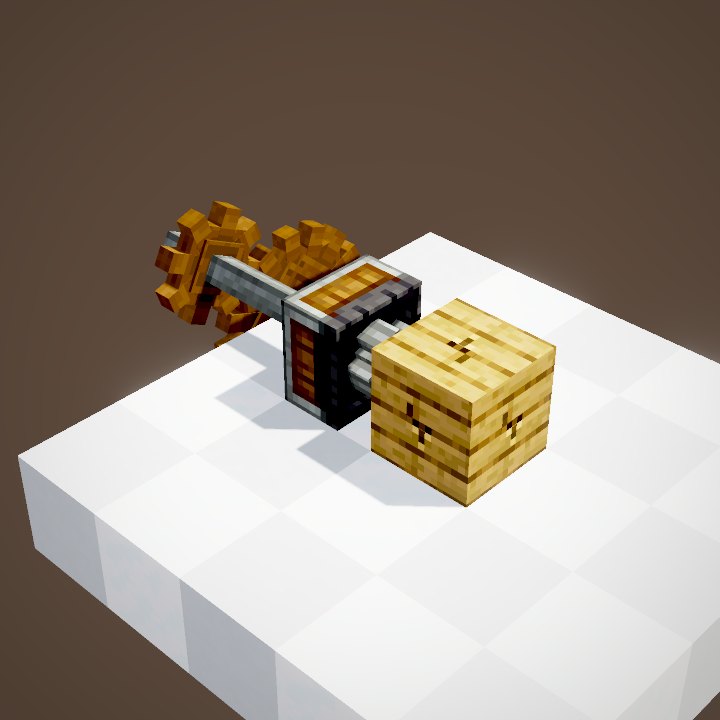
Aim at a Create block and right-click with the Wrench. The block turns a quarter turn around the axis of the face you are looking at: click the top to spin it flat, a side to tip it over. In the loop, the middle shaft was placed crosswise: one click, and the motor's rotation finally runs through the whole line.
Orient a machine
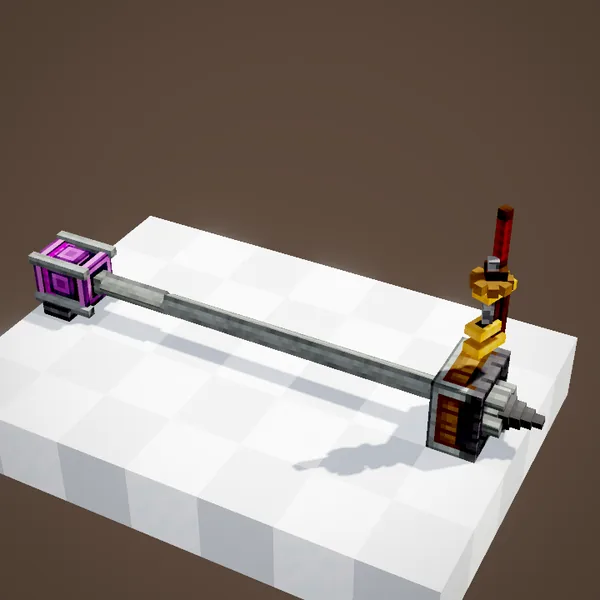
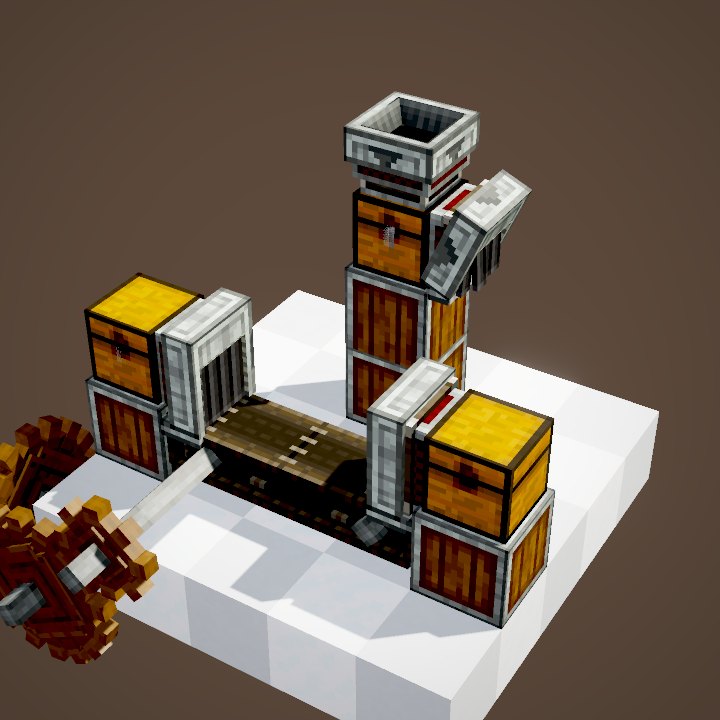
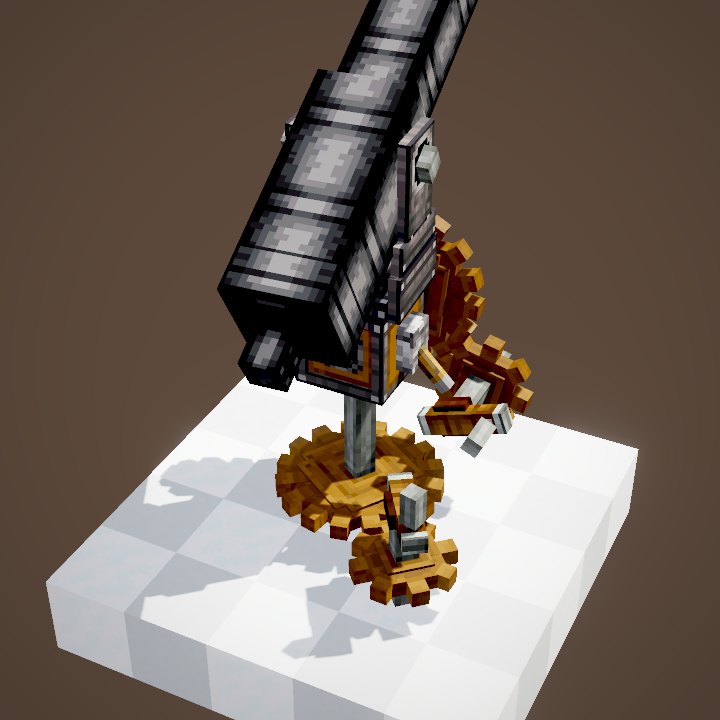
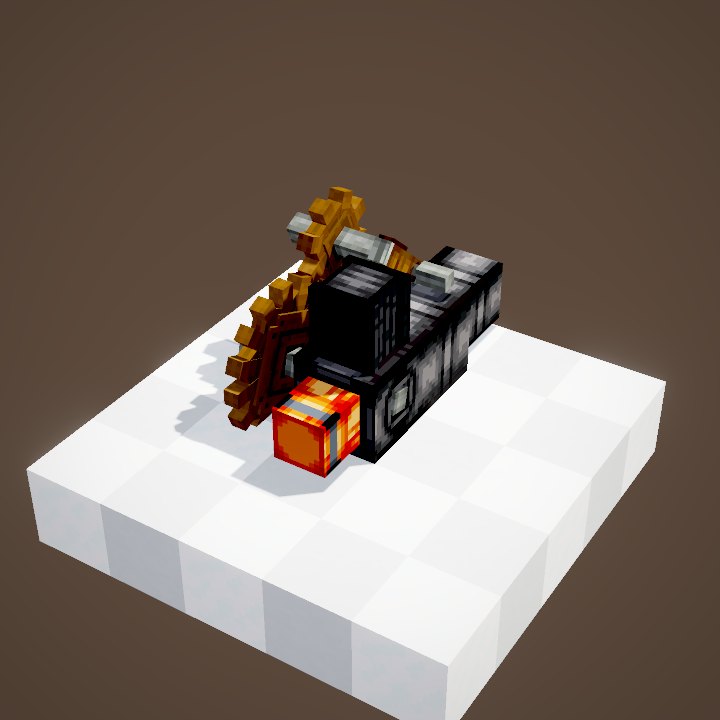
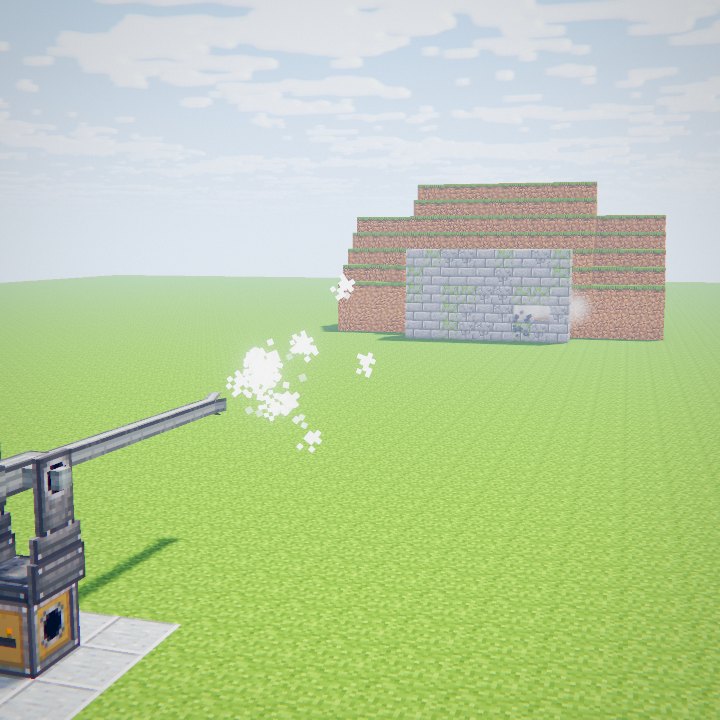
The same move sets the facing of machines: drill, deployer, fan, piston. The drill in the scene was pointing up, its input shaft facing the plate. A click on its north face lays it down toward the west: its rear shaft now meets the line and the head starts spinning. If the facing you want is not possible there, the click does nothing.
Pick up without breaking
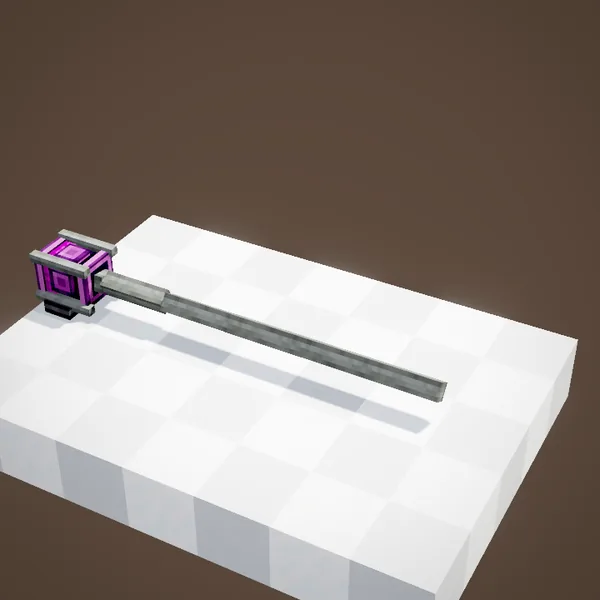
Sneak + right-click: the block vanishes and lands in your inventory right away. It beats a pickaxe and nothing drops on the floor. The game handles this as a normal block break, so the server's land claims apply to it as well.
The item
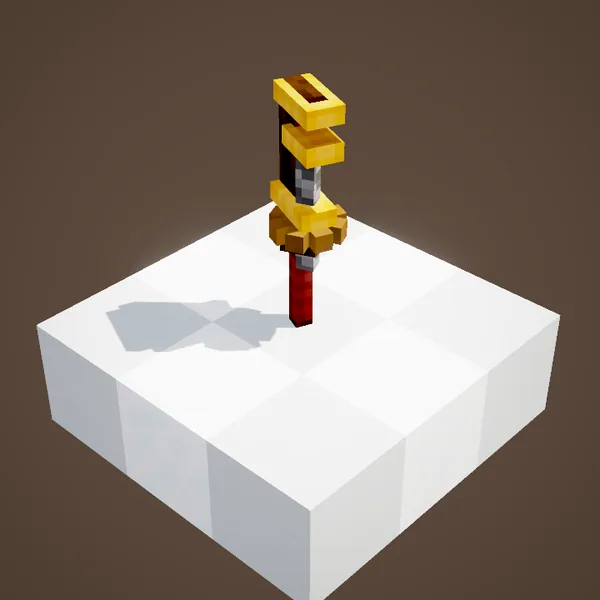
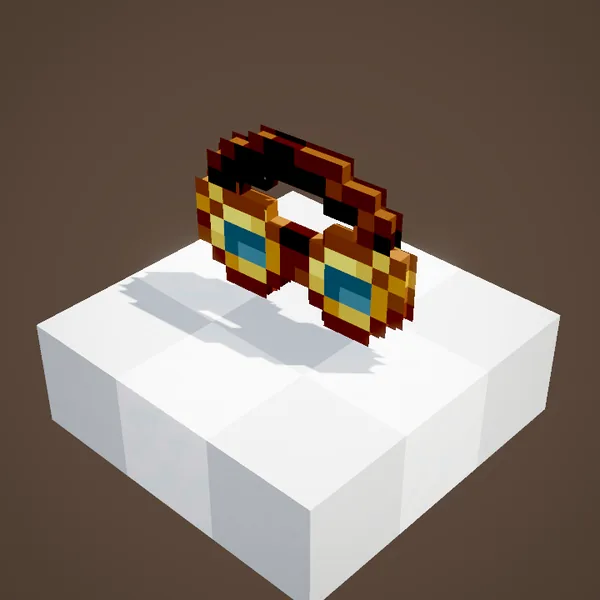
A wooden grip, a jaw made of golden sheets and a small cogwheel in the middle. It takes three golden sheets, made by a Mechanical Press, a cogwheel and a stick. It never wears out: one is enough for the whole game.
Blocks with a setting of their own
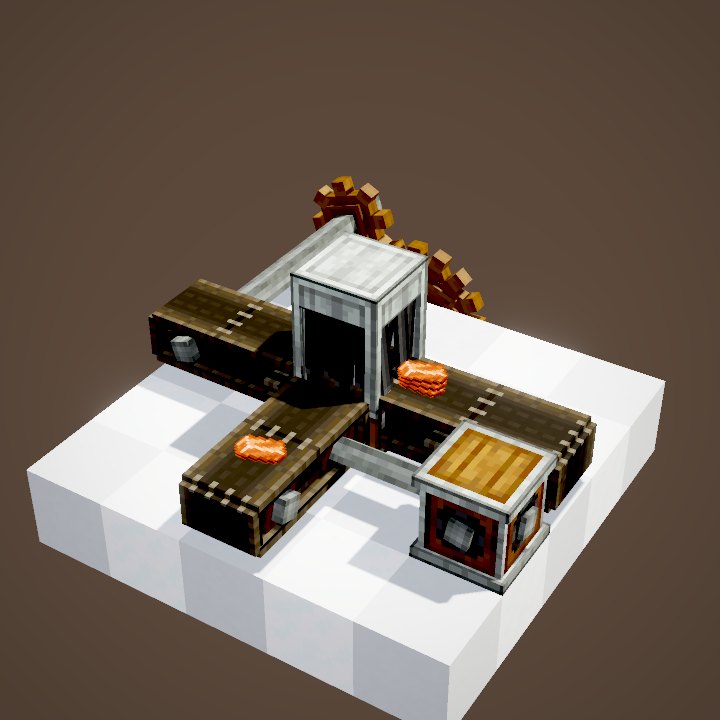
Some blocks do not turn, they switch modes. A funnel goes from extracting to inserting. A tunnel opens or shuts its window. On a belt, the Wrench removes the casing or a pulley's shaft. A Redstone Link flips between transmitter and receiver. A train signal changes type, a bogey changes style. A bearing disassembles its structure. An encased cogwheel gains or loses its shaft when you aim at its axis face; while sneaking, its casing comes off.
Vanilla blocks, minecarts and trains
While sneaking, the Wrench also picks up most vanilla redstone blocks at once: dust, torches, levers, repeaters, comparators, observers, pistons, hoppers, rails, buttons and pressure plates. It breaks a minecart in one hit. On a minecart that carries a contraption, a right-click takes it back as an item, contraption included. On a train carriage, it starts moving the train by hand.
Tips
There is a rotation menu key with no default binding: set it in the controls to pick the facing from a wheel instead of clicking several times. Casings cannot be turned, on purpose. Keep the Wrench on your hotbar: you will use it on every build, to fix a block without tearing everything down.
Common mistakes
A block that will not turn is not always stuck: some facings are simply impossible at that spot, for instance a machine that would lose its support. Aim at another face and the result changes. On a belt the Wrench does not spin the belt around: to change its direction, reverse the rotation that drives it.
On our server
On Create France the Wrench is the first tool we recommend to new players: it saves you from breaking costly blocks like a drill or a deployer just to place them again. In a protected area that is not yours it does nothing, just like a pickaxe.
Related pages
Sources for the numbers (Create 6.0.8 code)
- Recipe: crafting/kinetics/wrench.json (golden sheets, cogwheel, stick)
- Rotation and pickup: IWrenchable.onWrenched / onSneakWrenched, getRotatedBlockState (axis of the clicked face)
- Vanilla blocks: create:wrench_pickup tag; minecarts: wrenchInstaKillsMinecarts config, MinecartContraptionItem
- Own settings: FunnelBlock, BeltTunnelBlock, BeltBlock, RedstoneLinkBlock, BearingBlock, EncasedCogwheelBlock…
- Rotation menu: RadialWrenchHandler, AllKeys (rotate_menu)
- Scene written for this wiki (Create has no Ponder scene on this topic): make_wiki_serie7.py, rendered by our engine; speeds recomputed by WIKI/redstone_sim.py (rotation propagation from Create's code)
- Images: the game's items and blocks (Create's models) rendered on their own by our engine, player not drawn
Original texts and animations by Create France, rendered from the mod's Ponder scenes. Create is a mod by the Create Team, not affiliated with Create France.