Create Wiki · Redstone
Redstone Contact
The Redstone Contact works in pairs: when two contacts face each other, each one gives off a redstone signal. The real trick is that a contact can ride on a contraption: every time it passes in front of its fixed partner, that one fires a pulse. They make end stops, pass detectors and the floors of an elevator.
Quick facts
- Category
- Redstone
- Signal
- Strength 15 to every side except the block it faces
- Condition
- Two contacts face to face (each one turned toward the other)
- On a contraption
- The fixed contact lights up as the moving one goes by
- Active area
- 0.65 blocks in front of the moving contact
- Cut-off
- One tick after the moving contact leaves
- Elevator
- A Wrench turns it into an Elevator Contact under an Elevator Pulley
- Version
- Create 6.0.8 · Minecraft 1.21.1
Crafting table recipe (2 contacts)
→ 2 Redstone Contacts
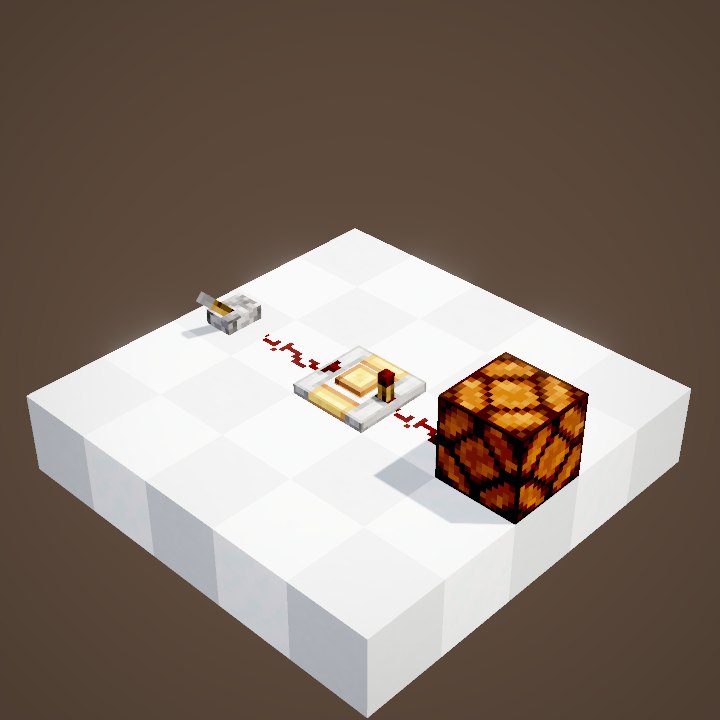
Two contacts facing each other
Place two contacts face to face: both light up and power whatever touches them, here some redstone dust. A contact does not power the block it faces, only its other sides. It does not carry the signal through blocks either.
Placing a contact
A contact faces the player placing it. While sneaking, it turns toward the block you click. Placed against another contact, it turns by itself to face it. The Wrench can rotate it afterwards if needed.
What it powers
A lit contact powers its neighbours like a weak source: dust, a lamp, a door, a piston pressed against it. It does not power the block it sits on through. To carry the signal further, place dust or a Redstone Link right next to it. An iron door can open that way as a minecart or a cabin rolls past, and close again right behind it.
A contact on a contraption
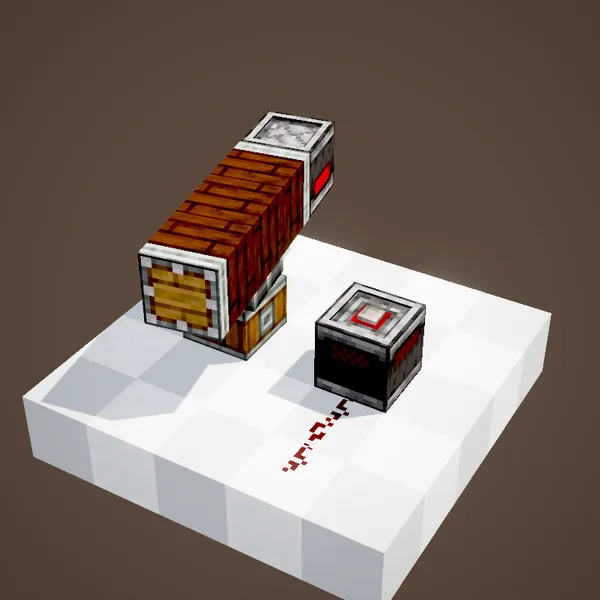
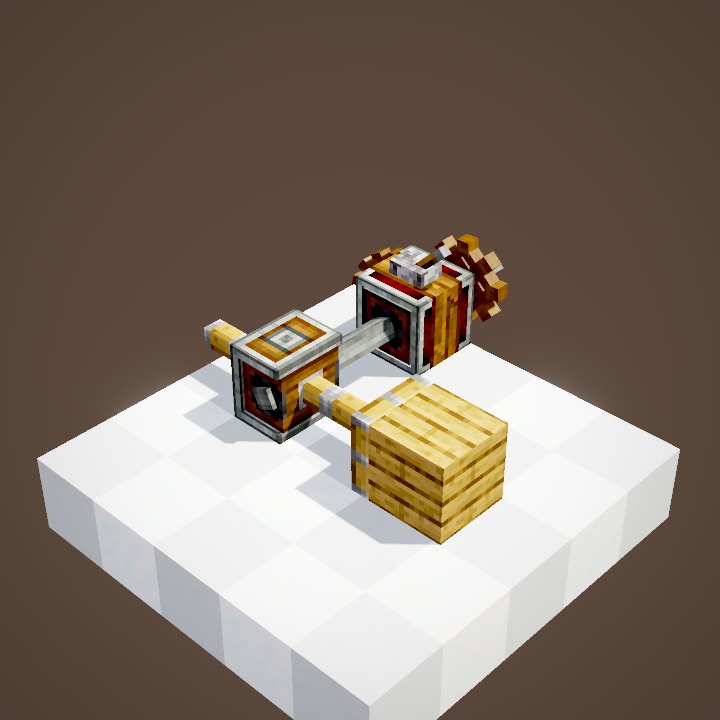
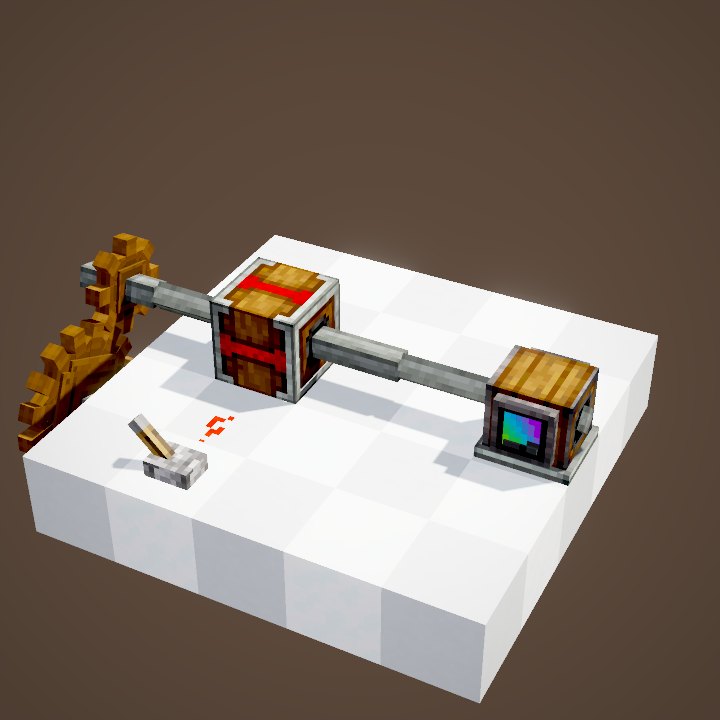
The top contact is now fixed to a structure spinning on a bearing. On every lap it passes over the fixed contact, which lights up as it goes by and switches off one tick later. Our simulation follows the moving contact's real position: the pulse lasts as long as its active area is over the block.
A short pulse
In the loop the structure turns once in about 3.6 seconds, and the fixed contact only stays lit for three tenths of a second per lap. The faster the contraption, the shorter the pulse: at high speed it may last a single tick.
For elevators
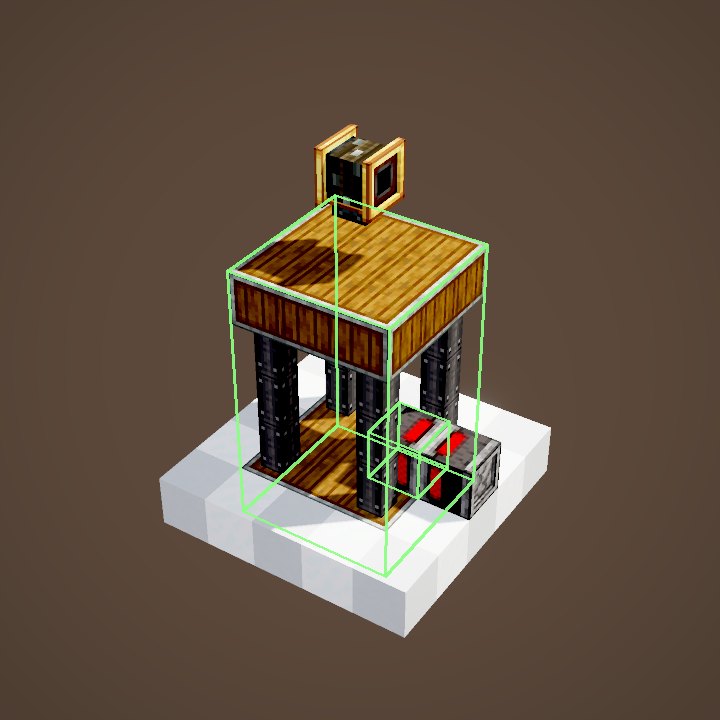
Under an Elevator Pulley, a Wrench click on a contact placed on the side of the shaft turns it into an Elevator Contact: each floor gets one and the cabin stops there. Outside an elevator, the contact stays a plain contact.
Build ideas
An end stop: one contact on a piston or a gantry, another at the end of the track, wired to a Gearshift to head back the other way. A lap counter for a big wheel. On an assembled minecart, a contact that triggers a loading station.
Common mistakes
The two contacts must really face each other: a contact turned sideways detects nothing. The moving contact has to pass right in front of the fixed one, less than a block away. And a very fast contraption only leaves a very short pulse: a Pulse Extender stretches it.
What the loop shows
The loop keeps three laps out of the scene's five. The top contact rides the contraption: our simulation follows its real position, lights the fixed contact for the few degrees it spends above it, then switches it off one tick later. The bearing's turns themselves come from the scene.
On our server
On Create France, contacts are mostly used for the elevators of big bases and for piston garage doors. One pair per floor is enough.
Related pages
Sources for the numbers (Create 6.0.8 code)
- Recipe: crafting/logistics/redstone_contact.json (2 contacts)
- Signal: RedstoneContactBlock.getSignal (15 except toward FACING), hasValidContact, updateShape / tick
- On a contraption: ContactMovementBehaviour (getActiveAreaOffset 0.65; visitNewPosition; switched off on the next tick)
- Elevator: RedstoneContactBlock.onWrenched (ElevatorColumn -> Elevator Contact)
- Simulation: WIKI/redstone_sim.py (signals, delays, links, latches and speeds recomputed tick by tick from Create's and Minecraft's code; only the player's actions come from the scene)
- Scene: RedstoneScenes.contact (3 laps kept out of 5)
Original texts and animations by Create France, rendered from the mod's Ponder scenes. Create is a mod by the Create Team, not affiliated with Create France.