Create Wiki · Kinetics
Stressometer and Speedometer
Two small dials you put on a drive line to see what is going on. The Speedometer shows how fast the line spins; the Stressometer shows how much of the network's power is already in use. The second one is an engineer's best friend: it warns you before the whole network stalls. Both also send a redstone signal for automation.
Quick facts
- Category
- Kinetics (measurement)
- Stress
- None, they sit inline on a drive line
- Speedometer
- Dial: 0-30 RPM (slow), 30-100 (medium), 100-256 (fast)
- Stressometer
- Dial = stress used ÷ network capacity; maxed out when overstressed
- Comparator
- Signal from 0 to 15, proportional to the dial (⌈dial × 14⌉)
- Version
- Create 6.0.8 · Minecraft 1.21.1
Crafting table recipe
→ 1 Speedometer (Stressometer: convert a Speedometer in the crafting grid)
Sitting on a drive line
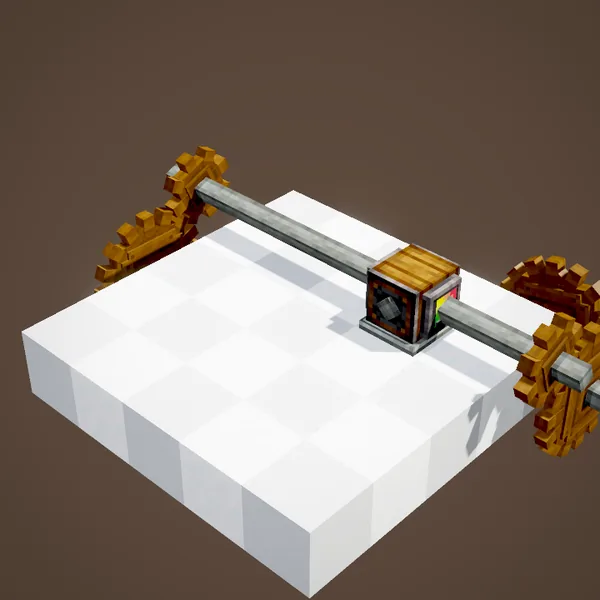
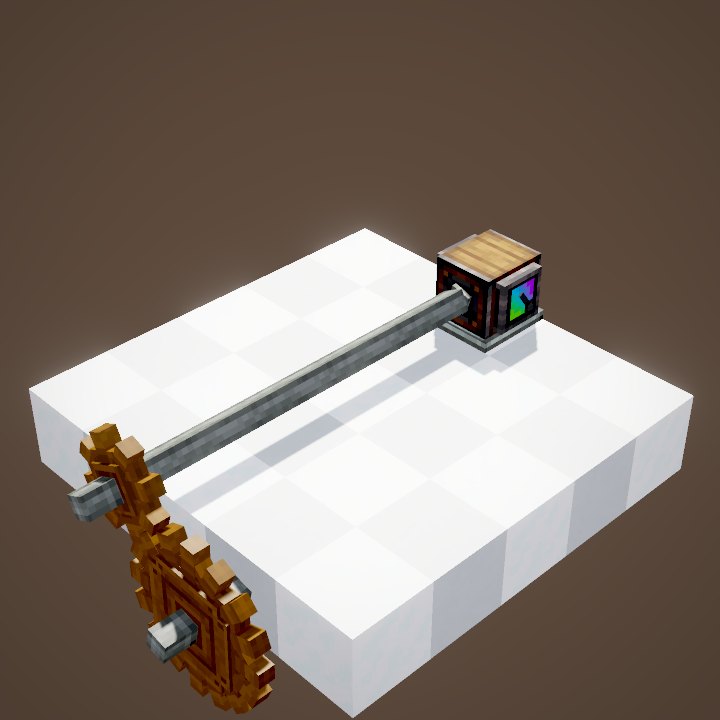
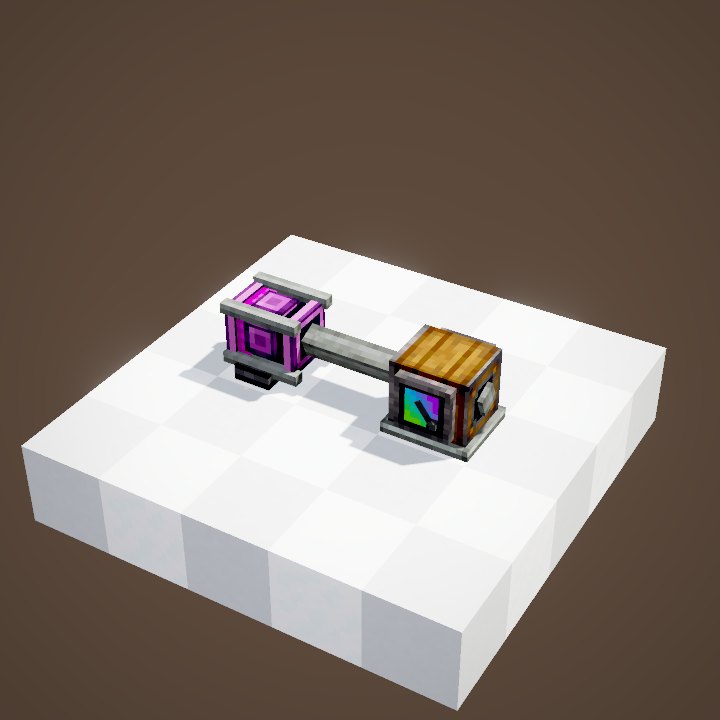
Both dials go inline, like a piece of shaft: rotation passes through them and carries on out the other side, at no cost. Aim at the face of a shaft or a machine to place it on the right axis; the dial turns towards you. One gauge is enough for a whole line, since every block on the same axis spins at the same speed.
Reading the Speedometer
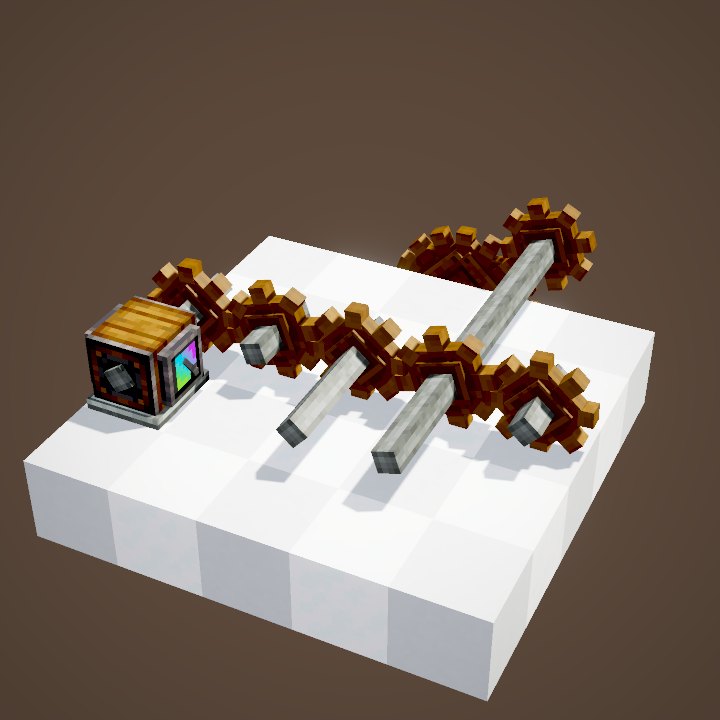
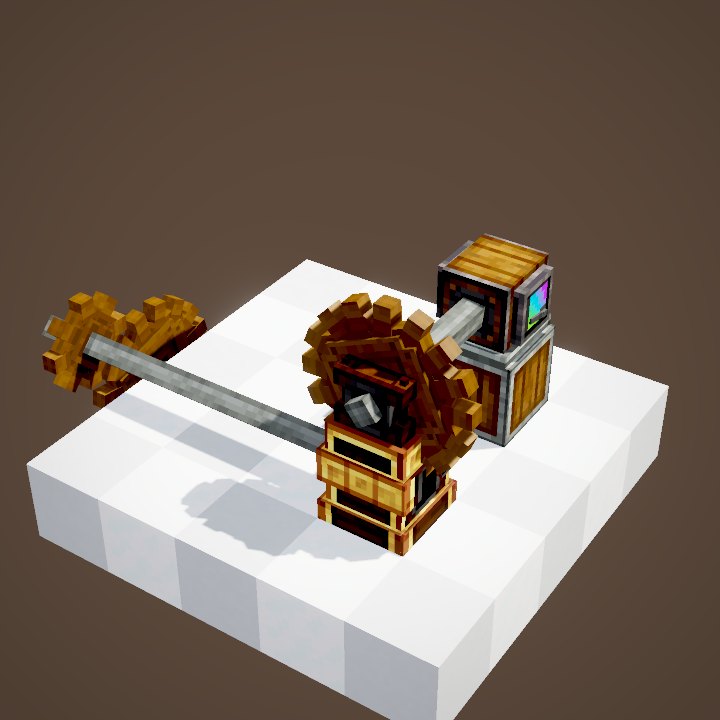
The Speedometer needle rises with speed across three zones: from 0 to 30 RPM it covers less than half the dial; from 30 to 100 RPM it reaches three quarters; from 100 to 256 RPM it goes all the way. The colour follows the same split: slow, medium, fast. In the animation, the speed is multiplied by four and the needle jumps from one zone to the next.
It is the easiest way to check a cogwheel stage: ×2 or ÷2, the needle shows it straight away.
Reading the Stressometer
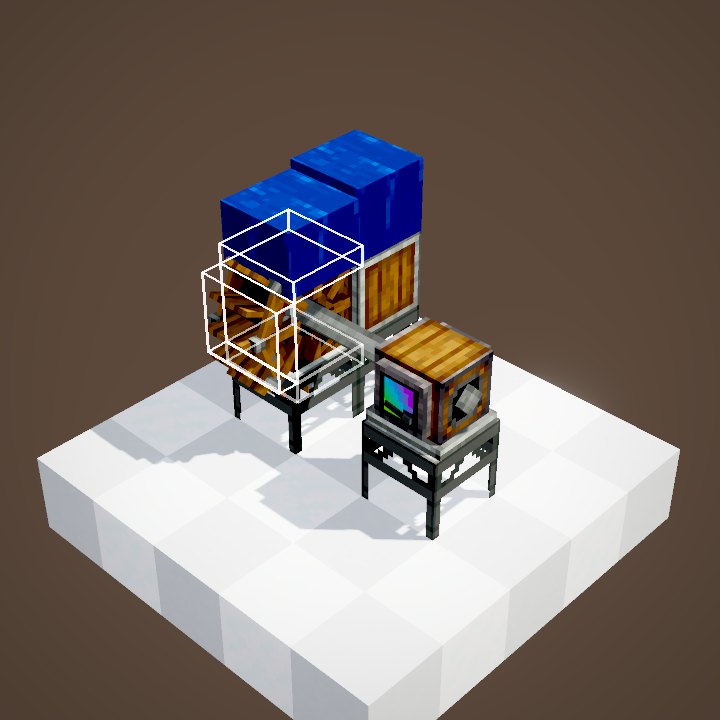
The Stressometer measures load: its needle shows how much of the network's capacity the machines are already using. Green, all is well; yellow, you are getting close to the limit; red, it is nearly full. In the animation, each Crushing Wheel added pushes the needle up, first to half, then to nine tenths. If the machines ask for more than the sources supply, the network is overstressed: everything stops and the needle stays maxed out.
More detail with Goggles
Wearing Engineer's Goggles, look at a dial: the game shows the exact figures, the speed in RPM for the Speedometer, the stress used and the total capacity in SU for the Stressometer. It is the essential diagnostic tool before adding a machine: if the remaining margin is smaller than what the machine needs, add a source first.
A redstone signal from the reading

A comparator against a dial outputs a signal from 0 to 15, proportional to the needle. With a Stressometer you can, for example, cut off a group of machines when the network goes past 90% load, or light a warning lamp. With a Speedometer you can detect that a source has stopped: no more wind, no more water, no more fuel.
Switching between the two
Only the Speedometer has a real recipe: a compass on top of Andesite Casing. To get a Stressometer, put a Speedometer on its own in the crafting grid; do it again to go back. So there is no reason to hold back: craft several and put them at the key spots of your factory.
Common mistakes
- The needle does not move: the dial is not on the line's axis, so rotation does not pass through it.
- The Stressometer reads zero while everything runs: the network's capacity is huge compared to the machines, as with a Creative Motor.
- The network stalls without warning: one Stressometer is enough for the whole network, so put it where you will see it.
Related pages


Sources for the numbers (Create 6.0.8 code)
- Stress: AllBlocks.java, SPEEDOMETER and STRESSOMETER, CStress.setNoImpact()
- Speedometer: SpeedGaugeBlockEntity.getDialTarget (0 to 0.45 up to mediumSpeed = 30, 0.75 at fastSpeed = 100, 1.125 at maxRotationSpeed = 256)
- Stressometer: StressGaugeBlockEntity (stress / capacity, 1.125 when overstressed; colour green -> yellow -> red)
- Comparator: GaugeBlock.getAnalogOutputSignal = ⌈clamp(dial × 14, 0, 15)⌉
- Recipes: crafting/kinetics/speedometer.json (Compass + Andesite Casing), stressometer_from_conversion.json, speedometer_from_conversion.json
- Scenes: KineticsScenes.speedometer and stressometer (structure ponder/gauges.nbt)
Original texts and animations by Create France, rendered from the mod's Ponder scenes. Create is a mod by the Create Team, not affiliated with Create France.