Create Wiki · Kinetics
Shaft
The Shaft is the simplest part in Create: a rod that spins on its axis and passes rotation from one block to the next. It is what links a windmill, a water wheel or a motor to your machines. It costs nothing to run, but it follows a few rules: one axis, one shared speed, and a hard limit you should never cross.
Quick facts
- Category
- Kinetics (transmission)
- Stress
- None: a shaft uses no SU
- Max speed
- 256 RPM (above that, the block breaks)
- Transmission
- Straight line, same speed and direction along the whole line
- Variants
- Andesite Encased Shaft, Brass Encased Shaft
- Version
- Create 6.0.8 · Minecraft 1.21.1
Crafting table recipe
→ 8 Shafts
Carrying rotation in a straight line
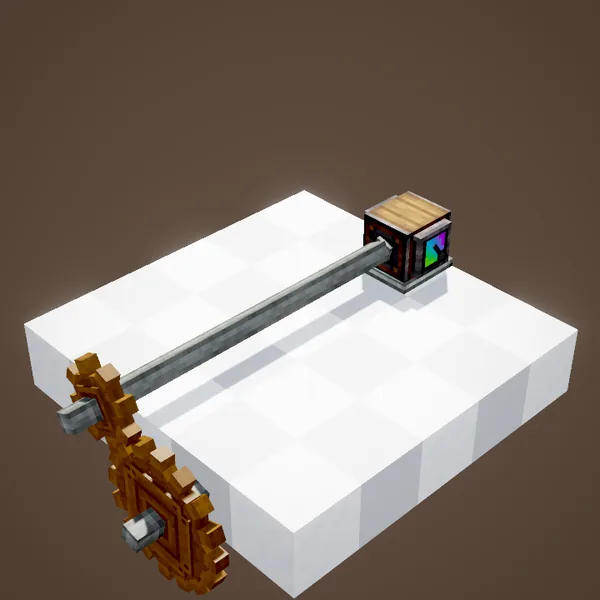
A shaft is placed like a pillar: its axis follows the face you click. Put several end to end and the rotation travels the whole line, however long it is. Tip: aim at the end of a shaft you already placed while holding another one, and the game extends the line along the same axis.
Every block on a line spins at the same speed and in the same direction. In the animation, the speedometer at the far end only comes to life when the last shaft closes the gap: as long as one block is missing, nothing gets through.
A relay that costs nothing
Shafts use no stress at all, so you can place as many as you like without weakening your network. Only machines (press, drill, mixer…) consume SU, and only sources (water wheel, windmill, motor) provide it. A line of fifty shafts weighs no more than a line of two.
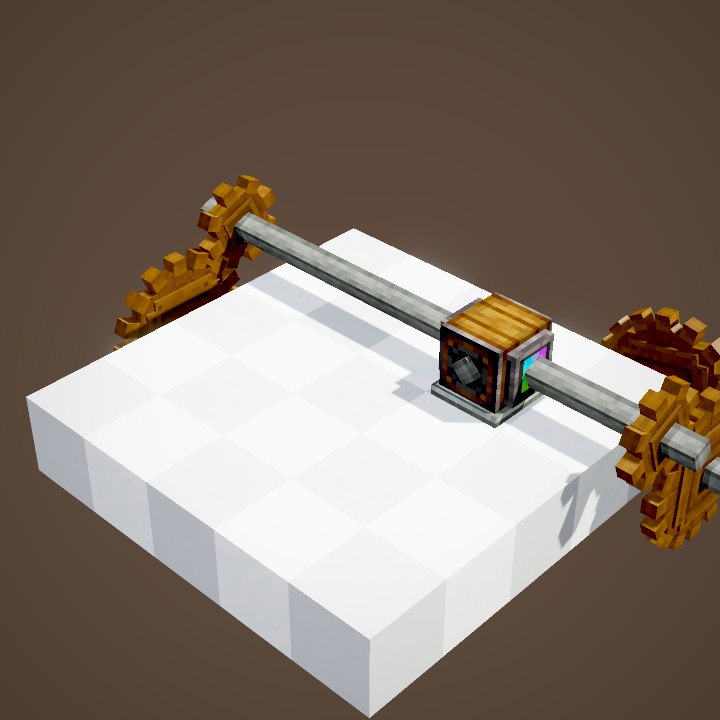
To see what actually runs through a line, put a Speedometer or a Stressometer at the end, or look at the shaft while wearing Engineer's Goggles.
Hooking a shaft up to a machine
Nearly every Create machine takes its rotation through an axis: all you need is a shaft reaching that axis, against the right face. A Mechanical Press takes it from a side, a Mechanical Drill from the back, a Mechanical Mixer from the top. If the shaft touches the machine on a face without an axis, it just spins on its own without driving anything.
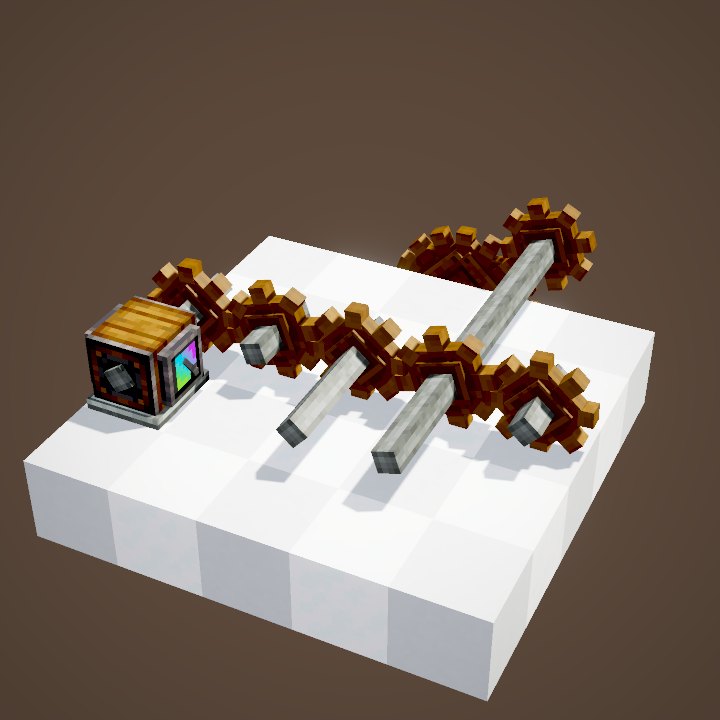
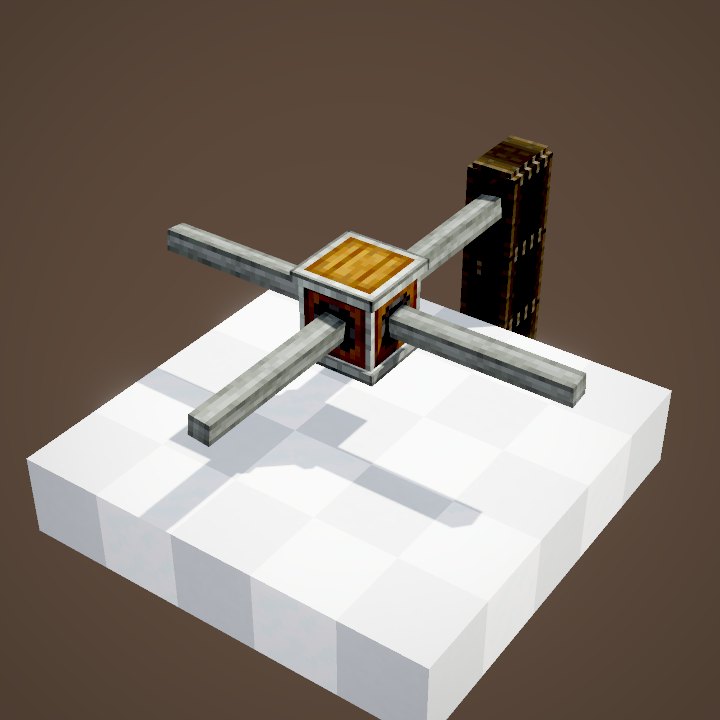
Shafts also let you change height or direction together with other blocks: at either end you can add a cogwheel, a gearbox or a belt pulley.
The 256 RPM limit
A shaft line can never go above 256 RPM (server setting maxRotationSpeed). If a cogwheel setup pushes the speed higher, the block that would receive it breaks and drops as an item. The same happens when two sources try to drive the same line in opposite directions: instead of picking a winner, the game destroys the conflicting block.
When a machine refuses to start, check these two things first before adding more power.
Putting a shaft in a casing
Right-click a shaft while holding Andesite Casing or Brass Casing: it becomes an encased shaft, a full block that still carries rotation. It is mostly cosmetic, but handy when a drive line has to pass through a wall or a floor without a rod sticking out.
To get the bare shaft back, sneak and use the Wrench on the encased block.
Common mistakes
- Nothing turns at the end of the line: one shaft sits on the wrong axis, or a block is missing. Check the line with Engineer's Goggles.
- A block pops off: the speed is above 256 RPM, or two sources spin the same network in opposite directions.
- You need a 90° turn: a shaft cannot do it. Use a Gearbox, Cogwheels or a Mechanical Belt.
Related pages
 Cogwheel and Large CogwheelKinetics
 GearboxKinetics
 Stressometer and SpeedometerKinetics
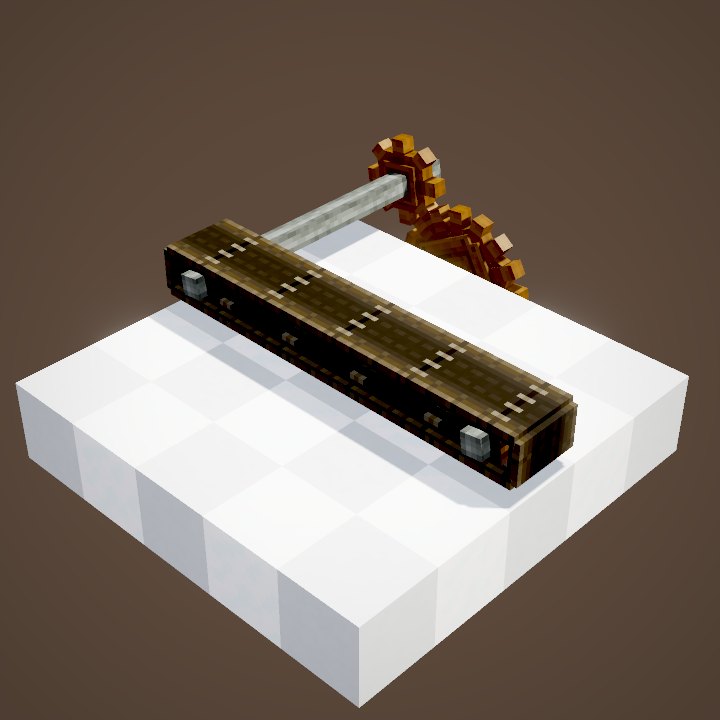 Mechanical BeltLogistics
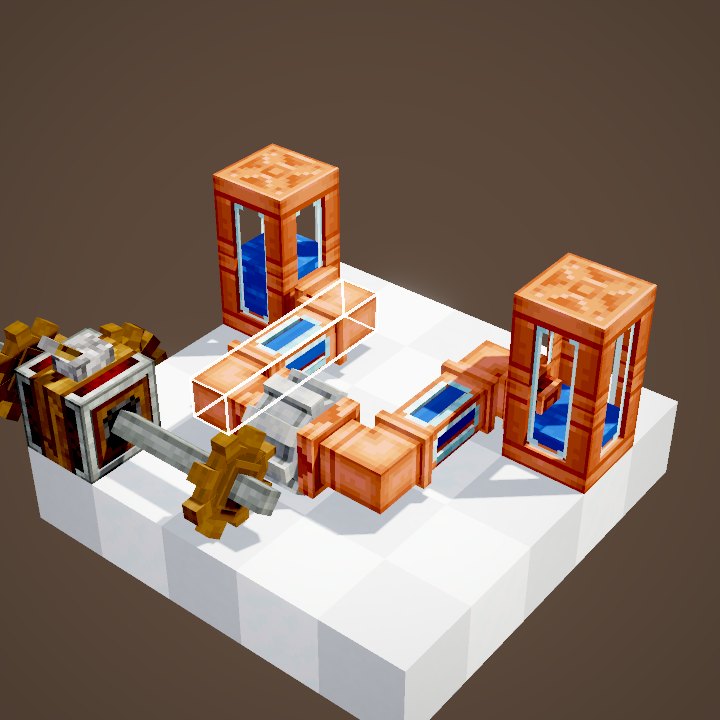 Mechanical PumpFluids
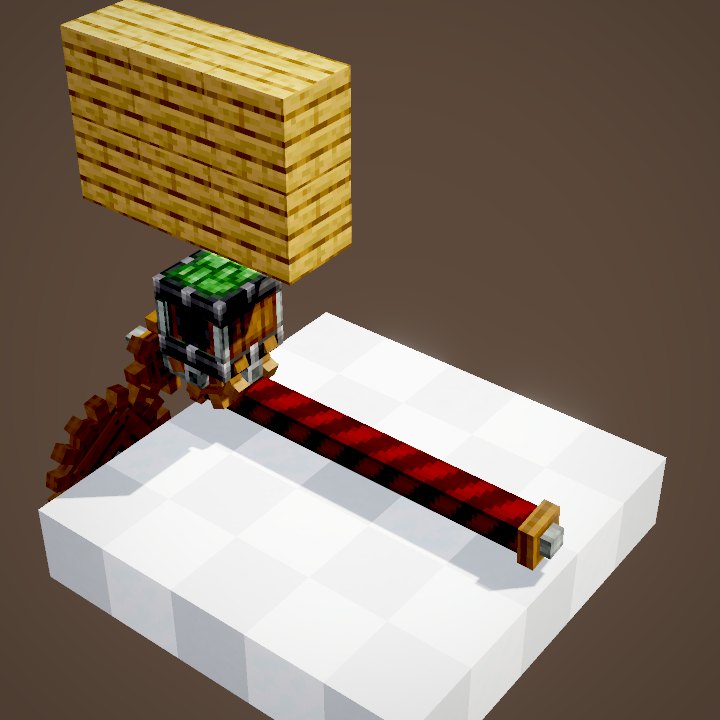 Gantry Carriage and Gantry ShaftContraptions
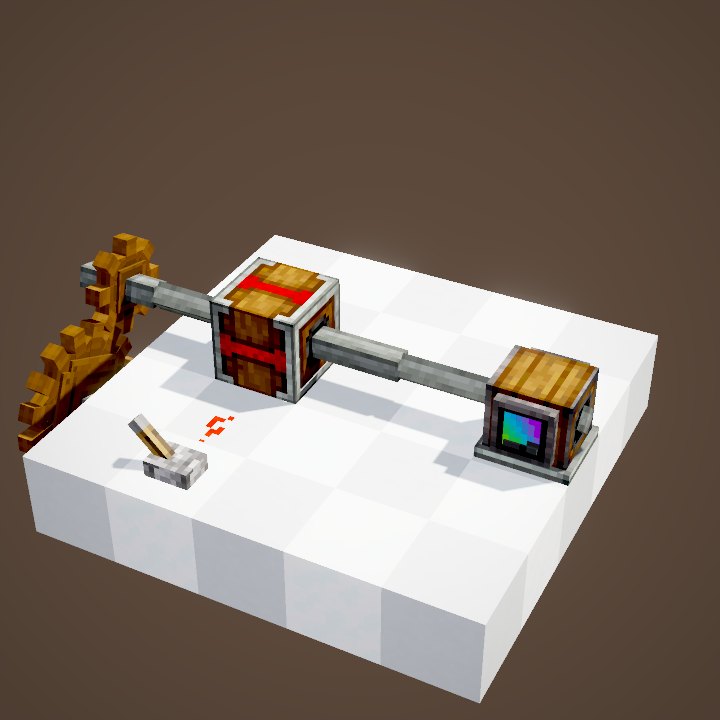 Gearshift and ClutchRedstone
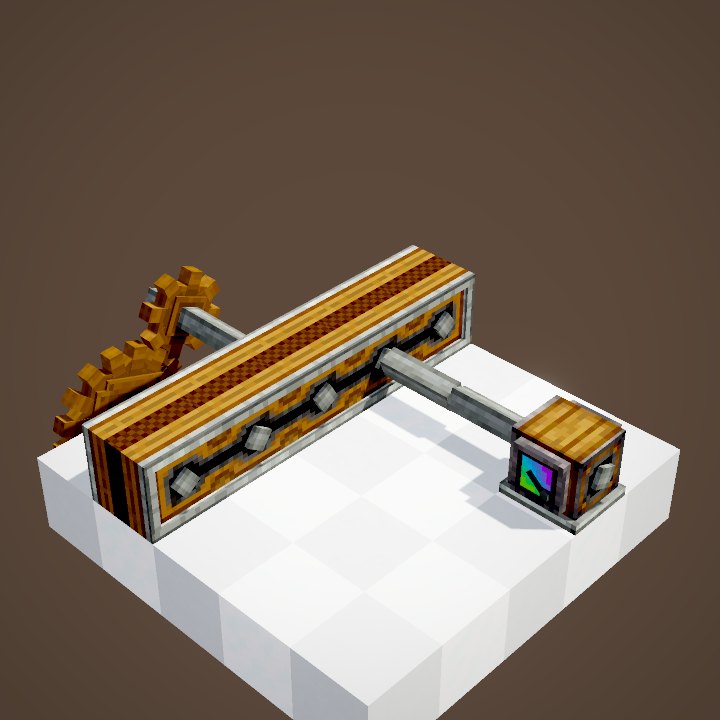 Encased Chain Drive and Adjustable Chain GearshiftKinetics
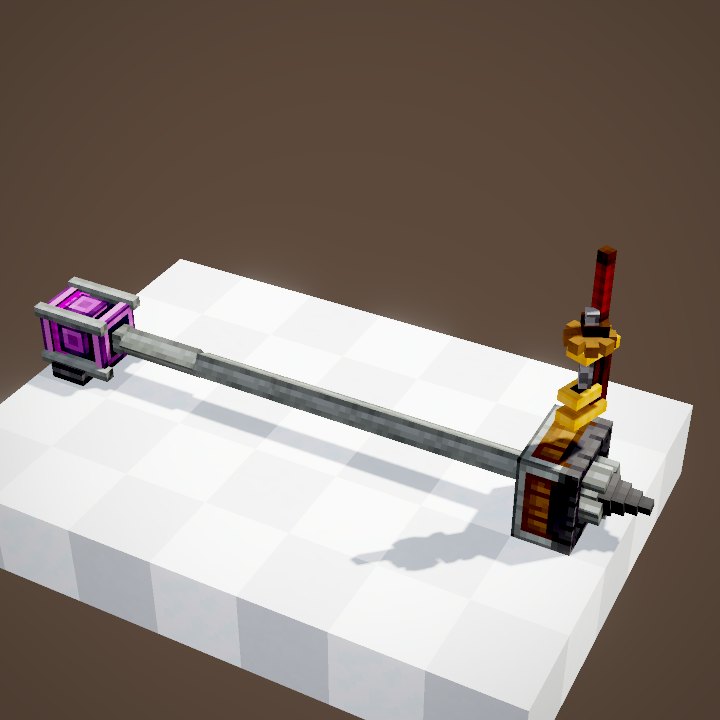 WrenchTools and equipment
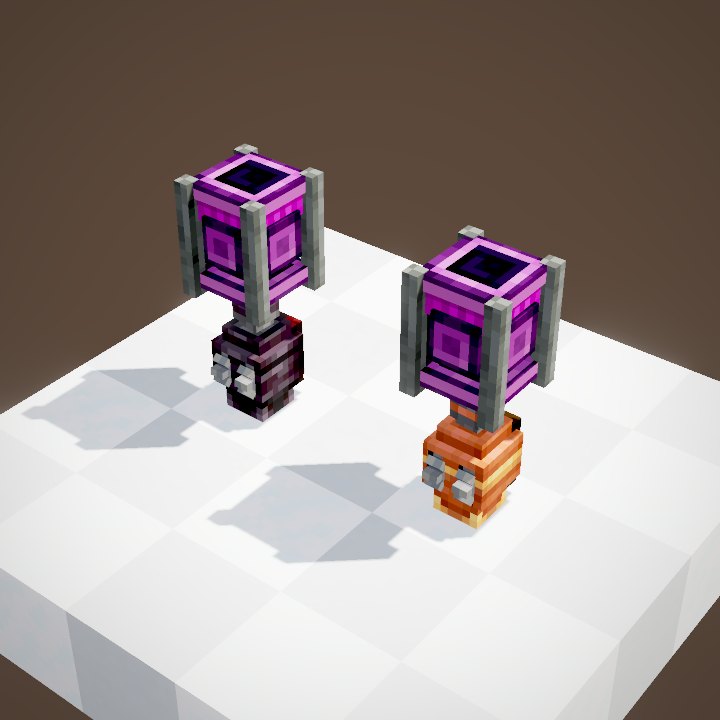 Backtank and diving gearTools and equipment
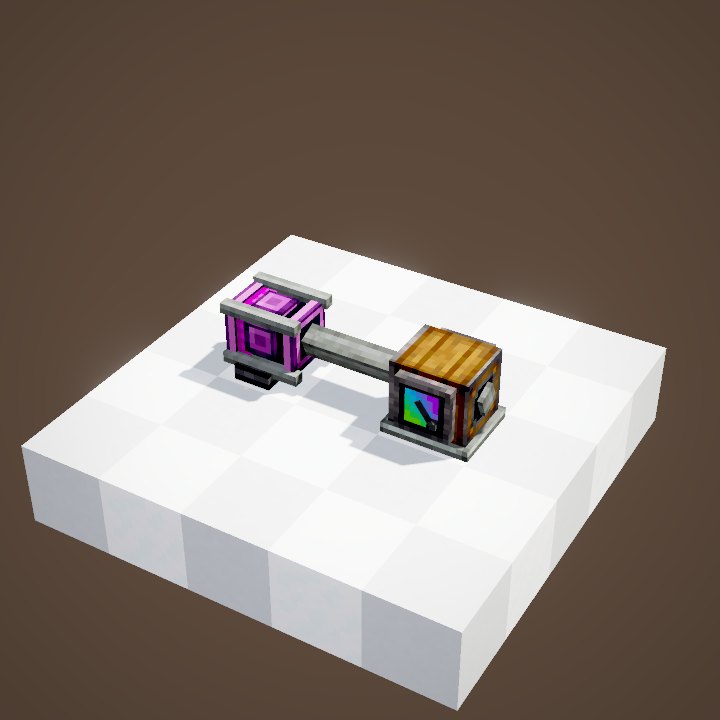 Creative MotorKinetics
Sources for the numbers (Create 6.0.8 code)
- Stress: AllBlocks.java, SHAFT, CStress.setNoImpact()
- Maximum speed: CKinetics.maxRotationSpeed = 256; RotationPropagator.propagateNewSource (tooFast / incompatible -> destroyBlock)
- Recipe: data/create/recipe/crafting/kinetics/shaft.json (2 Andesite Alloy -> 8 Shafts)
- Casings: EncasableBlock.tryEncase, EncasedShaftBlock.onSneakWrenched (back to a bare shaft)
- Scenes: KineticsScenes.shaftAsRelay and shaftsCanBeEncased (structures ponder/shaft/relay.nbt, encasing.nbt)
Original texts and animations by Create France, rendered from the mod's Ponder scenes. Create is a mod by the Create Team, not affiliated with Create France.