Create Wiki · Redstone
Rotation Speed Controller
The Rotation Speed Controller sets a machine's speed to the exact RPM. It takes rotation through its axle and passes it to a Large Cogwheel placed on top, at the speed you choose, from -256 to 256. A slow source becomes fast, a fast one becomes gentle, and the direction can even flip.
Quick facts
- Category
- Redstone
- Output
- A Large Cogwheel on top, with a horizontal axis across its own
- Range
- -256 to 256 RPM (server max speed), 16 by default
- Condition
- It must turn itself: with no input rotation the cogwheel stops
- Setting
- A value panel on the side (scroll or click)
- Bracket
- A brass bracket appears once the Large Cogwheel is in place
- Version
- Create 6.0.8 · Minecraft 1.21.1
Crafting table recipe
→ 1 Rotation Speed Controller
The output goes through a Large Cogwheel
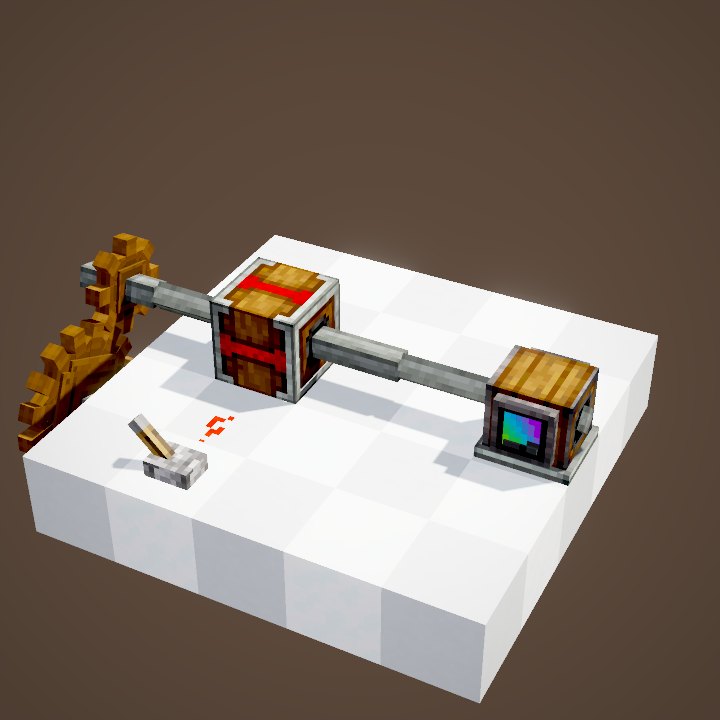
The controller takes rotation through its axle, like a shaft, but does not pass it straight on. The output goes through a Large Cogwheel placed right above it, lying across its axle. The Speedometer hooked to the cogwheel shows the speed you get.
Placing the Large Cogwheel
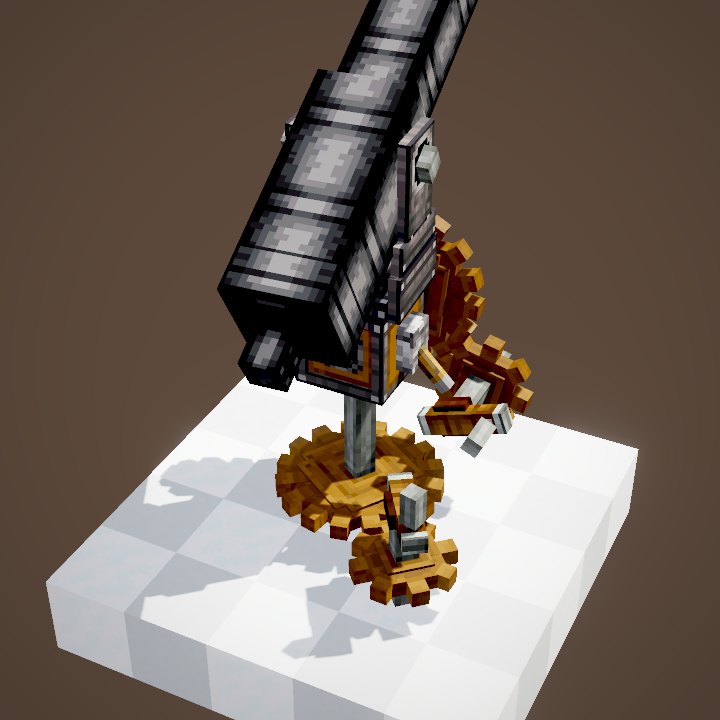
The Large Cogwheel goes right on top, its horizontal axis across the block's own. A brass bracket then appears to hold it. On the cogwheel you can hook up whatever you like: shafts, other cogwheels, a Gearbox.
Setting the speed
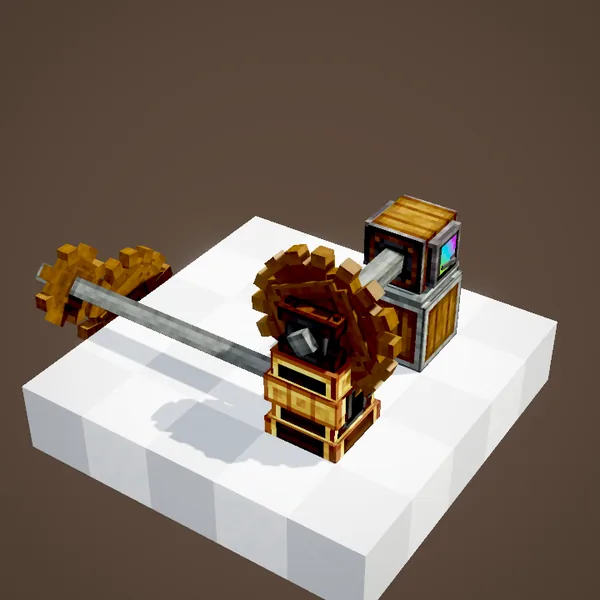
On the side, a value panel holds the target speed. In the loop the cogwheel goes from 8 to 32 then 128 RPM, then to -6: it turns slowly the other way. The value is a whole number, and the source never changed speed.
The input has to turn
The controller does not create rotation: if the line feeding it stops, the Large Cogwheel stops too. Our simulation does the same: the cogwheel only starts once the controller is linked to the source.
What about redstone?
The block has no redstone input: its speed is set by hand. To change speed with a lever, pair it with a Clutch or an Adjustable Chain Gearshift, or build two controllers set differently and switch between them.
Speed and stress
A machine's stress is paid at its speed: running a press at 128 RPM instead of 32 costs four times the SU. Keep an eye on the Stressometer when you raise the value, or the whole network will stall from overstress.
A worked example
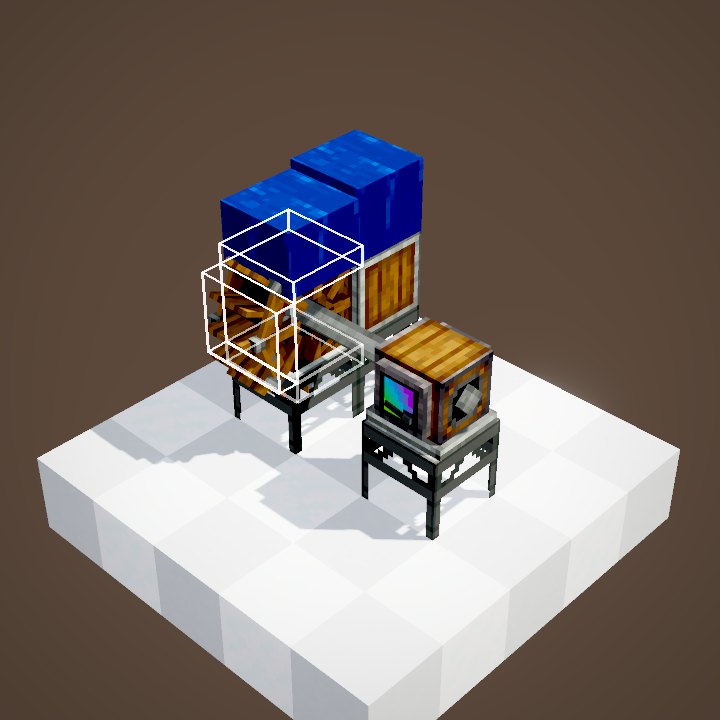
A small Water Wheel gives 8 RPM. Behind a controller set to 64, the Large Cogwheel turns eight times faster. But the stress of the machines after it is paid at 64 RPM out of the wheel's capacity: a press costs 512 SU there, more than the 256 SU the wheel provides, and the network stalls. Lower the value or add a second source; a Stressometer on the line shows the margin before you change anything.
Build ideas
Give the same speed to several machines fed by different sources. Slow a bearing down for a big Ferris wheel. Speed up a Water Wheel that is too slow for a fan.
Common mistakes
A small cogwheel on top does not work: it needs a Large Cogwheel with a horizontal axis. A cogwheel parallel to the controller's axle is not driven either. And a value of 0 stops the output, even if the input is turning.
What the loop shows
The cogwheel's speed is recomputed from the target of each step: 8, 32, 128 then -6 RPM. In the in-game scene the last value is -6.4 RPM; the panel only takes whole numbers, hence -6 here. The source speed is the one shown in the scene.
On our server
On Create France it is mostly used to line every machine of a factory up on the same speed, whatever source feeds them.
Related pages
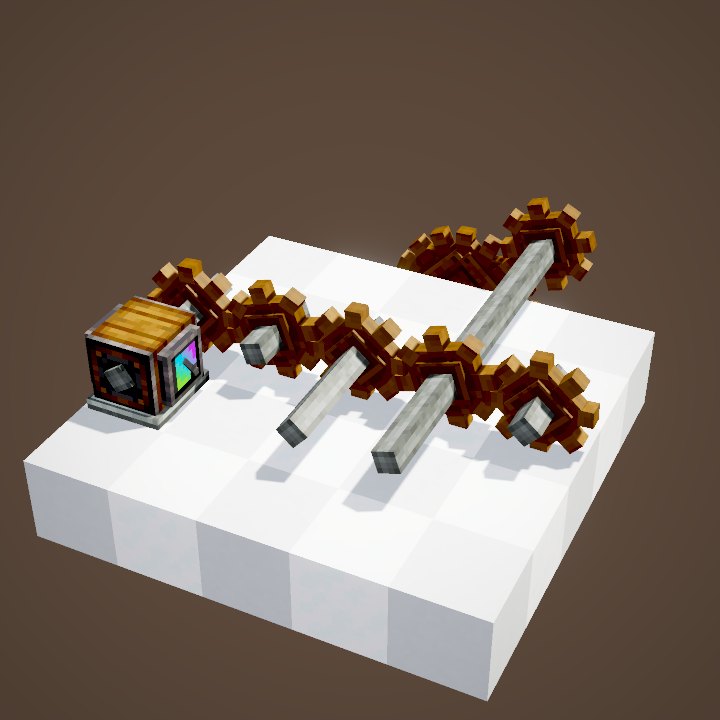
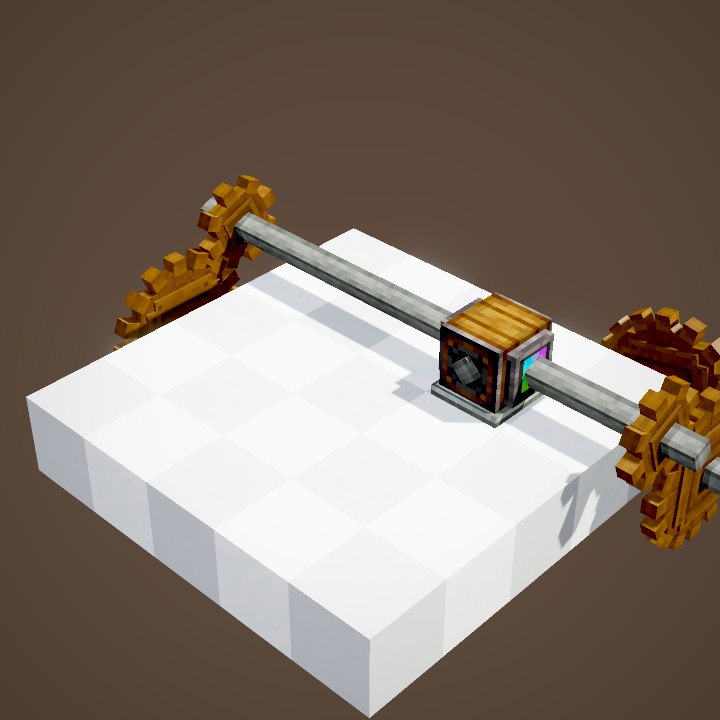
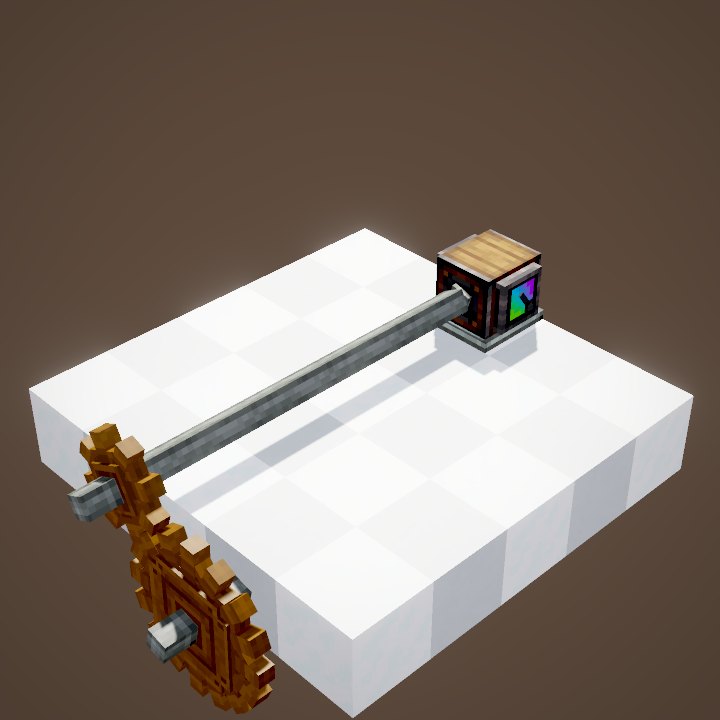
Sources for the numbers (Create 6.0.8 code)
- Recipe: crafting/kinetics/rotation_speed_controller.json
- Conveyed speed: SpeedControllerBlockEntity.getConveyedSpeed / getDesiredOutputSpeed (DEFAULT_SPEED 16), CKinetics.maxRotationSpeed (256)
- Bracket: SpeedControllerRenderer (bracket when a horizontal Large Cogwheel sits on top)
- Stress: impact × |RPM| (CStress, propagate.py)
- Simulation: WIKI/redstone_sim.py (signals, delays, links, latches and speeds recomputed tick by tick from Create's and Minecraft's code; only the player's actions come from the scene)
- Scene: KineticsScenes.speedController (target speeds read from the scene: 8, 32, 128 and -6 RPM; value panel not shown)
Original texts and animations by Create France, rendered from the mod's Ponder scenes. Create is a mod by the Create Team, not affiliated with Create France.