Create Wiki · Fluids
Mechanical Pump
The Mechanical Pump is the engine of fluid networks. Without it, pipes stay still; with it, water, lava or honey move from one tank to another. It is crafted from a cogwheel and a pipe, takes rotation like any kinetic machine, and its throughput depends directly on its speed.
Quick facts
- Category
- Fluids
- Crafting
- Cogwheel + Fluid Pipe (shapeless)
- Stress
- 4 SU per RPM (256 SU at 64 RPM)
- Reach
- 16 pipe blocks on each side (mechanicalPumpRange setting)
- Throughput
- Speed ÷ 2 in mB per tick: 640 mB/s at 64 RPM, 2,560 mB/s at 256 RPM
- Direction
- Follows the arrow, whatever the rotation direction; a Wrench reverses it
- Several pumps
- In parallel on the same network, their throughputs add up
- Version
- Create 6.0.8 · Minecraft 1.21.1
Crafting table recipe (shapeless)
→ 1 Mechanical Pump
The heart of the network
Follow the arrow
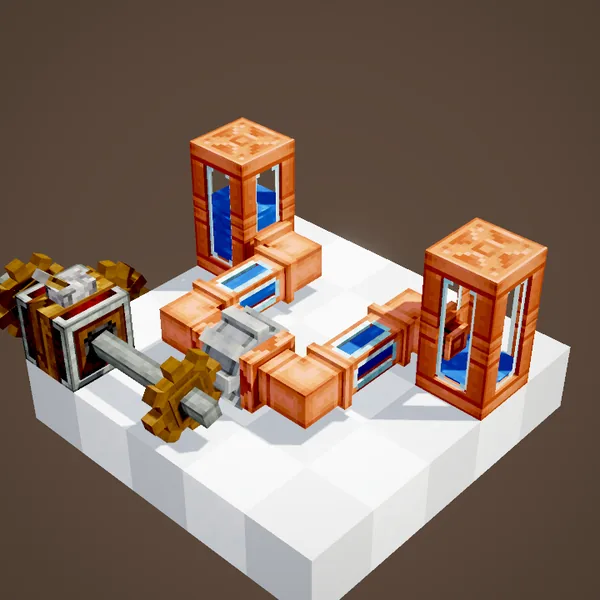
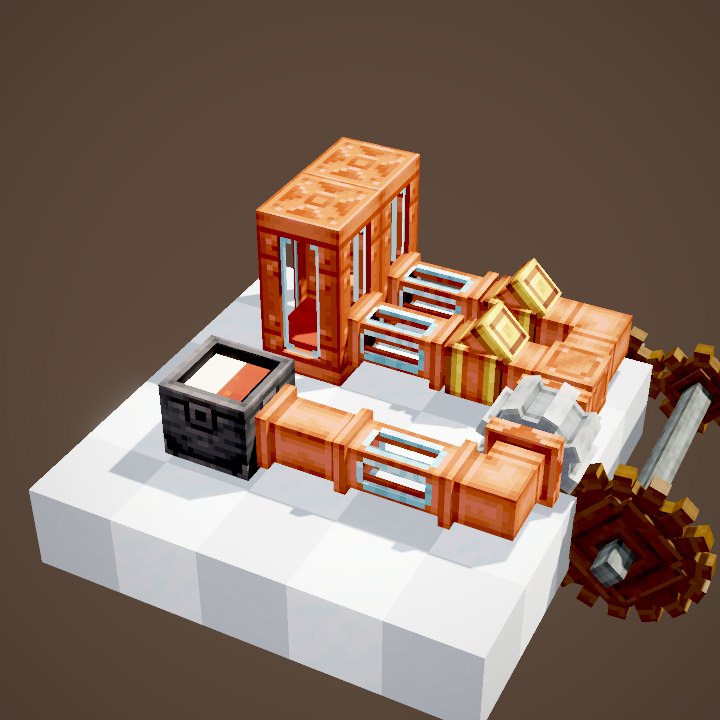
The arrow on the pump shows the flow direction. The network behind the arrow is pulled from: the pump looks for a source there and drains it. The network in front is pushed into: fluid goes to whichever tanks, basins or machines accept it. Each side reaches up to 16 pipe blocks.
Pull behind, push ahead
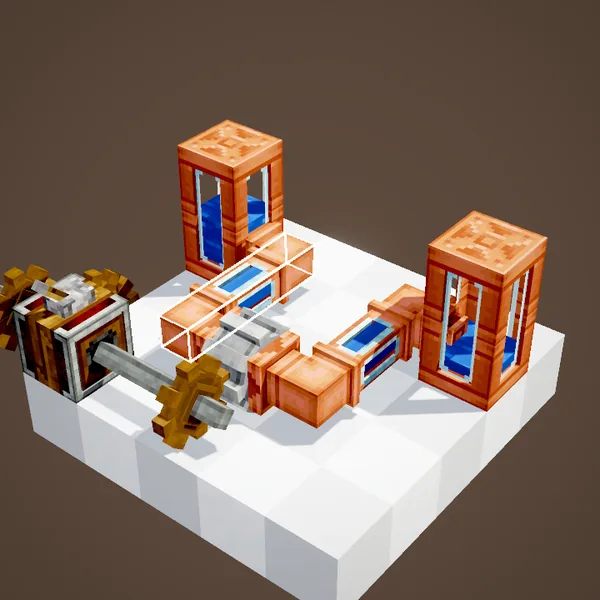
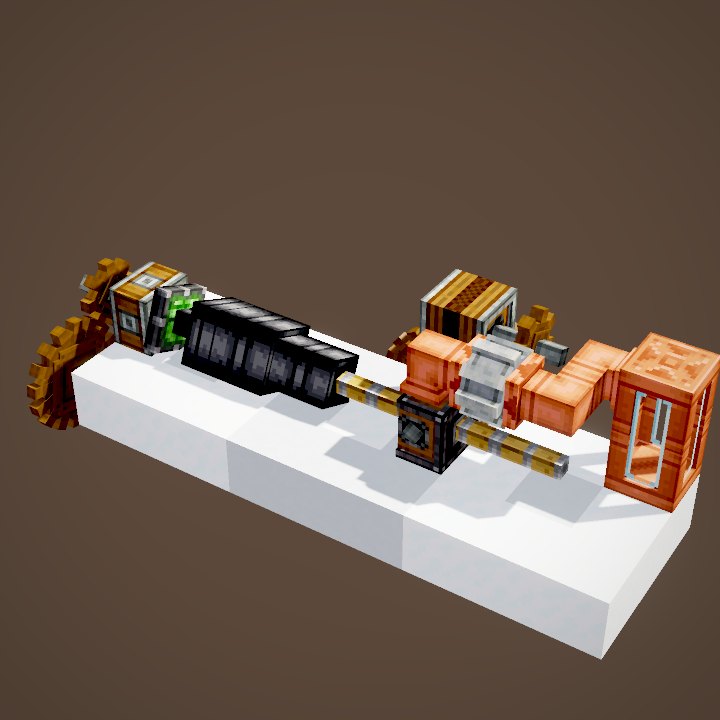
You can see the fluid leave the source, reach the pump and carry on towards the destination through the glass pipes. The source tank goes down while the other one fills. Transfer stops on its own when the source is empty or the destination is full.
Reversing the flow
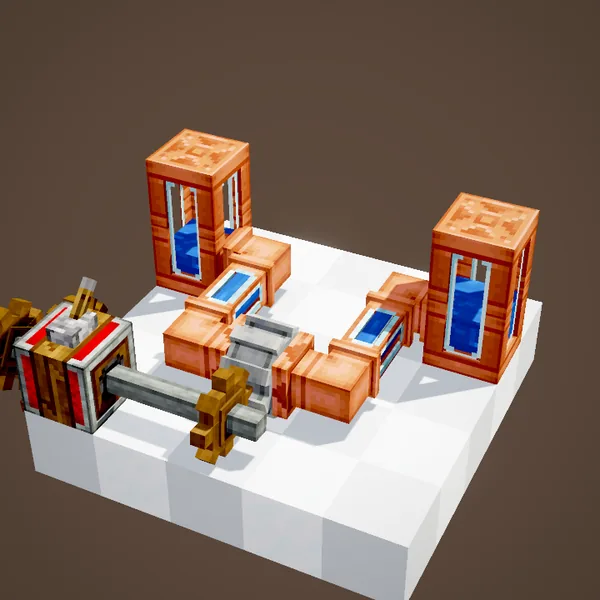
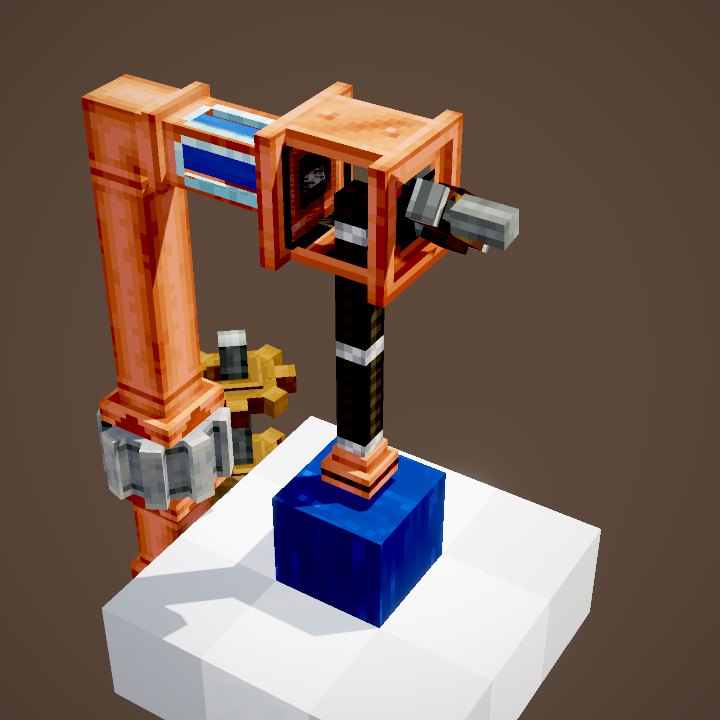
Changing the rotation direction does not change the pump's direction: it always pushes towards its arrow. To reverse the flow, right-click the pump with a Wrench: it flips over and the fluid heads back the other way, from the second tank to the first. A reversible network therefore needs a wrench, not a gearshift.
A 16-block reach
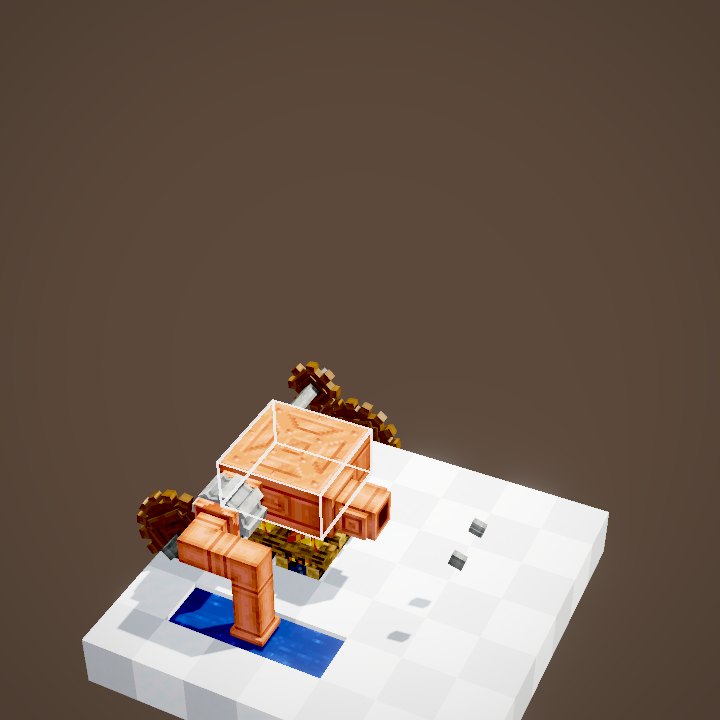
Whatever its speed, a pump acts on connected pipes up to 16 blocks away on each side. Fluid does not go further: for a long pipeline, add a second pump as a relay. On a server, the reach is set with the mechanicalPumpRange option.
Faster and further
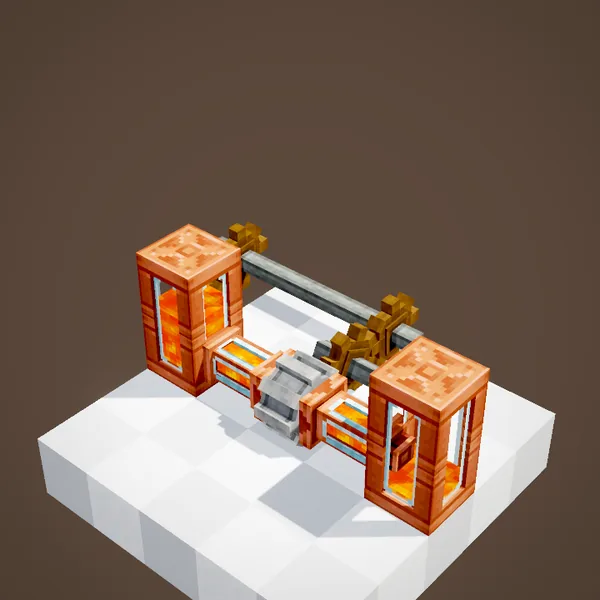
Speed matters twice. First it sets how fast fluid advances through pipes: at 8 RPM it takes several seconds to cross a small setup, at 128 RPM and above it arrives almost at once. Then it sets the throughput: half the speed in millibuckets per tick, that is 640 mB per second at 64 RPM and 2,560 mB per second at 256 RPM.
The stress cost
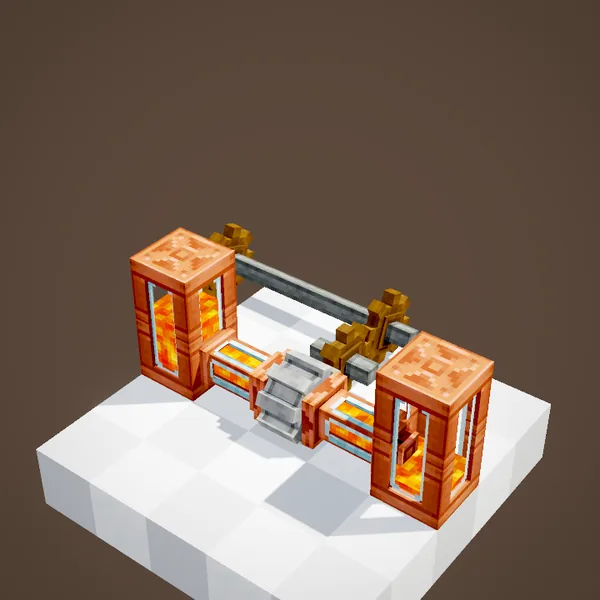
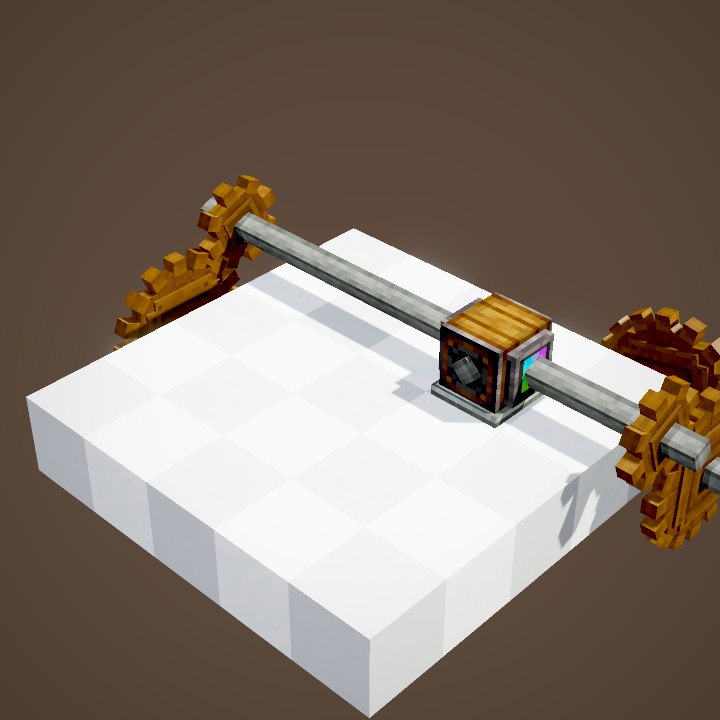
Each pump uses 4 SU per RPM: 256 SU at 64 RPM and 1,024 SU at 256 RPM. Going fast is expensive, so check your rotation source with a Stressometer before speeding a network up. To fill a big tank without hurry, a medium speed is enough.
Several pumps in parallel
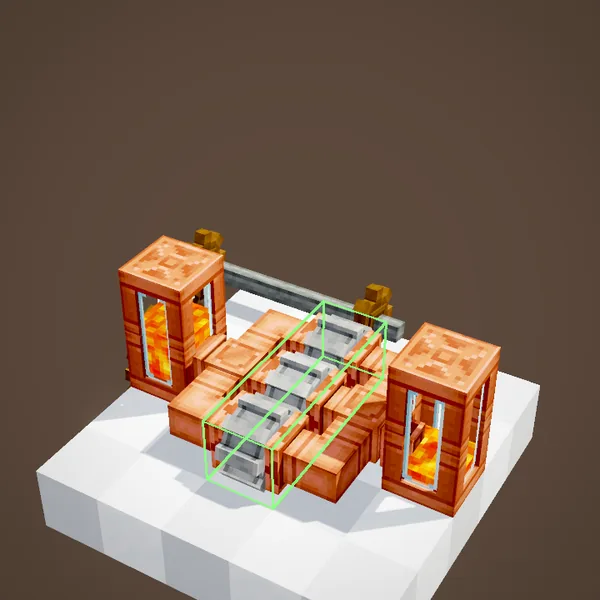
Pumps placed side by side between the same tanks add up their throughput: three pumps at 64 RPM move three times as much fluid as one. That is the answer when a single pump already runs at the top speed of your kinetic network.
All facing the same way
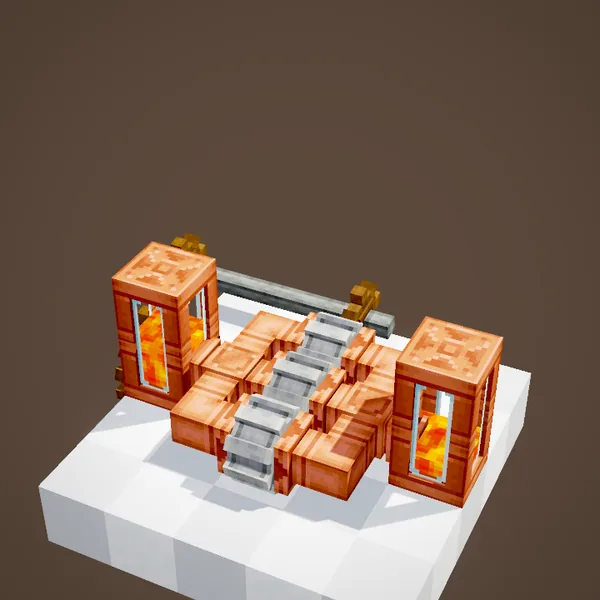
Every pump on one network must point the same way. A reversed pump works against the others and the throughput collapses. Check their arrows, and flip the odd one out with a wrench.
Tips
A pump placed directly against a tank can drain it without any pipe in between. For a lava farm or a Steam Engine water supply, one fast pump beats a long chain. And if nothing flows, make sure the source actually contains something and the destination has room.
Related pages

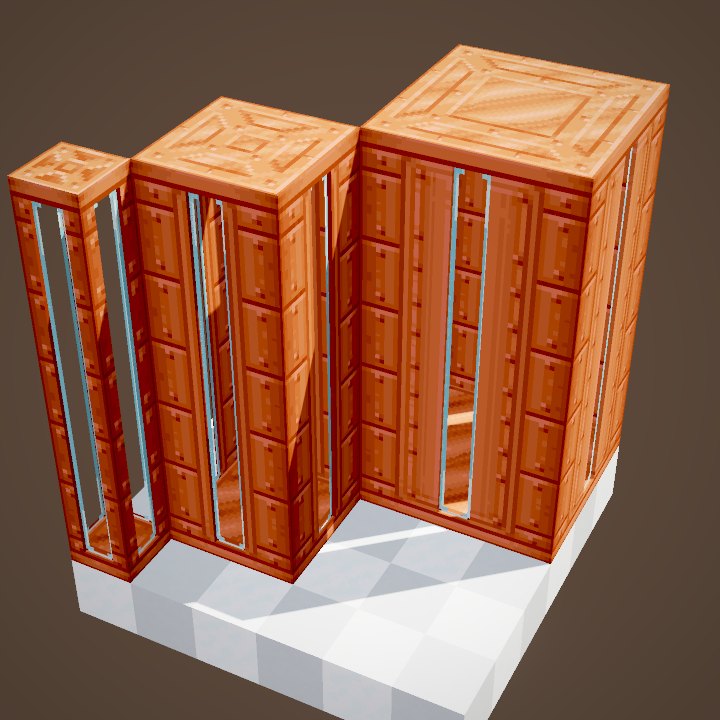
Sources for the numbers (Create 6.0.8 code)
- Recipe: crafting/kinetics/mechanical_pump.json (shapeless)
- Stress: AllBlocks.MECHANICAL_PUMP, CStress.setImpact(4.0)
- Reach: FluidPropagator.getPumpRange, CFluids.mechanicalPumpRange = 16
- Throughput: FluidNetwork, transferSpeed = max(1, pressure / 2) mB per tick, pressure = |RPM|
- Flow advance: PipeConnection.tickFlowProgress, 1/32 + clamp(pressure / 128) × 31/32 per connection per tick
- Direction: PumpBlock FACING, rotation does not reverse it
- Scenes: PumpScenes.flow, speed; flow simulated from the code above
Original texts and animations by Create France, rendered from the mod's Ponder scenes. Create is a mod by the Create Team, not affiliated with Create France.