Create Wiki · Contraptions
Super Glue
Super Glue tells the game which blocks travel together. You do not glue block by block: you draw an area, and every block inside it becomes a single piece for pistons, bearings, pulleys and trains. The Sticker, at the end of the page, does the same on demand with redstone.
Quick facts
- Category
- Contraptions
- Use
- Right-click two corners: a glued area
- Size
- Corners less than 24 blocks apart
- Durability
- 99 uses
- Removing
- Punch the area with glue in hand
- No glue needed
- Hanging blocks (torches, levers, harvesters…) and chassis
- Sticker
- Every redstone pulse makes it grab or release the block it faces
- Version
- Create 6.0.8 · Minecraft 1.21.1
Super Glue crafting recipe
→ 1 Super Glue
Drawing an area
Glue in hand, right-click a first corner, then the opposite one: a box appears. Every block inside is glued to its neighbours. The two corners must be less than 24 blocks apart.
Removing an area
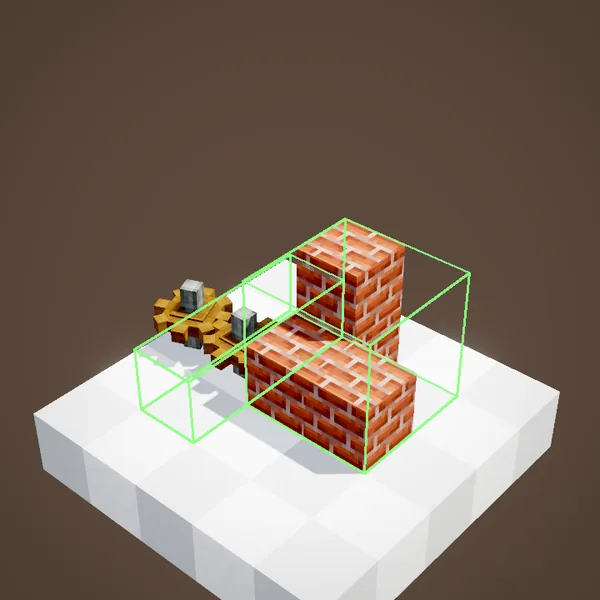
To delete a box, punch it (left-click) with the glue in hand. The blocks do not move: only the glue goes away.
Neighbours dragging each other
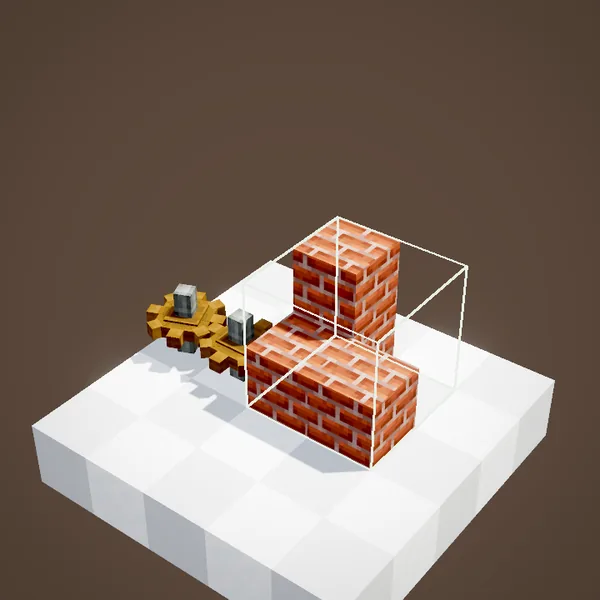
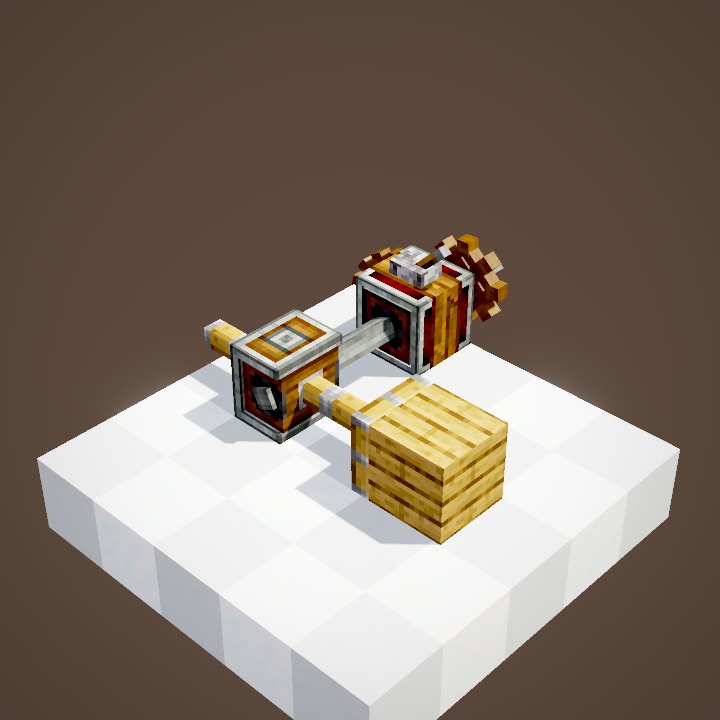
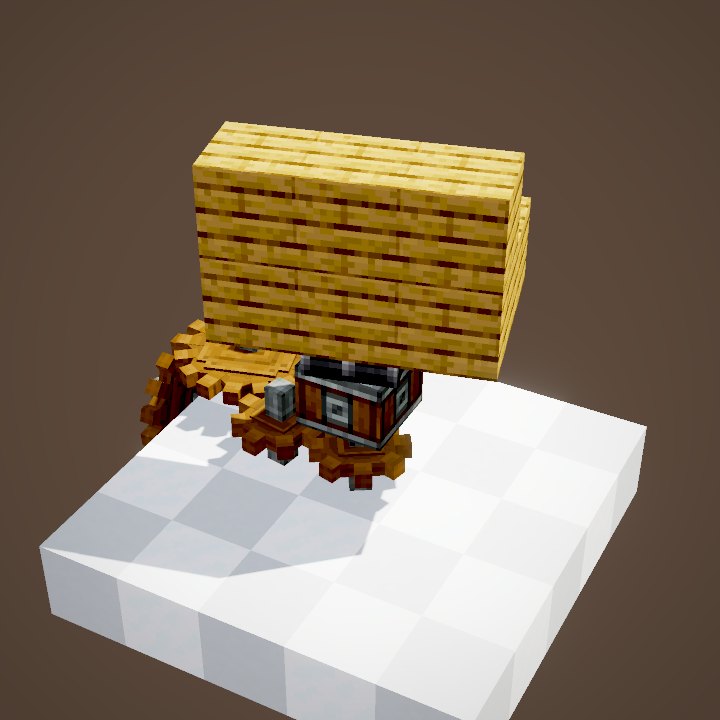
Two neighbouring blocks inside the same area drag each other along. In the loop, the pulley lifts the cube and its glued neighbours; our simulation, which redoes the assembly with the scene's areas, finds the same blocks.
Touching areas
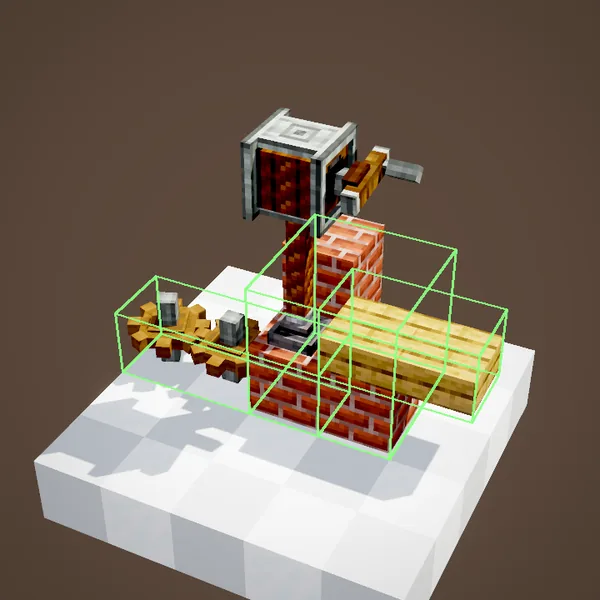
Two areas that overlap travel together: you can glue a complicated shape with several simple boxes rather than one huge one.
Hanging blocks
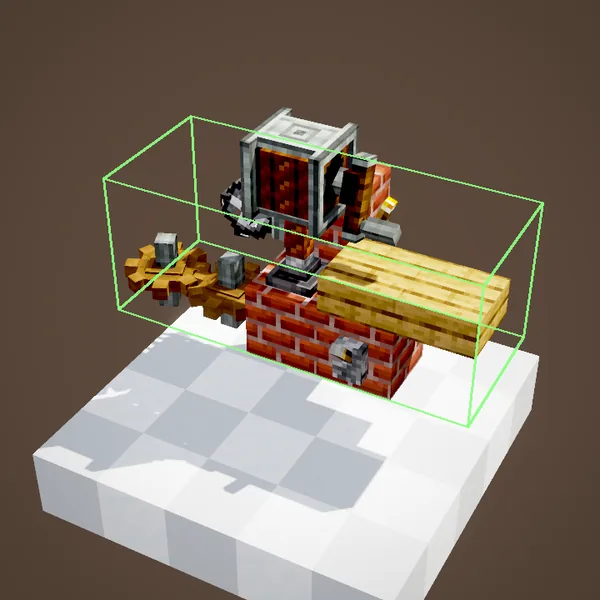
Blocks hanging on another one, such as a torch, a lever or a harvester, follow their support without glue. No need to waste any on them.
Seeing the glue
Glue areas are invisible most of the time: hold the glue to see their outlines appear. Check before assembling, a forgotten area can carry off a piece of scenery.
Tips
First glue one big box covering the whole structure, then remove what sticks out. Blocks next to a contraption that are outside the area stay in place: that is on purpose, so a door does not leave with its frame. Glue also goes through blocks, without aiming at each face. The Sticker, for its part, needs no glue to hold its block.
On a train
For a train, glue the carriage to its bogeys before assembling it, as explained on the train assembly page. The recipe is there too.
Common mistakes
A block left behind? It is outside the area or touches no glued block. The scenery leaves with the machine? An area overflows: hold the glue to see it and punch the extra box. Glue wears out: 99 areas per tube.
The Sticker
The Sticker is a small sticky block that obeys redstone: every pulse pushes it out or pulls it back. Once out, it grips the block it faces.
Carrying a block
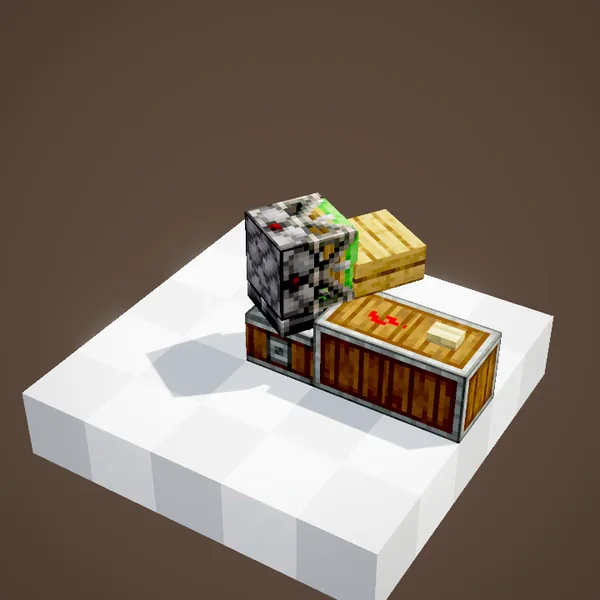
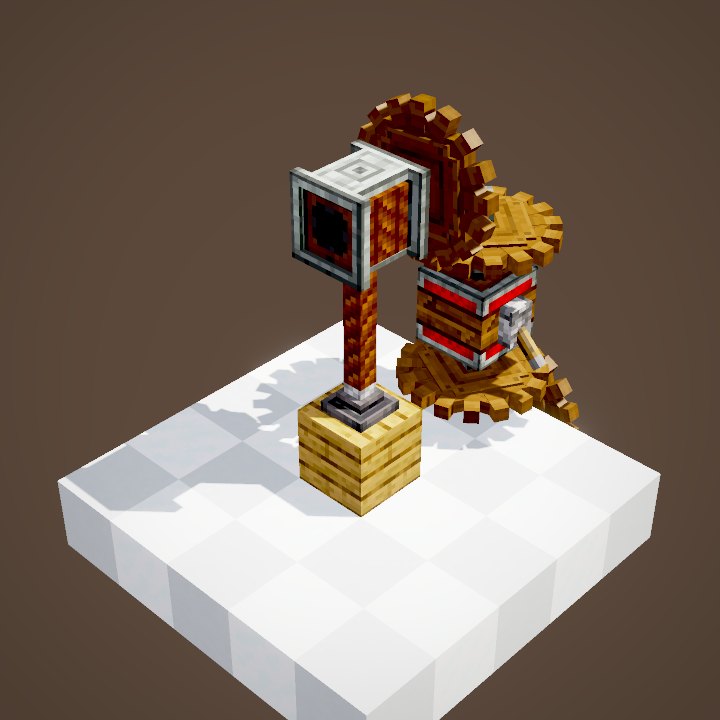
When the Sticker is part of a contraption, the block it holds travels with it. In the loop a bearing carries it for a full turn.
Letting go
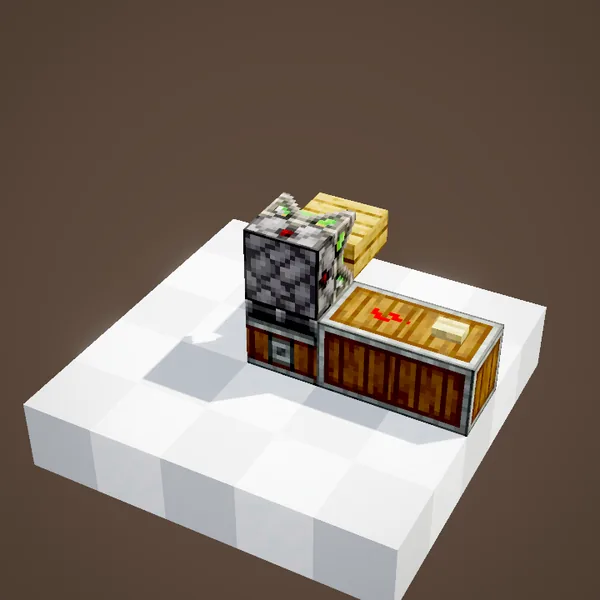
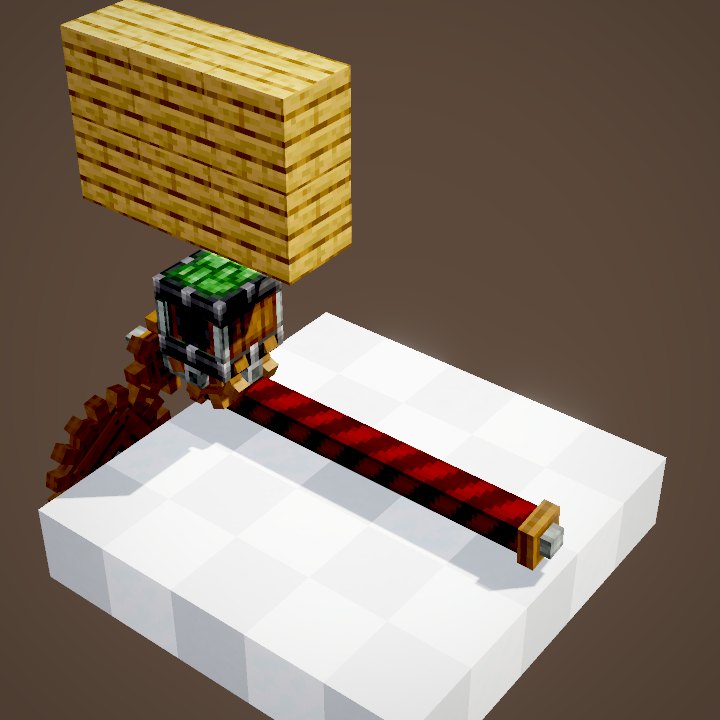
Another pulse pulls the head back in: the block is released and stays where it is. On a train or a gantry, that makes a crane that picks up and drops blocks.
Crafting the Sticker
The Sticker is crafted from two andesite alloys, a slimeball, two cobblestones and a redstone dust. Just point it at the block it should grab.
What the loops do not show
In our loops, the glue areas are the green outlines drawn by the scene; the glue item and the player are not drawn. The Sticker head, however, slides out and back in as in the game, within two to three ticks.
On our server
On Create France, glue goes a long way: one box is often enough for a door or a bridge.
Related pages
Sources for the numbers (Create 6.0.8 code)
- Recipes: crafting/kinetics/super_glue.json, sticker.json
- Durability: AllItems.SUPER_GLUE (durability(99))
- Size: SuperGlueSelectionHandler (second corner within 24 blocks of the first one)
- Gluing: SuperGlueEntity.isGlued, Contraption.moveBlock (neighbouring blocks inside one area)
- Hanging blocks: BlockMovementChecksImpl.isBlockAttachedTowardsFallback
- Sticker: StickerBlock (EXTENDED toggled by redstone), StickerBlockEntity (head: chase 0.4 per tick), Contraption.moveBlock
- Simulation: WIKI/contraption_sim.py (carried blocks, movement times, ropes and actors recomputed from Create's code)
- Scenes: ChassisScenes.superGlue, RedstoneScenes.sticker
Original texts and animations by Create France, rendered from the mod's Ponder scenes. Create is a mod by the Create Team, not affiliated with Create France.