Create Wiki · Kinetics
Gearbox
The Gearbox turns a drive line at a right angle inside a single block. Where you would otherwise need four Large Cogwheels and a lot of room, one compact casing does the job. It does not change the speed, but it does change the direction of rotation depending on which output you use, and that is the part worth understanding before your belt runs backwards.
Quick facts
- Category
- Kinetics (transmission)
- Stress
- None
- Outputs
- 4 faces, all perpendicular to the block's axis
- Speed
- Unchanged on every output
- Direction
- Reversed straight through, mirrored on the sides
- Version
- Create 6.0.8 · Minecraft 1.21.1
Crafting table recipe
→ 1 Gearbox
The problem: right angles take up space
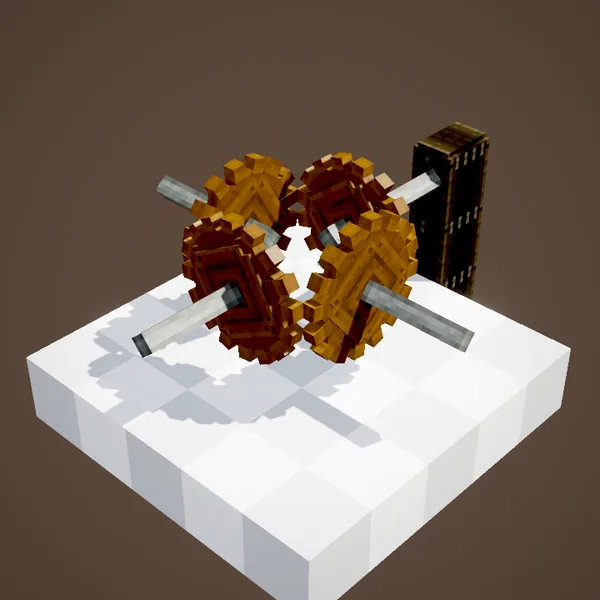
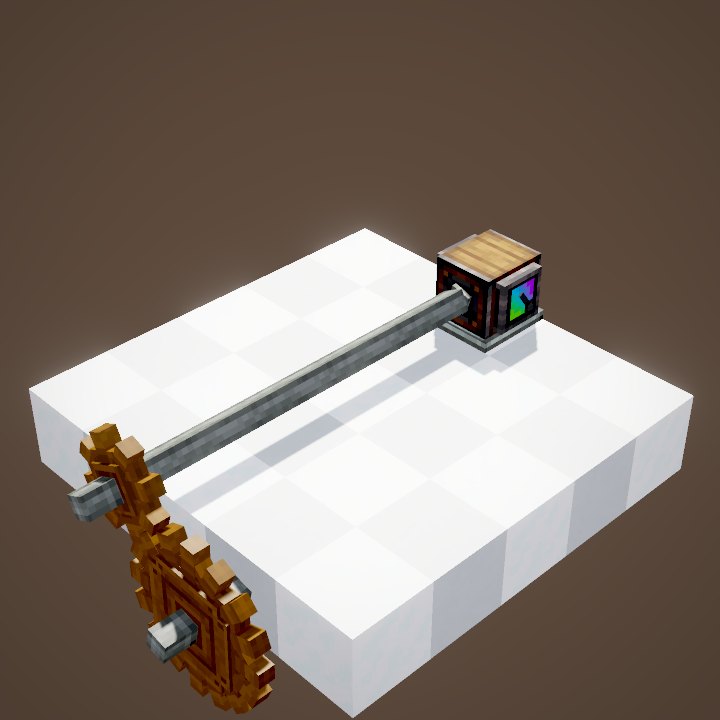
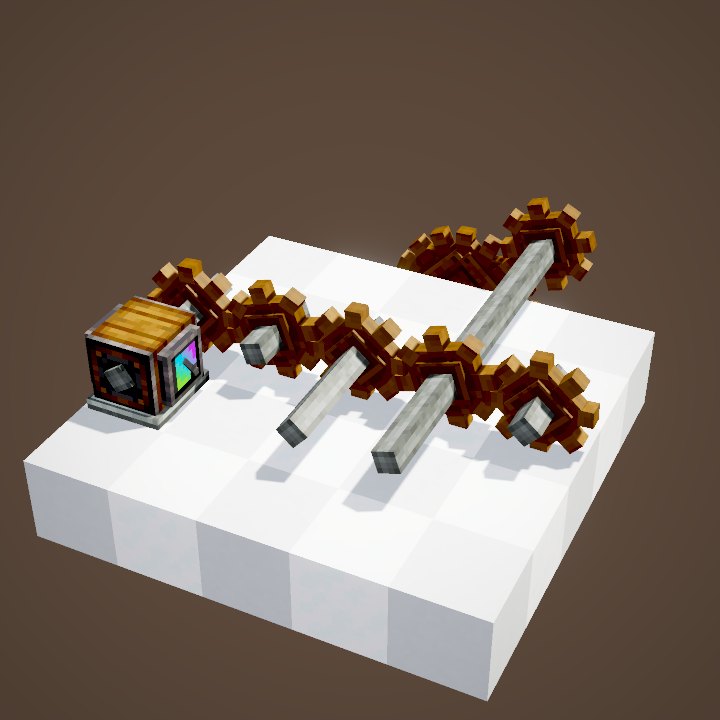
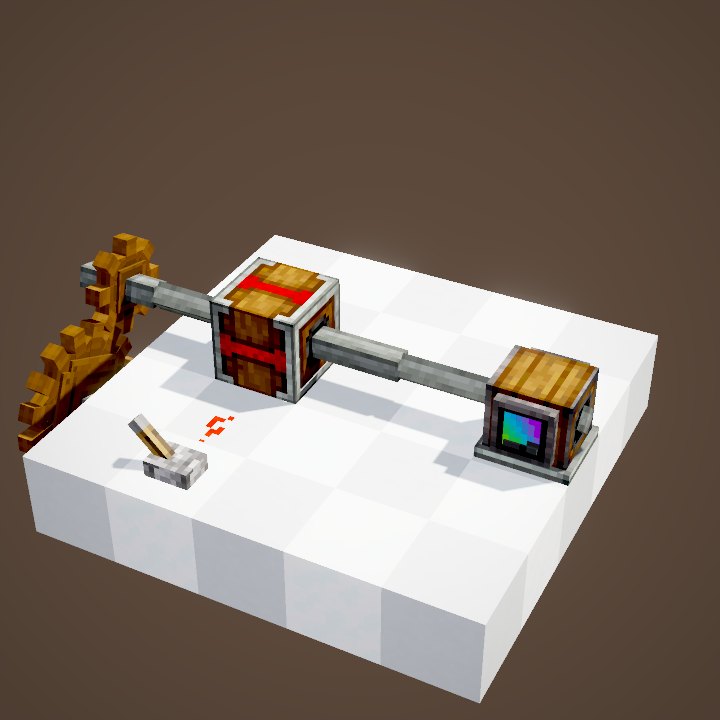
Without a gearbox, sending rotation left, right and forward takes a square of Large Cogwheels meshed at right angles, as at the start of the animation. It works, but it fills a whole floor and every wheel must sit on exactly the right block.
The Gearbox: one block, four outputs
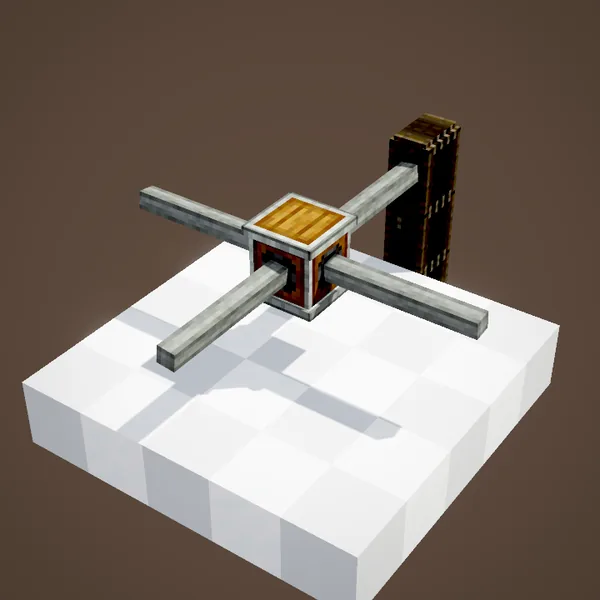
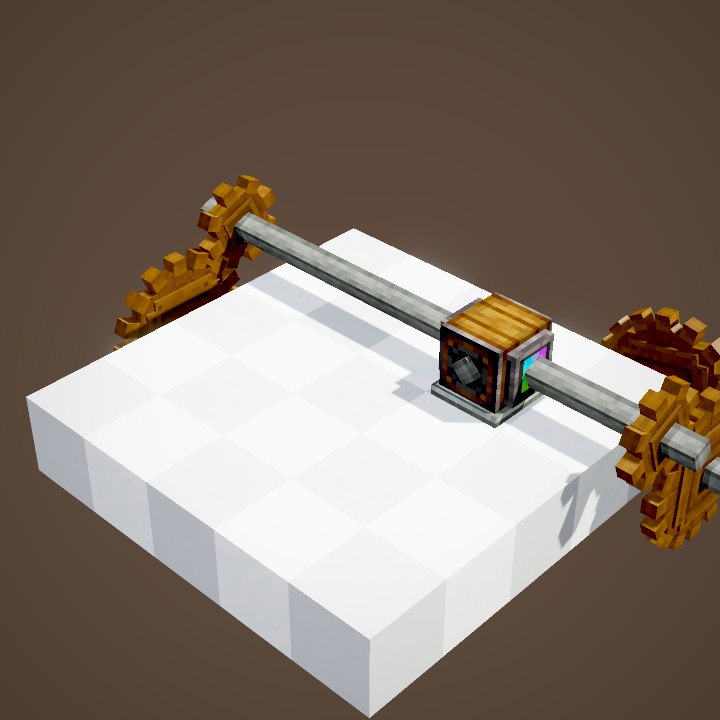
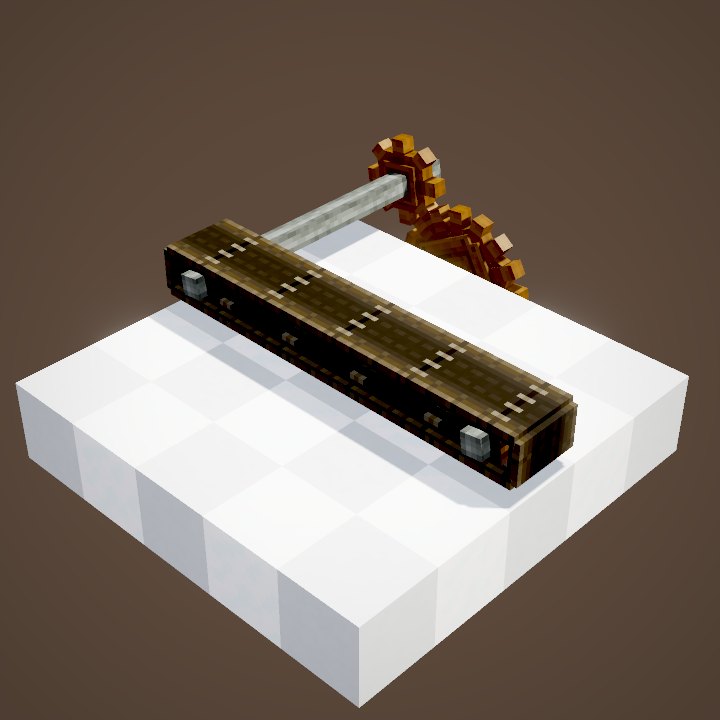
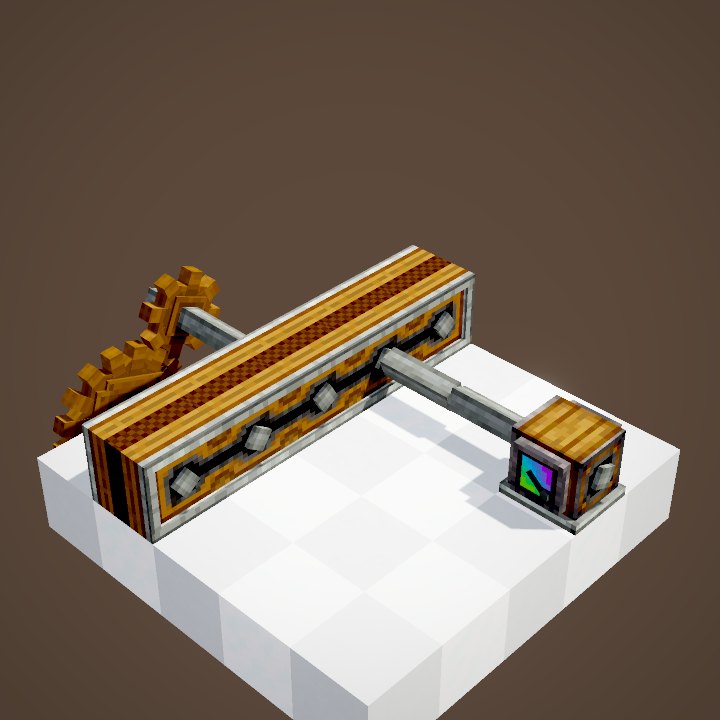
The Gearbox does the same in a single block. Placed normally, its axis is vertical and it has an output on each of its four side faces. Feed the source into one face and the other three turn: a shaft, a cogwheel or a belt pulley against those faces is driven at the same speed, and you can use one, two or all three outputs.
It uses no stress and does not change the speed. To speed up or slow down, you need cogwheels of different sizes.
Corner outputs spin as mirror images
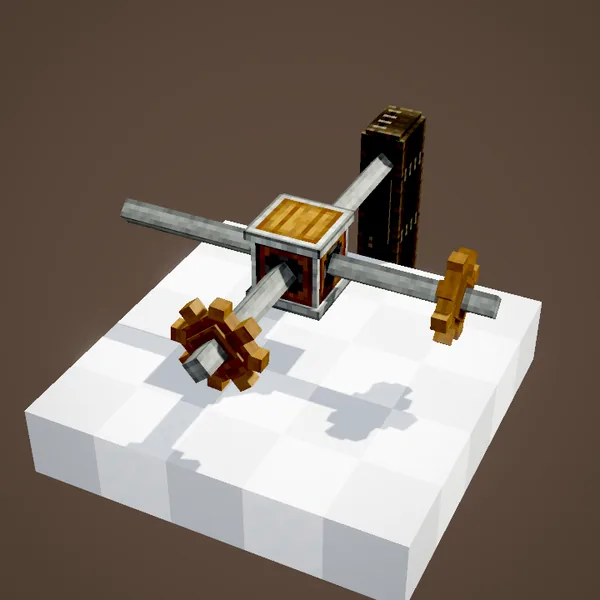
The two outputs at 90° to the input spin as mirror images of each other: seen from the gearbox, they turn opposite ways, as if the rotation bounced off the corners. If a machine on one side runs the wrong way, try the opposite side.
The output facing the input is reversed
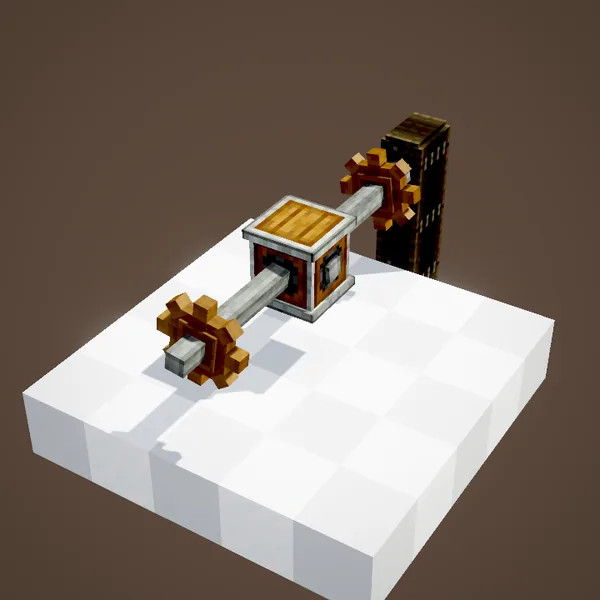
The straight-through output, on the face opposite the input, spins in the reverse direction. A gearbox dropped into the middle of a shaft line is therefore a very compact way to flip a drive without changing anything else. It is often the simplest fix when a belt or a fan works backwards.
The Vertical Gearbox
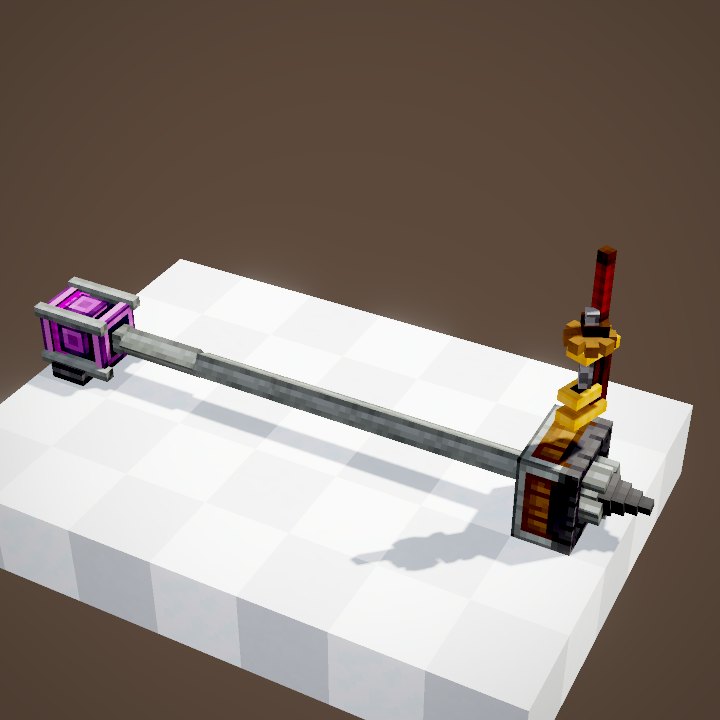
With the Vertical Gearbox, the block's axis lies flat: it has outputs up and down plus two sides. It is the same box placed differently, and one trip through the crafting grid turns one into the other, both ways. Handy to take a drive up a floor and then carry on horizontally, for example from a water wheel at ground level to a row of machines on the floor above.
Three useful setups
Splitting one source: a water wheel on one face, three machine lines on the other three. Every machine shares the same source's stress, so keep an eye on it.
Going around an obstacle: two gearboxes one block apart make a shaft line take a detour.
Feeding a machine from the side: when the line runs past a press or a fan without reaching its axis, a gearbox placed against the machine sends the rotation exactly where it is needed.
Common mistakes
- A shaft against the gearbox does not turn: it reaches a face without an output (the top or bottom of a normal gearbox). Use the vertical version or a cogwheel.
- A machine runs backwards: use another output, or add a gearbox in line to reverse it.
- Two sources on the same gearbox: if their directions disagree after the box, a block breaks. One source per network is the safe choice.
Related pages
Sources for the numbers (Create 6.0.8 code)
- Outputs: GearboxBlock.hasShaftTowards (any face whose axis differs from AXIS); GearboxBlock.getStateForPlacement (AXIS = Y)
- Vertical version: AllItems.VERTICAL_GEARBOX (VerticalGearboxItem); recipes gearbox_from_conversion.json and vertical_gearbox_from_conversion.json
- Stress: AllBlocks.java, GEARBOX, CStress.setNoImpact()
- Recipe: crafting/kinetics/gearbox.json (4 Cogwheels around Andesite Casing)
- Scene: KineticsScenes.gearbox (structure ponder/gearbox.nbt)
Original texts and animations by Create France, rendered from the mod's Ponder scenes. Create is a mod by the Create Team, not affiliated with Create France.