Create Wiki · Processing
Deployer
The Deployer is a mechanical hand that mimics a player. It holds an item and uses it in front of itself: it places blocks, uses items, flips levers, harvests, and can even hit mobs. It also works as an assembly station: placed above a belt, it applies its item to everything passing by, for example planks onto shafts to make cogwheels.
Quick facts
- Category
- Processing (automation)
- Stress
- 4 SU per RPM (128 SU at 32 RPM)
- Reach
- Acts on the block two spaces ahead
- Rate
- ≈ 4 s per cycle at 16 RPM, ≈ 2 s at 32, ≈ 0.25 s at 256
- Modes
- Right-click (use, default) or left-click (punch), set with the Wrench
- Redstone
- When powered, it stops after the current cycle
- Version
- Create 6.0.8 · Minecraft 1.21.1
Crafting table recipe
→ 1 Deployer
It acts two blocks ahead
Connect the Deployer to rotation from its back: every cycle, its hand extends and acts on the block two spaces in front of it. The block right in front does not get in the way, since the hand reaches over it, so you can fit a belt or a depot in between. A cycle takes about 4 seconds at 16 RPM and 2 seconds at 32 RPM; at the maximum of 256 RPM, a quarter of a second.
Giving it an item
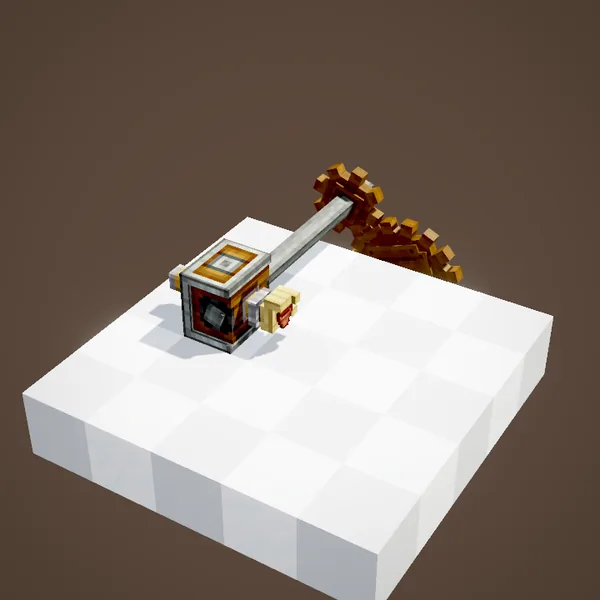
Right-click the front of the Deployer with an item and it takes it in hand. It can also be fed automatically by a funnel, a chute or a Mechanical Arm. Depending on what it holds, it places the block (a flower pot in the animation), uses the item (a tulip planted in the pot, bone meal on a crop, a bucket on a source) or, empty-handed, triggers whatever is in front of it, like a lever or a button.
The Deployer's filter
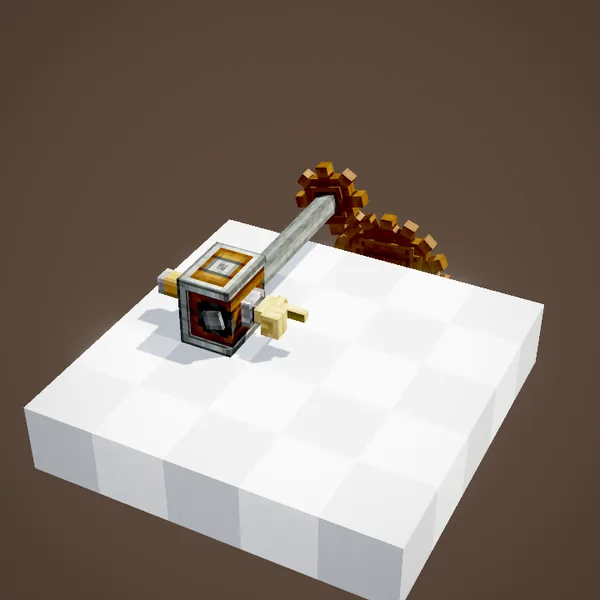
The Deployer has a filter slot. Once set, it only fires when it holds a matching item, only accepts those items as input, and gives back all the others when something extracts from it. It is essential on a line carrying mixed items, so it never wastes the wrong tool.
Right-click or left-click
By default, the Deployer mimics a right-click: it uses and places. One click with the Wrench switches it to left-click: it punches and breaks, with whatever tool it holds. With a pickaxe it mines; with a sword it attacks mobs in front of it. Handy for breaking blocks a drill should not touch, or for a mob farm. In the animation it holds a golden hoe: in right-click mode it tills the grass; switched to left-click, it strikes the dirt until it breaks.
Processing items on a depot or a belt
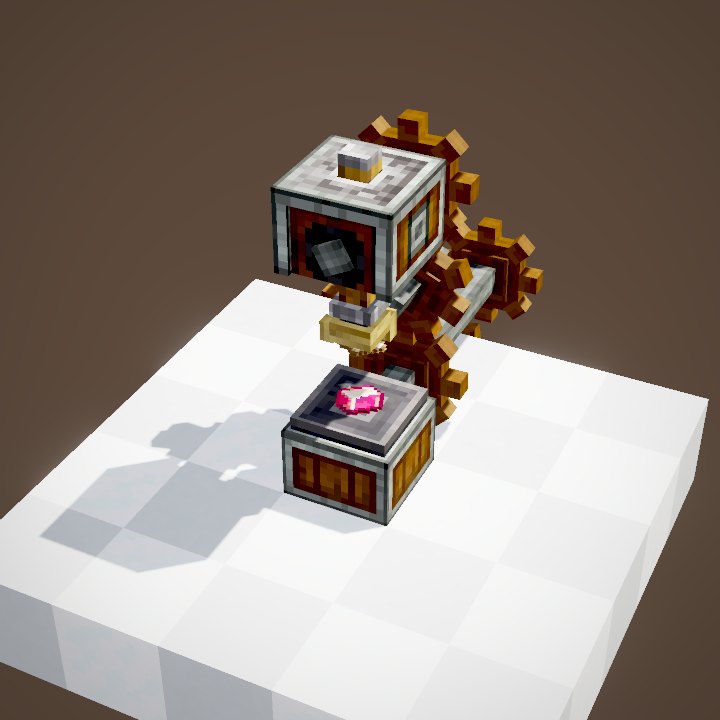
Placed two blocks above a Depot or a Mechanical Belt, the Deployer applies its held item to whatever passes underneath: a shaft plus planks gives a cogwheel, an axe strips wax or oxidation off copper, Andesite Alloy on a stripped log gives Andesite Casing. On a belt, each item is held for the length of the cycle and then moves on. It is also the key machine of sequenced assembly. In the animation it holds a sheet of Sand Paper and polishes rose quartz, first on the Depot and then on the belt as it goes by.
Controlling it with redstone
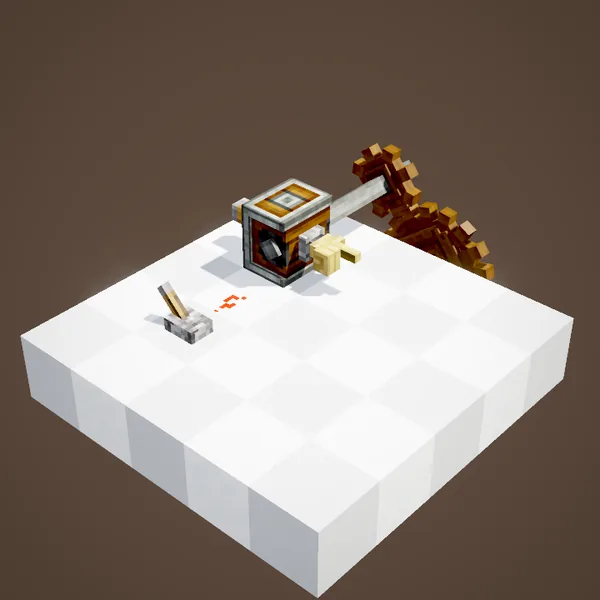
A redstone signal stops the Deployer, after it finishes the cycle in progress. A negative pulse, meaning a signal cut for an instant, therefore makes it do exactly one cycle. It is the simplest way to place a block on command, for example with a button wired through a signal inverter.
On a contraption
Mounted on a contraption (Mechanical Piston, gantry, bearing…), the Deployer acts at every position it passes, without needing its own rotation. It takes items from any inventory on the contraption, such as a chest glued to the machine, and its filter picks which ones. In the animation they replant a row of flowers, then only poppies once the filter is set. That is the basis of automatic planters and track layers.
Related pages
 DepotLogistics
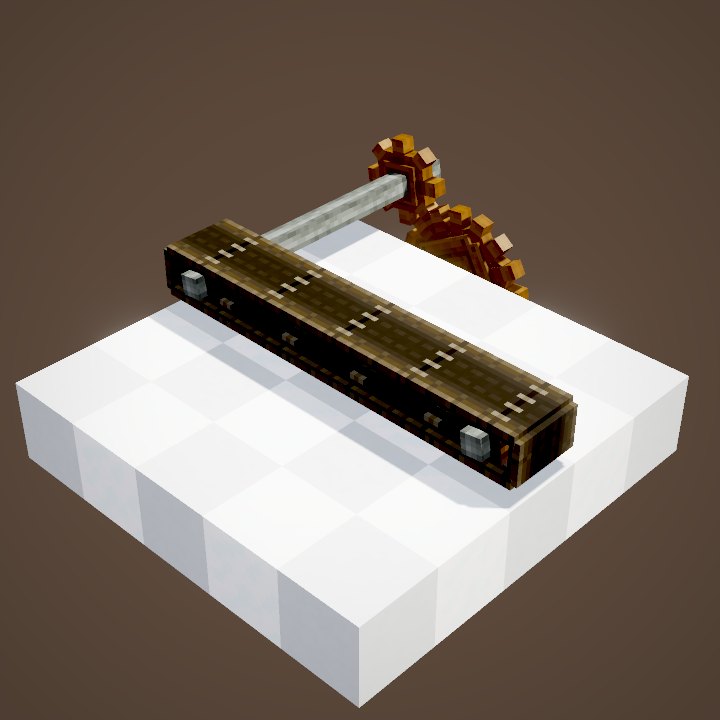 Mechanical BeltLogistics
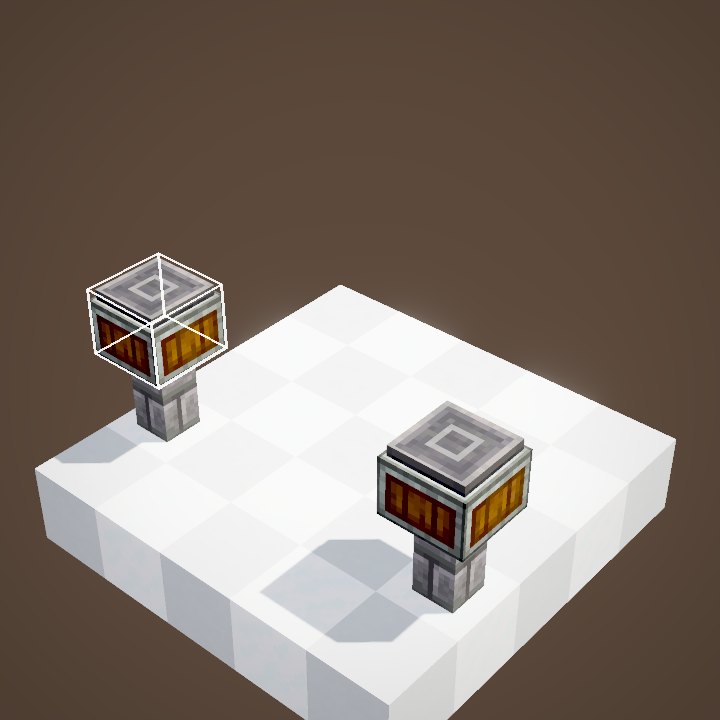 Mechanical ArmLogistics
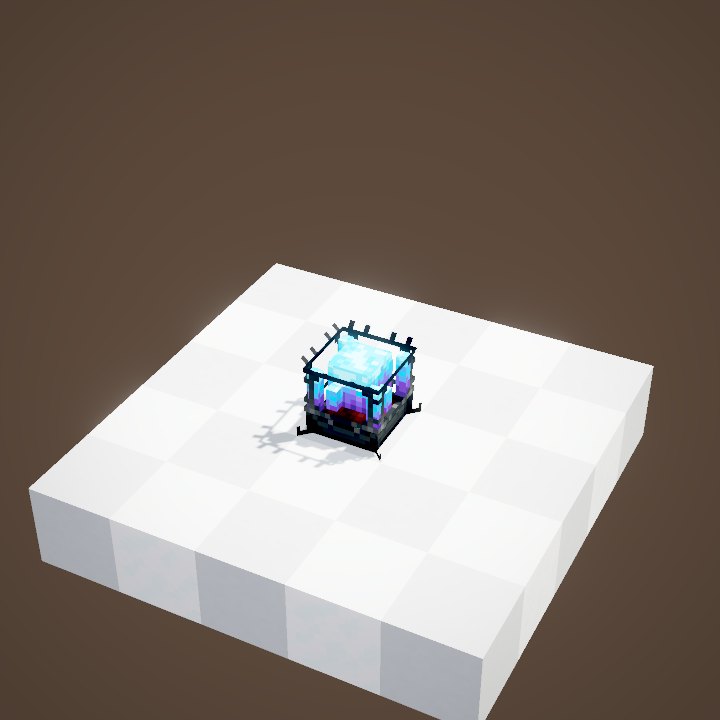 Blaze BurnerProcessing
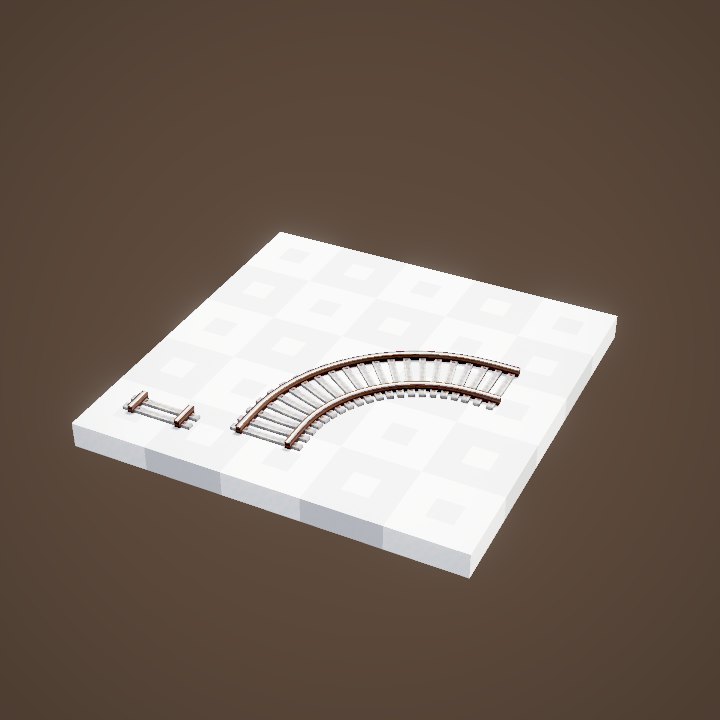 Train TrackTrains
 Mechanical BearingContraptions
 Contraption ControlsContraptions
 Mechanical PistonContraptions
 Mechanical Harvester and Mechanical PloughContraptions
 Pulse Repeater, Pulse Extender and Pulse TimerRedstone
 Extendo GripTools and equipment
 Sand Paper, Polished Rose Quartz and Precision MechanismTools and equipment
 Cannon breechesCreate Big Cannons
 Powder and rangeCreate Big Cannons
 Loading a cannonCreate Big Cannons
 Fuzes and tracersCreate Big Cannons
 Crafting a cannonCreate Big Cannons
Sources for the numbers (Create 6.0.8 code)
- Stress: AllBlocks.java, DEPLOYER, CStress.setImpact(4.0)
- Rate: DeployerBlockEntity.getTimerSpeed = clamp(|RPM| × 2, 8, 512), timer of 1,000 per extension and retraction, 500 waiting
- Modes: DeployerBlockEntity.Mode (USE by default, PUNCH); switched with the Wrench
- Recipes: data/create/recipe/deploying/*.json (cogwheel, large_cogwheel, copper wax and oxidation) and item_application (casings)
- Block recipe: crafting/kinetics/deployer.json
- Scenes: DeployerScenes.filter (cut before the sheep shearing: entity), modes, processing, redstone, contraption
Original texts and animations by Create France, rendered from the mod's Ponder scenes. Create is a mod by the Create Team, not affiliated with Create France.