Create Wiki · Package network
Chain Conveyor and Package Frogport
The Chain Conveyor carries packages through the air. Link several wheels with vanilla chains and hanging packages zip from one wheel to the next, over buildings, without a single belt on the ground. To load and unload this aerial network, place a Package Frogport next to it: a frog that catches packages carrying its address in mid-air and throws the ones you give it onto the chain.
Quick facts
- Category
- Package network
- Stress
- 1 SU per RPM per wheel
- Connection
- With vanilla chains, up to 32 blocks (maxChainConveyorLength), 45° slope at most, never vertical
- Connections per wheel
- 4 at most (maxChainConveyorConnections)
- Capacity
- 20 packages per wheel (chainConveyorCapacity)
- Frogport
- Within 5 blocks of its wheel (packagePortRange), 18 package slots
- Version
- Create 6.0.8 · Minecraft 1.21.1
Crafting table recipe (Chain Conveyor)
→ 2 Chain Conveyors
Linking two wheels
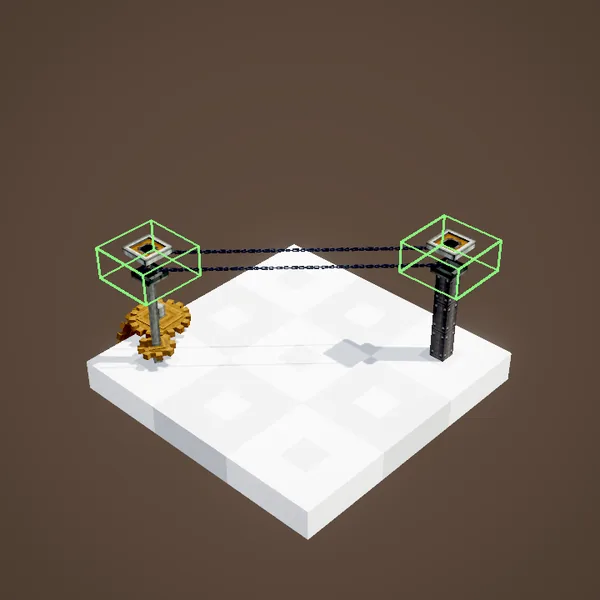
The wheel is placed up high, often on a post or a Shaft. Holding a vanilla chain, right-click one wheel, then another: they are linked. The connection costs a few chains depending on its length, can reach 32 blocks, climb or drop at up to 45°, but never go straight up. A wheel accepts up to four connections.
An aerial network
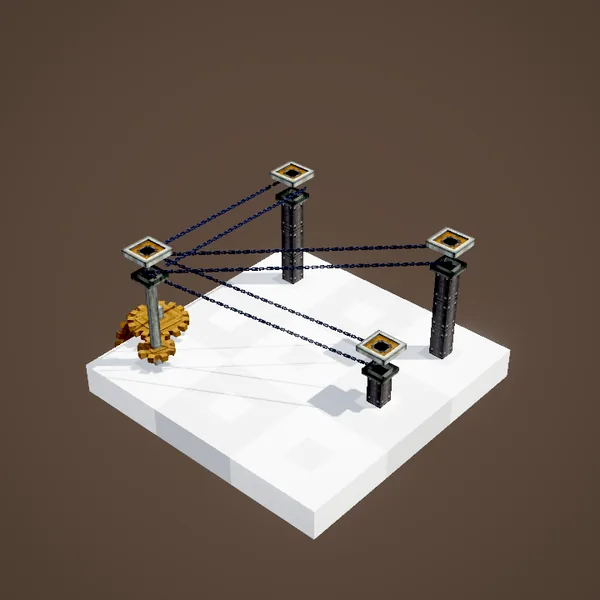
With several wheels you can draw a real network, with branches. Packages find their own way: each wheel knows which chain leads towards a package's address and sends it along. Each wheel can carry up to 20 packages at once; beyond that, new ones wait.
Providing rotation
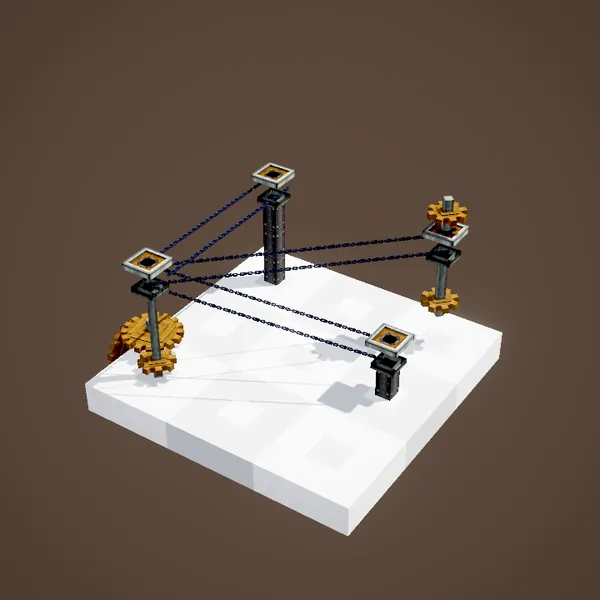
The chains move thanks to rotation: 1 SU per RPM per wheel. Driving a single wheel of the network is enough, the rotation travels through the chains to all the others. The faster it spins, the faster packages travel. A Speedometer on the input wheel helps tune the throughput.
The Package Frogport
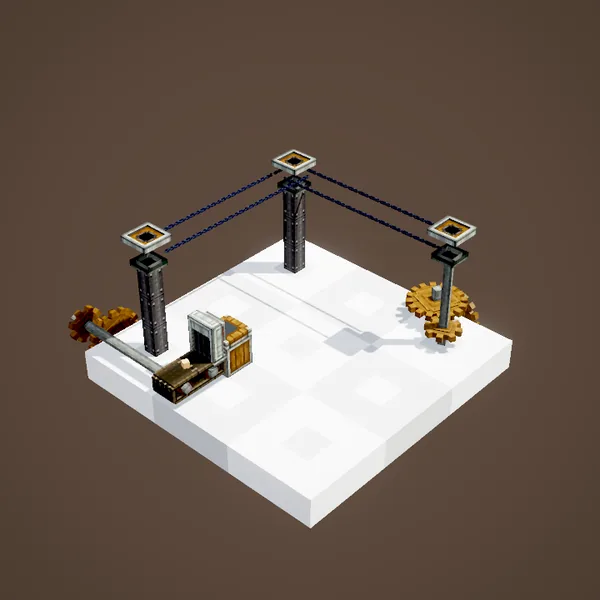
The Frogport is the chain's station. Pick its wheel by clicking it before placing the port, 5 blocks away at most. It has its own 18-slot inventory, reserved for packages. A Packager outputting into it, or a funnel feeding it, is enough to send packages onto the chain.
Sending a package
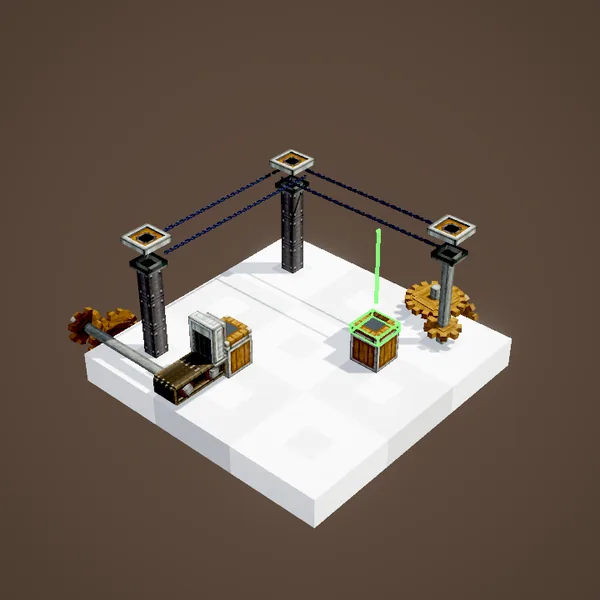
When a package reaches its inventory, the frog throws it onto the chain with a flick of its tongue. The package then heads for its address, wheel after wheel. A setting lets the port only send, never receive, for a shipping post.
Receiving a package
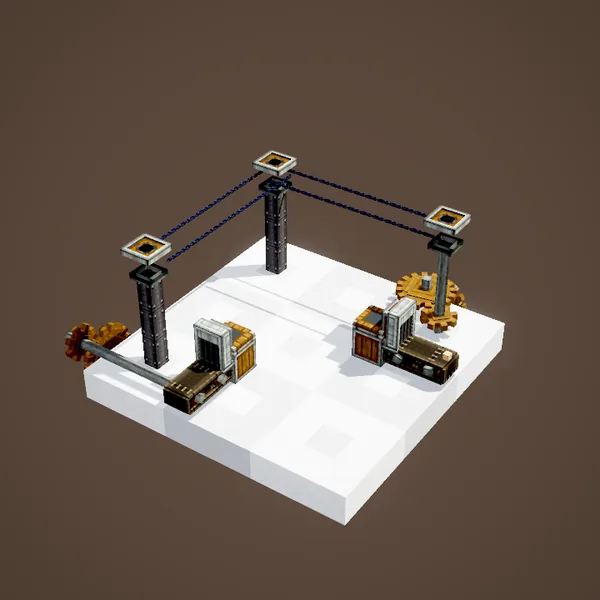
Each Frogport has an address, its name. When a package for that address goes by on the chain, the frog catches it and stores it in its inventory. From there, a funnel or a Packager underneath collects and unpacks it. "*" wildcards work as on Packagers.
A complete delivery
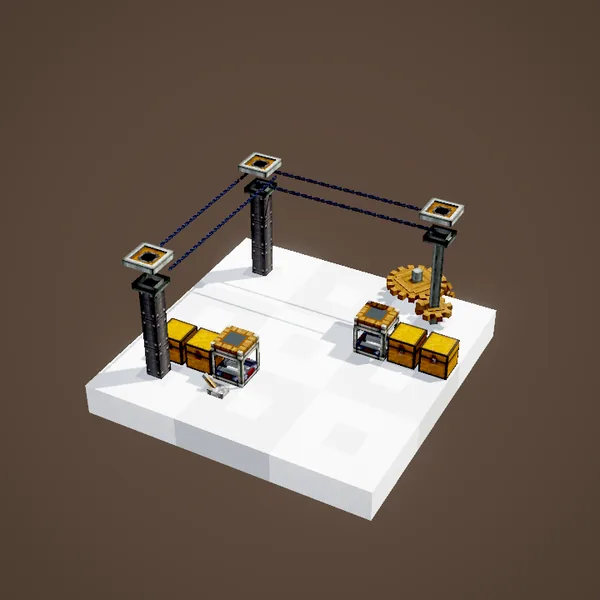
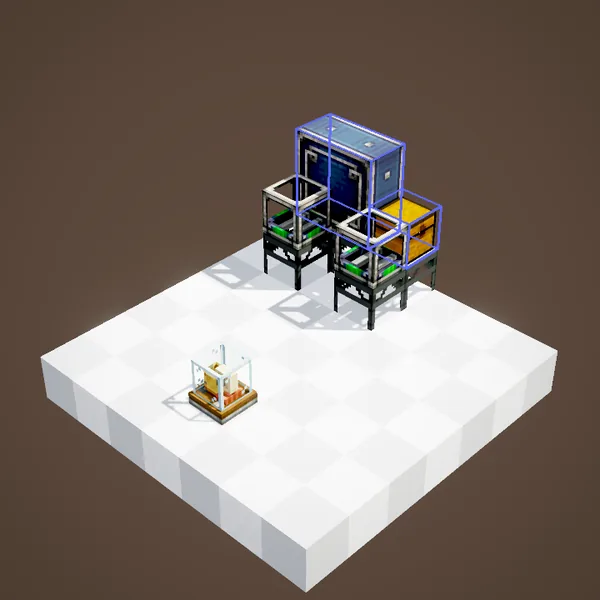
The full circuit takes four blocks at each end: a chest, a Packager, a Frogport and the wheel. A chest's contents leave as packages, zip along the chains and end up in the destination chest. Combined with the Stock Ticker, it is a real postal service between the buildings of a base.
Watching the chain
A Smart Observer facing a wheel reacts to the packages looping around it when they match its filter. Use it to light a lamp when an expected delivery arrives.
Layout tips
Place the wheels high enough for packages to pass above players' heads, and avoid very long connections inside a dense base. One wheel per junction is enough: that wheel does the routing. Keep a little spare rotation too, because a chain network that turns slowly also delivers slowly.
About the pictures
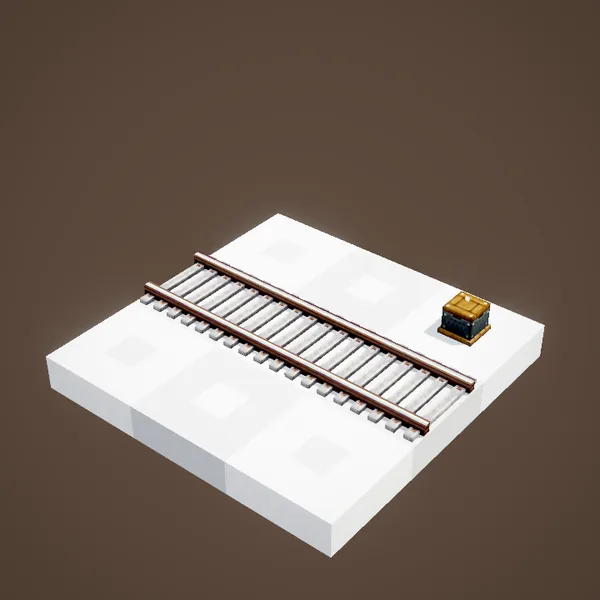
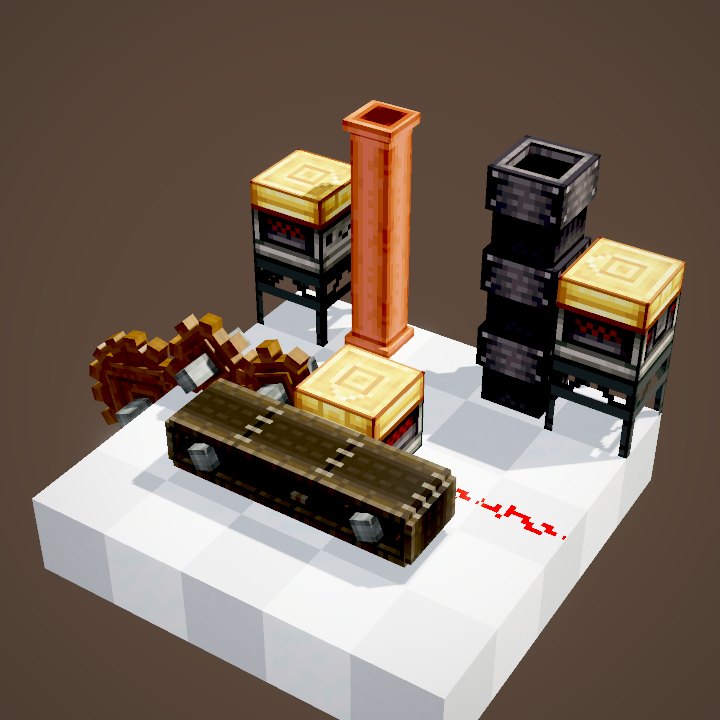
Our pictures draw the chains from the connections stored in the wheels, but not yet the hanging packages nor the Frogport's animated frog: this page is illustrated with stills of the Ponder scenes.
Related pages
Sources for the numbers (Create 6.0.8 code)
- Stress: AllBlocks.java, CHAIN_CONVEYOR, CStress.setImpact(1)
- Connections: ChainConveyorConnectionHandler.validateAndConnect (vanilla chains, no vertical link, slope ≤ 1), CKinetics.maxChainConveyorLength = 32, maxChainConveyorConnections = 4
- Capacity: CLogistics.chainConveyorCapacity = 20; routing: ChainConveyorRoutingTable
- Frogport: PackagePortBlockEntity (18 package slots, addressFilter, acceptsPackages), CLogistics.packagePortRange = 5
- Recipes: crafting/kinetics/chain_conveyor.json, crafting/logistics/package_frogport.json
- Scenes: FrogAndConveyorScenes.conveyor, frogPort; stills only (chains drawn from the connections, packages and frog not drawn)
Original texts and animations by Create France, rendered from the mod's Ponder scenes. Create is a mod by the Create Team, not affiliated with Create France.