Create Wiki · Processing
Mechanical Press
The Mechanical Press is often the first processing machine you build with Create. It flattens whatever passes under its head: an ingot becomes a sheet, sugar cane becomes paper. Placed above a basin, it can also compact several items into a single block. Here is how to set it up, power it and automate it.
Quick facts
- Category
- Processing
- Stress
- 8 SU per RPM (256 SU at 32 RPM)
- Cycle
- ≈ 3 s at 32 RPM · ≈ 1.5 s at 64 · ≈ 0.45 s at 256
- Work area
- 2 blocks below the press (belt, depot, basin), or an item on the ground right below it
- Rotation
- Through the horizontal shaft, on one side
- Version
- Create 6.0.8 · Minecraft 1.21.1
Crafting table recipe
→ 1 Mechanical Press
Placing and powering the press
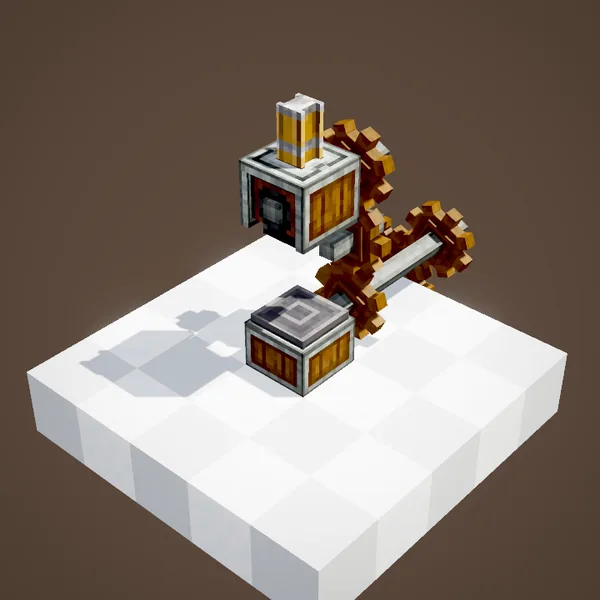
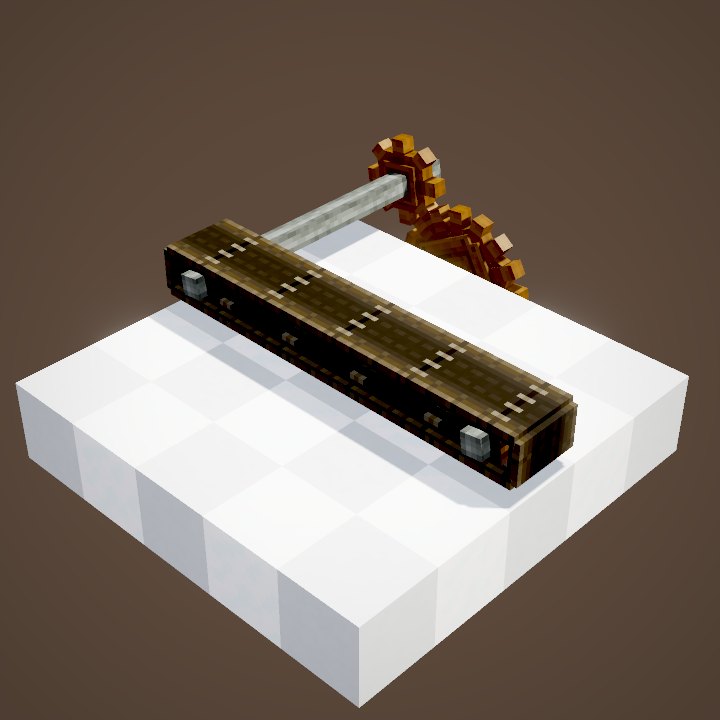
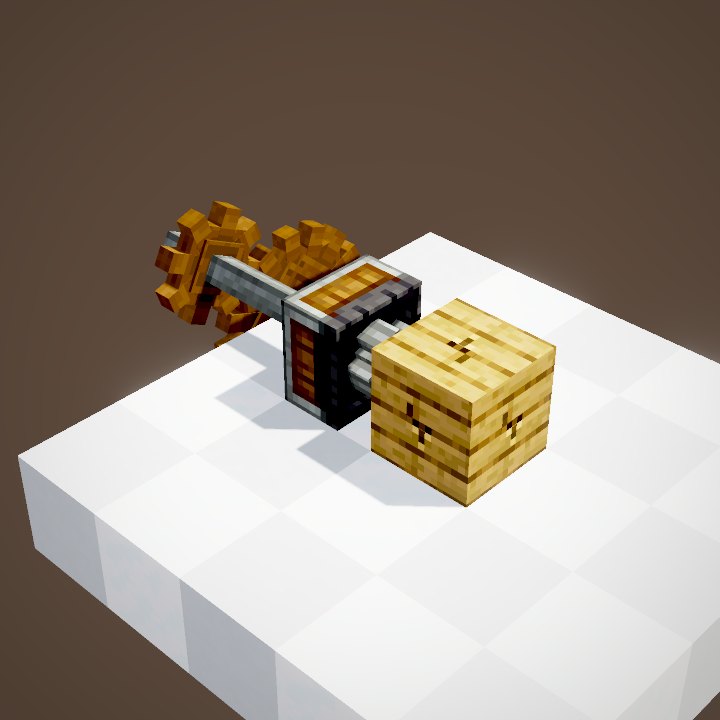
The press goes up high. Its head travels down a little over one block, so the item to process must sit two blocks below it, with one block of air in between. It takes rotation through its horizontal shaft, on one of its sides: a shaft or a cogwheel is enough, as in the animation.
Power-wise, count on 8 SU per RPM. At 32 RPM, one press uses 256 SU, exactly what a single Water Wheel provides (32 SU per RPM, at 8 RPM). An overstressed network stops entirely: check yours with a Stressometer.
Pressing an item by hand on a depot
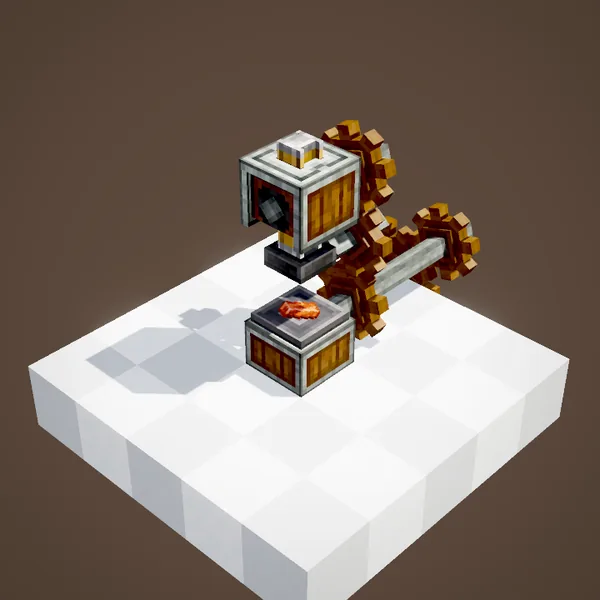
For manual use, the simplest option is a Depot under the press. Right-click it with an ingot to place it: the head comes down and the ingot comes out as a sheet. The pressing happens halfway through the stroke, about 1.5 s after the start of the cycle at 32 RPM.
Without a depot, you can also throw items on the ground right below the press (only one block of gap in that case). By default it only processes one item per stroke, even if you drop a whole stack: the bulkPressing server setting is off.
Automating with a belt
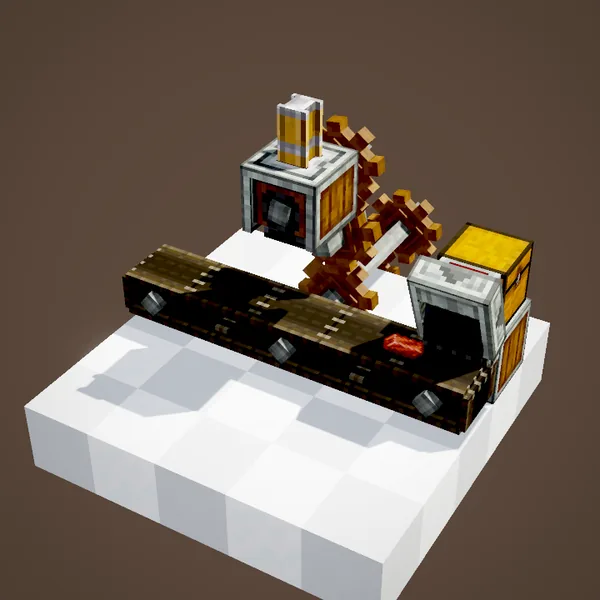
Run a mechanical belt two blocks below the press. Each item that arrives under the head is held automatically while it is pressed, then moves on down the belt. The next items wait behind it, one block apart.
A funnel on a chest feeds the belt at the start of the line; another one stores the sheets at the end.
Setting the production rate
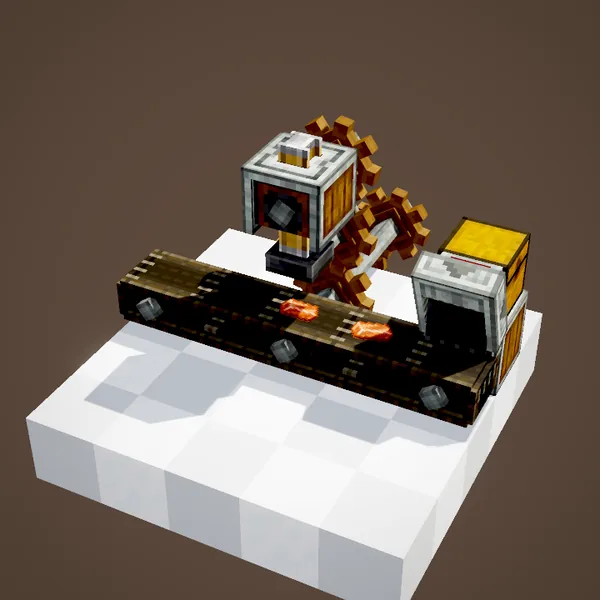
Rotation speed sets the pace. A full cycle takes about 6 s at 16 RPM, 3 s at 32, 1.5 s at 64 and under half a second at 256 RPM. At 32 RPM, the belt brings 1.33 blocks' worth of items per second, so the press is what limits the rate. To produce more, speed up the press (keeping an eye on stress) or build parallel lines: two presses in a row on the same belt don't help, because the first one processes everything.
The most common pressing jobs: iron, copper, gold and brass ingots into sheets, sugar cane into paper, pulp into cardboard, dirt or grass into dirt paths.
Compacting items in a basin
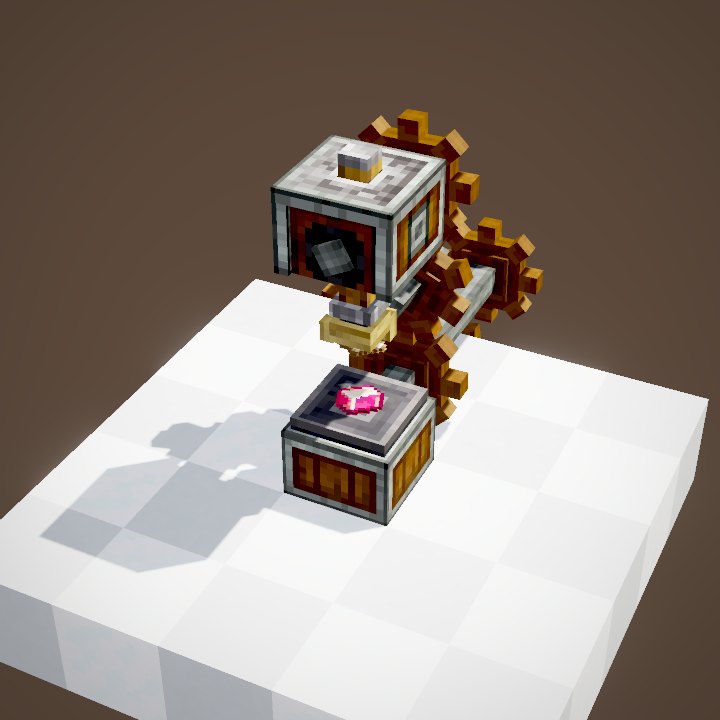
Place a Basin two blocks below the press: it switches to compacting mode and presses the basin's contents together. In the animation, nine copper ingots become a block of copper. The result comes out of the bottom of the basin, or out of the side if you turned its output with a wrench: a belt, depot or funnel placed there collects it.
Which compacting recipes?
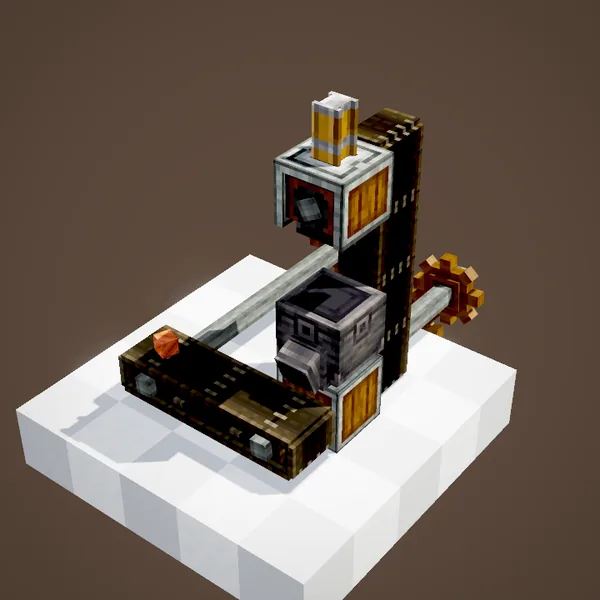
The press accepts every square, completely filled crafting recipe, 2×2 or 3×3: nine ingots into a block, four logs into wood, nine snow blocks into ice… The basin must hold the exact amount: with eight ingots, nothing happens.
Create adds its own recipes: andesite, granite or diorite from two flint, a base block (gravel, red sand or calcite) and 100 mB of lava; a bar of chocolate from 250 mB of chocolate; a honey block from 1,000 mB of honey; and blaze cake base.
Heat from the Blaze Burner
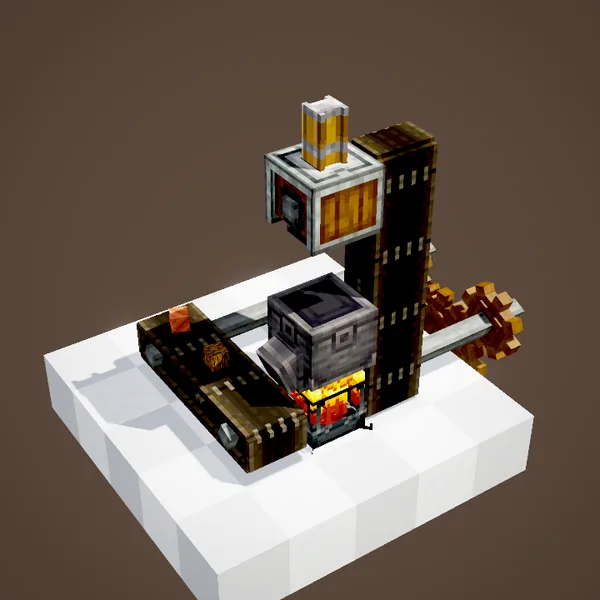
A Blaze Burner under the basin heats the recipe. In Create alone, no compacting recipe needs it (heat is mostly used by the Mechanical Mixer), but some add-ons add heated recipes: the burner then becomes essential, and you have to keep feeding it so it doesn't go out.
Choosing the recipe with the basin filter
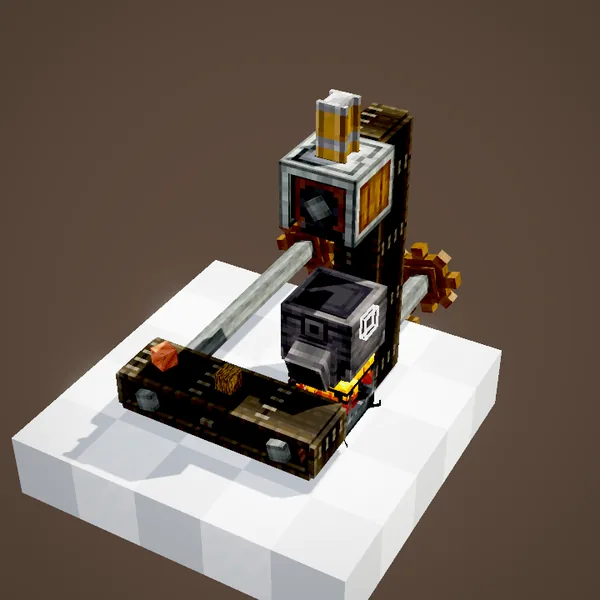
When two recipes use the same ingredients, the machine can't tell which one to make. Put the item you want in the basin's filter slot: only the matching recipe will be made.
Common mistakes
- The press doesn't move: the network is overstressed (8 SU per RPM) or the rotation is connected on the wrong side.
- It strikes thin air: the item is too high or too low. Belts, depots and basins go two blocks below the press.
- Nothing comes out of the basin: incomplete recipe, blocked basin output, or a filter set to another item.
Related pages
Sources for the numbers (Create 6.0.8 code)
- Stress: AllBlocks.java, MECHANICAL_PRESS, CStress.setImpact(8.0); water wheel CStress.setCapacity(32)
- Cycle: PressingBehaviour.java (CYCLE = 240, getRunningTickSpeed = lerp(|speed| / 512, 1, 60), pressing at CYCLE / 2)
- Modes and heights: PressingBehaviour.Mode (WORLD, BELT, BASIN), applyInWorld (block right below the press)
- One item per stroke: CRecipes.bulkPressing = false; MechanicalPressBlockEntity.tryProcessInWorld
- Compacting square recipes: CRecipes.allowShapedSquareInPress = true
- Recipes: data/create/recipe/pressing, data/create/recipe/compacting, crafting/kinetics/mechanical_press.json
- Belt spacing: BeltInventory (1 block); belt speed: BeltBlockEntity.getBeltMovementSpeed
- Basin output: BasinBlock.FACING (down by default)
Original texts and animations by Create France, rendered from the mod's Ponder scenes. Create is a mod by the Create Team, not affiliated with Create France.