Create Wiki · Trains
Train Controls
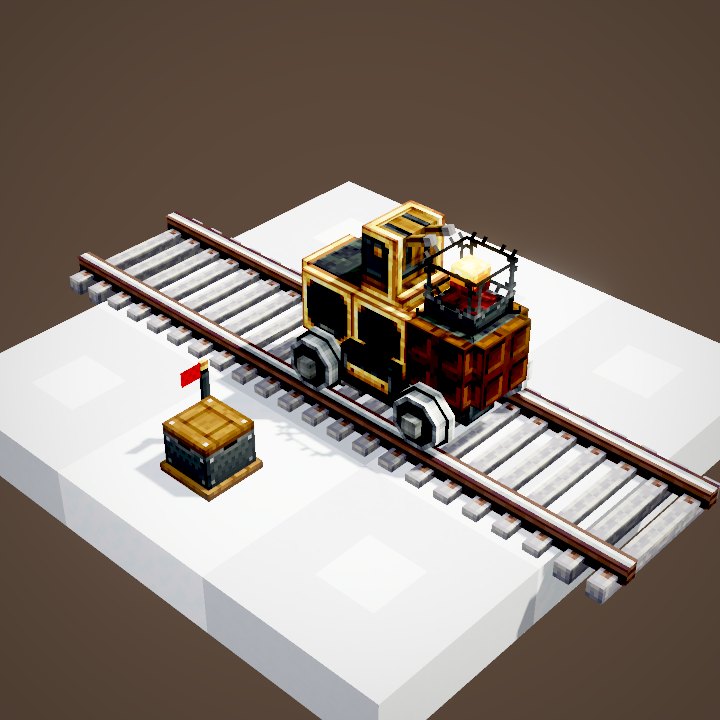
Train Controls are the driver's cab. Without them a station refuses to assemble the train. They also let you drive it by hand, and they are what the conductor of an automated train following a schedule sits in front of.
Quick facts
- Category
- Trains
- Crafting
- Lever, Train Casing and Precision Mechanism in a column = 1 controls
- Role
- Required on every train; its arrow sets the front
- Driving
- Right-click the controls of the assembled train
- Keys
- Forward / back: accelerate, brake; left / right: pick the track at junctions
- Manual speed
- × 0.75: 21 blocks/s, 30 with fuel
- Whistles
- Sprint key
- Version
- Create 6.0.8 · Minecraft 1.21.1
Crafting table recipe
→ 1 Train Controls
Required on every train
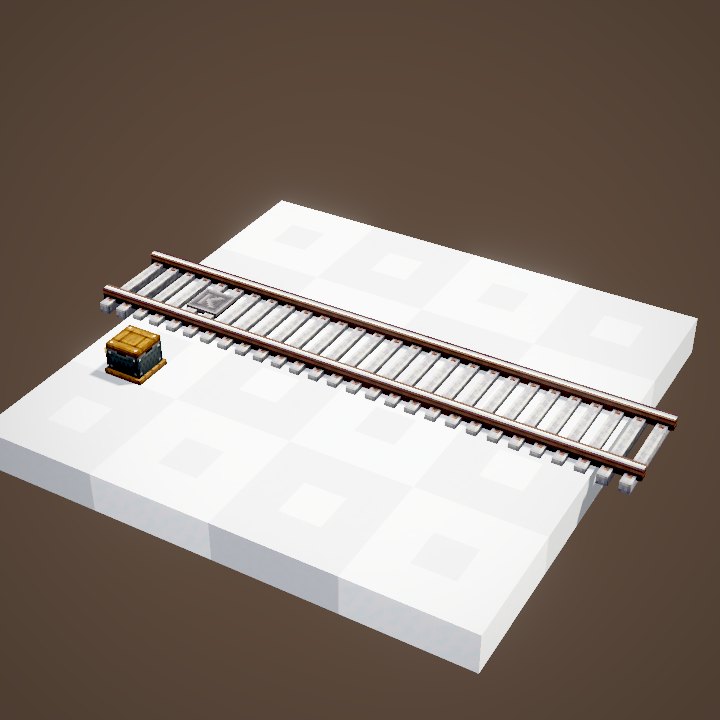
Place the controls on the train before assembly, arrow pointing forward. A train can have two, back to back, to drive both ways. See also our guide to train assembly.
Taking the controls
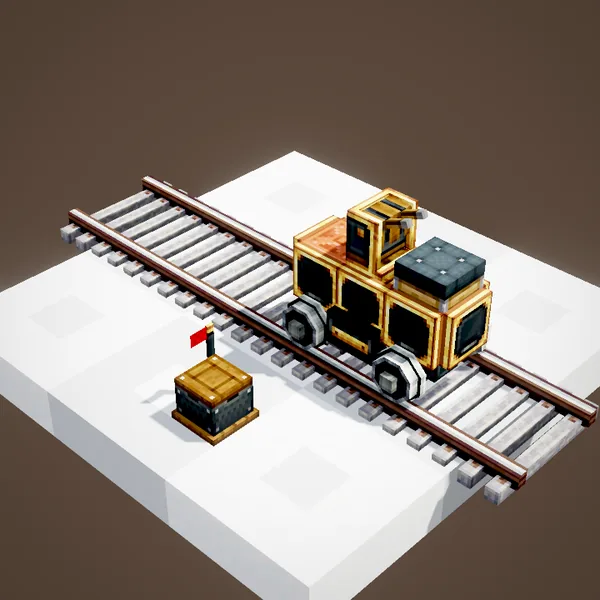
Once the train is assembled, right-click the controls: you hold the levers and the train obeys you. You do not have to sit down, but staying near the cab helps you see the track.
Driving with the keyboard
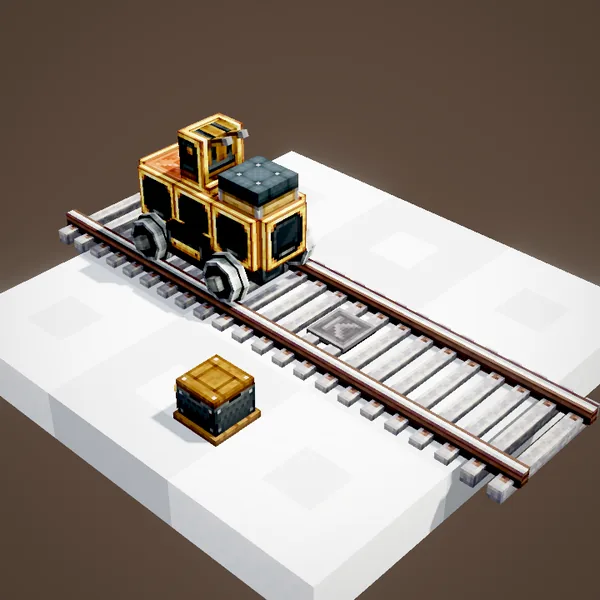
The movement keys drive the train: forward to accelerate, back to brake and then reverse. Left and right pick the track at the next junction. Braking is twice as strong as accelerating.
Setting the speed
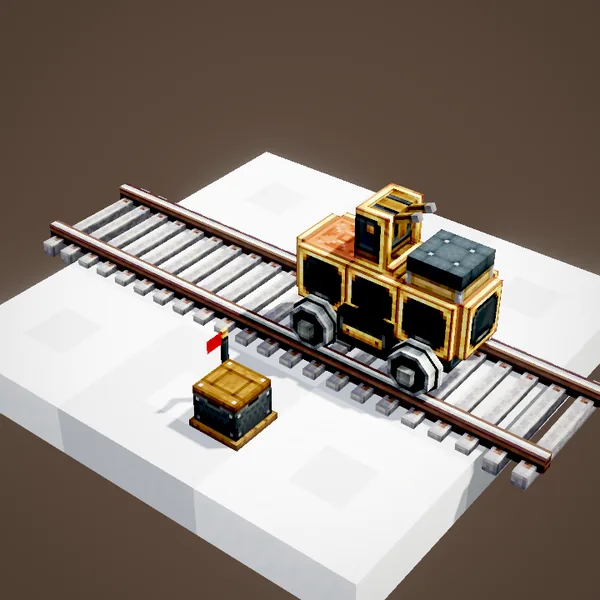
The mouse wheel sets the top speed, step by step. When driven by hand, the train tops out at 21 blocks per second, three quarters of an automated train's speed, and 30 with fuel.
Stopping at a station
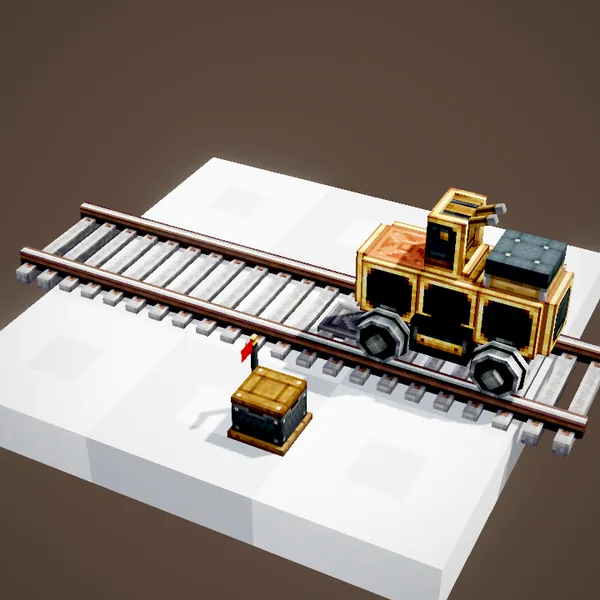
Hold the jump key near a station: the train brakes by itself and stops exactly on the marker. Much more precise than braking by eye.
Taking it apart at the station
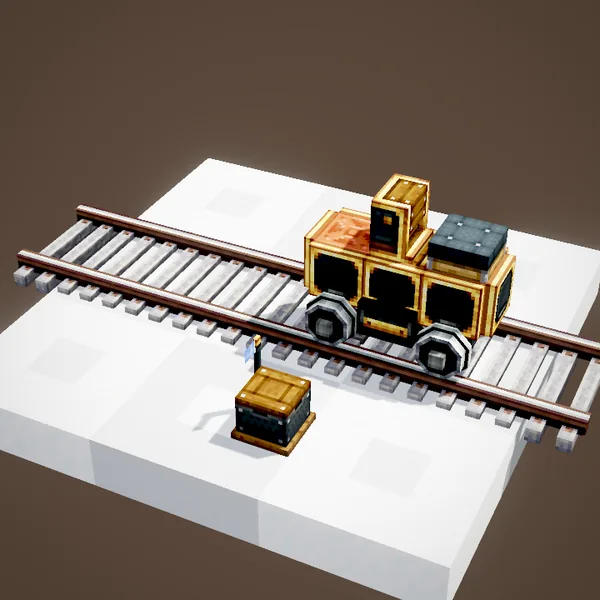
A train stopped at a station can be turned back into blocks from its interface. That is the time to add a block, a Steam Whistle for instance, then assemble again.
Whistling
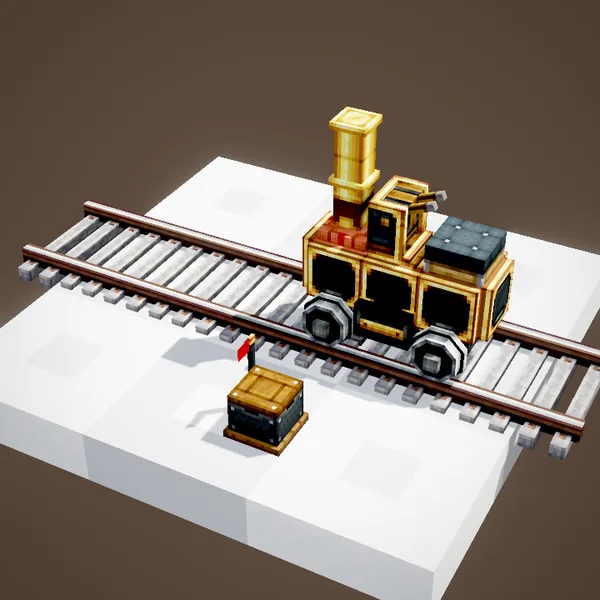
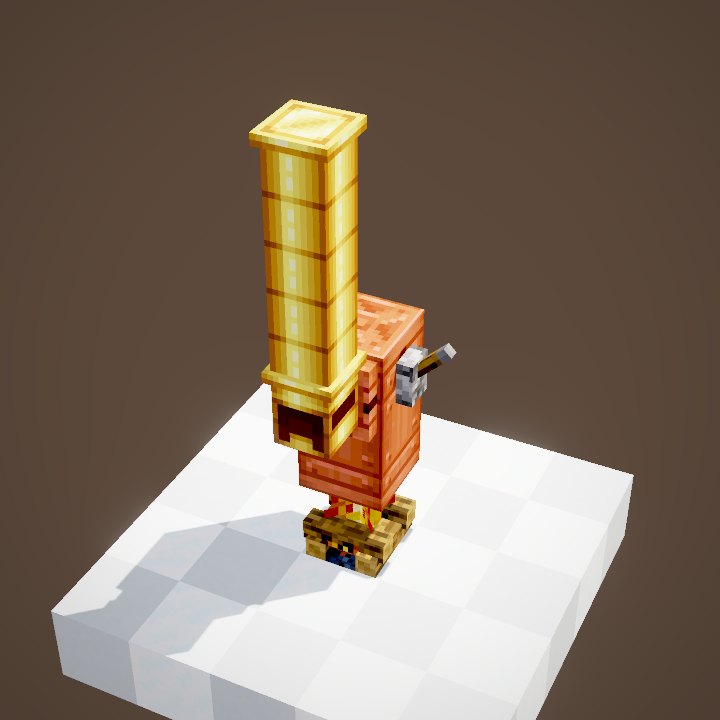
Steam Whistles on board sound with the sprint key. It is the train's horn, perfect when pulling into a station.
Letting go
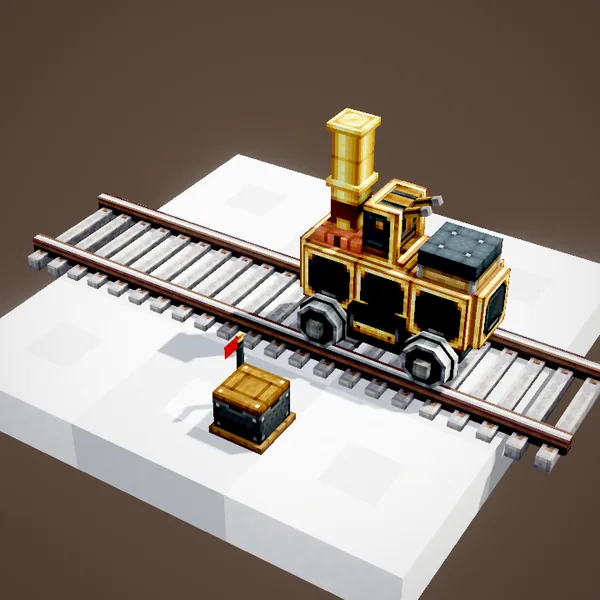
Sneak or right-click again to let go of the controls. The train slows down to a stop. To let it run by itself, hand a schedule to a conductor.
What about signals?
When you drive by hand, signals do not stop you: watch the lights. A train hitting another one causes an explosion that breaks no blocks, and both trains derail.
Building the cab
Put a seat right behind the controls, facing them: that is the driver's place, player or mob. Keep a clear view ahead, with no block in front of the head, and add a door or trapdoor to get in easily.
Two sets of controls
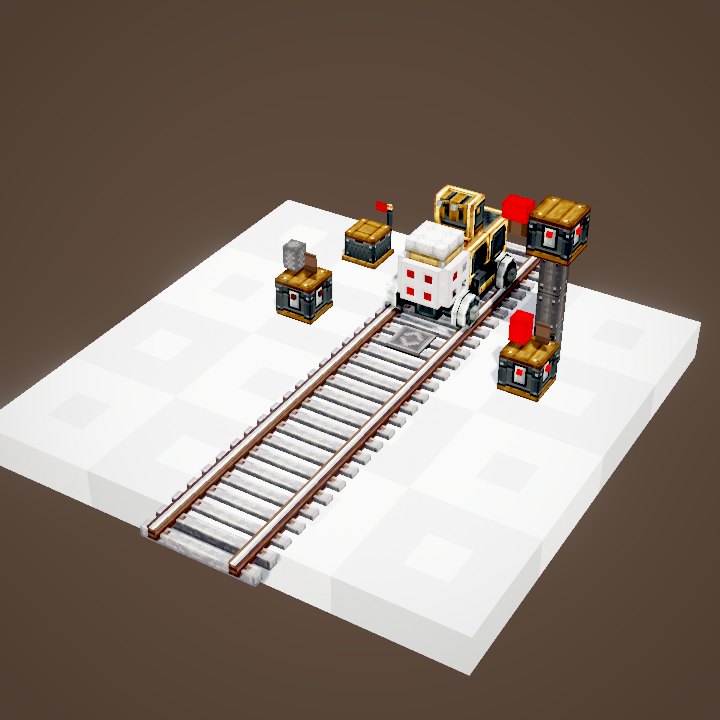
With two sets of controls back to back, each cab drives the train in its own direction: the front becomes the back without turning around. It is the classic setup for shuttles on a single track, with a station at each terminus.
The game keys
The controls use Minecraft's own movement keys, the ones set in your options: usually W, A, S and D on a QWERTY keyboard. If you changed them, the train follows your settings. Nothing else to configure.
On a server
Slow down near stations and shared junctions: a train at full speed needs dozens of blocks to stop. And warn other players before driving on an automated line, or set up your own signals.
Learning to drive
Start on a short straight track with a station at the end. Accelerate, let go, brake, then approach the station with the jump key. Once comfortable, try a junction: watch the arrow on screen and pick your track before you reach it, not on top of it.
Related pages
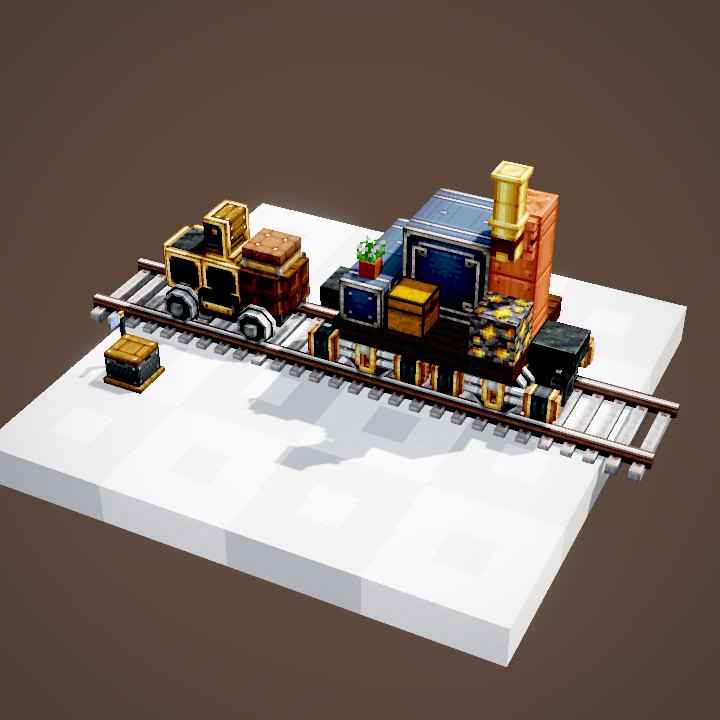
Sources for the numbers (Create 6.0.8 code)
- Recipe: crafting/kinetics/controls.json
- Manual speed: CTrains.manualTrainSpeedModifier (0.75); CTrains: trainTopSpeed 28, trainTurningTopSpeed 14, poweredTrainTopSpeed 40, poweredTrainTurningTopSpeed 20, trainAcceleration 3
- Levers: ControlsRenderer; keys: ControlsHandler
- Collision: Train.collideWithOtherTrains (explosion without block damage, derailment)
- Scene: TrainScenes.controls (the player is not drawn)
Original texts and animations by Create France, rendered from the mod's Ponder scenes. Create is a mod by the Create Team, not affiliated with Create France.