Create Wiki · Kinetics
Creative Motor
The Creative Motor turns a shaft with no fuel, no water, no wind, and almost no stress limit. It only exists in creative mode: it is the tool of builders and testers, to try a machine before giving it a real source, or to bring a showcase to life.
Quick facts
- Category
- Kinetics
- Speed
- Adjustable from −256 to 256 RPM, 16 by default
- Capacity
- 16,384 SU per RPM: 262,144 SU at 16 RPM, over 4 million at 256
- Output
- A half shaft on the front face
- How to get
- Creative mode only (no recipe)
- Control
- Can be driven by ComputerCraft if installed
- Version
- Create 6.0.8 · Minecraft 1.21.1
Hooking up the motor
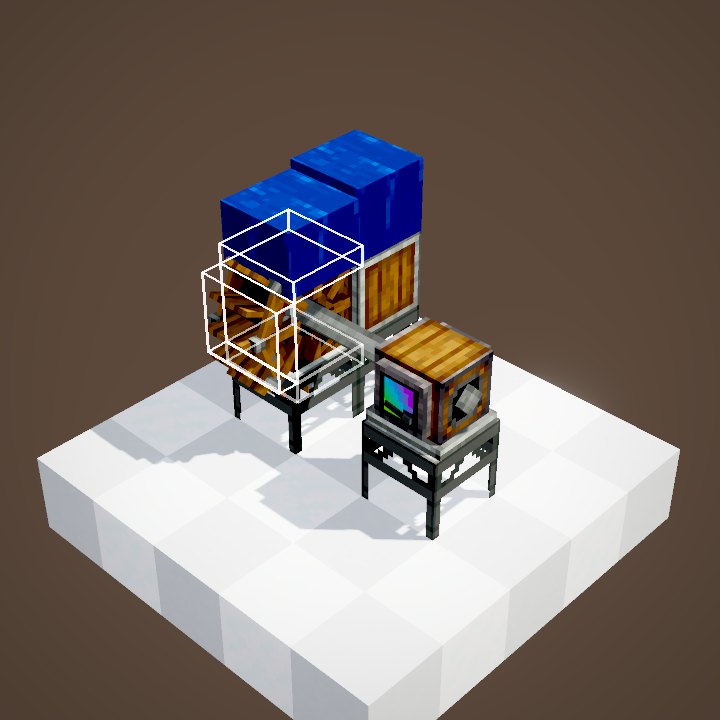
Place the Creative Motor like any directional block: its front face carries a spinning half shaft. Put a shaft, a cogwheel or a machine against it and the rotation flows. In the loop it drives two shafts and a speedometer.
Choosing the speed
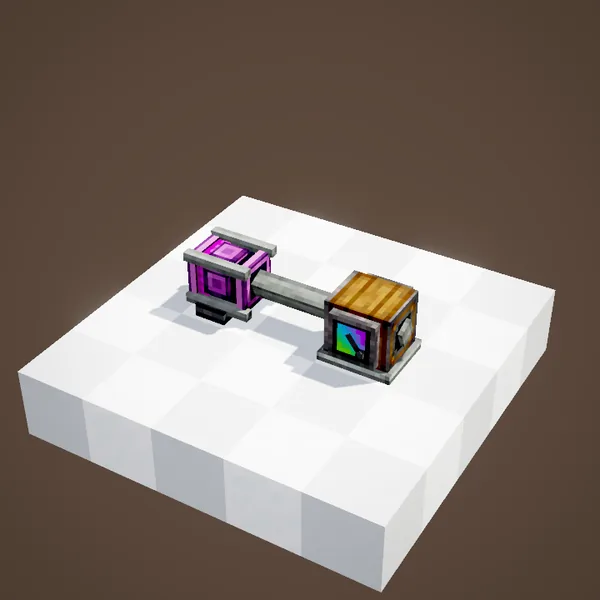
On the side of the motor, a value slot is set with the scroll wheel or a click: from 1 to 256 RPM in either direction. The loop goes from 16 to 64 RPM: the shafts speed up and the speedometer needle climbs. The setting can be copied with the Clipboard, handy to line up several motors.
Almost unlimited stress
Its capacity is 16,384 SU per RPM: over 260,000 SU at the starting speed, over four million flat out. No sensible factory will overstress it. That is exactly its flaw for testing: a machine that runs on a Creative Motor may stall on a real water wheel or steam engine. Check the usage with Engineer's Goggles.
The bonus scene
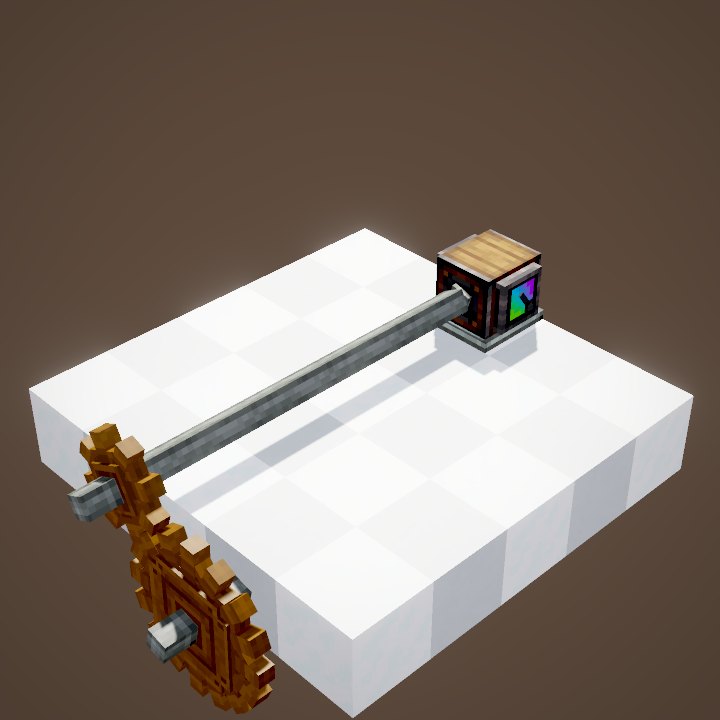
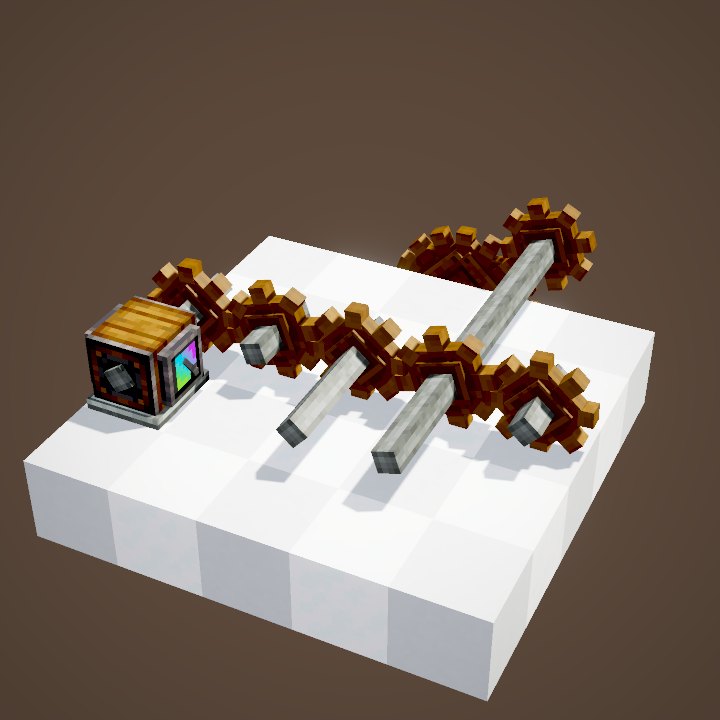
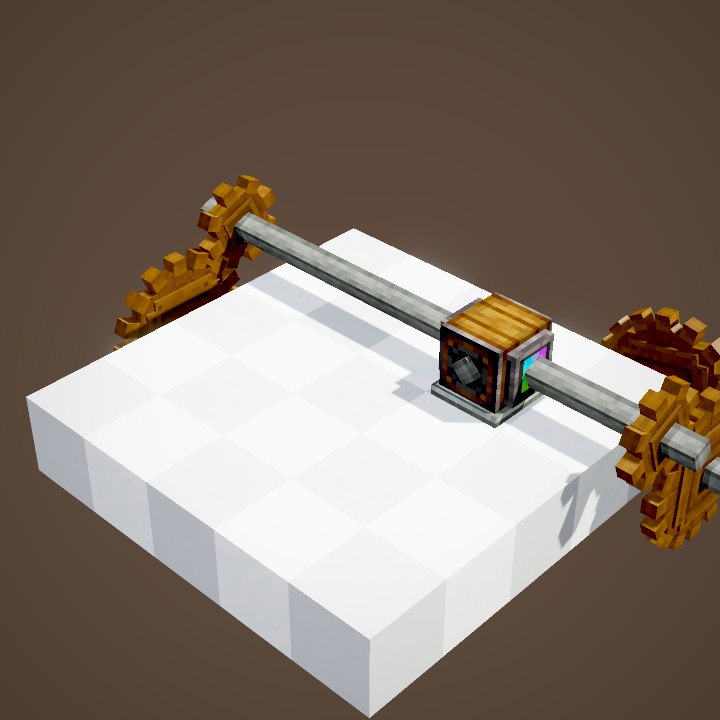
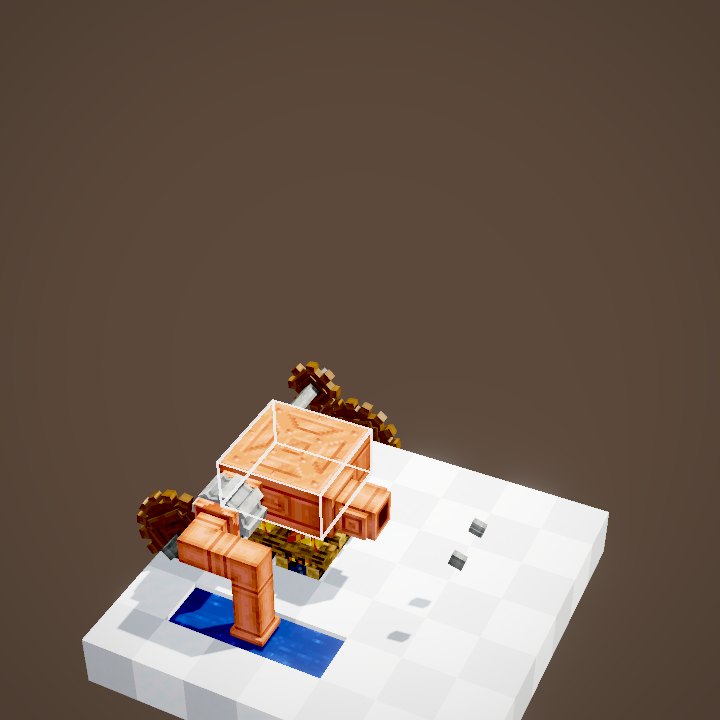
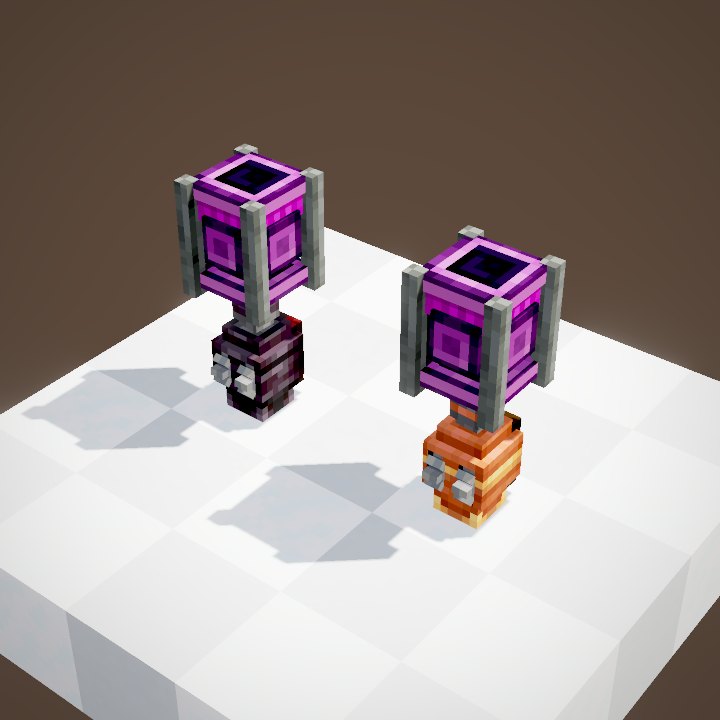
The Creative Motor's Ponder hides a second scene, with no text, that builds a whimsical little factory piece by piece, full of Creative Motors. We replay it as it is in the second loop: a wink from the mod's authors.
What it is for
In creative, to build and tune a factory before you know which source it will need. For a Backtank you want full in ten seconds. For adventure maps, where it drives scenery the player cannot take in survival.
On our server
In survival no player can get it: it is kept for the team's builds and showcase areas. For your own factory, look at the water wheel, the windmill and the steam engine.
Direction of rotation
The value slot has two rows, one per direction: pick the row before you set the speed. Direction matters for a belt, a fan or a piston: a motor set the other way makes the machine run backwards. A Gearshift on the line does the same on demand.
Testing a factory
The right method: build with a Creative Motor, set it to the speed your real source will give, then read the total impact with the goggles. If it is more than your water wheel or windmill will provide, add a source or lower the speed before going to survival. The Creative Motor forgives every mistake: it hides all stress problems.
The real sources
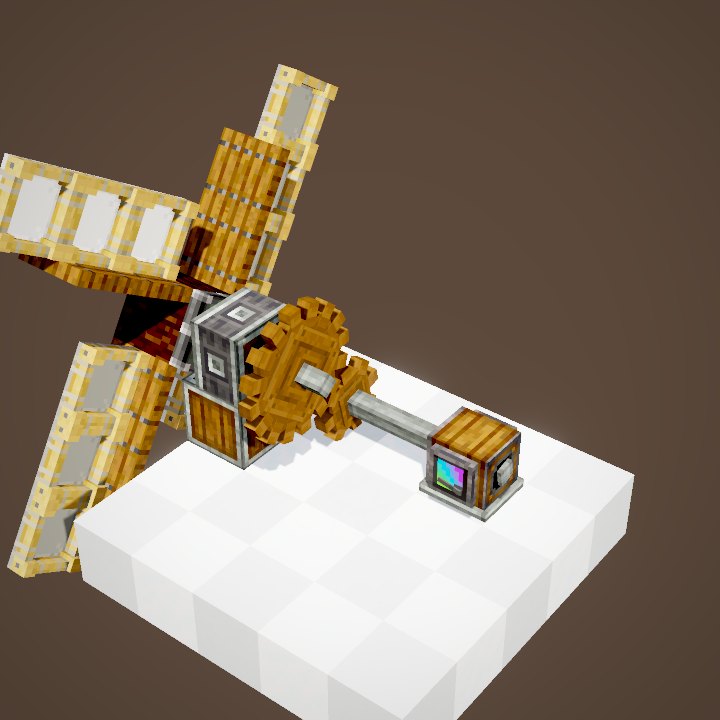
In survival, rotation comes from the hand crank at first, then the water wheel, the windmill and the steam engine for big factories. Each one has its own page with its numbers.
With ComputerCraft
If the server runs ComputerCraft, a computer placed next to the Creative Motor can read and change its speed from a program. It is the easiest way to run a showcase that speeds up and slows down on its own, or to test a factory by raising the speed step by step to see where the stress runs out.
Related pages
Sources for the numbers (Create 6.0.8 code)
- Speed: CreativeMotorBlockEntity (DEFAULT_SPEED 16, MAX_SPEED 256, two direction rows)
- Capacity: CStress.setCapacity(16384) × |speed| (KineticNetwork); no recipe; CreativeMotorPeripheral (ComputerCraft)
- Scenes: KineticsScenes.creativeMotor and creativeMotorMojang, rendered by our engine (bubbles never copied)
Original texts and animations by Create France, rendered from the mod's Ponder scenes. Create is a mod by the Create Team, not affiliated with Create France.