Create Wiki · Trains
Train Schedule
The Train Schedule turns a train into an automated line. It is an item you program as a list of steps: go to a station, wait for a condition, leave again. Once handed to a conductor sitting at the controls, the train runs on its own, day and night.
Quick facts
- Category
- Trains
- Crafting
- 1 Sturdy Sheet + 1 Paper = 4 schedules (shapeless)
- Opening
- Right-click with the schedule in hand
- Actions
- Go to a station, change the title, set the throttle, deliver or fetch packages
- Wildcards
- Up to 3 “*” in a station name: “Mine*” targets Mine North and Mine South
- Conditions
- Delay, time of day, idle cargo, item or fluid threshold, redstone link, passengers, station powered or unloaded
- Conductor
- A mob or a Blaze Burner sitting in front of the controls
- Version
- Create 6.0.8 · Minecraft 1.21.1
Crafting table recipe (shapeless)
→ 4 Train Schedules
A conductor on board
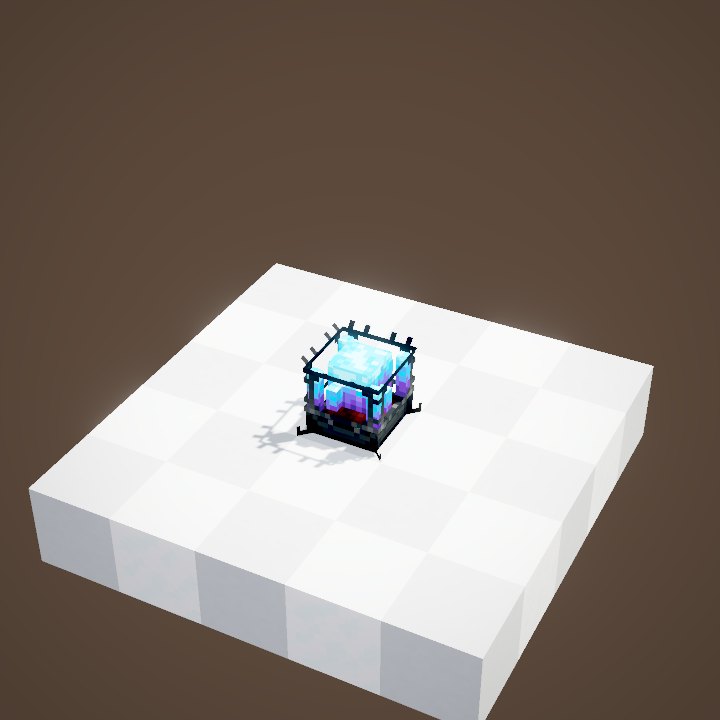
An automated train needs a conductor: a mob sitting on a seat facing the controls, or a Blaze Burner placed in front of them. The player only programs it: you can step off the train.
Writing a timetable
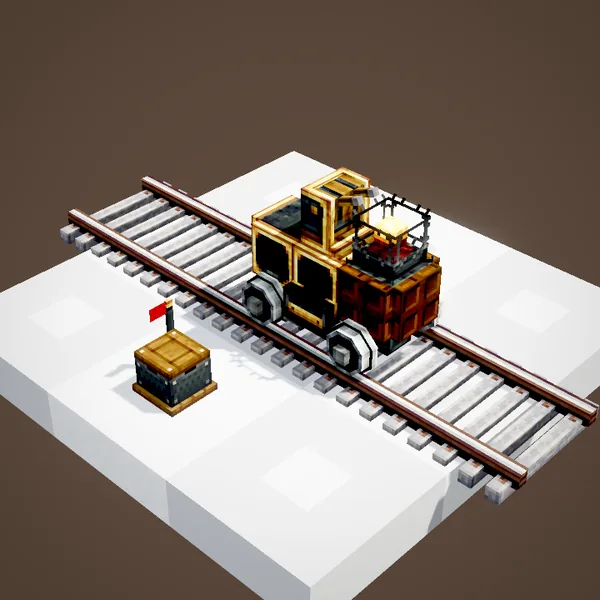
Right-click while holding the schedule and its editing screen appears. Each step has an action, usually “go to” a station, followed by its departure conditions. Tick repeat so the train loops through the list forever.
Handing the schedule over
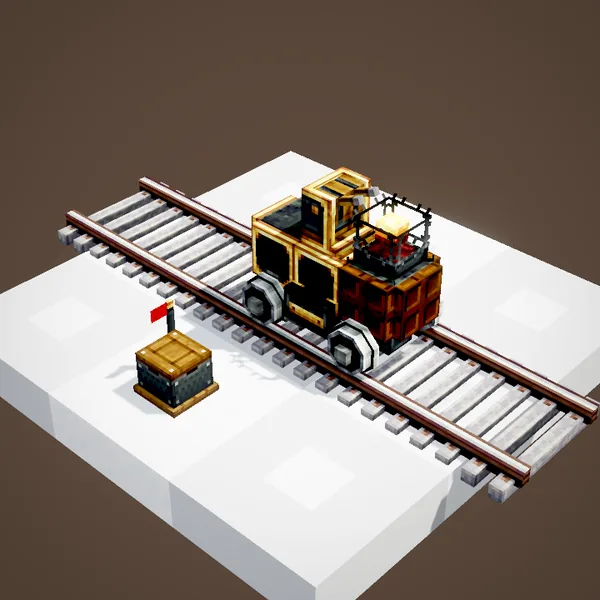
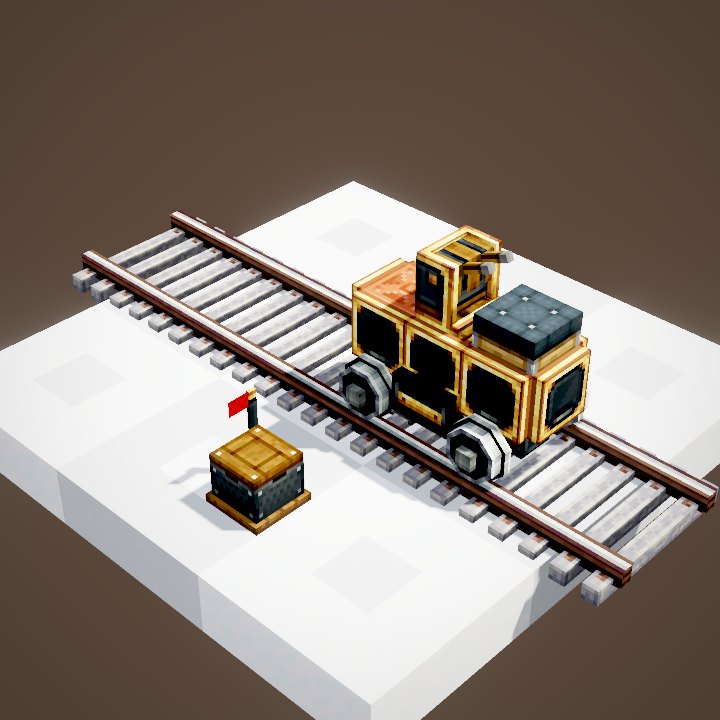
Right-click the conductor with the schedule: it takes it, and the train leaves at once for its first destination. Blaze Burners then wear a little conductor cap.
Which conductor?
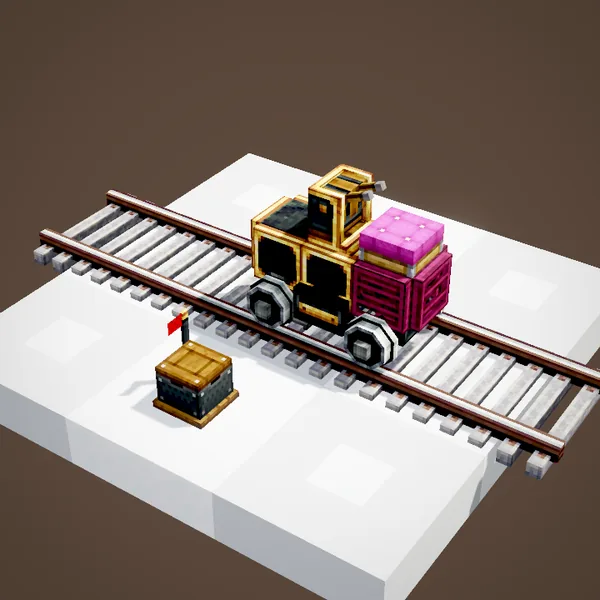
Any seated mob works: villager, parrot, fox, cat. It must stay seated facing the controls. A Blaze Burner needs no care, but has to be placed in the train before assembly. In our loops, mobs are not drawn.
With a lead
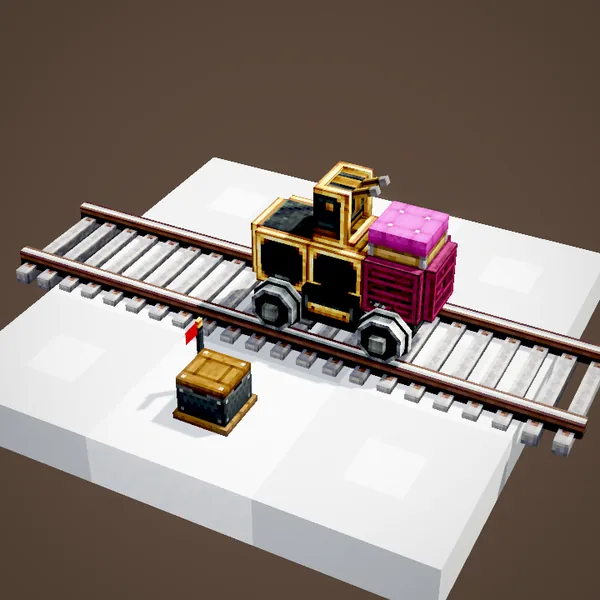
A mob held on a lead sits down with a right-click on one of the train's seats. It is the easiest way to get a villager on board without pushing it around for ten minutes.
Taking the schedule back
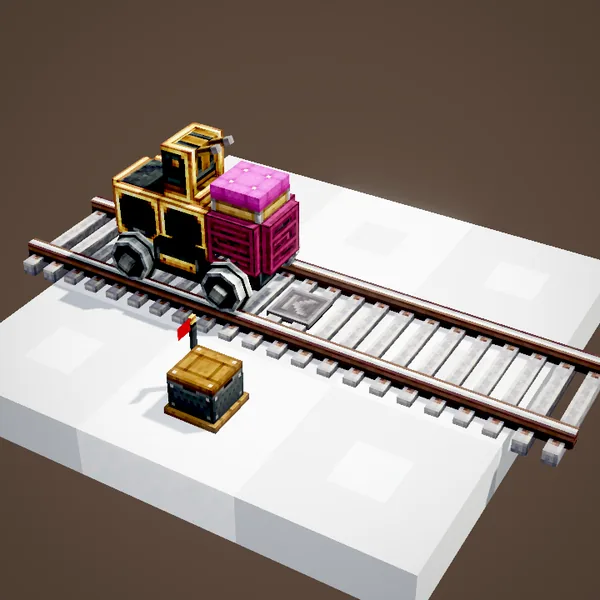
Right-clicking the conductor with an empty hand takes the schedule back at any time: the train stops. Edit it, then give it back to leave again.
Departure conditions
Each step can have several columns of conditions. In a column, conditions are chained: the second one is only checked once the first is met. The train leaves as soon as one column is complete. Example: “10 seconds, then cargo idle for 5 seconds” in one column, “time 6:00” in another.
A shuttle example
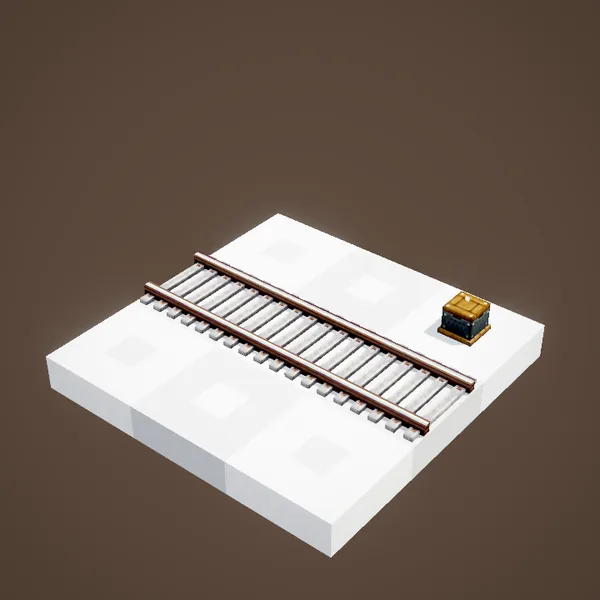
1. Go to “Mine”. Wait: cargo idle 5 s. 2. Go to “Factory”. Wait: item threshold, the train empty. Repeat. With a portable interface at each platform, loading happens without any player.
On a server
Wildcards spare you rewriting a schedule when you add a platform: “Lucas Base*” targets every platform starting with that name. A schedule placed in a station is copied to every train stopping there.
Available actions
“Travel to” sends the train to a station, exact name or with wildcards. “Change title” renames the train, handy for display boards. “Throttle” limits its speed as a percentage, in a town for instance. Create 6 adds two actions for the package network: delivering and fetching packages at the stations' Postboxes.
Choosing the right wait
For a freight train, “cargo inactivity” is the safest: the train leaves once nothing has gone in or out for a few seconds. For a passenger line, a simple delay or a fixed time is enough. A “redstone link” lets a player give the departure from a lever.
Repeating or not
Without the repeat box, the train stops after the last step and stays there, schedule still in hand. With it, the train goes back to the first step and loops forever. A step with no condition leaves as soon as it arrives: handy to pass through a station without waiting.
Related pages
Sources for the numbers (Create 6.0.8 code)
- Recipe: crafting/kinetics/schedule.json (tag c:plates/obsidian = Sturdy Sheet)
- Actions: schedule/destination (DestinationInstruction, ChangeTitleInstruction, ChangeThrottleInstruction, DeliverPackagesInstruction, FetchPackagesInstruction)
- Wildcards: DestinationInstruction (Glob, at most 3 “*”)
- Conditions: schedule/condition (ScheduledDelay, TimeOfDayCondition, IdleCargoCondition, ItemThresholdCondition, FluidThresholdCondition, RedstoneLinkCondition, PlayerPassengerCondition, StationPoweredCondition, StationUnloadedCondition), chained by ScheduleRuntime.tickConditions
- Blaze Burner conductor: BlazeBurnerBlockEntity (TrainHat)
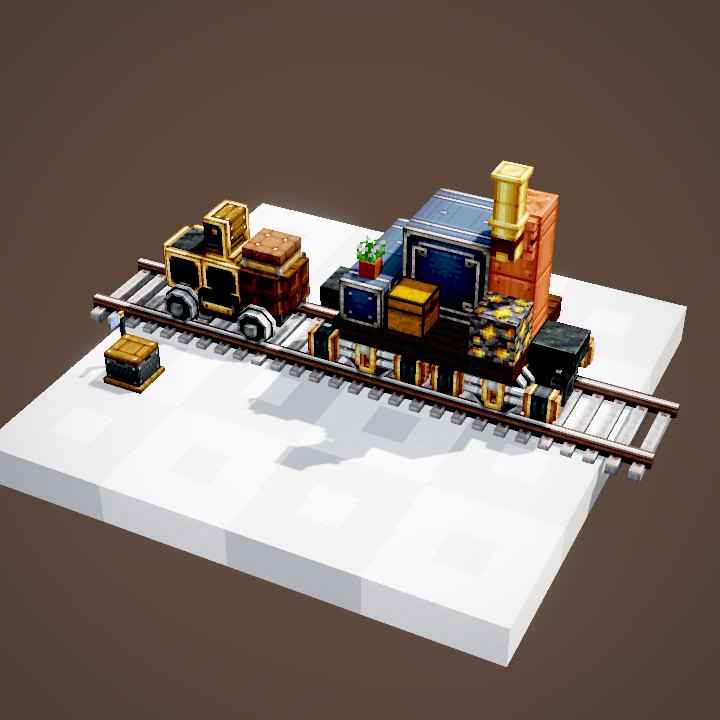
- Scene: TrainScenes.schedule (mob conductors not drawn)
Original texts and animations by Create France, rendered from the mod's Ponder scenes. Create is a mod by the Create Team, not affiliated with Create France.