Create Wiki · Kinetics
Cogwheel and Large Cogwheel
A Cogwheel does everything a Shaft does, plus one key thing: it meshes with its neighbours. Together with the Large Cogwheel, it lets you jump between axes, reverse the direction of rotation and, above all, change the speed by doubling or halving it. It is the basic toolkit of every kinetic network.
Quick facts
- Category
- Kinetics (transmission)
- Stress
- None
- Small ↔ small
- Side by side: same speed, reversed direction
- Large ↔ small
- Diagonal: speed × 2 towards the small one, ÷ 2 towards the large one
- Large ↔ large
- At right angles (perpendicular axes)
- Version
- Create 6.0.8 · Minecraft 1.21.1
Shapeless crafting
→ 1 Cogwheel (+ one more plank: Large Cogwheel)
Relaying rotation from wheel to wheel
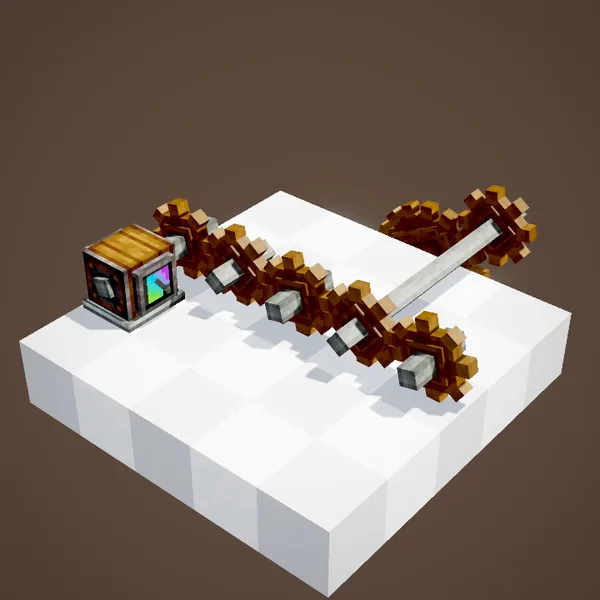
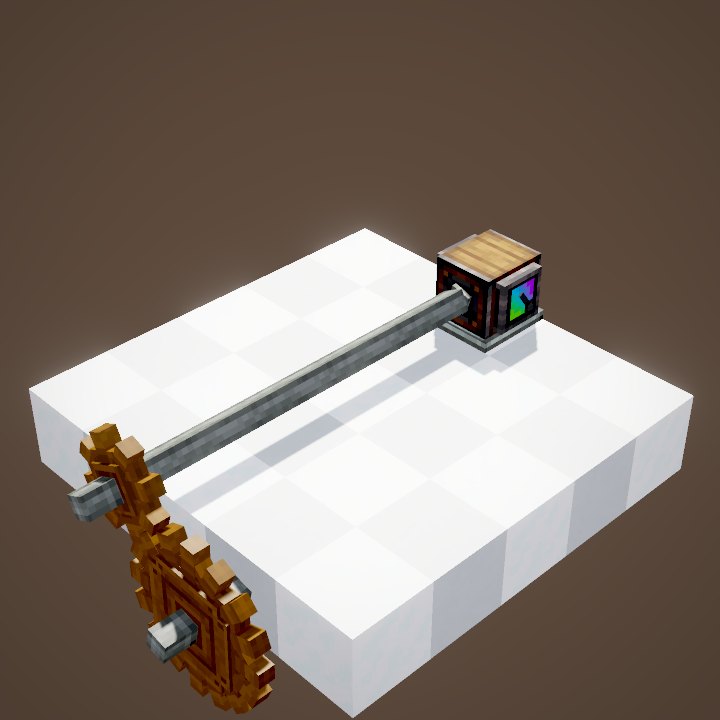
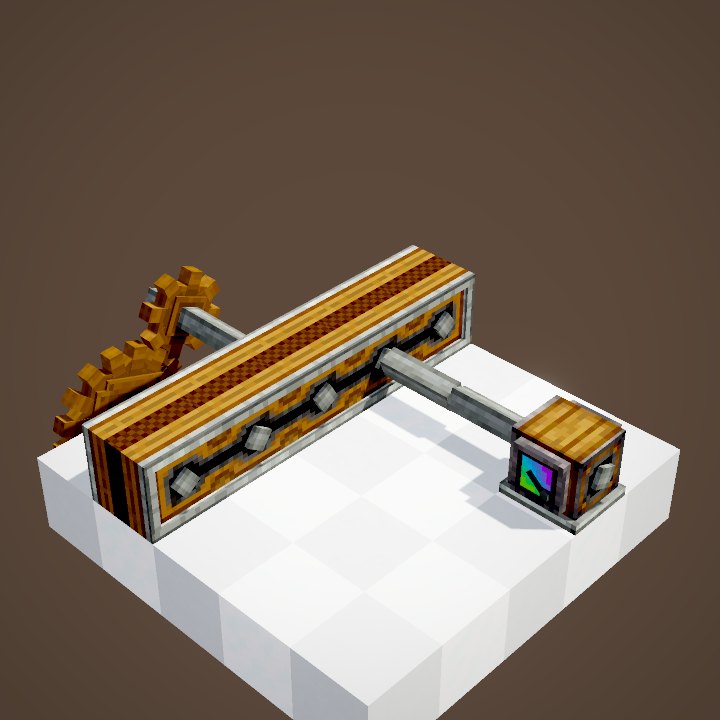
Two cogwheels of the same size placed side by side, with parallel axes, mesh together: rotation passes from one to the other at the same speed. A cogwheel also has a shaft through its centre, so it keeps carrying rotation in a straight line like a regular shaft.
That way each wheel can shift a drive line one block sideways, with no speed loss and no stress cost.
Direction flips at every wheel
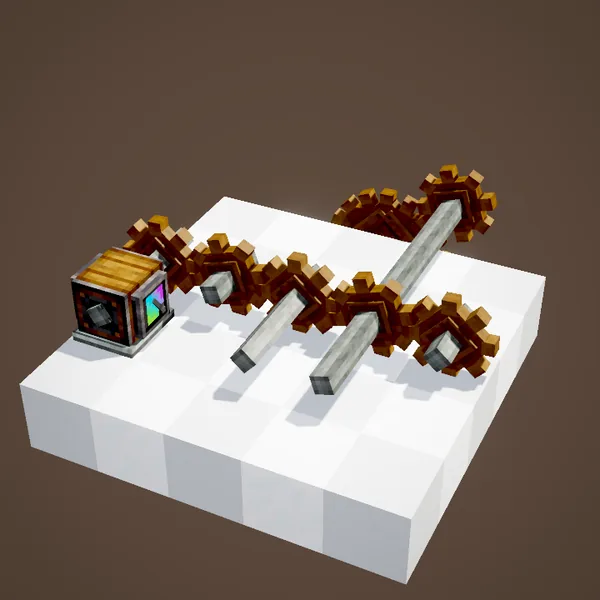
Every mesh reverses the direction of rotation, so two shafts plugged into two neighbouring wheels spin opposite ways. It rarely matters for a press or a mixer, but it does for a belt, an Encased Fan (which blows or sucks depending on direction) or a drill on a piston. To get the original direction back, just add one more wheel.
Changing axis with Large Cogwheels
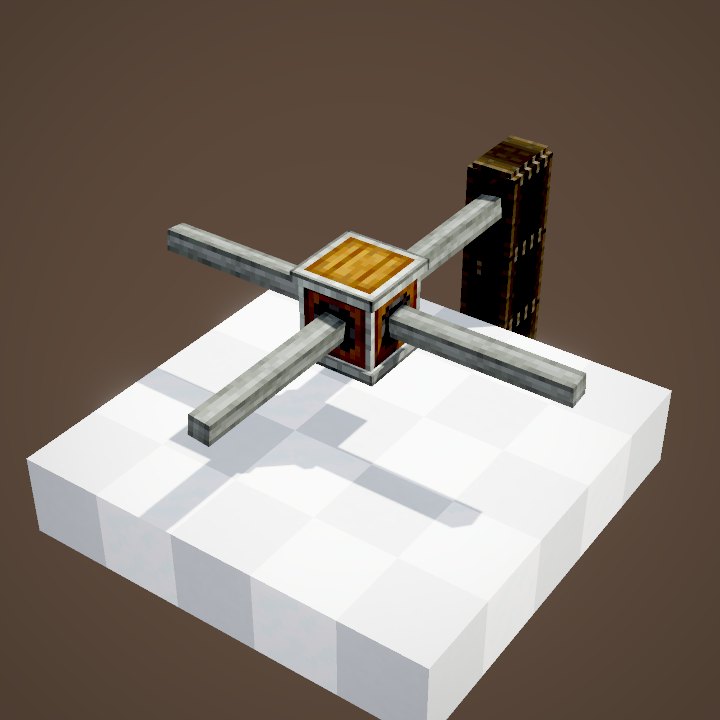
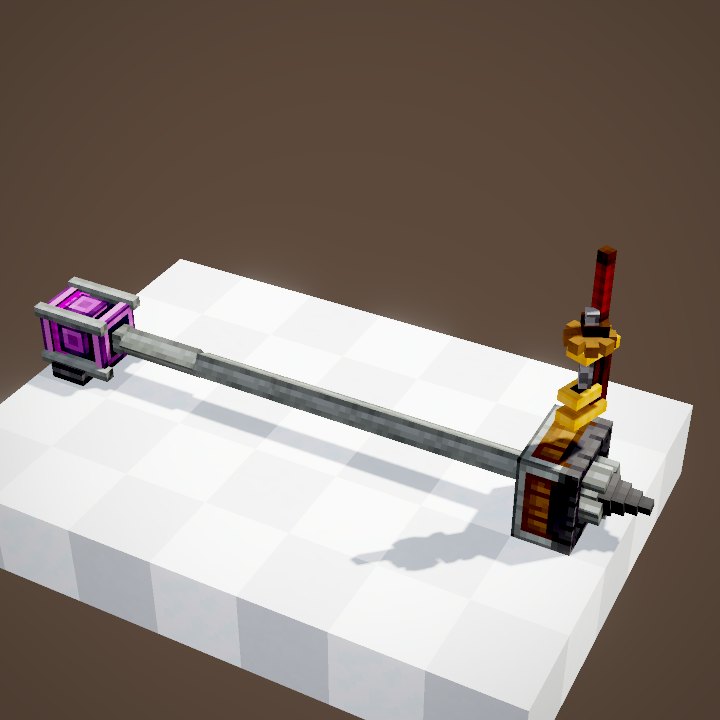
Two Large Cogwheels mesh when their axes are perpendicular and their rims touch, as in the animation. It is the easiest way to turn horizontal rotation into vertical rotation (or the other way round) without changing speed. Two large wheels side by side on the same axis, on the other hand, do not touch.
Doubling the speed
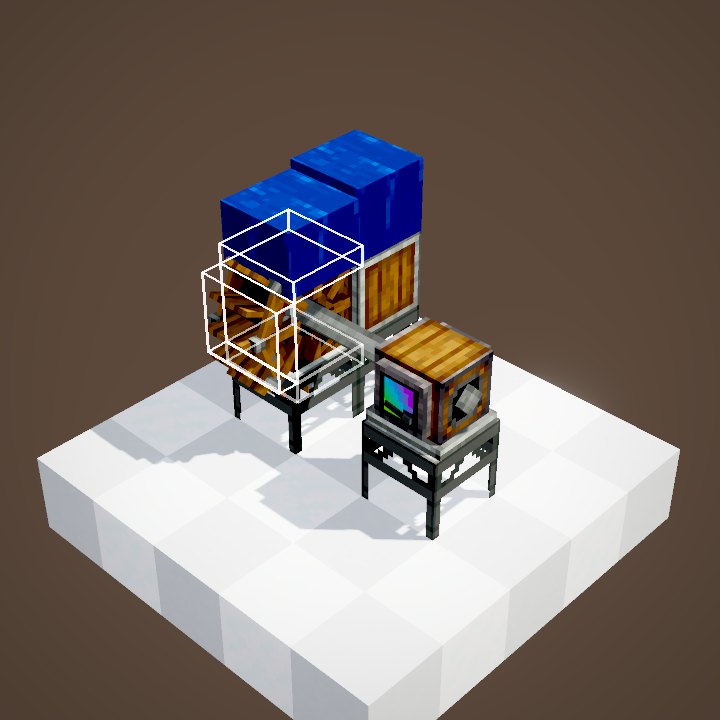
Place a large and a small wheel diagonally, on two parallel axes offset by one block up and one block sideways. When the large one drives the small one, the speed is multiplied by 2: 16 RPM becomes 32 RPM. It is the classic way to speed up a slow water wheel.
Halving the speed
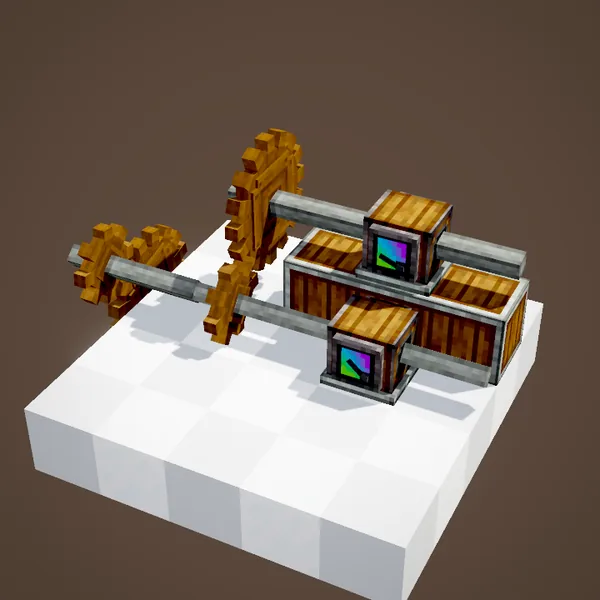
The other way round, a small wheel driving a large one halves the speed. Chain several stages to go further: ×2, ×4, ×8… but keep the 256 RPM limit in mind, because above it the block breaks. Watch your stress too: a machine uses more SU the faster it spins, so speeding things up is never free.
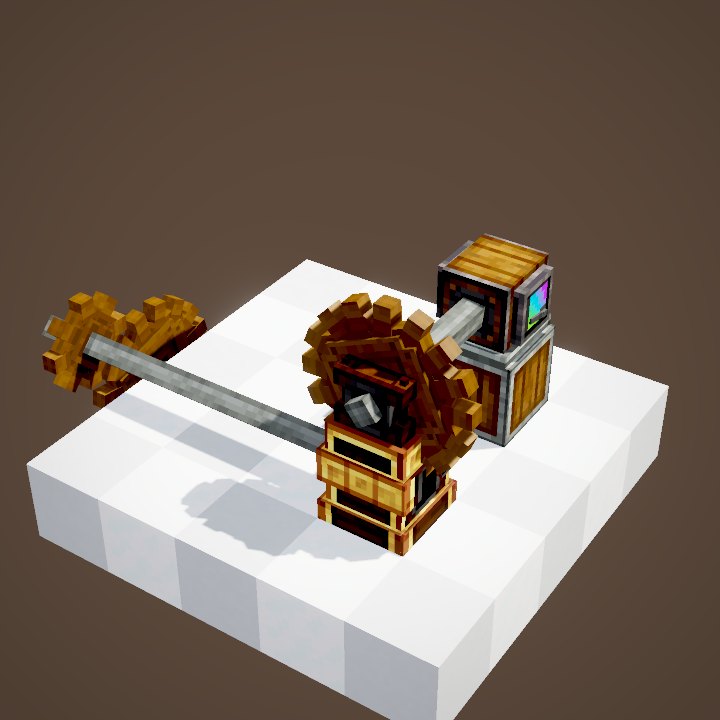
Encased cogwheels
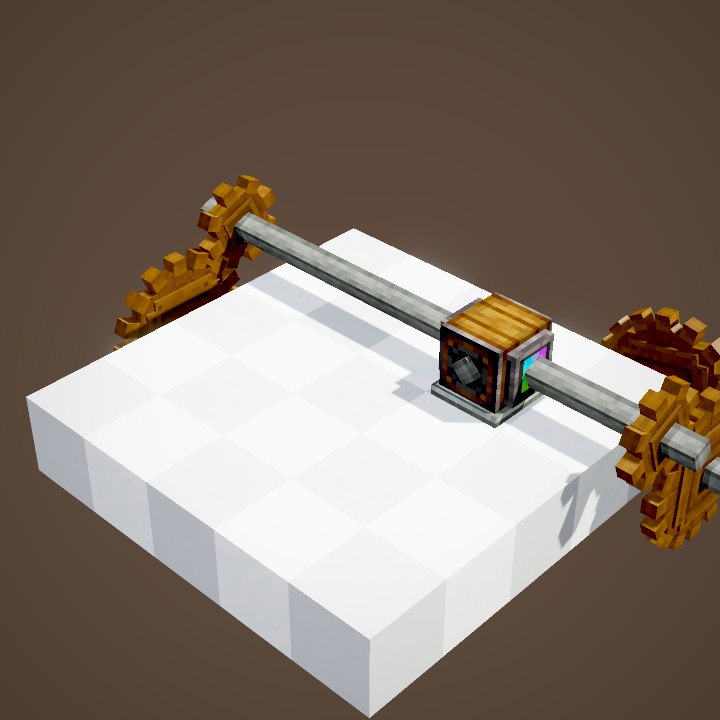
Like a shaft, a Cogwheel or a Large Cogwheel can take Andesite or Brass Casing with a right-click. The encased block still meshes with its neighbours. The only difference: you choose which faces of the casing have a shaft output.
Opening or closing an output with the Wrench
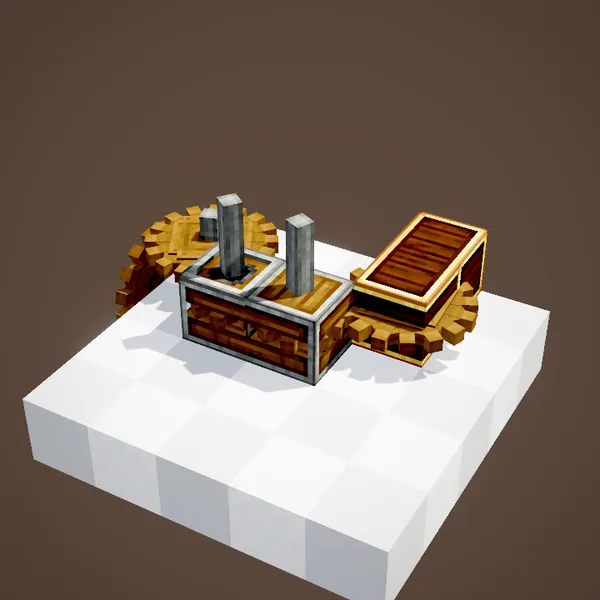
A shaft placed against a casing afterwards does not connect on its own. Click the casing face with the Wrench: the output opens and the shaft starts turning. A second click closes it again. Handy to take a drive line out through the top or bottom of a compact machine.
Common mistakes
- Two small cogwheels do not drive each other: they are offset diagonally or their axes are not parallel. They must touch side to side.
- The large wheel will not drive the small one: the small wheel has to sit diagonally, one block higher or lower and one block to the side, not right next to it.
- A block breaks on start-up: one ×2 stage too many pushed the speed past 256 RPM, or two paths bring rotation back in opposite directions.
Related pages
Sources for the numbers (Create 6.0.8 code)
- Speed ratios: RotationPropagator.getRotationSpeedModifier (small ↔ small: -1; large -> small: -2; small -> large: -0.5; large ↔ large when perpendicular)
- Stress: AllBlocks.java, COGWHEEL and LARGE_COGWHEEL, CStress.setNoImpact()
- Maximum speed: CKinetics.maxRotationSpeed = 256
- Recipes: crafting/kinetics/cogwheel.json (Shaft + Planks), large_cogwheel.json (Shaft + 2 Planks), large_cogwheel_from_little.json (Cogwheel + Planks), deploying/cogwheel.json
- Casings and Wrench: EncasedCogwheelBlock (TOP_SHAFT / BOTTOM_SHAFT)
- Scenes: KineticsScenes.cogAsRelay, largeCogAsRelay, cogsSpeedUp, cogwheelsCanBeEncased
Original texts and animations by Create France, rendered from the mod's Ponder scenes. Create is a mod by the Create Team, not affiliated with Create France.