Create Wiki · Redstone
Redstone Link and Linked Controller
The Redstone Link carries a redstone signal with no wire at all. A link that gets power sends it out, and every link listening on the same frequency gives it back, up to 256 blocks away. With the Linked Controller the player becomes the transmitter: perfect for running a door, a factory or a lift from a distance.
Quick facts
- Category
- Redstone
- Range
- 256 blocks between transmitter and receiver (server setting)
- Frequency
- A pair of two items; two empty slots are a frequency too
- Modes
- Transmitter by default; receiver with sneak + right-click or the Wrench
- Signal
- A receiver outputs the strongest power (0 to 15) of the transmitters on its frequency
- Delay
- About 1 tick (the receiver updates on its next tick)
- Linked Controller
- 6 buttons, each with its own item pair (12 slots)
- Version
- Create 6.0.8 · Minecraft 1.21.1
Crafting table recipe (2 links)
→ 2 Redstone Links
A wireless signal
Place the link on any face of a block. While it is in transmitter mode it reads the redstone around it: a lever, dust, a comparator. Whatever power it gets is sent to every link on its frequency, whatever stands between them.
Switching to receiver
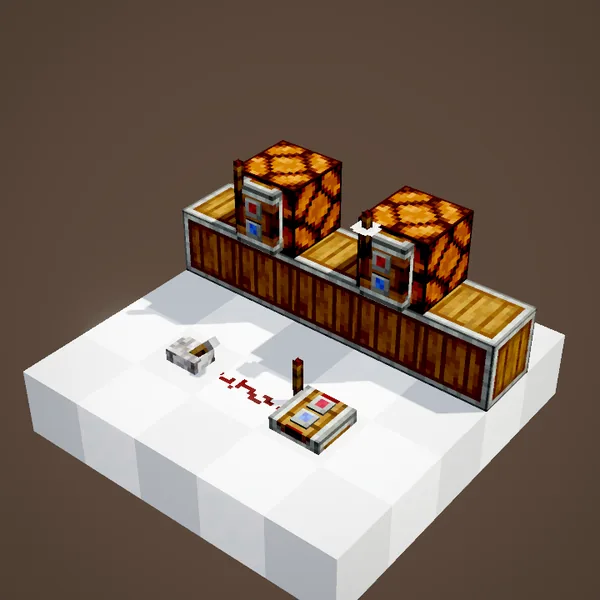
While sneaking, a bare-hand right-click turns the link into a receiver: its indicator changes shape. A receiver no longer reads anything around it; it only gives back what the transmitters send.
Or with the Wrench
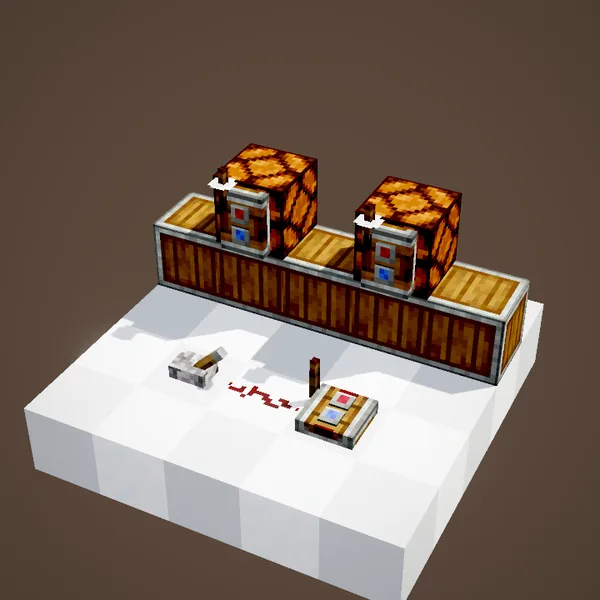
The Wrench does the same with a plain right-click, no sneaking needed. Handy when you set up a whole wall of links in a row.
The receiver powers its block
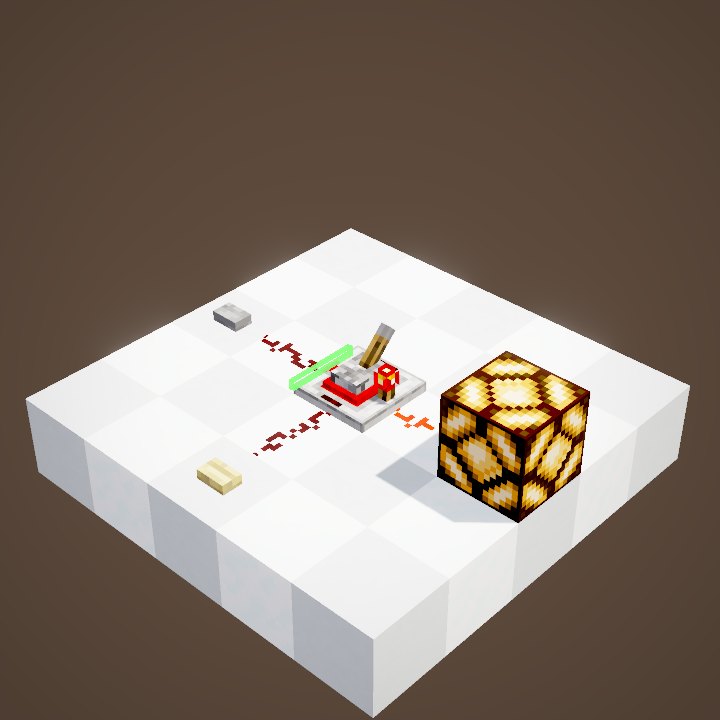
A receiver powers the block it sits on, just like a lever: here each receiver is stuck to its lamp. It outputs the same strength as the strongest transmitter, from 1 to 15, up to 256 blocks away. In the loop the lamp lights one tick after the lever and goes dark four ticks after it, a lamp's usual delay.
Picking a frequency
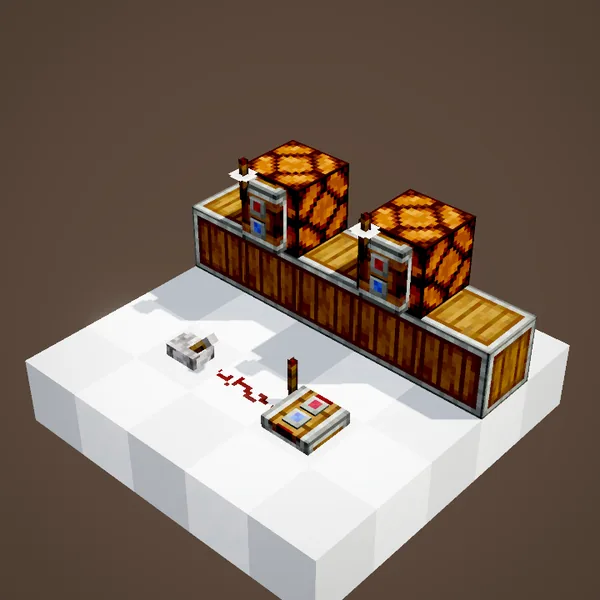
The face of the link has two slots. Click one with an item: it acts as a key and is not used up. The frequency is the whole pair, in slot order. A sapling then an iron ingot is not the same as an ingot then a sapling.
Only matching pairs talk
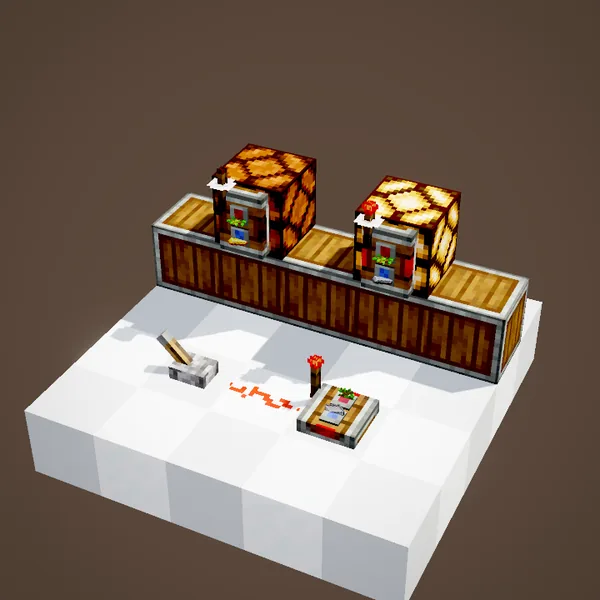
In the loop the transmitter and the first receiver hold an oak sapling and an iron ingot; the second receiver holds a sapling and a gold ingot. Our simulation rebuilds the networks from the code: only the lamp with the right pair follows the lever.
The Linked Controller
The Linked Controller is crafted from a link surrounded by wooden buttons. It has six buttons, each tuned to its own item pair. Right-click to switch it on: your movement keys then send a signal to the receivers on those frequencies for as long as you hold them. Placed on a lectern, it works for any player who steps up to it.
Build ideas
A base door opened from inside the house, with no trench for dust. A call button on every floor of a lift. A receiver on a Gearshift to flip a machine's direction remotely, or on a Powered Latch to keep the state after a single pulse.
Common mistakes
Two transmitters on one frequency do not add up: the receiver takes the strongest, not the sum. A link that never lights is often still a transmitter. And a frequency left empty connects every fresh link nearby, so always give it two items.
What the loop shows
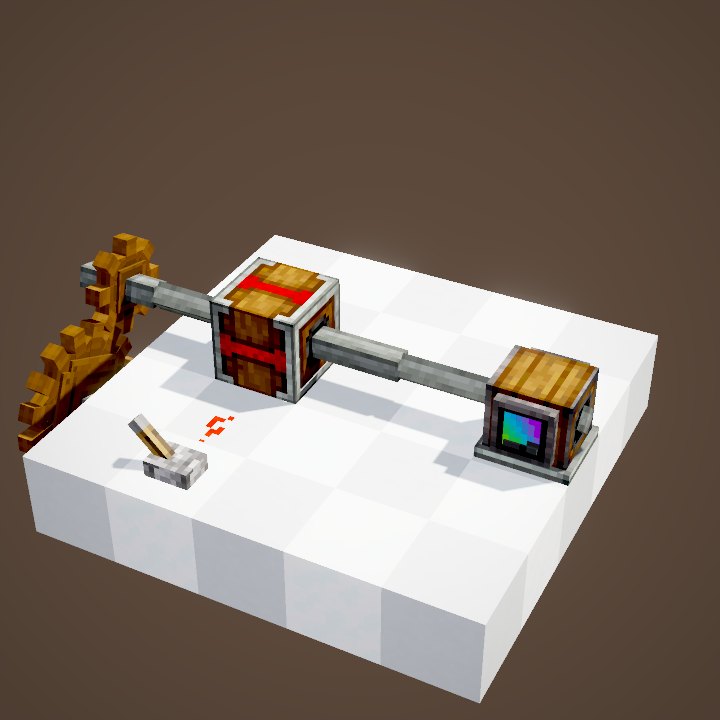
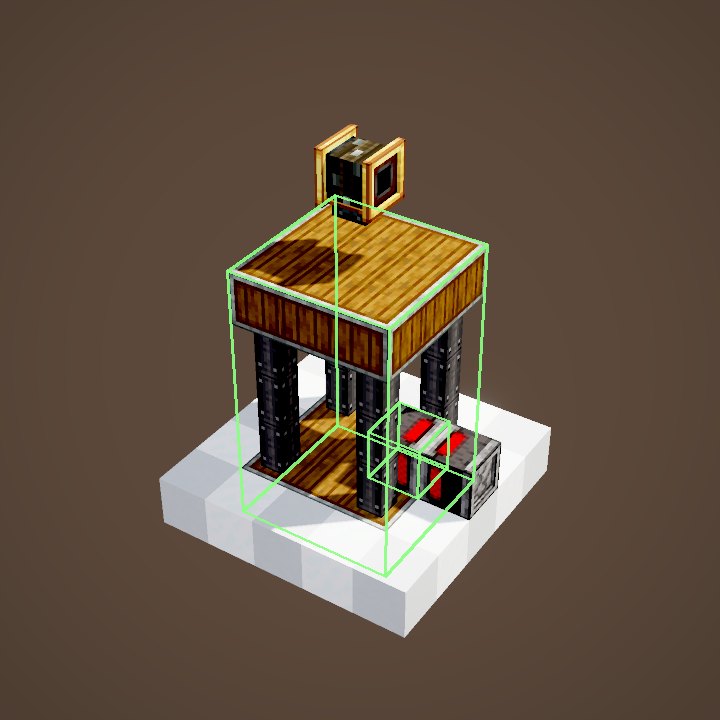
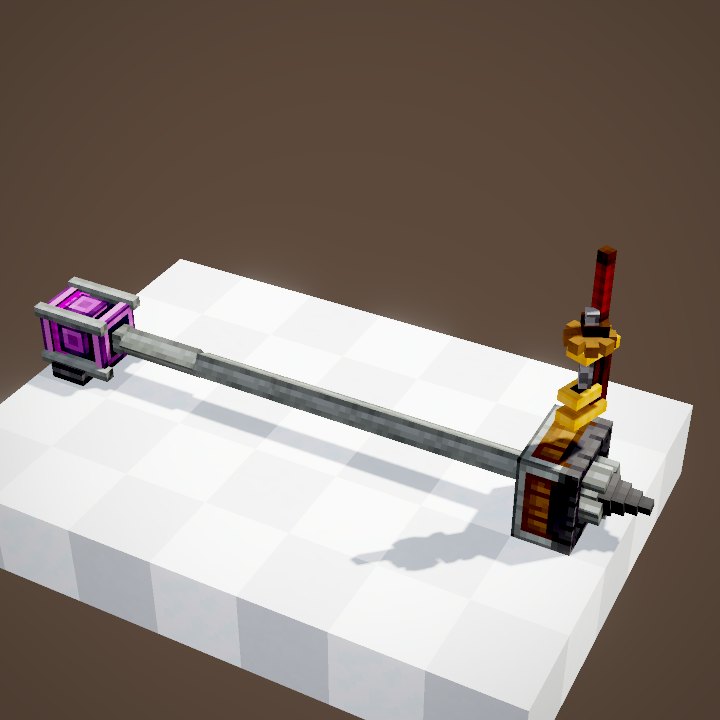
The player, the Wrench and items held in hand are not drawn. The frequency items sit on the faces of the links, as in the game. The lamps switch on and off on the ticks computed by our simulation, not on the scene's own timing.
On our server
On Create France, links save you from digging dust trenches through shared areas. Pick an unusual item pair: two players who choose the same frequency end up running each other's machines without meaning to.
Related pages
Sources for the numbers (Create 6.0.8 code)
- Recipes: crafting/logistics/redstone_link.json (2 links), crafting/appliances/linked_controller.json
- Range: CLogistics.linkRange (256)
- Frequency and modes: RedstoneLinkBlockEntity, LinkBehaviour, RedstoneLinkBlock.toggleMode (sneak or Wrench)
- Signal: RedstoneLinkBlock.getSignal / getDirectSignal (the supporting block is powered), updateTransmittedSignal
- Linked Controller: LinkedControllerItem (12 slots = 6 frequencies), LinkedControllerClientHandler
- Simulation: WIKI/redstone_sim.py (signals, delays, links, latches and speeds recomputed tick by tick from Create's and Minecraft's code; only the player's actions come from the scene)
- Scene: RedstoneScenes.redstoneLink (split into two loops; player and Wrench not drawn)
Original texts and animations by Create France, rendered from the mod's Ponder scenes. Create is a mod by the Create Team, not affiliated with Create France.