Create Wiki · Trains
Train Observer
The Train Observer outputs a redstone signal when a train passes a precise point of the track. Use it to open a gate, sound a whistle, count passing trains or drive a signal. With a filter, it only reacts to trains carrying a given cargo.
Quick facts
- Category
- Trains
- Crafting
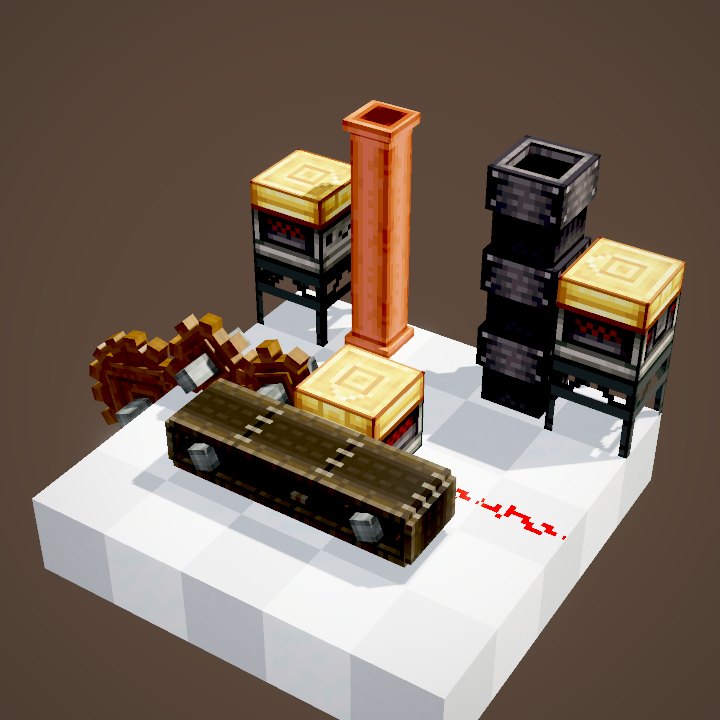
- 1 Train Casing + 1 pressure plate (wood, stone, blackstone or weighted) = 2 observers
- Placement
- Right-click a track, then place within 16 blocks
- Detection
- Any train covering the marker, from its first to its last wheel
- Signal
- While the train passes, then 8 more ticks (0.4 s)
- Filter
- Item or fluid: only trains carrying it trigger the observer
- Direction
- Both directions of travel
- Version
- Create 6.0.8 · Minecraft 1.21.1
Crafting table recipe (shapeless)
→ 2 Train Observers
Placing an observer
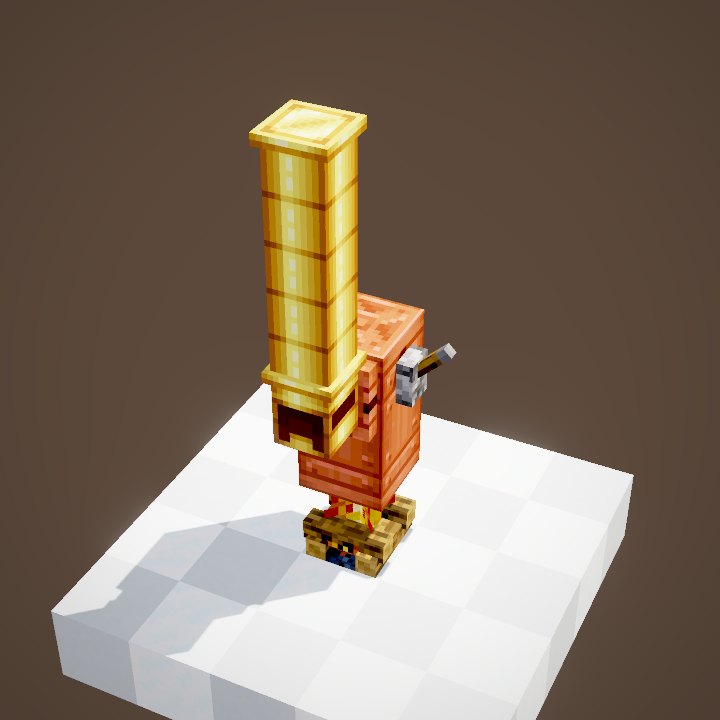
With the observer in hand, right-click the track to watch: the spot is outlined in green. Then place the block within 16 blocks, for instance under the platform or behind a wall. A marker appears on the track.
Detecting a train
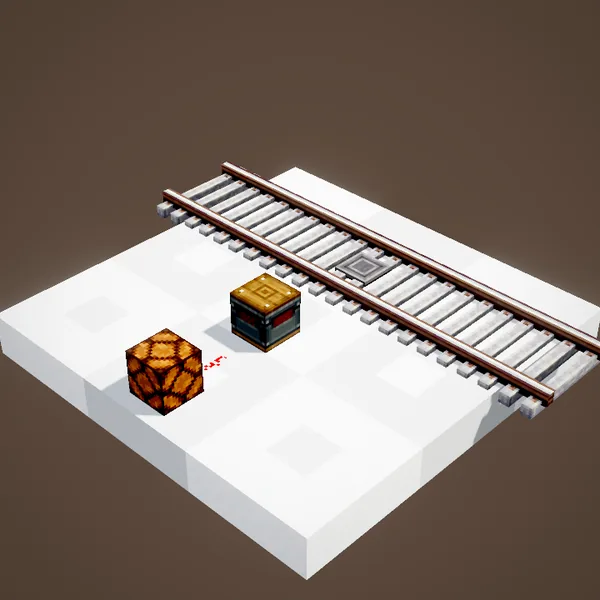
The observer turns on as soon as a train covers the marker, between its first and last wheel, and stays on for 8 ticks after it leaves. In the loop the output follows the real passage of the trains: it briefly turns off between two close trains.
Filtering the cargo
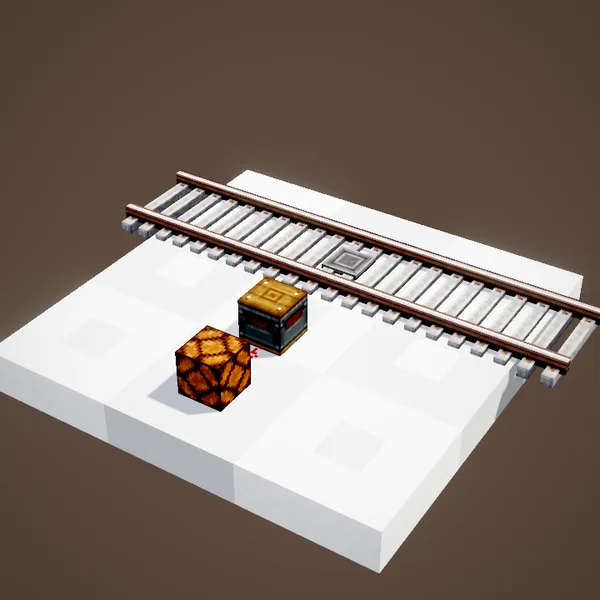
The top of the block has a filter slot. With an item, the observer only reacts to trains carrying it; with a bucket, it looks at the fluid in their tanks. Here only the train loaded with water lights it; the one carrying lava passes without triggering anything.
Ideas
A station door that opens when the train arrives, an alarm before a level crossing, a whistle greeting every departure. Paired with a redstone counter, the observer counts the trains on a line. Wired to a Display Link, it announces trains at the station.
Sorting trains
With a filter, the observer becomes a dispatcher: an ore train triggers a signal that opens the way to the unloading platform, the others carry on. The slot also takes Create filters, to target a list of items.
Train Observer or Smart Observer
The Smart Observer looks at a block or an inventory in front of it. The Train Observer is tied to a point of the track and sees trains, even at full speed, and even when they drive through without stopping.
Tips
Place the observer a little before the spot where you want something to happen: at 28 blocks per second, a train covers more than 11 blocks during the 8 ticks of signal. To know whether a train is standing in a station, use a comparator against the station instead.
It does not split the track
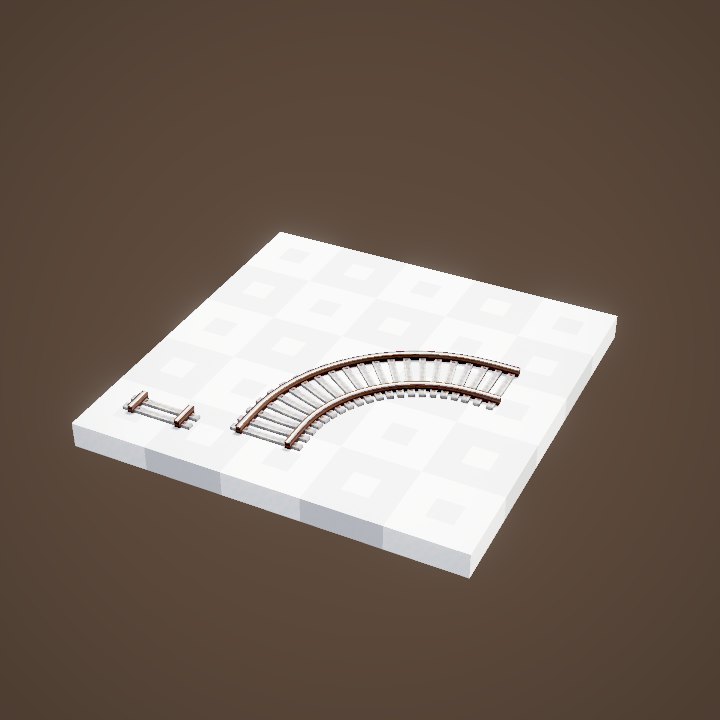
Unlike the signal, the observer creates no section: it only watches. Several observers can follow the same line, on a straight track or on a curve, without changing how trains run.
The redstone output
While a train passes, the block lights up and powers the redstone dust, lamps or mechanisms touching it, like a lever being pulled. The signal depends neither on the train's speed nor on its length: it lasts as long as a carriage covers the marker.
Example: a level crossing
Place an observer about fifteen blocks before a path crossing the track, and wire it to iron gates or lamps. The barriers close as the train approaches and open again after the last carriage. A second observer on the other side handles trains coming the other way.
Without a filter
Without a filter, the observer reacts to every train, even empty ones or trains driven by a player. To remove a filter, click the slot with an empty hand. A filter only looks at cargo: not at passengers or the conductor.
Related pages
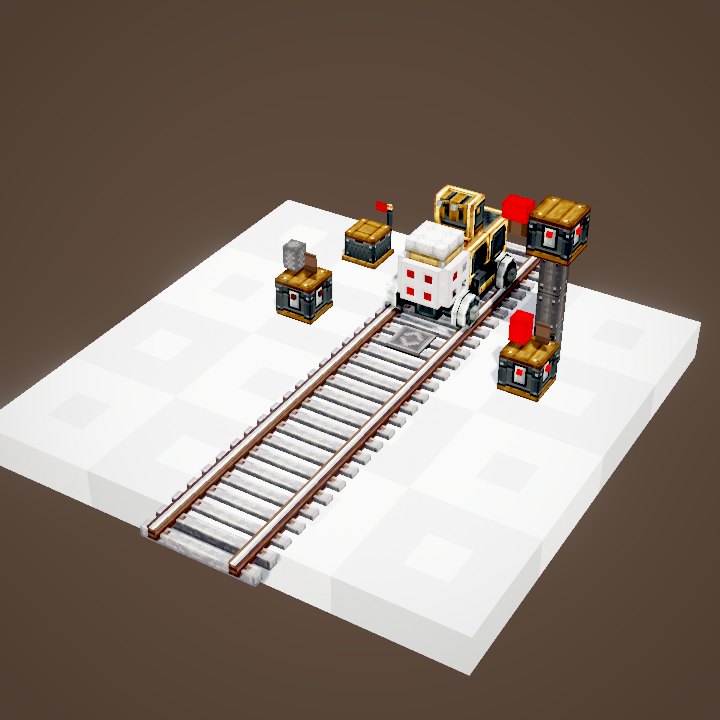
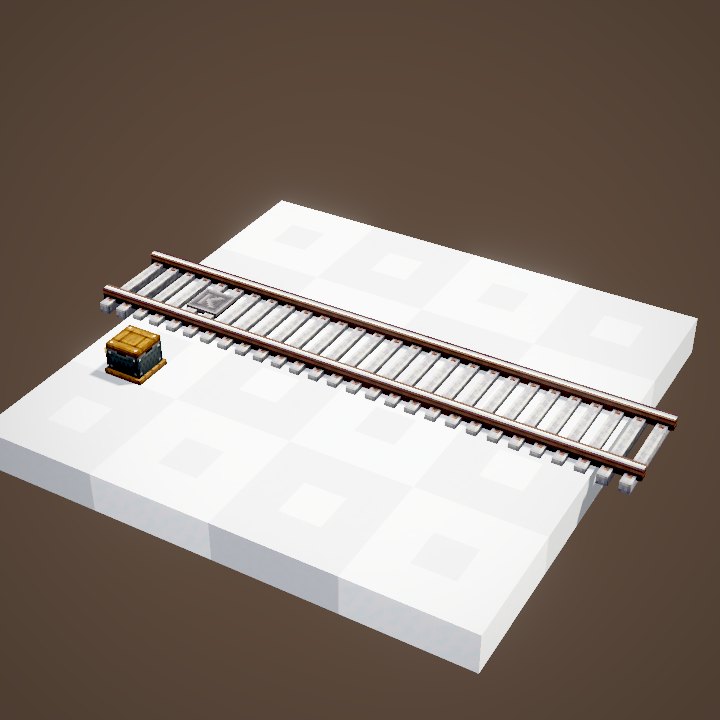
Sources for the numbers (Create 6.0.8 code)
- Recipes: crafting/kinetics/track_observer.json, track_observer_from_other_plates.json
- Activation: TrackObserver.keepAlive (8 ticks), Train.tickOccupiedObservers (filter tested on the carriages’ items and fluids)
- Simulation: WIKI/train_sim.py (sections, signals, observers and flags recomputed from Create's code)
- Scene: TrackObserverScenes.observe (parrot conductors not drawn)
Original texts and animations by Create France, rendered from the mod's Ponder scenes. Create is a mod by the Create Team, not affiliated with Create France.