Create Wiki · Contraptions
Mechanical Bearing
The Mechanical Bearing spins whatever sits on its face: a swinging door, a Ferris wheel, a radar dish, decorative blades. It turns the rotation of a shaft into the rotation of a whole structure. The Clockwork Bearing, covered further down, does the same while following the in-game time.
Quick facts
- Category
- Contraptions
- Stress
- 4 SU per RPM (Clockwork too)
- Speed
- 6° per second per RPM: one turn in 3.75 s at 16 RPM
- Attachment
- The block against its spinning face, plus whatever is glued or fixed to it
- Stopping
- The structure settles at the nearest right angle
- Carried
- A bearing carried by a contraption keeps its structure level
- Clockwork
- Hour hand, then minute hand, set to the in-game time
- Version
- Create 6.0.8 · Minecraft 1.21.1
Crafting table recipe
→ 1 Mechanical Bearing
What spins
Assembled as soon as it turns
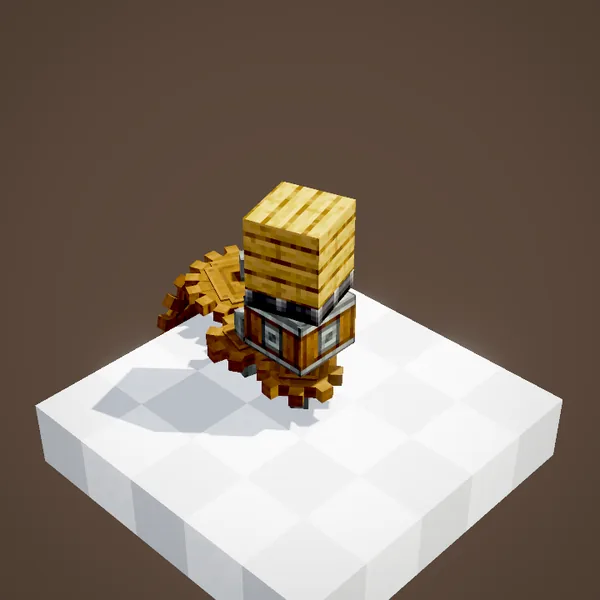
As soon as the bearing's shaft turns, the structure is assembled and pivots around the axis. At 16 RPM it completes a turn in 3.75 s. Our simulation counts the same duration as the scene, within one tick.
Powering the bearing
Rotation comes in through the face opposite the structure, from a shaft or a cogwheel. Flip the direction of rotation to make the structure spin the other way round.
A big structure
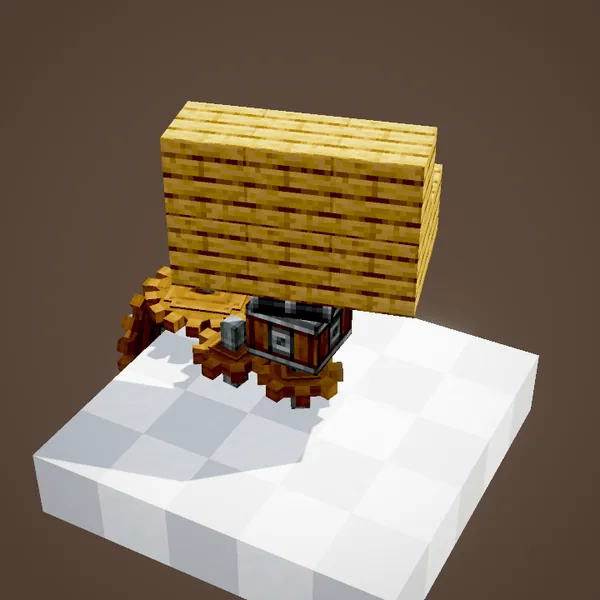
With chassis and glue, any shape spins as one piece: blades, arms, a platform. Keep the area clear: a spinning structure passes through the scenery, but it shoves players and mobs around.
Stopping straight
When rotation stops, the structure turns back into blocks. Since blocks cannot sit at a slant, it settles at the nearest right angle: a quarter turn of difference at most.
Three settings
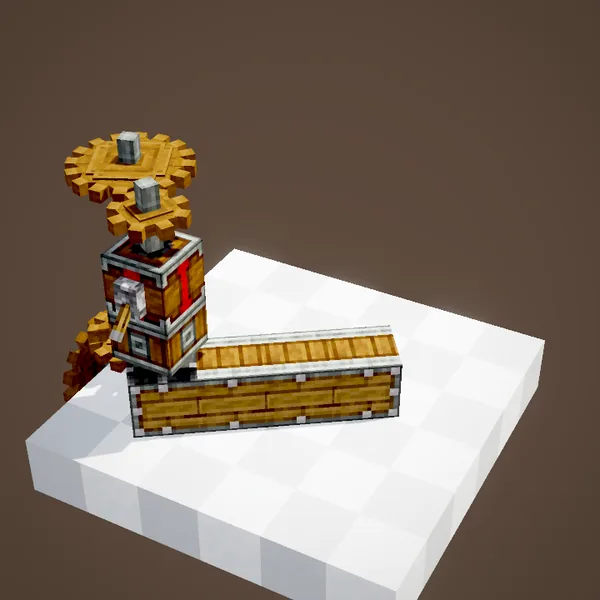
The value panel offers three choices: place the blocks at every stop, only place them near the starting angle, or keep the structure moving as long as the bearing exists. The last one suits decorative windmills and radars.
Speed and stress
A bearing turns 6 degrees per second per RPM: one turn in 7.5 s at 8 RPM, 3.75 s at 16, under a second at 64. It costs 4 SU per RPM. For a door, a low speed is enough and avoids jerky motion.
Build ideas
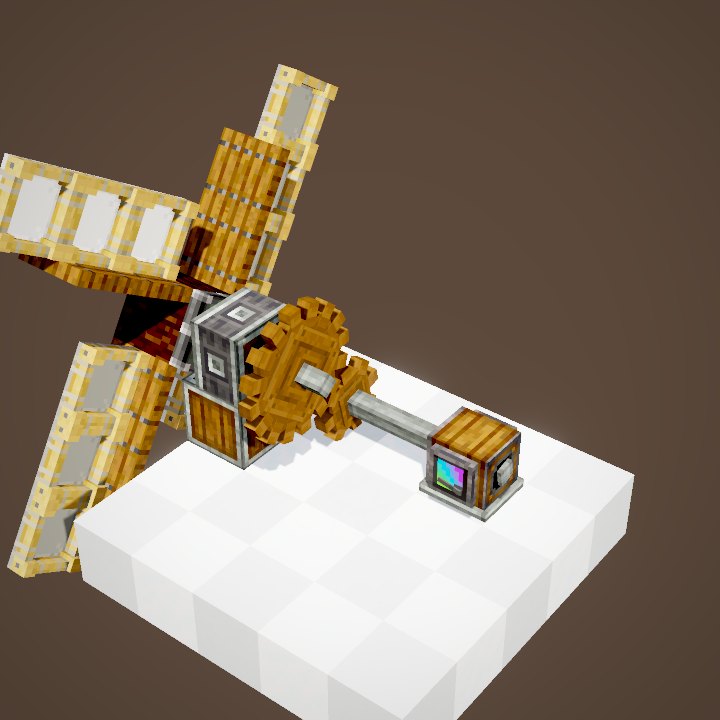
A swinging door on a bearing lying on its side, a merry-go-round on a slow bearing, decorative blades spun by a motor. To make power from wind, this is not the block you want: use the Windmill Bearing, which works on the same principle.
A bearing on a contraption
A bearing can itself be part of a structure that moves or spins. It then becomes a stabilizer: whatever sits on it forms a separate sub-structure.
Always upright
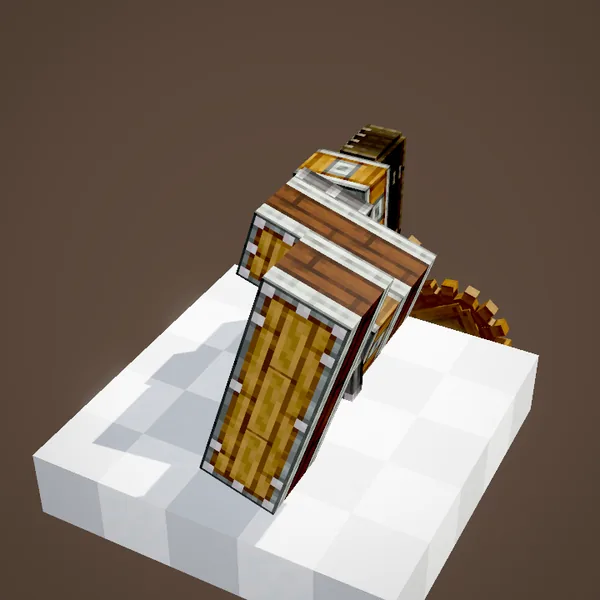
That sub-structure stays level while everything else pivots, like the gondolas of a Ferris wheel. The carried bearing needs no power for this.
The Clockwork Bearing
The Clockwork Bearing (brass and electron tube) turns its structure according to the in-game time: an in-game hour lasts 50 s. It still needs rotation to animate; the faster it is, the sooner the hand catches up with the time.
The hour hand

The first structure acts as the hour hand: it turns to the current hour and then follows it. Right-clicking the bearing starts or stops the animation.
Adding minutes
Another structure, placed ahead of the first one, becomes the minute hand. The two must not be glued together, or they turn as one. The bearing's setting can also swap their roles or use a 24-hour dial.
What the loops do not show
Particles and the clicking player are not drawn. The hour shown by the Clockwork Bearing follows the storyboard, not a real day.
Related pages
 Windmill BearingKinetics
 Super GlueContraptions
 Linear and Radial ChassisContraptions
 Mechanical PistonContraptions
 Cogwheel and Large CogwheelKinetics
 Portable Storage InterfaceContraptions
 Sequenced GearshiftRedstone
 Redstone ContactRedstone
 Cannon MountCreate Big Cannons
 Crafting a cannonCreate Big Cannons
Sources for the numbers (Create 6.0.8 code)
- Recipes: crafting/kinetics/mechanical_bearing.json, clockwork_bearing.json
- Stress: AllBlocks.MECHANICAL_BEARING / CLOCKWORK_BEARING (CStress.setImpact(4.0))
- Speed: MechanicalBearingBlockEntity (convertToAngular: speed × 3/10 degree per tick)
- Stopping: MechanicalBearingBlockEntity.disassemble (angle rounded to a quarter turn), RotationMode (ROTATE_PLACE, ROTATE_PLACE_RETURNED, ROTATE_NEVER_PLACE)
- Stabilized: StabilizedBearingMovementBehaviour, StabilizedContraption
- Clockwork: ClockworkBearingBlockEntity.getHourTarget / getMinuteTarget (hour = day time / 1000 + 6), getHourArmSpeed (angular speed / 2), ClockHands (HOUR_FIRST, MINUTE_FIRST, HOUR_FIRST_24)
- Simulation: WIKI/contraption_sim.py (carried blocks, movement times, ropes and actors recomputed from Create's code)
- Scenes: BearingScenes.mechanicalBearing, bearingModes, stabilizedBearings, clockwork
Original texts and animations by Create France, rendered from the mod's Ponder scenes. Create is a mod by the Create Team, not affiliated with Create France.