Create Wiki · Redstone
Powered Latch and Powered Toggle Latch
A Powered Latch is a lever you flip with redstone. A pulse into the back turns it on, a pulse on the side turns it off, and it keeps its state in between. The Powered Toggle Latch has a single input: each pulse flips its state. Both can also be flipped by hand with a right-click.
Quick facts
- Category
- Redstone
- Output
- Strength 15 out of the front while on
- Powered Latch
- Back = on, sides = off
- Powered Toggle Latch
- Each rising edge into the back flips the state
- Delay
- 1 tick
- Right-click
- Flips it by hand (the plain latch refuses while only one input is on)
- Toggle Latch recipe
- Redstone Torch + Lever + 3 Stone
- Version
- Create 6.0.8 · Minecraft 1.21.1
Powered Latch recipe
→ 1 Powered Latch
A remote-controlled lever
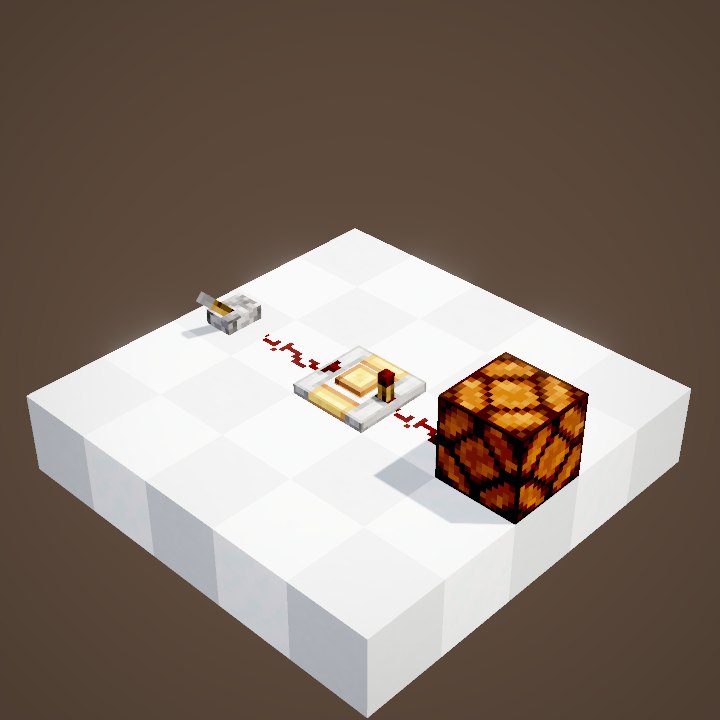
The latch is placed like a repeater, arrow toward the output. Its front gives off 15 while it is on, like a lever. The difference: you flip it with redstone, from a button, a link or a detector.
Placing the latch
Like a repeater, the latch lies flat on a block, its output pointing away from the player. The plain latch takes its side inputs from the left and the right; back and front stay along the arrow. It ignores a signal coming in from the front.
The back turns it on
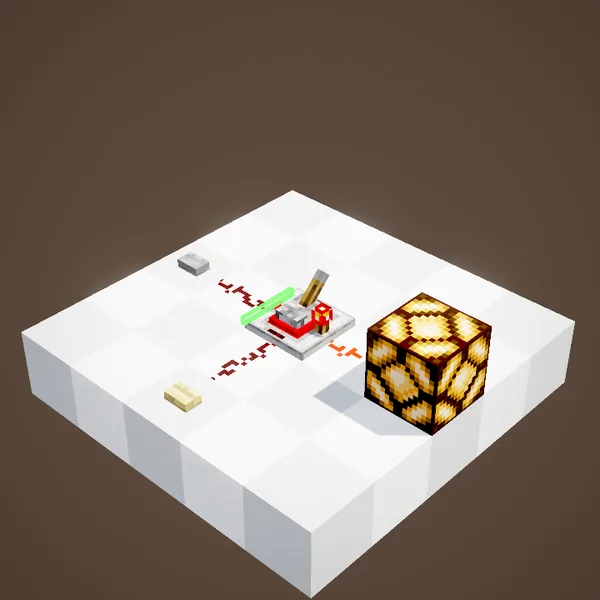
A pulse into the back turns the latch on one tick later, and it stays on once the button is released. The lamp on its output shows it: it no longer goes dark.
The side turns it off
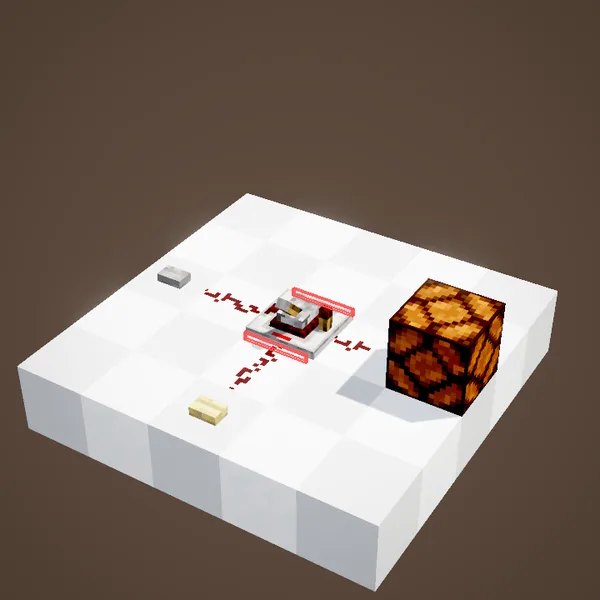
A pulse on a side switches it off. If both inputs are on at once, the last one to arrive wins: our simulation follows the block's logic tick by tick.
By hand
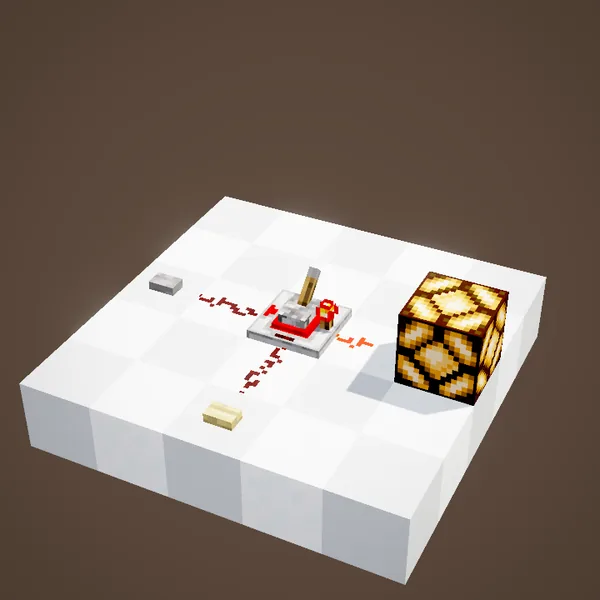
A bare-hand right-click flips its state. The plain latch refuses that click while only one of its inputs is powered, so as not to fight the signal.
The Toggle Latch
The Powered Toggle Latch has a single input, at the back. Each rising edge flips its state: one press turns it on, the next turns it off. A signal that lasts only counts once.
And the second pulse turns it off
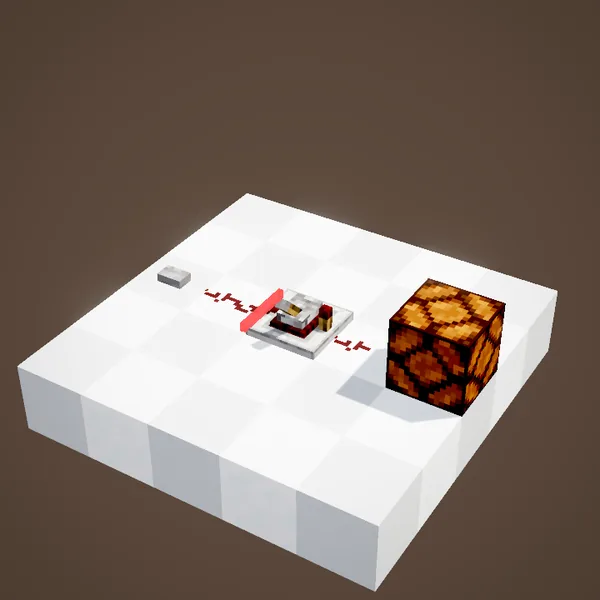
The loop shows the second press of the same button: the lamp goes dark. It is Create's two-way switch, in a single block.
Latch or Rose Quartz Lamp?
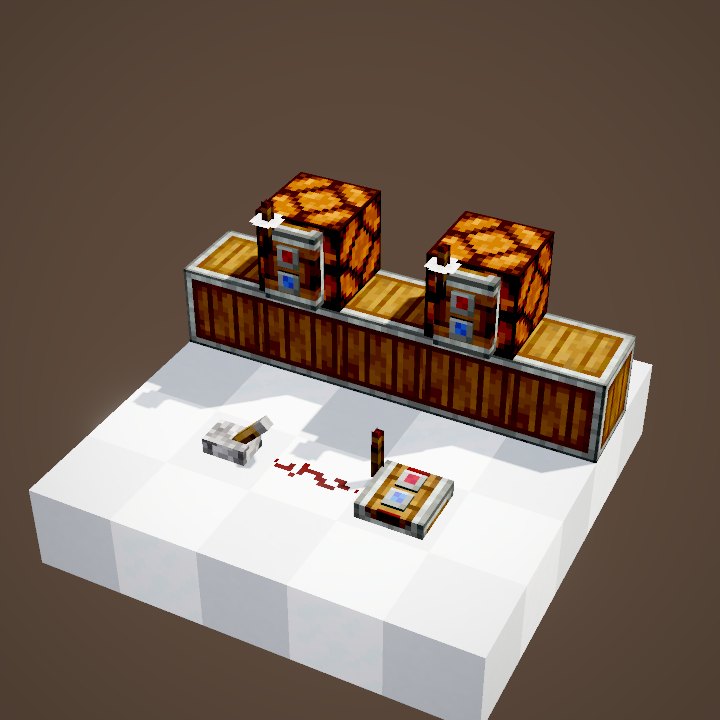
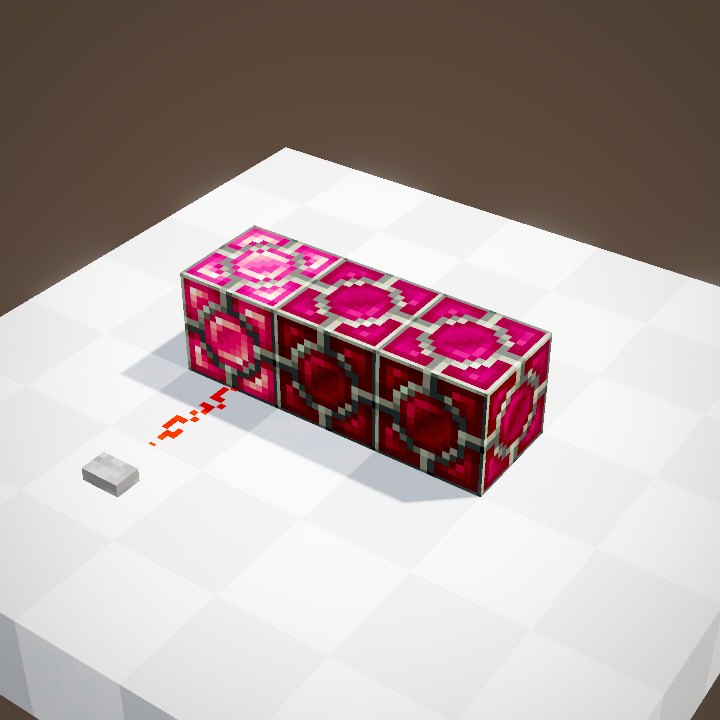
A latch keeps a single state, on or off. To remember a choice between several options, a row of Rose Quartz Lamps does the job of several latches at once: only one stays lit.
Build ideas
Common mistakes
The latch only reads its back and sides: dust wired into the front does nothing. With a clock on the input of a Toggle Latch, it blinks at half the clock's rate: that is by design.
What the loops show
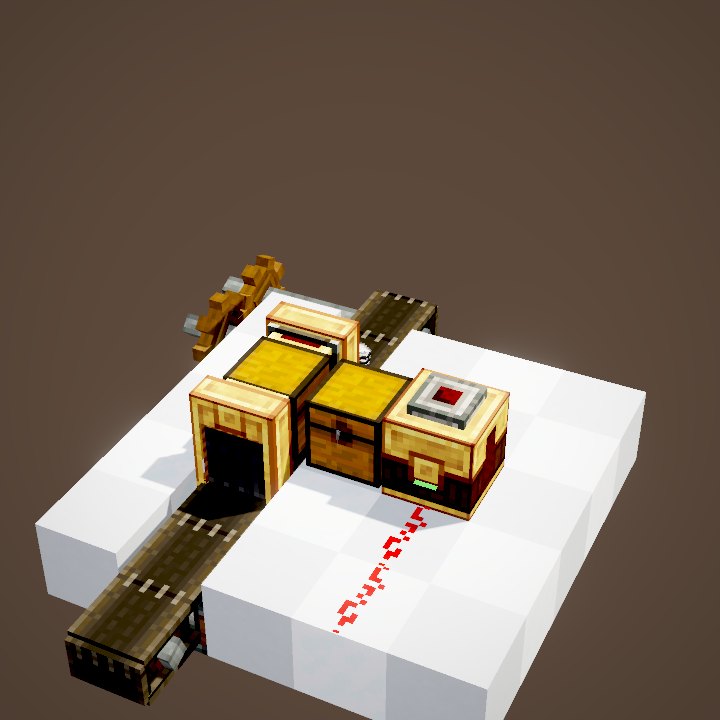
Stone buttons stay pressed for 20 ticks and wooden ones for 30, as in the game. The state of the latch, the dust and the lamp is recomputed tick by tick by our simulation; the hand clicks come from the scene, and the player is not drawn. Each button press is a single short pulse.
On our server
On Create France, a Toggle Latch behind a button is the simplest way to run a base door or a room's lights, without a lever next to every entrance. One button on each side of the door, both wired to the same latch, is all it takes.
Related pages
Sources for the numbers (Create 6.0.8 code)
- Recipes: crafting/logistics/powered_latch.json, powered_toggle_latch.json
- Logic: PoweredLatchBlock.tick / isPoweredOnSides / activated, ToggleLatchBlock.tick (rising edge) / activated, getDelay (1 tick)
- Simulation: WIKI/redstone_sim.py (signals, delays, links, latches and speeds recomputed tick by tick from Create's and Minecraft's code; only the player's actions come from the scene)
- Scenes: RedstoneScenes.poweredLatch, poweredToggleLatch (stone buttons 20 ticks, wooden 30; player not drawn)
Original texts and animations by Create France, rendered from the mod's Ponder scenes. Create is a mod by the Create Team, not affiliated with Create France.