Create Wiki · Package network
Stock Link
The Stock Link is the package network's antenna. Attached to a Packager, it tells the network what the inventory behind it holds and passes on the orders addressed to it. All links set to the same frequency form a single logistics network, wireless and with no distance limit: a Stock Ticker then sees every warehouse at once.
Quick facts
- Category
- Package network
- Placement
- On a face of a Packager, on the floor, a wall or the ceiling
- Network
- A shared frequency, copied by clicking an existing link before placing
- Range
- Wireless, no maximum distance
- Redstone
- A signal strength of 15 disconnects it
- Recipe
- 1 Transmitter + 1 Item Vault
- Version
- Create 6.0.8 · Minecraft 1.21.1
Crafting table recipe
→ 1 Stock Link
On a Packager
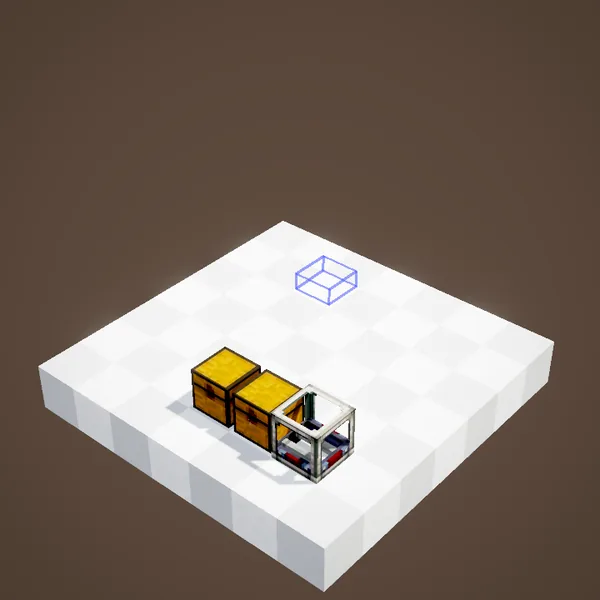
A Stock Link is only useful against a Packager. Put it on one of its faces, standing on the floor, hanging on a wall or from the ceiling. It reads the inventory the Packager serves, chest or Item Vault, and makes it available to the network.
One frequency, one network
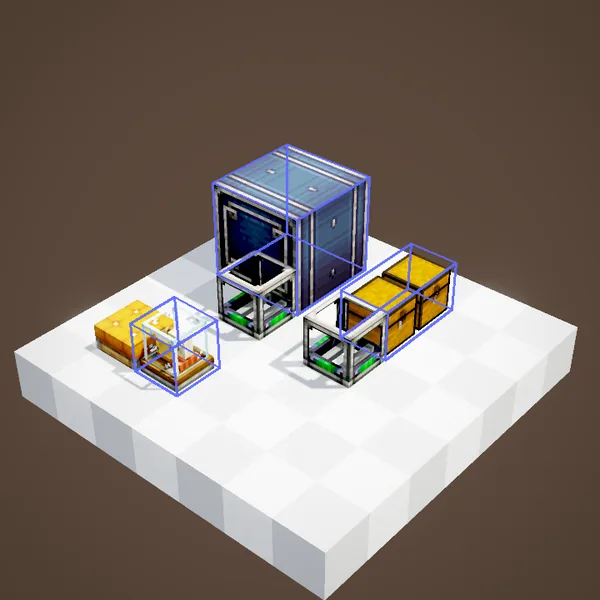
Each link belongs to a network. For a new link to join an existing network, first right-click a link already placed while holding the new one: it copies its frequency. Then place it wherever you like, even at the other end of the map. Without that step, it starts a brand new network of its own.
Seeing every store
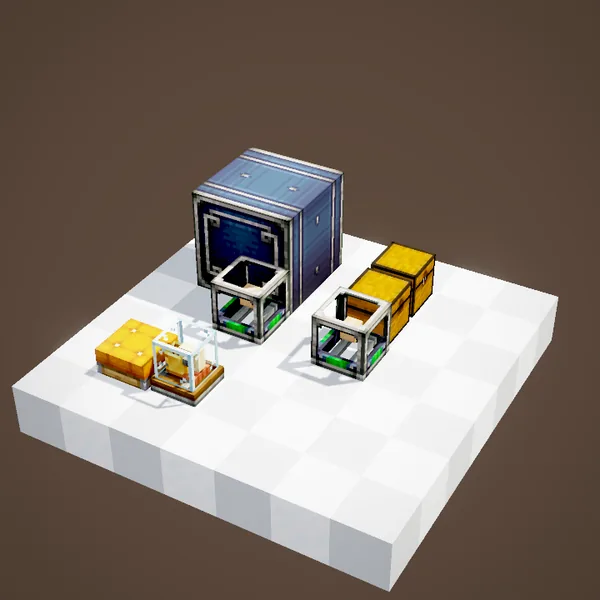
All the links of a network add their inventories together. A Stock Ticker on the same network then shows the complete list of available items, whatever warehouse they sit in. No more running from chest to chest to find out whether there is any iron left.
Answering orders
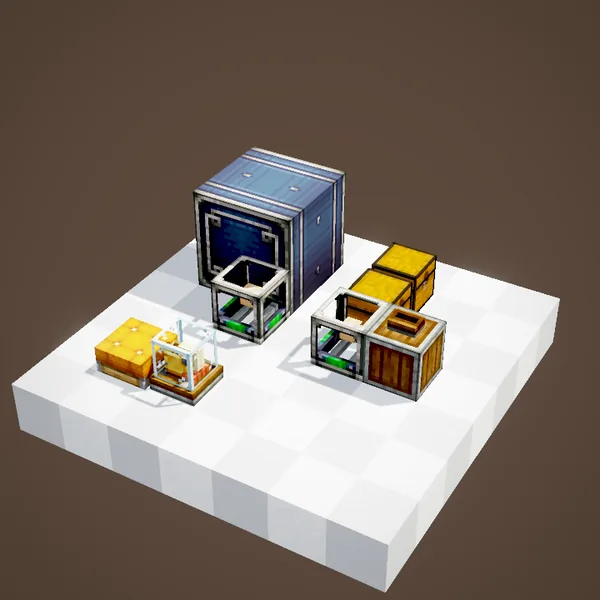
When someone orders items on the network, the link passes the request to its Packager, which takes exactly what is needed, packs it with the destination address and ships it. If several warehouses hold the item, the order may be served in pieces, which is where the Re-Packager comes in.
Switching it off with redstone
A redstone signal at full strength on the link unplugs it from the network: its warehouse vanishes from the list and receives no more orders. It is handy to reserve a store during a build, or to close a shop at night. A small bulb on the link flashes at every exchange.
Protecting your network
On a server, a network can be locked from the Stock Ticker: only its owner and authorised players can then place orders. On Create France, it is the recommended setting for a base shared with visitors.
With Factory Gauges
Factory Gauges use the network's frequency too: a gauge that has to restock a machine orders its ingredients from the warehouses connected through Stock Links. The link is therefore the first block to place when building a networked factory.
Example: three warehouses, one network
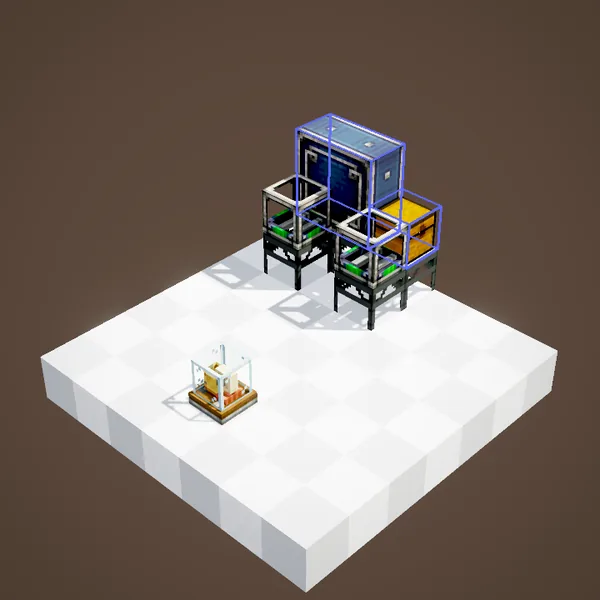
An ore vault at the mine, a timber store at the sawmill and the base's cellar each get a Packager and a Stock Link set to the same frequency. From the workshop's Stock Ticker you see iron, wood and food at once, and a mixed order leaves each warehouse for the same address. Adding a fourth warehouse later only takes two blocks, and nothing has to be rewired anywhere else. That is the real strength of the system: the network grows with the base, one Packager at a time.
A tip
Give every linked Packager a sign with its warehouse's address: packages coming back will find their way, and the ticker will know where returns should be delivered. Clear, consistent names save a lot of debugging once the network grows.
About the pictures
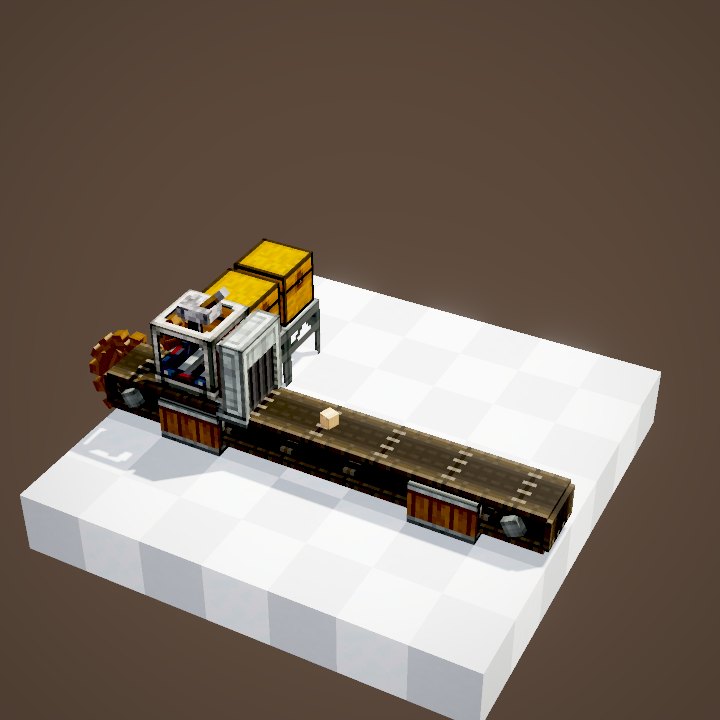
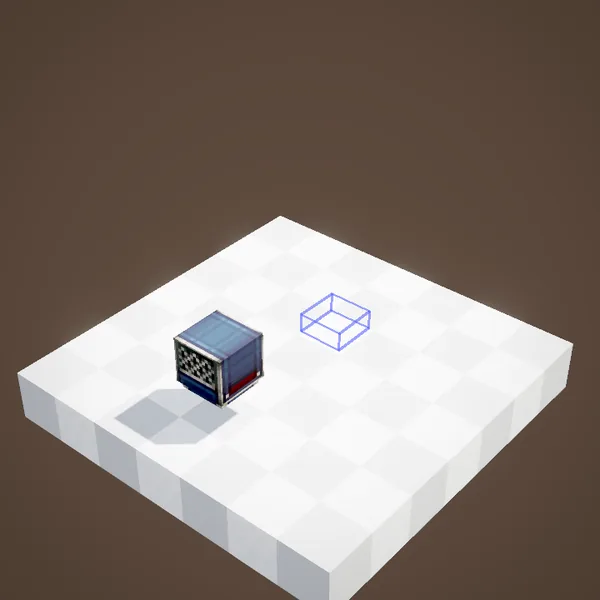
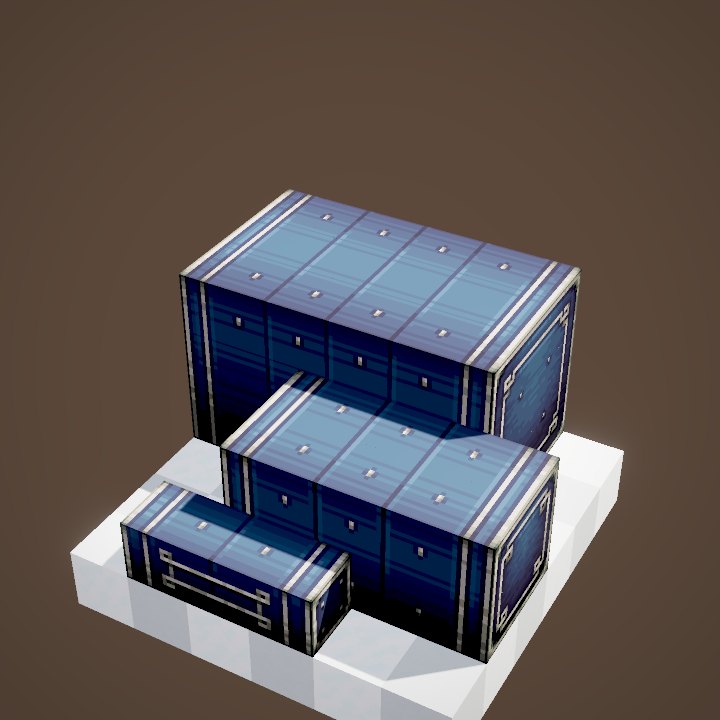
Network exchanges, the link's bulb and packages prepared on demand are not animated by our renderer: this page is illustrated with stills of the Ponder scene.
Related pages
Sources for the numbers (Create 6.0.8 code)
- Stock Link: PackagerLinkBlockEntity (getPackager: Packager against the link, disabled at strength 15; processRequest), PackagerLinkBlock (FACE: floor, wall, ceiling)
- Network: LogisticallyLinkedBehaviour (freqId frequency), locking: Create.LOGISTICS.isLockable / isLocked
- Recipe: crafting/logistics/stock_link.json
- Scene: StockLinkScenes.stockLink; stills only
Original texts and animations by Create France, rendered from the mod's Ponder scenes. Create is a mod by the Create Team, not affiliated with Create France.