Create Wiki · Package network
Re-Packager
A large order placed on the package network often leaves in several pieces: a package only holds 9 stacks, and items can come from several warehouses. The Re-Packager waits for every piece of the same order and repacks them into complete packages before letting them go on. It is essential when a machine, such as a Mechanical Crafter grid, must receive its whole recipe at once.
Quick facts
- Category
- Package network
- Role
- Gathers the fragments of one order into complete packages
- Ordinary packages
- Come straight back out, without waiting
- Crafting
- A Packager converted in the crafting grid (and back)
- Stress
- None
- Version
- Create 6.0.8 · Minecraft 1.21.1
Crafting grid conversion
→ 1 Re-Packager
The problem with fragmented orders
When the network has to deliver many items, the Packager splits them into several packages of 9 stacks at most. Each piece carries the mark of its order, but they travel separately and can arrive mixed with another order's pieces. For a chest it does not matter. For a machine expecting a precise recipe, it is chaos.
Two orders crossing paths
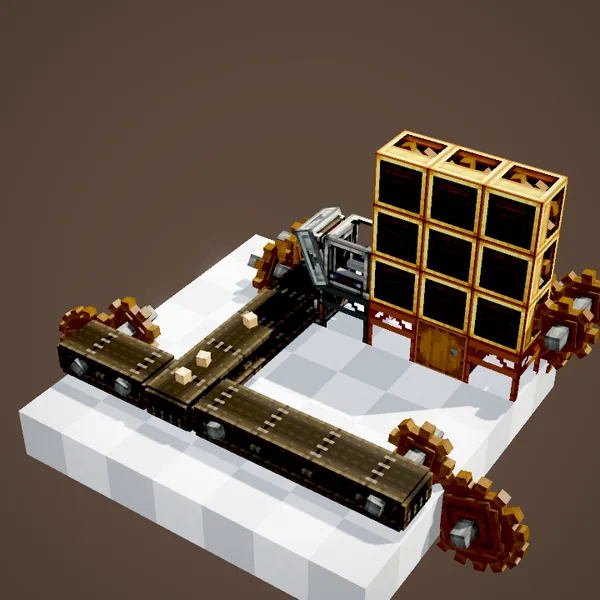
In the loop, two orders A and B leave the same warehouse. Their packages follow one another on the belt in no particular order: a piece of A, two of B, the rest of A… Delivered as they are to a crafter grid, they would fill the slots with a mix of both recipes.
The Re-Packager restores order
Placed along the route, against a buffer inventory, the Re-Packager takes in the packages. An ordinary package comes straight back out. A fragment is put aside until every piece of its order has arrived. Only then does the Re-Packager open them, gather their contents and build complete packages again, in the right order.
One order, one shipment
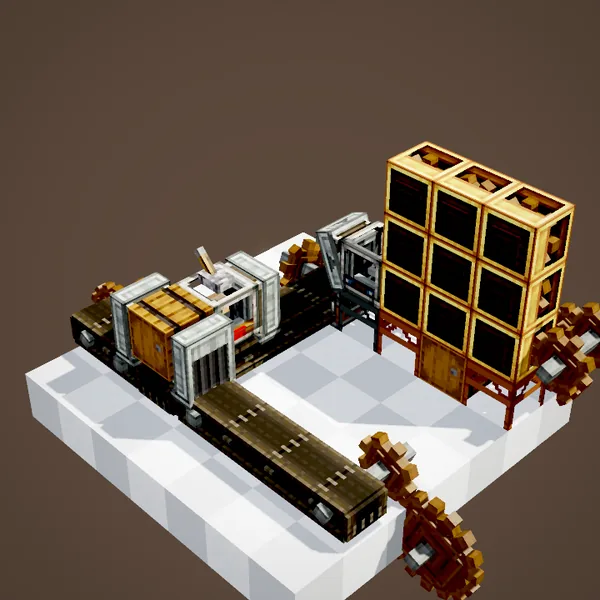
On the way out, each order leaves in one go, with no piece of another order in the middle. The machine at the end of the line receives all its ingredients together and can craft straight away. This is exactly what Factory Gauges need when they order whole recipes.
From Packager to Re-Packager
The Re-Packager is not crafted from scratch: you convert a Packager by putting it alone in the crafting grid, and the reverse conversion works too. It is placed and wired like a Packager, against an inventory, with the same output. It even keeps the address sign if you attach one.
Where to place it
The right spot is just before the destination that needs complete orders: at the entrance of a crafting room, a line of Deployers or a crafter grid. It is pointless in front of a plain warehouse though: an Item Vault stores the pieces perfectly well in any order.
Example: a crafter grid fed by the network
A crafting room receives its ingredients through a single chain. In front of the crafter grid, a Frogport drops packages into a buffer chest; a Re-Packager against that chest waits until every order is complete and sends it back out in one go onto the belt feeding the grid. Without it, two orders placed a few seconds apart would mix inside the crafters and jam the machine until someone emptied it by hand. With it, you can queue as many orders as you like and each one is crafted cleanly, one after the other.
A tip
Keep the Re-Packager's buffer chest large enough for several orders at once, and reserve it for packages: an ordinary item slipping in would not break anything, but it would take up room that the next order needs.
What our loops show
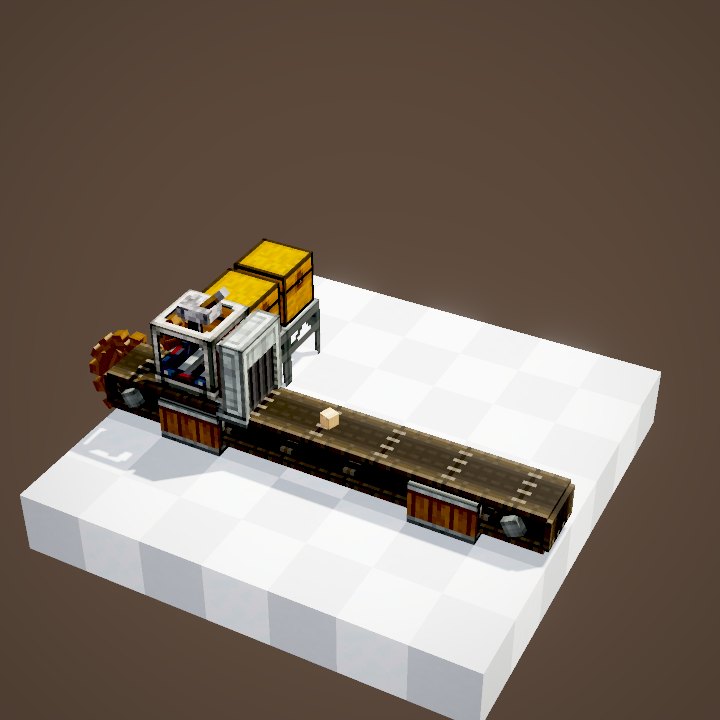
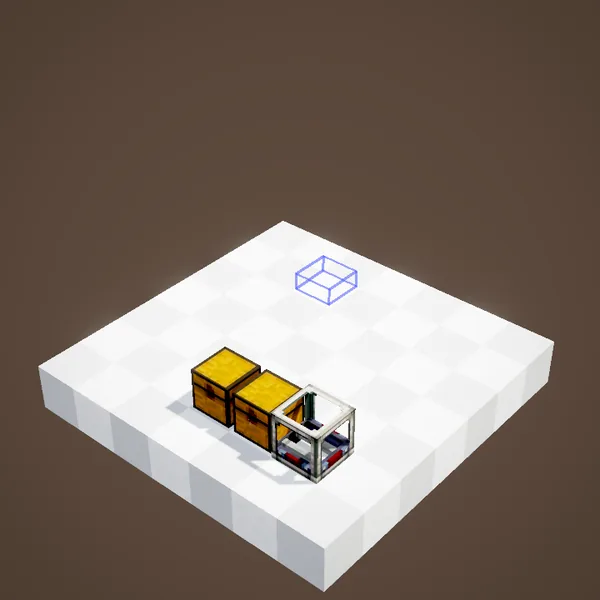
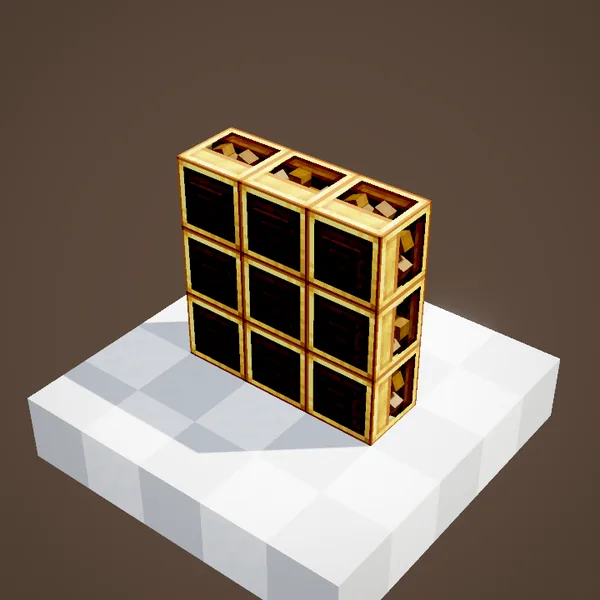
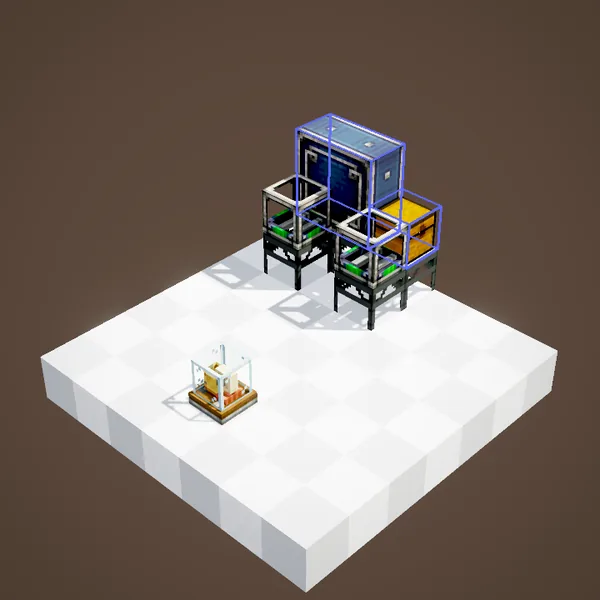
Our loops show packages on belts and on the Packagers' trays, drawn as the "cardboard package" item. The grouping inside the Re-Packager, the order mark and the address are not visible: these are partial loops, completed by the text.
Related pages
Sources for the numbers (Create 6.0.8 code)
- Re-Packager: RepackagerBlockEntity (subclass of PackagerBlockEntity), PackageRepackageHelper.isFragmented / addPackageFragment / repack
- Package contents: PackageItem.SLOTS = 9
- Recipes: crafting/logistics/repackager_from_conversion.json, packager_from_conversion.json
- Scene: RepackagerScenes.repackager (two partial loops: packages drawn as the "cardboard package" item, grouping not shown)
Original texts and animations by Create France, rendered from the mod's Ponder scenes. Create is a mod by the Create Team, not affiliated with Create France.