Create Wiki · Fluids
Fluid Pipe
The Fluid Pipe is Create's plumbing. It links tanks, basins, spouts, item drains and hose pulleys, and carries water, lava, honey, chocolate or milk from one end of a network to the other. A pipe on its own does nothing: a Mechanical Pump is what sets the fluid moving. This page also covers the Glass Fluid Pipe, Copper Casing and the Fluid Valve.
Quick facts
- Category
- Fluids
- Crafting
- 2 Copper Sheets + 1 Copper Ingot = 4 pipes
- Contents
- None: a pipe stores nothing, fluid only passes through from one end to the other
- Driven by
- A Mechanical Pump, with a 16-block reach on each side
- Window
- Wrench on a straight pipe: you can see the fluid flow
- Casing
- Copper Casing: connections are locked
- Fluid Valve
- Pipe + Iron Sheet, opened and closed by rotation
- Version
- Create 6.0.8 · Minecraft 1.21.1
Crafting table recipe
→ 4 Fluid Pipes
Linking tanks
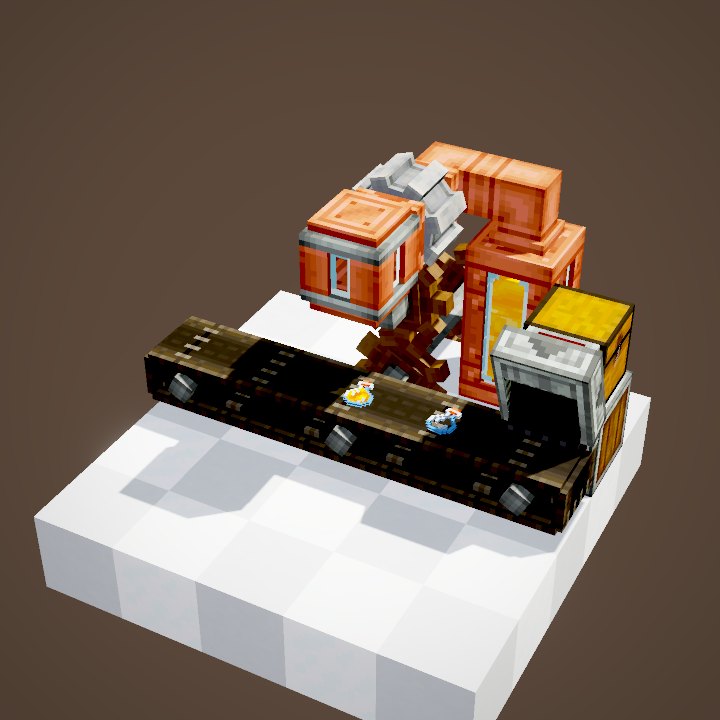
Lay pipes end to end between two blocks that hold fluid: they join neighbouring pipes and any tank, basin or machine they touch on their own. A network can have more than two ends: every block it touches becomes a possible source or destination. A pipe that touches nothing stays an open end, which can pick up or spill fluid into the world.
A window to see the fluid
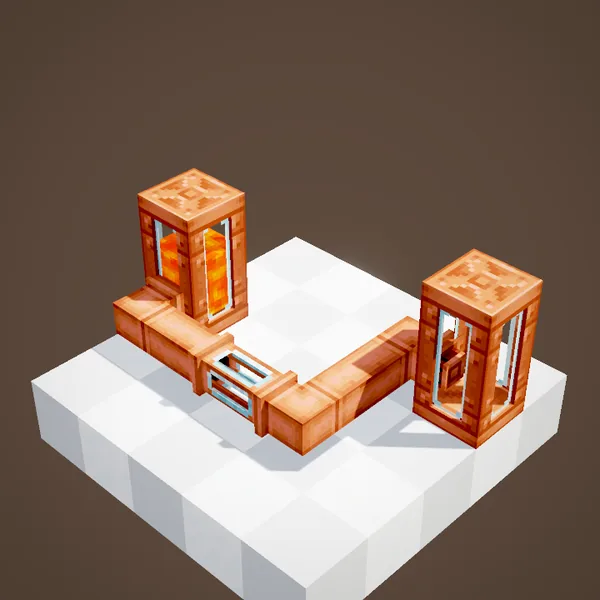
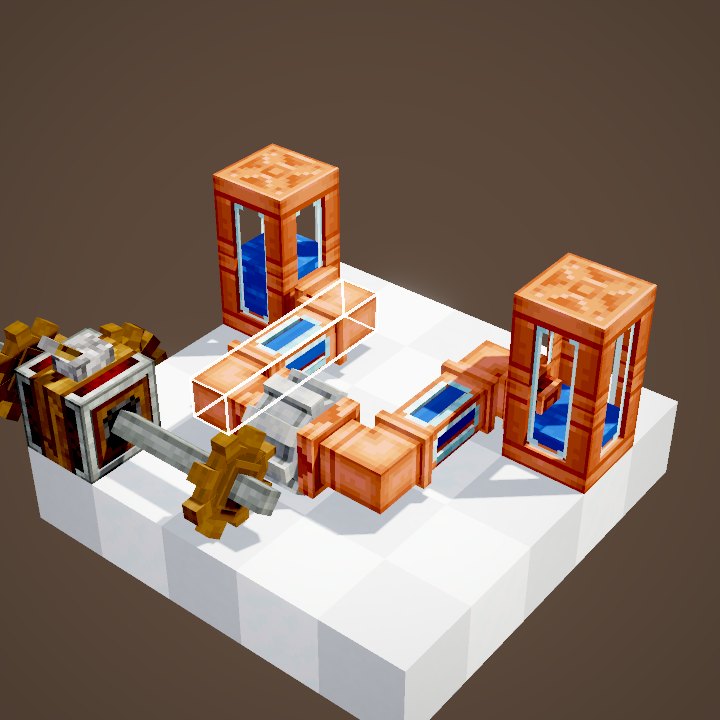
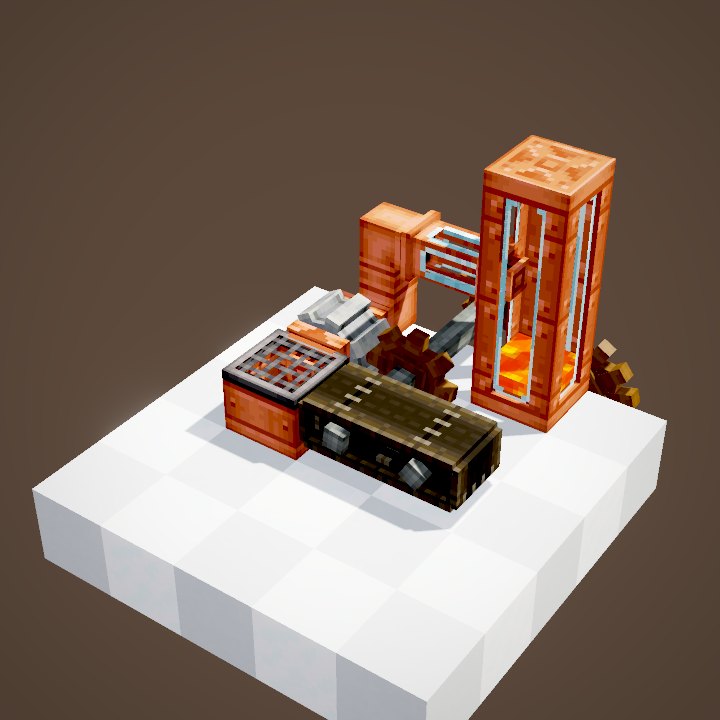
Right-clicking a straight pipe with a Wrench adds a glass window: it is the only way to watch the fluid travel. The same action removes it. Note that a Glass Fluid Pipe stays straight: it refuses any connection on its sides, which is also handy for running two pipes side by side without merging them.
The pump does all the work
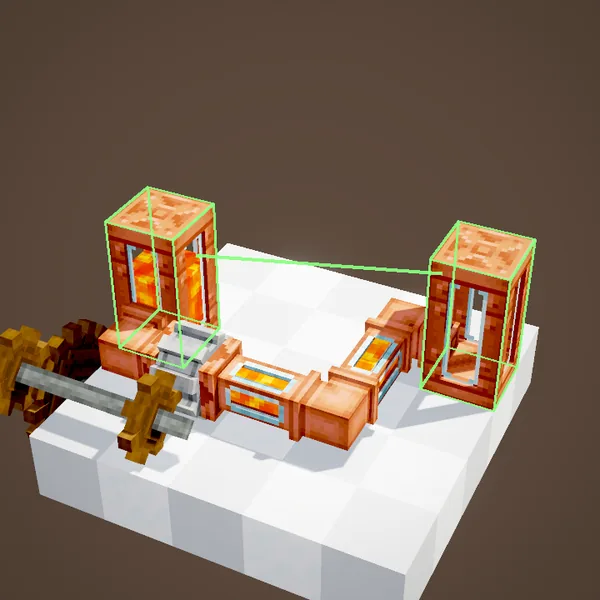
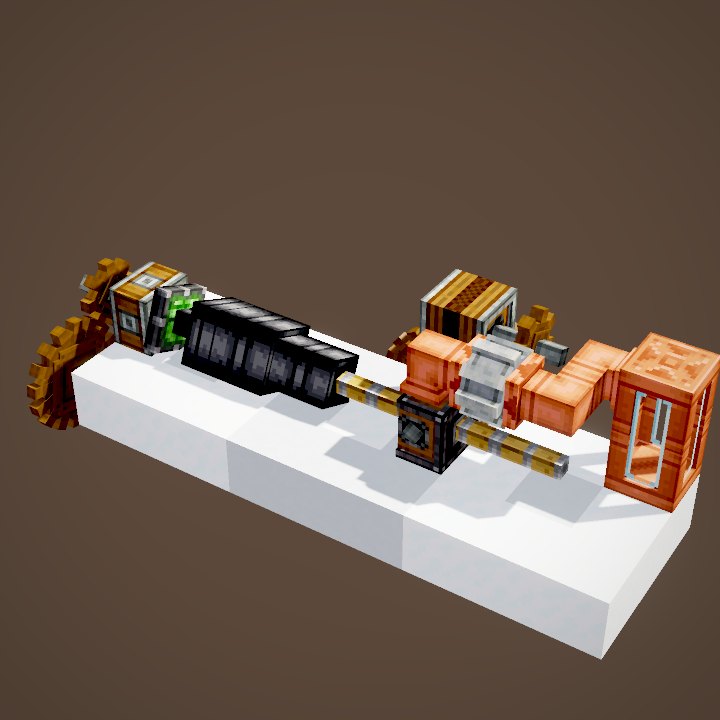
Without a Mechanical Pump, nothing moves. Once the pump turns, fluid advances pipe by pipe from the source, goes through the pump and on to the destination, faster or slower depending on the speed. Transfer starts when the fluid has reached the far end: the first tank slowly drains while the second one fills. The pipes themselves hold nothing back: breaking a pipe line loses no fluid.
Copper Casing
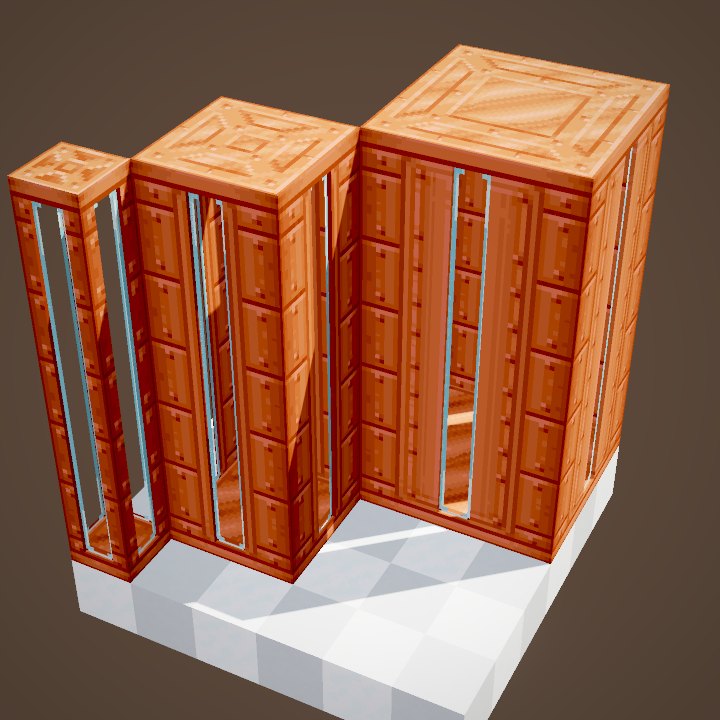
Right-clicking with Copper Casing wraps a pipe in a full block, which looks tidier in a factory. It is not only cosmetic: an Encased Fluid Pipe keeps exactly the connections it had. Placing or removing a pipe next to it changes nothing any more, so a network cannot accidentally join a neighbouring line. A Wrench takes the casing off.
What pipes can fill
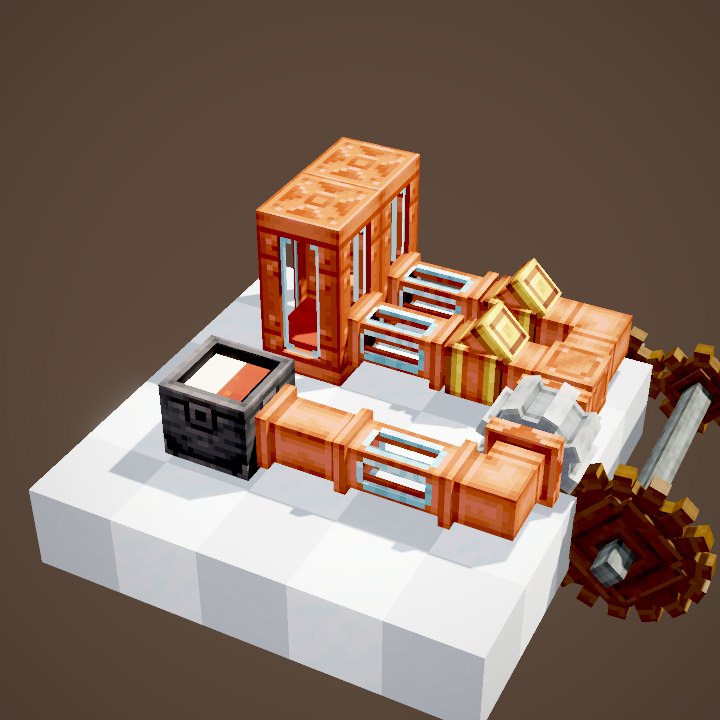
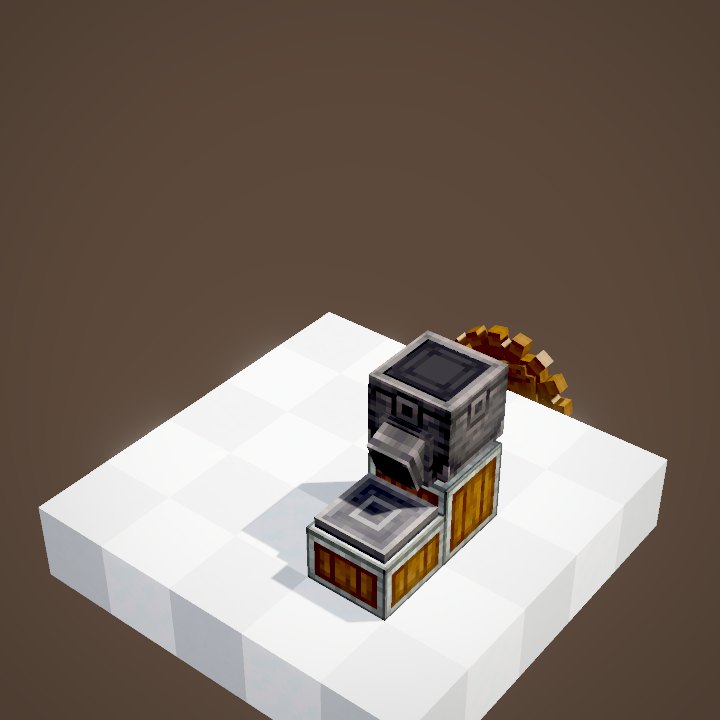
At the end of a network, a pipe can fill or empty any block that stores fluid: Fluid Tank, Basin, Spout, Item Drain, Hose Pulley or cauldron. A Spout cannot be connected from below, and an Item Drain cannot be connected from above.
Picking up and spilling
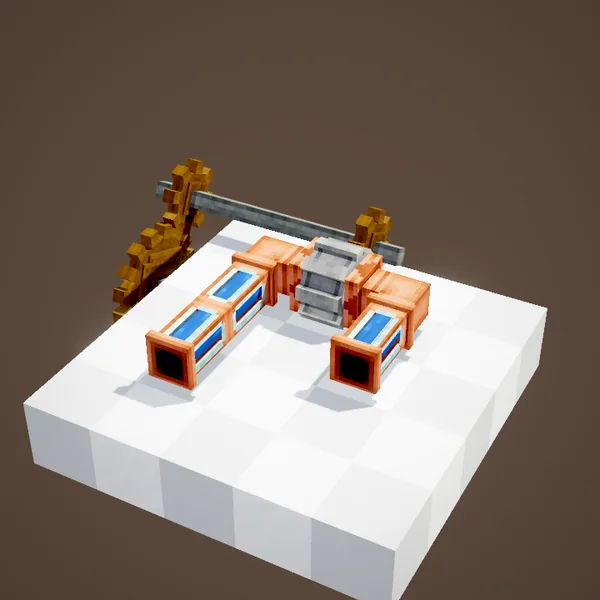
An open end placed right in front of a water or lava source picks it up and draws it into the network. The other way round, an open end pushing into empty space places a source block there: enough to fill a pool, feed a water wheel or put out a fire. On a server, this can be turned off with the pipesPlaceFluidSourceBlocks option.
Honey from beehives
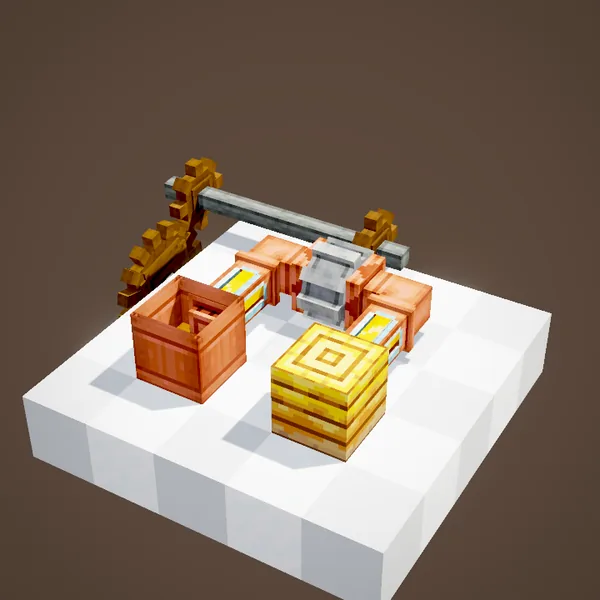
A few ordinary blocks can be emptied directly: a pipe against a full beehive or bee nest pulls its honey out, no bottle or shears needed. With a tank at the other end, a bee farm becomes a liquid honey supply for your spouts.
The Fluid Valve
The Fluid Valve sits inside a pipe line to cut it off or open it. It is controlled through its shaft: a Shaft, a cogwheel or a valve handle on top. Closed, it stops fluid like a wall; open, it behaves like an ordinary pipe.
Opening and closing
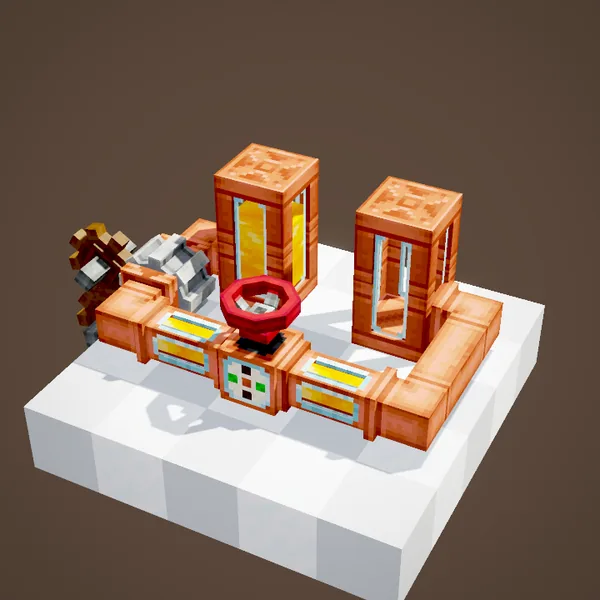
Rotation in the opening direction unfolds the valve and the honey resumes its way to the second tank. The valve keeps its state once rotation stops: a short turn is enough. Rotation the other way closes it and cuts the network. With a Hand Crank or a valve handle, you get a manual tap.
Common mistakes
If nothing flows, check the pump first: it must be turning and its arrow must point towards the destination. Then look at the joints: a glass or encased pipe does not connect on its sides, and two neighbouring networks can merge if they touch. Finally, a network carries one fluid at a time: to sort them, use a Smart Fluid Pipe.
Related pages
Sources for the numbers (Create 6.0.8 code)
- Recipe: crafting/kinetics/fluid_pipe.json (4 pipes), fluid_valve.json
- Connections: FluidPipeBlock.canConnectTo, FluidPropagator.hasFluidCapability (Spout: not from below, Item Drain: not from above)
- Window: GlassFluidPipeBlock (straight, no side connection); casing: EncasedPipeBlock
- Open ends: OpenEndedPipe, CFluids.pipesPlaceFluidSourceBlocks; beehives: VanillaFluidTargets
- Valve: FluidValveBlock (ENABLED state), FluidValveBlockEntity
- Scenes: PipeScenes.flow, encasing, interaction, valve; flow simulated from PumpBlockEntity and PipeConnection
Original texts and animations by Create France, rendered from the mod's Ponder scenes. Create is a mod by the Create Team, not affiliated with Create France.