Create Wiki · Kinetics
Water Wheel and Large Water Wheel
The Water Wheel is the first renewable power source in Create: put it in a current and it turns on its own, day and night, with no fuel. The Large Water Wheel does the same, more slowly but with twice the power. Everything comes down to one word: flow. A wheel sitting in still water will never move.
Quick facts
- Category
- Kinetics (source)
- Water Wheel
- 8 RPM · 32 SU per RPM = 256 SU
- Large Water Wheel
- 4 RPM · 128 SU per RPM = 512 SU
- Requirement
- Flowing water against the wheel (one face is enough)
- Size
- Small: 1 block, paddles 2 × 2 · large: 3 × 3 blocks
- Version
- Create 6.0.8 · Minecraft 1.21.1
Crafting table recipe
→ 1 Water Wheel (with a Water Wheel in the middle: Large Water Wheel)
It needs flowing water
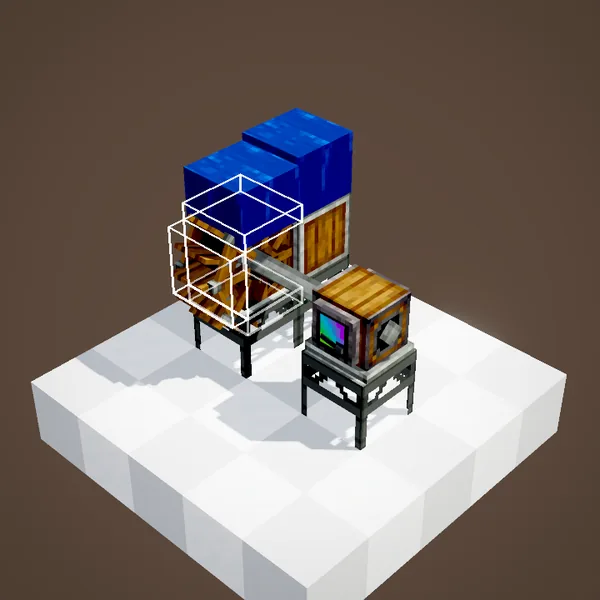
A water wheel turns when moving water touches its faces: on top, on a side or underneath. What matters is which way the water flows relative to the wheel: a lone source block does not flow and does nothing. The easiest method is to pour a source one or two blocks above, so the water runs down along the wheel, as in the animation.
Lava and bubble columns turn the wheel too: only the fluid's movement counts.
More water does not mean more speed
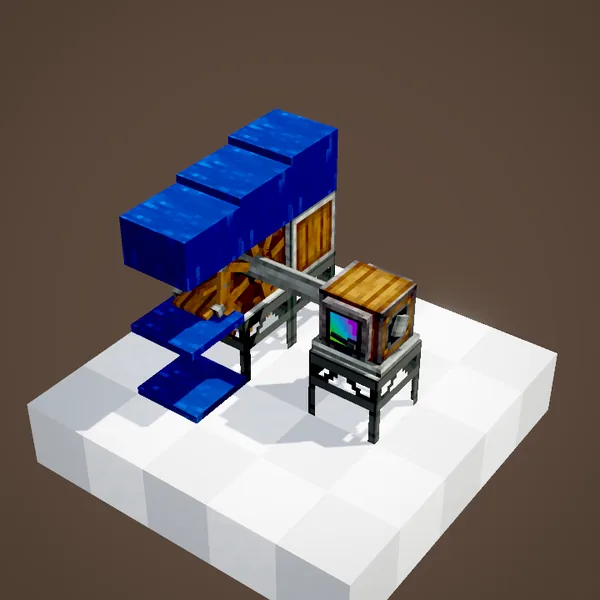
Adding water on other faces does not speed the wheel up: as soon as one side gets a current going the right way, it runs at full speed. However, two currents pushing in opposite directions cancel out and the wheel slows down or stops. Keep the flow simple and one-directional. The wheel's direction of rotation follows the current.
How much power?
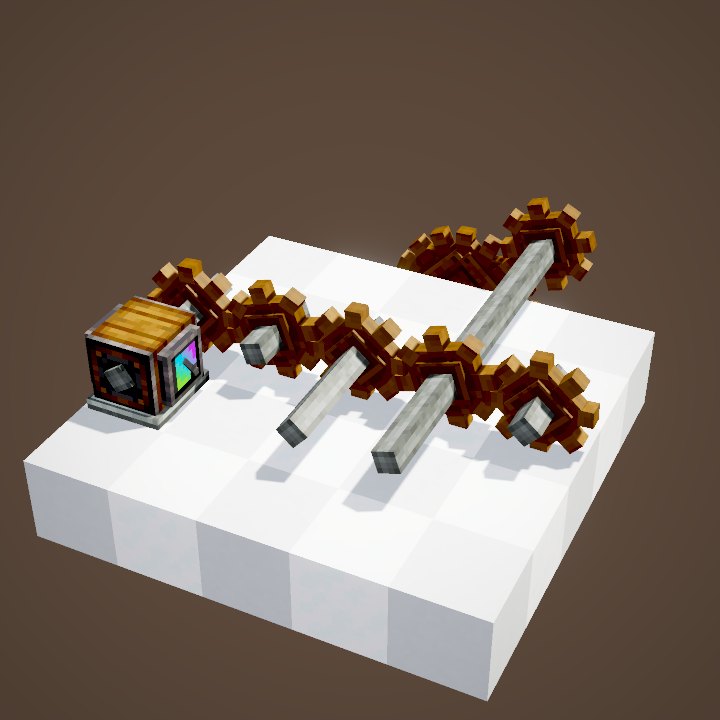
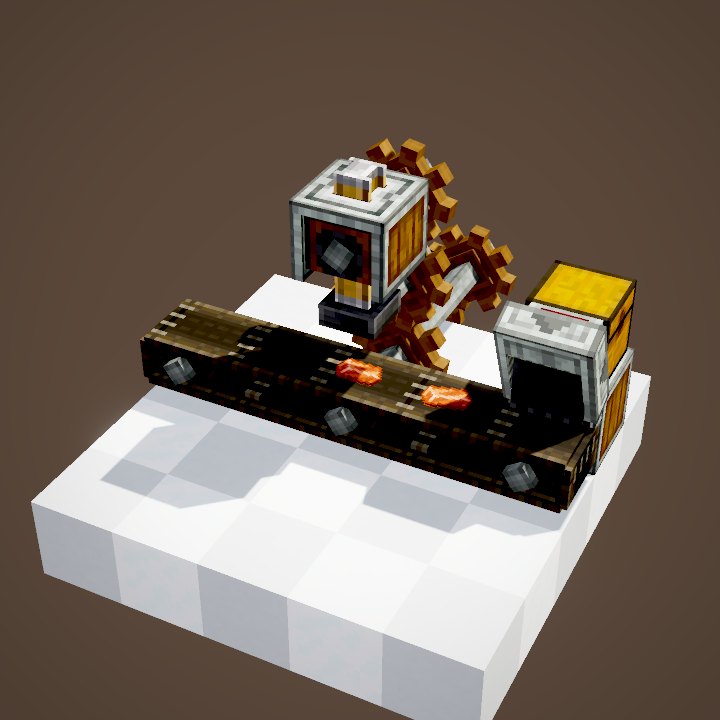
A Water Wheel spins at 8 RPM with a capacity of 32 SU per RPM, so 256 SU. That runs a Mechanical Press (8 SU per RPM) at 32 RPM, or a fan and a drill at moderate speed. For more power, line several wheels up on the same shaft: their capacities add up.
8 RPM is slow: for a press or a fast belt, raise the speed with cogwheels (×2 per stage), keeping in mind that your machines will then use more stress.
A simple, reliable setup
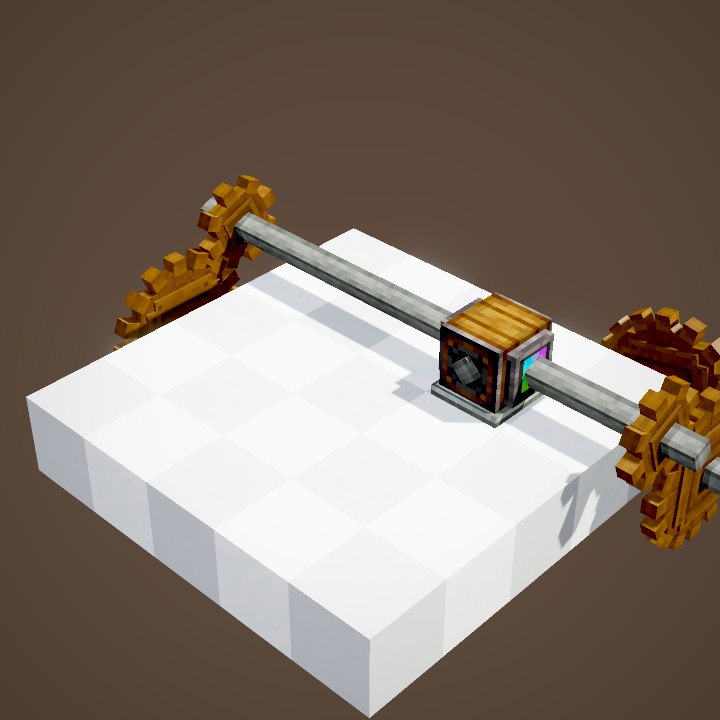
The most common build: a row of water wheels on one horizontal shaft, with a channel above them and a water source at each end. The water runs along the tops of the wheels, all in the same direction, and each wheel adds its 256 SU to the network. The paddles of a small wheel stick out half a block all around, so keep that space clear. Protect the channel too: one broken block and the water goes somewhere else.
The Large Water Wheel
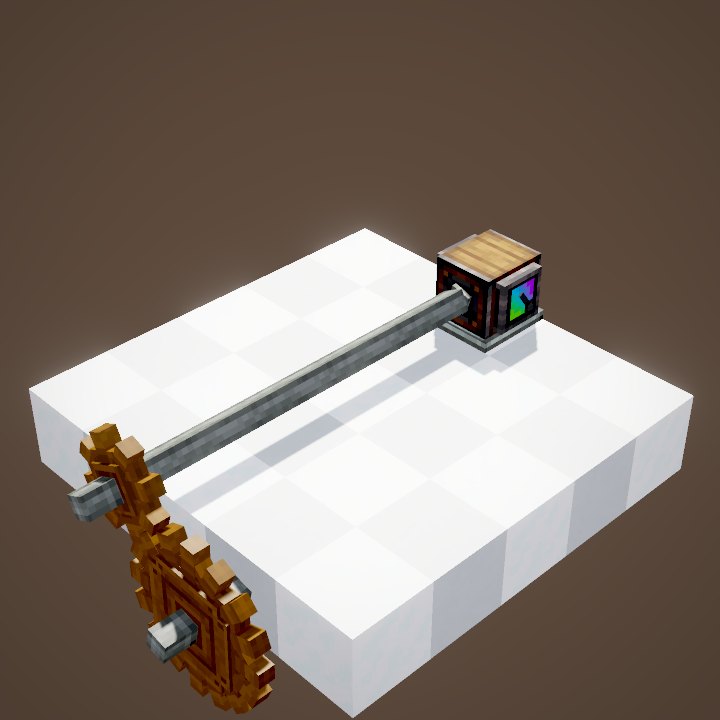
The Large Water Wheel takes up 3 × 3 blocks in its plane of rotation. The same rules apply: flowing water against one of its faces is enough, and adding more elsewhere does not help.
Half as fast, twice as strong
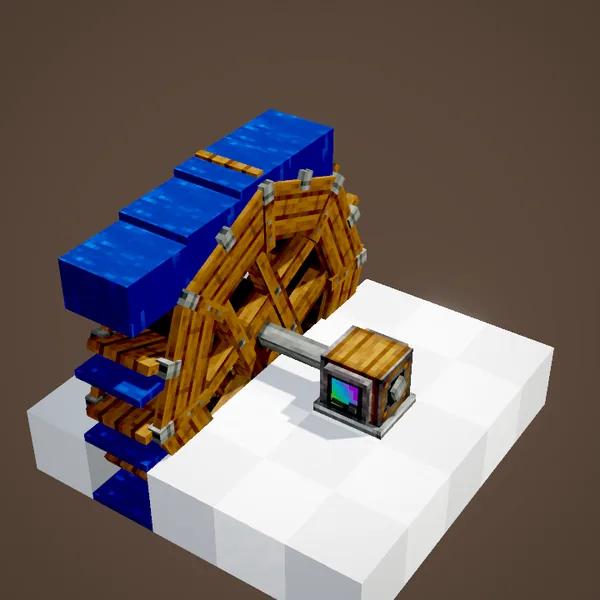
The large wheel turns at 4 RPM, half the speed of a small one, but its capacity is 128 SU per RPM, so 512 SU: twice the power from a single shaft block. With one ×2 cogwheel stage it gives 8 RPM, the speed of a small wheel, with double the power.
Changing the wheel's wood
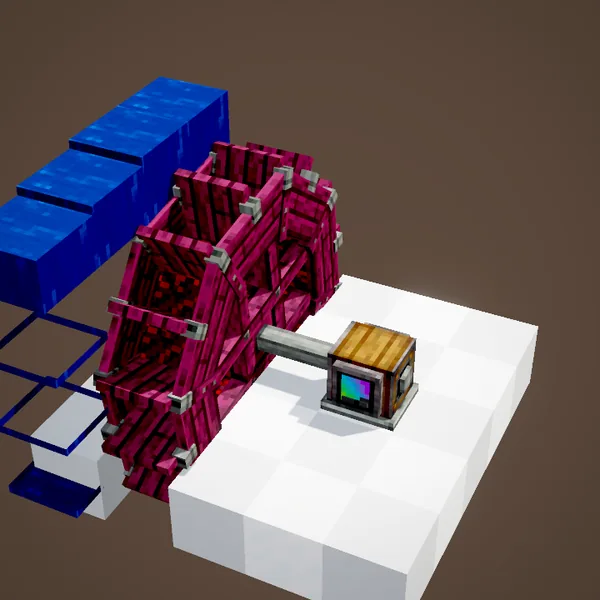
Right-click with planks to change the wheel's wood: oak, birch, jungle, crimson… Wheels are spruce by default. It makes no difference to power; it is only there to match your builds.
Common mistakes
- The wheel does not turn: the water is still (a source with no slope) or it flows along the axis rather than against the wheel.
- It barely turns, then stops: two opposite currents cancel each other out.
- The network stalls: 256 SU is not much. Add wheels on the same shaft or switch to the large wheel.
Related pages
Sources for the numbers (Create 6.0.8 code)
- Speed: WaterWheelBlockEntity.getGeneratedSpeed = clamp(flowScore, -1, 1) × 8 / size (small: 1, large: 2)
- Flow: WaterWheelBlockEntity.determineAndApplyFlowScore (sum of the currents across the wheel, lava and bubble columns included)
- Capacity: AllBlocks.java, WATER_WHEEL CStress.setCapacity(32), LARGE_WATER_WHEEL CStress.setCapacity(128)
- Wood: WaterWheelBlockEntity (Material, spruce by default), applyMaterialIfValid
- Recipes: crafting/kinetics/water_wheel.json (8 Planks + Shaft), large_water_wheel.json (8 Planks + Water Wheel)
- Scenes: KineticsScenes.waterWheel and largeWaterWheel
Original texts and animations by Create France, rendered from the mod's Ponder scenes. Create is a mod by the Create Team, not affiliated with Create France.