Create Wiki · Trains
Train Track
The Train Track is the rail for Create's trains, different from minecart rails. You place it block by block or whole stretches at once, straight, curved or sloped, and it even goes through Nether portals. It is what the station, the signals and the observers attach to.
Quick facts
- Category
- Trains
- Crafting
- Sequenced assembly: stone, smooth stone or andesite slab, 2 iron or zinc nuggets with a Deployer, then a Press
- Line placement
- Right-click a track, then a second point: 32 blocks at most
- Shapes
- Straight, diagonal, turns and slopes as Bézier curves
- Long turn
- Sprint key held during the connection
- Paving
- The block in your off-hand is placed under the track
- Speed
- 28 blocks/s on straights, 14 in turns (without fuel)
- Version
- Create 6.0.8 · Minecraft 1.21.1
A rail for trains
Train Track is made by sequenced assembly: a stone, smooth stone or andesite slab gets two iron or zinc nuggets from a Deployer, then goes under a Mechanical Press.
Placing a whole row
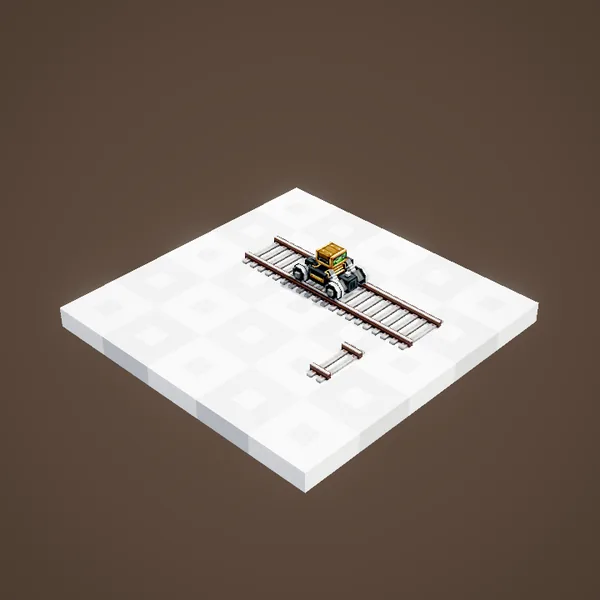
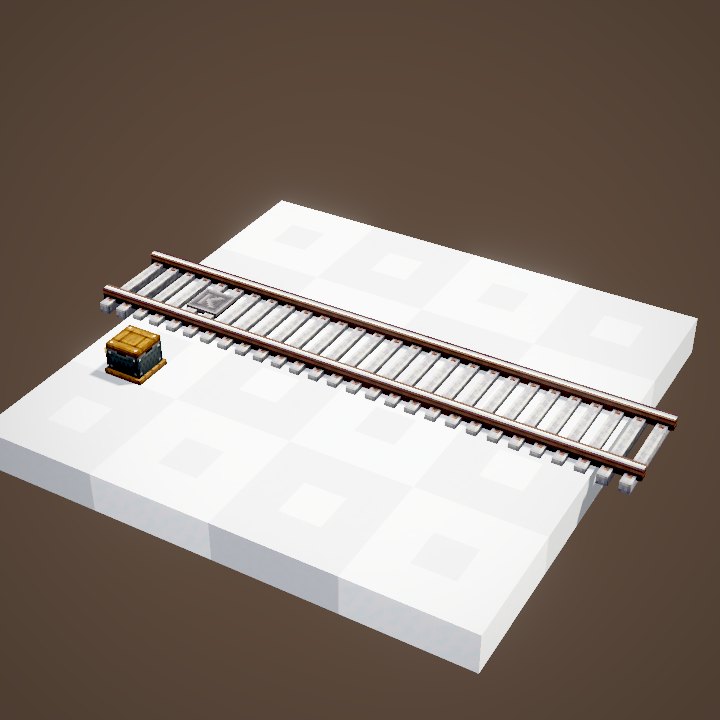
No need to place every block: right-click an existing track with tracks in hand. It gets highlighted, and you can pick the end point.
The end point
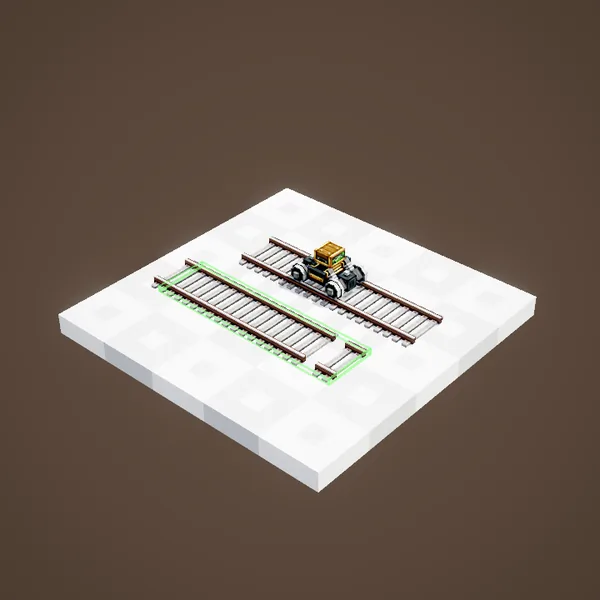
Then click a second point, or a track already placed: the whole line between the two appears at once, and the tracks are taken from your inventory. One stretch is 32 blocks long at most with the default config.
Turns and slopes
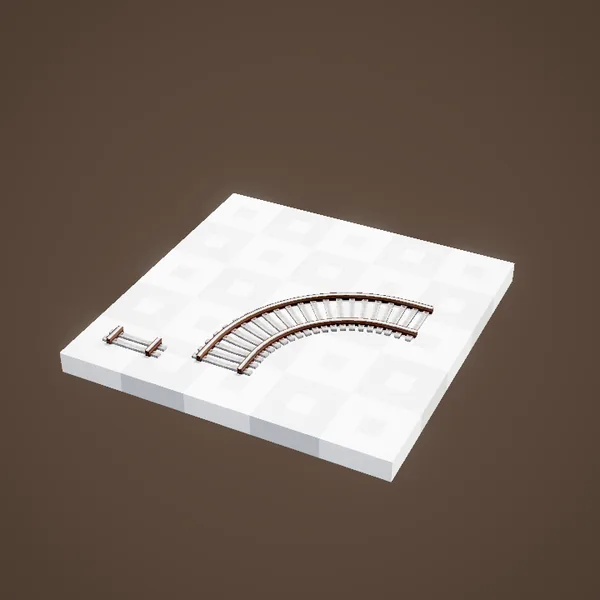
When the two points are not aligned, Create draws a curve: a turn, a slope, or both. The track follows a smooth Bézier curve with no steps, and a train runs it at 14 blocks per second at most.
Balanced turns
Between two offset tracks, Create prefers two turns of the same radius to one tight turn and one wide one. The green outline shows the room each curve takes before you confirm.
As long as possible
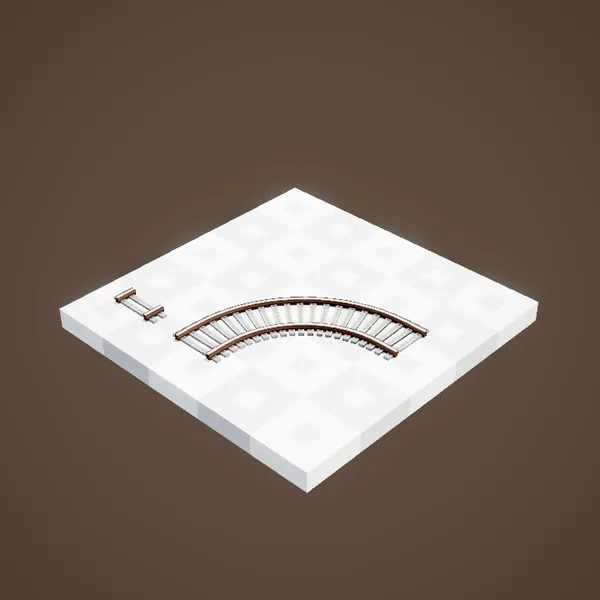
Keep sprint held down as you link the two points to get the longest curve that fits between the two points. A wide radius looks better; the speed in turns stays capped at 14 blocks per second, though.
One sweeping turn
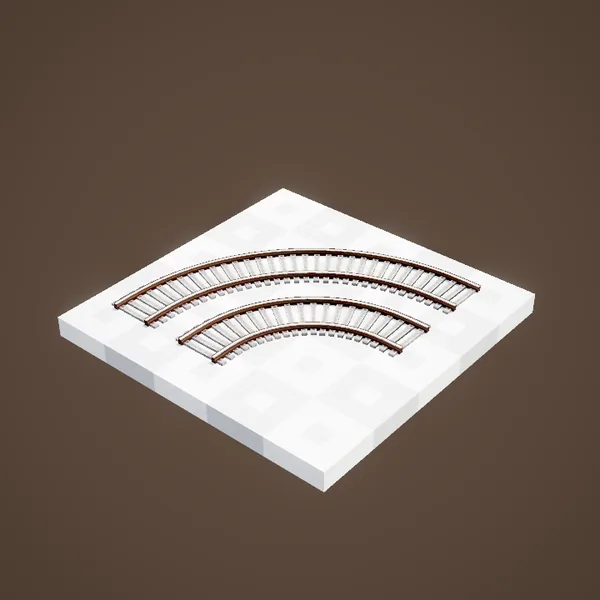
The long curve uses all the available room, with no straight bit. It is the right choice for a main line or a wide landscape.
Paving the track
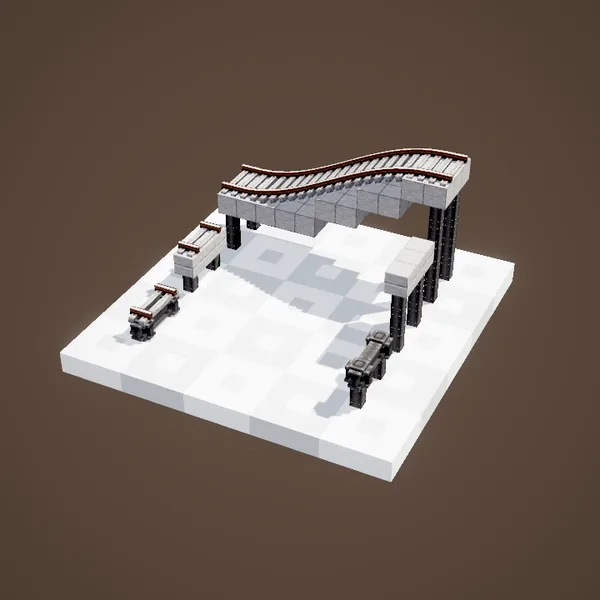
A block held in your off-hand is placed under the whole track when you connect: smooth stone, slabs, or Metal Girders for a bridge. The blocks needed are taken from your inventory.
To the Nether
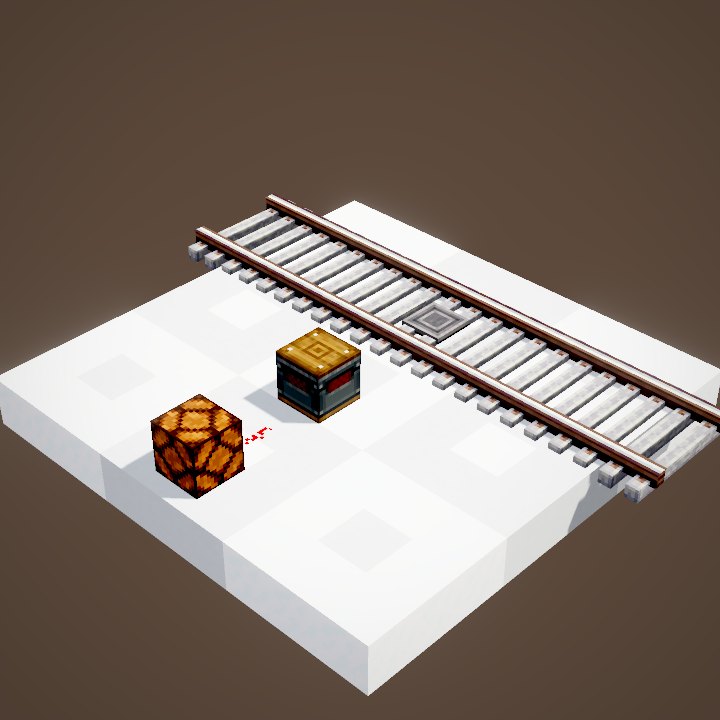
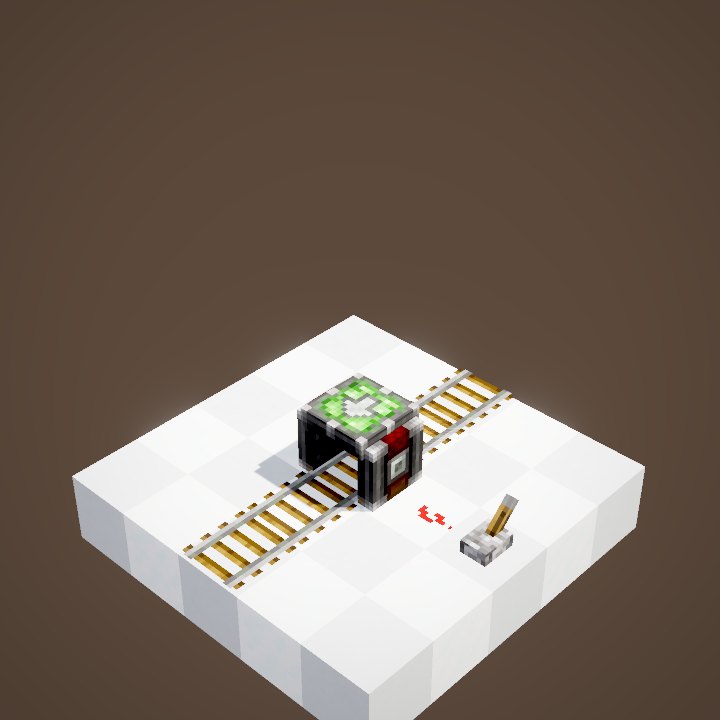
A track placed against a Nether portal tries to build a matching track beyond the portal. It works best when the portal is already linked to its twin on the other side.
Changing dimension
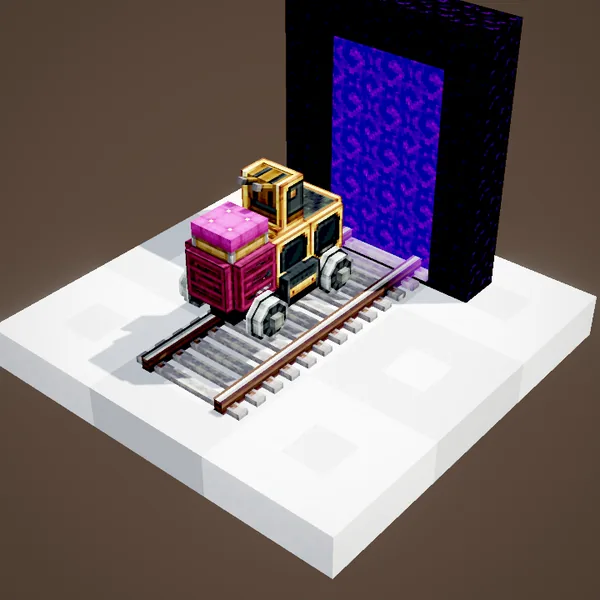
Once the pair exists, trains go from one dimension to the other like on a normal track, cargo included. The Nether divides distances by eight: a perfect line between distant bases.
Far from players
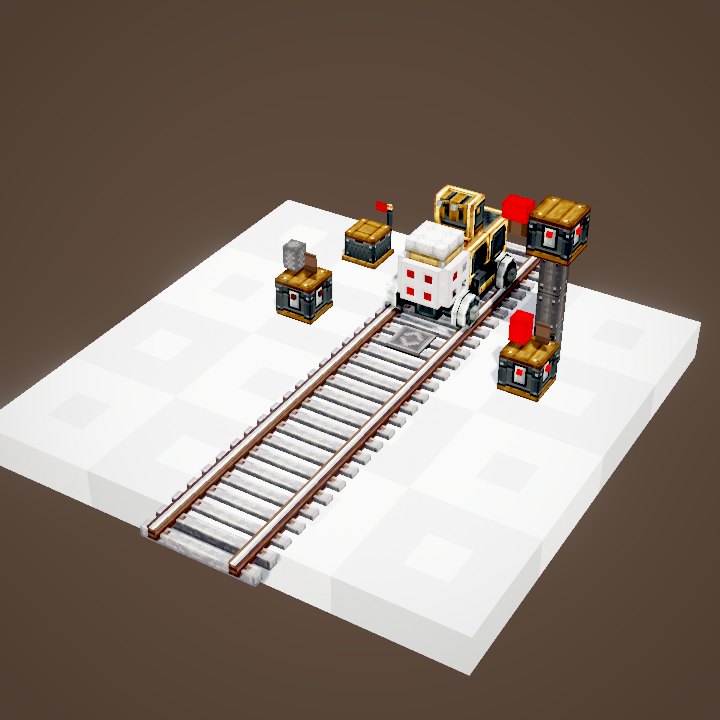
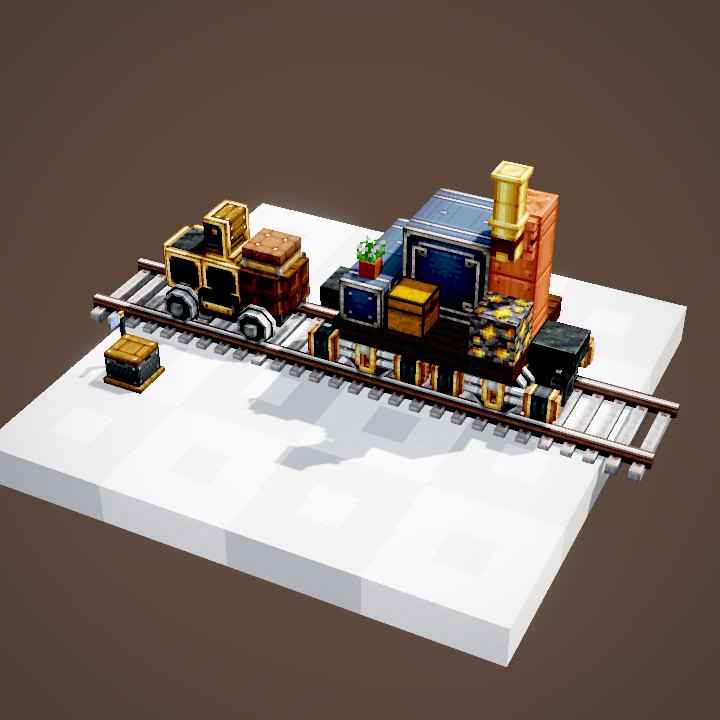
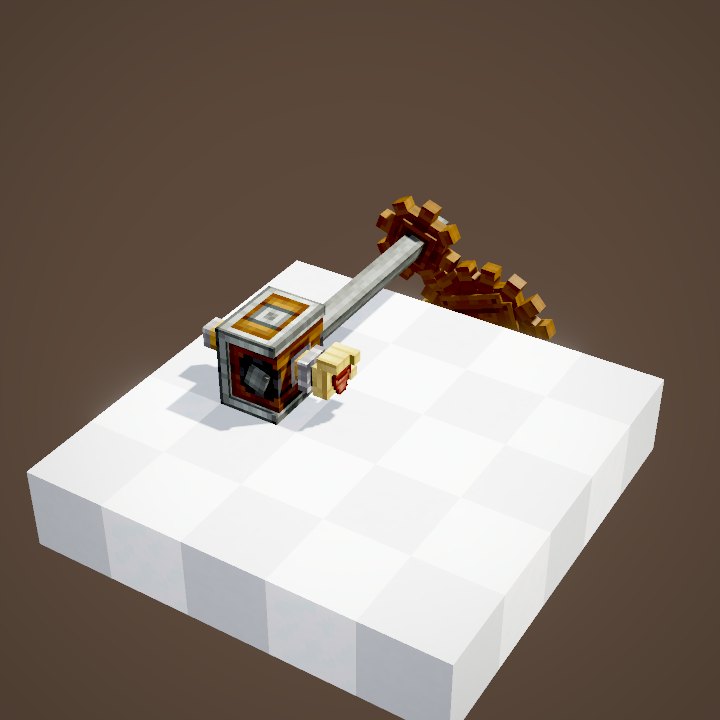
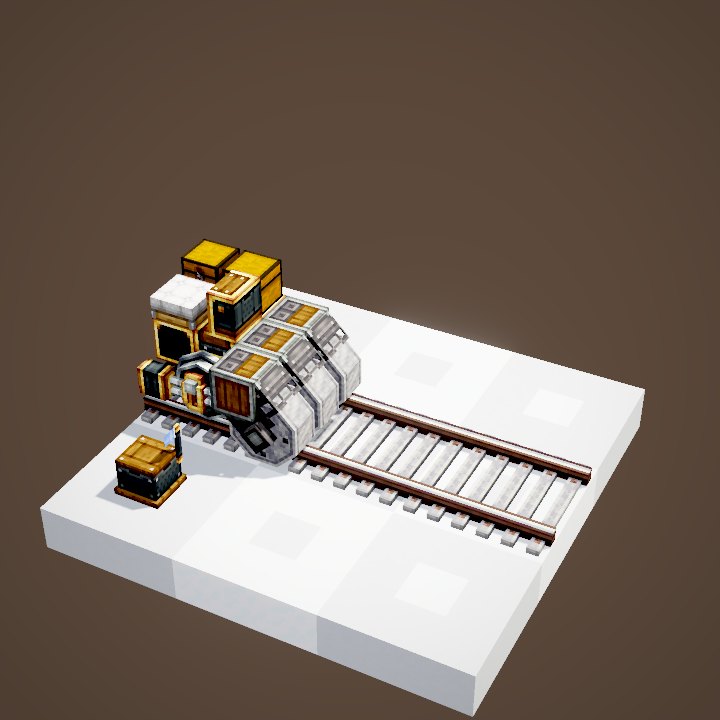
A network does not stop at loaded chunks. Out of players' range the train becomes invisible but keeps going, and still obeys stations and red lights.
What stops
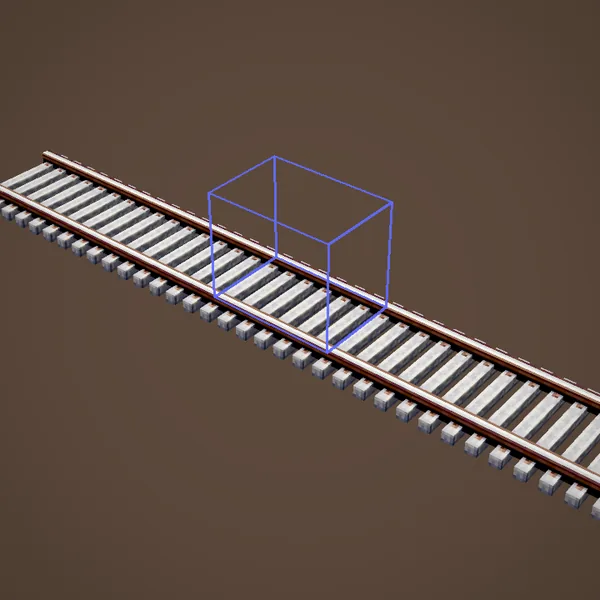
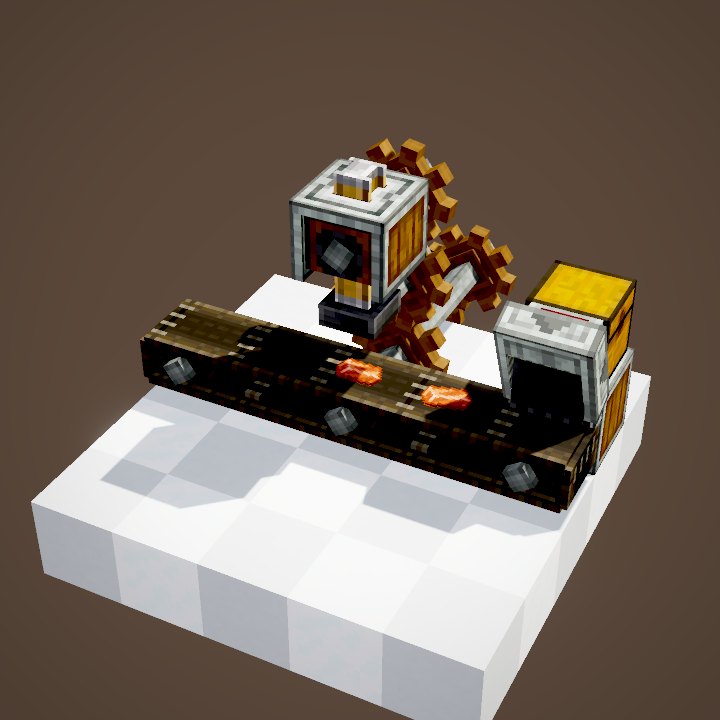
Outside loaded chunks, on-board machines stop working: a drill on a train digs nothing. The train reappears as soon as it comes near a player.
Removing a curve
A curve belongs to its two end tracks: breaking one of them removes the whole curve and gives the tracks back. To fix a bad turn, break one end and connect again, it is quicker than starting over.
Tips
Plan straight tracks in front of every station: that is where bogeys go and trains get assembled. Keep room on the sides for signals and platforms, and aim for wide turns on main lines.
Bridges and tunnels
A train breaks no blocks: dig tunnels yourself and leave three blocks of headroom above the rails. For a bridge, Metal Girders in your off-hand give a clean deck under the track, and pillars can be added afterwards.
Related pages
Sources for the numbers (Create 6.0.8 code)
- Recipe: sequenced_assembly/track.json (tag create:sleepers: stone, smooth stone, andesite slabs)
- Placement length: CTrains.maxTrackPlacementLength (32)
- Curves: BezierConnection (set by TrackPlacement), drawn by TrackRenderer
- Speeds: CTrains: trainTopSpeed 28, trainTurningTopSpeed 14, poweredTrainTopSpeed 40, poweredTrainTurningTopSpeed 20, trainAcceleration 3
- Portals: AllPortalTracks; chunks: trains are simulated server-side (Train.tick) outside loaded chunks
- Scenes: TrackScenes.placement, portal, chunks (parrot conductors not drawn)
Original texts and animations by Create France, rendered from the mod's Ponder scenes. Create is a mod by the Create Team, not affiliated with Create France.