Create Wiki · Redstone
Display Link and Display Board
The Display Link reads a piece of information from a block, the time, a stock level, a speed, a train's status, and writes it remotely on a screen. The biggest of those screens is the Display Board, a split-flap board like in railway stations, which can be made as large as you like. Together they turn a factory into a dashboard readable from afar: today's output, remaining stock, the next departure.
Quick facts
- Category
- Redstone
- Range
- Up to 64 blocks between the link and its screen (server setting displayLinkRange)
- Screens
- Display Board, signs, Nixie Tubes, lecterns…
- Sources
- Time, stopwatch, speed, stress, fill level, counted or listed items, fluids, stations and trains, package address…
- Display Board
- Needs rotation, no stress; grows by placing neighbouring boards; 2 per recipe
- Redstone
- A powered link stops updating its screen
- Version
- Create 6.0.8 · Minecraft 1.21.1
Crafting table recipe (Display Link)
→ 1 Display Link
One source, one screen
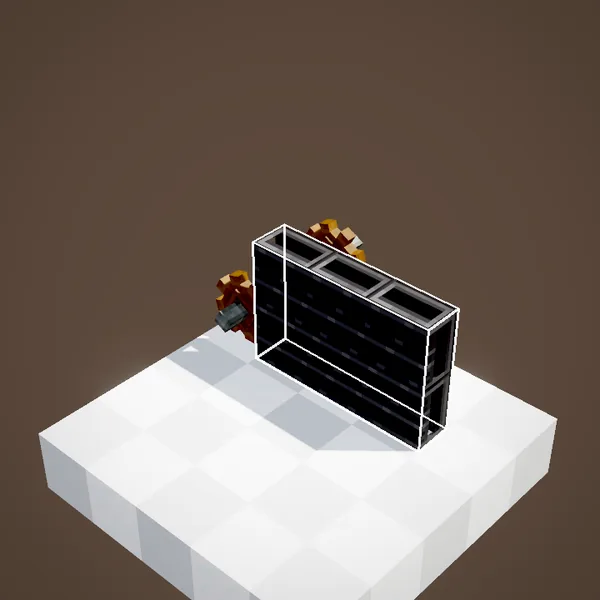
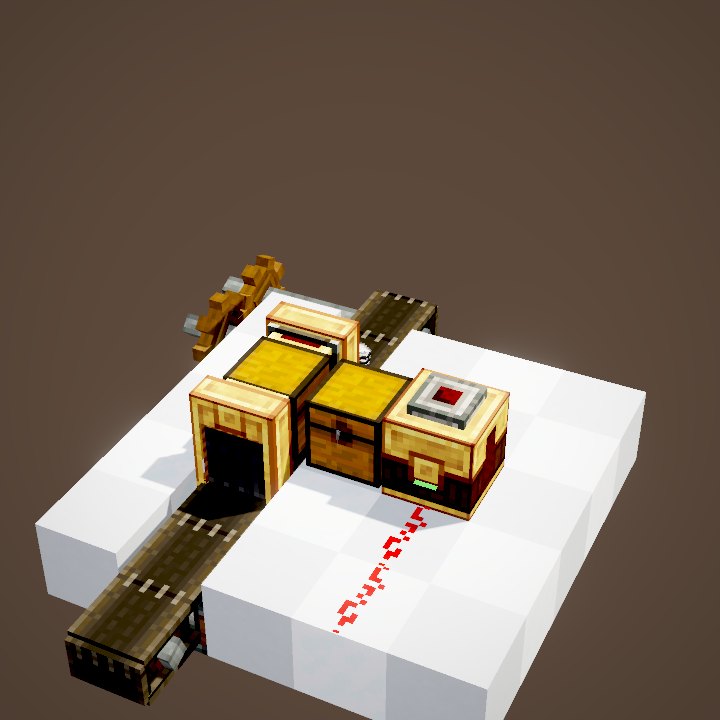
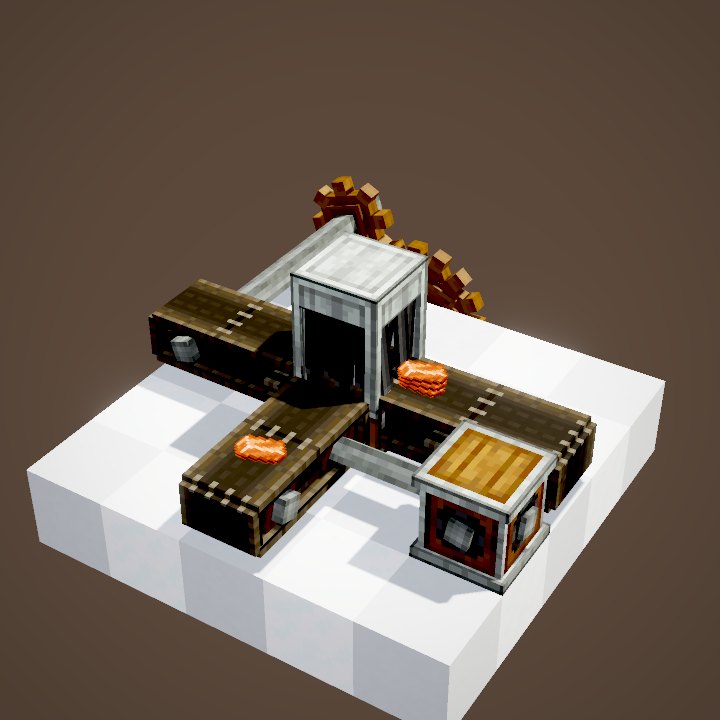
A Display Link connects two things: the source, the block it is placed on, and the screen, chosen beforehand. It regularly reads the source and rewrites the text on the screen, up to 64 blocks away. There is no cable and no redstone to run between them.
Pick the screen, then place the link
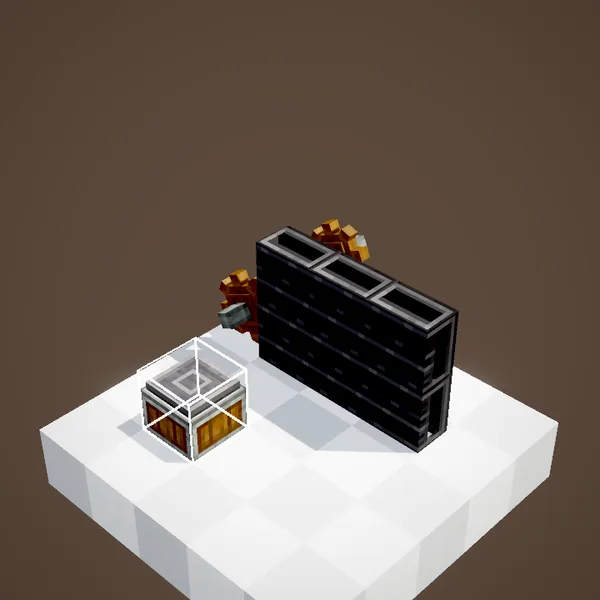
Holding the link, first right-click the screen: Display Board, sign, Nixie Tube… It is remembered. Then place the link against the source block, like a lever. A small bulb on the link lights up at every update, which lets you check that it is working.
What can be shown
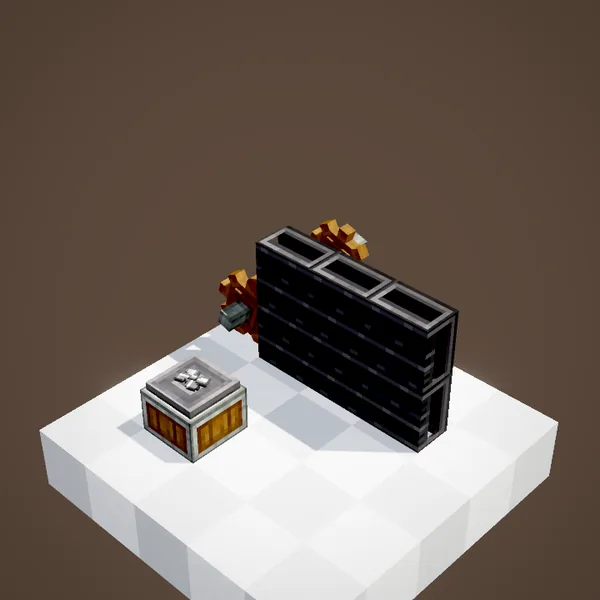
The list is long. On a chest or an Item Vault: the count of an item or the list of contents. On a Speedometer or Stressometer: the measured value. On a tunnel: the items that went through. On a tank: the fluids. And also the time, a stopwatch, a steam engine's boiler, an elevator's floor, a station's or a train's status, package addresses.
Choosing what is shown
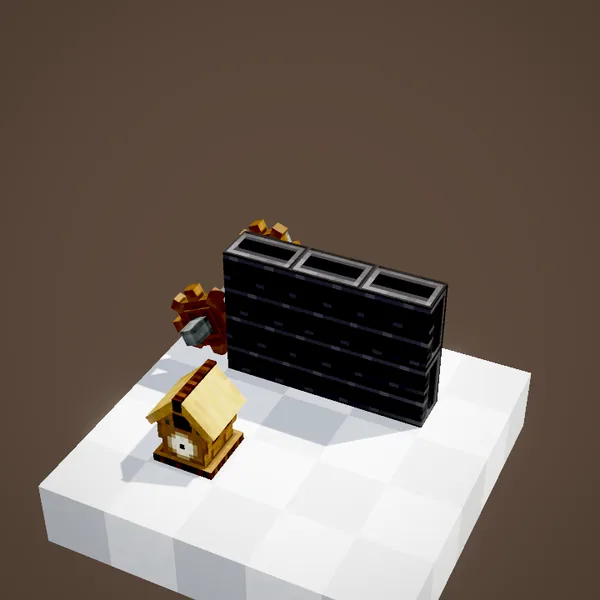
Right-clicking the link opens its settings: which piece of information when the source offers several, the starting line on the screen, the format. Several links can write to the same board, each on its own line, to build a real dashboard.
The Display Board
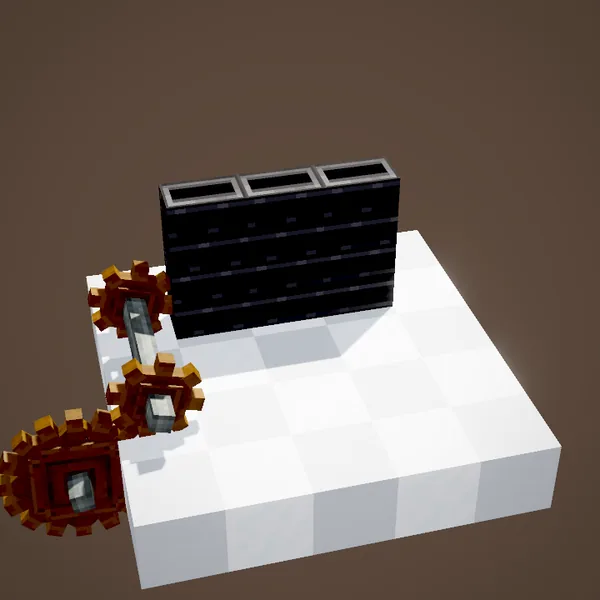
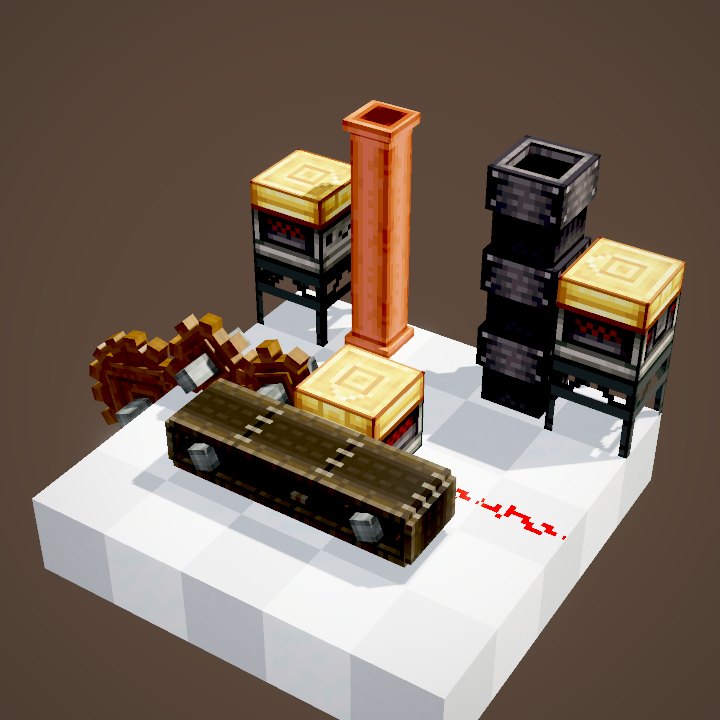
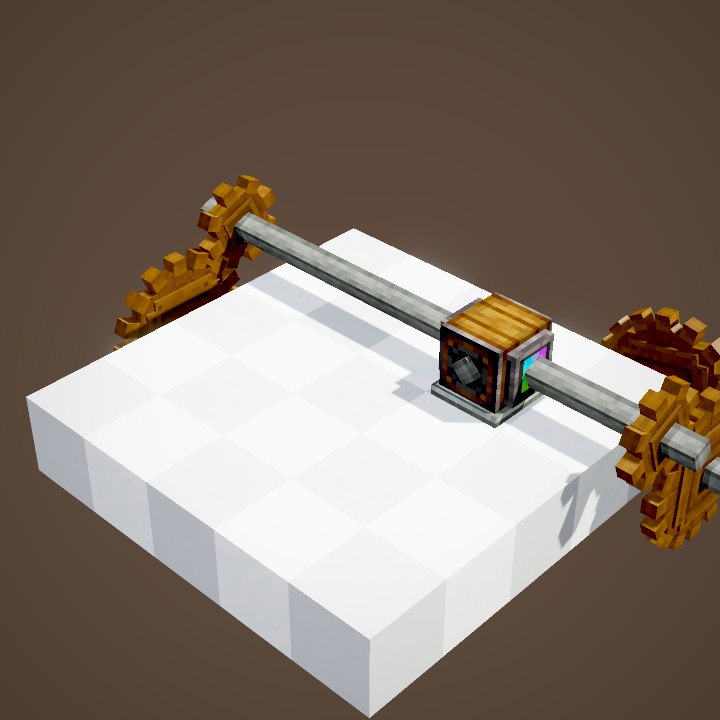
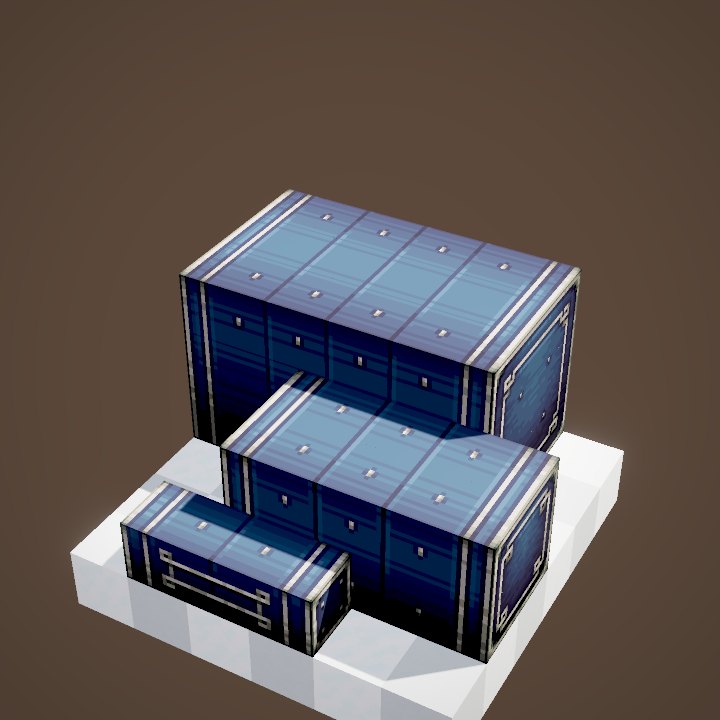
The Display Board is a split-flap screen, like station departure boards. It needs rotation to turn its flaps but costs no stress at all. Place boards side by side and on top of each other: they merge into a larger screen, wider for long texts, taller for more lines.
Writing and colouring
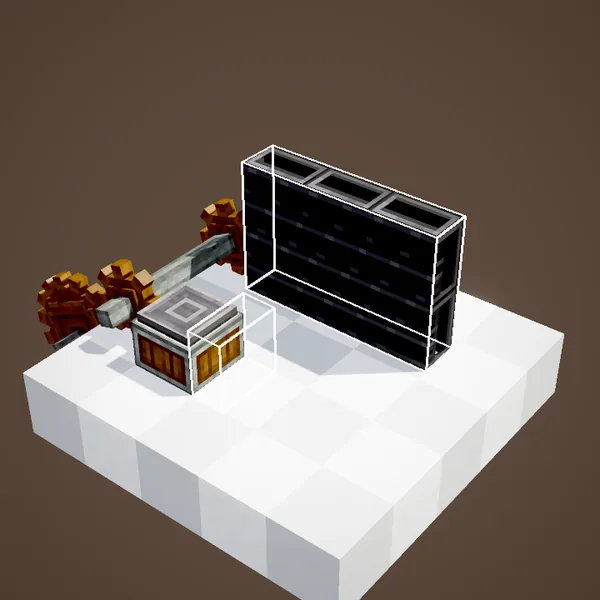
A link writes on the board's lines, but you can also write by hand: right-click with a renamed Name Tag or a filled Clipboard. A dye applied to a line changes the colour of its text. Right-clicking with an empty hand clears the line.
What our pictures do not show
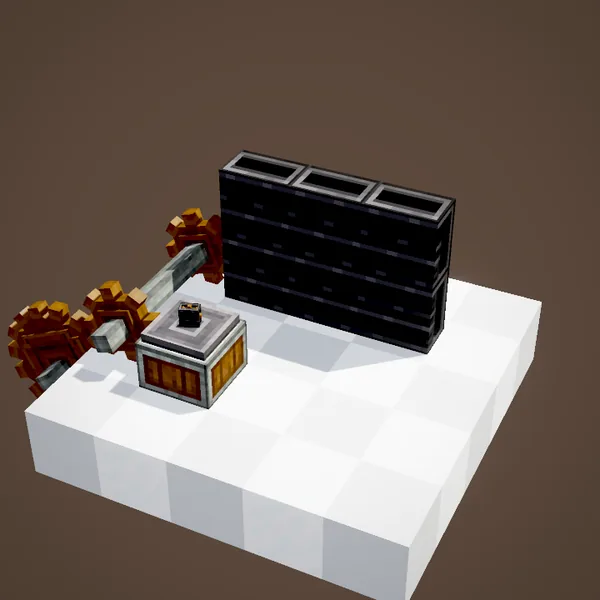
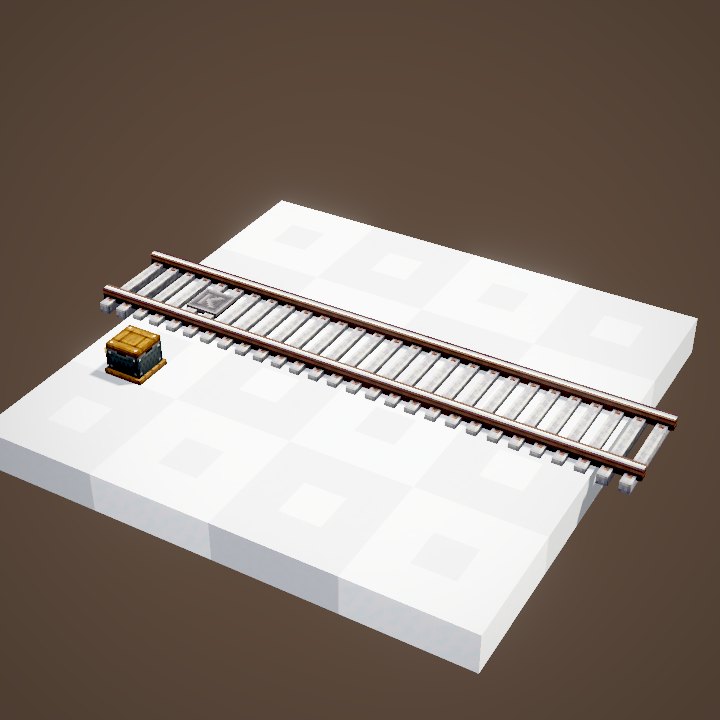
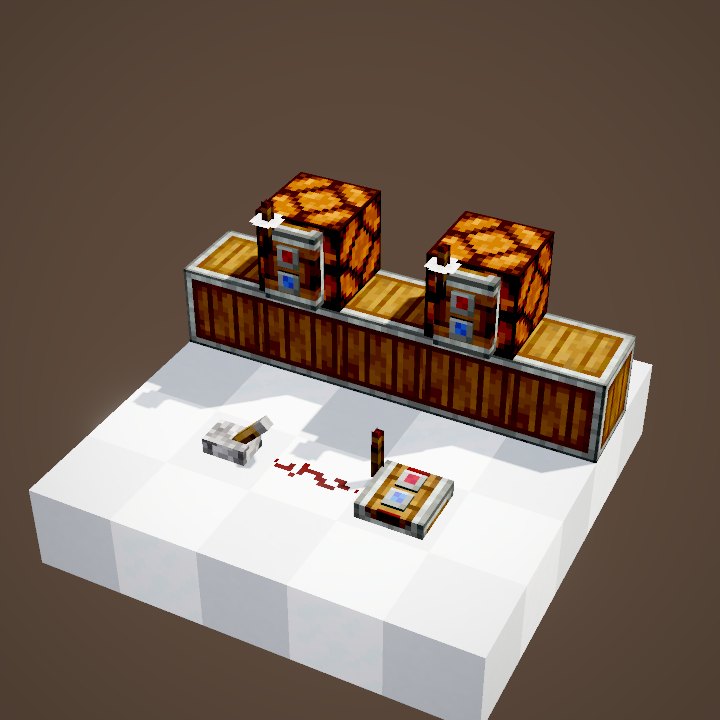
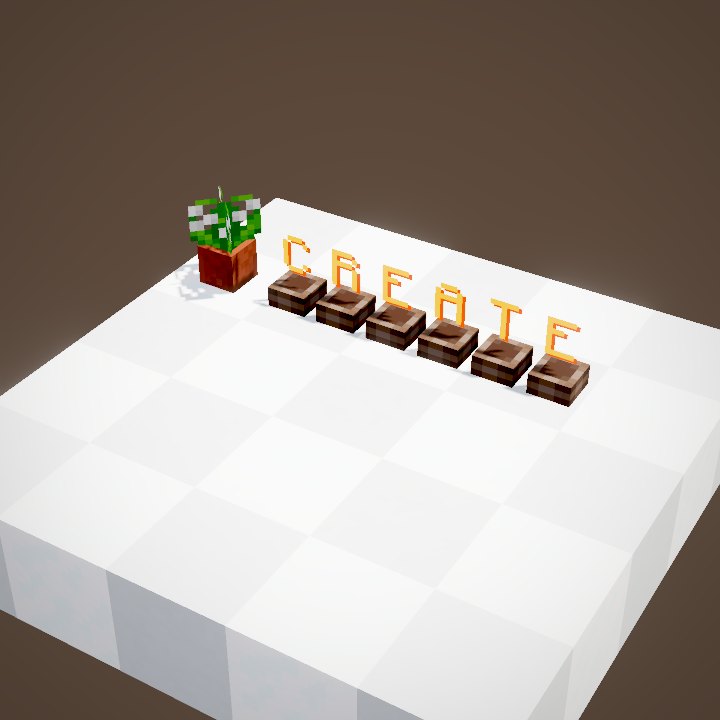
Our renderer does not draw the boards' text or the flapping of their flaps yet: in these pictures the screen stays black where the game would show the lines. The setups themselves are accurate. That is why this page is illustrated with stills rather than loops.
Freezing the display with redstone
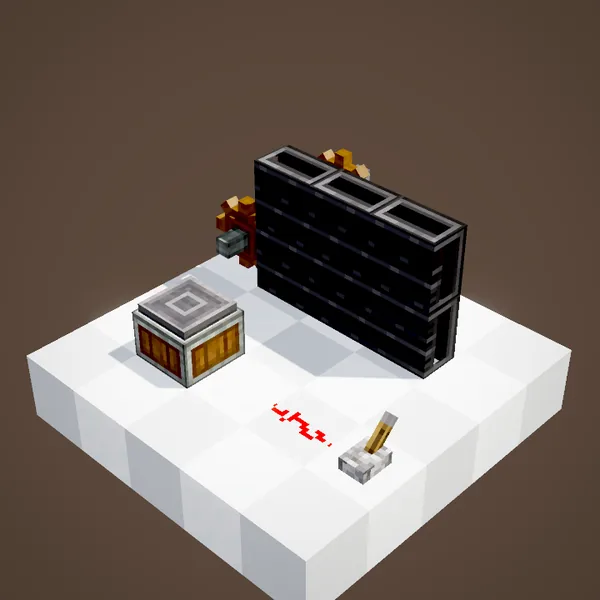
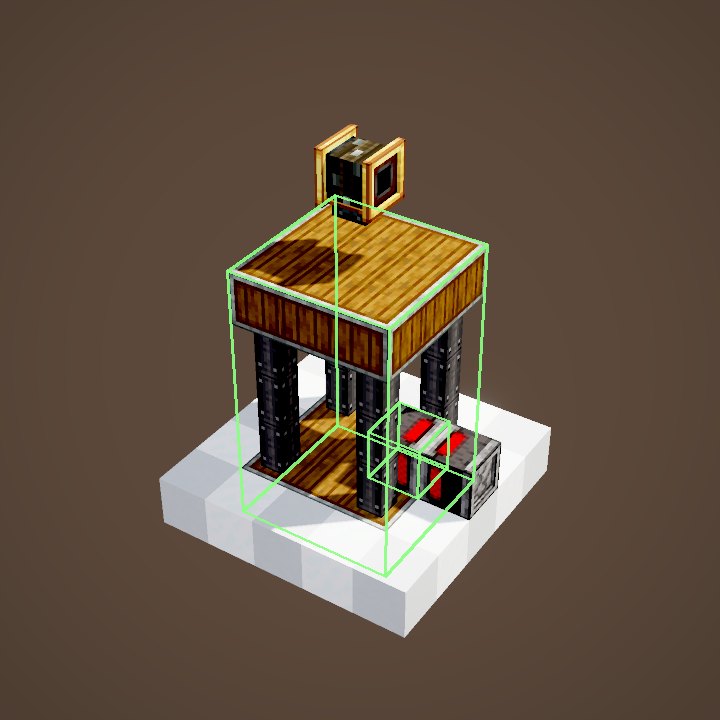
A link that receives a redstone signal stops: the screen keeps the last text written. A lever can therefore freeze a counter at a given moment, and a redstone clock can make the display update only at regular intervals.
Dashboard ideas
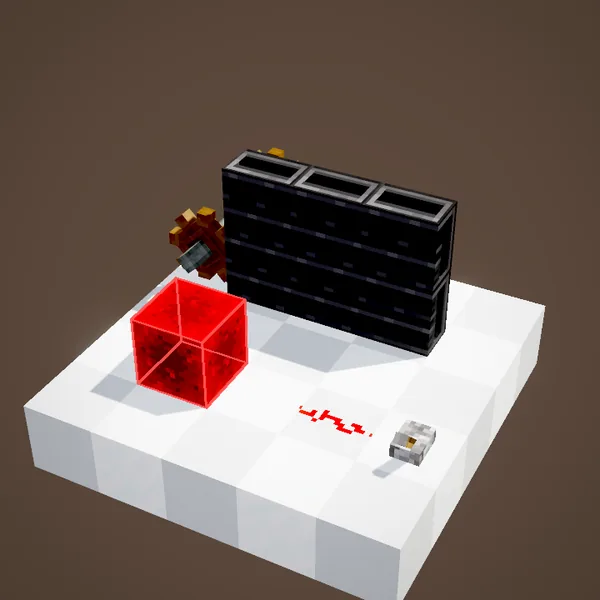
A board at the factory entrance with the stock of each ore, one line per chest. A departures board in a station, fed by the "station" source. A Nixie Tube above an engine showing its speed. On our server, these boards are often the first thing you notice when visiting a base. They are also the best way to spot a broken line before it runs dry.
Related pages
Sources for the numbers (Create 6.0.8 code)
- Range: CLogistics.displayLinkRange = 64
- Sources: AllDisplaySources (nixie_tube, item_names, boiler, current_floor, fill_level, gauge_status, entity_name, time_of_day, stopwatch, kinetic_speed, kinetic_stress, station_summary, train_status, observed_train_name, accumulate_items, item_throughput, count_items, list_items, count_fluids, list_fluids, read_package_address)
- Display Board: AllBlocks.DISPLAY_BOARD (FlapDisplayBlock, CStress.setNoImpact), recipe crafting/kinetics/display_board.json (2 Andesite Alloy + 1 Electron Tube → 2)
- Display Link recipe: crafting/logistics/display_link.json
- Scenes: DisplayScenes.link, board, redstone; stills only (board text not drawn by our renderer)
Original texts and animations by Create France, rendered from the mod's Ponder scenes. Create is a mod by the Create Team, not affiliated with Create France.