Create Wiki · Processing
Basin
The Basin is Create's working container. On its own it does nothing, but under a Mechanical Mixer or a Mechanical Press it becomes the heart of every multi-ingredient recipe: Andesite Alloy, brass, compacted blocks… It takes items and fluids, and it knows where to send the result. Understanding its output saves you from half of all clogged factories.
Quick facts
- Category
- Processing
- Stress
- None (the mixer and the press are the ones using SU)
- Capacity
- 9 input slots, 9 output slots, 2 + 2 tanks of 1,000 mB
- Output
- Below by default, or through a spout on the side
- Works with
- Mechanical Mixer or Mechanical Press two blocks above
- Version
- Create 6.0.8 · Minecraft 1.21.1
Crafting table recipe
→ 1 Basin
A container for items and fluids
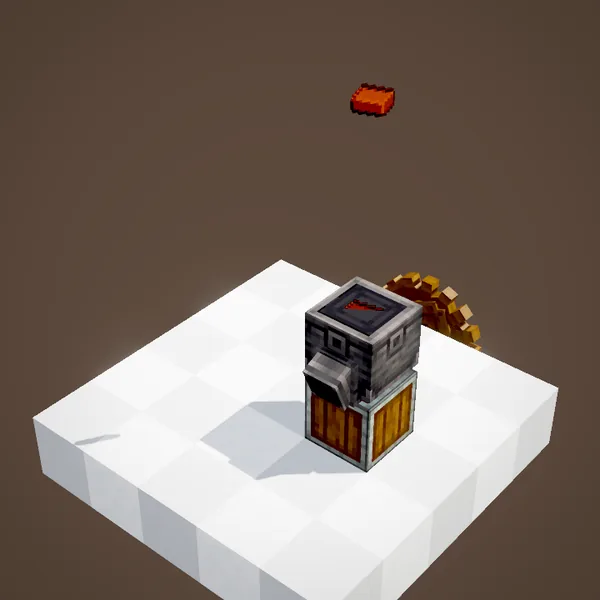
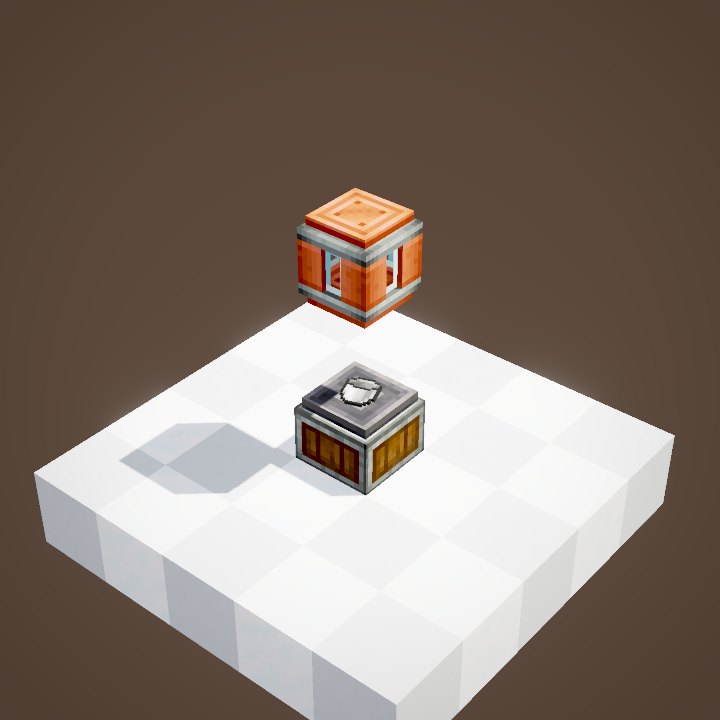
The basin takes items (nine slots) and fluids (two 1,000 mB tanks). Items go in when you throw them on top, like the bricks in the animation, or through a funnel, a chute or a belt ending above it. Fluids come through a pipe, a spout, or by hand: right-click with a full bucket to pour it in, with an empty one to take fluid out.
Which machine goes on top?
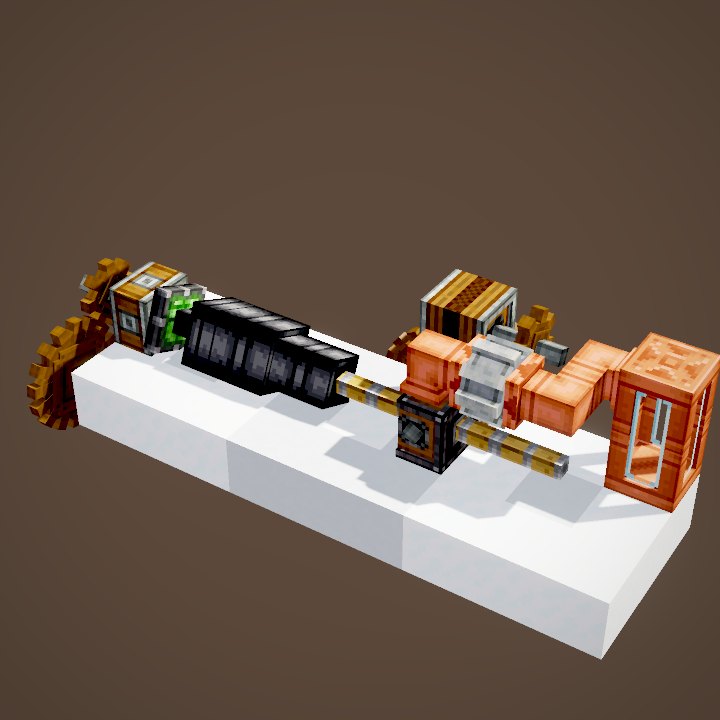
The basin does not pick the type of processing by itself: the machine above it decides. With a Mechanical Mixer, it handles mixing and shapeless crafting recipes. With a Mechanical Press, it handles compacting: nine ingots into a block, snow blocks into ice, two flint and some gravel with a little lava into andesite. Both machines go two blocks above the basin.
Where the result goes
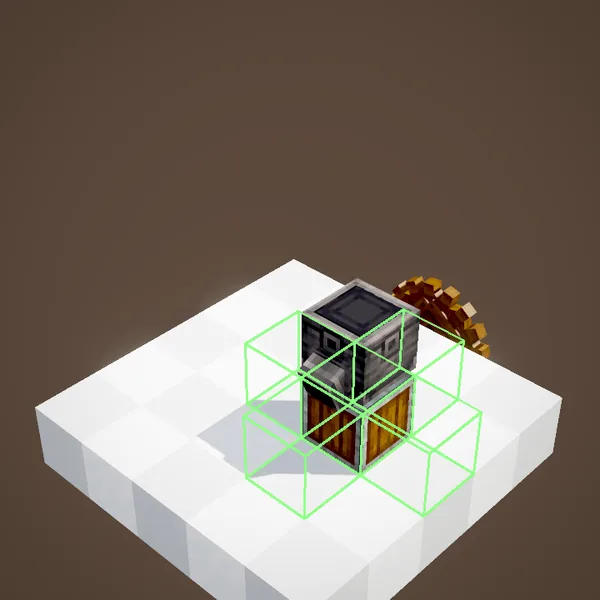
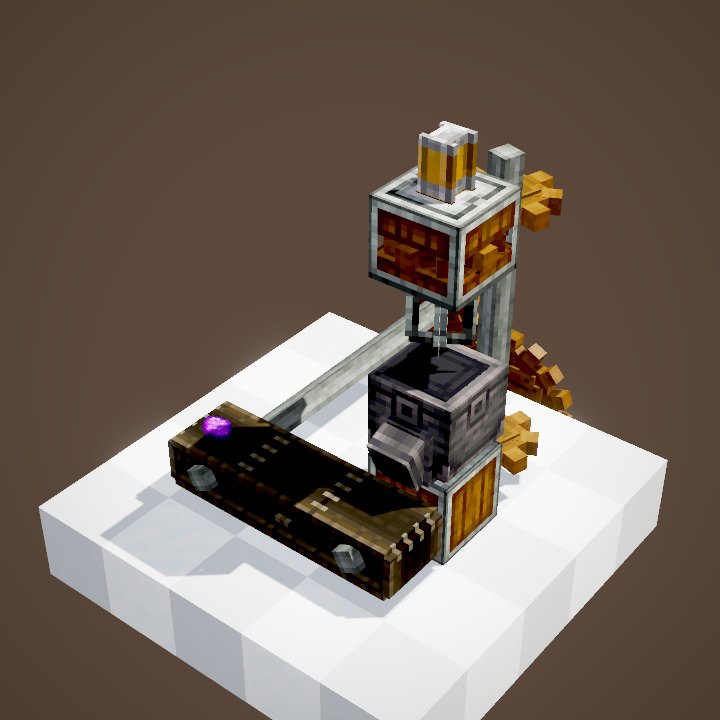
After each recipe, the basin tries to pour out the result. By default it pushes it downwards, into the inventory or onto the belt right below. If nothing below can take it, it looks to the sides, one block lower, diagonally: that is where the side output comes in.
The side output spout
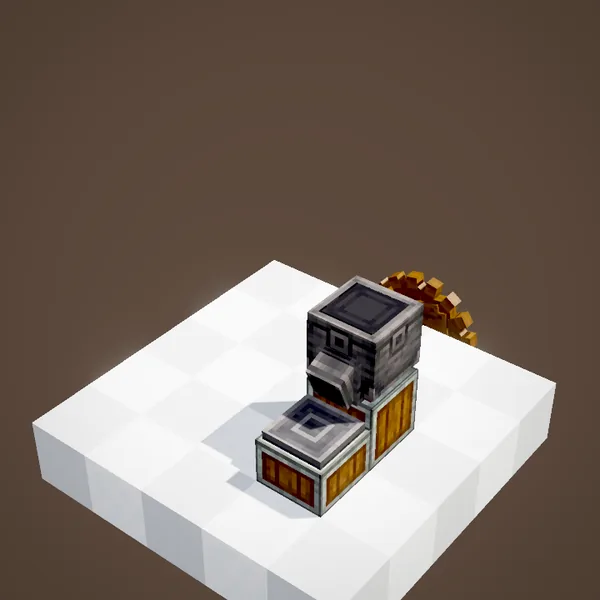
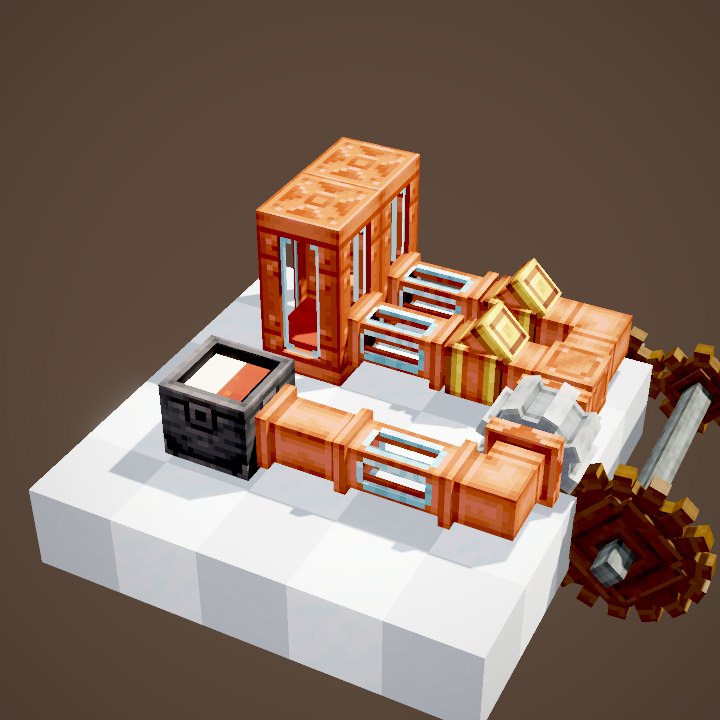
Place a Depot, a belt, a chute or a funnel against one side of the basin, one block lower: a small spout appears on that side, facing it, and the products are poured there. In the animation, a depot is placed at several spots in turn to show the possible positions. The block right next to the basin has to stay empty (except for a funnel), since that is where the spout pours through.
Collecting from below
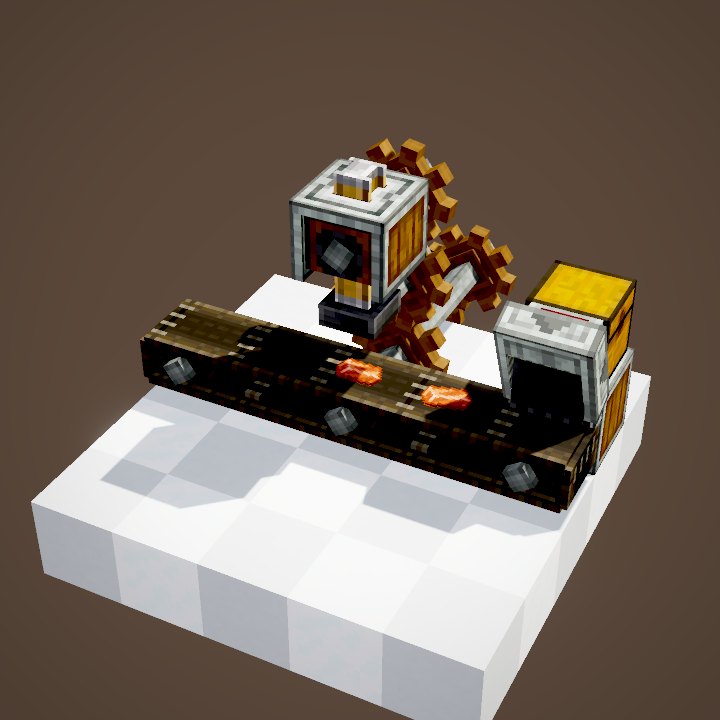
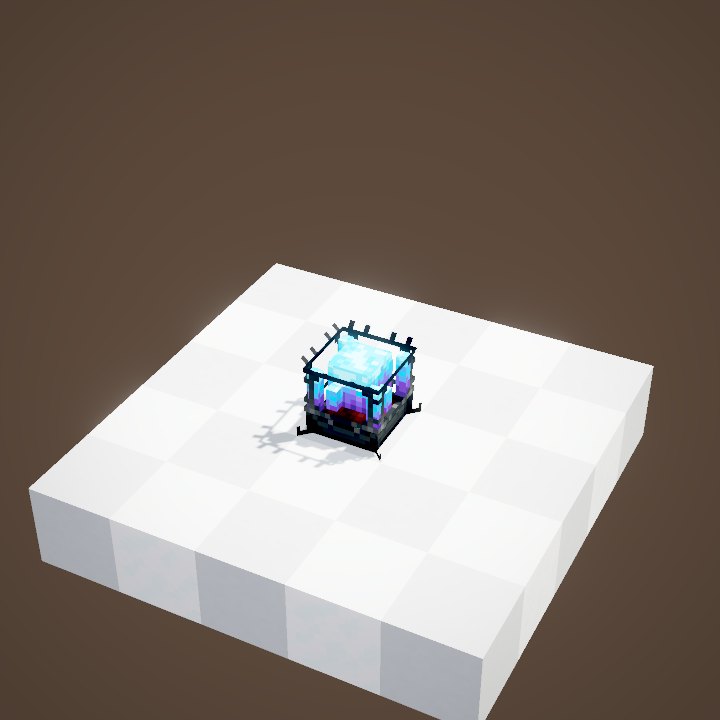
With a belt or a chest under the basin, there is nothing to set up: every result drops straight down. It is the most compact layout for a compacting line. In the animation, the press squeezes bricks into a block of bricks, which leaves on the belt. Watch out: a basin standing on a Blaze Burner has no free space below, so it needs a side output.
Keeping the result in the basin
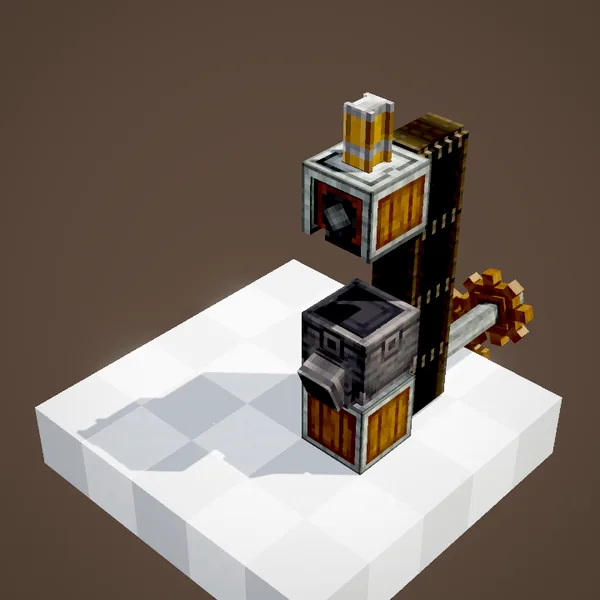
With no possible output at all, the basin keeps the result in its output slots. That is useful when a product has to be reused as an ingredient: in the animation, copper nuggets become an ingot, then a block, without ever leaving the basin. You then take the final product out yourself, or with a funnel on the side.
Extracting without emptying everything: the filter
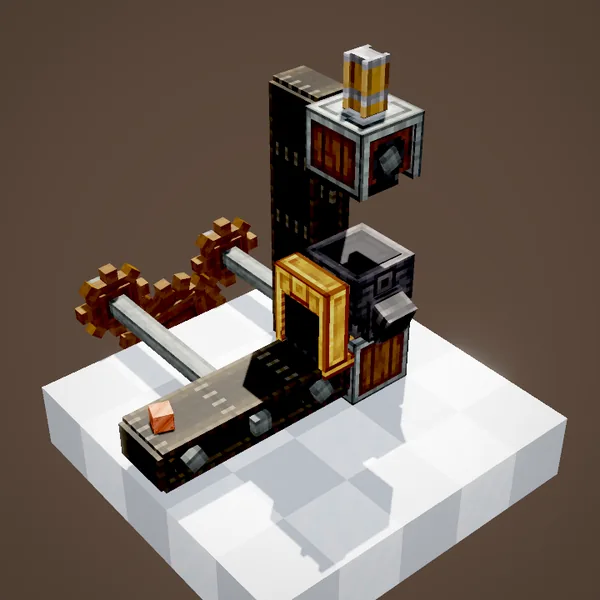
A funnel emptying a basin can also pull out ingredients that are not processed yet. Put a filter on the funnel (the Brass Funnel has a filter slot) with the final item you want, and it will only take that. The basin also has its own filter slot, used to pick the recipe when several are possible.
Common mistakes
- The result does not come out: nothing below, and the block next to the basin is not free for the spout.
- The basin is full: nine slots fill up fast when the machine above is slow or stopped.
- The wrong recipe runs: use the basin's filter slot.
Related pages

Sources for the numbers (Create 6.0.8 code)
- Capacity: BasinBlockEntity (inputInventory 9, outputInventory 9, inputTank / outputTank: 2 tanks of 1,000 mB each)
- Output: BasinBlock.FACING (FACING_HOPPER, DOWN by default), BasinBlock.canOutputTo (free neighbour block or funnel, target one block lower)
- Buckets: BasinBlock.useItemOn (FluidHelper.tryEmptyItemIntoBE / tryFillItemFromBE)
- Block recipe: crafting/kinetics/basin.json
- Basin recipes: data/create/recipe/mixing and compacting
- Scene: ProcessingScenes.basin, split into two loops
Original texts and animations by Create France, rendered from the mod's Ponder scenes. Create is a mod by the Create Team, not affiliated with Create France.