Create Wiki · Redstone
Gearshift and Clutch
The Gearshift and the Clutch are the two switches of Create's kinetics. Placed in a line of shafts, they let rotation through unchanged. As soon as they get redstone, the Gearshift makes everything after it spin the other way and the Clutch cuts it. They are how you pull a piston back or stop a machine.
Quick facts
- Category
- Redstone
- Without a signal
- Both pass rotation through end to end, at the same speed
- Powered Gearshift
- The output turns the other way, at the same speed
- Powered Clutch
- The output stops; the source side keeps turning
- Source side
- The side the rotation comes from; the effect applies to the other side
- Stress
- None: they are relays
- Clutch recipe
- Andesite Casing + Shaft + Redstone Dust
- Version
- Create 6.0.8 · Minecraft 1.21.1
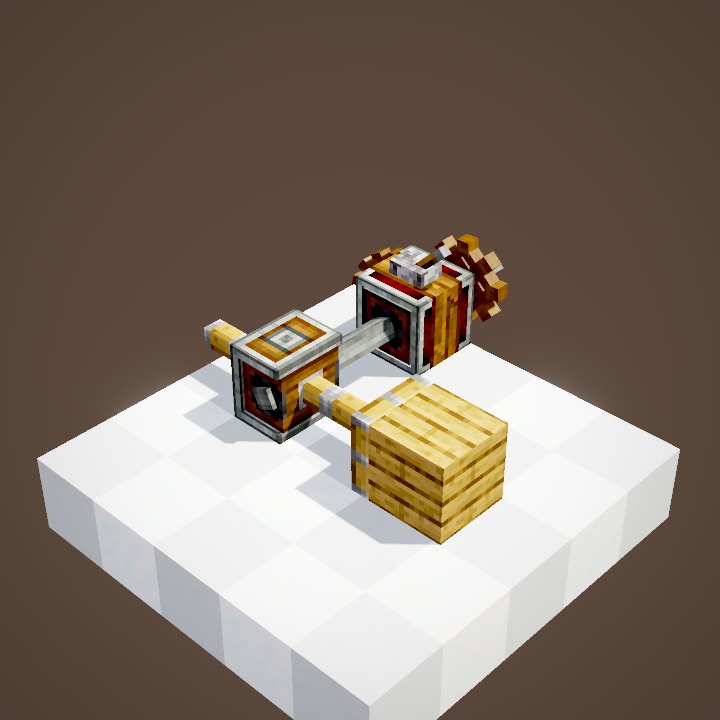
Gearshift recipe (shapeless)
→ 1 Gearshift
The Clutch lets it through
Without redstone the Clutch behaves like a shaft in a casing: rotation passes through and the Speedometer at the end shows the source speed.
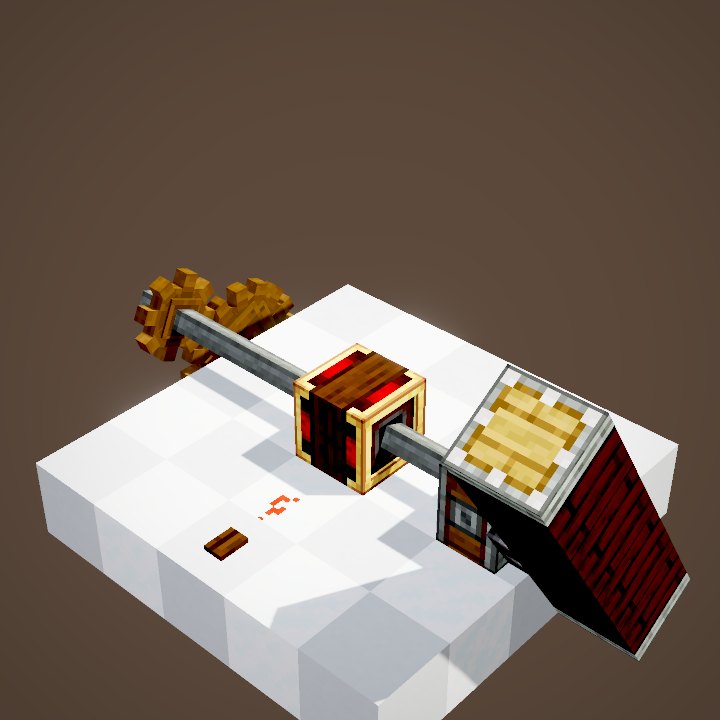
Powered, it cuts
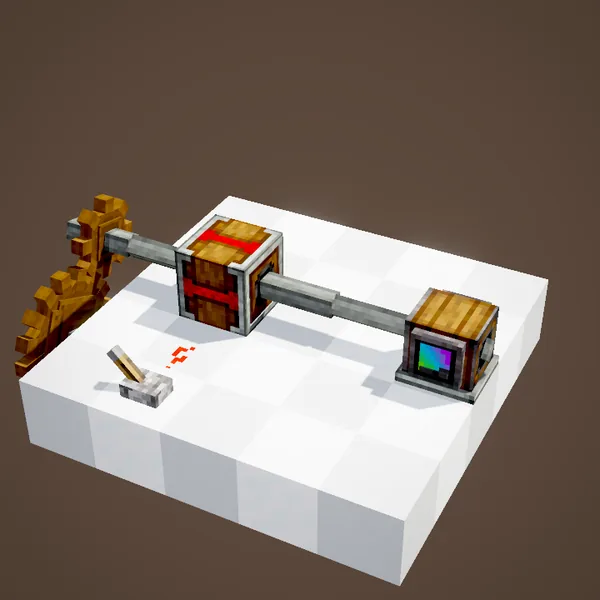
The lever lights the dust, the Clutch turns red and its output half stops. Watch the two half shafts in the casing: the one on the source side still turns, the other is still. Everything after it stays put for as long as the signal lasts.
The Gearshift, a relay while unpowered
The Gearshift also passes rotation straight through while it is off. It costs no stress and does not change the speed.
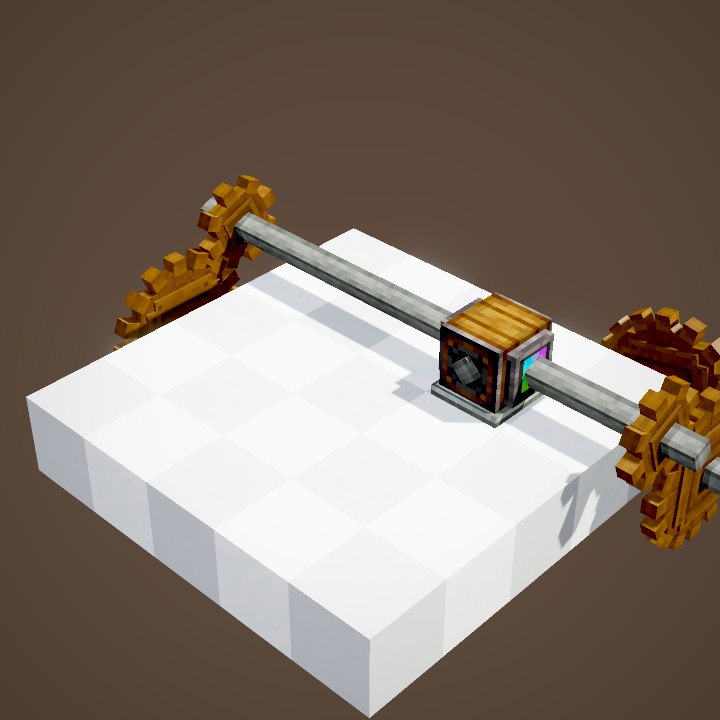
Powered, it reverses
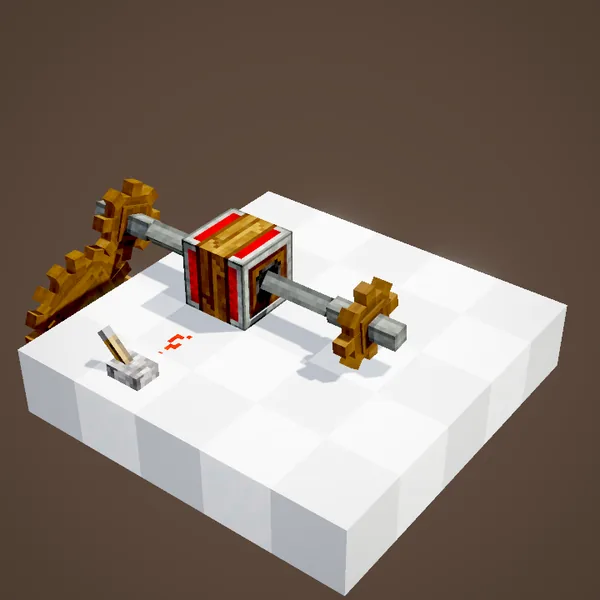
With a signal, the output turns backwards at the same speed. In the loop the lever flips three times: the cogwheel at the end changes direction each time, while the source does not. Our simulation recomputes the whole network on every change, using Create's rules.
No loss of speed
Unlike a set of cogwheels, neither block changes the ratio: 32 RPM in, 32 RPM out, one way or the other. The stress of the machines after them is still paid by the source, as if the casing were not there at all.
How to power it
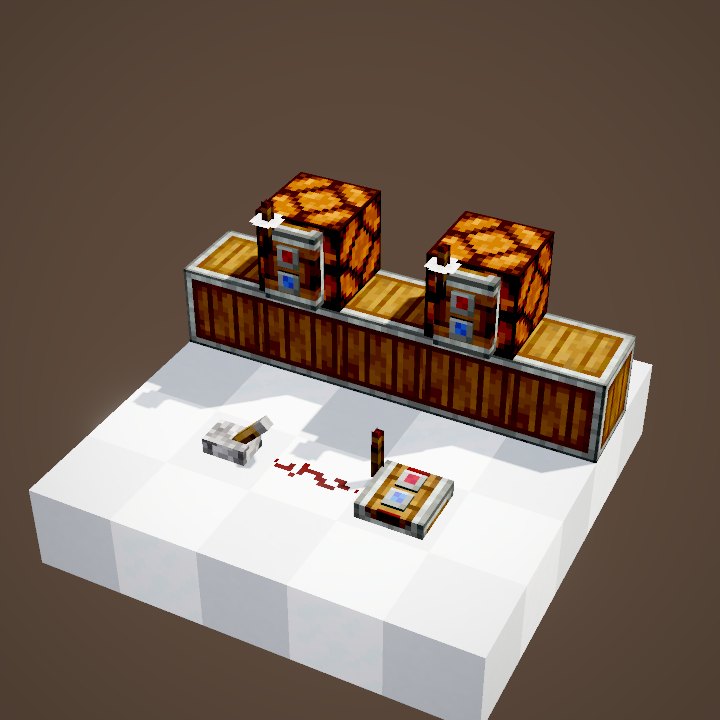
Any source touching the casing will do: a lever placed on it, dust pointing at it, a comparator, a link receiver. The strength does not matter, 1 is enough. The switch is almost instant: the rotation network is recomputed as soon as the signal changes.
The source side matters
The effect only applies to the side opposite the source. If rotation comes in from the other end, the other half is the one that stops or flips. So a Gearshift between two sources is a bad idea: the two networks would try to spin opposite ways and the game would break a block.
Build ideas
A Mechanical Piston behind a Gearshift extends or retracts with a lever: the simplest door in Create. A Clutch at the head of a line shuts a whole factory down at once. With a Redstone Link, the lever can sit at the far end of your base.
Common mistakes
Dust running past the casing without touching it does not power it: check that it points at the block. For a movement that must stop by itself after an exact angle or distance, the tool is the Sequenced Gearshift, not a lever.
What the loop shows
Each half shaft follows, at every moment, the speed computed by our simulation: you see the output half stop, or spin back the other way, at the exact moment the lever flips. Only the source speed comes from the scene; the rest of the network is recomputed with Create's rules.
On our server
On Create France, a Clutch at the head of each workshop lets you stop one machine to fix or change it without shutting down the whole base. Label each lever so everyone knows what it stops.
Related pages
Sources for the numbers (Create 6.0.8 code)
- Recipes: crafting/kinetics/gearshift.json, clutch.json (shapeless)
- Behaviour: GearshiftBlockEntity / ClutchBlockEntity.getRotationSpeedModifier (-1 or 0 away from the source side), SplitShaftBlockEntity
- Rendering of the two half shafts: SplitShaftVisual (speed × modifier of each face)
- Simulation: WIKI/redstone_sim.py (signals, delays, links, latches and speeds recomputed tick by tick from Create's and Minecraft's code; only the player's actions come from the scene)
- Scenes: KineticsScenes.clutch, gearshift (player not drawn)
Original texts and animations by Create France, rendered from the mod's Ponder scenes. Create is a mod by the Create Team, not affiliated with Create France.