Create Wiki · Kinetics
Hand Crank and Valve Handle
The Hand Crank is the very first source of rotation in Create: no water or wind needed, you do the turning. It is enough to test a machine, open a mechanical door or nudge a contraption a few blocks. Its copper cousin, the Valve Handle, does not spin continuously: it rotates whatever it drives by a precise angle, which is perfect for mechanisms.
Quick facts
- Category
- Kinetics (source)
- Speed
- 32 RPM while you hold right-click
- Capacity
- 8 SU per RPM, i.e. 256 SU at 32 RPM
- Hunger
- 0.32 exhaustion per use (crankHungerMultiplier = 0.01)
- Valve Handle
- Same speed and capacity, turns by a set angle from −180° to 180°
- Version
- Create 6.0.8 · Minecraft 1.21.1
Crafting table recipe
→ 1 Hand Crank
Placing and connecting the crank
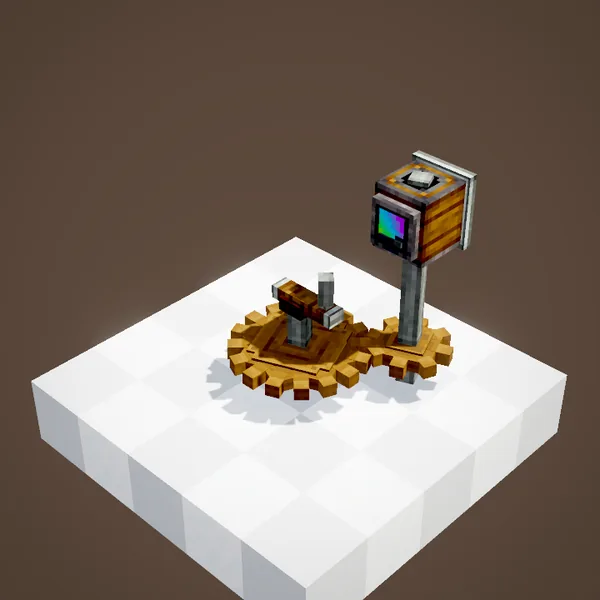
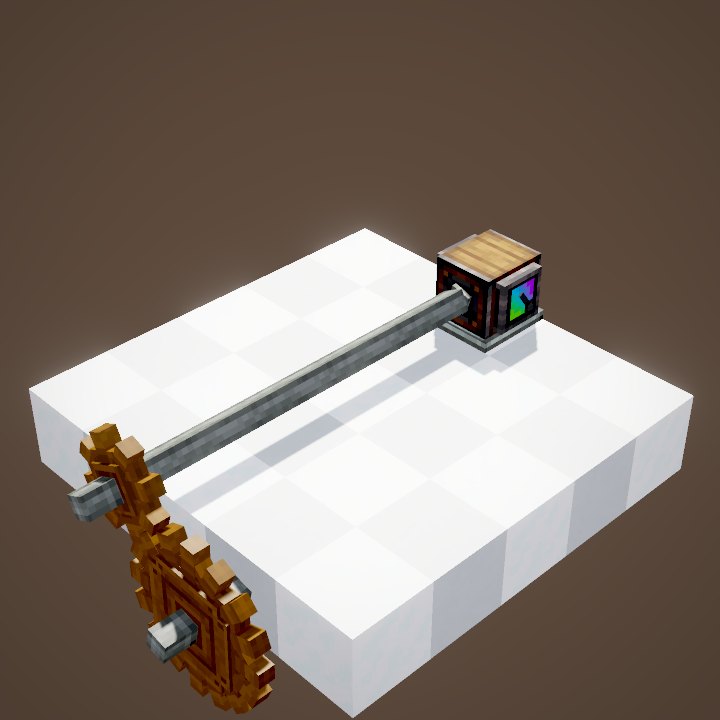
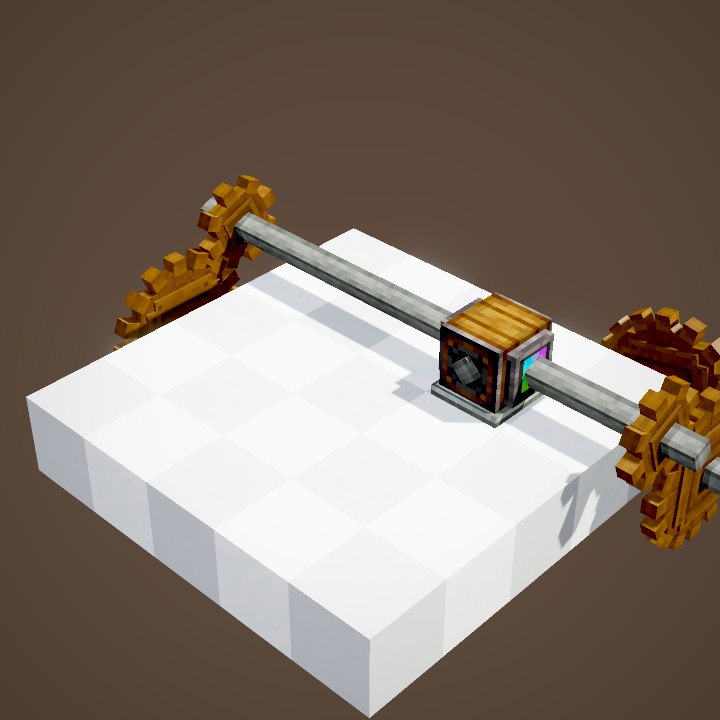
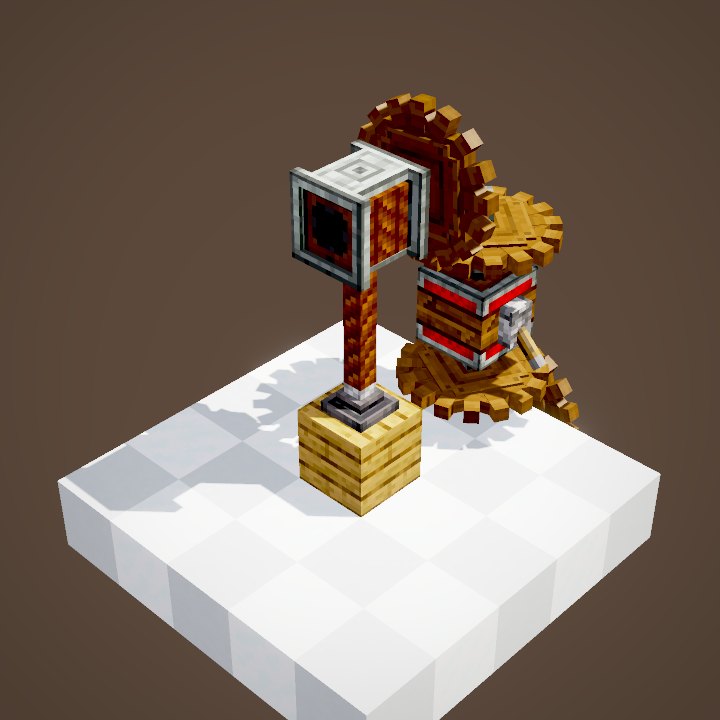
The Hand Crank attaches to a block and outputs its rotation through its back, like the end of a shaft: put it on a cogwheel, a shaft or straight onto a machine. The game turns it towards a neighbouring kinetic block by itself; sneak while placing to simply stick it on the face you are aiming at.
Right-click: rotation one way
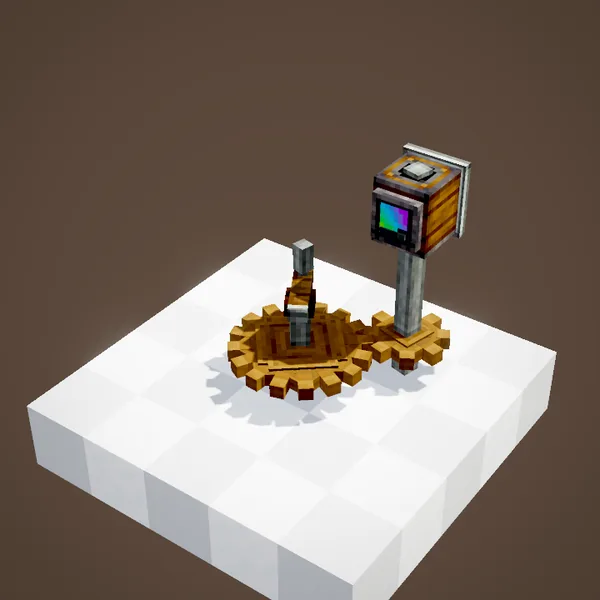
Keep right-click pressed while aiming at the crank: it spins at 32 RPM and drives the whole network behind it. Each use keeps it turning for half a second, so keep the button pressed. As soon as you let go, the rotation stops.
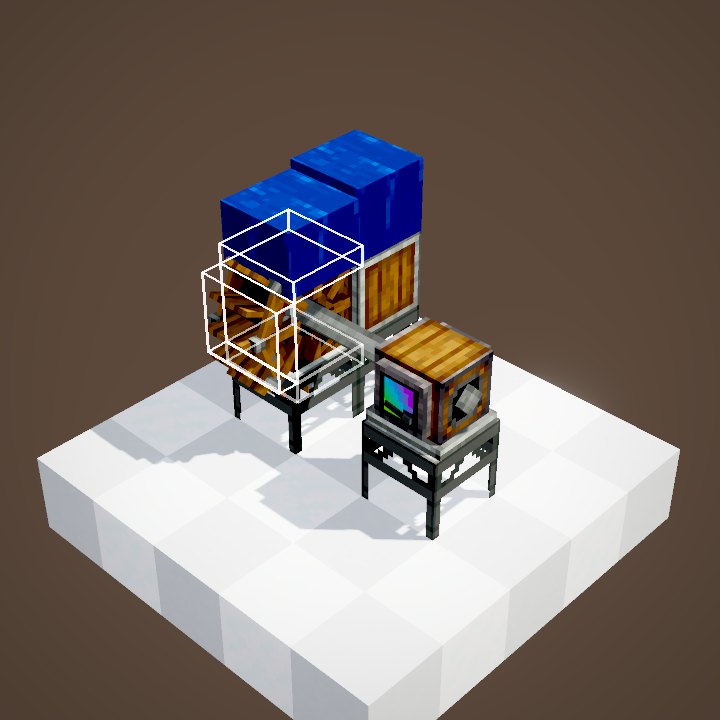
Its capacity is 8 SU per RPM, so 256 SU: enough for one Mechanical Press at 32 RPM, but not two.
Sneaking: rotation the other way
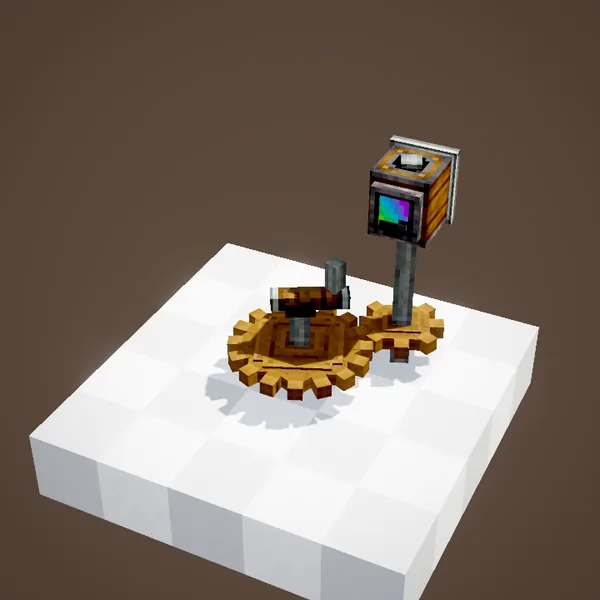
To reverse it, crouch while pressing right-click: the crank then turns the other way. It is the only Create source whose direction you flip on the fly, which is great for pushing a Mechanical Piston or a gantry forward and back.
Cranking is tiring: every use costs 0.32 exhaustion, a bit like sprinting. For a machine that has to run for a long time, move on to a water wheel or a windmill.
What the Hand Crank is really good for
For a factory, the crank runs out of steam fast: you have to stand next to it, and its 256 SU are gone after a single machine. It shines elsewhere: testing a build before you install a proper source, driving a contraption on demand (a drawbridge on a Mechanical Piston, a sliding door on a gantry, a lift on a pulley), or starting a small production line early on, before you have enough Andesite Alloy for a water wheel.
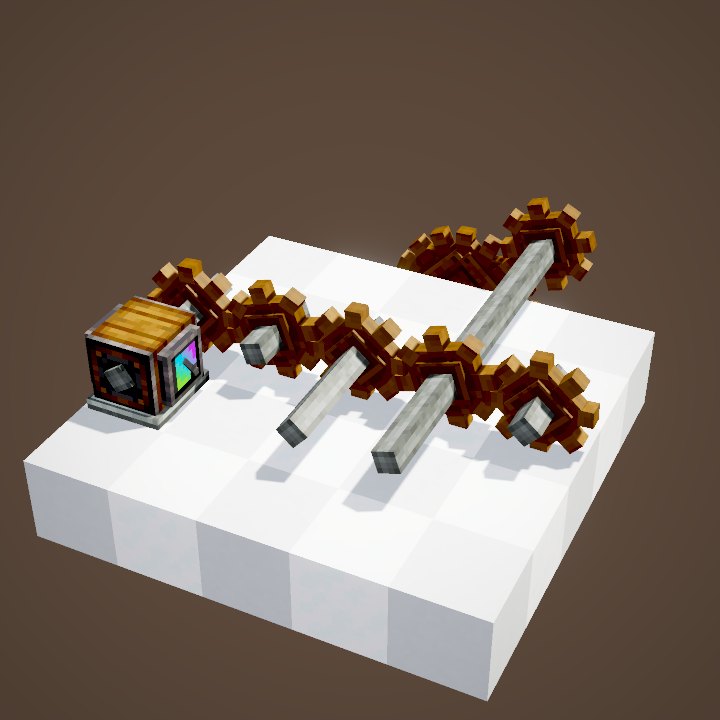
It also works with cogwheels: behind a ×2 stage it gives 64 RPM, but machines use twice as much stress at that speed: the capacity stays at 256 SU.
The Valve Handle: turning by an exact angle
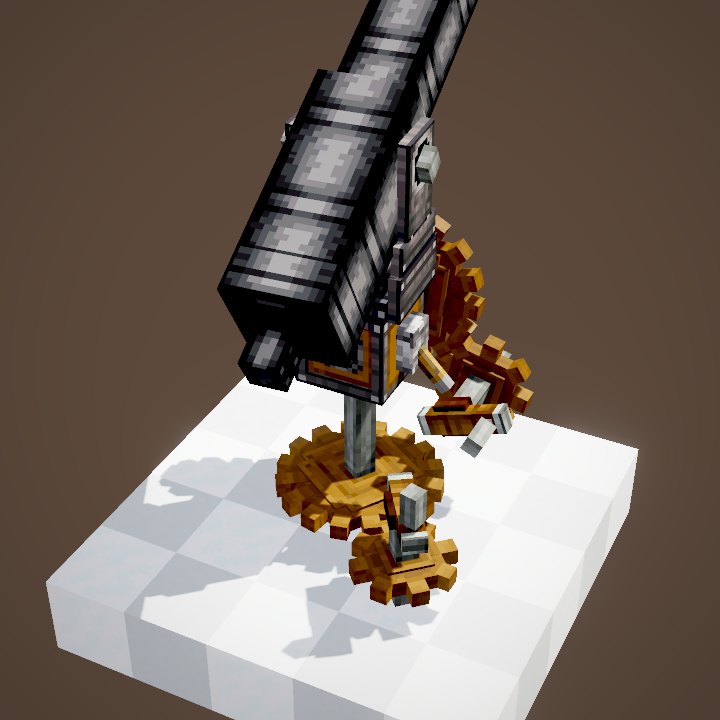
The Copper Valve Handle is placed and connected like the crank, with the same speed and capacity. The difference: a click does not keep it spinning, it rotates the network by a set angle and then stops. In the animation, it drives a Mechanical Bearing whose arm turns by exactly the chosen angle.
Setting the angle and triggering it
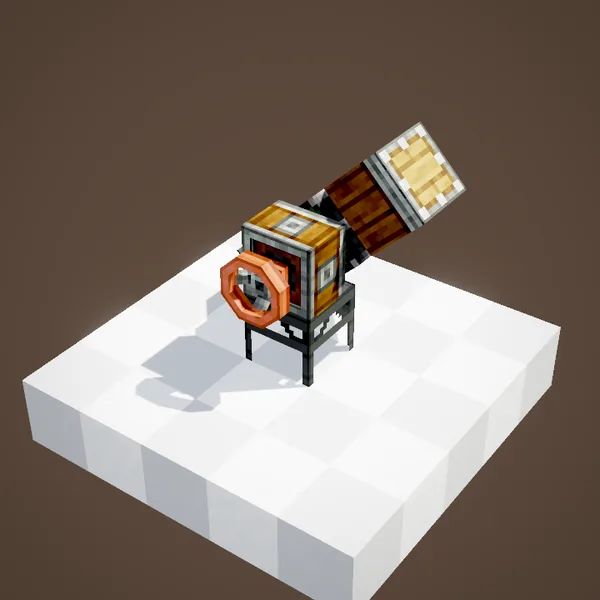
The angle is set on the handle's value panel, from −180° to 180° in steps of 45°. A right-click then triggers one turn of that angle, and a sneaking right-click triggers it the other way. With a bearing, remember to set it so it does not disassemble when it stops, otherwise your structure falls back into blocks after every move.
Dyeing the handle
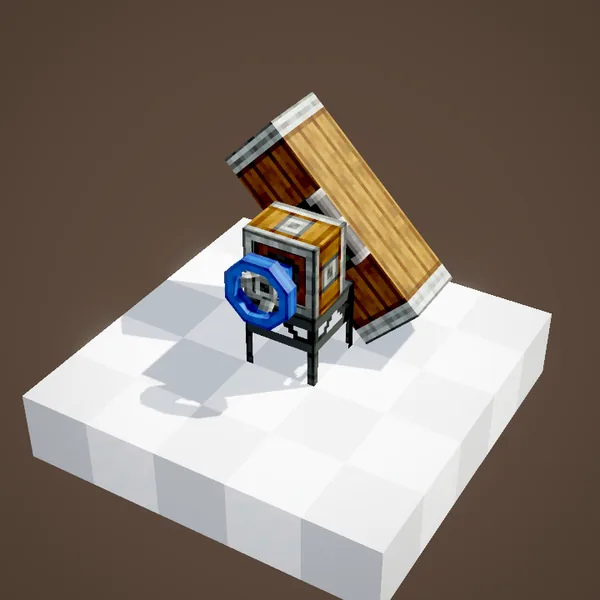
Clicking with a dye changes the handle's colour (sixteen colours). It is purely cosmetic, but useful to tell which handle controls what on a control panel.
Common mistakes
- The crank turns but nothing follows: it is not attached to the block it should drive, or it touches a face without an axis. Put it straight on a cogwheel or on the end of a shaft.
- The machine stalls: 256 SU is not enough. A press at 32 RPM takes all of it, and so do a mixer and a fan together.
- The arm on a bearing falls apart with the Valve Handle: the bearing disassembles when it stops, so change its mode.
Related pages
Sources for the numbers (Create 6.0.8 code)
- Speed: HandCrankBlock.getRotationSpeed() = 32; HandCrankBlockEntity.turn (inUse = 10 ticks), getGeneratedSpeed (direction from sneaking)
- Capacity: AllBlocks.java, HAND_CRANK and COPPER_VALVE_HANDLE, CStress.setCapacity(8.0)
- Hunger: HandCrankBlock.useItemOn, causeFoodExhaustion(32 × CKinetics.crankHungerMultiplier = 0.01)
- Valve Handle: ValveHandleBlock extends HandCrankBlock; ValveHandleBlockEntity.angleInput.between(-180, 180), set in steps of 45
- Recipes: crafting/kinetics/hand_crank.json, copper_valve_handle.json (3 Copper Sheets + Andesite Alloy), *_valve_handle_from_other_valve_handle.json
- Scenes: KineticsScenes.handCrank and valveHandle
Original texts and animations by Create France, rendered from the mod's Ponder scenes. Create is a mod by the Create Team, not affiliated with Create France.