Create Wiki · Logistics
Mechanical Crafter
The Mechanical Crafter automates crafting. One crafter on its own does nothing: you assemble several into a grid that mirrors the crafting grid, each block holding one ingredient. As soon as the grid is complete and turning, the crafters pass the items along to an output crafter that delivers the result. It handles ordinary recipes and Create's large ones, up to 9 × 9.
Quick facts
- Category
- Logistics
- Stress
- 2 SU per RPM per crafter
- Grid
- As many crafters as the recipe has slots, from 1 × 1 to 9 × 9
- Filling
- Funnels, Mechanical Arms, belts, Deployers, or by hand
- Crafter Slot Cover
- Marks a slot that is meant to stay empty
- Redstone
- A pulse starts crafting even if the grid is not full
- Version
- Create 6.0.8 · Minecraft 1.21.1
Crafting table recipe
→ 3 Mechanical Crafters
Building a grid
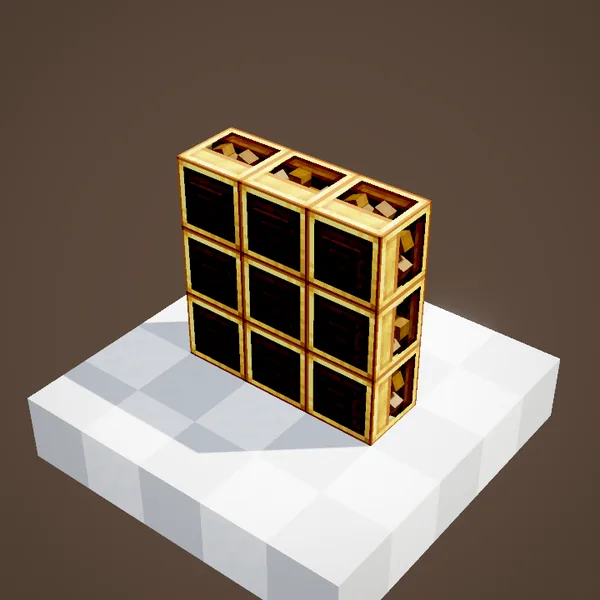
Place the crafters side by side, all facing the same way, copying the shape of the recipe: a 3 × 3 square for a classic recipe, a single column for a recipe in a line. Each crafter is one slot of the crafting grid. You need as many as the recipe has filled slots, not necessarily nine.
Arrows guide the items
Each crafter shows an arrow on its face. It tells where the crafter will send its ingredient when crafting. All the arrows must eventually converge on a single crafter, the one that will output the result. A tap of the Wrench on a crafter turns its arrow. By default, placement already points them sensibly, from top to bottom.
Rotation and output
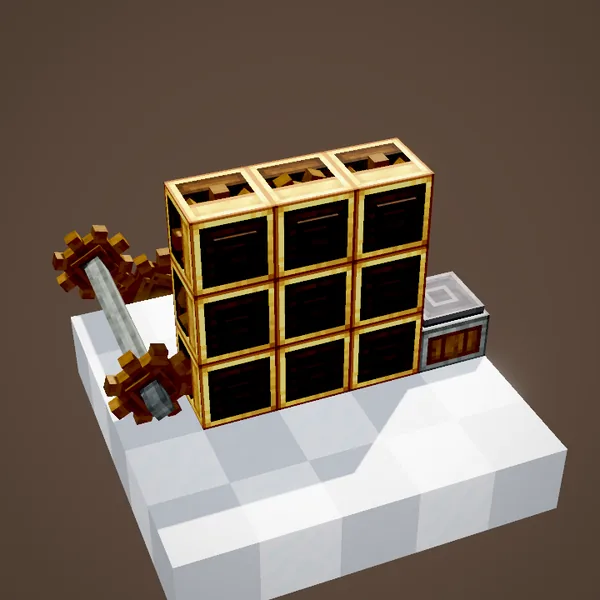
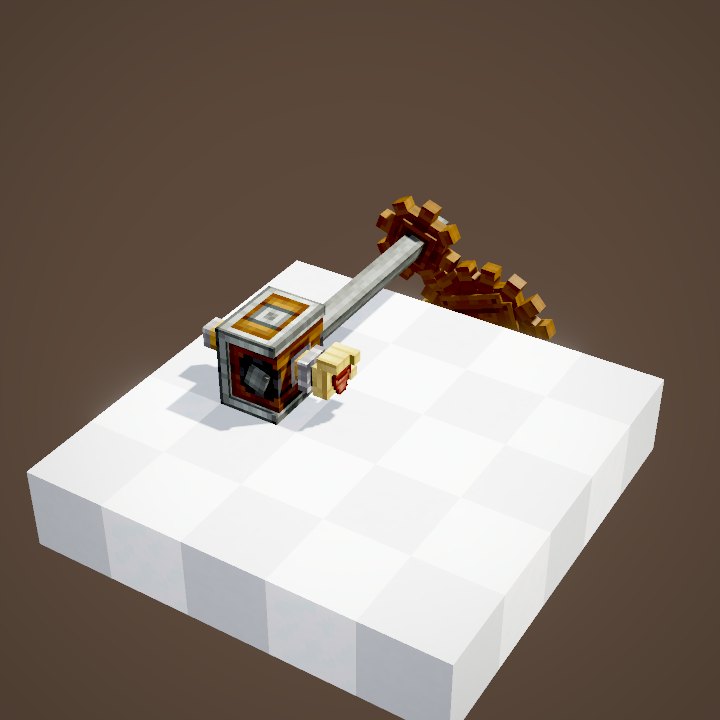
The grid needs rotation, 2 SU per RPM for each crafter, fed from the back like a cogwheel. Once every slot is filled, the crafters slide their items along the arrows, put them together, and the output crafter drops the result in front of it: on a Depot, a belt or into a funnel.
Filling the grid
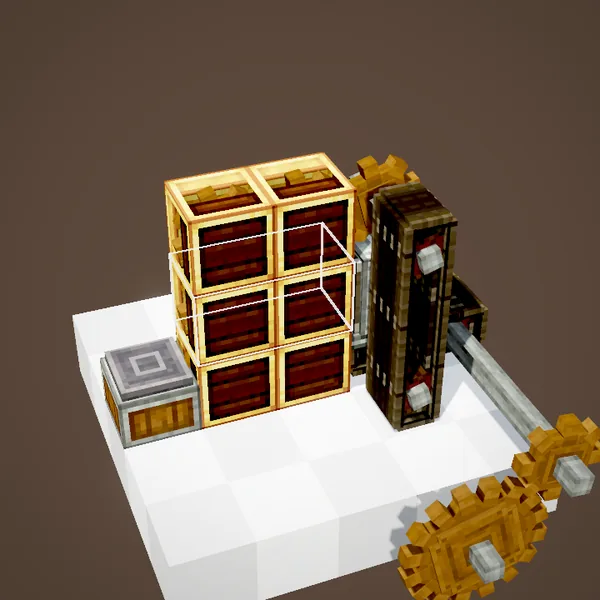
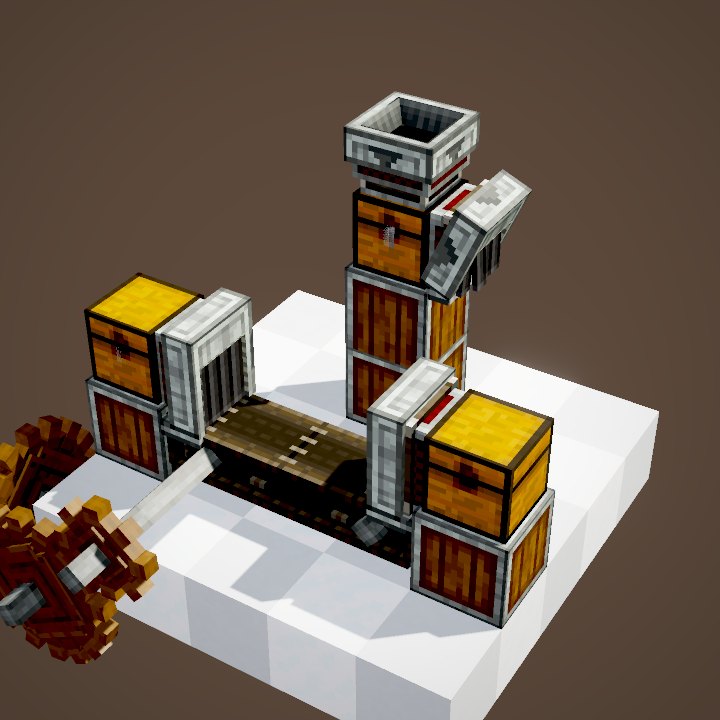
Ingredients go in by hand, one per crafter, or automatically: Funnels, Mechanical Arms, Deployers, belts ending at a crafter's face. Each crafter holds only one item: a funnel feeding it puts one in, waits for the craft to happen, then starts again.
Linking the inputs
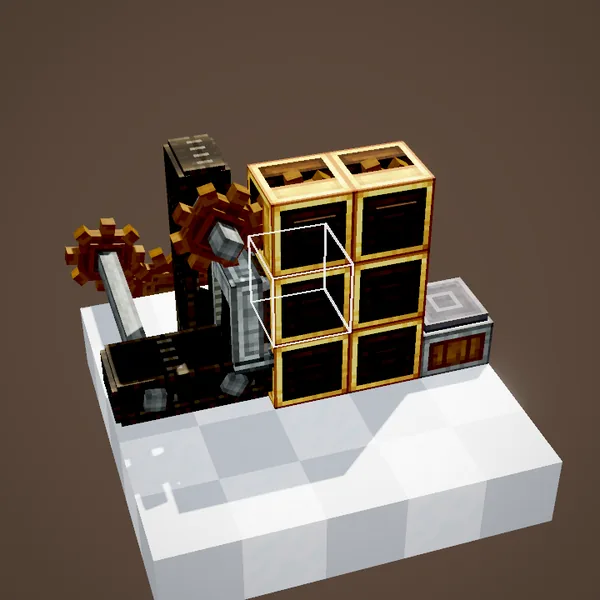
Feeding every crafter separately quickly becomes tedious. A tap of the Wrench on the joint between two crafters links their inventories: an item inserted into one is passed on to the others, in grid order. With the whole grid linked, a single funnel is enough to fill it, as long as you send the ingredients in the recipe's order.
Crafter Slot Covers
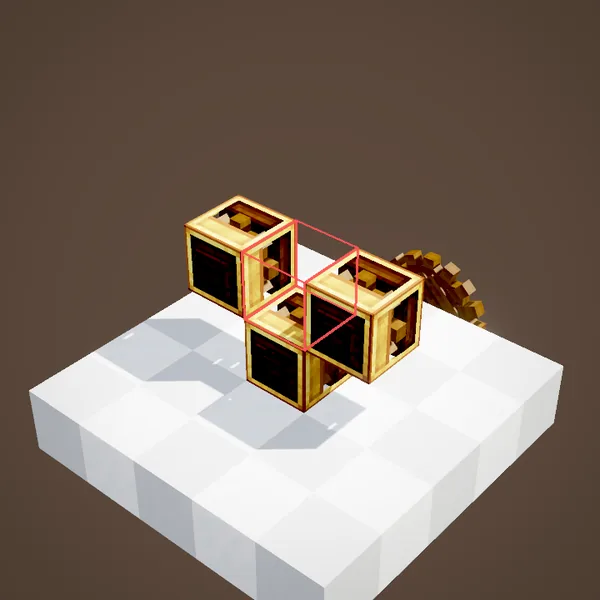
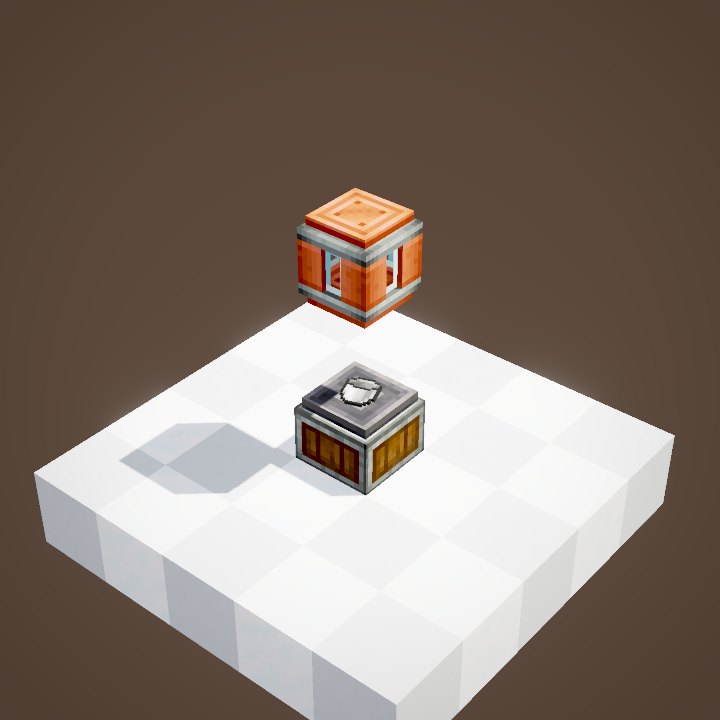
Some recipes have holes, like a bucket or a chest. So that a linked grid does not put an item there, place a Crafter Slot Cover on that crafter: it counts as both filled and empty. The grid then knows it is complete without waiting for an ingredient that does not exist.
An example of a recipe with holes
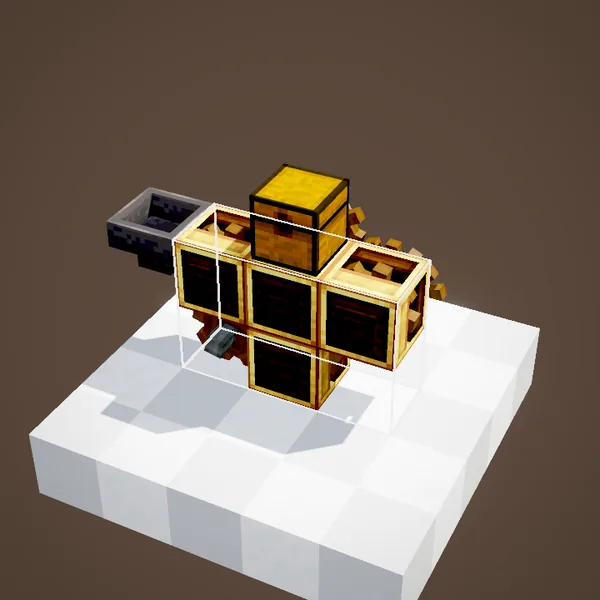
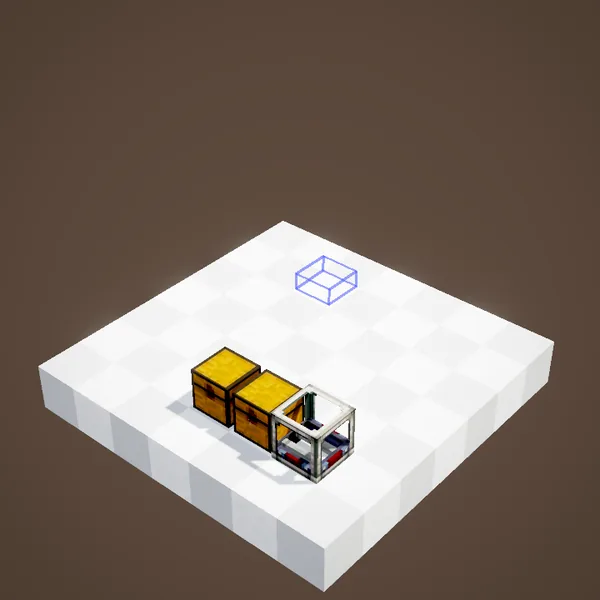
In the Ponder scene, a few covered crafters and the filled ones produce a ring-shaped recipe. The same idea works for every recipe with empty slots: cover the holes, link the rest, and a single input belt feeds the whole machine.
Forcing a start with redstone
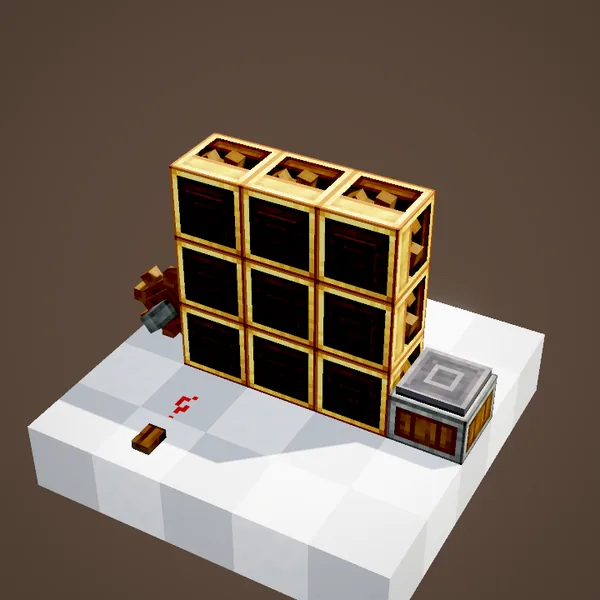
A redstone pulse on a crafter starts crafting right away, even if some slots are empty. It is the other way to make a recipe with holes: fill the right crafters, then send the signal. If the items present do not match any recipe, the grid spits them back out.
About the pictures
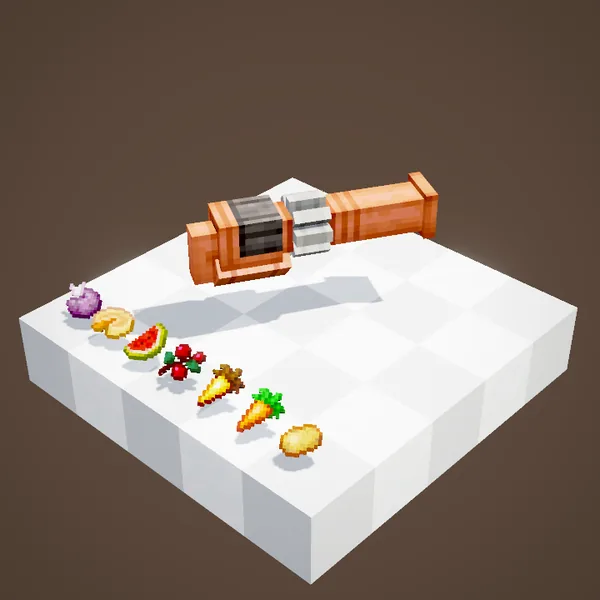
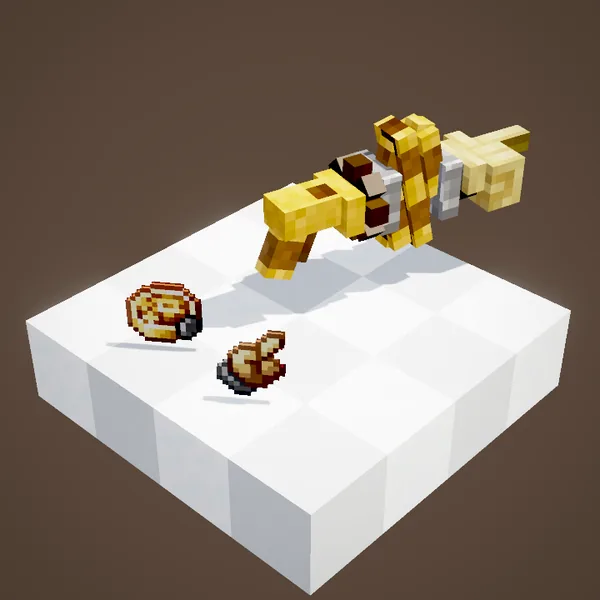
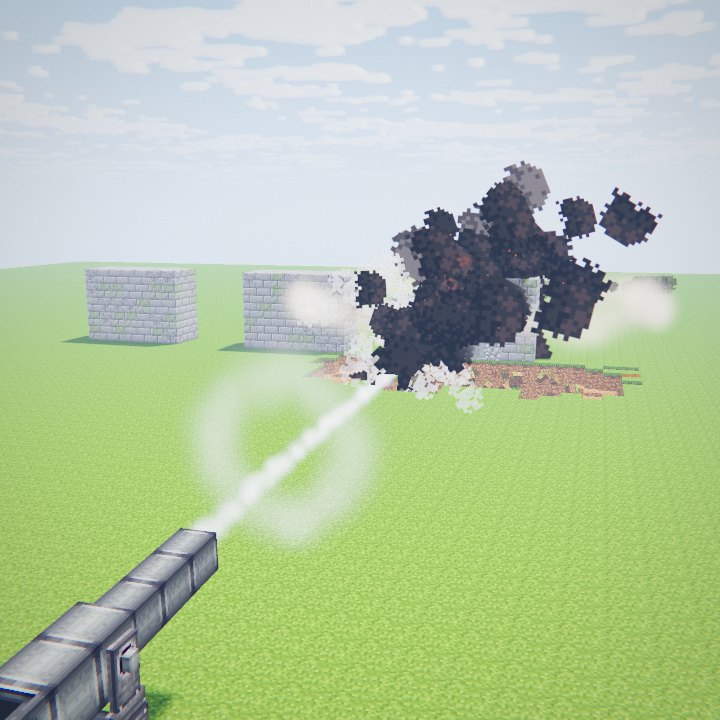
Our renderer does not draw the items held by the crafters yet, nor their sliding from one crafter to the next: this page is therefore illustrated with stills of the Ponder setups, without animation.
Related pages
Sources for the numbers (Create 6.0.8 code)
- Stress: AllBlocks.java, MECHANICAL_CRAFTER, CStress.setImpact(2.0)
- Grid and recipes: RecipeGridHandler, MechanicalCraftingInput (vanilla and mechanical_crafting recipes up to 9 × 9)
- Redstone: MechanicalCrafterBlockEntity (rising edge -> checkCompletedRecipe(true)); cover: MechanicalCrafterBlockEntity.covered
- Recipe: crafting/kinetics/mechanical_crafter.json
- Scenes: CrafterScenes.setup, connect, covers; stills only (crafter contents not drawn)
Original texts and animations by Create France, rendered from the mod's Ponder scenes. Create is a mod by the Create Team, not affiliated with Create France.