Create Wiki · Package network
Stock Ticker
The Stock Ticker is the package network's counter. Set to the same frequency as the Stock Links, it shows the list of everything the network's warehouses hold and lets you order: pick the items, the amounts and an address, and the Packagers prepare packages that head your way. With a keeper seated next to it, it even becomes a real shop.
Quick facts
- Category
- Package network
- Network
- Same frequency as the Stock Links, copied by clicking one of them before placing
- Shows
- The total stock of every linked warehouse, sorted into categories
- Order
- Items, amounts and a delivery address
- Keeper
- A creature seated on a seat next to it acts as the counter
- Recipe
- 1 Glass + 1 Stock Link + 1 Gold Ingot
- Version
- Create 6.0.8 · Minecraft 1.21.1
Crafting table recipe
→ 1 Stock Ticker
Plugging it into the network
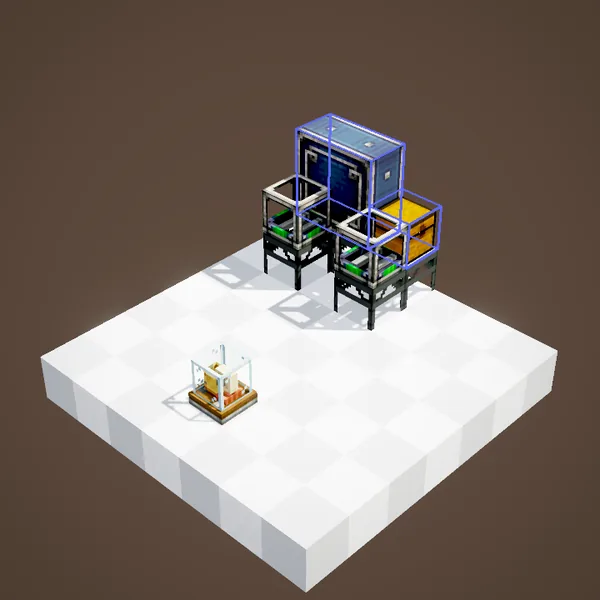
Like a Stock Link, the ticker joins a network by copying its frequency: holding the ticker, right-click a link already placed, then put it wherever you want, in your workshop, your base or your shop. It does not need to be near the warehouses.
Seeing all the stock
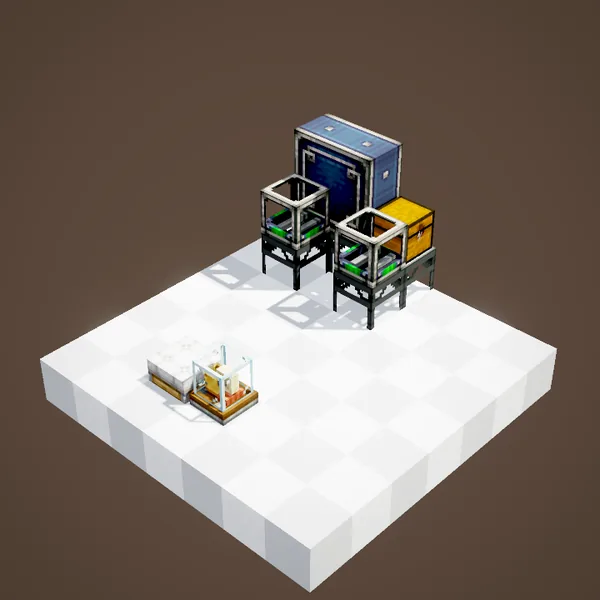
Right-clicking the ticker opens the list of every item available on the network, with their amounts, all warehouses combined. The list can be sorted into categories, some of them hidden, and searched by name. It is a whole base's inventory on a single screen.
Placing an order
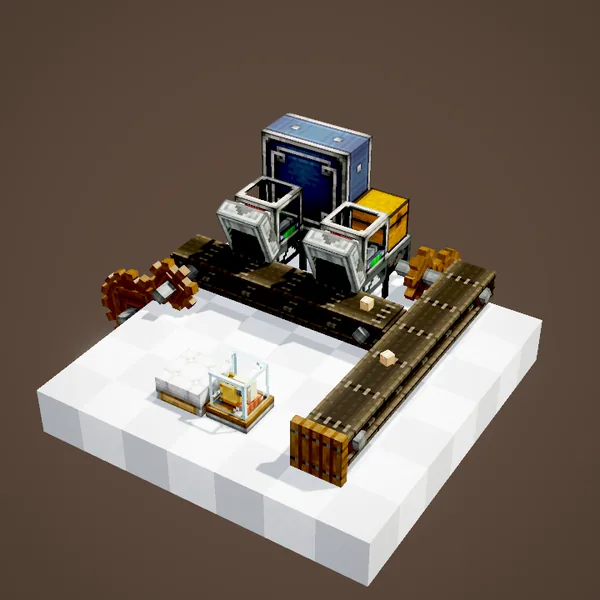
Receiving your order
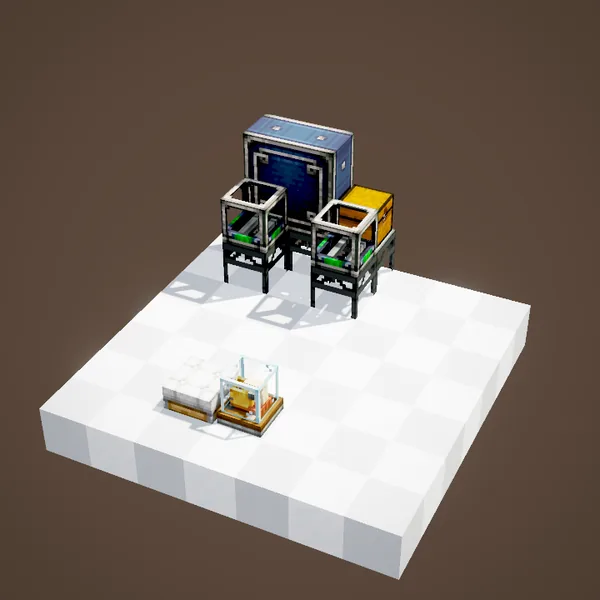
The simplest is to set up, near the ticker, an arrival point for the address you type: a Frogport or a Postbox with your name, followed by a Packager unpacking into a chest. You order, wait a few seconds, open the chest.
Delivering elsewhere
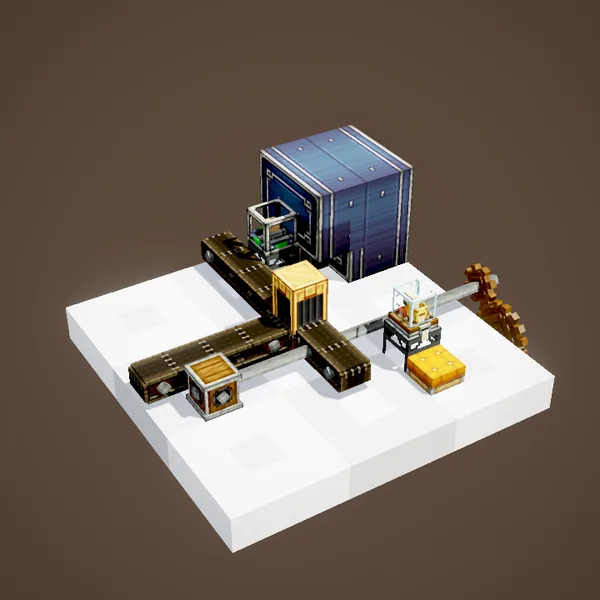
Nothing forces you to deliver to yourself: the address can be a machine's, a friend's or another warehouse's. The ticker then works as a remote control for the whole factory, for instance to send coal to the boiler from the control room.
Example: the control room
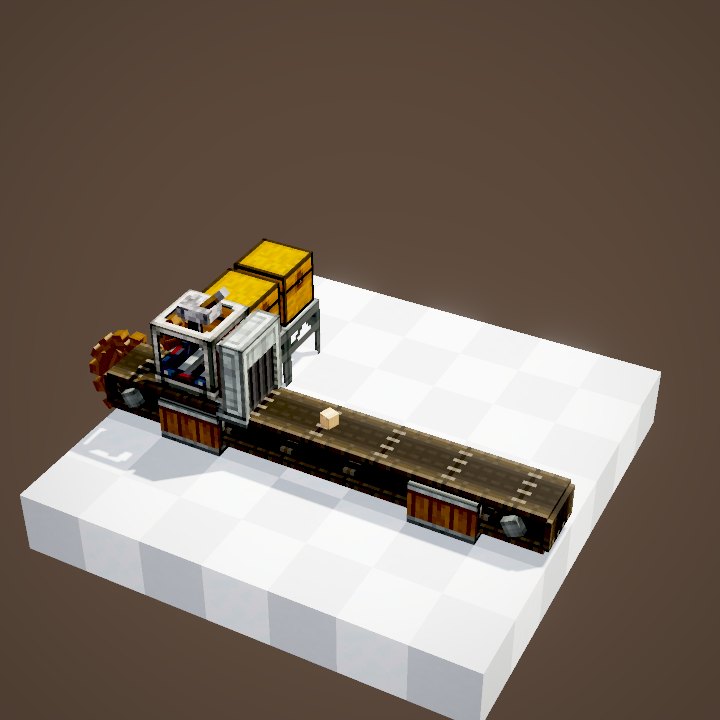
At the centre of the base: a ticker linked to every warehouse, a Frogport named "Workshop" under a Chain Conveyor, a Packager and a chest. You order 32 iron sheets and 16 electron tubes, address "Workshop": the warehouses involved prepare their packages, the chain brings them over, the Packager unpacks them into the chest. No more trips to the mine for a build, and the stock list tells you straight away what is running low so you can plan the next production run.
Organising the list
On a big network the list gets long. Create categories, ores, food, Create parts, and hide the ones nobody ever uses: every player quickly finds what they are looking for, and searching by name does the rest. A tidy list also makes shops much nicer for visitors.
A seated keeper
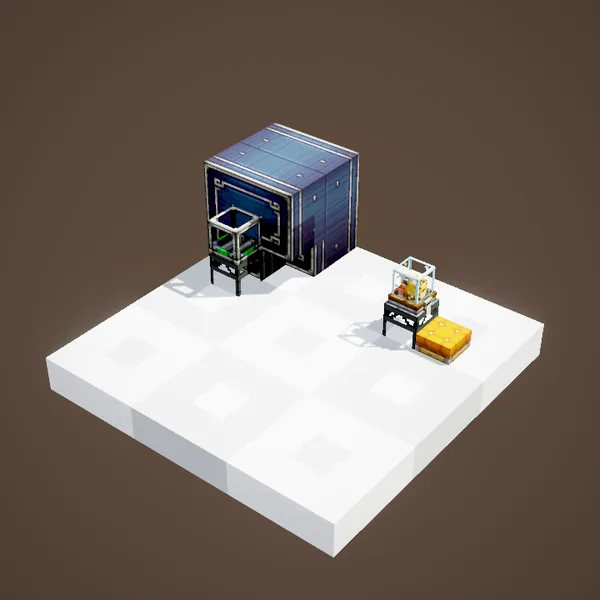
Put a seat next to the ticker and sit a creature on it, a villager or a blaze for example: it becomes a stock keeper. Players then order by talking to it, without touching the ticker. It is the basis of Create 6 shops, with the Table Cloth to display the articles and their price.
Locking the network
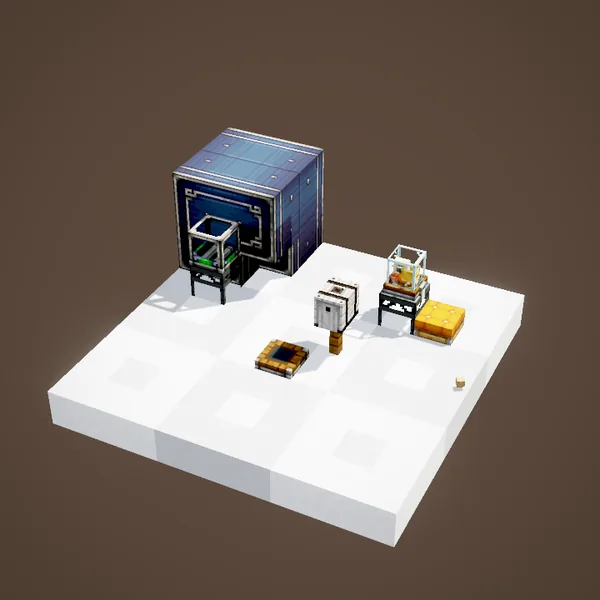
The network's owner can lock it from the ticker: other players can then no longer order freely. On a server like Create France it is essential as soon as the base is open to visitors or hosts a shop.
About the pictures
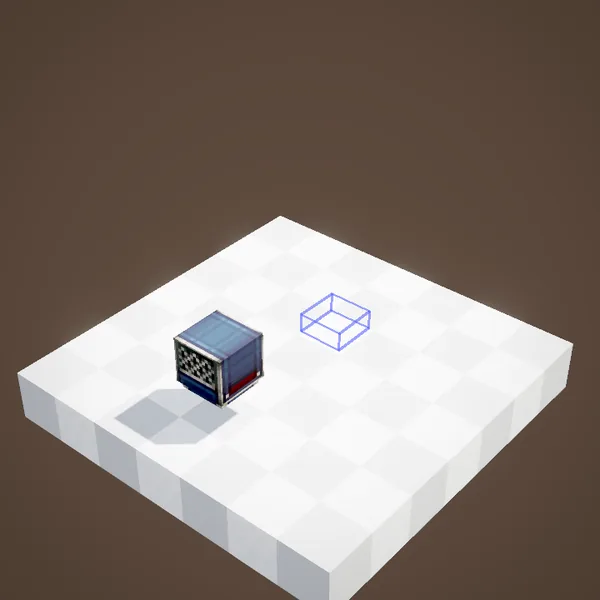
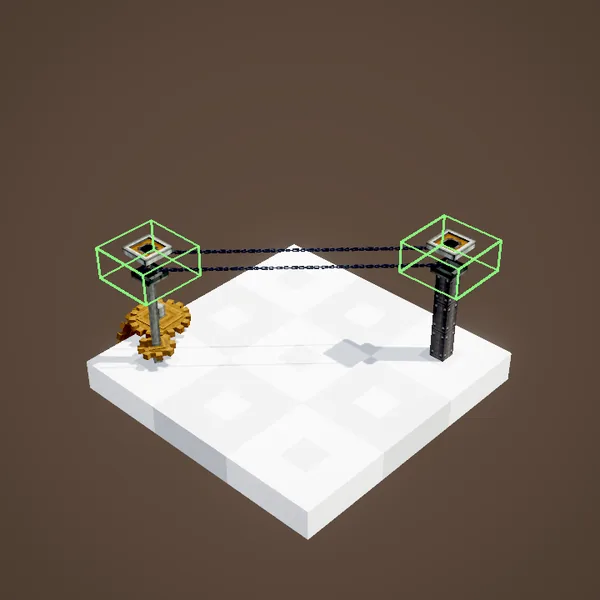
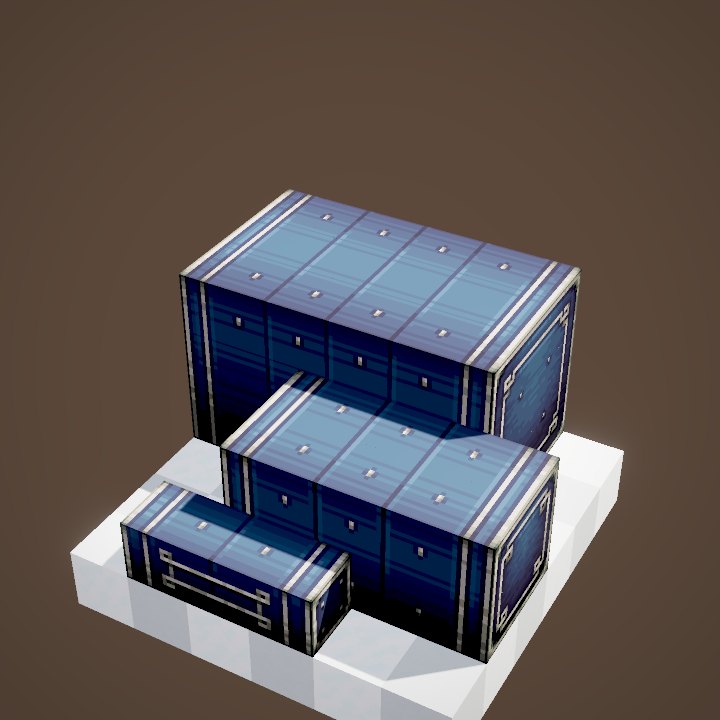
The ordering screen and the packages prepared on demand are not animated by our renderer: this page is illustrated with stills of the Ponder scenes.
Related pages
Sources for the numbers (Create 6.0.8 code)
- Stock Ticker: StockTickerBlockEntity, StockKeeperRequestScreen (list, categories, order with address), StockKeeperCategoryScreen
- Keeper: StockTickerInteractionHandler (creature seated on a seat, SeatEntity, interactWithShop), locking: StockKeeperLockPacket, Create.LOGISTICS.isLocked
- Recipe: crafting/logistics/stock_ticker.json
- Scenes: StockTickerScenes.stockTicker, stockTickerAddress; stills only
Original texts and animations by Create France, rendered from the mod's Ponder scenes. Create is a mod by the Create Team, not affiliated with Create France.