Create Wiki · Redstone
Nixie Tube and Analog Lever
The Nixie Tube shows the redstone strength it receives, from 00 to 15, in glowing digits. With a written Clipboard it shows text, spread over a whole row of tubes. The Analog Lever is its ideal partner: a lever that gives exactly the strength you want.
Quick facts
- Category
- Redstone
- Display
- Strength received: first digit 0 or 1, second the units
- Text
- Written Clipboard or name tag: 2 characters per block, across the row
- Colour
- A click with a dye recolours the whole row (16 colours)
- Analog Lever
- Strength 0 to 15: right-click +1, sneak −1
- Lever delay
- The signal follows 15 ticks after the last click
- Lever recipe
- Stick on top of Andesite Casing
- Version
- Create 6.0.8 · Minecraft 1.21.1
Nixie Tube recipe (shapeless)
→ 4 Nixie Tubes
Showing a strength
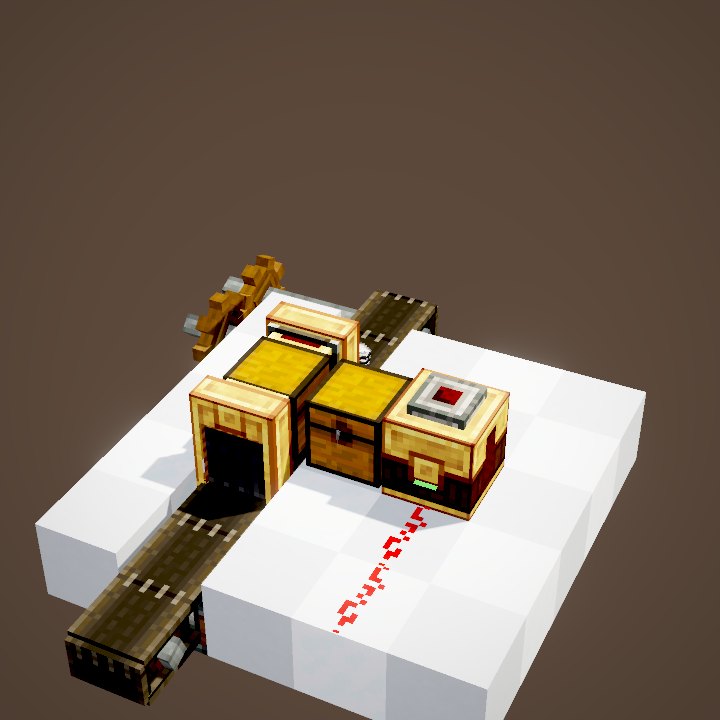
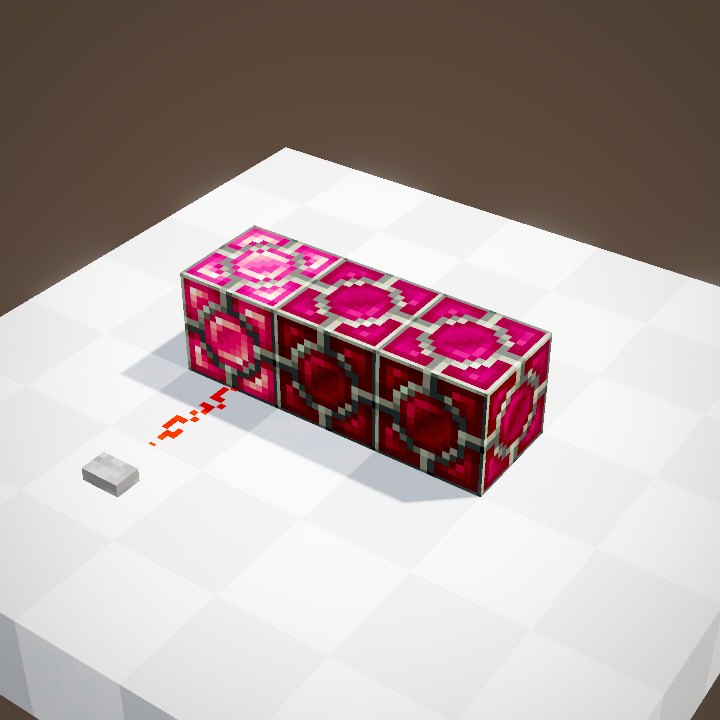
A tube that receives a signal shows it as two digits: 00 to 15. Here the Analog Lever set to 11 powers the dust, and the tube shows 11 once the signal arrives. Only the tube touching the dust gets it: each block reads its own strength.
Showing text
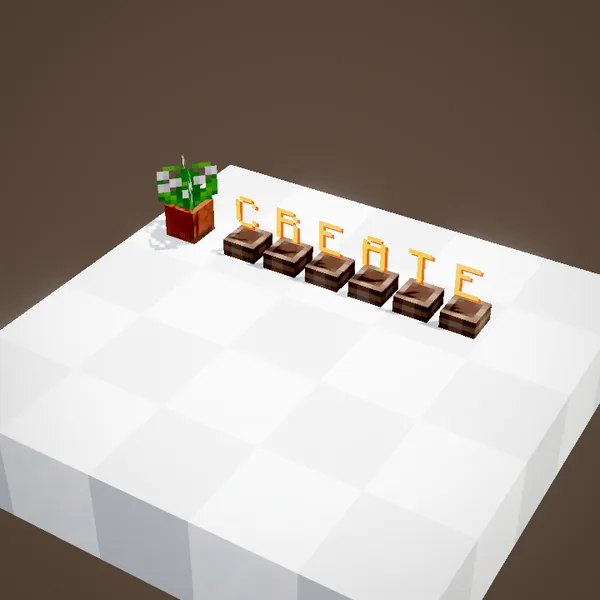
A right-click with a written Clipboard, or a renamed name tag, shows its text across the whole row of tubes, two characters per block. Our loop draws the game's font, with the glow of each character; the word shown is just an example.
Changing the colour
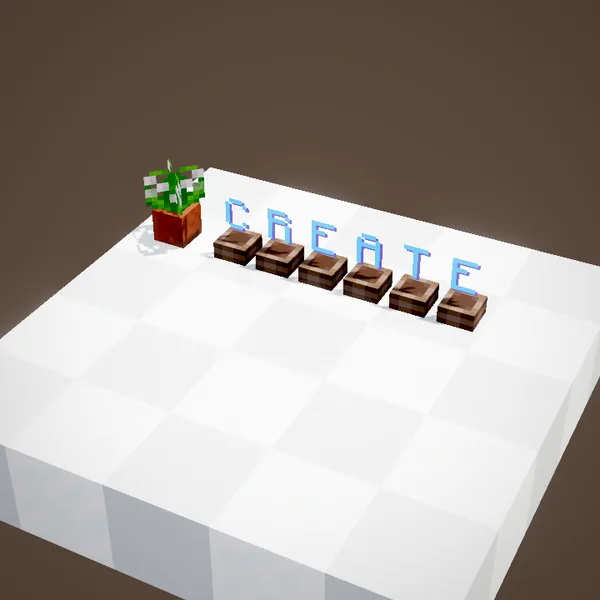
A click with a dye colours the whole row: orange by default, blue here. The text stays, only the glow changes.
Placing tubes
Tubes go on the floor, the ceiling or a wall. A row is a line of tubes of the same colour and facing, side by side: text is spread over it from left to right. A Nixie Tube placed on a Train Signal shows its lights.
Showing a reading
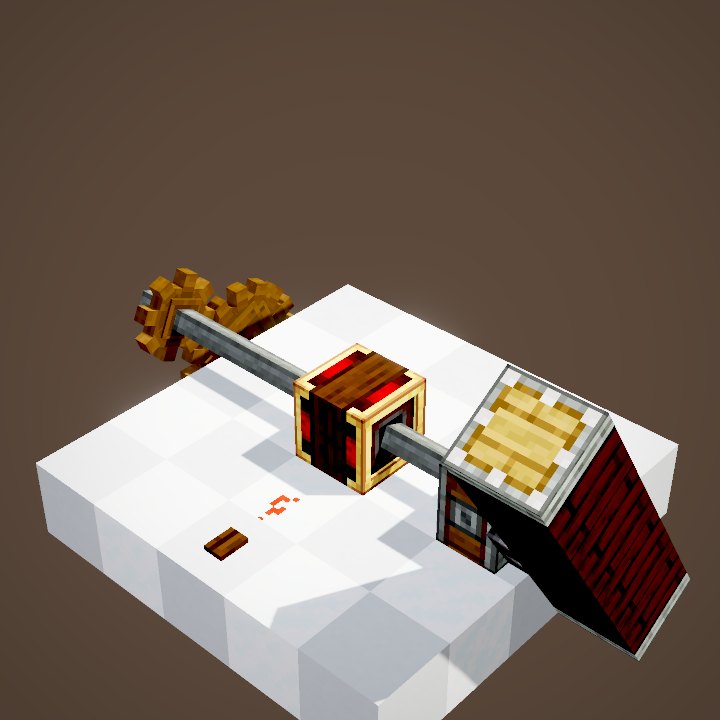
A comparator against a chest, a tank or a Sequenced Gearshift gives a strength tied to its contents or its step: wired to a tube, it shows that number directly. Two neighbouring tubes each read their own signal. Handy for a stock counter at the entrance of a warehouse, or a fuel gauge next to a boiler.
The Analog Lever
The Analog Lever sits on a block and strongly powers that block with the chosen strength. Its indicator goes from dark red to bright red as it rises.
Raising the strength
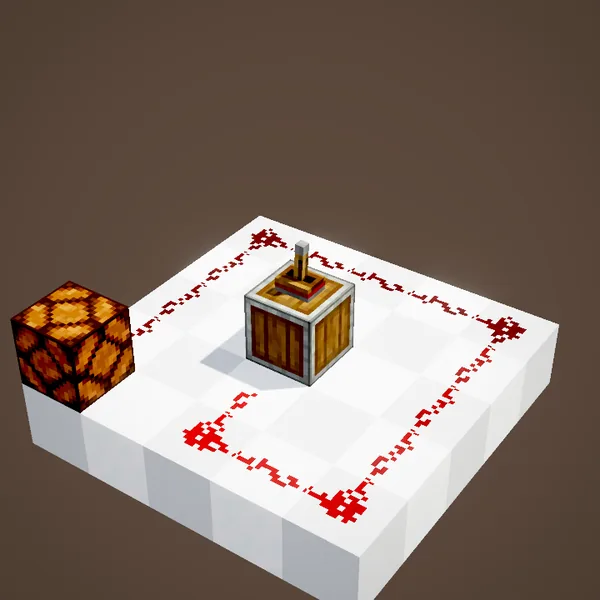
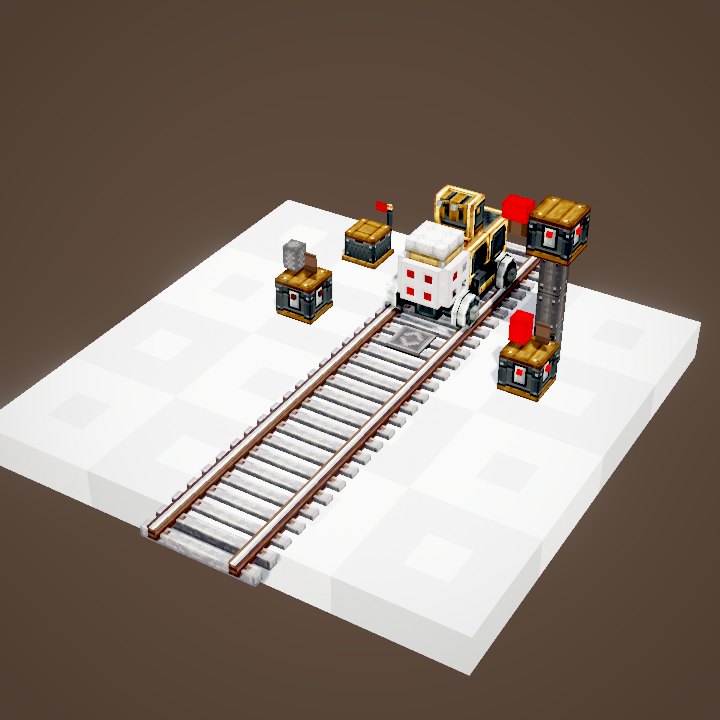
Each right-click adds 1, up to 15. The signal does not follow straight away: neighbours are told 15 ticks after the last click. In the loop the dust lights up at once at the final value, then fades by one per block.
And lowering it
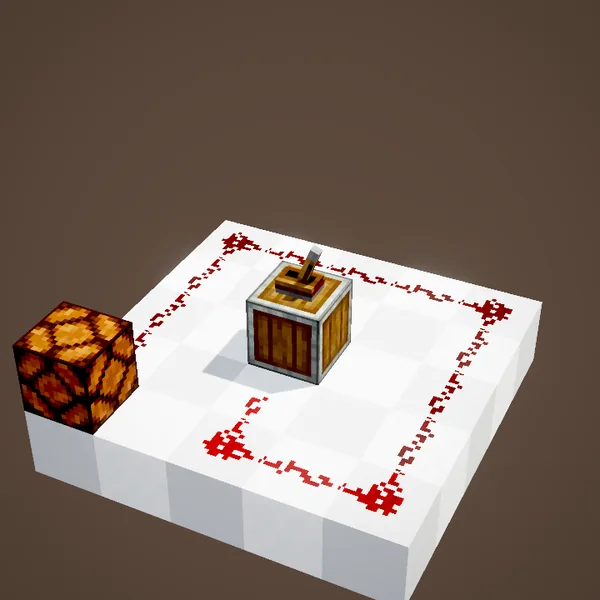
While sneaking, a click takes 1 off. At 15 the signal runs all around the loop and lights the lamp at the end, fifteen blocks from the lever.
Build ideas
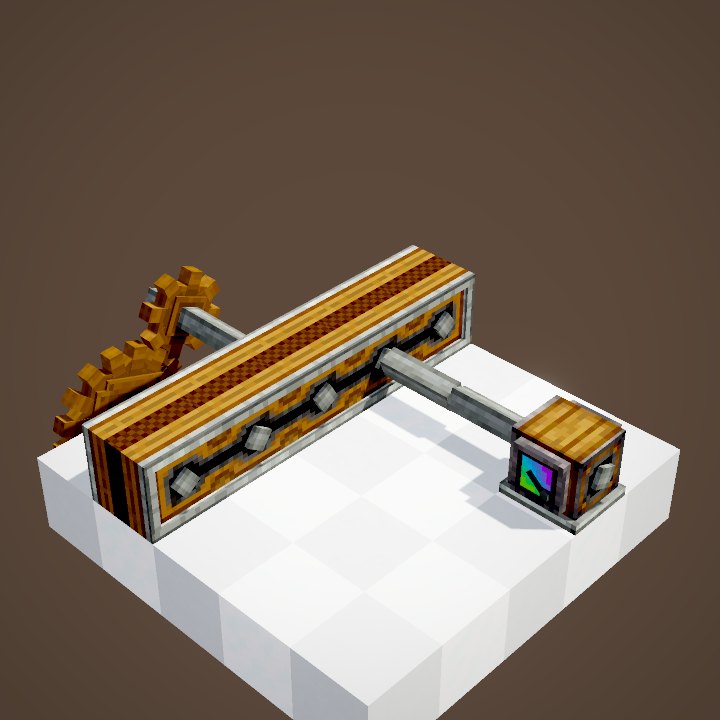
A control panel: a Nixie Tube behind a Threshold Switch or a comparator on a chest. The running step of a Sequenced Gearshift. An Analog Lever to fine-tune an Adjustable Chain Gearshift. For text that updates by itself, see the Display Link.
Common mistakes
A tube showing text no longer reacts to redstone: a bare-hand click puts it back in digit mode. The Analog Lever loses strength along long dust like any source: one point per block of dust.
What the loops show
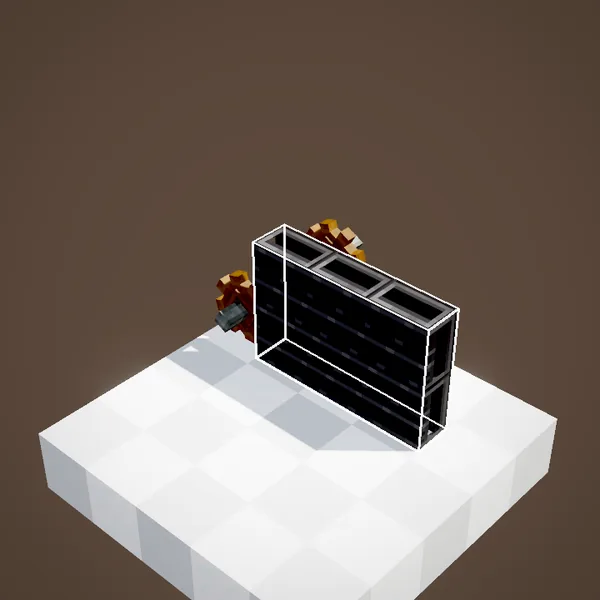
The glass of the tubes is not drawn: our engine has no transparency yet, and the glass hid the digits. So you see them standing on the base. The Analog Lever, its handle and its indicator are drawn after the game's own renderer. The colour of each digit comes from the dye of its tube.
On our server
On Create France, Nixie Tubes are used as station boards, stock counters and shop signs. A dyed row in your base colours looks great.
Related pages
Sources for the numbers (Create 6.0.8 code)
- Recipes: crafting/kinetics/nixie_tube.json (4 tubes), analog_lever.json
- Display: NixieTubeBlockEntity.updateDisplayedStrings ("0" or "1" + units, text 2 characters per tube), NixieTubeBlock.getPower / walkNixies
- Rendering: NixieTubeRenderer.drawTube (ascii font, scale 1/20, DyeHelper colours)
- Analog Lever: AnalogLeverBlockEntity.changeState (lastChange = 15 ticks), AnalogLeverRenderer (angle state / 15 × 90°, indicator 0x2C0300 -> 0xCD0000)
- Simulation: WIKI/redstone_sim.py (signals, delays, links, latches and speeds recomputed tick by tick from Create's and Minecraft's code; only the player's actions come from the scene)
- Scenes: RedstoneScenes.nixieTube, analogLever (tube glass not drawn; example text chosen by us; parrot left out)
Original texts and animations by Create France, rendered from the mod's Ponder scenes. Create is a mod by the Create Team, not affiliated with Create France.