Create Wiki · Contraptions
Linear and Radial Chassis
Chassis are the frame of big contraptions. A Linear Chassis drags the blocks lined up against its sticky faces, a Radial Chassis a whole disc around it. Placed in groups, they move entire walls without glue everywhere, and their range is set with a wrench.
Quick facts
- Category
- Contraptions
- Crafting
- 3 chassis per craft; the secondary one is made from the linear one (shapeless)
- Making a face sticky
- Slimeball or Super Glue, right-click
- Range
- 8 blocks by default, 1 to 16 with a wrench
- Group
- Neighbouring identical chassis on the same axis move together
- Radial
- Radius on the layer around the chassis, sticky side faces
- Stops at
- Air, a replaceable block or a brittle block
- Version
- Create 6.0.8 · Minecraft 1.21.1
Crafting table recipe (Linear Chassis)
→ 3 Linear Chassis
Chassis that stick together
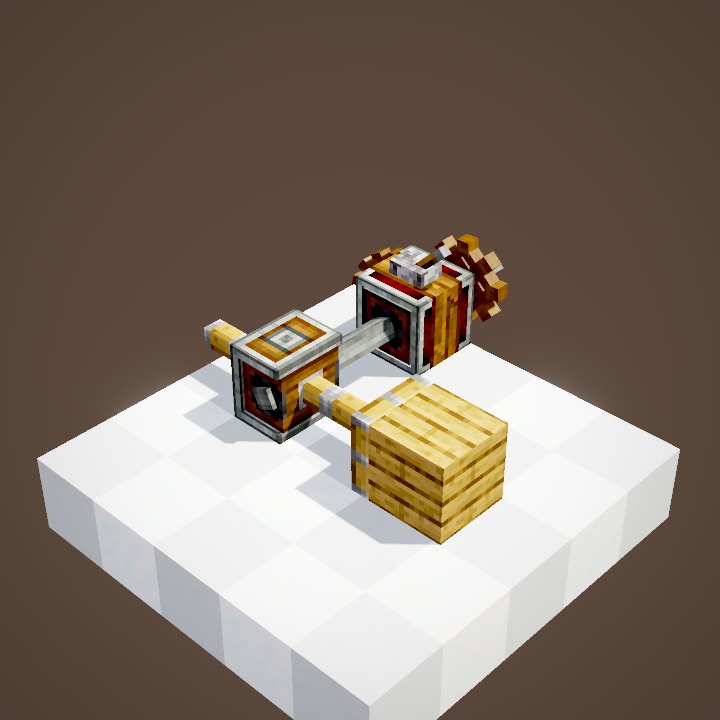
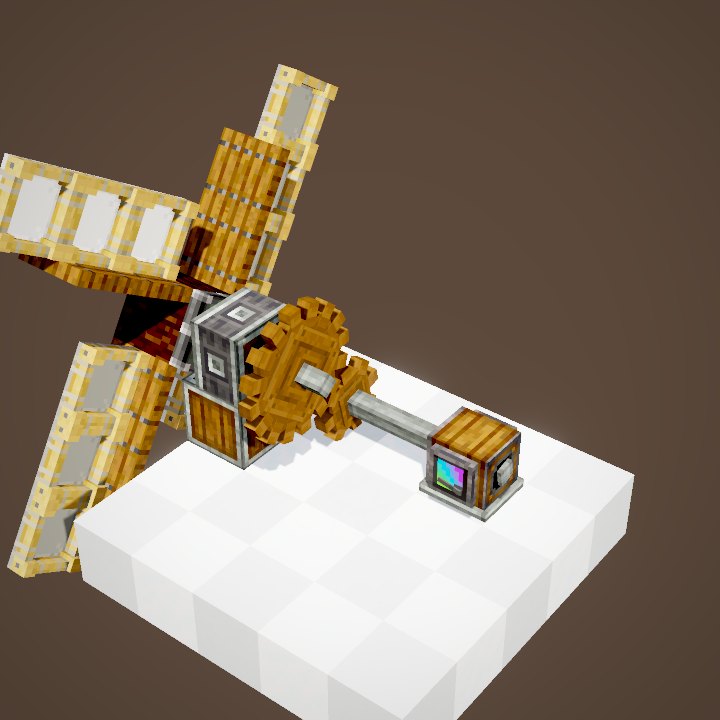
Linear Chassis placed side by side, on the same axis, form a group: when a contraption takes one of them, all of them follow. Here a bearing spins the whole group at once.
Except those of another type
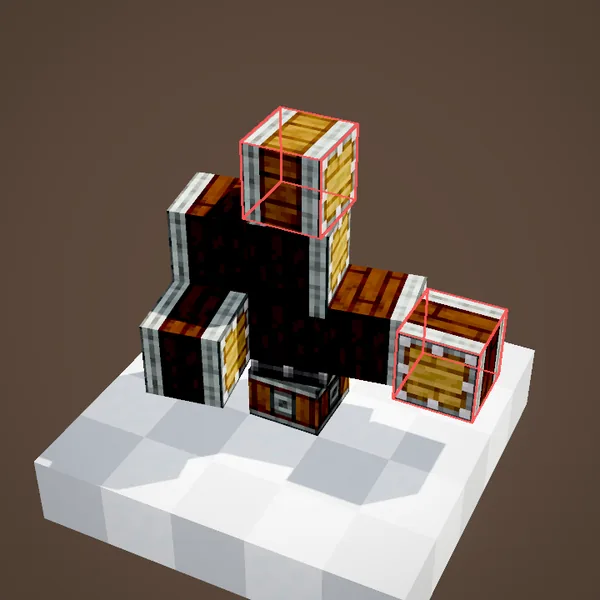
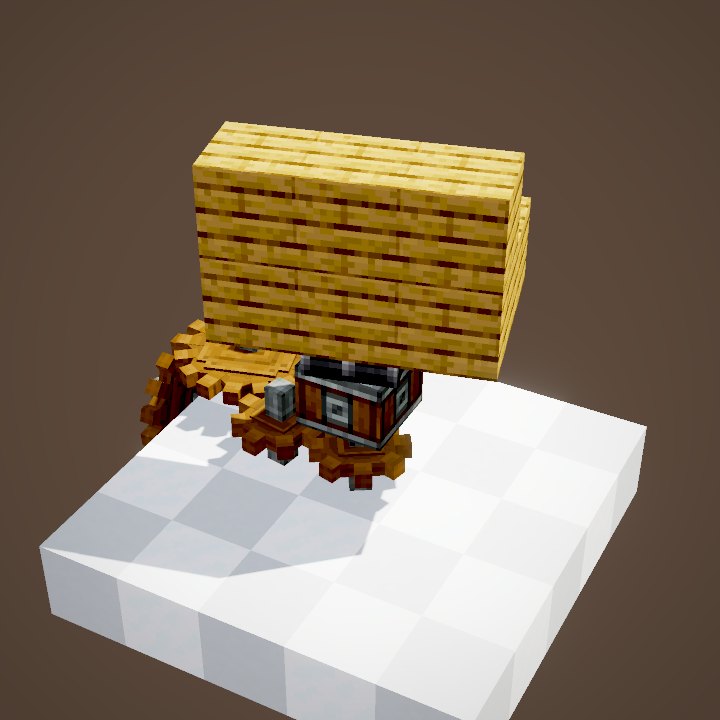
A chassis of another type, or turned to another axis, does not join the group. That is the whole point of the Secondary Linear Chassis: placed against a linear one, it stays apart, for two contraptions side by side.
Making a face sticky
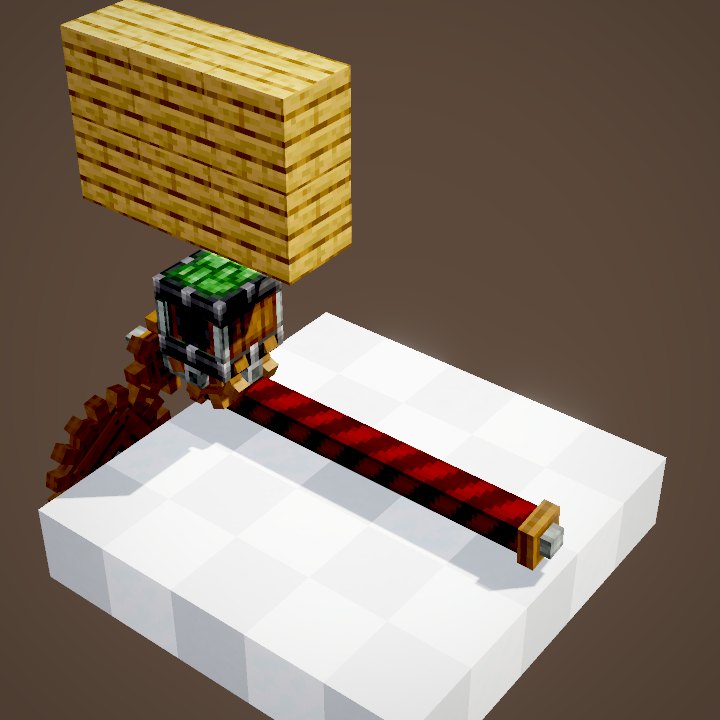
A Linear Chassis has two ends that can become sticky: right-click a face with a slimeball (or glue) and it turns green. A second click glues the opposite face too.
Removing the slime
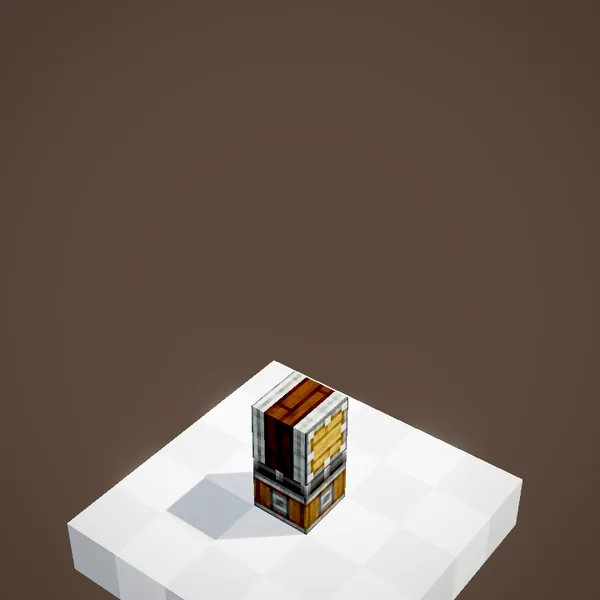
To remove the slime, right-click the face while sneaking, with an empty hand. Handy when a contraption grabs one block too many.
A line of blocks
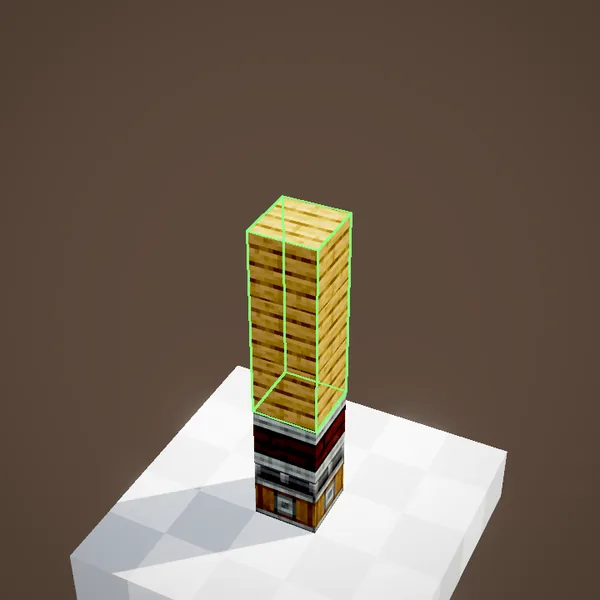
A sticky face drags the blocks lined up ahead of it, up to its range. The line ends at the first gap, replaceable block (grass, water) or brittle block such as a torch.
Setting the range
With a Wrench you pick a chassis' exact range: 8 blocks by default, 1 to 16. Hold Ctrl to set every chassis of the group at once.
Other faces: glue
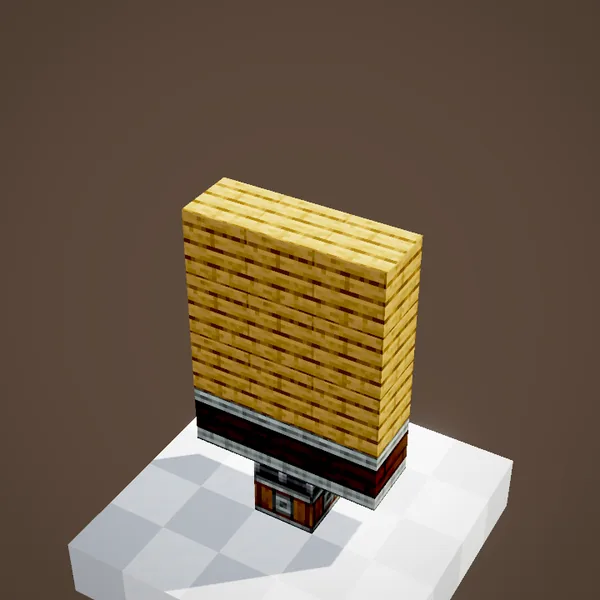
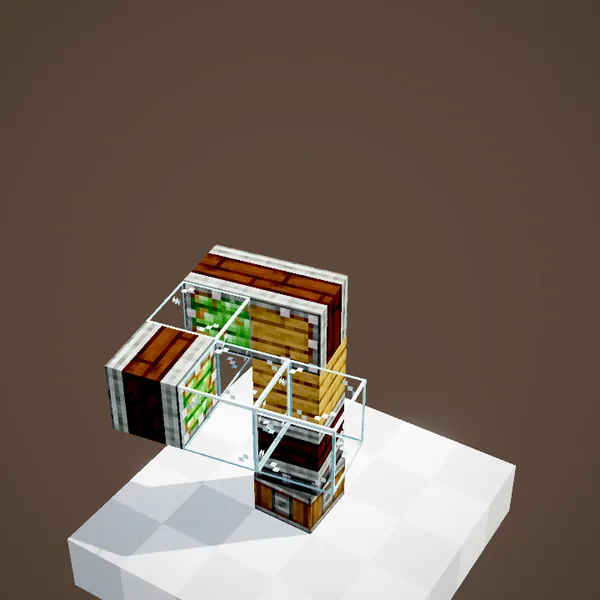
The sides of a Linear Chassis are not sticky. To hang blocks there, use Super Glue. Mixing chassis and glue, any shape becomes possible.
Structures of any shape
The Radial Chassis
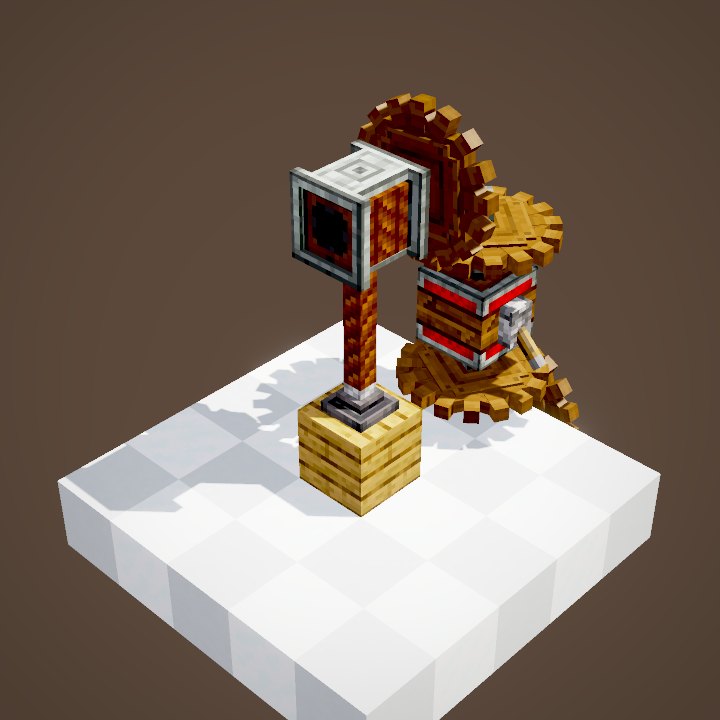
Radial Chassis join up when stacked on the same axis, in a column. Like linear ones, the whole column goes as soon as one of them is taken.
Its side faces
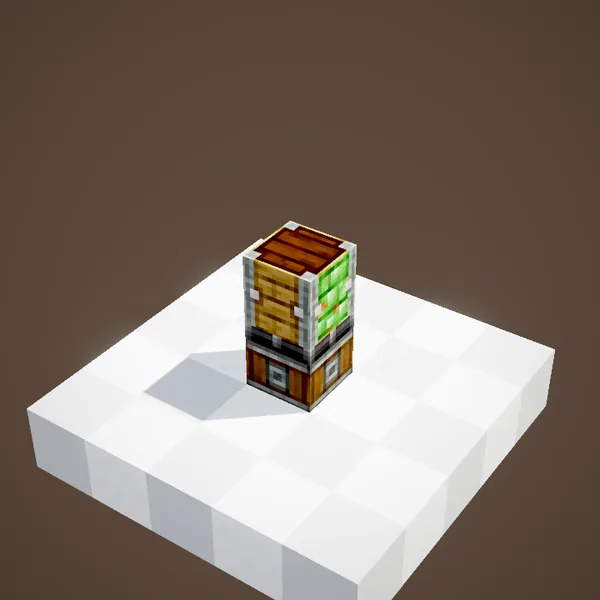
On a radial chassis, the four side faces are the ones that get sticky. A first click with slime glues one face, a second one glues all the others; sneak and use a bare hand to take it off.
A whole disc
A block against a sticky face drags every block it touches on the same layer, within a radius set with a wrench (8 by default). Ideal for a turntable deck or a wheel.
Out of reach
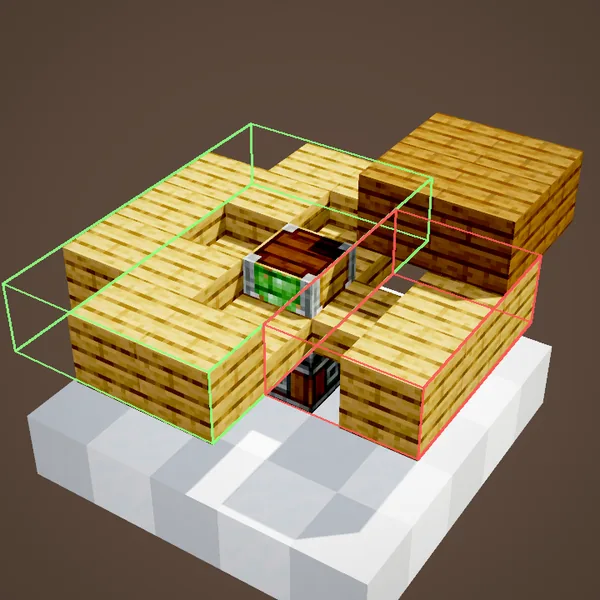
A block that nothing connects to a sticky face stays put, even inside the radius. Blocks cut off by a gap do not go.
Chassis or glue?
Glue is enough for a small structure. Chassis are better for a big one: you set the range instead of re-gluing everything, and a wooden or stone build keeps its look, with the chassis hidden in the middle.
Common mistakes
A wall stays behind? Its line is cut by a gap or a brittle block, or the range is too short. Two contraptions leave together? Their identical chassis touch: swap one of them for a secondary chassis.
Range and groups together
Each chassis of a group keeps its own range: an uneven wall is set chassis by chassis. Setting them all at once with Ctrl saves time on big builds.
Related pages
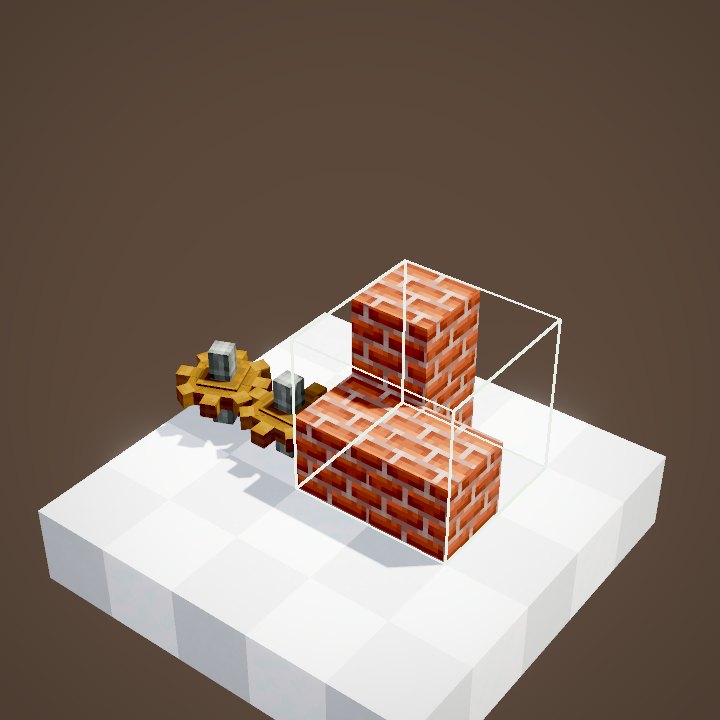
Sources for the numbers (Create 6.0.8 code)
- Recipes: crafting/kinetics/linear_chassis.json, radial_chassis.json (3 per craft), secondary_linear_chassis_from_conversion.json
- Range: ChassisBlockEntity (range between 1 and maxChassisRange = 16, starting value max / 2 = 8), ChassisScrollValueBehaviour (Ctrl: whole group)
- Groups: ChassisBlockEntity.collectChassisGroup / addAttachedChasses (same block, same axis; radials in a column)
- Blocks taken: getIncludedBlockPositionsLinear / Radial (stops on isMovementNecessary, isBrittle, isNotSupportive)
- Sticky faces: AbstractChassisBlock.useItemOn (slimeball or Super Glue; sneak with an empty hand to remove)
- Simulation: WIKI/contraption_sim.py (carried blocks, movement times, ropes and actors recomputed from Create's code)
- Scenes: ChassisScenes.linearGroup, linearAttachement, radial (growing outline not drawn)
Original texts and animations by Create France, rendered from the mod's Ponder scenes. Create is a mod by the Create Team, not affiliated with Create France.