Create Wiki · Trains
Train Signal
The Train Signal keeps automated trains from crashing into each other. It splits the track into sections: one train per section at a time. In our loops the lights are not scripted by hand: they are recomputed from the trains' positions, the way Create's code does it.
Quick facts
- Category
- Trains
- Crafting
- 1 Train Casing + 1 Electron Tube = 4 signals (shapeless)
- Placement
- Right-click a track, then place within 16 blocks
- Red
- Next section occupied (or crossed by an occupied section), or a redstone signal
- Direction
- A signal only governs trains passing it in its direction
- Cross mode
- With a Wrench: green only if the train can also leave the section (else red or yellow)
- Comparator
- Signal while the light is red
- Version
- Create 6.0.8 · Minecraft 1.21.1
Crafting table recipe (shapeless)
→ 4 Train Signals
Placing a signal
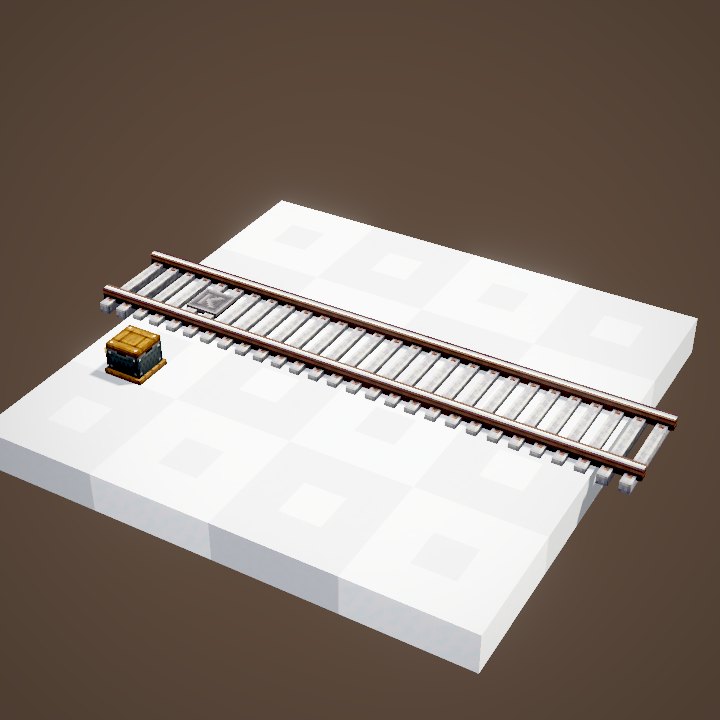
Just like the station: right-click the track with the signal in hand, then place the block nearby. The marker appears on the track at the chosen spot. Two markers on a track must be more than three quarters of a block apart.
For automated trains
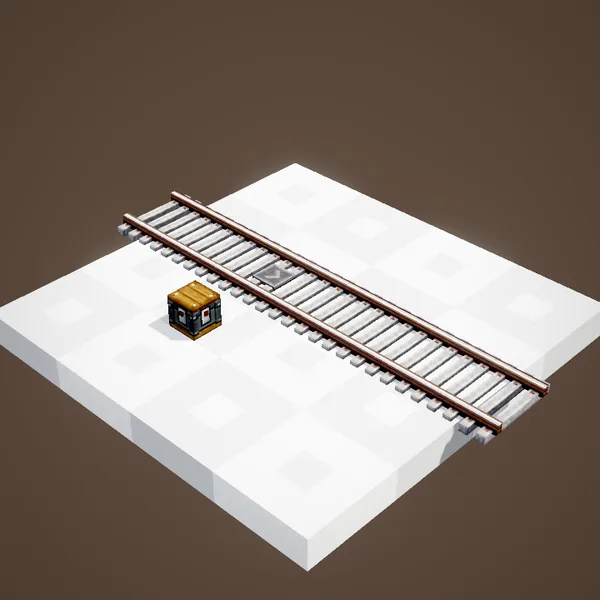
Signals govern trains driven by a schedule. A player at the controls can run a red light: nothing stops them, it is up to them to watch the lights.
One direction of travel
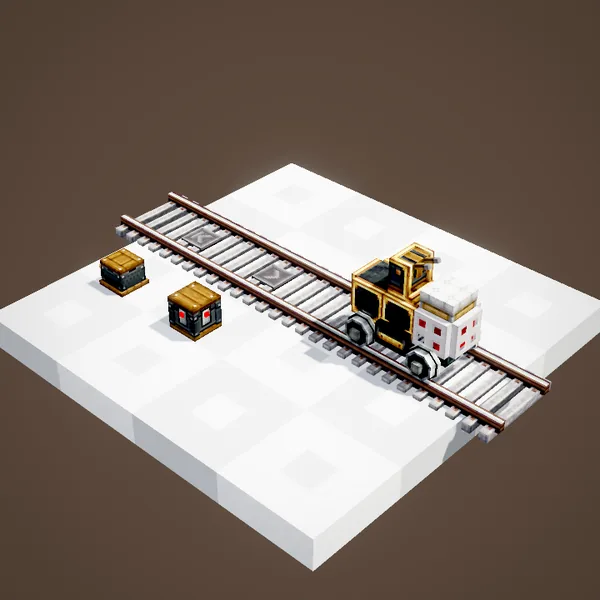
A signal only works in one direction, the one of its marker's arrow. A scheduled train never passes a signal the wrong way: if there is no other path, it waits. A track with signals on one side only becomes one-way.
Two directions, two signals
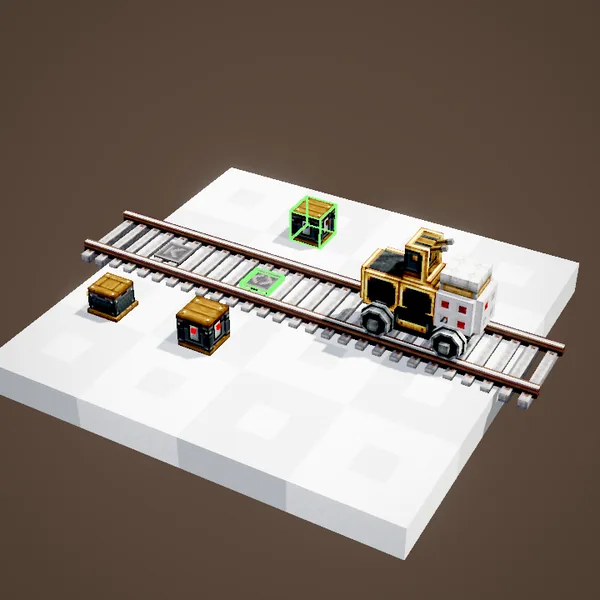
For a track to work both ways, place a second signal facing the other way at the same spot. The marker becomes a double one. In the loop the train then goes through to the station, and the lights of the section it just entered turn red.
Easy-to-see lights
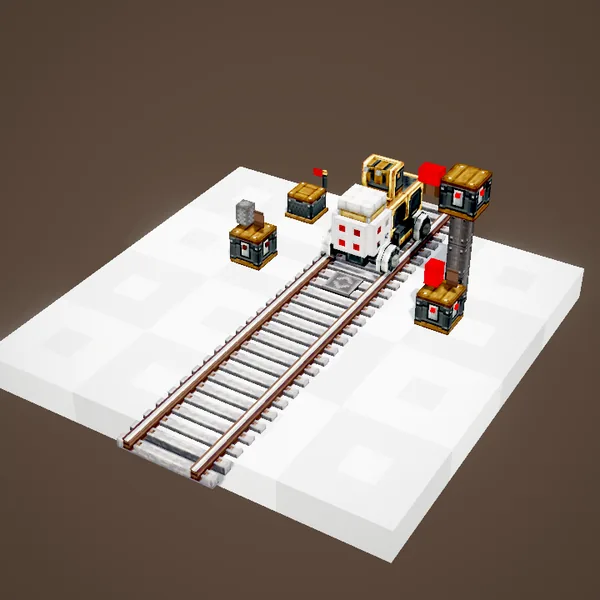
A Nixie Tube placed on top of the signal, or against it, turns into a signal light: red, white for green, or yellow. Handy at the top of a post to see the lights from afar.
Sections
Every signal cuts the track. The stretch between two signals is a section. Where two tracks cross, their crossing sections are linked: a train on one also occupies the other.
Occupied section, red light
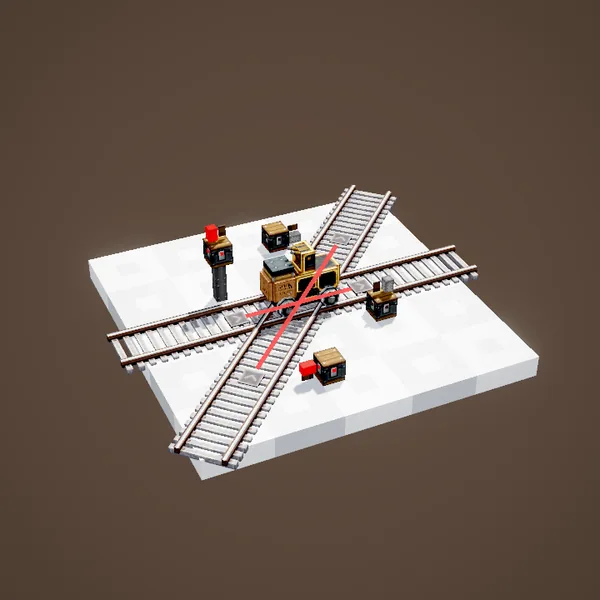
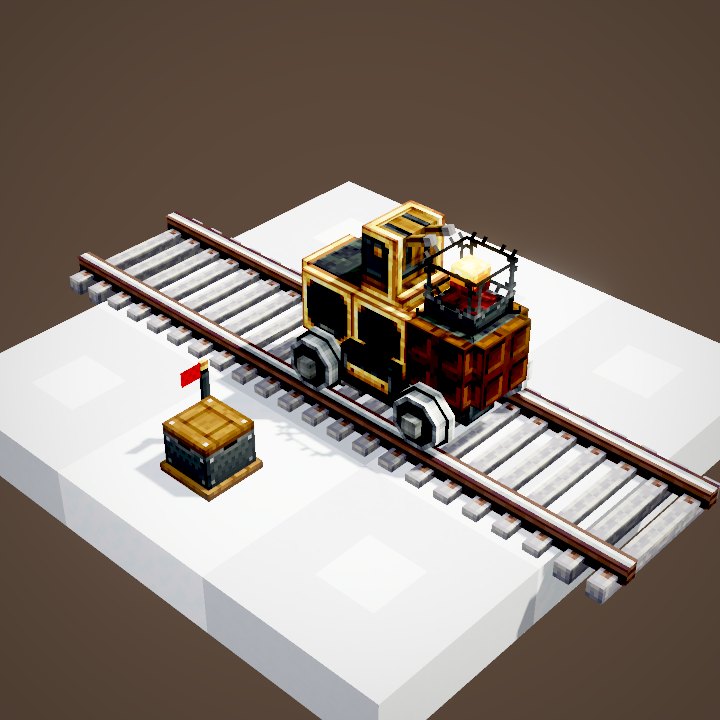
As soon as a train enters a section, the signals leading into it turn red: no other train will enter. Here the train on the crossing also turns the other track's signal red, since both sections are linked.
One train per section
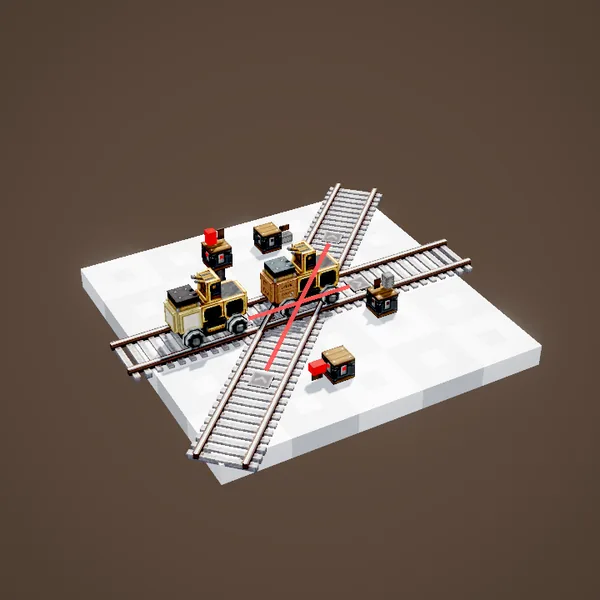
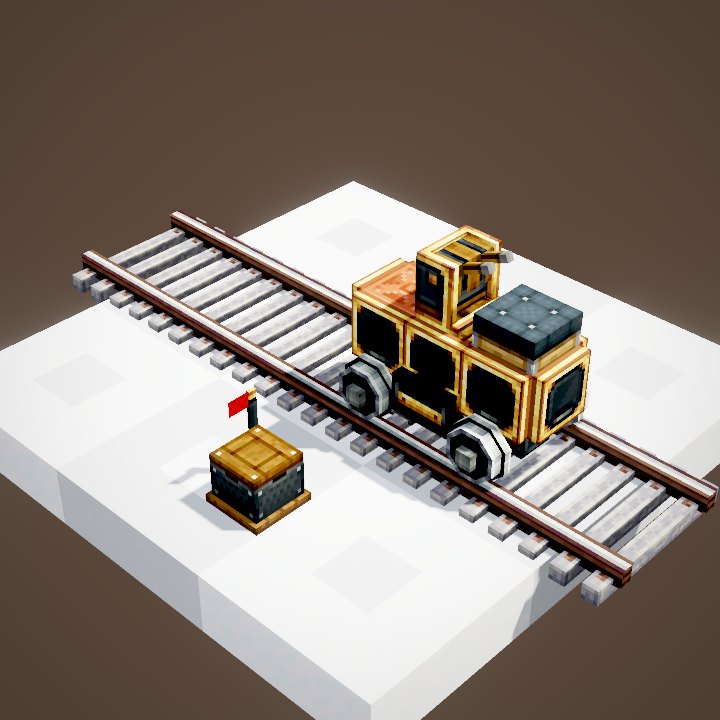
A second train brakes and stops in front of the red light, front wheels just before the marker. It leaves again once the section is free. The more signals you place, the more trains can share one line.
Cross mode with the Wrench
Right-clicking with a Wrench switches the signal to cross mode; its casing changes look. A cross signal usually leads into regular signals, at the exit of a junction or a station.
One more condition
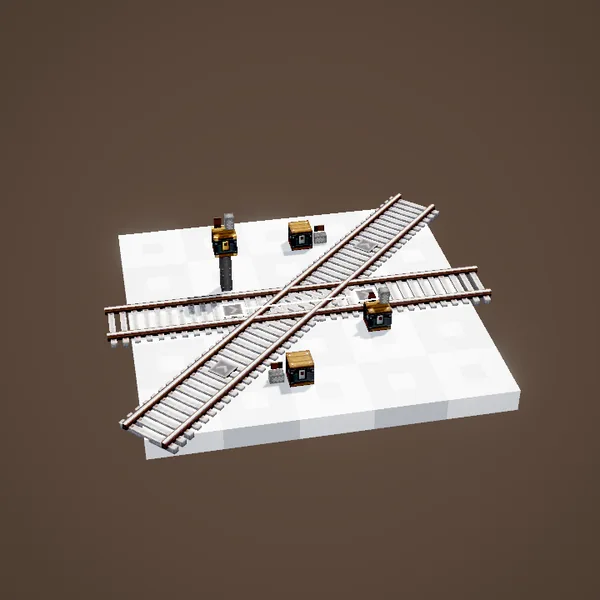
A cross signal is red when its section is occupied, like the others, but also when the train could not leave it: when every exit signal is red. If only some of them are, it shows yellow.
Keeping the crossing clear
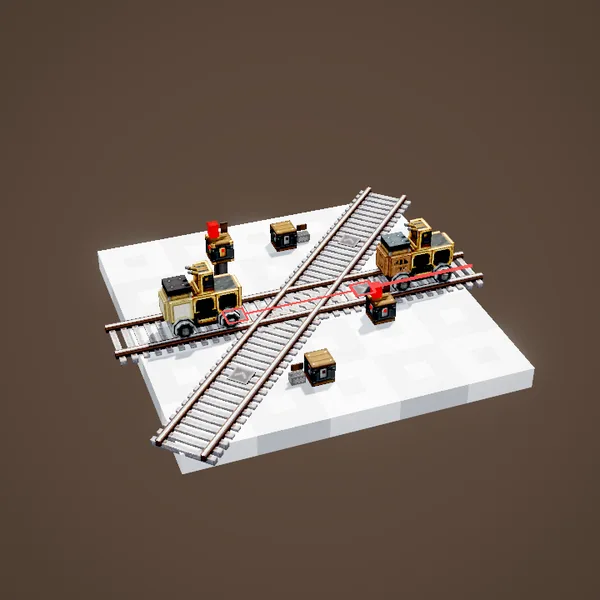
Without this mode, a train could enter the crossing and then stop in it, stuck behind another one: it would block both tracks. The cross signal holds it back before, where it is in nobody's way.
A clean queue
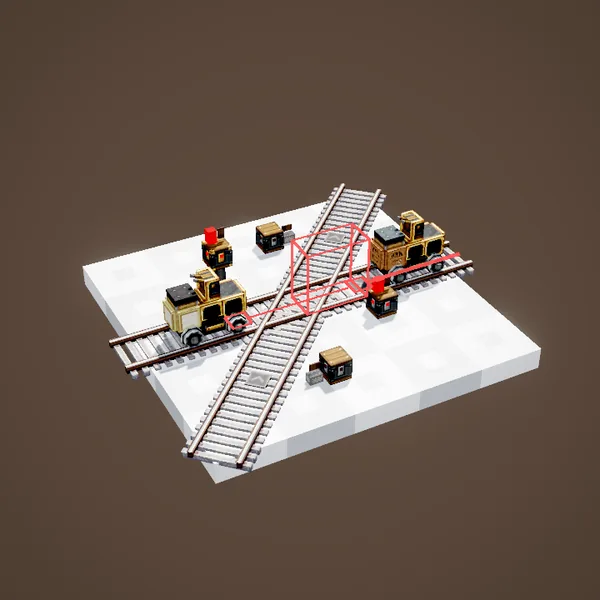
Meanwhile the other track stays free: a train crosses it without waiting. This setting is ideal at station entrances and busy junctions.
Forcing red
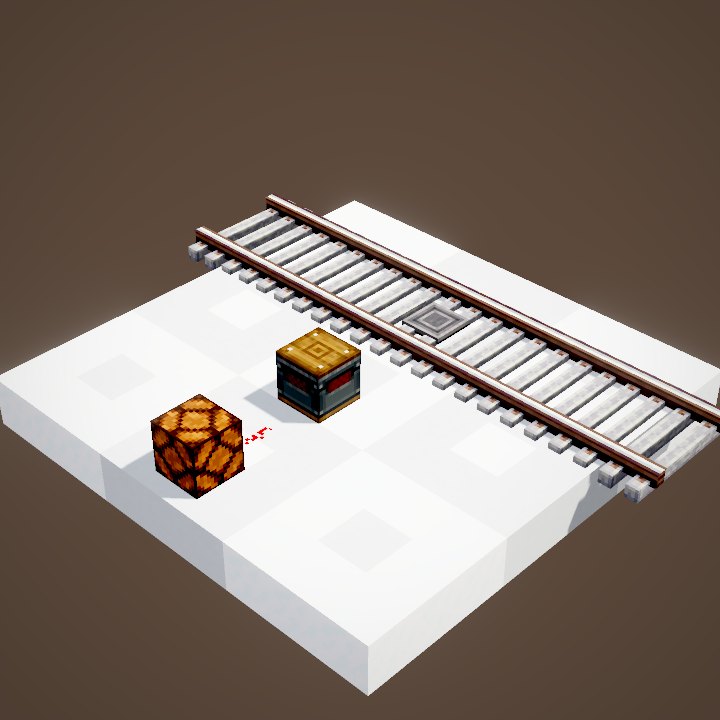
A redstone signal on the block forces it to red, whatever the traffic. With a lever, a clock or a Train Observer, you get a barrier, a timed stop or a controlled junction.
Reading a signal
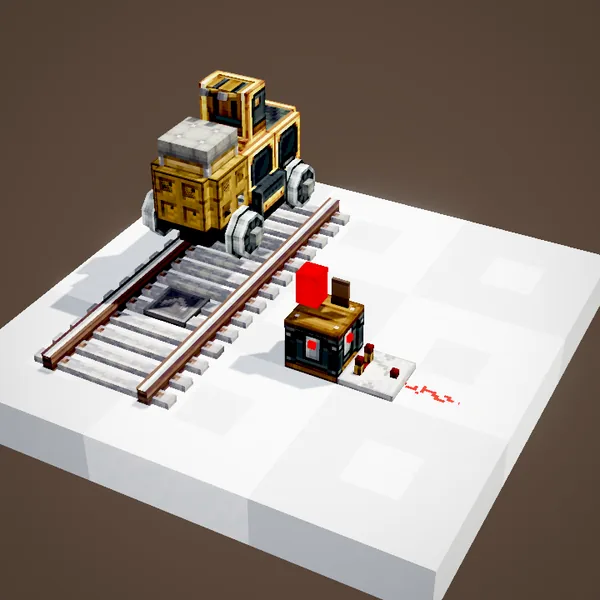
The other way round, a comparator against a red signal outputs a signal. One redstone line is enough to light a lamp at the station or show the state of a line.
Related pages
Sources for the numbers (Create 6.0.8 code)
- Recipe: crafting/kinetics/track_signal.json
- Lights: SignalBoundary.tickState (red when forced or section occupied, SignalEdgeGroup.isOccupiedUnless including crossing sections), resolveSignalChain (cross mode: green / yellow / red)
- Spacing of markers: TrackTargetingBehaviour (more than 0.75 block)
- Nixie Tubes: NixieTubeBlockEntity.tick (signal behind the attached face), NixieTubeRenderer.renderAsSignal
- Simulation: WIKI/train_sim.py (sections, signals, observers and flags recomputed from Create's code)
- Scenes: TrainSignalScenes.placement, signaling, redstone (parrot conductors not drawn)
Original texts and animations by Create France, rendered from the mod's Ponder scenes. Create is a mod by the Create Team, not affiliated with Create France.