Create Wiki · Contraptions
Elevator Pulley
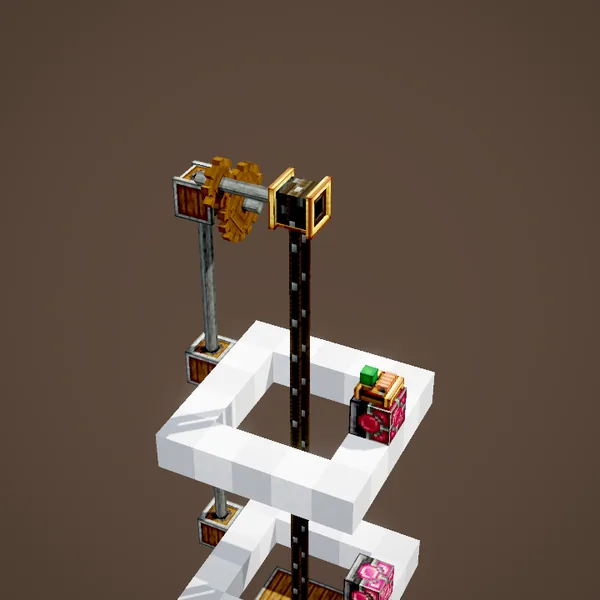
The Elevator Pulley makes a real lift: a cabin that stops at floors, called with a button and driven from inside. It lets out a belt like the Rope Pulley, but twice as fast, and it knows where to stop thanks to contacts placed on every floor.
Quick facts
- Category
- Contraptions
- Stress
- 4 SU per RPM
- Speed
- 2 × RPM ÷ 512 block per tick: 5 blocks/s at 64 RPM
- Travel
- 384 blocks of belt at most
- Floors
- One Redstone Contact per floor, turned into an Elevator Contact
- Calling
- A redstone pulse on an Elevator Contact
- On board
- Contraption Controls to pick the floor
- Version
- Create 6.0.8 · Minecraft 1.21.1
Crafting table recipe
→ 1 Elevator Pulley
A cabin under the pulley
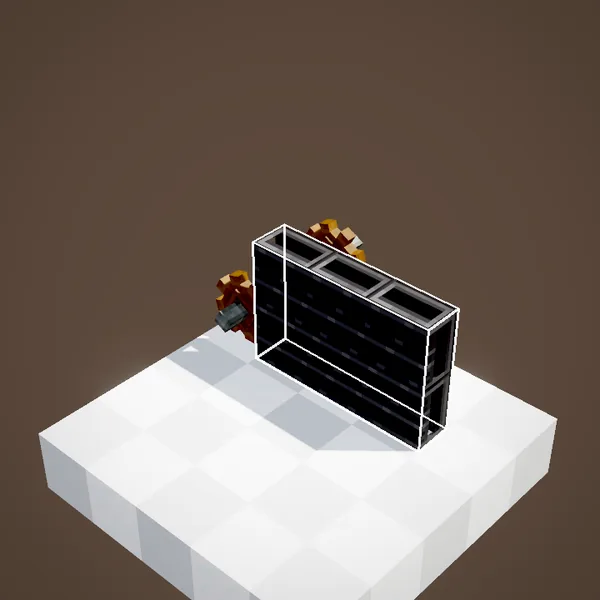
Place the pulley up high and build the cabin right below it: floor, pillars, roof, everything that should travel. Tie its blocks together with Super Glue, as for any contraption.
A pair of contacts
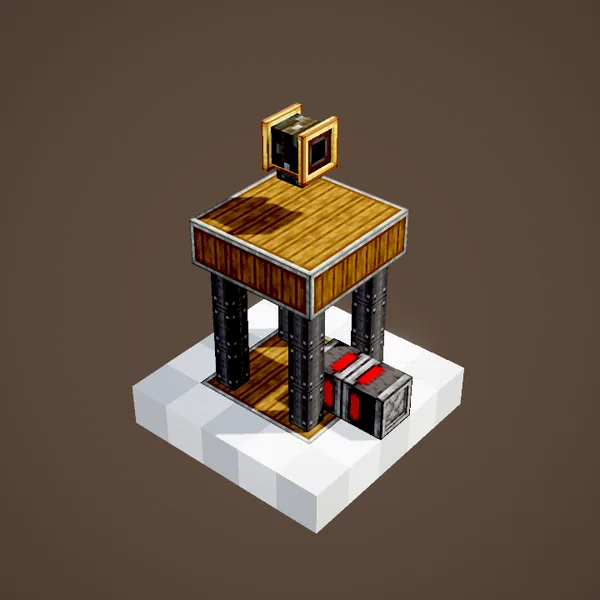
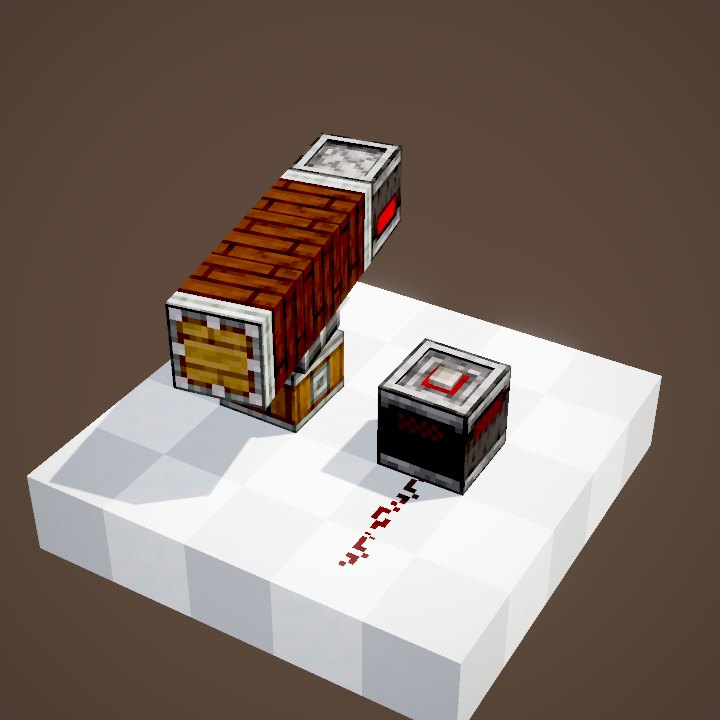
You need two Redstone Contacts, one opposite the other: one on the shaft wall, one on the cabin. The cabin one must be glued to it so that it travels along. The fixed contact marks the first floor.
Controls on board
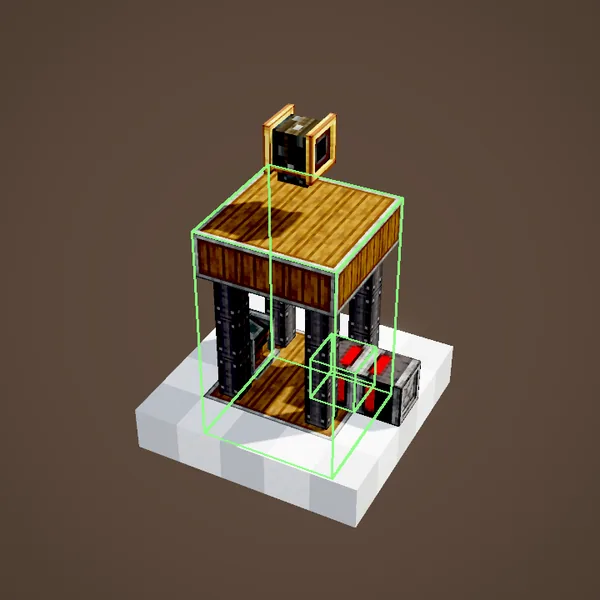
Contraption Controls fixed inside the cabin act as a dashboard: scroll through the floors and click to go. They are optional but handy.
Rotation, then a click
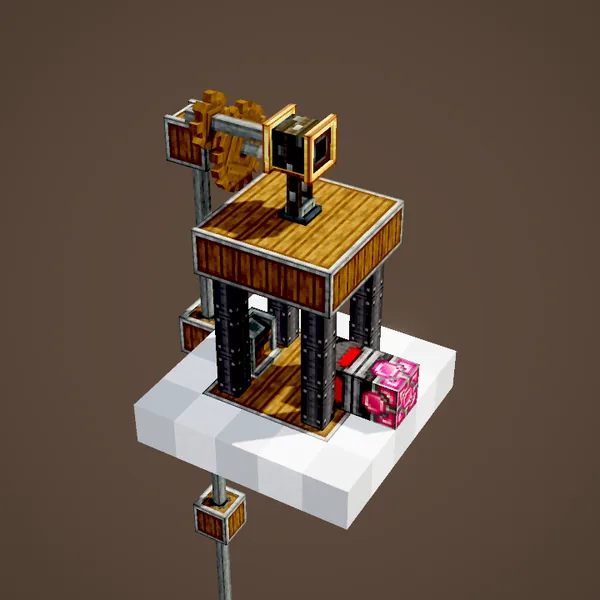
Hook the pulley up to a rotation source, then right-click it: the cabin becomes a contraption hanging from its belt. Without rotation, nothing assembles.
Elevator Contacts
On assembly, the fixed contact becomes an Elevator Contact. That is what stands for a floor: right-click it to give it a short name and a description, shown on board.
The whole column
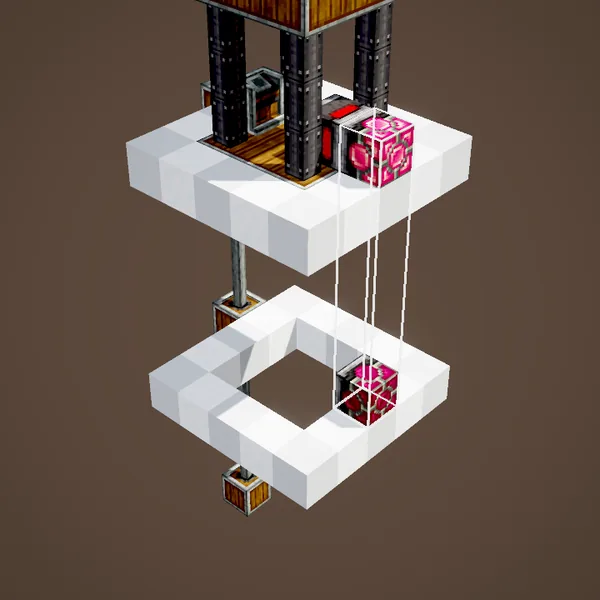
To add floors, place more Redstone Contacts in the same column at the heights you want: they get converted in turn. A single shaft can serve dozens of floors.
Calling the lift
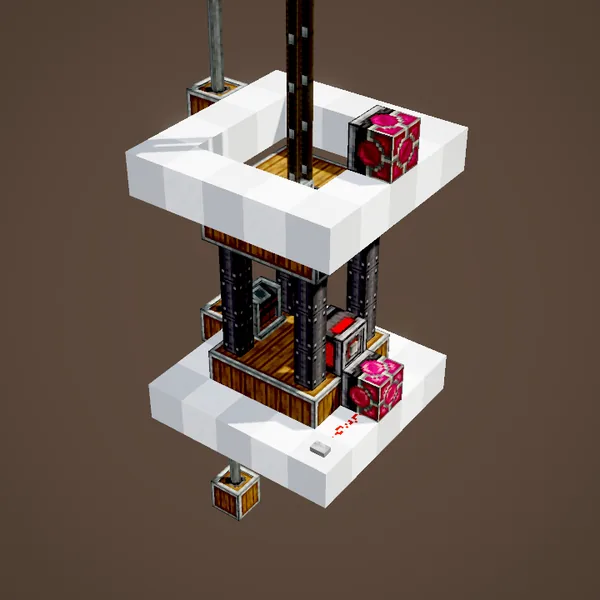
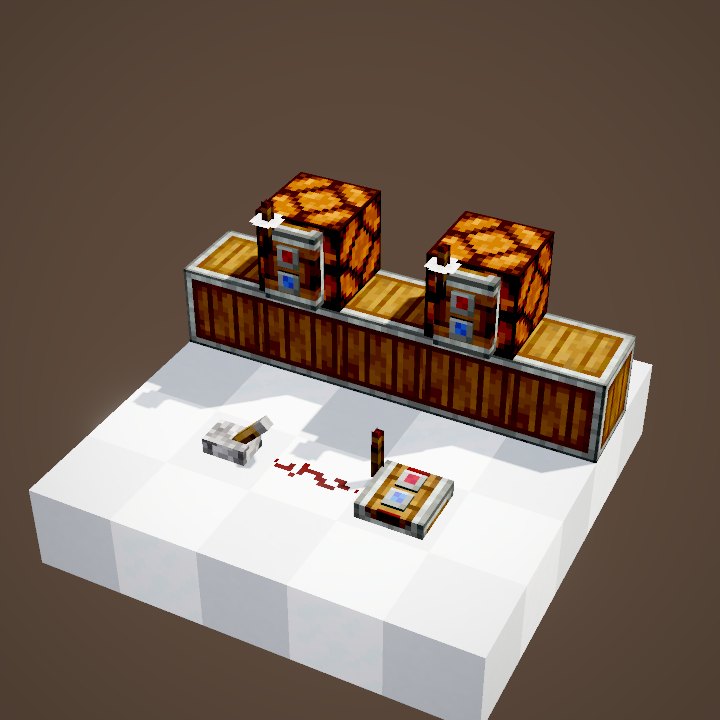
A redstone pulse on an Elevator Contact calls the cabin to that floor: a button next to the door does it. The cabin stops level with the contact.
Double speed
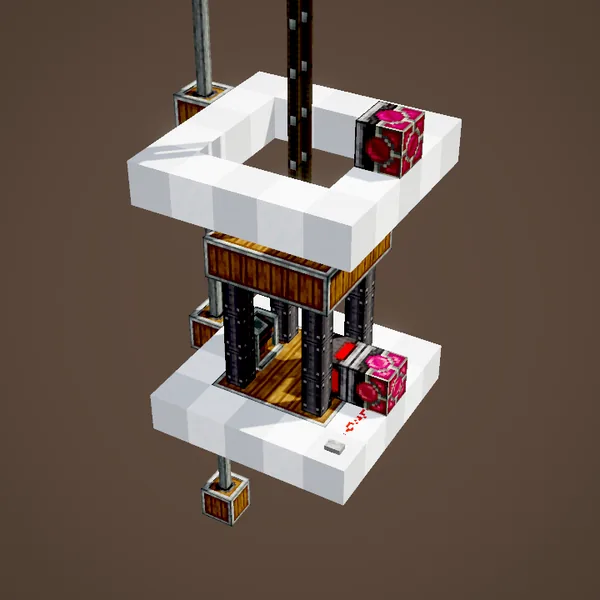
How fast it goes comes from the rotation fed to the pulley: 2 × RPM ÷ 512 block per tick. At 64 RPM our simulation counts 24 ticks (1.2 s) for six blocks; the scene takes 3 s so you can follow the cabin.
Back to blocks
Another right-click on the assembled pulley turns the cabin into plain blocks again so you can change it. Click again to put it back into service.
Automatic doors
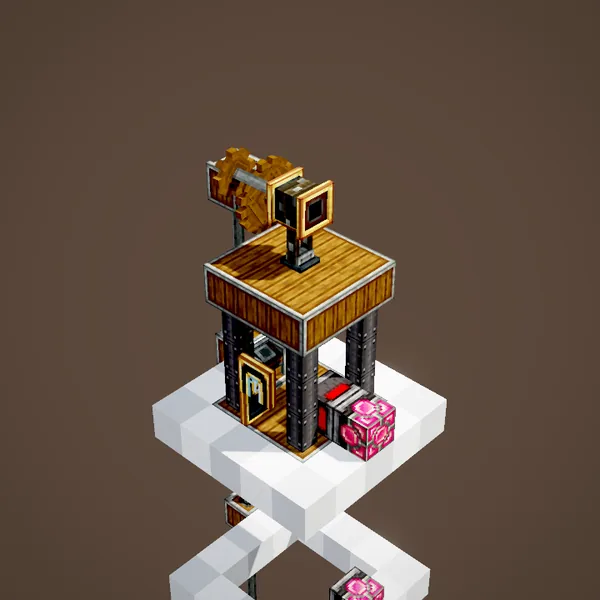
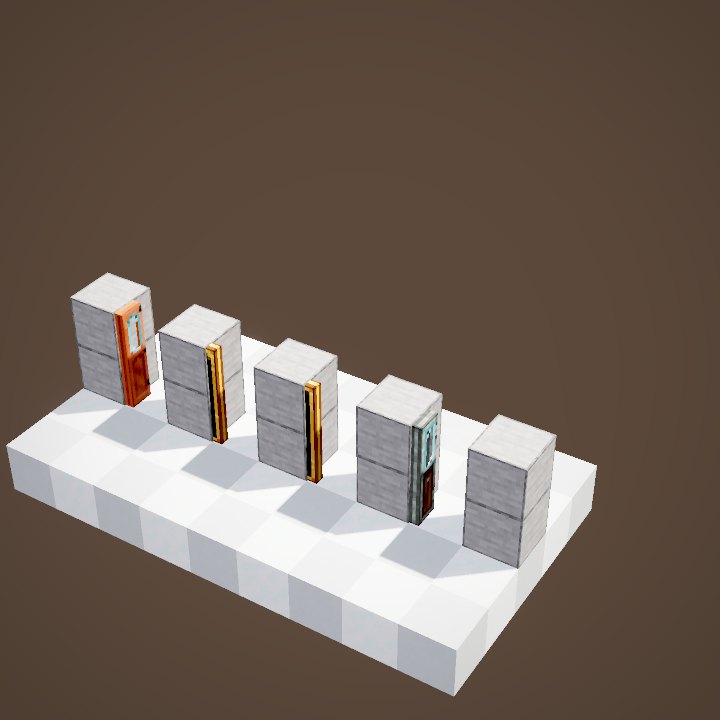
Create's sliding doors (andesite, brass, copper, train, framed glass) fixed to the cabin open by themselves on arrival and close on departure.
A signal on arrival
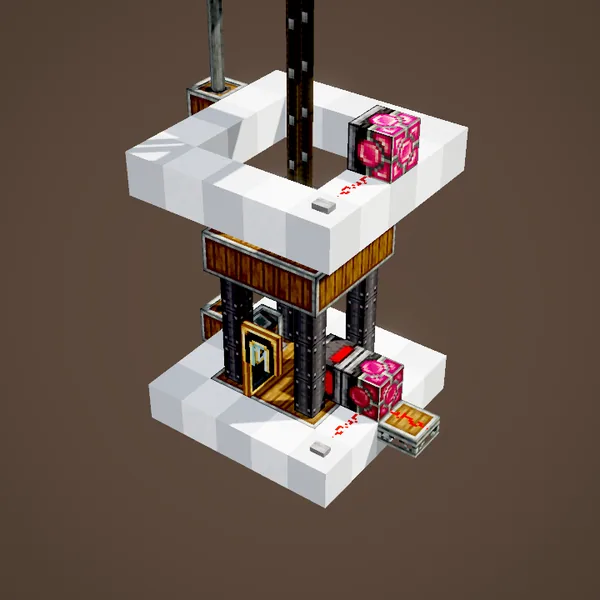
An Elevator Contact powers redstone for as long as the cabin sits at its floor. Wire landing doors, a lamp or a bell to it.
Showing the floor
A Display Link placed on one of the contacts shows which floor the cabin is at, on a Nixie Tube or a board.
Several belts
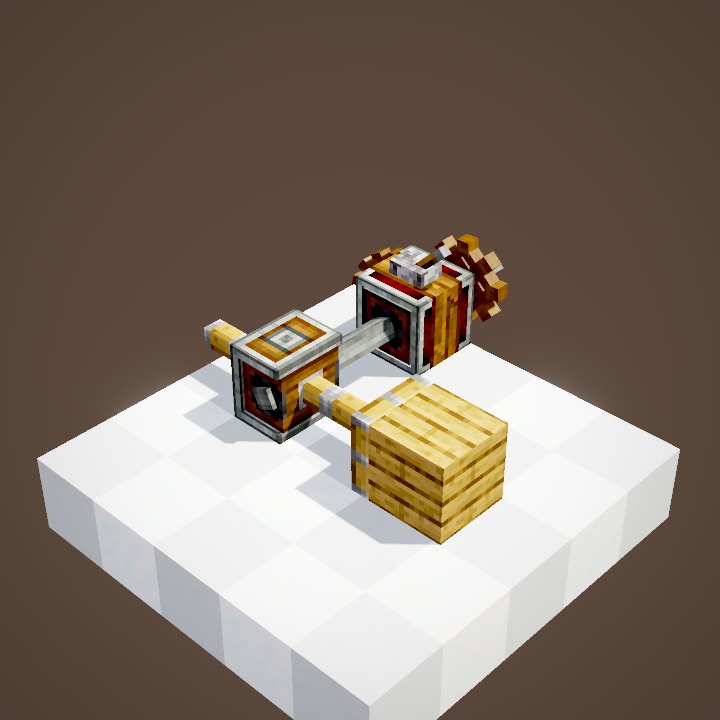
Like Rope Pulleys, other Elevator Pulleys placed at the same height follow the cabin with no rotation: a visual effect, for a big platform held at the corners.
Common mistakes
Lift won't assemble? Check the rotation and the two opposite contacts, the cabin one properly glued. It skips a floor? That contact is not in the same column as the others. The loops show neither the player nor the floor names.
Building tips
Keep the shaft clear over its whole height and place the contacts on the same side. A rotation of 64 RPM already gives 5 blocks/s, plenty for a tower. One pulley per shaft: two cabins cannot share a column.
What the loops do not show
The player, the screens and the floor names are not drawn; the belt and its magnet are drawn by us.
Related pages
Sources for the numbers (Create 6.0.8 code)
- Recipe: crafting/kinetics/elevator_pulley.json
- Stress: AllBlocks.ELEVATOR_PULLEY (CStress.setImpact(4.0))
- Speed: ElevatorPulleyBlockEntity.getMovementSpeed (clamp(speed × 2 / 512, -1.99, 1.99) block per tick)
- Travel: CKinetics.maxRopeLength (384)
- Floors: ElevatorContactBlock, ElevatorColumn, ElevatorContactBlockEntity (short name, description), ElevatorContraption
- Belt rendering: ElevatorPulleyRenderer (added by us, see engine_create/REQUESTS.md)
- Simulation: WIKI/contraption_sim.py (carried blocks, movement times, ropes and actors recomputed from Create's code)
- Scenes: ElevatorScenes.elevator (67 s, cut into three loops), multiRope (Nixie Tube text not drawn)
Original texts and animations by Create France, rendered from the mod's Ponder scenes. Create is a mod by the Create Team, not affiliated with Create France.