Create Wiki · Contraptions
Contraption Controls
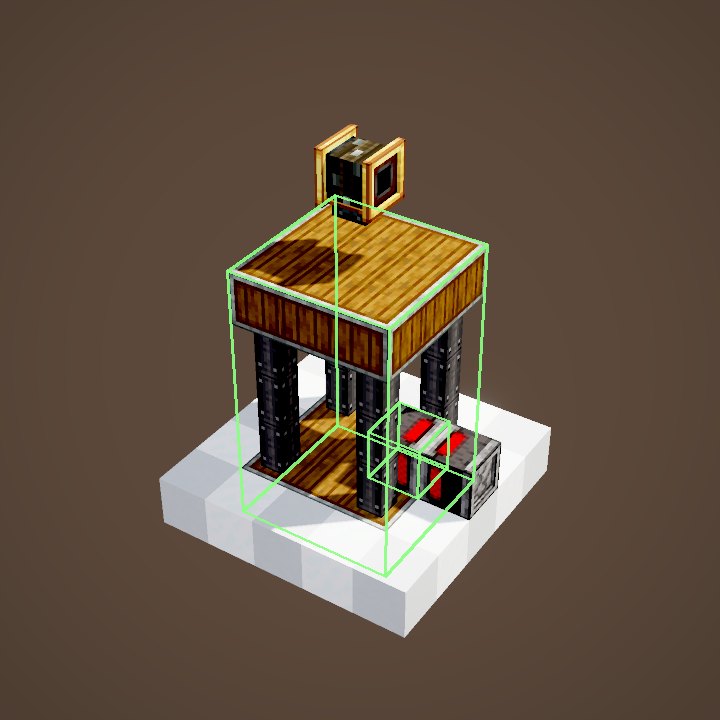
On a contraption, actors — drills, harvesters, saws, rollers — work non-stop. Contraption Controls are the switch they were missing: turn them off and on along the way, all of them or a single type. In an elevator cabin they also pick the floor.
Quick facts
- Category
- Contraptions
- By default
- Every on-board actor is active
- Use
- Click the controls while the contraption moves
- Placement
- Anywhere on the contraption
- Filter
- One specific actor type, set while stopped
- Redstone
- Powered on assembly: targeted actors start switched off
- Elevator
- Scroll and click to pick the floor
- Version
- Create 6.0.8 · Minecraft 1.21.1
Crafting table recipe
→ 1 Contraption Controls
Actors always on
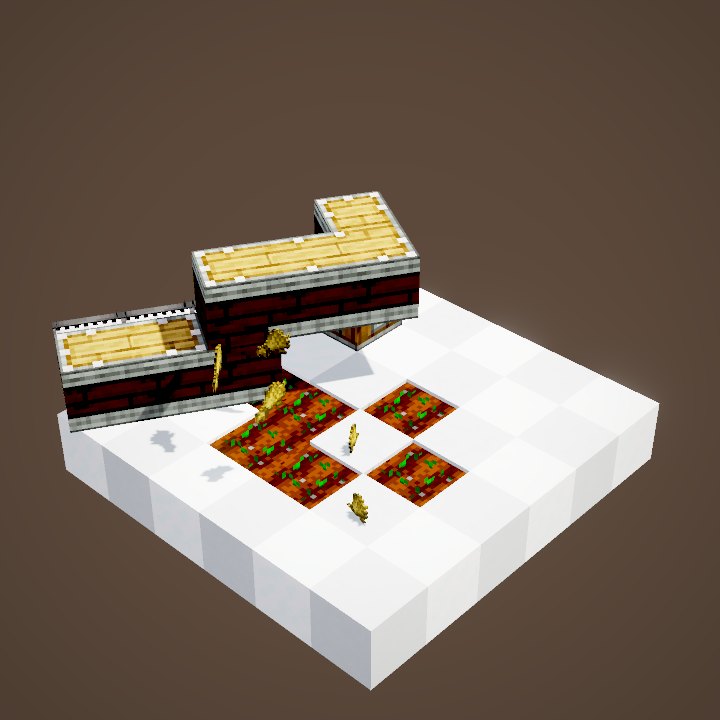
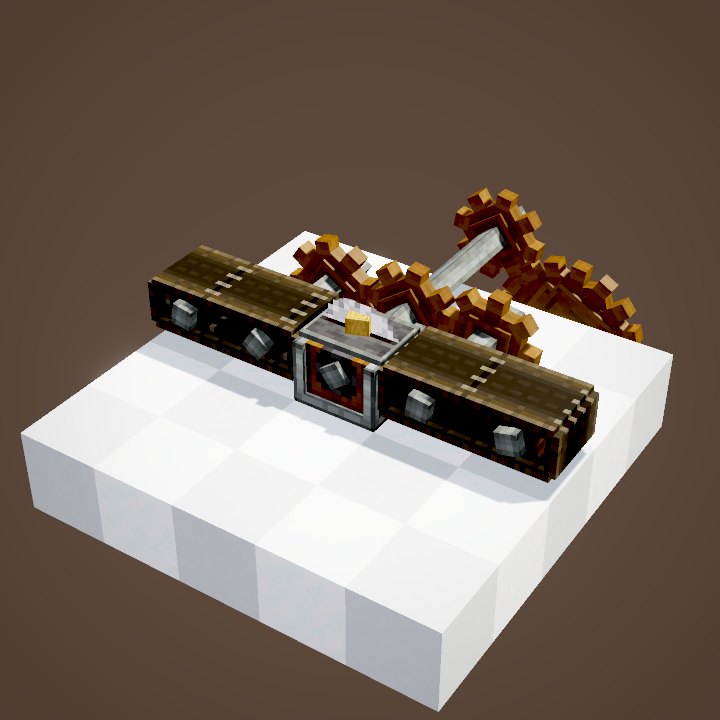
With nothing more, an on-board actor works as soon as the contraption moves. In the loop the drill breaks and the harvester harvests on every pass, whether you want it or not.
Switching off on the way
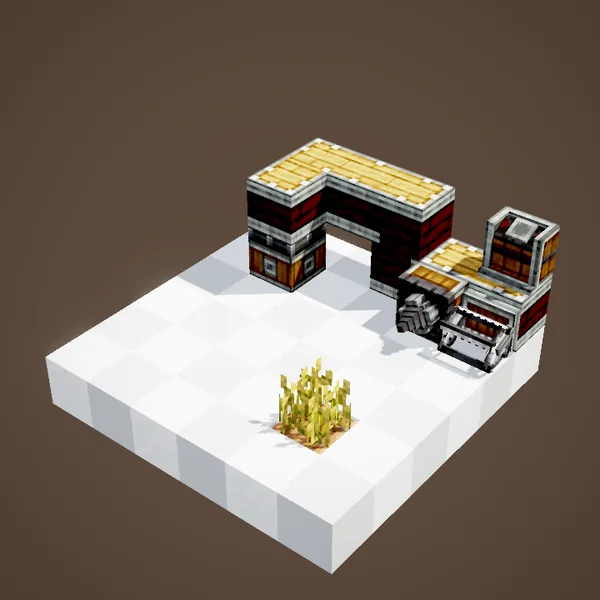
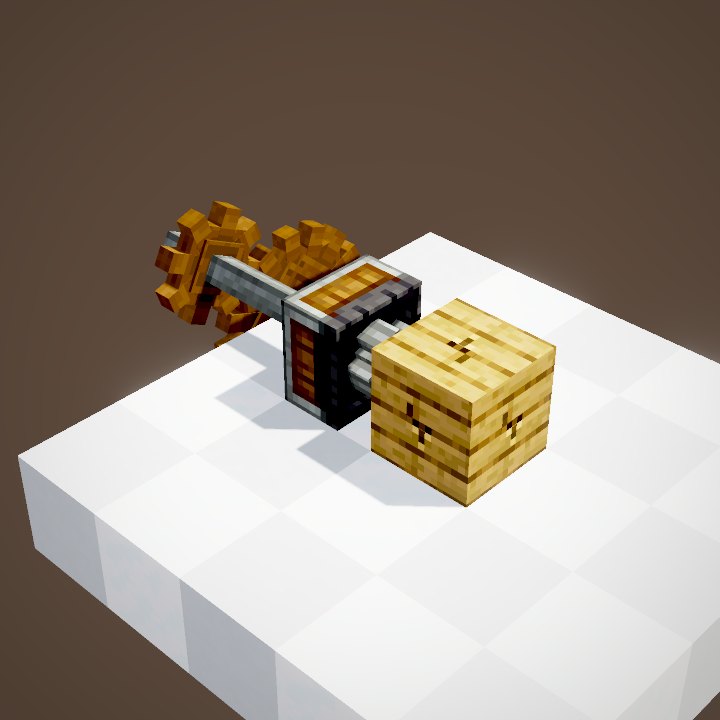
Contraption Controls fix onto the structure. A click on them during the trip switches the actors off or on, without taking anything apart. Their indicator shows the chosen state.
Where to put them
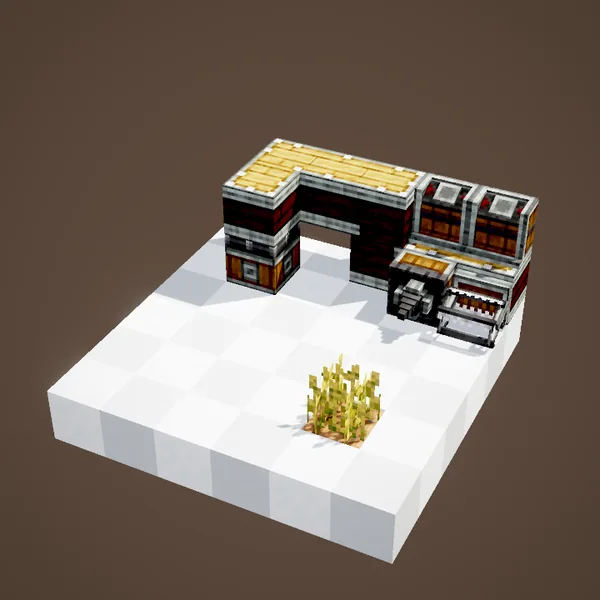
They work anywhere on the contraption, not necessarily next to the actors: put them where you can reach them from a seat or a platform.
Targeting one actor type
With the contraption stopped, put an actor in their filter: a drill, for instance. The controls then only command that type; the others stay active. Several controls can target different types.
Starting switched off
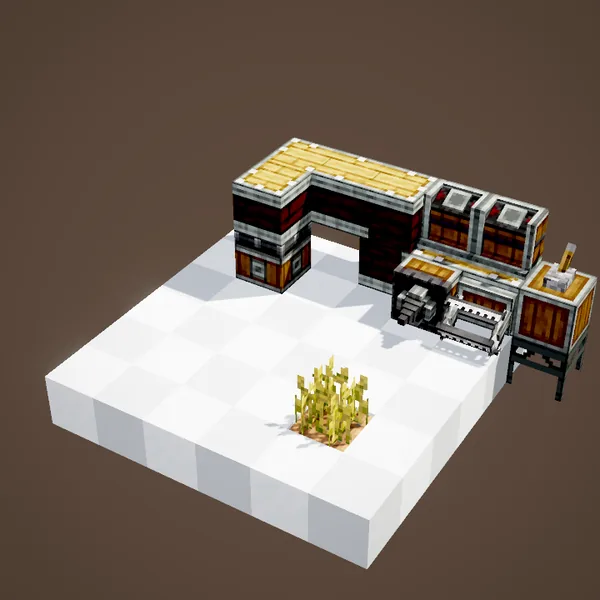
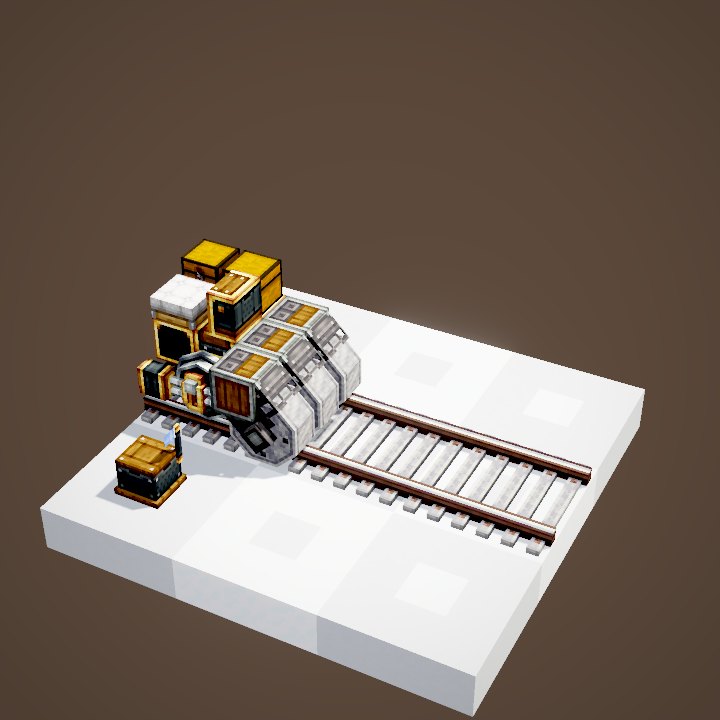
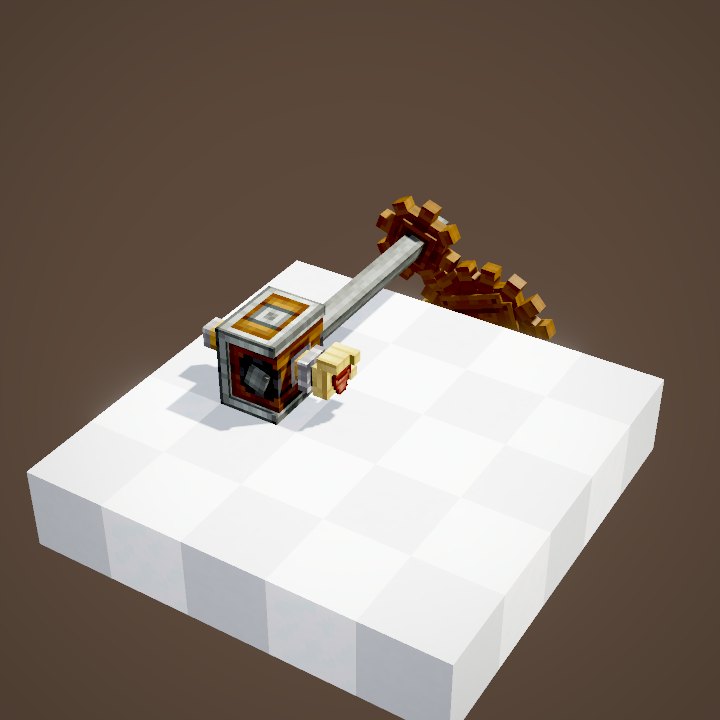
If the controls get a redstone signal at the moment of assembly, the actors they target start switched off. Handy for a train that should not flatten everything as it leaves the station.
Turning them on later
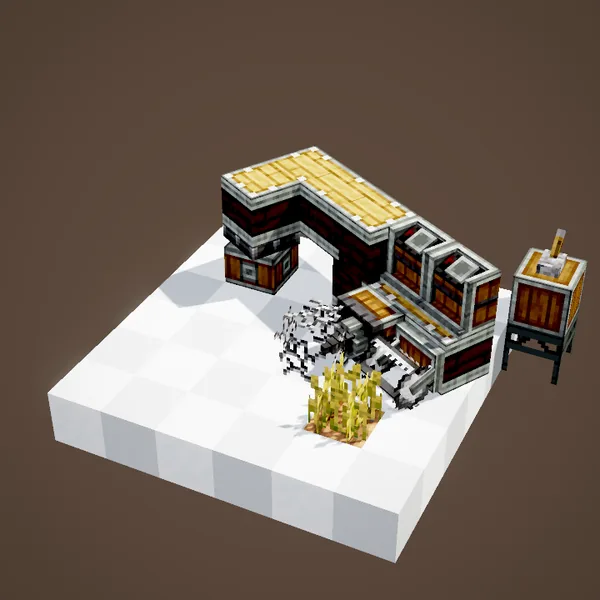
The actors then stay idle until a player clicks the controls. The loop shows the contraption spinning without breaking anything.
A few uses
A works train that only paves where you want, a farm you pause during the night, a drill you bring back without damaging the tunnel. In an elevator, the controls scroll through the floors: aim, click, and the cabin leaves.
What the loop does not show
The player clicking is not drawn, nor the indicator changing colour: the loop only shows the actors working or not. The controls cost no stress.
Common mistakes
Controls doing nothing? They must be part of the contraption, glued like the rest. Only one actor type switches off? Their filter targets that type: empty it to command them all. The filter and the starting redstone are only set while stopped.
Which actors
The controls command everything that acts during the trip: drills, saws, harvesters and ploughs, deployers, rollers. Inert blocks, chests and seats are not affected.
Crafting and placing
The controls are crafted from a button, an andesite casing and an electron tube. Place them like any block on the structure, then glue them with the rest. They are set while stopped, before assembly.
In an elevator
Fixed inside the cabin of an Elevator Pulley, the controls change role: they show the list of floors. Scroll through it with the mouse wheel while looking at them, then a click sends the cabin to the chosen floor.
On a train
A works train fitted with rollers and drills benefits a lot from controls near the driver: switch the actors off in stations and back on out on the line. Do not mix them up with Train Controls, which are used to drive.
On our server
On Create France, remember to switch off your train's drills and rollers before entering a shared station: the other players' builds will thank you. A single set of controls near the seat is enough for the whole train, and it costs very little to craft.
Related pages
Sources for the numbers (Create 6.0.8 code)
- Recipe: crafting/kinetics/contraption_controls.json
- Behaviour: ContraptionControlsMovement (filter, disabled on assembly when powered), ContraptionControlsMovingInteraction, ContraptionDisableActorPacket
- Elevator: ElevatorControlsHandler (scroll and click for the floor)
- Button rendering: ContraptionControlsRenderer (added by us, see engine_create/REQUESTS.md)
- Simulation: WIKI/contraption_sim.py (carried blocks, movement times, ropes and actors recomputed from Create's code)
- Scenes: MovementActorScenes.contraptionControls (cut into two loops)
Original texts and animations by Create France, rendered from the mod's Ponder scenes. Create is a mod by the Create Team, not affiliated with Create France.