Create Wiki · Contraptions
Cart Assembler
Long before trains, Create already let you run machines on vanilla rails. The Cart Assembler is placed like a rail: when powered, it mounts the structure on top of it onto the passing minecart; without a signal, it turns it back into blocks. Perfect for a small drill, a ride or a light convoy.
Quick facts
- Category
- Contraptions
- Placement
- On the track, like a rail
- Powered
- Mounts the attached structure on the passing minecart
- No signal
- Takes apart minecart contraptions passing over it
- Orientation
- Follows the minecart, or rotation locked
- Coupling
- Two assemblers under one structure: a two-cart convoy
- Wrench
- On the minecart: pick the machine up as an item
- Version
- Create 6.0.8 · Minecraft 1.21.1
Crafting table recipe
→ 1 Cart Assembler
Mounting a machine on a minecart
Place the assembler on the track and the structure on top of it, tied together with glue. Power it with redstone: the first minecart passing by takes the whole structure. Our loops draw the minecart from the game's model.
Taking it apart on return
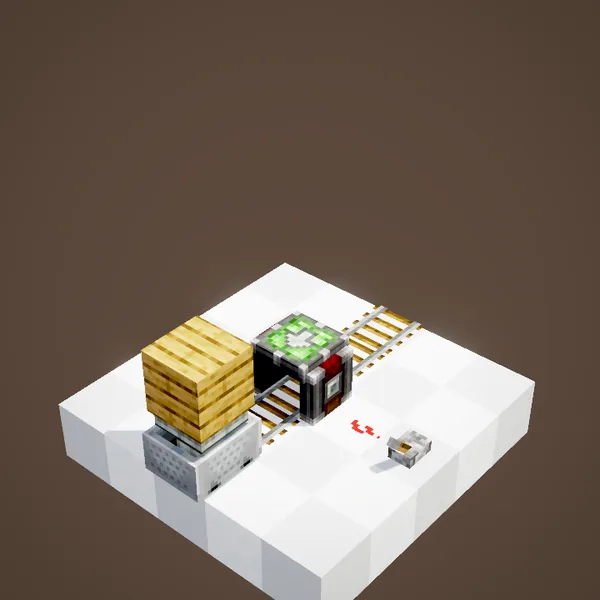
An assembler with no signal does the opposite: it turns the minecart contraption passing over it back into blocks. A single piece of track serves as both depot and departure.
Taking it into your inventory
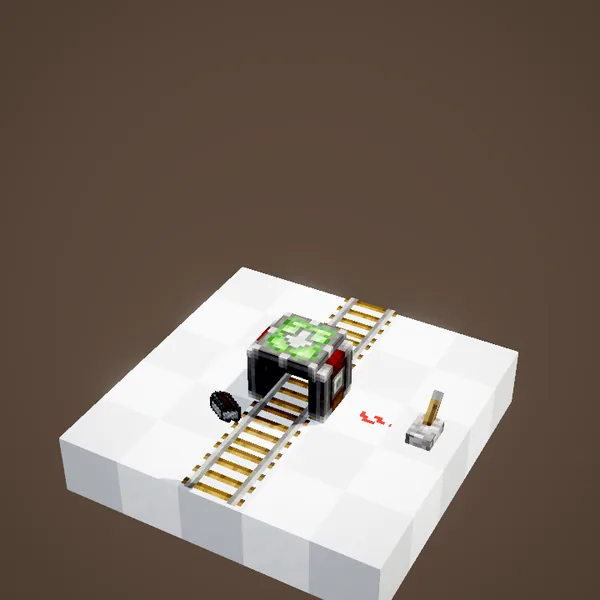
A click with the Wrench on the minecart picks up the whole machine: it becomes a Minecart Contraption item that you place again further along some rails.
It follows the minecart
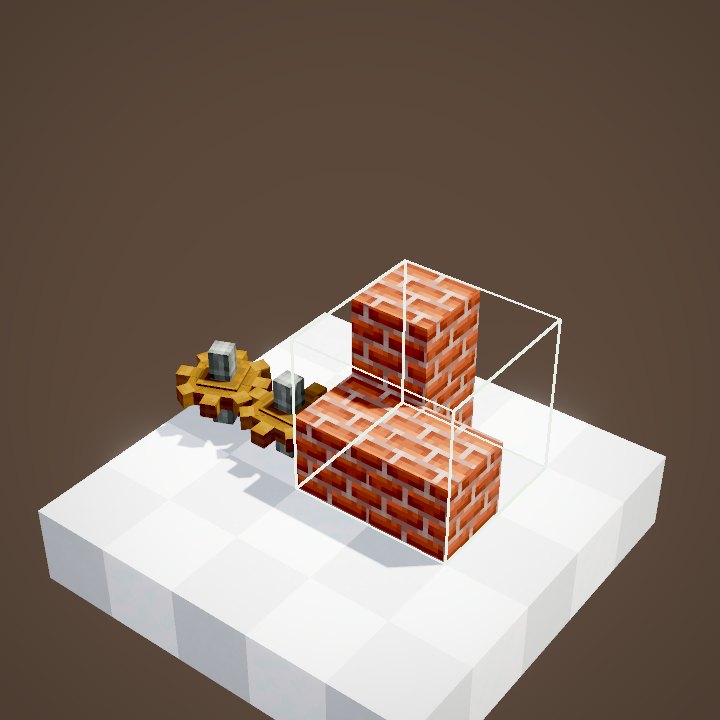
By default the structure turns with its minecart: in a bend, it pivots to keep facing the direction of travel.
The front of the structure
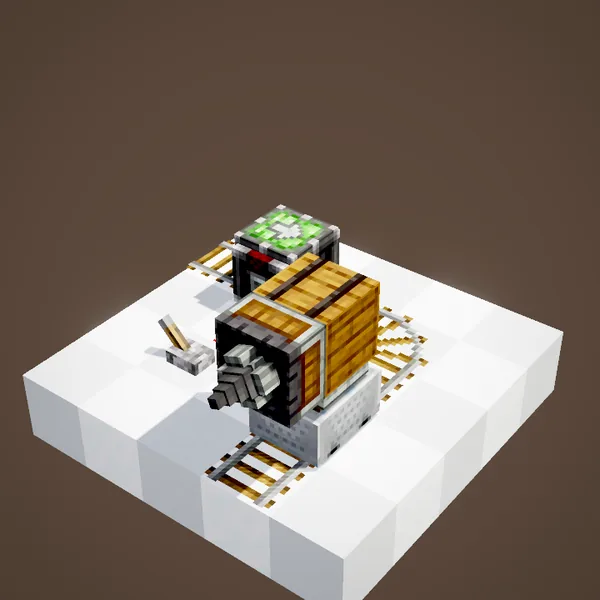
An arrow on the assembler shows where the front of the machine will be. Turn it before assembling so that a drill rig sets off drill first.
Locked rotation
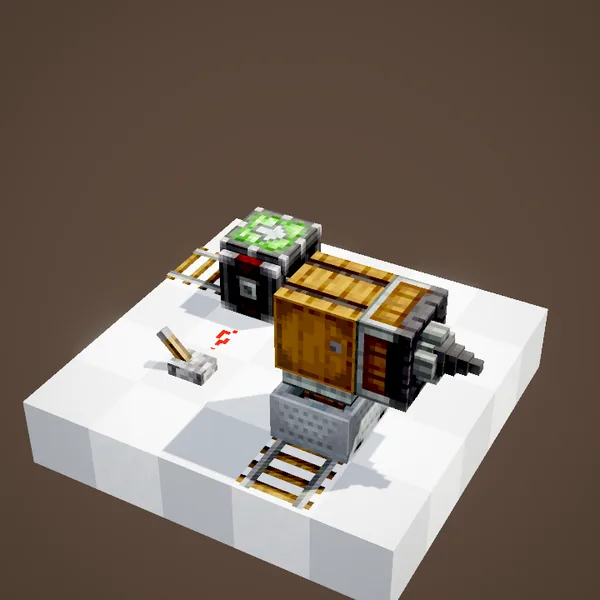
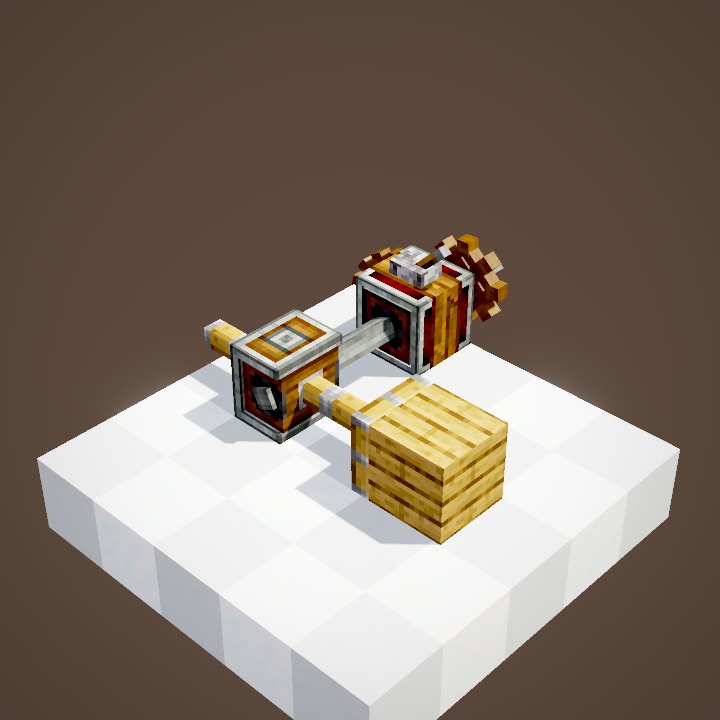
The value panel also lets you pause the actors while turning, or lock the rotation: the structure then keeps the same orientation whatever happens.
Two minecarts, one structure
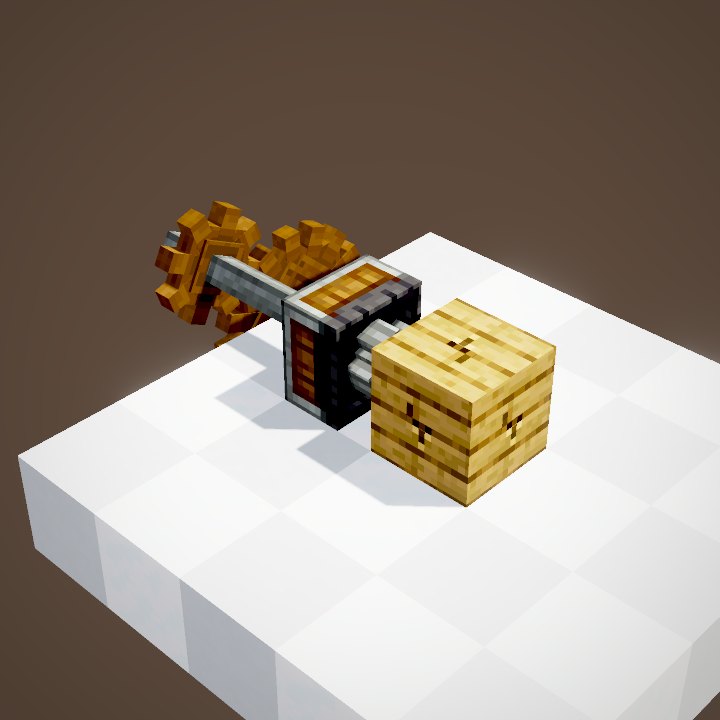
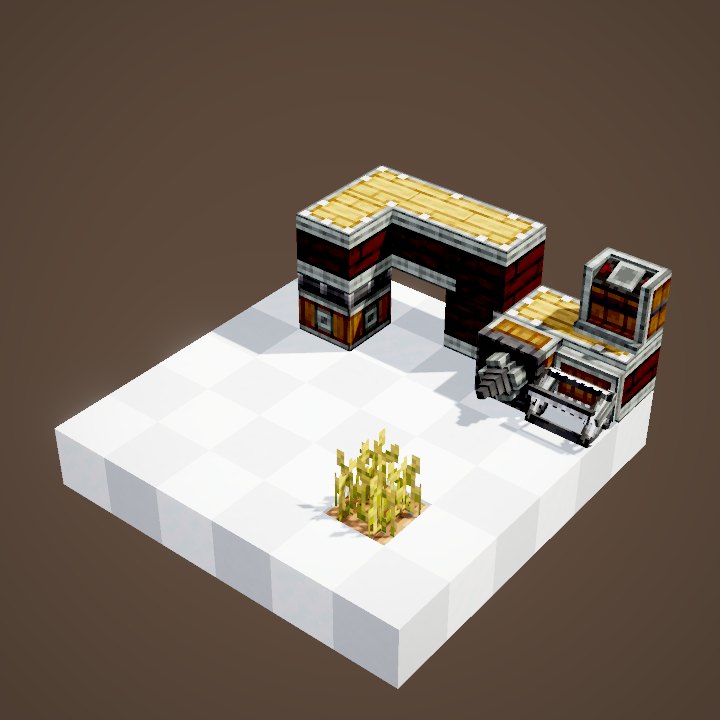
Place two assemblers under one structure and power either of them: it settles across two minecarts, a longer and steadier convoy.
Like a coupling
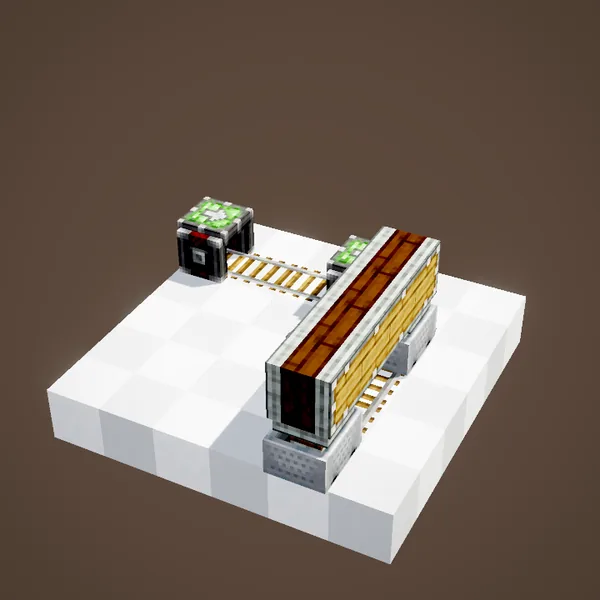
The two minecarts then run as if joined by a Minecart Coupling, and the structure pivots between them in bends.
On a regular rail
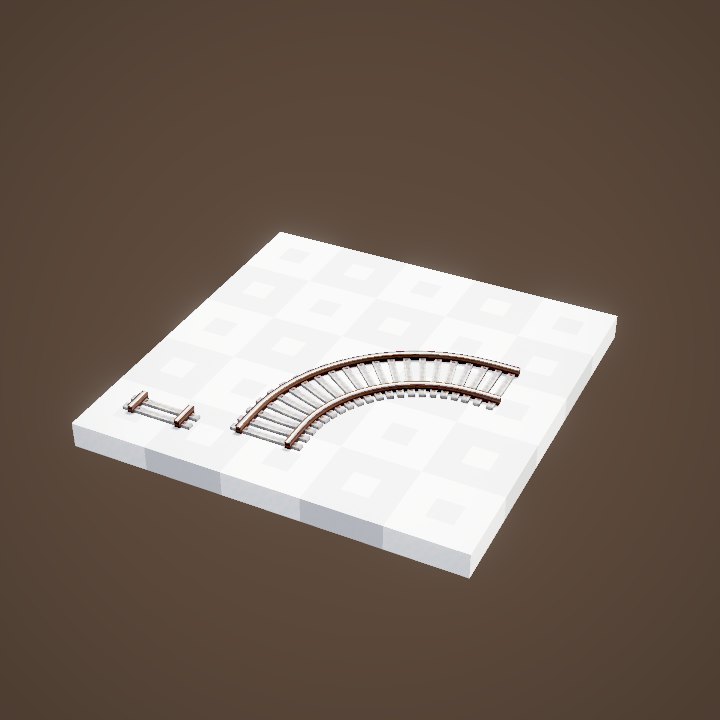
On an ordinary track, the assembler does not brake the minecarts: they pass at their own speed and assembly happens on the fly.
On a powered rail
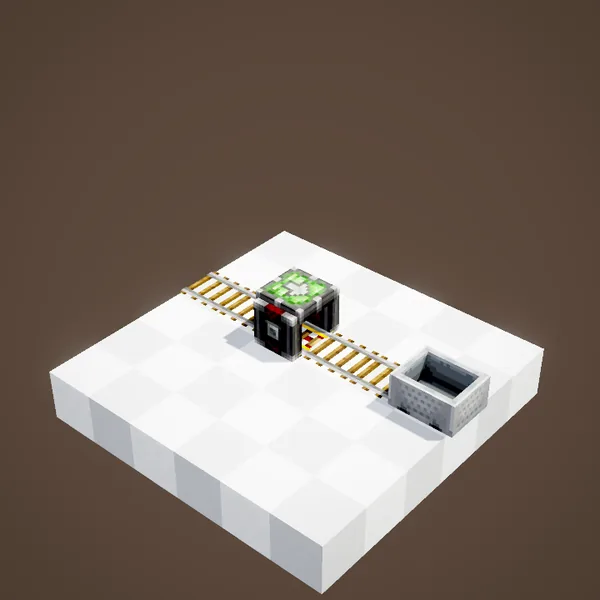
On a powered rail or a Controller Rail, the assembler holds the minecart until it is powered: ideal for a departure station.
Other minecarts
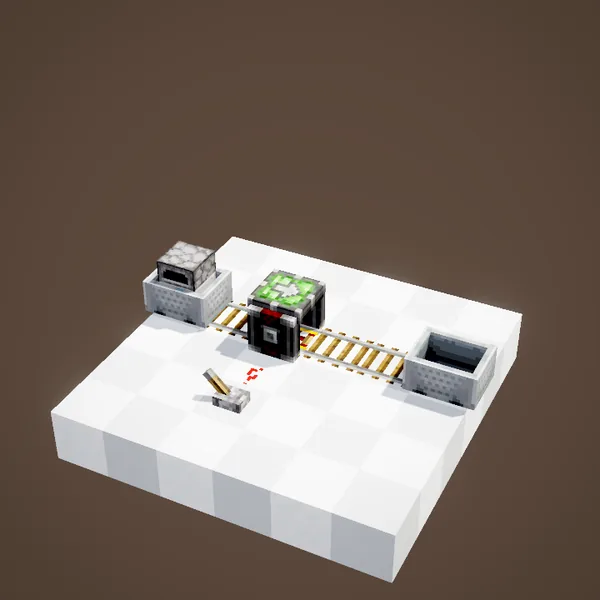
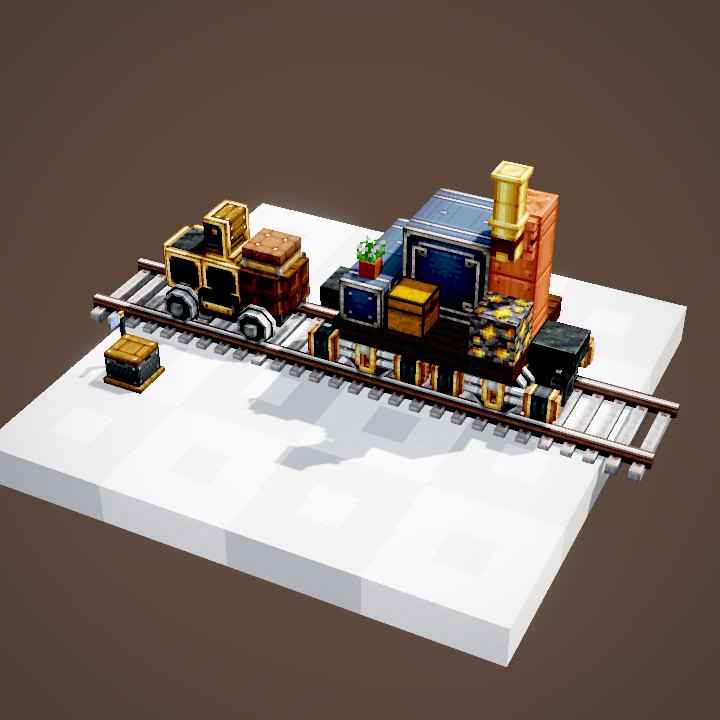
A chest minecart or a furnace minecart can serve as the anchor too. The chest of the chest minecart is not drawn in our loops.
A self-driving minecart
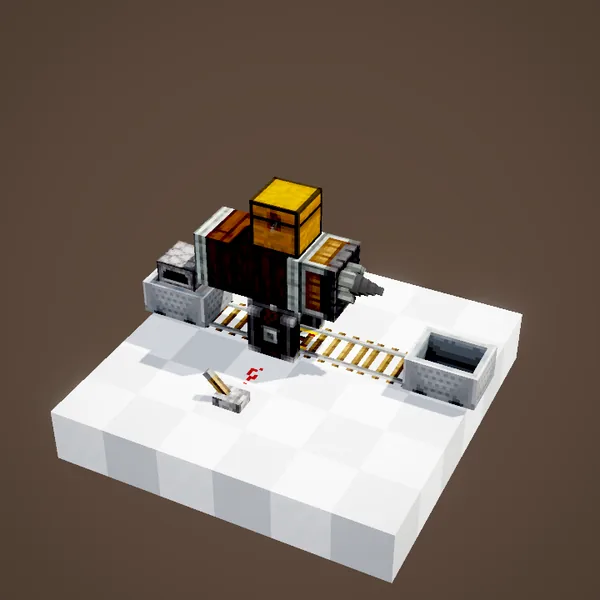
The furnace minecart refuels itself from the structure's chests: the machine moves without being pushed, as long as there is coal left.
Common mistakes
Minecart passing without taking anything? The assembler is not powered, or the structure is not glued to it. Machine falling apart too early? Another unpowered assembler is on the way. For long trips, build a proper train instead.
Powering the assembler
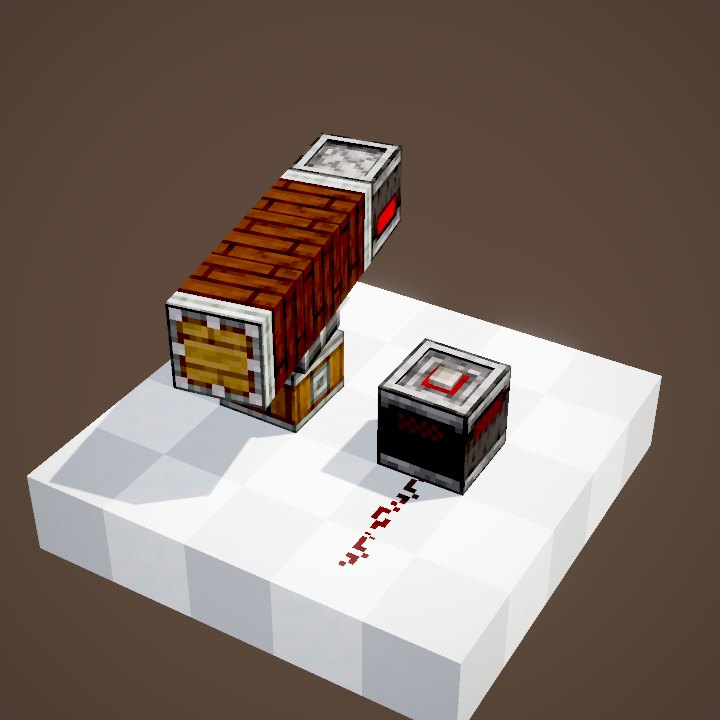
A plain lever or a redstone clock is enough: powered, the assembler mounts the structure on the next pass; switched off, it takes it apart. Two assemblers at both ends of a line make a shuttle. The assembler itself needs no rotation.
What the loops do not show
The minecarts are drawn by us from the game's model, with their path and rotations; the chest of the chest minecart and the smoke of the furnace minecart are not. Neither are the wrench and the player.
On our server
On Create France, the Cart Assembler is still handy for short trips inside a base, a mine or a theme park, where a full train would take too much room and cost far more to build.
Related pages
Sources for the numbers (Create 6.0.8 code)
- Recipes: crafting/kinetics/cart_assembler.json, controller_rail.json
- Assembly: CartAssemblerBlock / CartAssemblerBlockEntity (powered: assembles; no signal: disassembles), MountedContraption
- Orientation: CartAssemblerBlockEntity.CartMovementMode (ROTATE, ROTATE_PAUSED, ROTATION_LOCKED)
- Coupling: CKinetics.maxCartCouplingLength (32), MinecartCouplingHandler
- Pick-up: CKinetics.survivalContraptionPickup (true), minecartContraptionInContainers (false)
- Drawn minecart: MinecartModel.createBodyLayer (5 boxes, 64 × 32 texture), MinecartRenderer (ported by us in contraption_sim, see engine_create/REQUESTS.md)
- Simulation: WIKI/contraption_sim.py (carried blocks, movement times, ropes and actors recomputed from Create's code)
- Scenes: CartAssemblerScenes.anchor, modes, dual, rails (minecart chest not drawn)
Original texts and animations by Create France, rendered from the mod's Ponder scenes. Create is a mod by the Create Team, not affiliated with Create France.