Create Wiki · Logistics
Andesite and Brass Tunnel
Tunnels sit on top of a Mechanical Belt and decide what happens to the items passing underneath. The Andesite Tunnel simply peels off one item for each belt connected to its side. The Brass Tunnel is a real distributor: it splits a stack across several belts, takes turns between outputs, filters each side and can even synchronise several lines. It is the centrepiece of sorting lines and of factories that feed many machines at once.
Quick facts
- Category
- Logistics
- Placement
- On a horizontal Mechanical Belt segment
- Andesite Tunnel
- A passing stack leaves 1 item at each side output
- Brass Tunnel
- 7 distribution modes, one filter per side, groups of neighbouring tunnels
- Rate
- One distribution every 10 ticks (0.5 s) at most, server setting brassTunnelTimer (1 to 10)
- Andesite recipe
- 2 Andesite Alloy + 2 Dried Kelp → 2 tunnels
- Stress
- None (the belt underneath provides the motion)
- Version
- Create 6.0.8 · Minecraft 1.21.1
Crafting table recipe (Brass Tunnel)
→ 2 Brass Tunnels
A tunnel goes on a belt
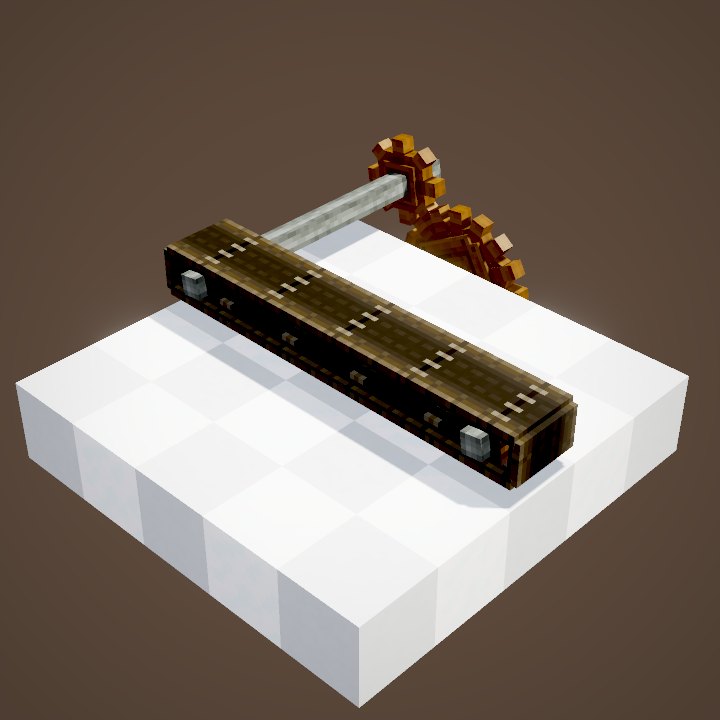
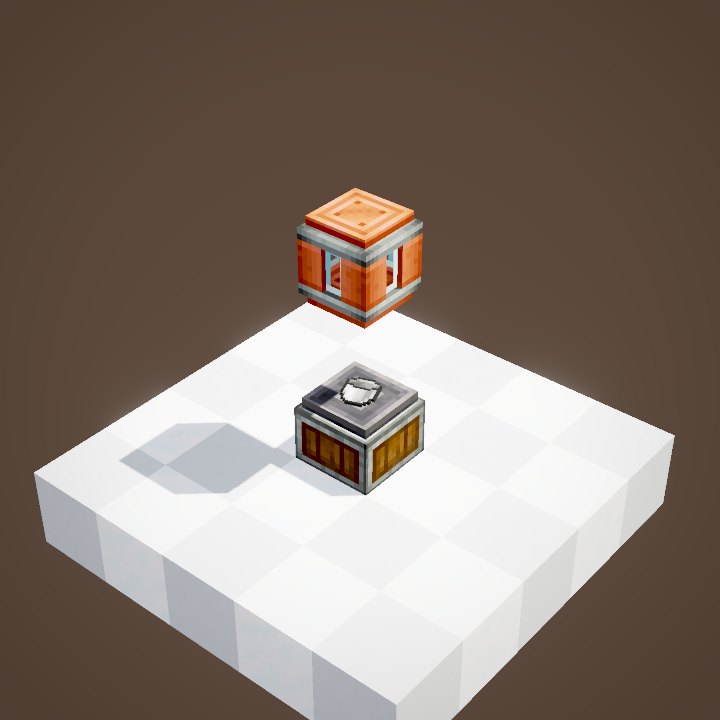
A tunnel only fits on a horizontal Mechanical Belt: right-click a segment and it covers it like a small shed, with a flap at the entrance and another at the exit. On its own it does not change the items' path at all. It then works as a cover, handy for a belt that goes through a wall or a floor.
Connecting belts on the sides
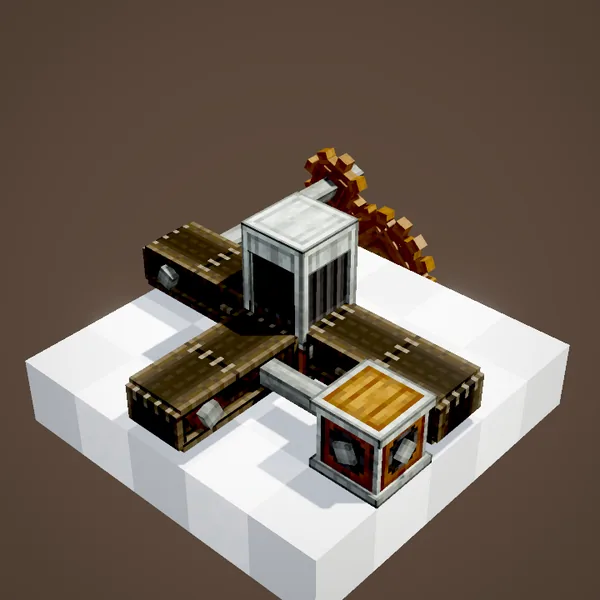
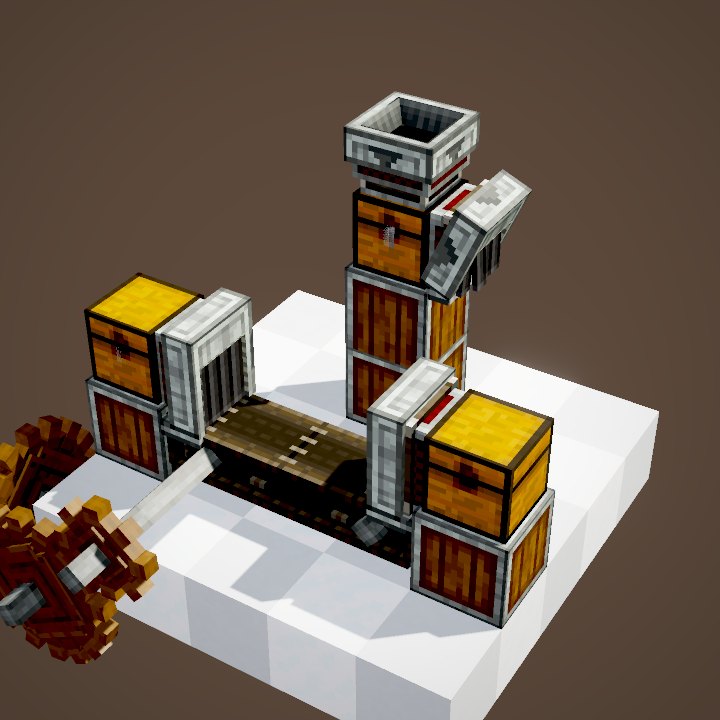
Things get interesting when another belt arrives against the side of the tunnel: the tunnel opens on that side and adds a flap there. A belt on one side makes a T junction, one on each side makes a crossroads. A side output can also be a Depot, a Weighted Ejector or a Chute.
The Andesite Tunnel peels off one item
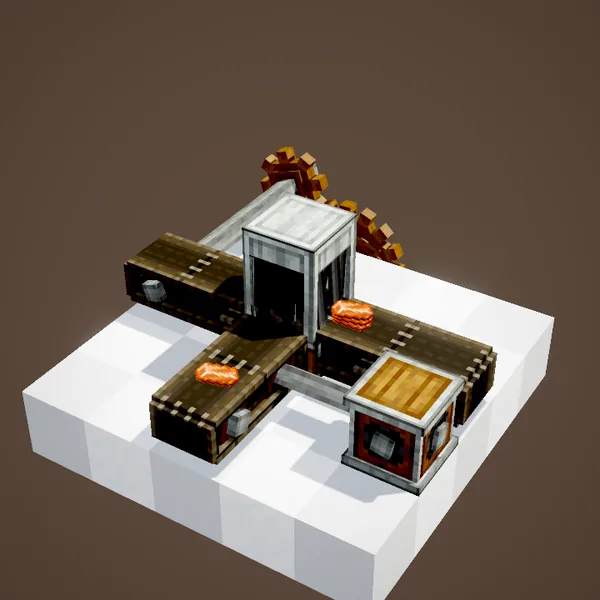
When a stack of several items goes through an Andesite Tunnel that has side outputs, it hands just one item to each open side and the rest carries straight on. A single item is never split. It is simple and cheap, ideal for taking a sample off a busy line, but it is not a real distributor.
The Brass Tunnel distributes
The Brass Tunnel takes the whole stack, holds it for a moment, then distributes it across all its outputs: straight ahead and every open side. By default it cuts the stack into equal shares: 63 ingots become 32 on one side and 31 on the other. It waits at least 10 ticks, half a second, between two distributions. While it is busy, the next item waits at the entrance.
One filter per side
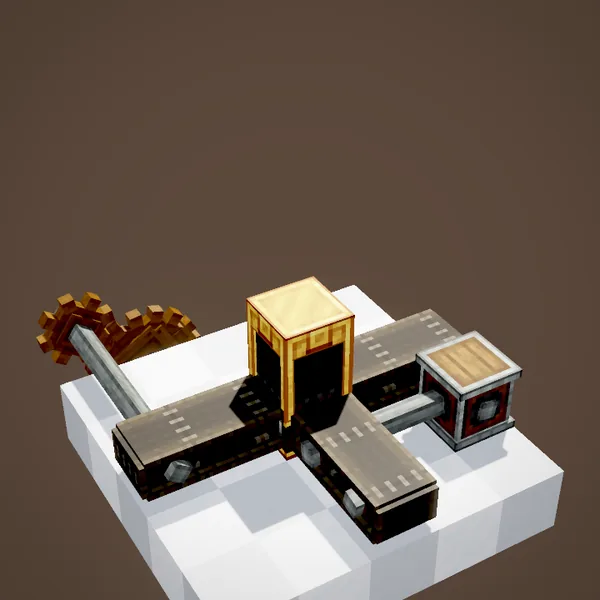
Each flap of a Brass Tunnel has its own filter slot. Put an item in it and that output will only accept that item. Filtered outputs are served first; the others get whatever matches no filter. With zinc on one side and copper on the other, a single tunnel already sorts two metals without a single Funnel.
Several tunnels side by side
Brass Tunnels placed on neighbouring parallel belts link up into one group: an item entering one of them can come out on any belt of the group. With a different filter on each tunnel you get a very compact sorter, where every item takes the line reserved for it. Outputs are ranked by distance, the entry tunnel's own output first.
Split and Forced Split
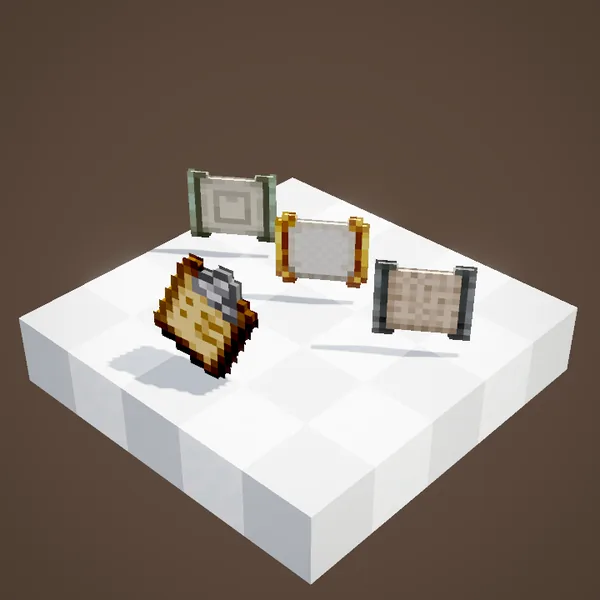
The mode is set on the tunnel's value panel and applies to the whole group. Split cuts each stack into equal shares across the free outputs; if one output is blocked, its share goes to the others. Forced Split is stricter: if a single output cannot take its share, the tunnel waits and hands out nothing. In the loop, a block comes to block one output to show the difference.
Round Robin
In Round Robin mode the tunnel stops cutting stacks: it sends the whole stack to one output, the next one to the following output, and so on. A full output is simply skipped. Forced Round Robin skips no one: as long as the output whose turn it is stays blocked, everything stops. It guarantees a perfectly even distribution.
Prefer Nearest, Randomize
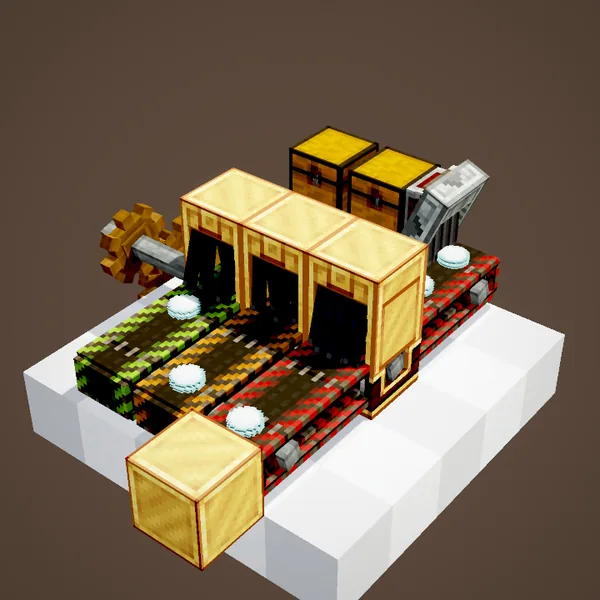
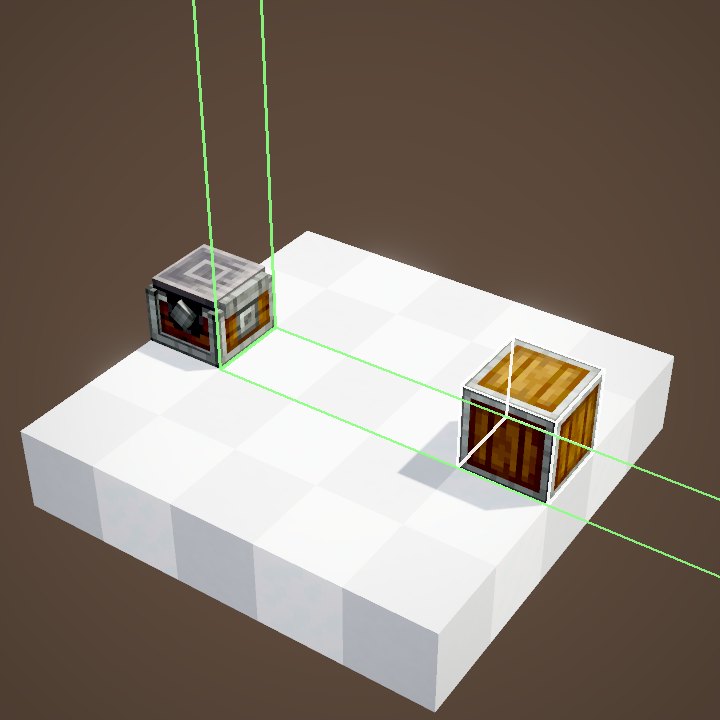
Prefer Nearest sends everything to the output closest to the input and only moves on to the next one when it is full: an overflow, perfect for filling a main store before feeding a reserve. Randomize picks a random output for every stack, which is useful for mixing deliveries. These two modes are only shown as a still here.
Synchronize Inputs
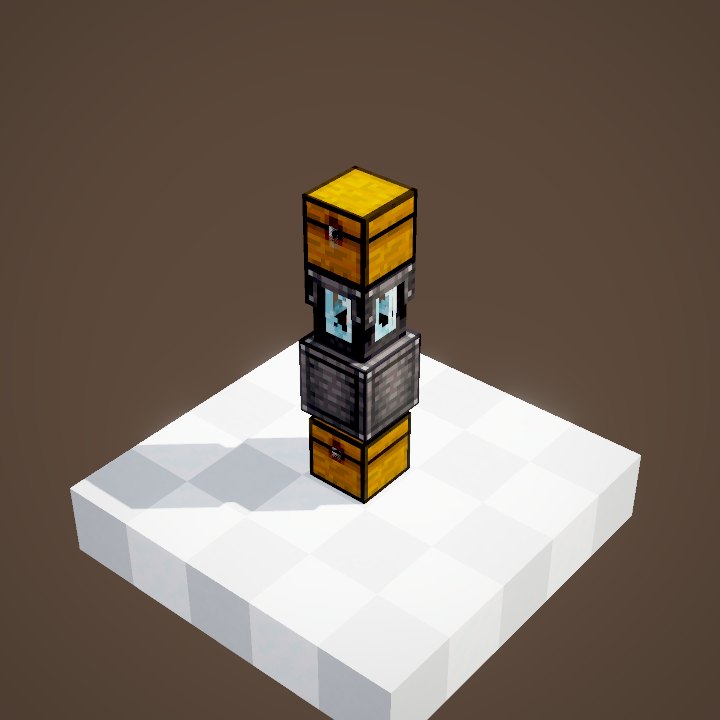
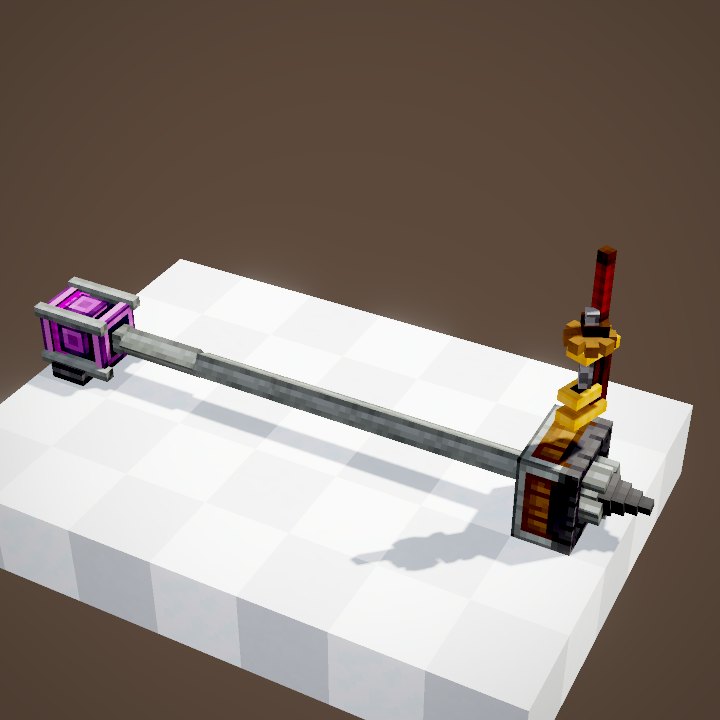
The last mode is Synchronize Inputs. Each tunnel of the group holds its item until all of them have one, then they release them together. The ingredients of a recipe therefore reach the end of their belts at the same time. As long as one line stays empty the others wait: in the loop, the carrot and the honey wait for the rose quartz.
Related pages
Sources for the numbers (Create 6.0.8 code)
- Placement and shapes: BeltTunnelBlock (straight, window, t_left, t_right, cross), BeltTunnelBlockEntity (flaps)
- Andesite Tunnel: BeltTunnelInteractionHandler.flapTunnelsAndCheckIfStuck (a stack of more than one item leaves one item per side output)
- Brass Tunnel: BrassTunnelBlockEntity.tick / distribute, SelectionMode (SPLIT, FORCED_SPLIT, ROUND_ROBIN, FORCED_ROUND_ROBIN, PREFER_NEAREST, RANDOMIZE, SYNCHRONIZE), SidedFilteringBehaviour filters
- Delay: CLogistics.brassTunnelTimer = 10 ticks (1 to 10)
- Recipes: crafting/logistics/andesite_tunnel.json, crafting/logistics/brass_tunnel.json
- Scenes: TunnelScenes.andesite, brass (two loops), brassModes (three loops and a still); item paths simulated from the classes above
Original texts and animations by Create France, rendered from the mod's Ponder scenes. Create is a mod by the Create Team, not affiliated with Create France.