Create Wiki · Contraptions
Mechanical Roller
The Mechanical Roller reshapes the ground as a contraption passes. Left alone, it clears blocks like a drill; given a material, it paves the layer below; in fill mode, it fills the gap down to the ground. Fixed to a train, it leaves a neat track bed behind it.
Quick facts
- Category
- Contraptions
- Stress
- None: it works while a contraption moves it
- Modes
- Clear and pave, straight fill, sloped fill
- Material
- Set in its filter while the contraption is stopped
- Resupply
- The contraption's chests and barrels
- Fill
- 12 blocks deep at most
- Losses
- One broken block in two drops nothing; hard ores never
- Version
- Create 6.0.8 · Minecraft 1.21.1
Crafting table recipe
→ 1 Mechanical Roller
Clearing the terrain
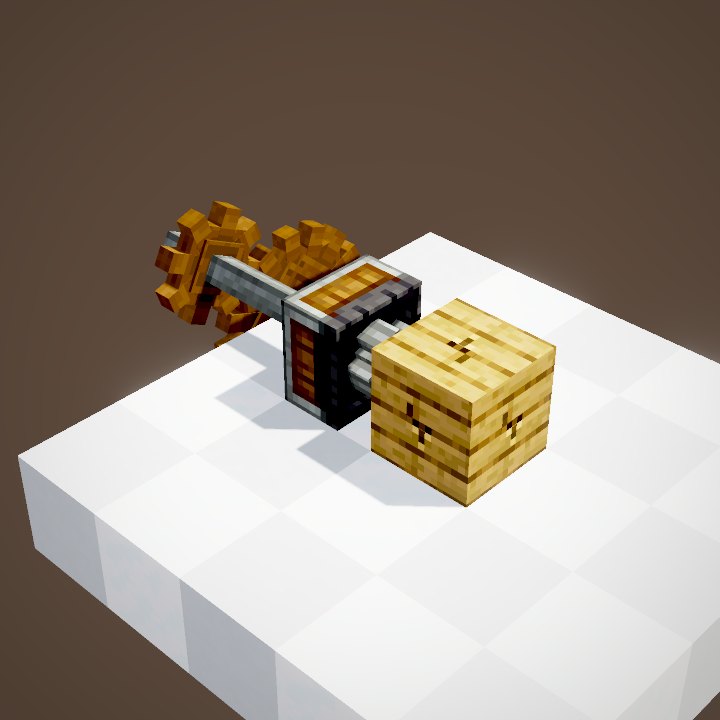
The roller fixes to the front or back of a contraption, wheel facing the ground. In its default mode and with no material, it breaks whatever it meets, one and a half times faster than a drill on a contraption.
Picking a material
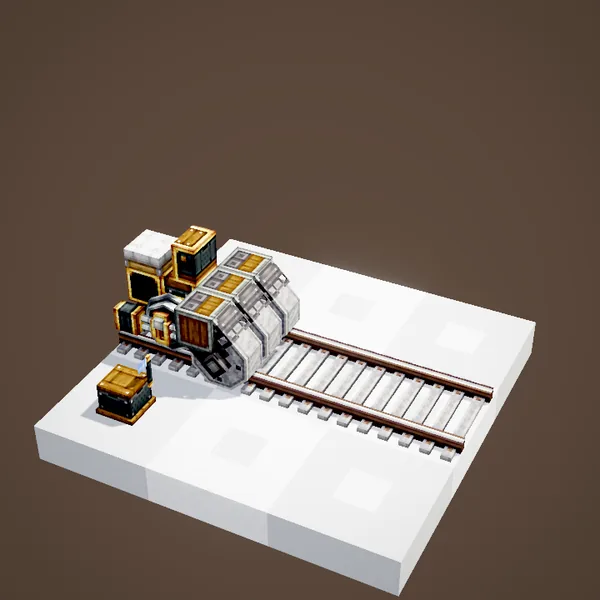
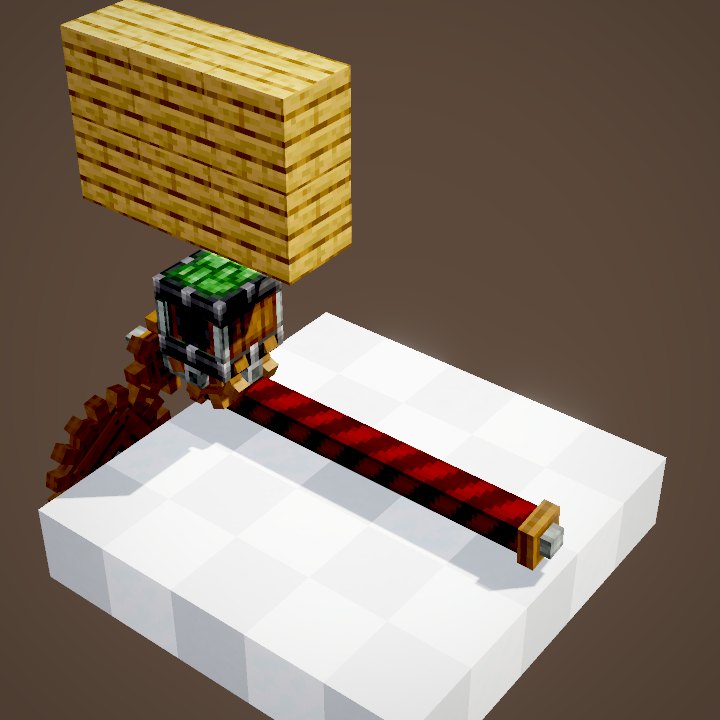
With the contraption stopped, put the wanted block in the roller's filter, for instance gravel or stone. It will be used for paving. The mode is set at the same time.
Resupply
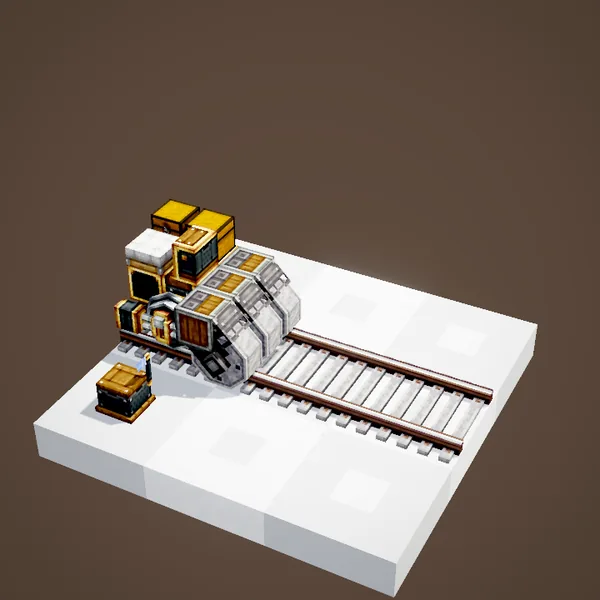
The material is taken from the contraption's chests and barrels. Keep them well stocked: with no material left, there is nothing to lay.
Paving the layer below
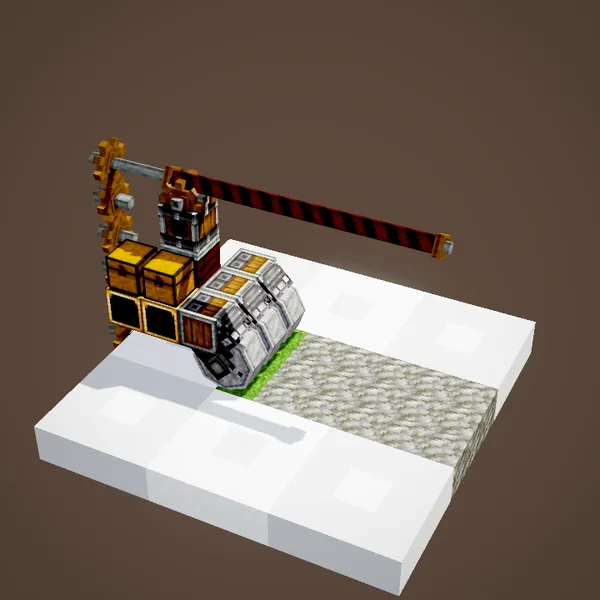
With a material, the roller still breaks what is in the way, then replaces the layer beneath it with that block. One pass gives a flat road or track bed.
Expect losses
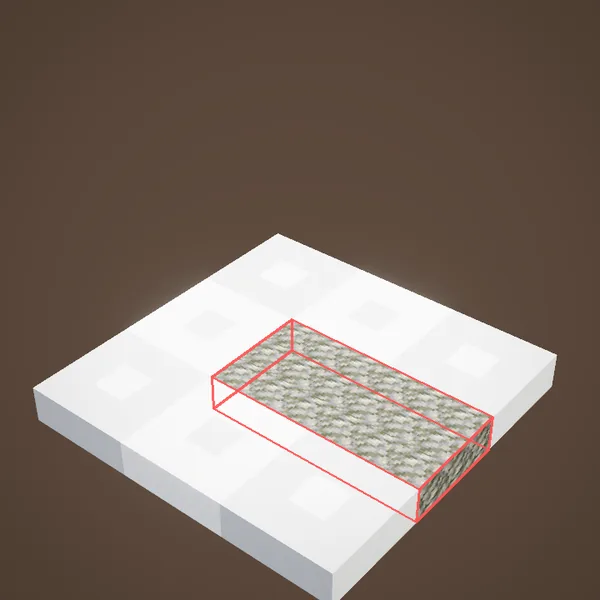
A block broken by a roller drops nothing one time in two, and never if it needs a stone pickaxe or better, like ores. Do not use it for mining.
On a train or elsewhere
Fill modes
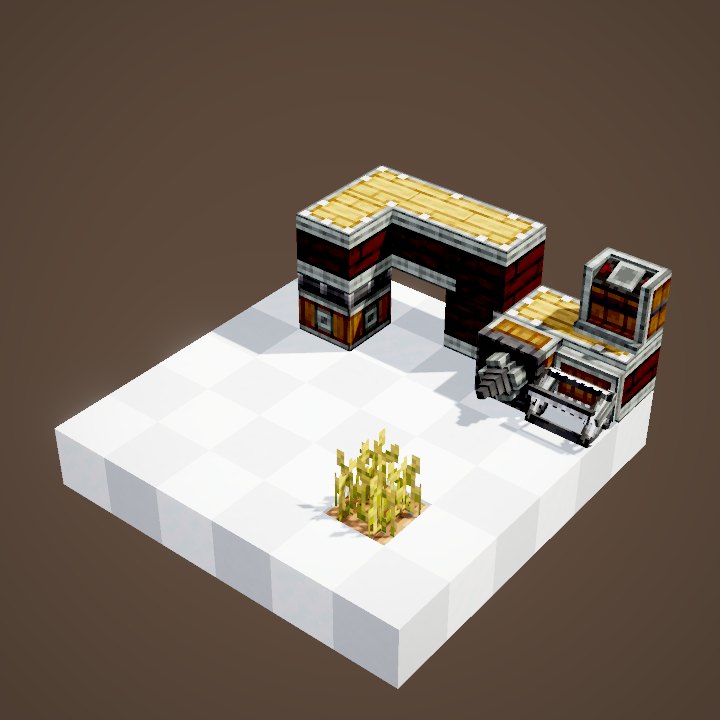
Two other modes fill the gap between the track and the terrain, over a ravine or a river. They never break anything: they only add blocks.
Straight
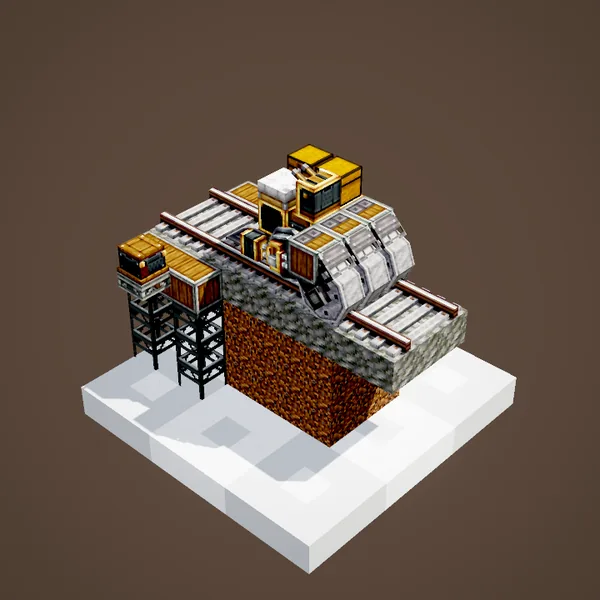
In straight fill, each roller places a vertical column of material down to the ground, 12 blocks deep at most. You get pillars under the track.
Sloped
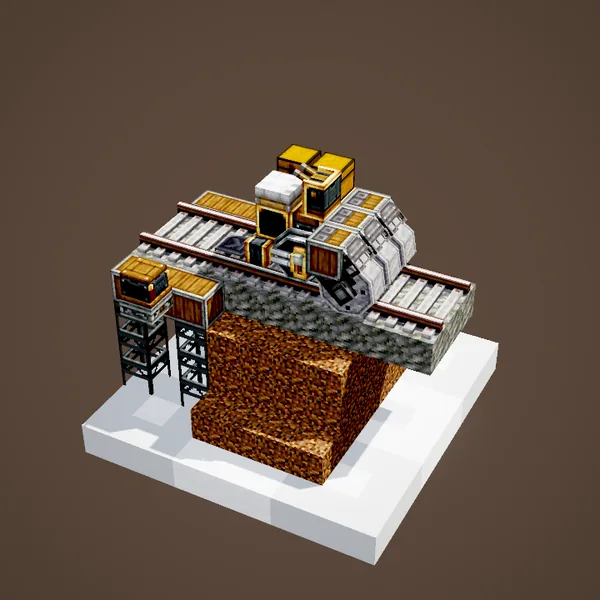
In sloped fill, every lower layer gets wider: the result is an embankment with sloping sides, more natural than a row of pillars.
Placing the rollers well
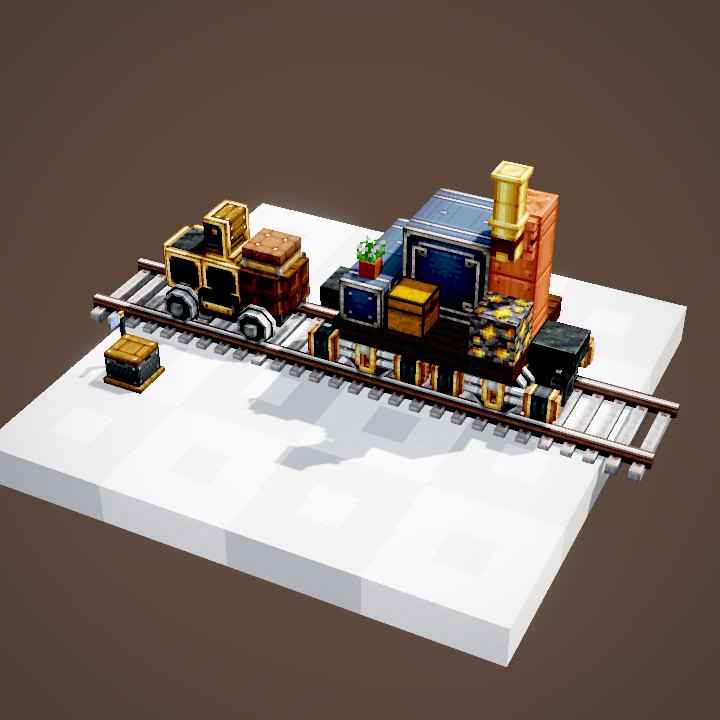
Place a row of rollers across the whole width you want, glued to the train. For a new line, run a works train first: rollers in sloped fill at the front, then a second car that paves. The roller costs no stress, but it slows the contraption down while it breaks blocks.
Common mistakes
Roller not paving? The chests are out of material, or the filter is empty. It breaks blocks you want to keep? In fill mode it breaks nothing: pick that mode over terrain you want to preserve. Settings can only be changed while stopped.
Speed and stress
The roller costs no stress: the contraption does the work. It breaks faster than an on-board drill, but the contraption still pauses in front of every hard block. A slow works train gives a cleaner result than one running at full speed.
What the loops do not show
The roller's wheel and frame are drawn by us; the wheel turns at the speed the scene gives it. Items dropped by broken blocks are not shown, nor the filter's settings screen. The train itself is carried by the scene, without a schedule.
On our server
On Create France, long railway lines are best laid out by a works train fitted with rollers, which saves hours of terraforming by hand.
Related pages
Sources for the numbers (Create 6.0.8 code)
- Recipe: crafting/kinetics/mechanical_roller.json
- Modes: RollerBlockEntity.RollingMode (TUNNEL_PAVE, STRAIGHT_FILL, WIDE_FILL), material filter
- Breaking: RollerMovementBehaviour.getBlockBreakingSpeed (× 1.5, between 1/128 and 16), destroyBlock (nothing if stone pickaxe or better, else one chance in two)
- Fill: CKinetics.rollerFillDepth (12)
- Wheel rendering: RollerRenderer (added by us; the OBJ "Bounding" boxes skipped, see engine_create/REQUESTS.md)
- Simulation: WIKI/contraption_sim.py (carried blocks, movement times, ropes and actors recomputed from Create's code)
- Scenes: RollerScenes.clearAndPave (cut into two loops), fill
Original texts and animations by Create France, rendered from the mod's Ponder scenes. Create is a mod by the Create Team, not affiliated with Create France.