Create Wiki · Tools and equipment
Filters and Clipboard
Filters tell a machine which items it may take. A List Filter names exact items, an Attribute Filter describes a family (« anything that smelts », « anything enchanted »), a Package Filter reads addresses. The Clipboard copies these settings from one block to the next.
Quick facts
- Category
- Tools and equipment
- List Filter
- 18 ghost slots, whitelist or blacklist, data (NBT) respected or ignored
- Attribute Filter
- Match any attribute, all of them, or blacklist; each attribute can be inverted
- Package Filter
- One address: lets through packages that carry it
- Goes on
- Funnels, Brass Tunnel, Smart Chute, Deployer, Saw, Basin, Smart Observer…
- Clipboard
- To-do list (51 pages) and copy-paste of block settings
- Clearing
- A filter or clipboard alone in the crafting grid is reset
- Version
- Create 6.0.8 · Minecraft 1.21.1
List Filter, crafting table
→ 1 List Filter
The three filters
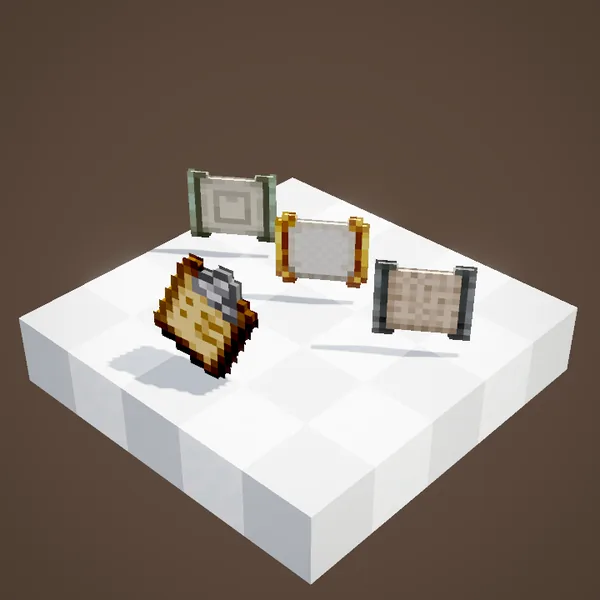
All of them take one wool between two nuggets: iron for the List Filter, brass for the Attribute Filter, zinc for the Package Filter. Right-click in the air to open them. To use one, click a machine's filter slot with it: the small slot that shows an item. A single item in that slot also works as a one-item filter.
List Filter
Drop up to 18 items in its slots: they are not really stored, they are templates. As a whitelist, only those items pass; as a blacklist, everything passes but them. The data option decides whether an enchanted sword counts as a plain sword or not. You can even put filters inside a filter: each one is tested in turn.
Attribute Filter
Put in a reference item, then pick from its list the properties that matter. The available attributes: placeable, consumable, fluid container, enchanted, max enchanted, renamed, damaged, badly damaged (over 75% worn), not stackable, equipable, furnace fuel, washable, hauntable, crushable, smeltable, smokable, blastable, compostable; and with a value: in a tag, in a creative tab, added by a mod, has a given enchantment, shulker box fill level, colour, fluid held, name, book author and book copy. Three modes: any attribute is enough, all are required, or blacklist. A « smeltable » filter sends every crushed ore to the furnace without naming a single one.
Package Filter
For the package network: type an address and the filter only lets through packages that carry it. A blank address makes it act as a normal filter. It goes on a funnel or a tunnel, in front of a postbox or a sorting belt.
Where a filter goes
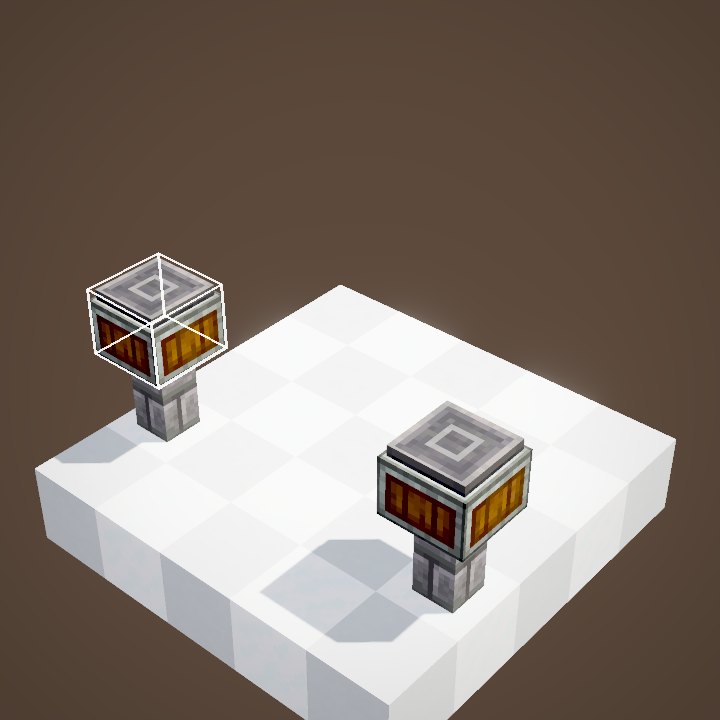
Funnels, the Brass Tunnel, the Smart Chute, the Smart Fluid Pipe, the Deployer, the saw, the basin, the Smart Observer, the Threshold Switch, the train observer, contraption controls, the roller and the factory gauge. The mechanical arm has no slot of its own: the brass funnels it targets pass their filter on to it.
The Clipboard
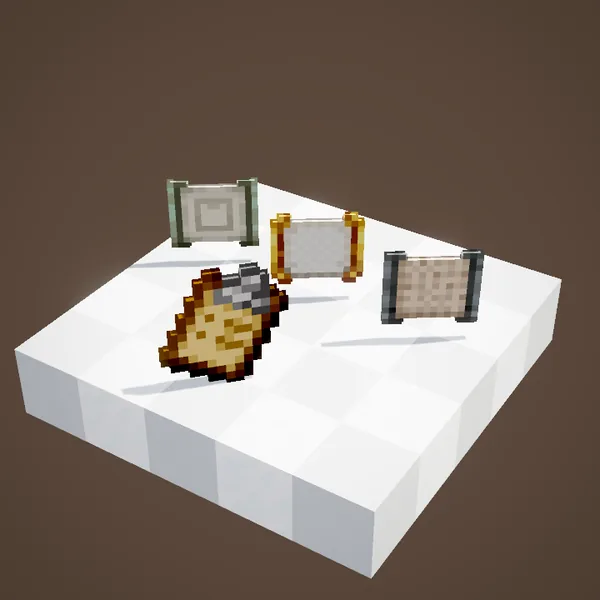
Right-click in the air to open a to-do list: pages of tick boxes with item icons, up to 51 pages. While sneaking, right-click a wall, floor or ceiling to hang it like a poster; right-click opens it, left-click takes it back. It is crafted from andesite alloy, a sheet of paper and planks.
Copying settings
With the Clipboard in hand, right-click a block to copy its settings and left-click another block to paste them. It copies filters, values set with the scroll wheel (a motor's or controller's speed, a brass diode's delay), a Redstone Link's frequency or a chassis range. To set up twenty identical funnels, nothing beats it.
A sorting example
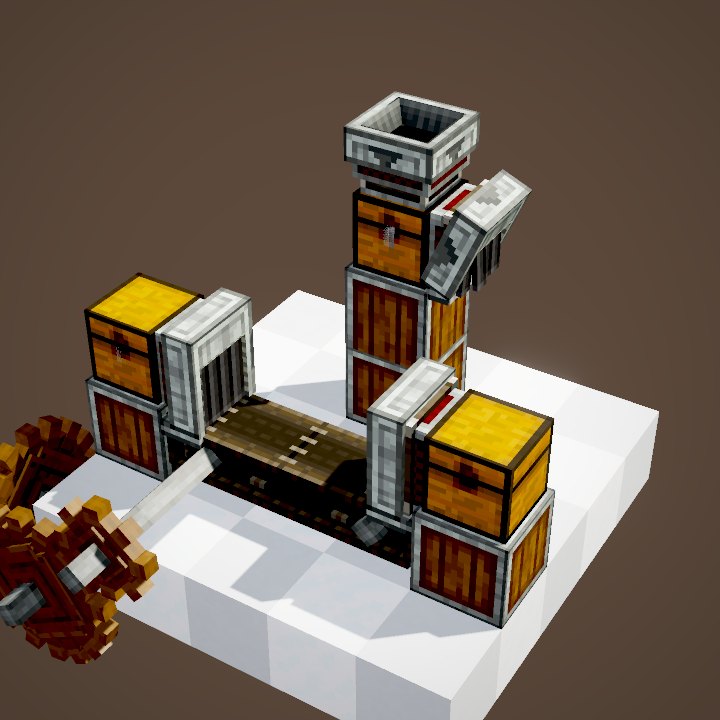
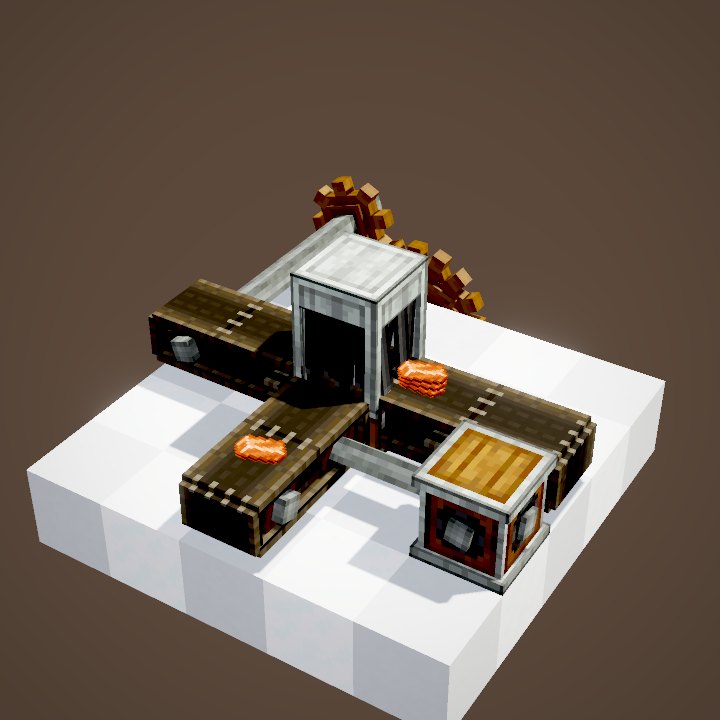
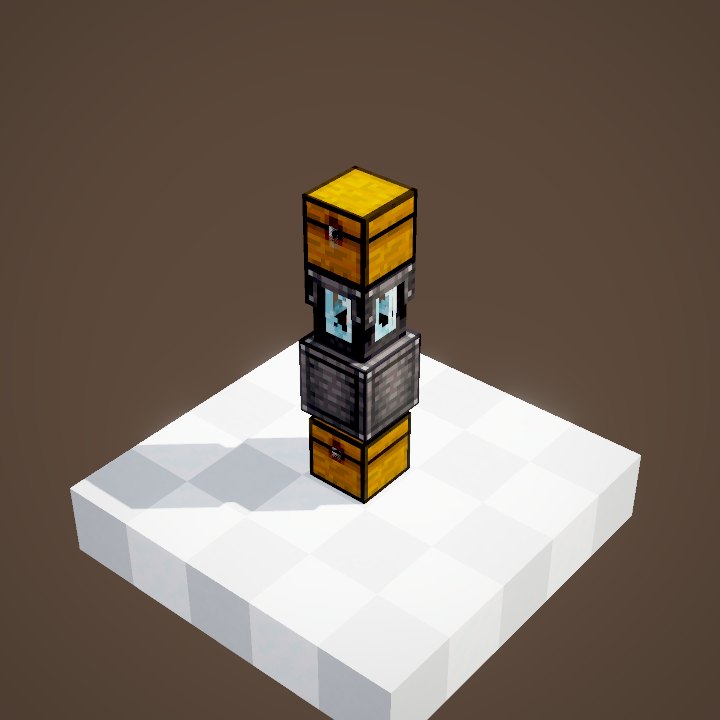
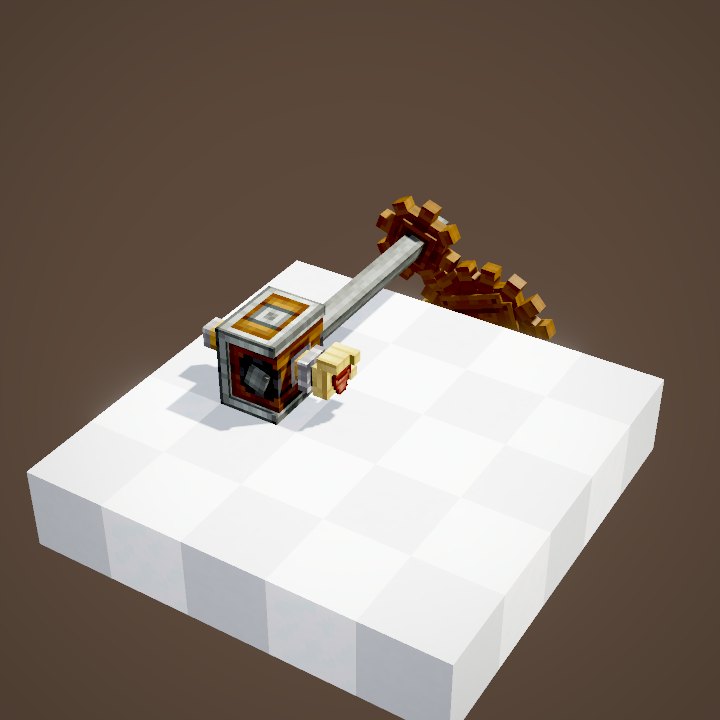
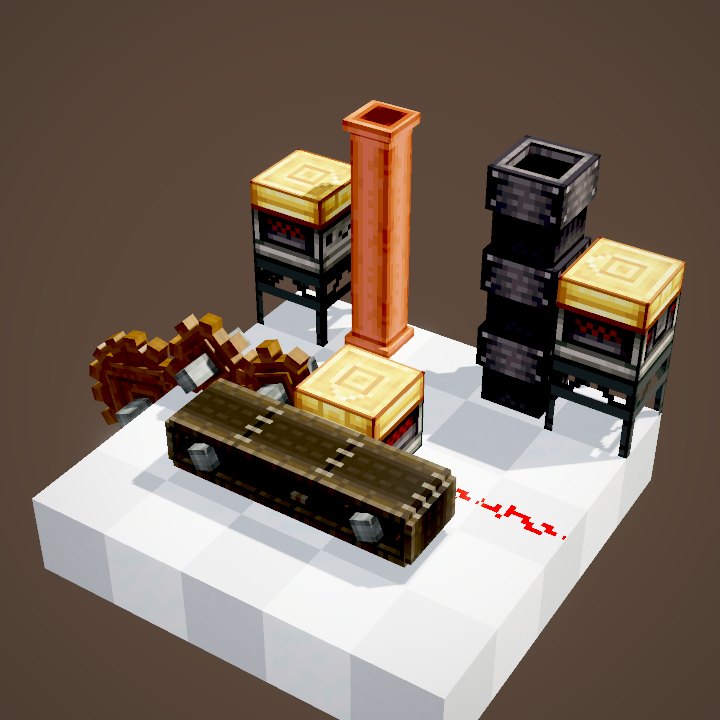
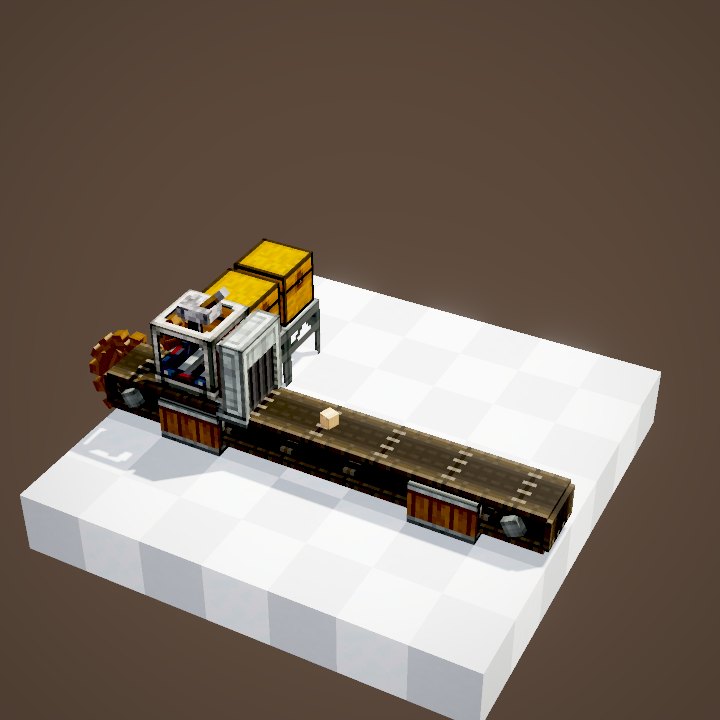
A belt bringing back everything from a mine: a brass funnel with a List Filter « ores » sends to the crushing wheels, an Attribute Filter « smeltable » to the furnaces, and the rest goes on to a chest.
Related pages
Sources for the numbers (Create 6.0.8 code)
- Recipes: crafting/kinetics/filter.json, attribute_filter.json, package_filter.json (ASA), crafting/appliances/clipboard.json
- Filters: FilterItem, FilterMenu (18 slots, whitelist / blacklist, NBT), FilterItemStack (nested filters)
- Attributes: AllItemAttributeTypes; modes: AttributeFilterWhitelistMode (WHITELIST_DISJ / CONJ, BLACKLIST)
- Packages: PackageFilterMenu, PackageItem.matchAddress; slots: FilteringBehaviour of the blocks listed
- Clipboard: ClipboardScreen (51 pages), ClipboardBlock, ClipboardValueSettingsHandler (right-click copies, left-click pastes), ClipboardCloneable
- Images: the game's items and blocks (Create's models) rendered on their own by our engine, player not drawn
Original texts and animations by Create France, rendered from the mod's Ponder scenes. Create is a mod by the Create Team, not affiliated with Create France.