Create Wiki · Logistics
Andesite and Brass Funnel
The Funnel is the way in and out of every inventory in Create. Attached to a chest, it takes items out or puts them in; placed at the end of a Mechanical Belt, it empties or fills it. It comes in two versions: the Andesite Funnel, simple and cheap, which moves one item at a time, and the Brass Funnel, which moves whole stacks and can filter.
Quick facts
- Category
- Logistics
- Stress
- None, no rotation needed
- Andesite
- 1 item per extraction
- Brass
- Up to a full stack per extraction, adjustable amount, filter
- Rate
- One extraction every 8 ticks (0.4 s)
- Redstone
- When powered, the funnel stops working
- Version
- Create 6.0.8 · Minecraft 1.21.1
Crafting table recipe
→ 2 Andesite Funnels (brass: Electron Tube + Brass Ingot + Dried Kelp)
The link between inventories and transport
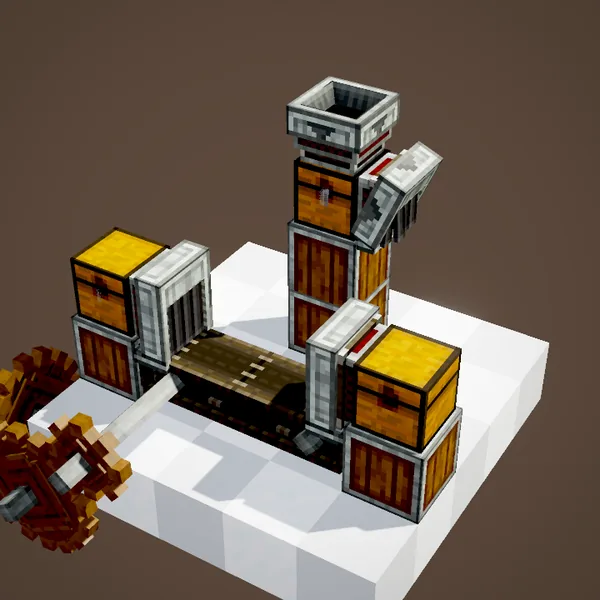
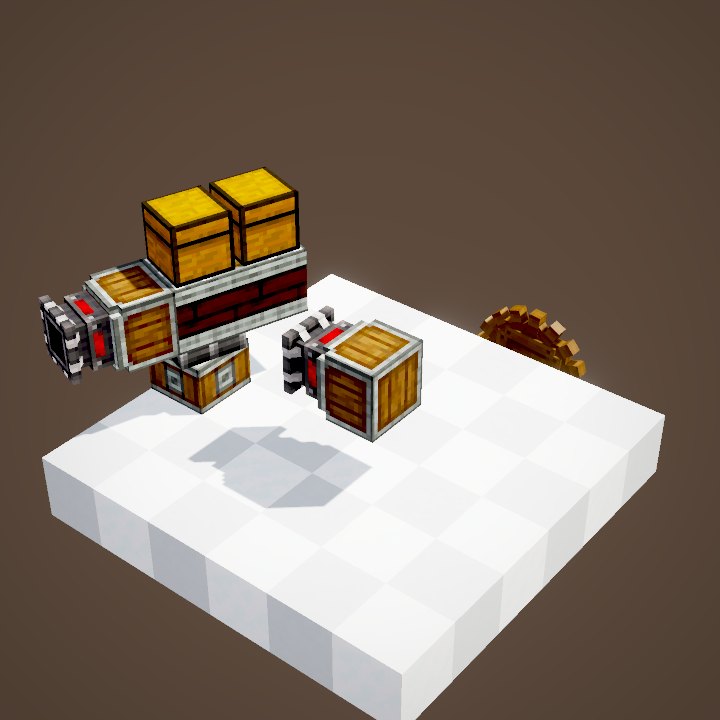
A funnel goes against an inventory (chest, barrel, item vault, depot…) or at the end of a Mechanical Belt. It needs no rotation and uses nothing. The basic setup in the animation sums it all up: one funnel takes items out of the first chest onto the belt, the belt carries them, and a second funnel stores them in the destination chest.
Placed normally: it pulls
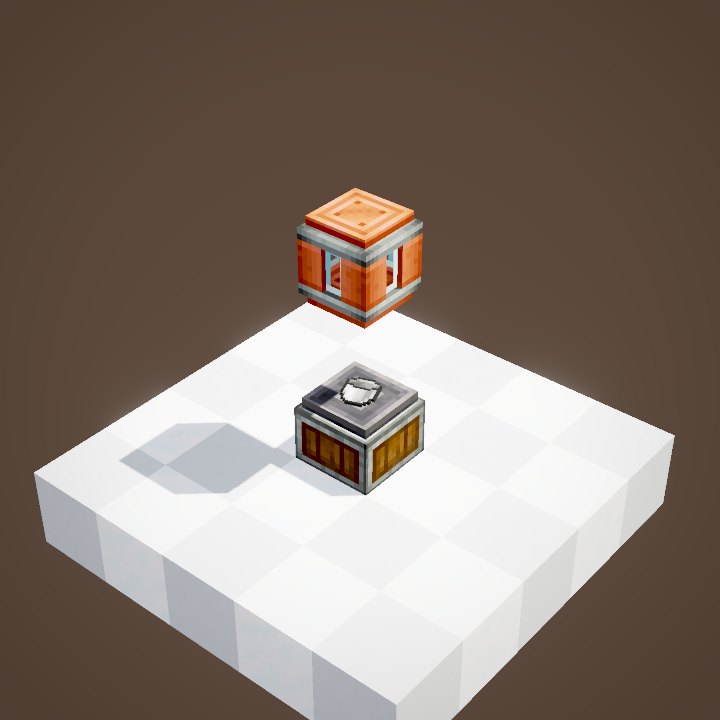
Placed normally against an inventory, the funnel takes items out and spits them in front of itself: onto the ground, onto a belt or into another block that accepts them. The Andesite Funnel pulls one item at a time, every 0.4 seconds.
Placed while sneaking: it pushes
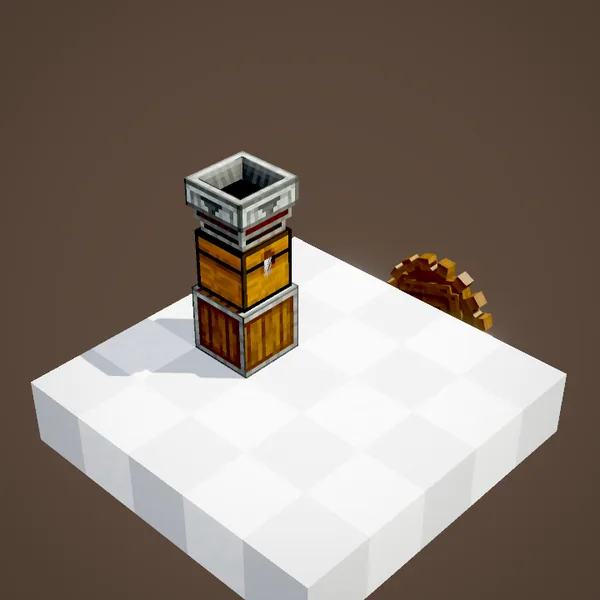
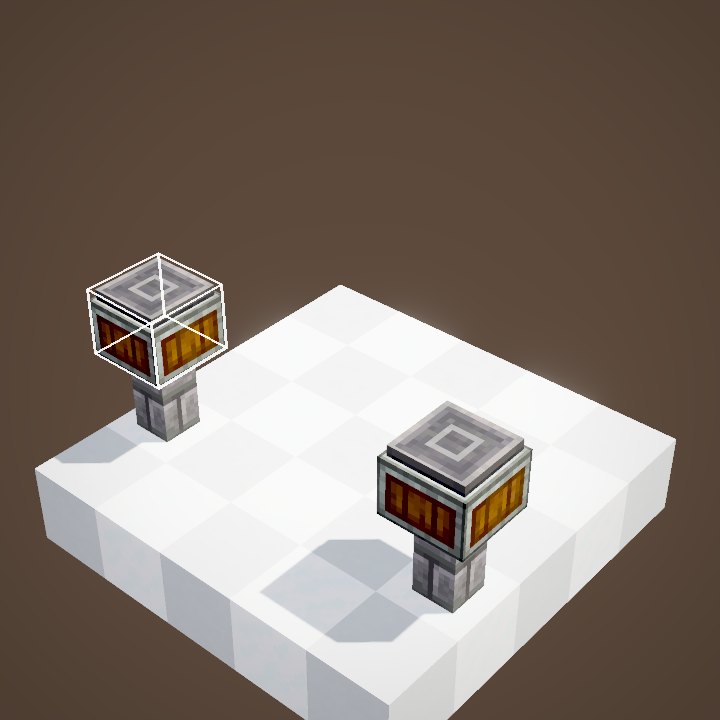
Placed while sneaking, it does the opposite: it puts into the inventory everything it is given, whether items thrown on it or items arriving from a belt or a chute. The same rules apply to almost every orientation, on the top, bottom or sides of an inventory.
Changing your mind: the Wrench
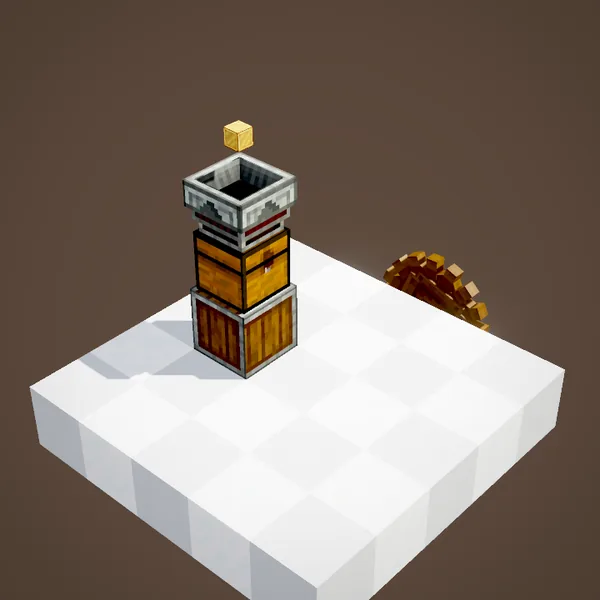
No need to break a funnel placed the wrong way round: one click with the Wrench flips it, from pulling to pushing and back. It is the most common beginner mistake, and the quickest to fix.
On a Mechanical Belt
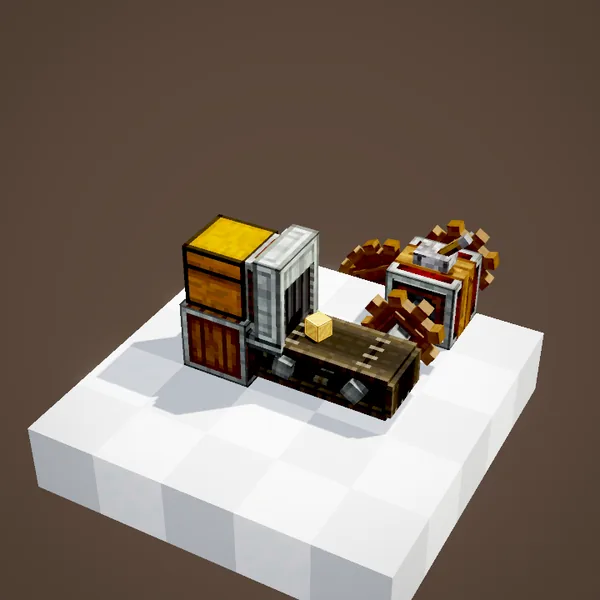
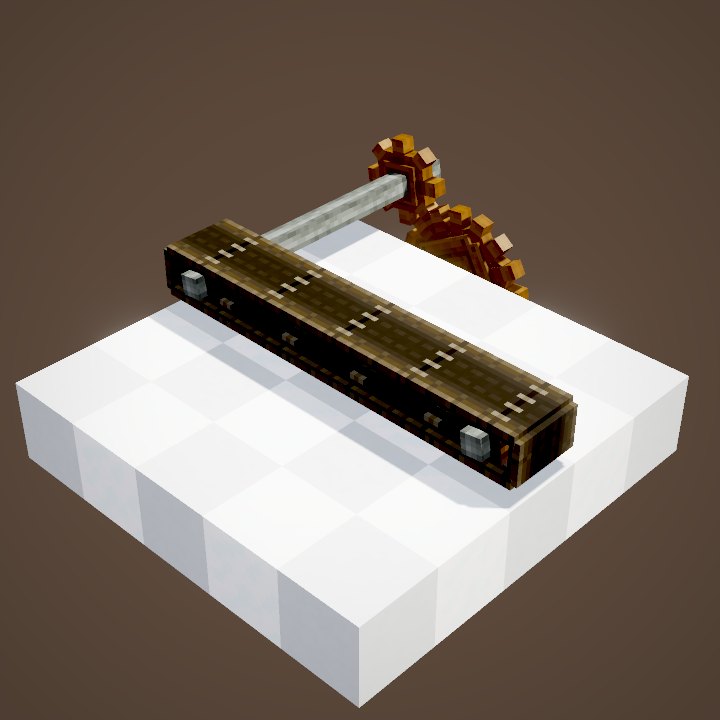
At the end of a Mechanical Belt, the funnel adapts to the direction of travel: if the belt moves towards it, it takes the arriving items and stores them in the inventory behind it; if the belt moves away, it drops the items it pulls onto it. A funnel on the side of a belt can also grab items as they go past.
With other machines
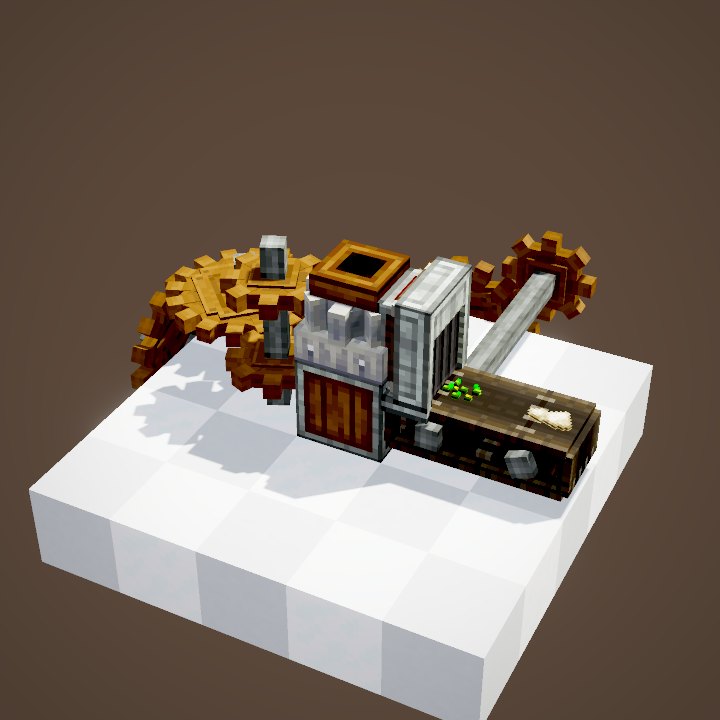
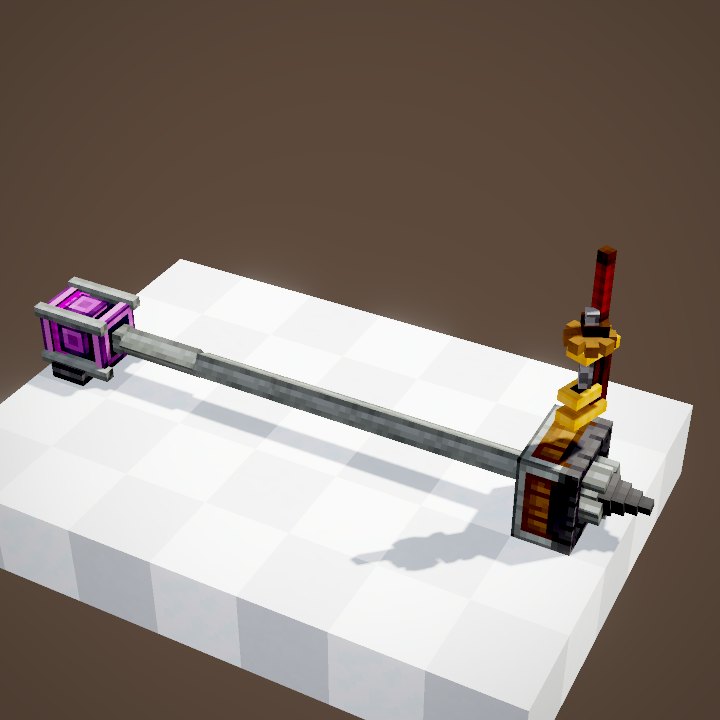
Funnels also work with many Create blocks: a Mechanical Saw placed vertically, the Depot, the Item Drain, basins, millstones… They take finished products out or put ingredients in, which often saves you a belt.
Turning a funnel off with redstone
A redstone signal pauses any funnel. With a comparator on the destination chest, you can for example stop a line when the stock is full.
From chest to chest: chute or belt
Two funnels stuck together between two chests move nothing: a funnel never transfers directly from one closed inventory to another. Vertically, use a chute; horizontally, a short belt between two funnels.
The Brass Funnel: stacks and filtering
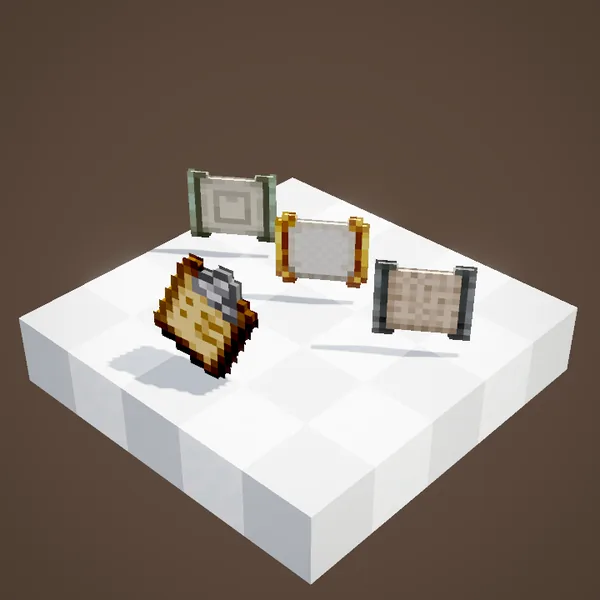
The Brass Funnel pulls up to a full stack each time. Its value panel sets the exact amount, and its filter slot restricts transfers to the chosen items: ideal for sorting, or as a target for a Mechanical Arm, which reads its filter.
Common mistakes
- The funnel empties the chest instead of filling it: it was placed without sneaking. One Wrench click fixes it.
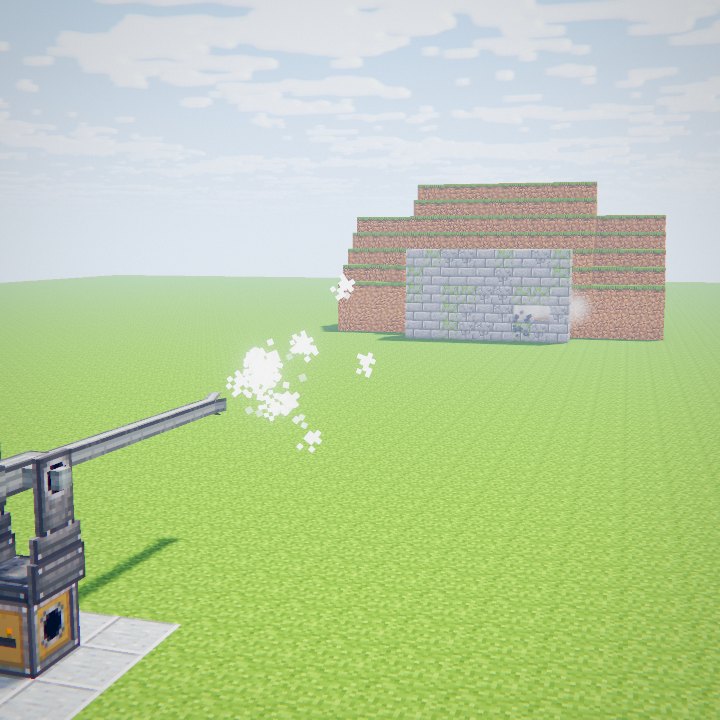
- Items end up on the ground: an extracting funnel spits items in front of itself; with no belt or inventory there, they drop on the floor.
- Nothing moves between two adjacent chests: you need a chute or a belt between them.
- The Brass Funnel takes nothing: its filter is set to another item, or the requested amount is not available.
Related pages
Sources for the numbers (Create 6.0.8 code)
- Amount: FunnelBlockEntity.getAmountToExtract (no active filter: 1 item; Brass Funnel: filter amount, up to 64)
- Filter: FunnelBlockEntity.supportsFiltering (BRASS_FUNNEL, BRASS_BELT_FUNNEL)
- Rate: CLogistics.defaultExtractionTimer = 8 ticks
- Recipes: crafting/logistics/andesite_funnel.json, brass_funnel.json (2 funnels each)
- Scenes: FunnelScenes.intro, directionality, compat, redstone, transposer, brass
Original texts and animations by Create France, rendered from the mod's Ponder scenes. Create is a mod by the Create Team, not affiliated with Create France.