Create Wiki · Redstone
Sequenced Gearshift
The Sequenced Gearshift runs a small program: turn 90°, come back the other way, wait one second… Every redstone signal starts the list from the top. It is the tool for anything that must move by an exact amount: a bearing turning a quarter turn, a piston pushing three blocks, a gate that opens and then closes again.
Quick facts
- Category
- Redstone
- Program
- 5 lines at most, the last one can be “end”
- Turn
- By an angle (up to 360°, 90° by default) or a distance (up to 128 blocks)
- Speed
- Per line: ×1 or ×2, forward or backward
- Wait
- A duration (up to 600 ticks, i.e. 30 s) or a new signal
- Turn time
- angle ÷ (RPM × 0.3) ticks, + 2: 90° at 32 RPM = 12 ticks
- Comparator
- Number of the running line; 0 when idle
- Version
- Create 6.0.8 · Minecraft 1.21.1
Crafting table recipe (shapeless)
→ 1 Sequenced Gearshift
A relay that follows a list
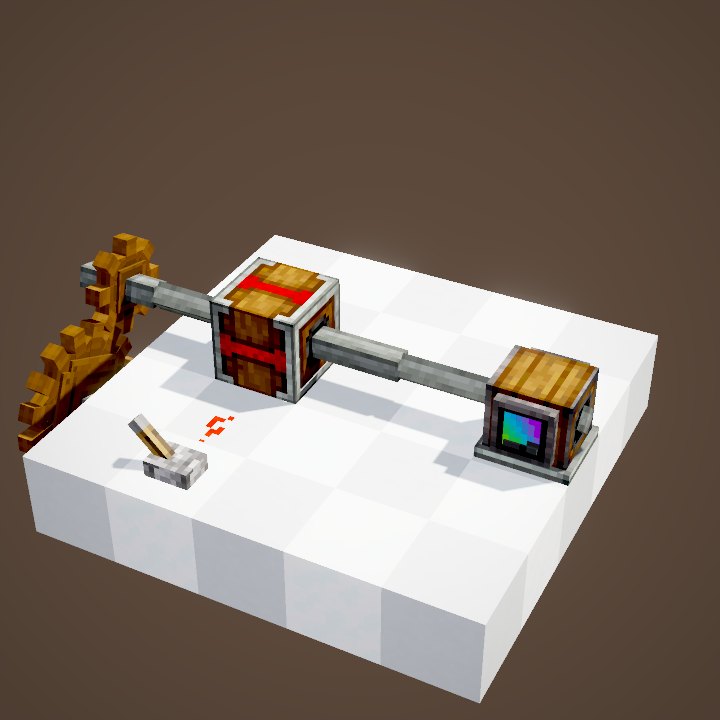
The block goes into a line of shafts, like a plain Gearshift. While idle, its output does not turn: here the shaft between it and the bearing stays still while the source spins.
Writing the program
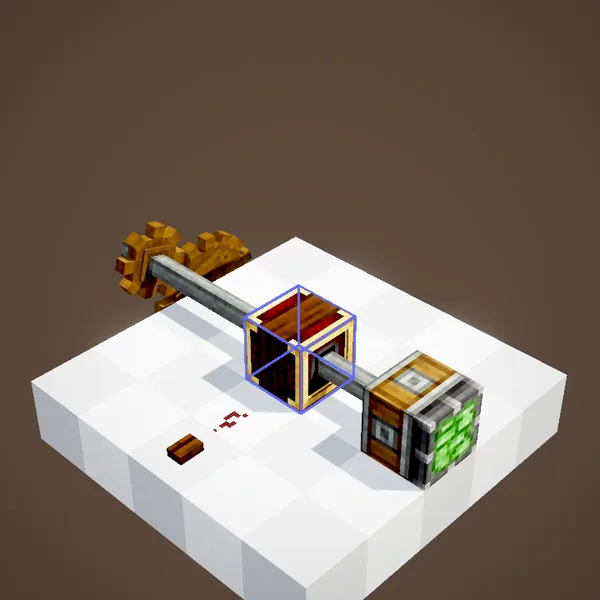
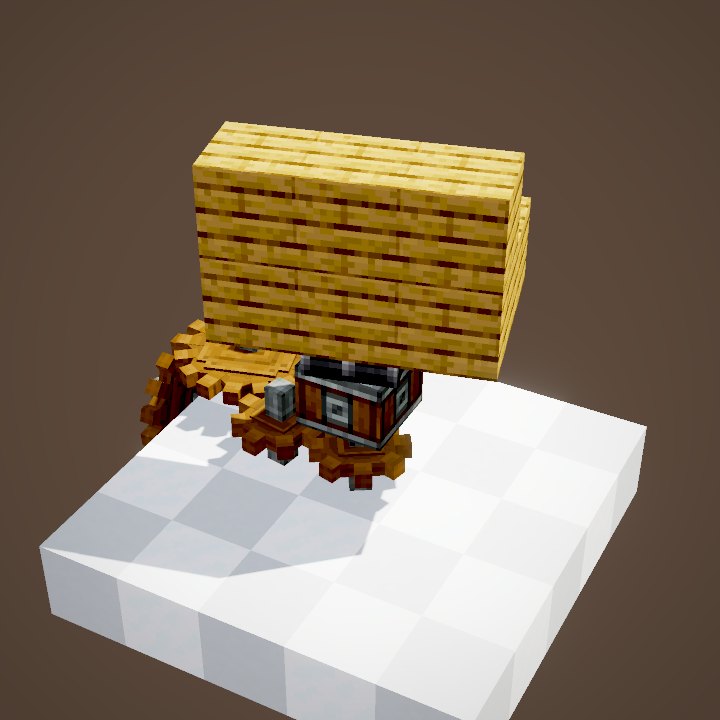
Right-click opens the list. Each line has a type, a value and a speed. The types: turn by angle, turn by distance for pistons, pulleys and gantries, wait for a duration, await a signal, and end.
A signal starts the sequence
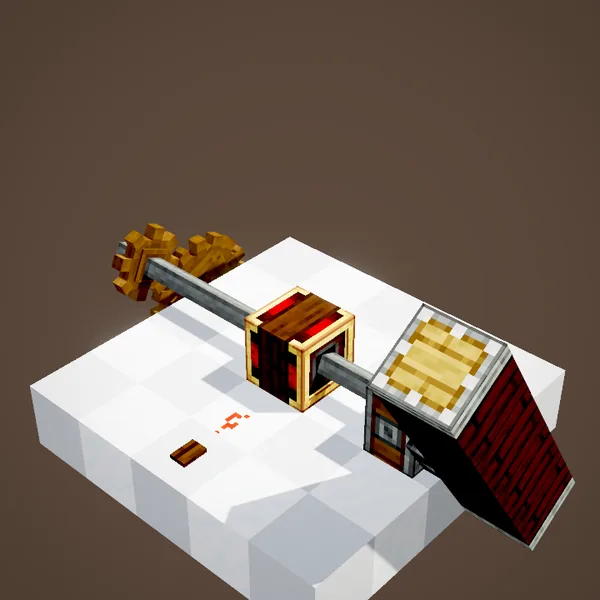
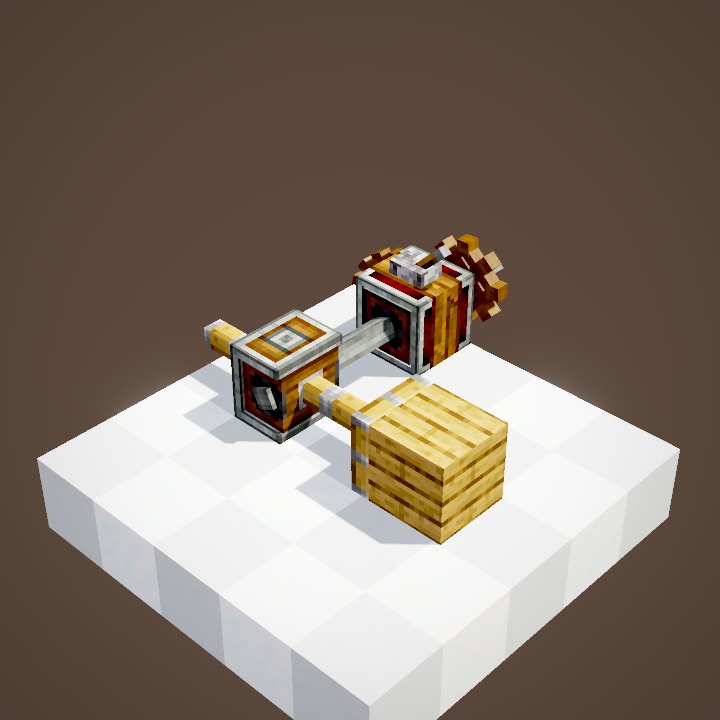
A rising redstone edge starts the first line, here from a wooden button. The loop's program: 90° forward, 180° backward at double speed, a one-second wait, 90° forward. The bearing stops exactly at the requested angle, even though the casing keeps turning for two more ticks.
Then it sits until the next one
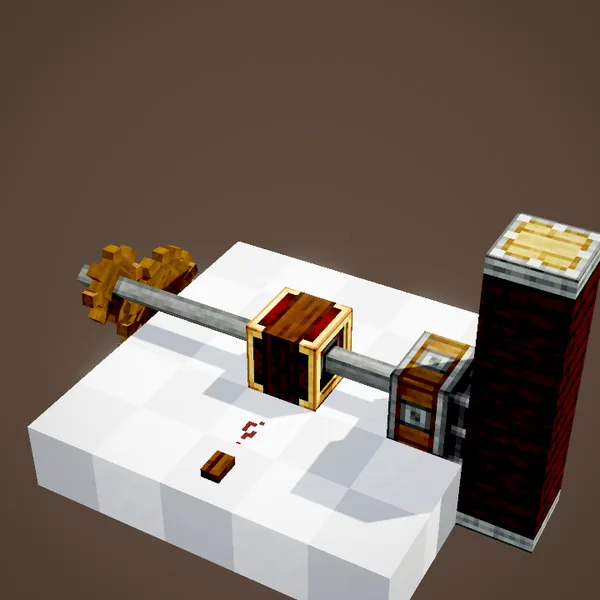
Once the list is done, the output stops and the block waits for a new rising edge. Releasing the button does nothing: once started, the sequence runs to the end.
Following the progress
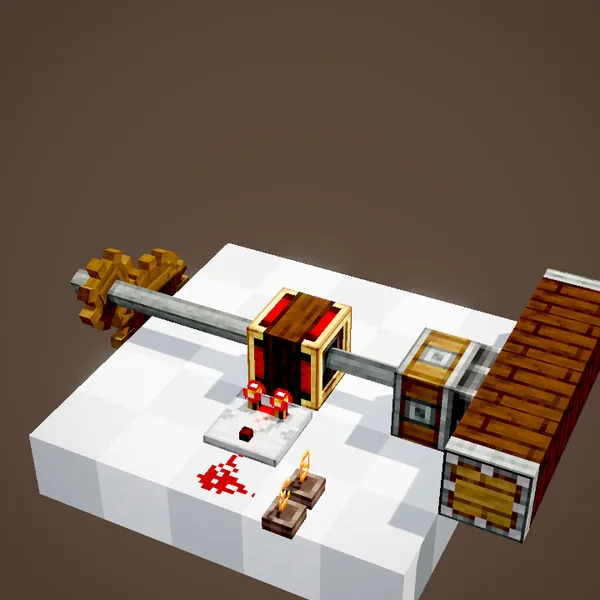
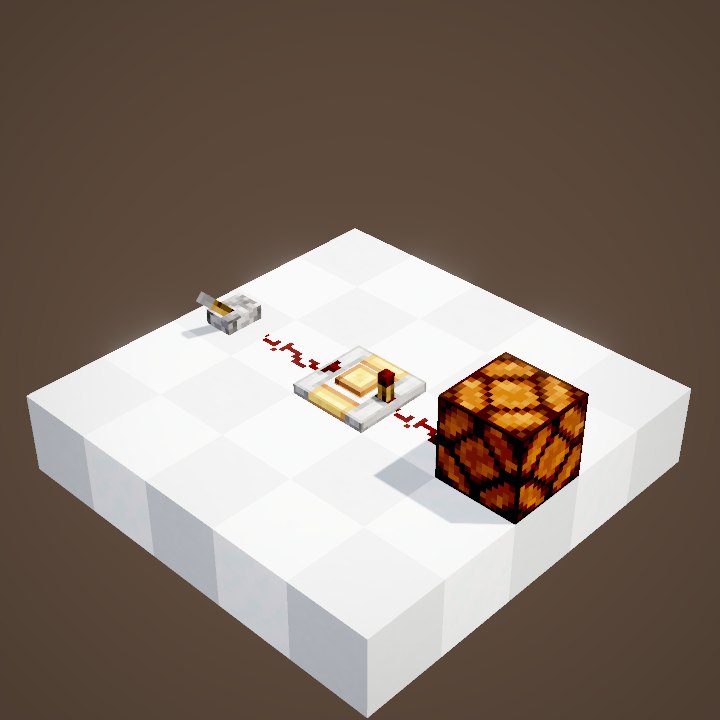
A comparator placed against the block outputs the number of the running line: 1 for the first, 2 for the second… and 0 when idle. Here it runs through dust to a Nixie Tube that shows that number.
An example program
For a swinging door: line 1, turn 90° forward; line 2, await a signal; line 3, turn 90° backward; line 4, end. A first button opens it, the second closes it. For a piston that must push three blocks, a single “turn by distance” line set to 3 is enough.
Turning by distance
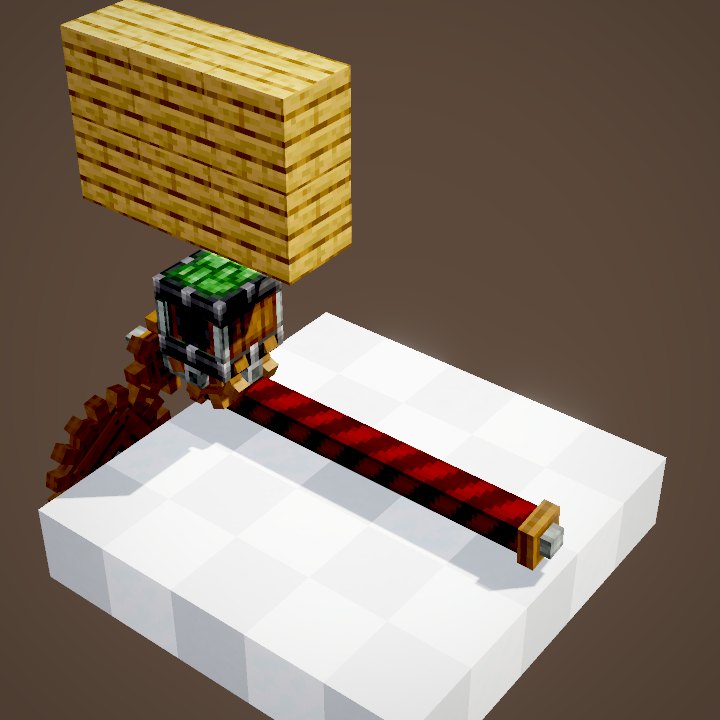
In distance mode, the value counts the blocks travelled by the machine on the output: a piston, a pulley, a gantry. The block works out the time from the speed (RPM ÷ 512 blocks per tick), and the machine stops on the requested block through the same mechanism as for angles. It is the right mode for any machine that moves in a straight line.
Speed and accuracy
How long a line takes depends on the input speed: at 32 RPM a quarter turn takes 12 ticks, at 64 RPM half that. Our loop follows these real timings, shorter than in the in-game scene, which stretches every move over two seconds. The loop's program was rebuilt from what the scene shows.
Build ideas
A swing bridge that turns a quarter turn per button press. A drill on a gantry that moves one block, waits, then moves again. An “await a signal” line in the middle of a program makes it pause until the next button.
Common mistakes
A constant signal does not loop the list: it needs a new rising edge. If the input is not turning when the signal arrives, nothing starts. And for a piston, pick “turn by distance”, not an angle.
On our server
On Create France you will find it in swing bridges and big base gates. Write your program down somewhere: the interface keeps no comments.
Related pages
Sources for the numbers (Create 6.0.8 code)
- Recipe: crafting/kinetics/sequenced_gearshift.json (shapeless)
- Instructions: SequencerInstructions (angle ≤ 360, distance ≤ 128, wait ≤ 600 ticks), Instruction.createDefault (5 lines), InstructionSpeedModifiers
- Timings: Instruction.getDuration (ceil(target / angular speed) + 2), KineticBlockEntity.convertToAngular
- Start and output: SequencedGearshiftBlockEntity.onRedstoneUpdate / run / getModifier, SequencedGearshiftBlock.getAnalogOutputSignal
- Simulation: WIKI/redstone_sim.py (signals, delays, links, latches and speeds recomputed tick by tick from Create's and Minecraft's code; only the player's actions come from the scene)
- Scene: KineticsScenes.sequencedGearshift (program rebuilt: 90° forward, 180° fast backward, 20 ticks, 90° forward; UI not shown)
Original texts and animations by Create France, rendered from the mod's Ponder scenes. Create is a mod by the Create Team, not affiliated with Create France.