Create Wiki · Package network
Postbox
The Postbox does for trains what the Frogport does for chains. Placed near a station, it hands its packages to the trains that stop there and picks up the ones carrying its address. The package network can then cross a whole map: a factory ships, a train rolls, a warehouse at the other end of the world receives. It comes in all sixteen colours.
Quick facts
- Category
- Package network
- Target
- A train station, 5 blocks away at most (packagePortRange)
- Inventory
- 18 slots reserved for packages
- Address
- The box's name; "*" wildcards accepted
- Colours
- 16, depending on the dye in the recipe
- Version
- Create 6.0.8 · Minecraft 1.21.1
Crafting table recipe (White Postbox)
→ 1 White Postbox
Linking it to a station
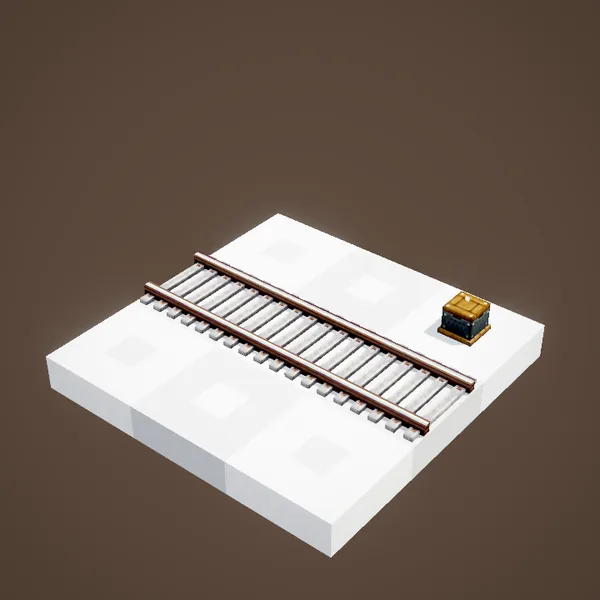
Holding the Postbox, right-click the nearby train station to pick it as the target, then place the box no more than 5 blocks away. It turns towards the track and now acts as that station's counter. A station can have several boxes, one per address.
Putting packages in
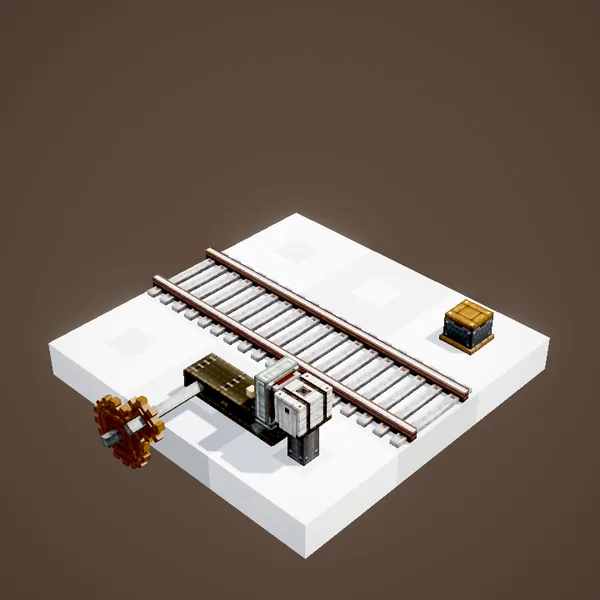
Like a Frogport, the box has an inventory of 18 slots reserved for packages. A Packager outputting into it, a belt or a funnel is enough to fill it. Packages wait there for the next train stopping at the station.
The train does the round
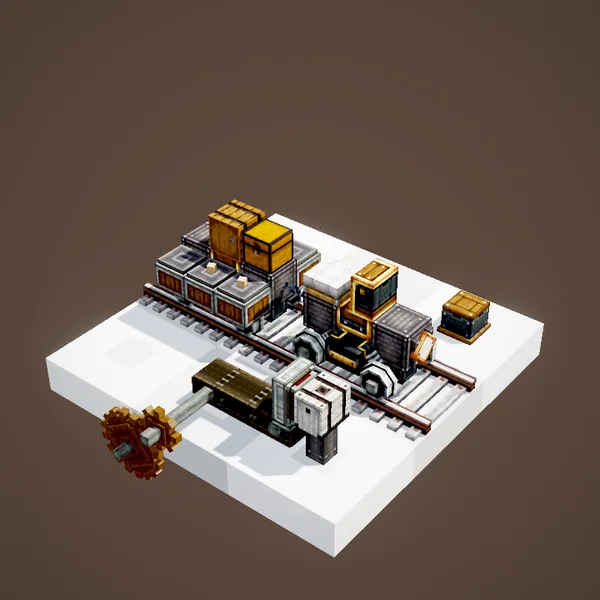
When a train stops at the station, the box's packages go into its storage: chests, barrels or vaults mounted on its carriages. At each following station, the Postboxes take the packages carrying their address. The train needs no special setting: an ordinary schedule between the stations is enough.
The box's address
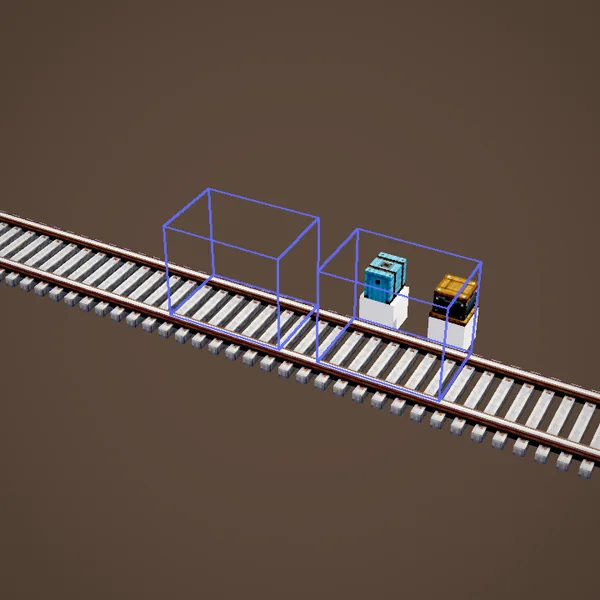
The box's name is its address. A package addressed "Mine" stays on the train until a station where a box is called "Mine". Wildcards work: a "Mine*" box accepts "Mine iron" and "Mine gold". A setting also lets you make a box that ships without ever receiving anything.
Receiving
Once stored in the destination box, packages are collected as from a chest: a funnel takes them out, a Packager underneath unpacks them straight into its inventory. With an Item Vault behind the Packager, the delivery ends up stored with no one lifting a finger.
Trains and chains together
Postboxes and Frogports speak the same address language. A factory can send its packages by chain to the station, where a box hands them to the train, then another chain network spreads them out at the destination. The Stock Ticker can even place an order in a distant warehouse: the answer arrives by train.
Tips
Give each station a simple, consistent address name, and dedicate one storage wagon to the mail. If packages get stuck, check that the train has free room and that it really stops at the linked station rather than a neighbouring one. Coloured boxes help spot addresses on a busy platform.
Example: a mine linked to the base
At the mine, a Packager regularly turns the ore chest's contents into packages addressed "Base", which drop into a Postbox next to the station. The line's train stops there, takes the packages on board and leaves again. At the base station, a Postbox named "Base" picks them up, a Packager unpacks them into an Item Vault, and a Stock Ticker immediately shows the new iron stock. Nobody has to make the trip with a full inventory any more, and the whole route keeps working while you are busy building somewhere else.
About the pictures
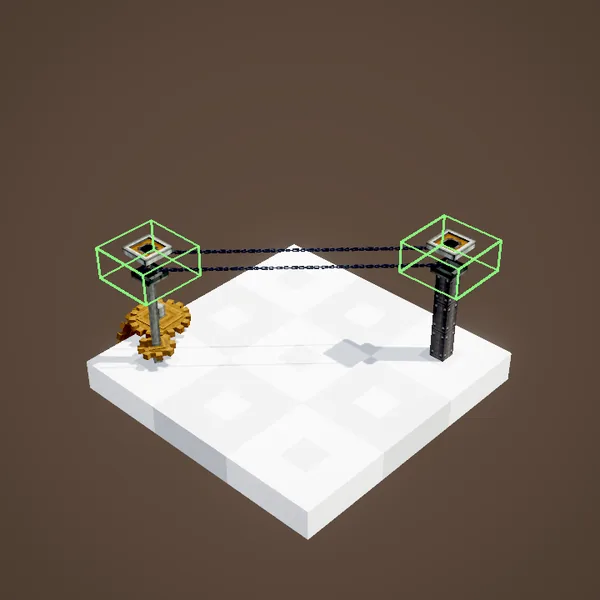
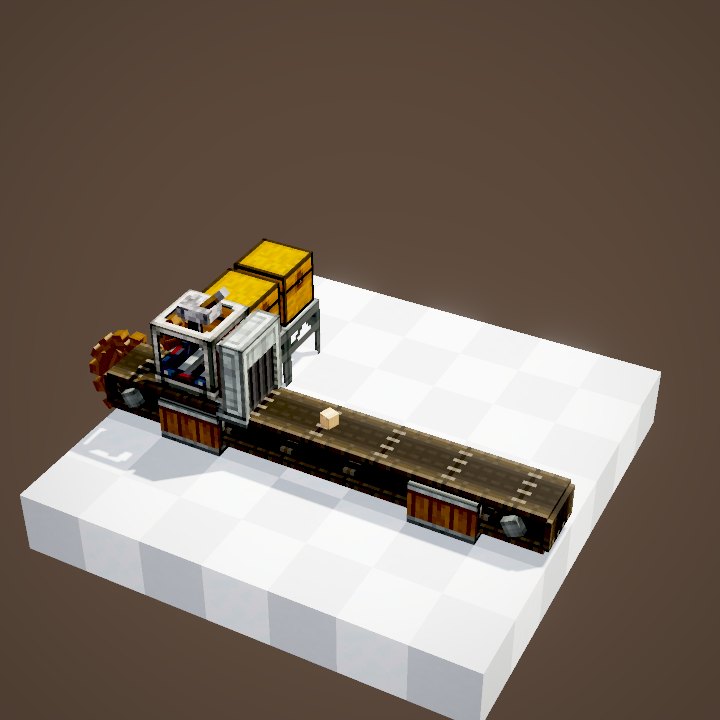
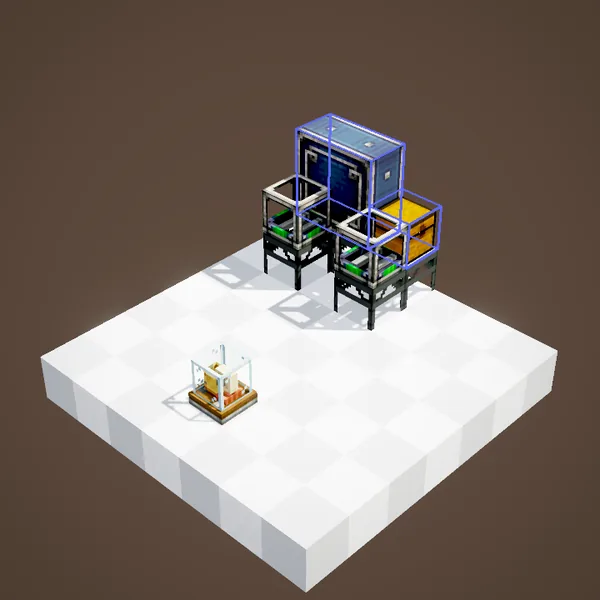
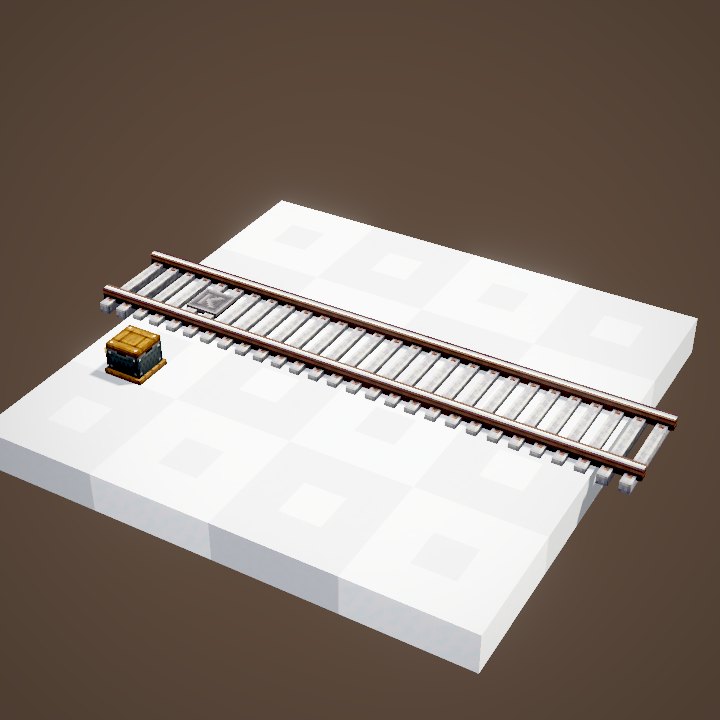
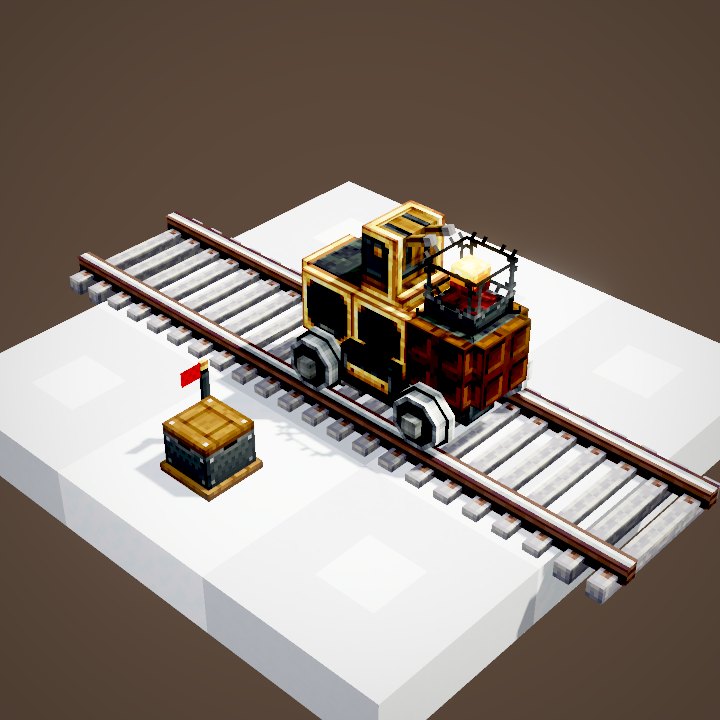
The Postbox Ponder scene involves a moving train and packages inside its carriages, which our renderer cannot animate yet: this page is illustrated with stills of the setups.
Related pages
Sources for the numbers (Create 6.0.8 code)
- Postbox: PackagePortBlockEntity (18-package inventory, addressFilter, acceptsPackages), target: station (PackagePortTarget), CLogistics.packagePortRange = 5
- Addresses: PackageItem.matchAddress ("*" and Glob wildcards)
- Recipe: crafting/logistics/white_postbox.json (and the fifteen other colours)
- Scene: PostboxScenes.postbox; stills only (train and packages on board not animated)
Original texts and animations by Create France, rendered from the mod's Ponder scenes. Create is a mod by the Create Team, not affiliated with Create France.