Create Wiki · Package network
Packager
The Packager is the way into Create 6's package network. Placed against a chest, it puts its contents into a cardboard package that can travel on belts, Chain Conveyors or trains. The other way round, it unpacks the packages delivered to it and stores their contents in its chest. With an address written on the package, every shipment knows where it should arrive.
Quick facts
- Category
- Package network
- Package contents
- Up to 9 stacks
- Trigger
- A redstone pulse, or an order coming from the network (Stock Link)
- Address
- Written on a sign attached to the Packager; "*" accepts anything
- Unpacking
- A package inserted into the Packager is emptied into the inventory behind it
- Stress
- None, no rotation needed
- Version
- Create 6.0.8 · Minecraft 1.21.1
Crafting table recipe
→ 1 Packager
Against an inventory
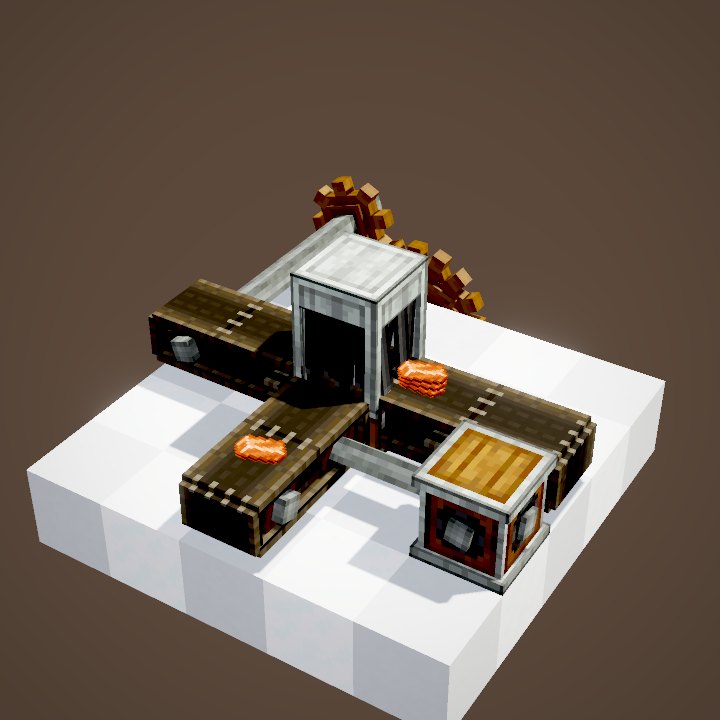
The Packager goes against an inventory: chest, barrel, Item Vault. Its opposite face is the output, with a small sliding tray that presents the packages. It needs no rotation: only redstone or the network makes it work.
Making a package
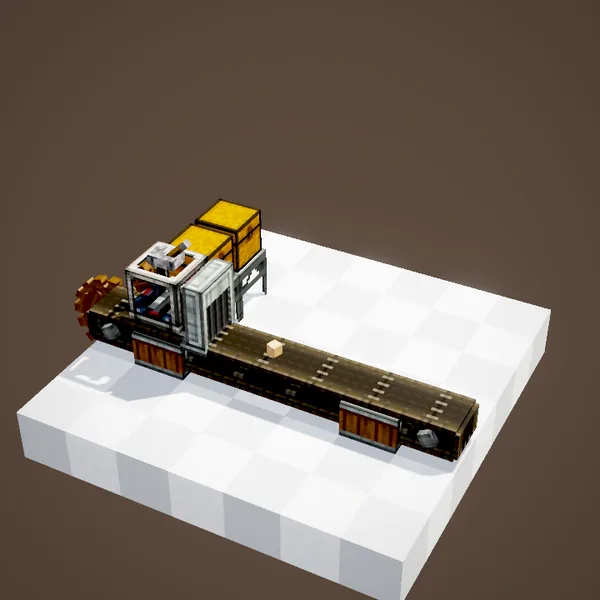
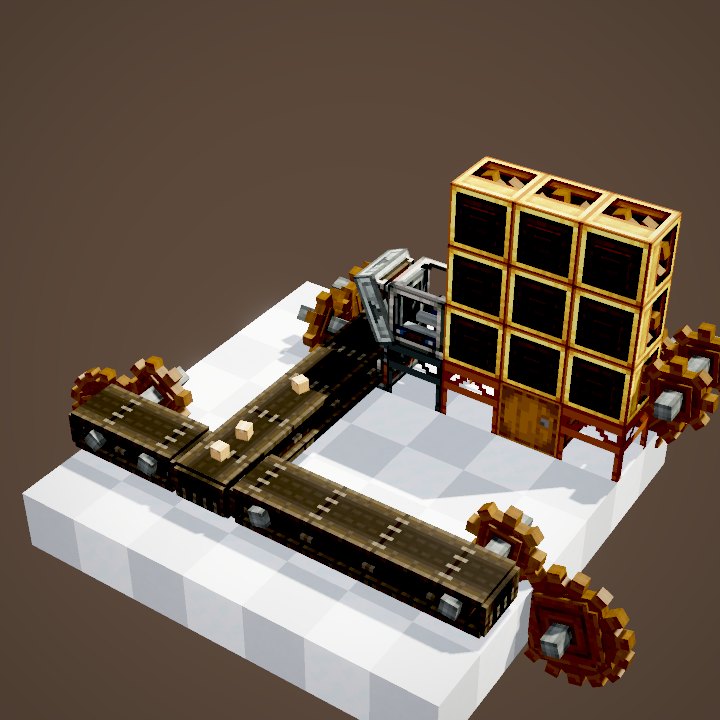
At every redstone pulse, the Packager takes the contents of its inventory and turns them into a package, up to 9 stacks per package. If there is more, it makes several. The package comes out onto whatever is in front: belt, Funnel, Chute, Frogport or Postbox. A package is an ordinary item: it travels with every Create tool.
Unpacking on arrival
A package that is fed into a Packager, by a belt or a funnel, is opened and its contents stored in the inventory behind it. The same block therefore works at both ends of a line: one Packager ships, another receives. The cardboard simply disappears.
When the destination is full
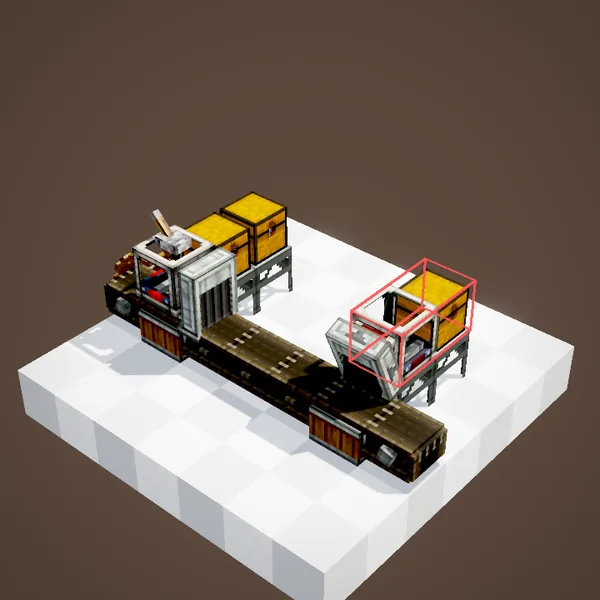
The Packager only unpacks a package if all of its contents fit in the inventory. If the destination chest is full, the package stays in front of it and the line waits. Nothing is lost, but nothing gets through either: plan enough room at the destination, or an overflow to a second chest.
Writing an address
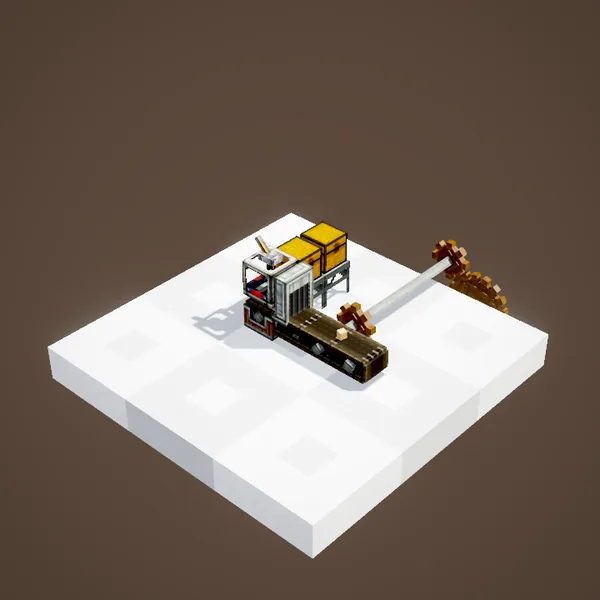
Attach a sign to the Packager and write a name on it, for instance "Forge". Every package it makes will carry that address. It shows in the package's tooltip and is the destination for the whole network. Addresses accept the "*" wildcard: "Forge*" matches "Forge north" as well as "Forge south".
Sorting packages by address
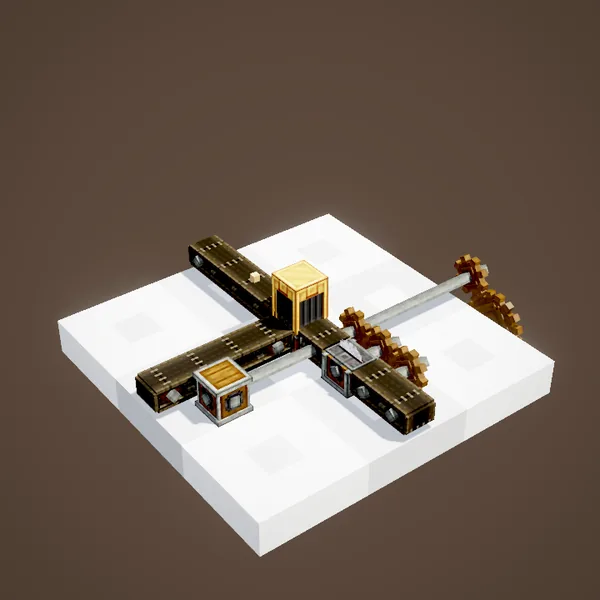
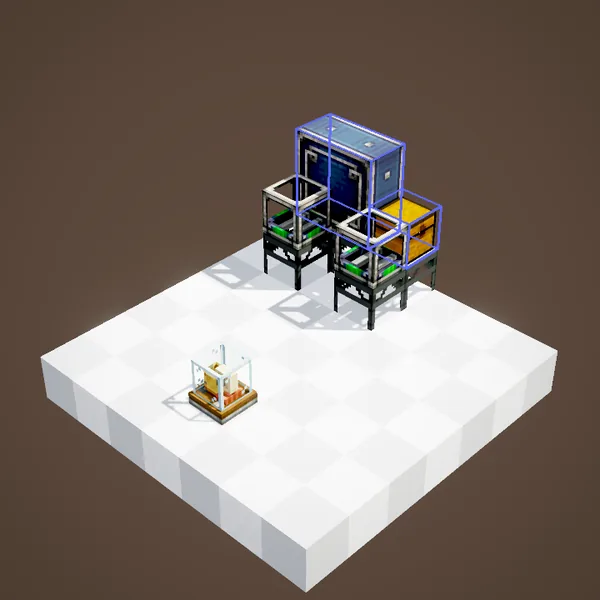
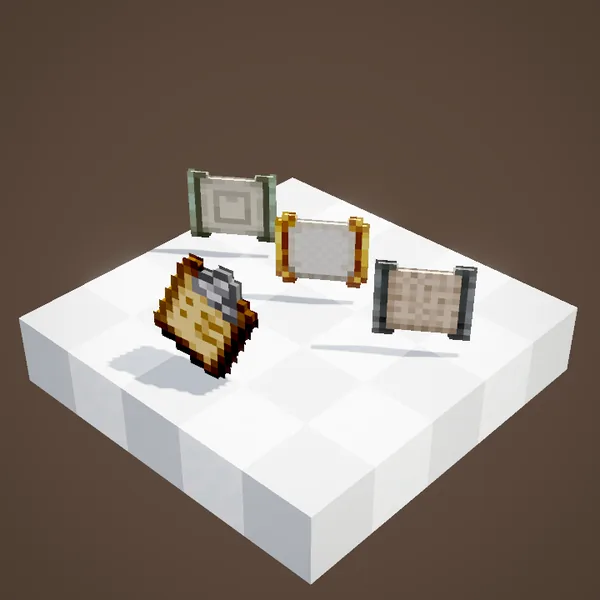
To route packages, use a Package Filter: a filter with an address written on it. Placed on a Brass Tunnel, a Brass Funnel or a Smart Chute, it only lets that address's packages through. A belt crossroads thus becomes a postal sorting office.
Reading a package's address
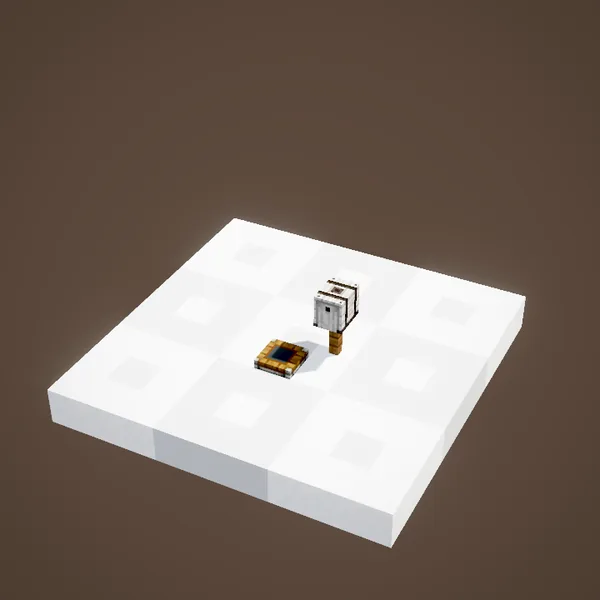
A Display Link placed on a Depot or a belt can write the address of the package sitting there onto a board: ideal for a loading bay. Watch out for packages without an address: they only go through Package Filters left empty.
In the package network
A Packager linked to the network by a Stock Link no longer waits for redstone: it packs the items ordered from a Stock Ticker or a Redstone Requester on its own, with the requested address. It is the link that turns an ordinary chest into a warehouse you can browse from anywhere.
Getting started
For a first try you only need a chest, a Packager, a lever and a belt leading to a second Packager against another chest. Once you understand that trip, the rest of the package network is only a matter of distance and addresses: chains for longer hops, trains for the far side of the map, and Stock Links to order from anywhere.
What our loops show
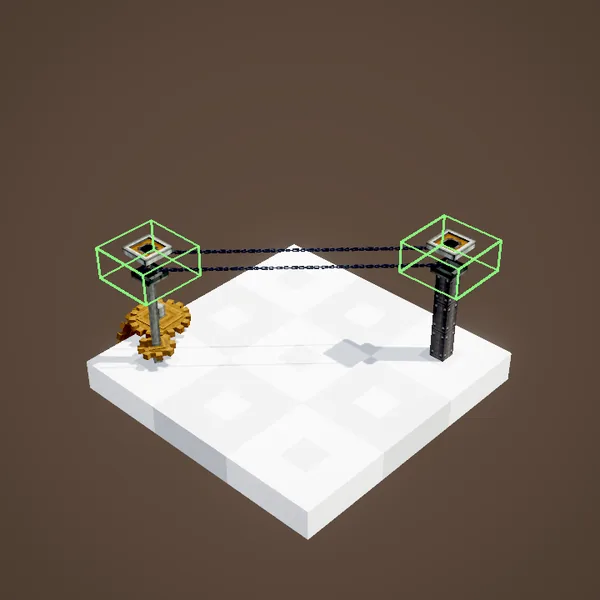
Our loops draw packages as the "cardboard package" item on belts and on the Packager's tray, following its in-game animation. Address text does not appear, and sorting by address is only shown as stills.
Related pages
Sources for the numbers (Create 6.0.8 code)
- Packages: PackageItem.SLOTS = 9; address: PackageItem.addAddress / matchAddress ("*" and Glob wildcards)
- Packager: PackagerBlockEntity (activate on a redstone pulse, attemptToSend, unwrapBox, updateSignAddress: attached sign), tray animation getTrayOffset, CYCLE = 20 ticks
- Recipe: crafting/logistics/packager.json
- Scenes: PackagerScenes.packager (two partial loops: packages drawn as the "cardboard package" item), packagerAddress (stills)
Original texts and animations by Create France, rendered from the mod's Ponder scenes. Create is a mod by the Create Team, not affiliated with Create France.