Create Wiki · Contraptions
Mechanical Piston
The Mechanical Piston is Create's first contraption: it slides blocks forward and back in a straight line, as far as its extension poles allow. The sticky version brings back what it pushed. It is the base of hidden doors, drawbridges and rail-mounted mining rigs such as the Mechanical Drill.
Quick facts
- Category
- Contraptions
- Stress
- 4 SU per RPM
- Speed
- RPM ÷ 512 block per tick: 1.25 blocks/s at 32 RPM, 9.8 at most
- Stroke
- 1 block per extension pole, 64 poles at most
- Push
- The row of blocks ahead of the head, plus everything glued or fixed to it
- Sticky
- A slimeball on the piston: it pulls the blocks back when retracting
- Limit
- 2,048 blocks moved per contraption
- Version
- Create 6.0.8 · Minecraft 1.21.1
Crafting table recipe
→ 1 Mechanical Piston
Pushing blocks
The piston acts on the block standing in front of its head. As soon as it turns, it assembles that block into a contraption and slides it. A row of aligned blocks is pushed in one go, along with everything holding on to it: glue, chassis, torches or levers fixed on it.
Direction comes from rotation
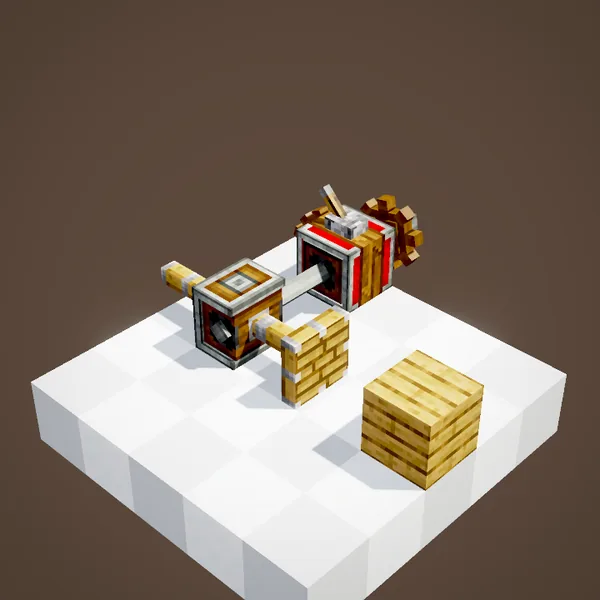
The piston takes no orders: it follows its shaft. Rotation one way extends it, the other way retracts it. In the loop a lever on a gearshift is all it takes to flip the direction. The higher the RPM, the faster it goes.
Powering the piston
The shaft goes into one side of the piston, at a right angle to its stroke. A Hand Crank is enough for a small door; a real engine is better for a heavy structure moved often.
The sticky piston
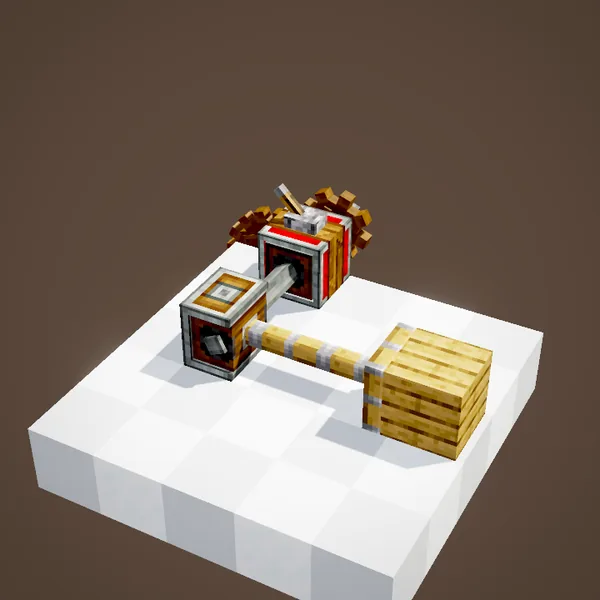
A regular piston pulls nothing: when it retracts, the blocks stay where it pushed them. Right-click the piston with a slimeball, or craft the sticky version: the head turns green and drags back whatever it touches.
A whole structure
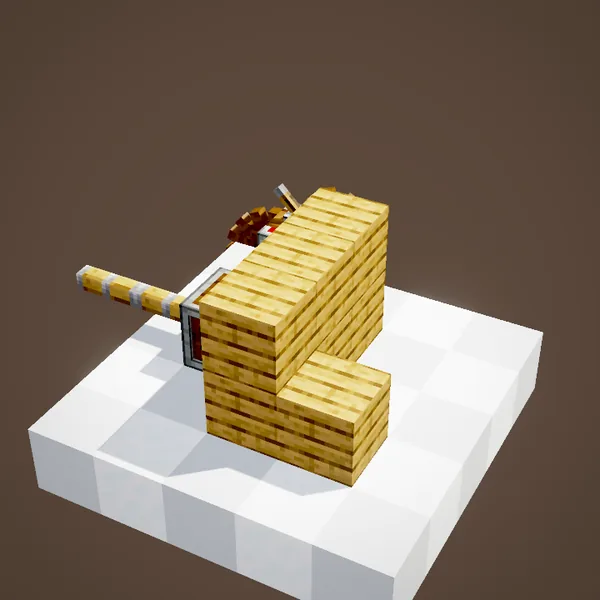
To move more than a line, add Super Glue or chassis. Here, a shape of planks glued to the pushed block travels as one. Our simulation rebuilt the assembly with Create's rules: the same blocks move as in the scene.
No pole, no movement
Without an extension pole behind it, the piston is stuck: it has no stroke at all. Poles go at the back, in line, and the head appears on its own at the front when it assembles.
One pole, one block
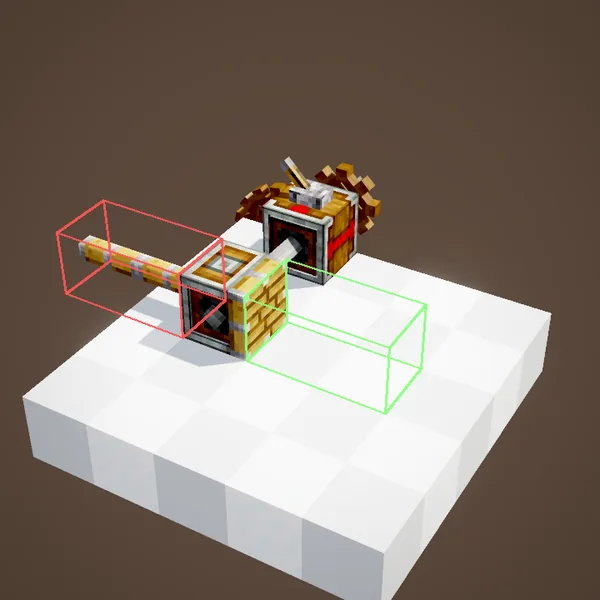
Each pole adds one block of stroke. Two poles: two blocks. Create's code accepts 64 at most. One recipe yields eight poles, enough for most doors.
Back to plain blocks when stopped
When the piston stops, the contraption turns back into real blocks at its new place. Plants and blocks without collision in the way get broken, like the rose bushes in the loop. Keep the path clear.
Picking the stop mode
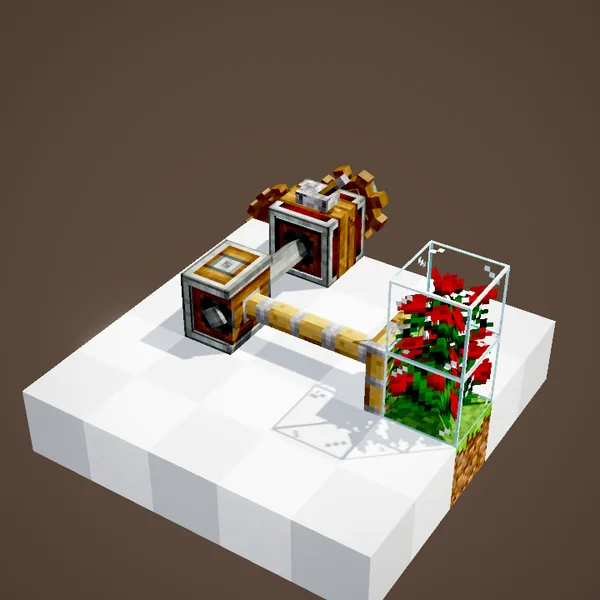
The piston's value panel offers three modes: always place the blocks when stopped, only place them at the starting position, or never place them while the piston exists. The second keeps the structure moving on the way out.
Speed and stress
The piston moves RPM ÷ 512 block per tick: 0.63 blocks/s at 16 RPM, 1.25 at 32, 2.5 at 64, 5 at 128. Above 251 RPM it caps at 9.8 blocks/s. It costs 4 SU per RPM, whatever the size of the structure.
Build ideas
A secret door: two sticky pistons behind a wall, a hidden lever. A drawbridge: a piston lying under the deck. A tunnel bore: drills glued to the head, moving one block forward every cycle.
Common mistakes
Piston won't move? Check the poles behind it, an immovable block in front (obsidian, bedrock) or a structure above 2,048 blocks. If the structure runs into a solid block, the piston stops just short of it and places it. A moving piston cannot be carried by another contraption.
Related pages
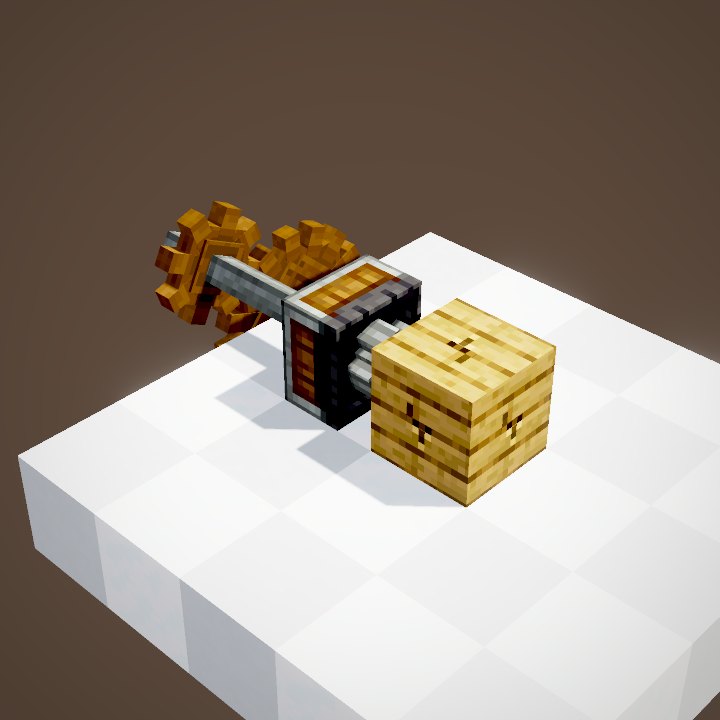 Mechanical DrillContraptions
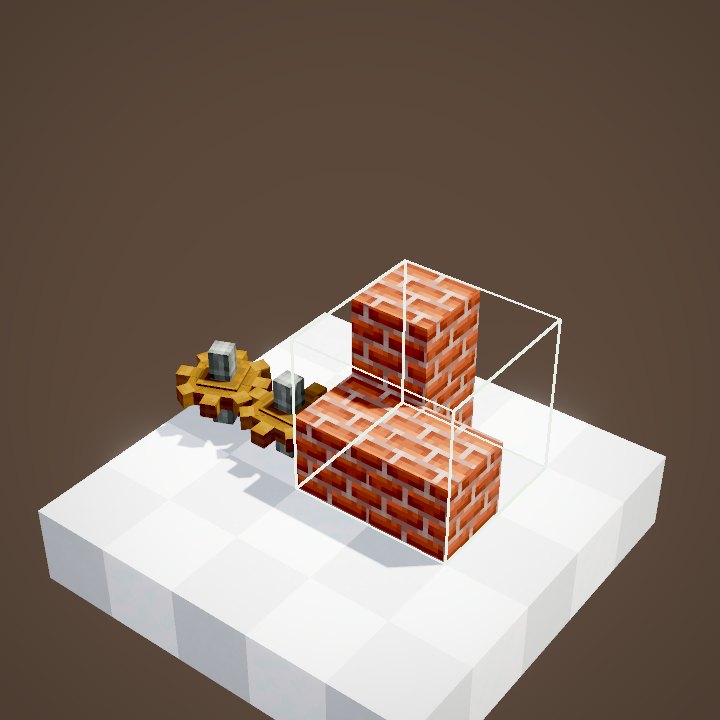 Super GlueContraptions
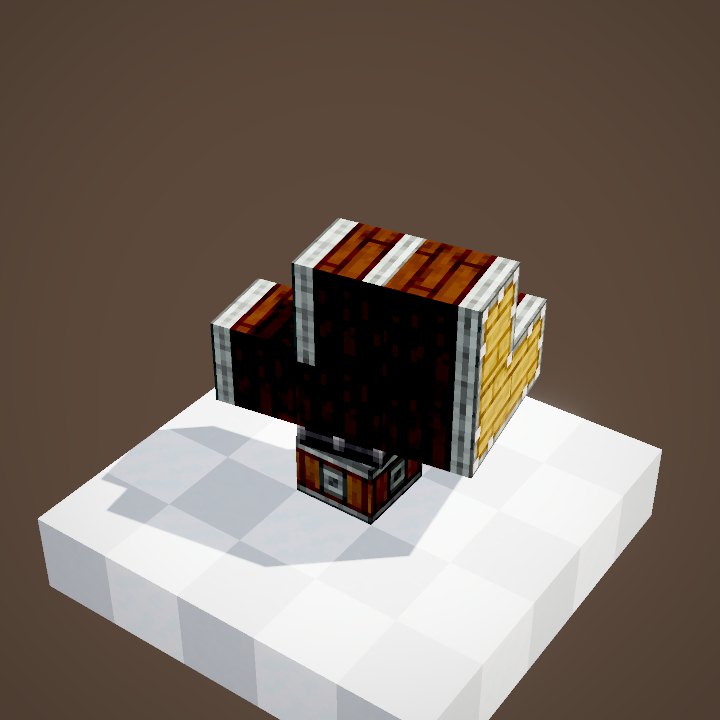 Linear and Radial ChassisContraptions
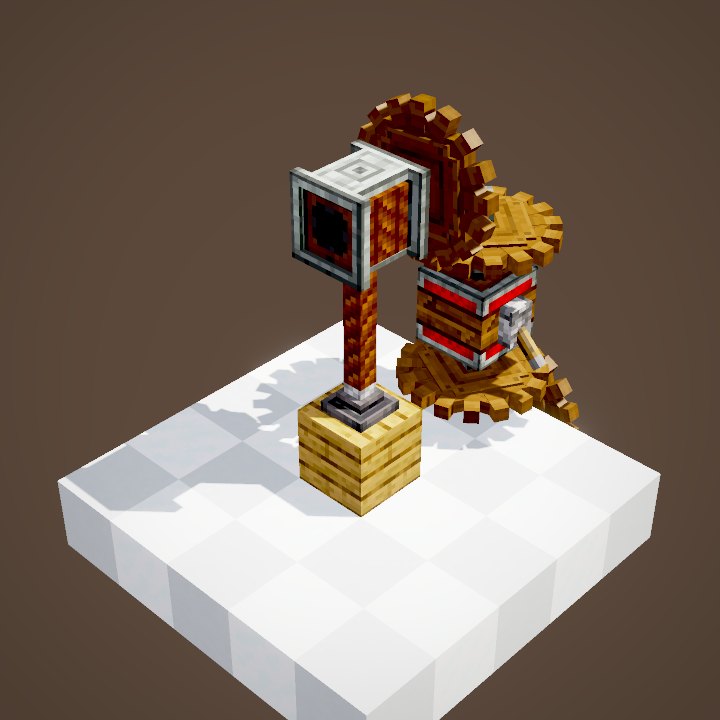 Rope PulleyContraptions
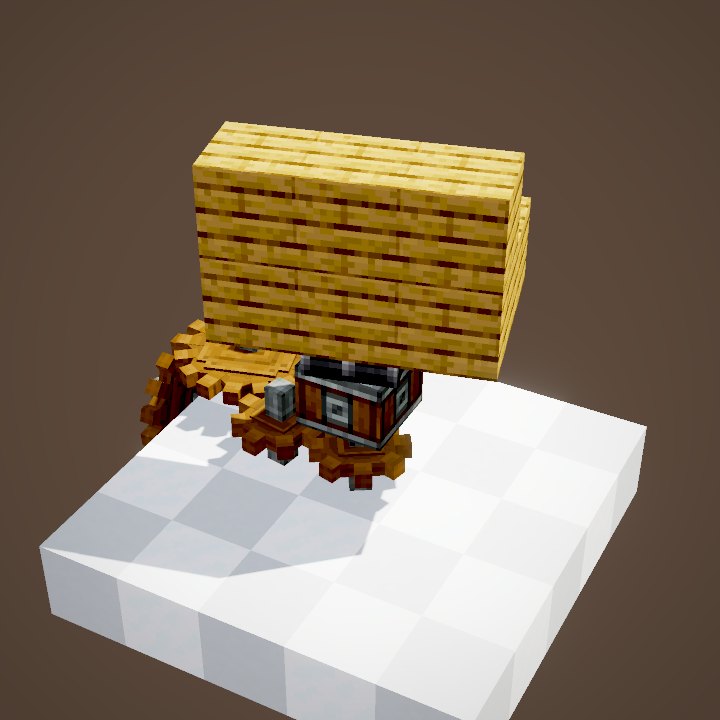 Mechanical BearingContraptions
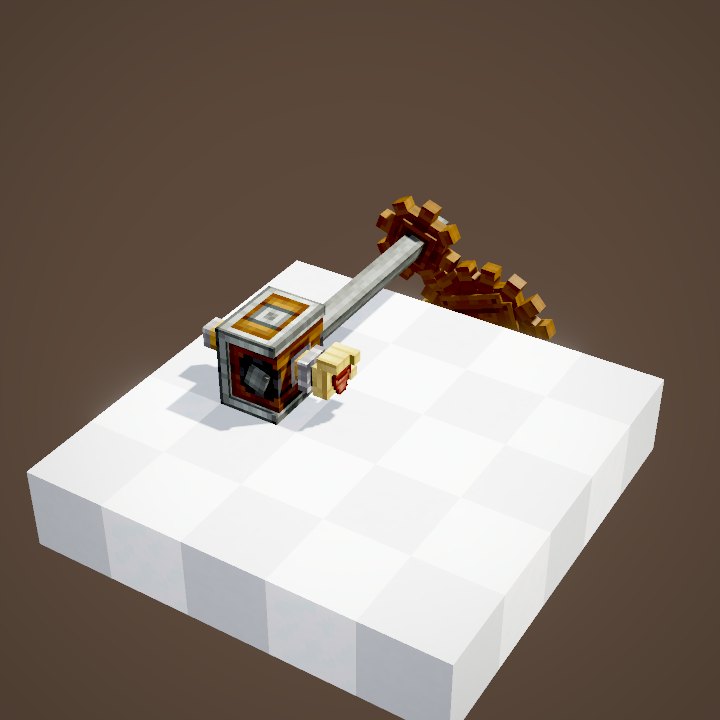 DeployerProcessing
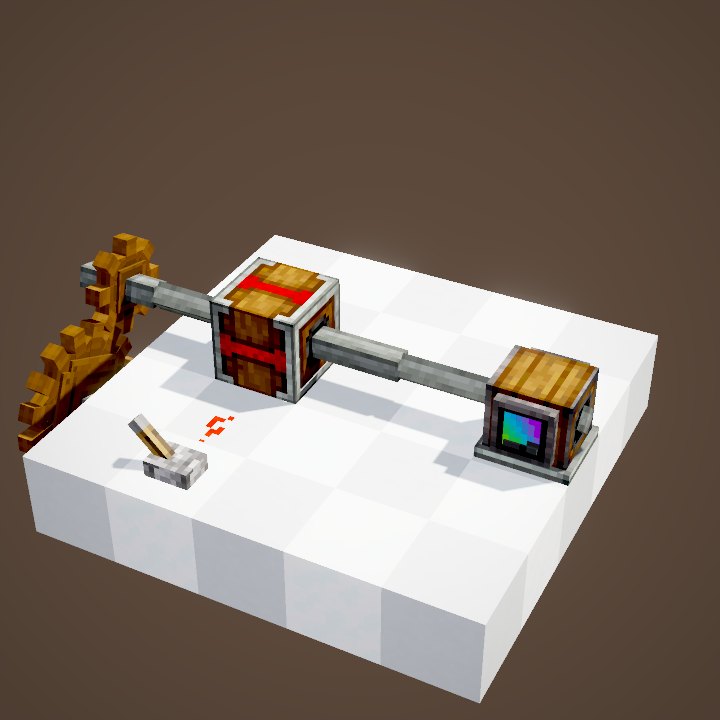 Gearshift and ClutchRedstone
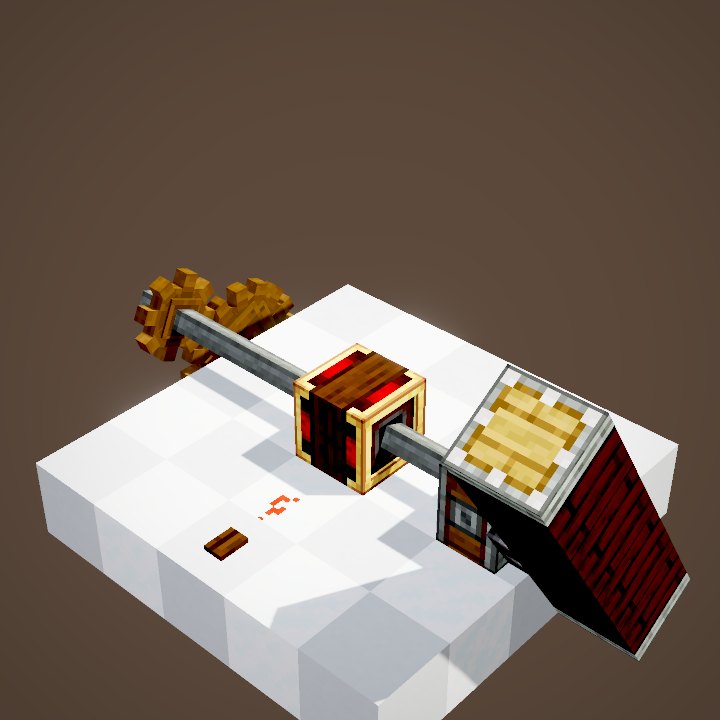 Sequenced GearshiftRedstone
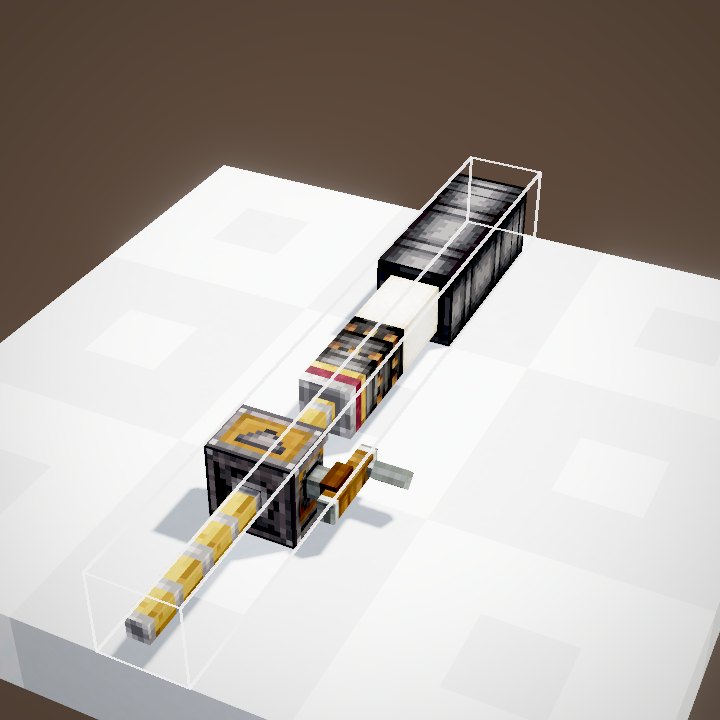 Loading a cannonCreate Big Cannons
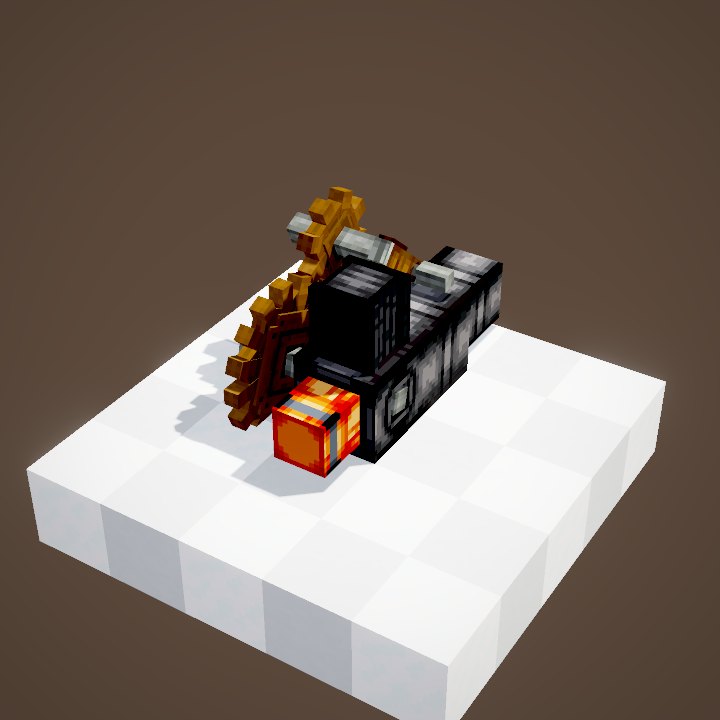 Cannon breechesCreate Big Cannons
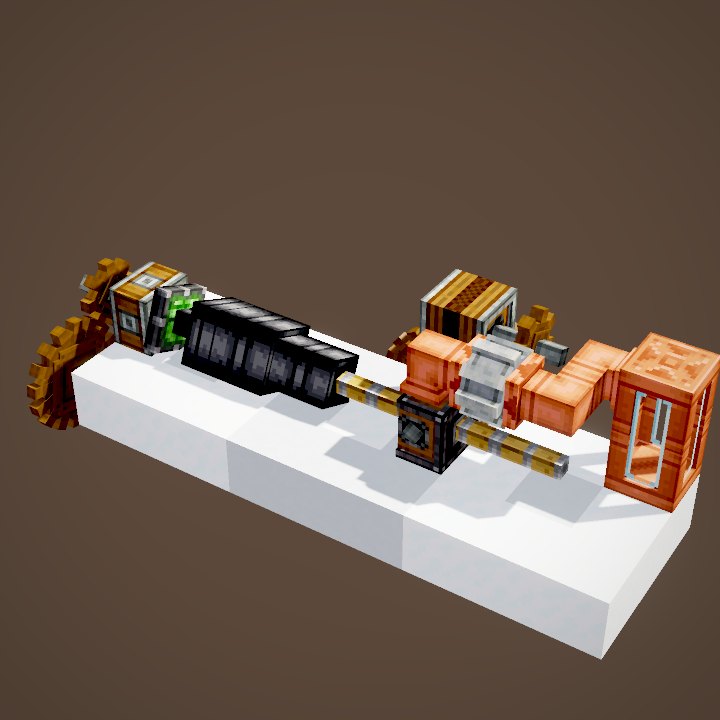 Crafting a cannonCreate Big Cannons
Sources for the numbers (Create 6.0.8 code)
- Recipes: crafting/kinetics/mechanical_piston.json, sticky_mechanical_piston.json, piston_extension_pole.json (8 poles)
- Stress: BuilderTransformers.mechanicalPiston (CStress.setImpact(4.0))
- Speed: LinearActuatorBlockEntity.getMovementSpeed (clamp(speed / 512, -0.49, 0.49) block per tick)
- Stroke and push: MechanicalPistonBlockEntity.getExtensionRange, PistonContraption.collectExtensions / addToInitialFrontier, CKinetics.maxPistonPoles (64), maxBlocksMoved (2048)
- Sticky: MechanicalPistonBlock.useItemOn (slimeball)
- Modes: LinearActuatorBlockEntity.MovementMode (MOVE_PLACE, MOVE_PLACE_RETURNED, MOVE_NEVER_PLACE)
- Simulation: WIKI/contraption_sim.py (carried blocks, movement times, ropes and actors recomputed from Create's code)
- Scenes: PistonScenes.movement, poles, movementModes (parrot not drawn)
Original texts and animations by Create France, rendered from the mod's Ponder scenes. Create is a mod by the Create Team, not affiliated with Create France.