Create Wiki · Tools and equipment
Engineer's Goggles
Engineer's Goggles are Create's X-ray vision. Worn on your head, they show a small panel as soon as you look at a machine: the stress it uses or provides, its speed, the fluid in a tank. Without them, there is no way to tell why a line stopped.
Quick facts
- Category
- Tools and equipment
- Slot
- Head (right-click to put them on); also the Curios « head » slot when Curios is installed
- Shows
- Stress used or provided (SU), overstressed network, contents of tanks, basins, spouts…
- Stress shown
- Base impact × current speed in RPM
- Other helmets
- No: they take the helmet slot (except with Curios)
- Stack
- 1
- Version
- Create 6.0.8 · Minecraft 1.21.1
Crafting table recipe
→ 1 Engineer's Goggles
The item
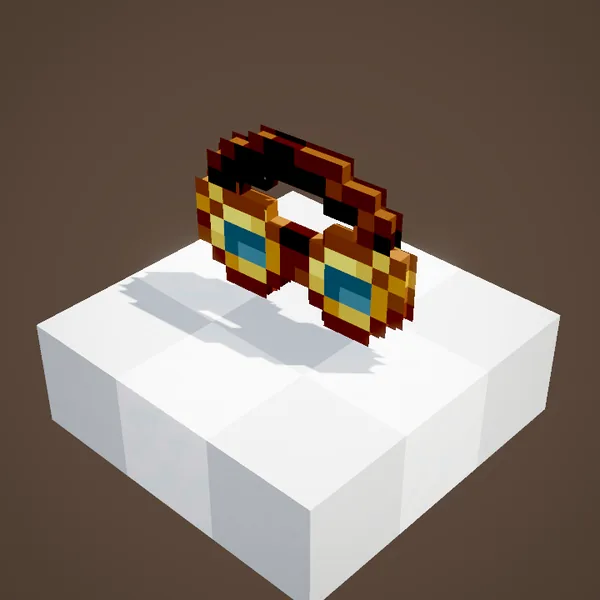
A leather and brass frame with two round lenses: the recipe takes a string, two glass blocks and a golden sheet. You wear them like a helmet, with a right-click or by dropping them in the head slot. A dispenser can also put them on a player standing in front of it.
What they show
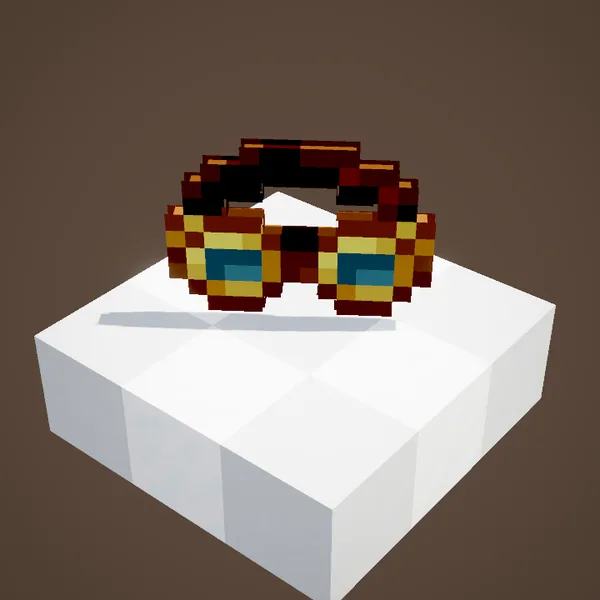
Look at a kinetic block: a panel pops up next to the crosshair. For a machine it gives the stress impact at its current speed, in SU. For a source (motor, water wheel, windmill) it gives the capacity provided. For a tank, a basin, a spout or an item drain, each fluid with its amount over the capacity in mB. The steam engine, the whistle, the gauges and the analog lever have their own line too.
Reading the panel
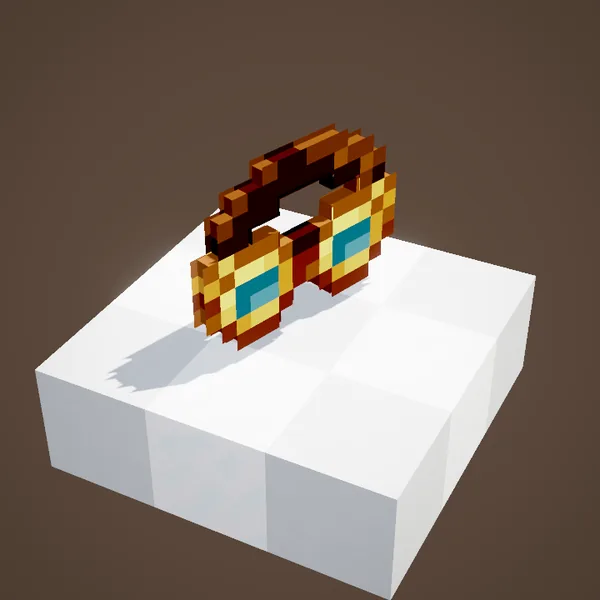
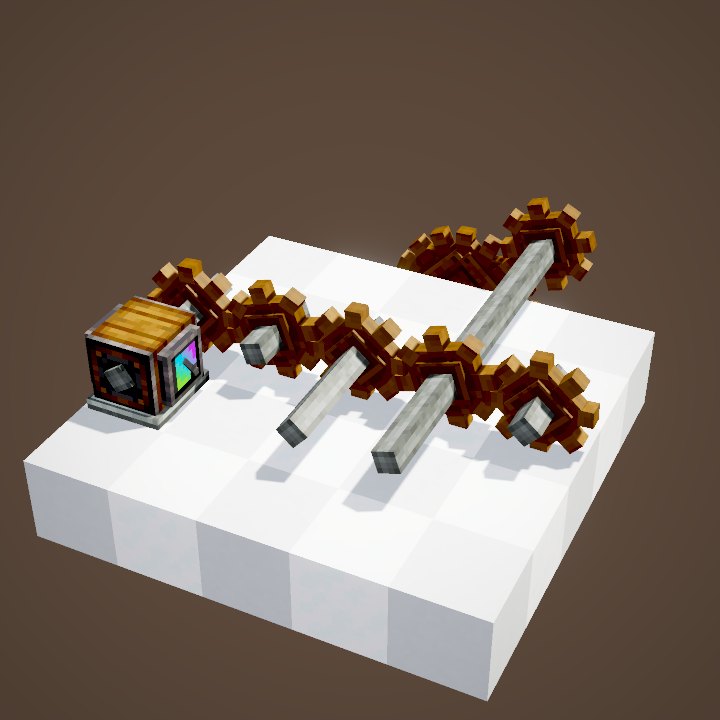
The stress figure follows one simple rule: the block's base impact times its speed in RPM. A mechanical press at 8 SU per RPM costs 256 SU at 32 RPM, twice that at 64. When the machines add up to more than the sources can give, the whole network stops: it is overstressed, and the panel says so. The Stressometer shows the same thing all the time, on a dial.
Without the goggles
Some information shows even without goggles, on hover: funnels, the Frogport, the Stock Ticker, and the speed summary of kinetic blocks. The goggles add the numbers, the part you need to balance a factory.
Goggles or helmet?
In plain Create the goggles take the helmet slot: you choose between armour and information. If the server runs Curios, Create adds a head slot where the goggles count as worn, with a real helmet on top.
When to use them
Before plugging in a new machine, look at the source's capacity and the total impact: you know at once whether there is room left. When a line will not turn, the goggles show whether the network is overstressed or the speed is too low for the machine. When setting a rotation speed controller, they save you blind guessing.
Settings
The position and colours of the panel are set in Create's client config, under « goggleOverlay ». Handy when the panel covers the crosshair or another interface.
A worked example
A water wheel turns at 8 RPM and provides 256 SU. Hook a press to it at 8 RPM: it uses 8 × 8 = 64 SU, there is room to spare. Speed the line up to 32 RPM with cogwheels: the press now costs 256 SU on its own, but the wheel's capacity does not grow with the output speed. The goggles show each of these numbers as soon as you look at the blocks.
On our server
The goggles are the best help when you ask a question on our Discord: a screenshot of a stalled machine's panel shows at once whether the problem is stress, speed or an empty tank. Keep them on whenever you work on a factory.
Related pages
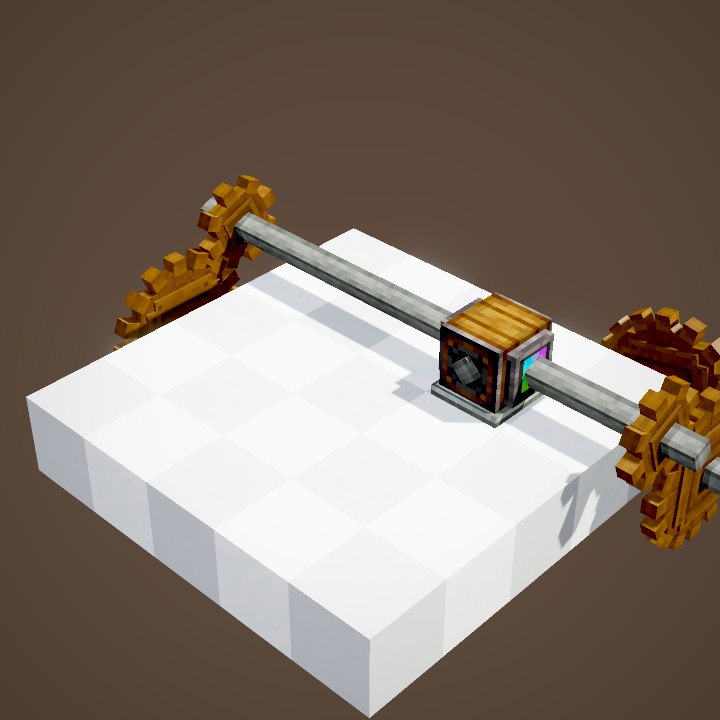
Sources for the numbers (Create 6.0.8 code)
- Recipe: crafting/kinetics/goggles.json (string, 2 glass, golden sheet)
- Wearing: GogglesItem (Equipable, head), isWearingGoggles, Curios compat (« head » slot)
- Panel: IHaveGoggleInformation, GoggleOverlayRenderer; stress: KineticBlockEntity (impact × speed), GeneratingKineticBlockEntity (capacity)
- Without goggles: IHaveHoveringInformation; settings: CClient (goggleOverlay)
- Images: the game's items and blocks (Create's models) rendered on their own by our engine, player not drawn
Original texts and animations by Create France, rendered from the mod's Ponder scenes. Create is a mod by the Create Team, not affiliated with Create France.