Create Wiki · Logistics
Mechanical Arm
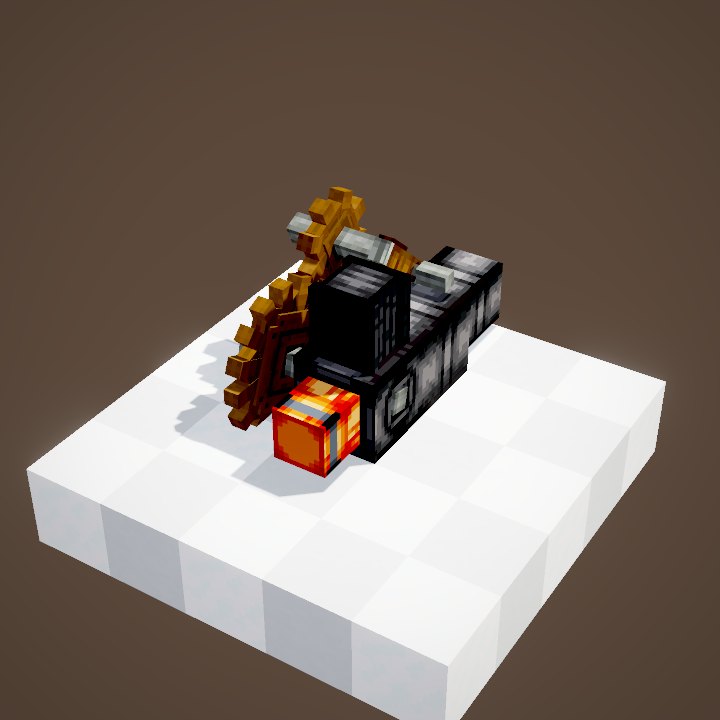
The Mechanical Arm picks an item up in one place and drops it off in another, within a few blocks. It replaces metres of belts and funnels in compact factories: it feeds a Blaze Burner, serves several depots in turn, loads a saw or a Mechanical Crafter. The whole trick lies in setting it up before you place it: the arm can only reach the targets you showed it.
Quick facts
- Category
- Logistics
- Stress
- 2 SU per RPM (64 SU at 32 RPM)
- Range
- 5 blocks around the arm (server setting mechanicalArmRange)
- Speed
- One move ≈ 1.6 s at 32 RPM, ≈ 0.2 s at 256 RPM
- Targets
- Depots, belts, funnels, chutes, basins, burners, deployers, saws, millstones, crushing wheels, Mechanical Crafters, composters…
- Modes
- Round Robin, Prefer First, Forced Round Robin
- Version
- Create 6.0.8 · Minecraft 1.21.1
Crafting table recipe
→ 1 Mechanical Arm
Targets are chosen before placing
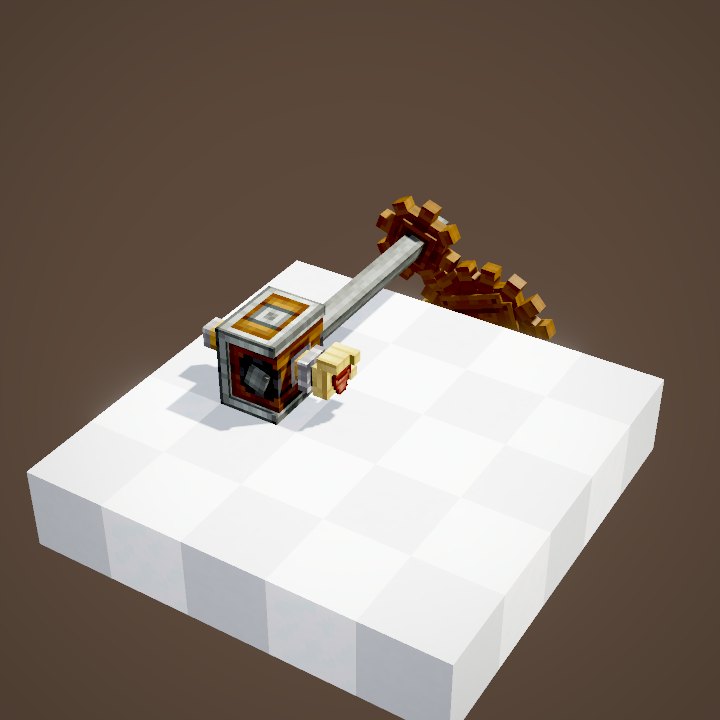
A Mechanical Arm does not look for targets on its own. Before placing it, keep it in hand and point at the blocks it should work with: the game stores them in the item. Once placed, it only knows those targets. To change them, you have to break it, redo the selection and place it again.
Selecting inputs and outputs
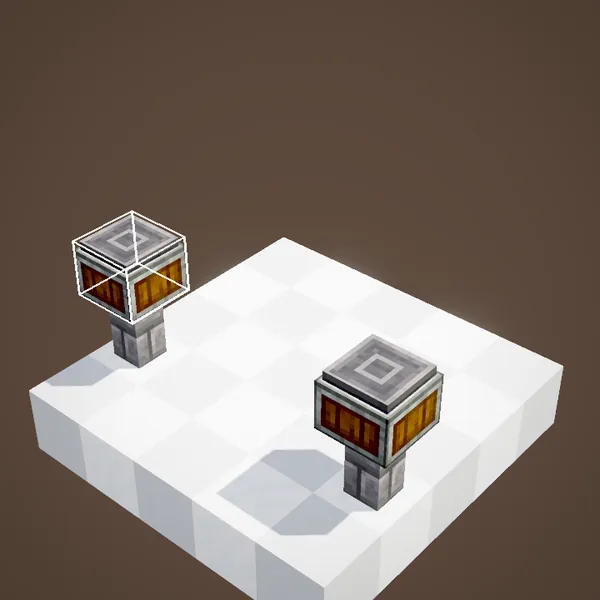
Right-click a depot, a belt, a funnel… while holding the arm to add it. Right-clicking the same target again switches it from input (blue), where the arm picks items up, to output (yellow), where it drops them off. Left-click removes a target from the selection.
Range and speed
Targets must be within 5 blocks of the arm. It can have as many as you like within that radius, inputs and outputs mixed. Its speed depends on rotation: each move takes about 1.6 s at 32 RPM and 0.2 s at 256 RPM, a ceiling above which it does not get any faster. A full transfer is two moves: fetch, then drop off.
Reaching a chest: funnels and depots
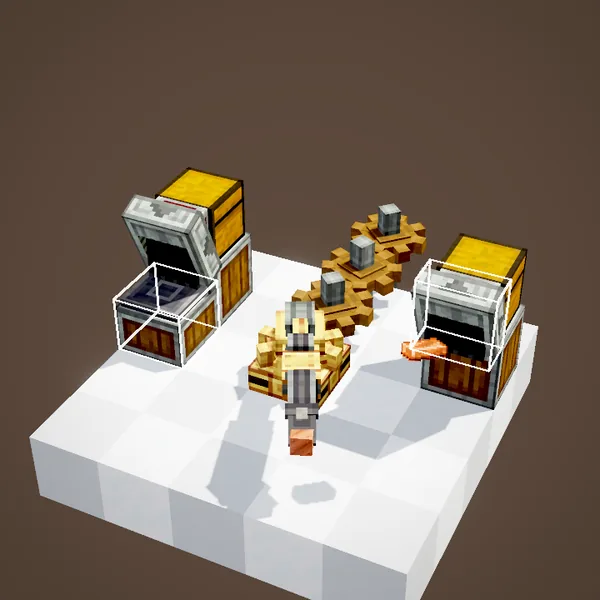
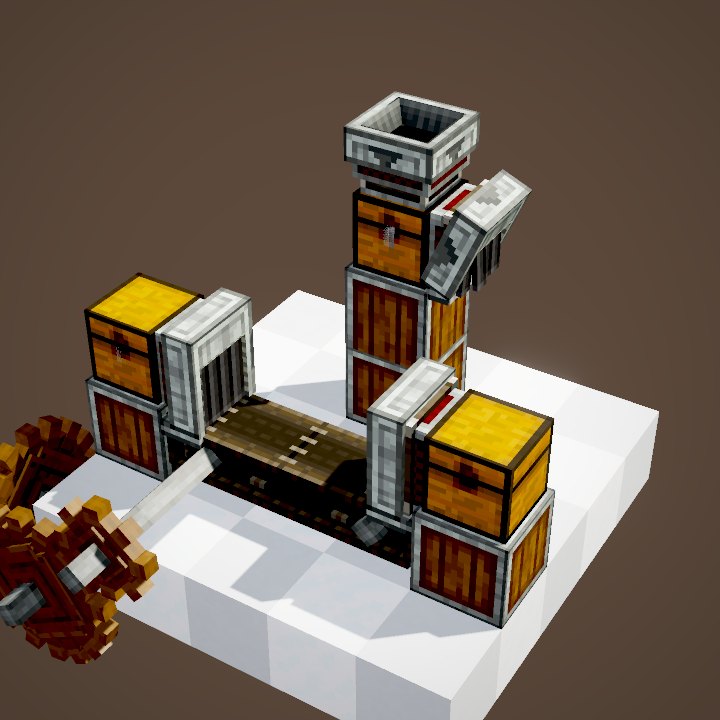
The arm only works with certain blocks: Depots, belts, Funnels, chutes, basins, Blaze Burners, Deployers, saws, millstones, crushing wheels, Mechanical Crafters, composters, jukeboxes… A chest or a barrel is not a direct target: put a funnel on it and aim at the funnel. That funnel is also what lets you filter, as shown below.
Filtering with a Brass Funnel
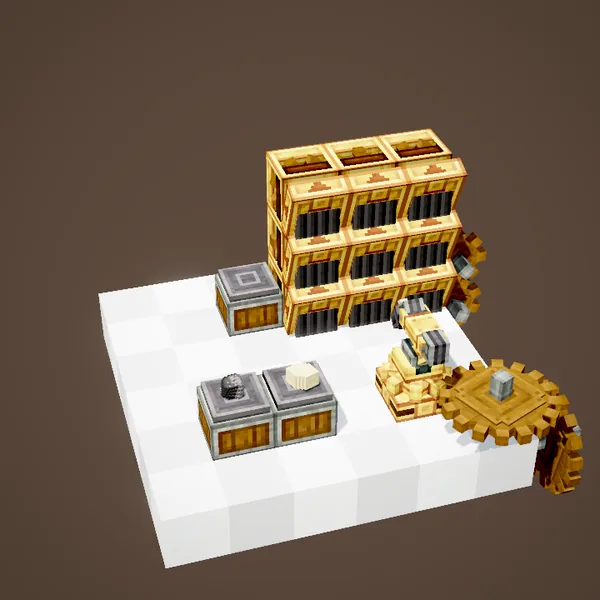
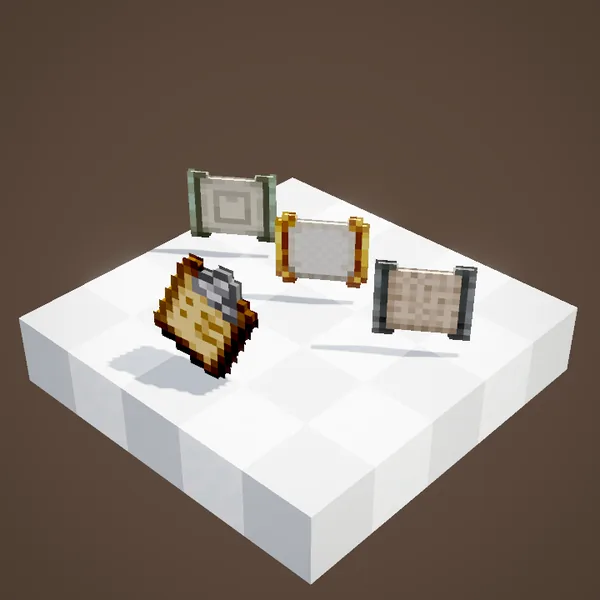
The arm has no filter of its own. To make it sort, target Brass Funnels set with a filter: the arm reads their filter and only brings them the items they accept. It is even smart enough not to pick up an item that no output can take, so it never gets stuck holding something.
Choosing how to share
When several outputs are available, the arm's value panel sets its strategy. In Round Robin, the default, it serves each one in turn and skips the full ones. In Prefer First, it fills the first selected target first and only moves on to the next when it is full. In Forced Round Robin, it never skips an output: it waits until it is free.
Two classic setups
Feeding a Blaze Burner: a chest of coal with a funnel as input, the burner as output. The arm only hands over fuel when the burner accepts it, so nothing is wasted. Serving a row of machines: a belt as input, four depots as outputs under four presses or four Deployers, then one last delivery depot. In Round Robin, each station gets its item in turn, and the arm leaves aside the ones that are still busy.
Controlling it with redstone
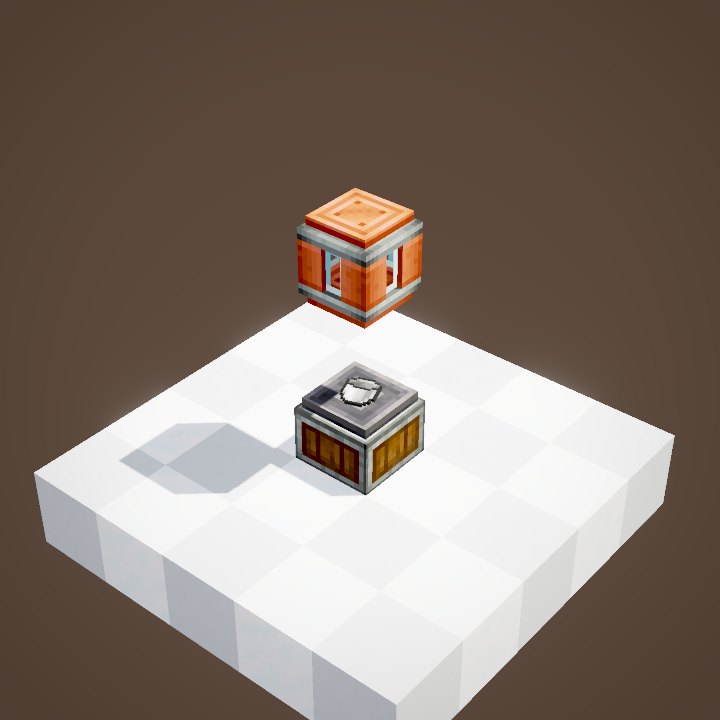
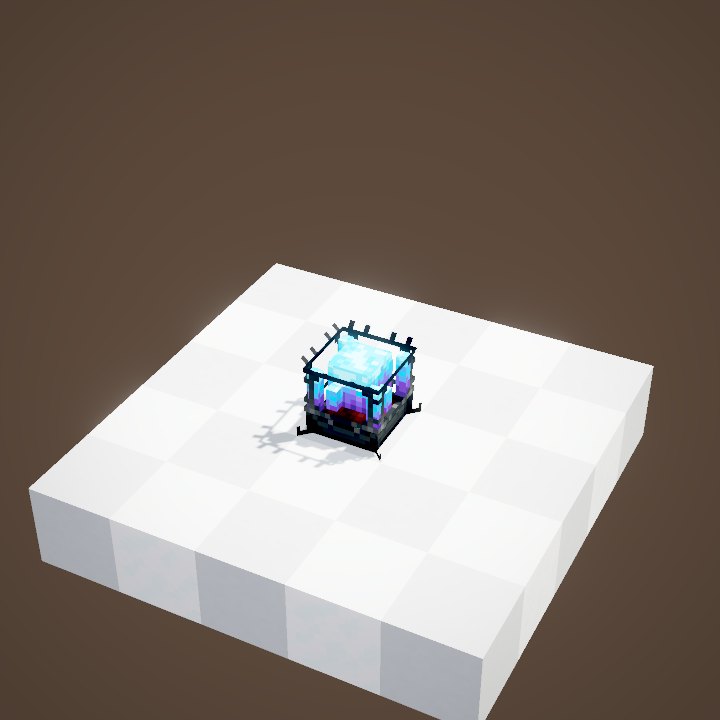
Like the Deployer, the arm stops when it gets a redstone signal, after finishing its current move. A negative pulse therefore makes it do a single transfer: perfect for dosing exactly one item, for example one piece of fuel per boiler cycle.
Related pages
Sources for the numbers (Create 6.0.8 code)
- Stress: AllBlocks.java, MECHANICAL_ARM, CStress.setImpact(2.0)
- Range: CLogistics.mechanicalArmRange = 5
- Speed: ArmBlockEntity (chasedPointProgress += min(256, |RPM|) / 1024 per tick)
- Targets: AllArmInteractionPointTypes (basin, belt, blaze_burner, chute, crafter, crushing_wheels, deployer, depot, funnel, millstone, packager, saw, campfire, composter, jukebox, respawn_anchor); positions stored relative to the arm (ArmInteractionPoint)
- Modes: ArmBlockEntity.SelectionMode (ROUND_ROBIN, PREFER_FIRST, FORCED_ROUND_ROBIN)
- Recipe: crafting/kinetics/mechanical_arm.json
- Scenes: ArmScenes.setup (two loops), filtering (Mechanical Crafter and inventories: stills only), modes (two loops), redstone
Original texts and animations by Create France, rendered from the mod's Ponder scenes. Create is a mod by the Create Team, not affiliated with Create France.