Create Wiki · Create Big Cannons
Loading a cannon
A Create Big Cannons cannon is loaded through the muzzle, disassembled: powder first, then the shell, pushed all the way in. The Cannon Loader does this job like a Create piston. For a few shots, hand tools are enough; for a battery, pistons, gantries and pulleys take care of it.
Quick facts
- Cannon Loader
- A pole piston: driven by rotation, 64 blocks maximum reach
- Heads
- Ram Head to load, Worm Head to clear a jam
- Order
- Powder at the back (in the chambers), shell in front; a single Big Cartridge, behind the powder
- Hand tools
- Ram Rod and Worm: 5 blocks of reach
- Exhaustion
- Each tool use costs 2.5 exhaustion; 1 s between uses
- Deployer
- Cannot use the tools (option deployersCanUseLoadingTools: off)
- Loader stress
- 4 per RPM
- Version
- Create Big Cannons 5.11.7 · Create 6.0.10 · Minecraft 1.21.1
Crafting table recipe
→ 1 Cannon Loader
The Cannon Loader
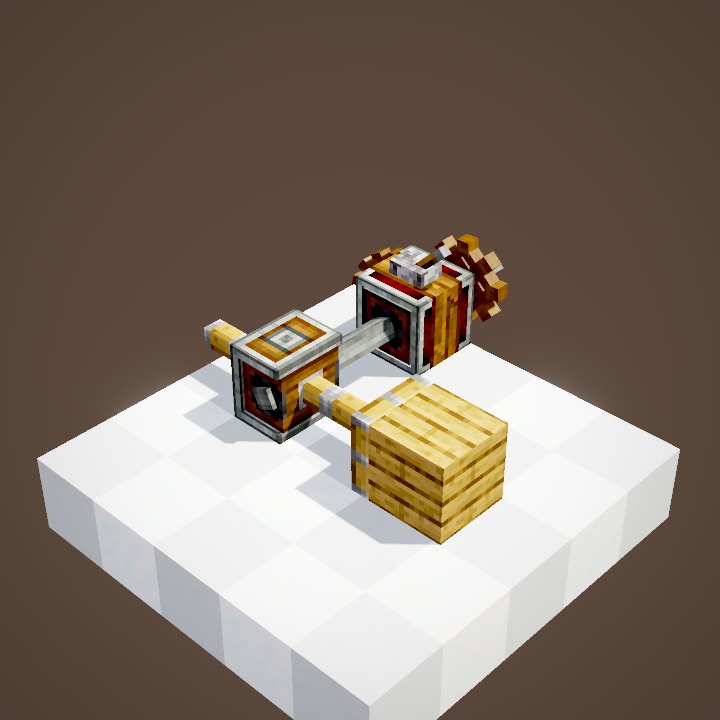
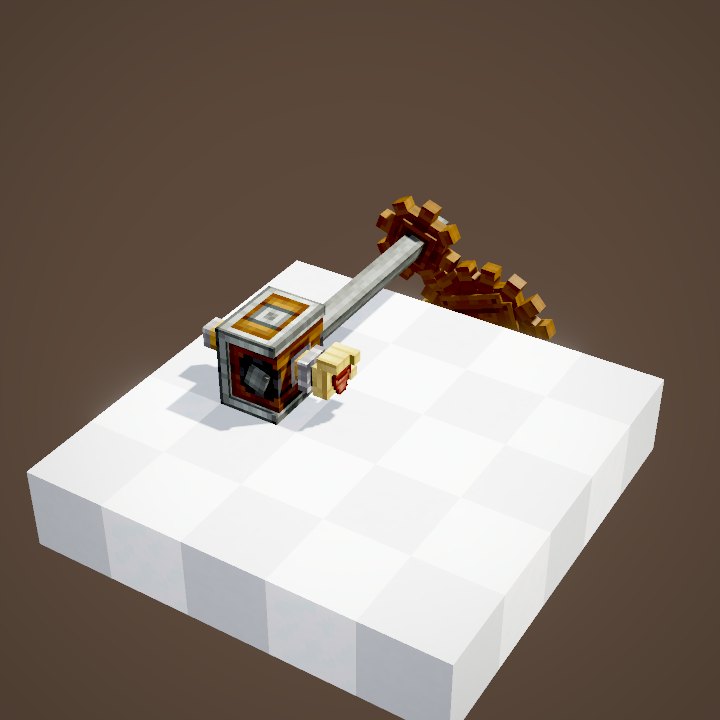
It works like a Mechanical Piston: Piston Extension Poles behind it set its stroke, rotation pushes it out or pulls it back. A head goes on its front face: the Ram Head to load, the Worm Head to pull out a stuck munition. It does not stick to neighbouring blocks: only what is in front of its head moves.
Line everything up
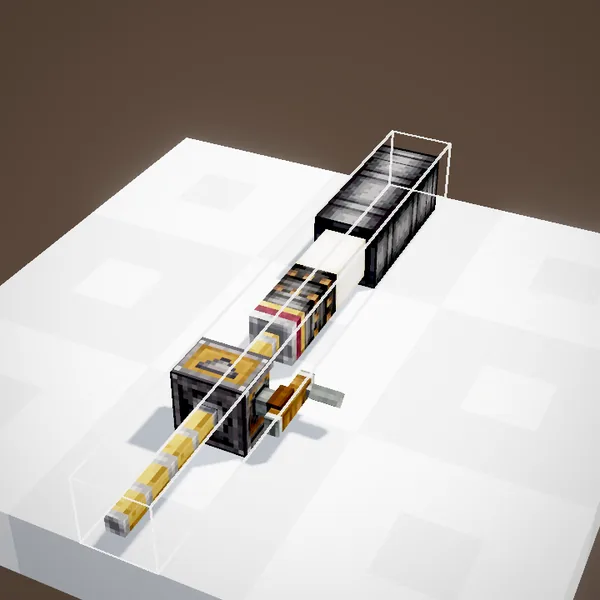
The loader, the munitions and the cannon must be on the same axis. Put the Powder Charge in front of the head, extend, retract, put the shell, extend again. The powder ends up in the chambers, the shell right in front of it. The cannon must be disassembled: an assembled cannon cannot be loaded through the muzzle.
Hand tools
The Ram Rod, a stick ending in a Ram Head, pushes munitions in with a click, up to 5 blocks into the cannon. The Worm pulls them towards you. Each use costs some hunger and a one-second wait: it is meant for a few shots. You can also place munitions straight against the muzzle of an assembled cannon, or take them back with the tool.
With Create contraptions
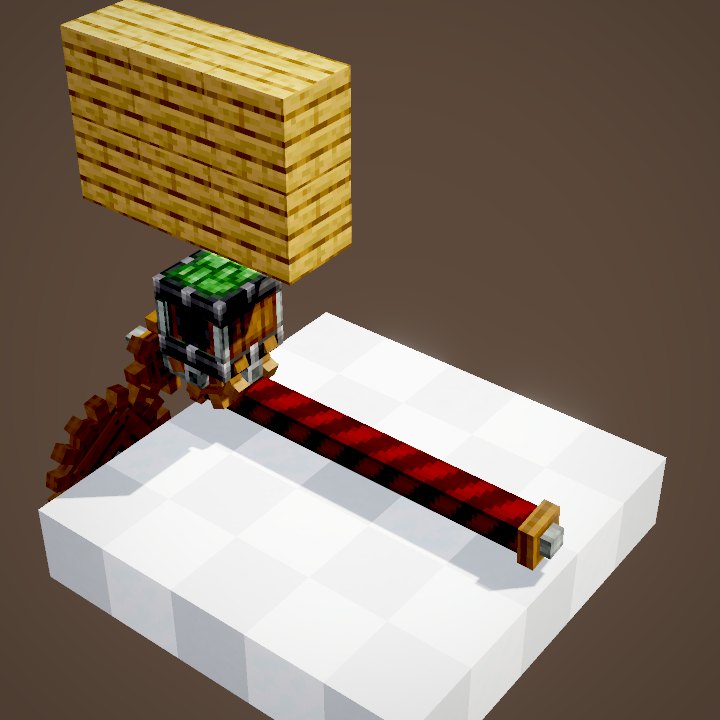
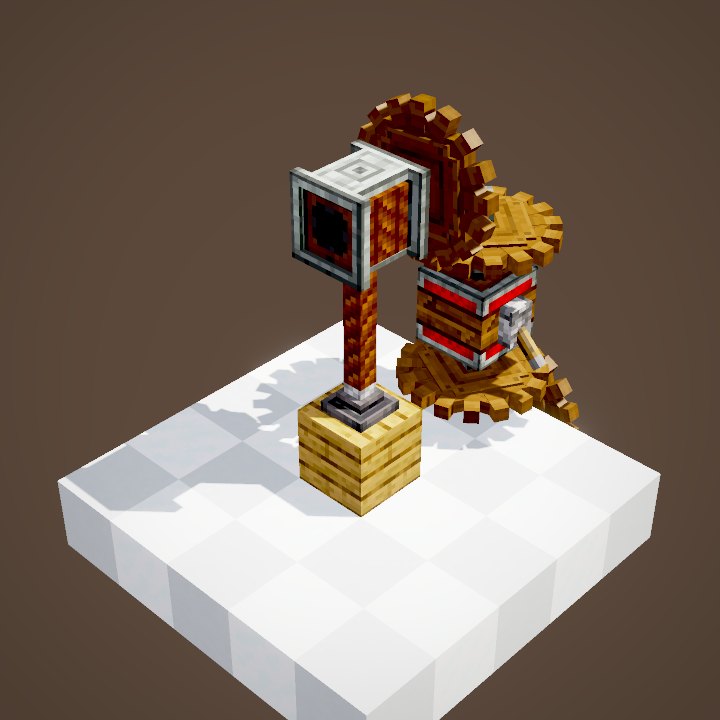
A Mechanical Piston, a gantry or a Rope Pulley can load too: their head pushes the lined-up munitions. Unlike the loader, they can carry other glued blocks and, depending on the connections, pull a munition back out of the cannon. Only munitions on the axis go in.
Order and amount
Inside the cannon, from the back to the muzzle: powder, then the shell. Put one charge per chamber: a charge left in a barrel can make the cannon burst. Since version 5.11, powders can be combined: a single Big Cartridge at the back, then Powder Charges in front of it. Do not go beyond the safe charges of the material.
Step by step with the loader
Put the loader behind the muzzle of the disassembled cannon, on its axis, with enough poles to reach the far end. Place a Powder Charge in front of the Ram Head and spin the loader one way: it pushes the charge all the way in. Reverse the rotation to bring it back. Do it again for each charge, then for the shell. One charge per trip is the safest: you see exactly where each block stops, and nothing ends up in a barrel by mistake.
Clearing a jammed cannon
If a shell got stuck in the barrel, do not fire a second time. Fit a Worm Head on the loader, or take the Worm in hand, and pull the blocks out through the muzzle one by one. Then reload with more powder, or make the cannon shorter: in cast iron you need one charge for each barrel the shell travels through. Bronze and steel are more forgiving.
What about the Deployer?
With the default configuration, a Deployer cannot use the Ram Rod or the Worm. It is still very useful upstream: it fills Big Cartridges and applies fuzes and tracers. For loading, stick to the Cannon Loader or a contraption.
Related pages
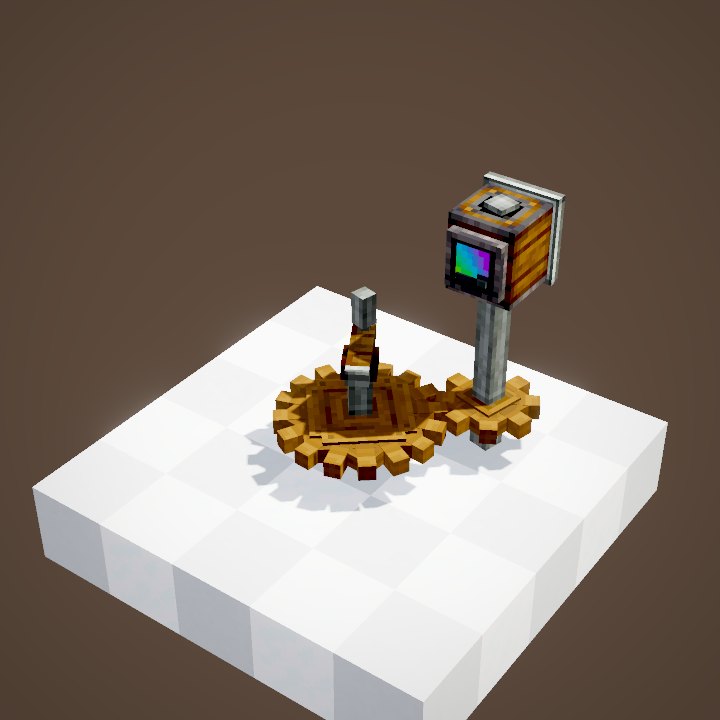
Sources for the numbers (Create 6.0.10 · Create Big Cannons 5.11.7 code)
- Loader: CannonLoaderBlock / CannonLoaderBlockEntity (poles, RAM_HEAD / WORM_HEAD heads), config CBCCfgKinetics.maxLoaderLength 64
- Tools: config CBCCfgCannons (ramRodReach 5, ramRodStrength 3, wormReach 5, loadingToolHungerConsumption 2.5, loadingToolCooldown 20, deployersCanUseLoadingTools false)
- Powder order: data/createbigcannons/big_cannon_propellant_compatibility (maximum_amount_ahead, 5.11.0)
- Recipes: recipe/cannon_loader.json, ram_head.json, ram_rod.json
- Code and data: Create Big Cannons 5.11.7 (github.com/Cannoneers-of-Create/CreateBigCannons, tag v5.11.7+mc.1.21.1, MIT licence), identical to the Create France modpack jar
- Videos: Create Big Cannons Ponder scenes (CannonMountScenes, CannonLoadingScenes, CannonKineticsScenes, CannonCraftingScenes) replayed by our engine; CBC models and textures (CC BY-NC-SA 4.0, Cannoneers of Create)
Original texts and animations by Create France, rendered from the mod's Ponder scenes. Create is a mod by the Create Team, not affiliated with Create France.