Create Wiki · Create Big Cannons
Fuzes and tracers
A Create Big Cannons shell without a fuze does not explode. The fuze goes on the shell's nose, or on its base for the AP shell, and decides when the explosion happens: on contact, after a delay, near a target. The Tracer Tip makes the shot visible.
Quick facts
- Impact
- 67% chance per impact on the nose; dud after 3 impacts; not on a ricochet
- Inertia
- 90% chance; also works on the base and on any face
- Timed
- Explodes after the set time (seconds and ticks), or at the end of the flight
- Proximity
- Armed after 5 ticks; explodes as soon as a block is detected ahead of the shell
- Delayed
- Impact or inertia, then a set delay before exploding
- Wired
- For a shell placed as a block: a redstone signal blows it up on the spot
- Applying
- Right-click the shell, or a Deployer; remove with an empty hand
- Version
- Create Big Cannons 5.11.7 · Create 6.0.10 · Minecraft 1.21.1
Timed Fuze (×4)
→ 4 Timed Fuzes
Applying and removing
Right-click with the fuze on the tip of the shell placed as a block: a small cap appears on its nose. For the AP shell, the fuze goes on the base. An empty-hand click takes it back. A Deployer does the same on a production line, holding the fuze towards the shell.
Impact and inertia
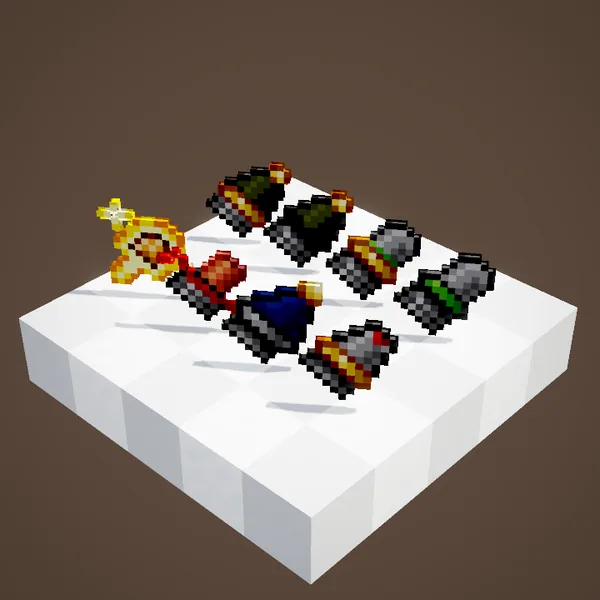
The Impact Fuze has a 67% chance to go off at each hit on the nose. It ignores ricochets and destroyed shells, and becomes a dud after three impacts. The Inertia Fuze, added in 5.11, goes off 90% of the time, whatever face is hit, and also works on the base: it is the right fuze for an AP shell that must explode behind the wall.
Timed, proximity, delayed
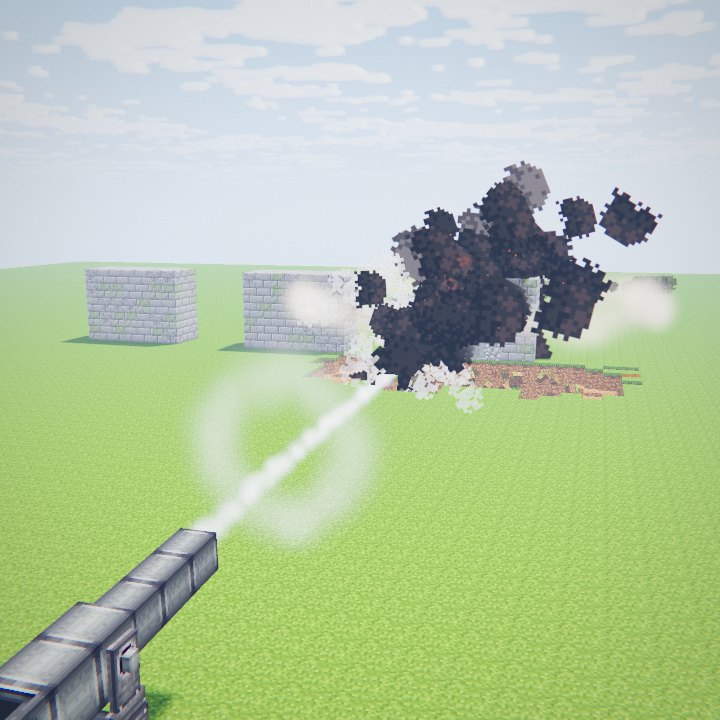
The Timed Fuze is set in its menu, in seconds and ticks: the shell explodes in the air after that time, handy for shrapnel above a trench. The Proximity Fuze arms 5 ticks after firing, then looks ahead of the shell: as soon as a block enters its zone, it goes off. Delayed fuzes wait for a set delay after the impact, which gives the shell time to pierce before it explodes.
The Wired Fuze
It is not for flight. Put on a shell left as a block, it makes it explode when it gets a redstone signal, with the effect of its type: a trap, a demolition charge. It only works with the base mod's big cannon shells.
The Tracer Tip
The Tracer Tip goes on any face of a big cannon projectile, shots included, and makes it glow in flight. It helps you correct a long-range shot. Autocannon rounds can take one too. Remove it with an empty hand, like a fuze.
Setting a Timed Fuze
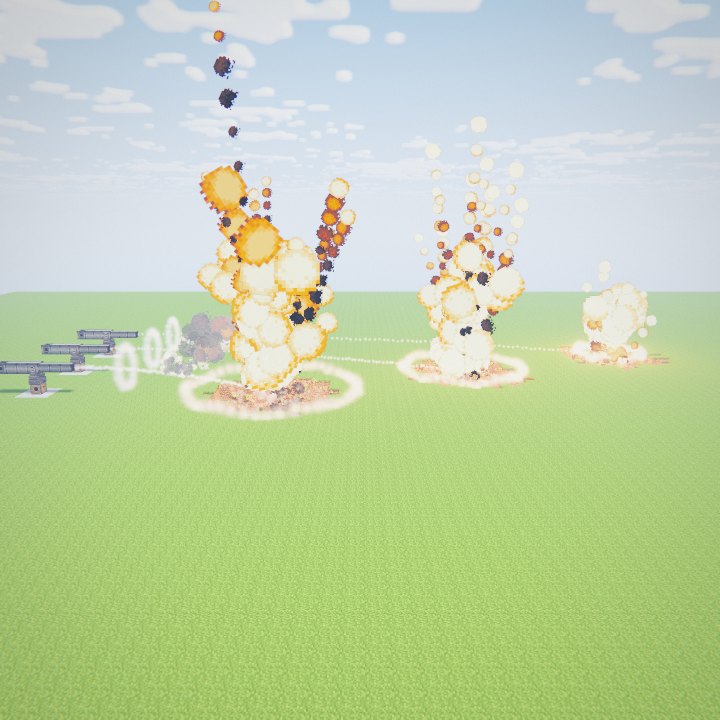
Open the fuze's menu with it in hand, pick the time, then put it on the shell. For a shrapnel shell to burst just before the target, take its flight time from the range table and remove a few ticks: with two charges and 10° of elevation, the shell flies 1.5 s for 104 blocks. The Proximity Fuze needs no maths at all: a block passing through its zone is enough, which makes it the easier choice against targets you cannot range in advance.
An assembly line
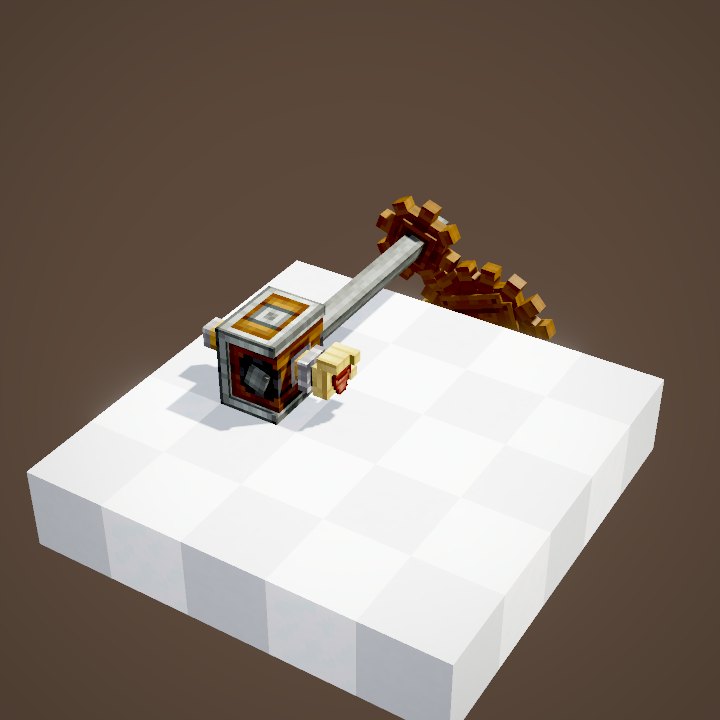
To prepare many shells, put them on a Mechanical Belt that stops under a Deployer holding fuzes, tips facing it. A second Deployer can add the Tracer Tip. Finished shells then travel on towards the battery, ready to be loaded, without anyone having to touch them.
Choosing well
For a direct shot, the Impact Fuze is enough. Against a thick wall, an AP shell with an Inertia Fuze, or a delayed fuze. Against mobs, shrapnel with a Proximity Fuze. Keep the Timed Fuze for shots worked out in advance: the flight time is in the range table.
Related pages
Sources for the numbers (Create 6.0.10 · Create Big Cannons 5.11.7 code)
- Fuzes: munitions/fuzes/ImpactFuzeItem, InertiaFuzeItem, TimedFuzeItem, ProximityFuzeItem, DelayedImpactFuzeItem, DelayedInertiaFuzeItem, WiredFuzeItem
- Settings: CBCCfgMunitions (impactFuzeDetonationChance 0.67, impactFuzeDurability 3, inertiaFuzeDetonationChance 0.9, proximityFuzeArmingTime 5)
- Rendering: FuzedBlockEntityRenderer (cap on the nose, or the base for isBaseFuze)
- Recipes: recipe/timed_fuze.json, impact_fuze.json, proximity_fuze.json, munition_fuzing_deployer.json
- Code and data: Create Big Cannons 5.11.7 (github.com/Cannoneers-of-Create/CreateBigCannons, tag v5.11.7+mc.1.21.1, MIT licence), identical to the Create France modpack jar
- Videos: Create Big Cannons Ponder scenes (CannonMountScenes, CannonLoadingScenes, CannonKineticsScenes, CannonCraftingScenes) replayed by our engine; CBC models and textures (CC BY-NC-SA 4.0, Cannoneers of Create)
Original texts and animations by Create France, rendered from the mod's Ponder scenes. Create is a mod by the Create Team, not affiliated with Create France.